


Auth Back Mod (26.2, 1.21.11) – Join Your Favorite Servers During Login Outages

 0
0 

🌐 Read this article in your language! Choose your preferred language below.
Or pick the one you like:
Auth Back Mod lets you join your favorite multiplayer servers even when the official Minecraft login system breaks down. It saves your login details safely so you and your friends can keep playing together during unexpected outages.
Features:
- Play During Outages: Connects you to your multiplayer worlds when normal authentication fails.
- Keeps your custom character skin visible by saving the visual data directly to your computer.
- Requires both the server and your game to have this mod installed to work properly.
- Works automatically for any player who has visited the server at least once in the last 36 days.
- Speeds up network connections by remembering recent data instead of asking the main servers every single time.
- Stores a secure key on your computer to prove your identity to the server safely.
Commands:
/authback– Manages public keys for yourself, or helps you manage other players if you have admin rights.
How to Use:
- Go to Options, click Online…, and select AuthBack… to open the main menu.
- Find your personal public key in the Key management section and copy it.
- If you cannot join a server during a login outage, ask the server owner to type
/authback public_key add name <yourFriendsPlayerName> <yourFriendsPublicKey>into their console.
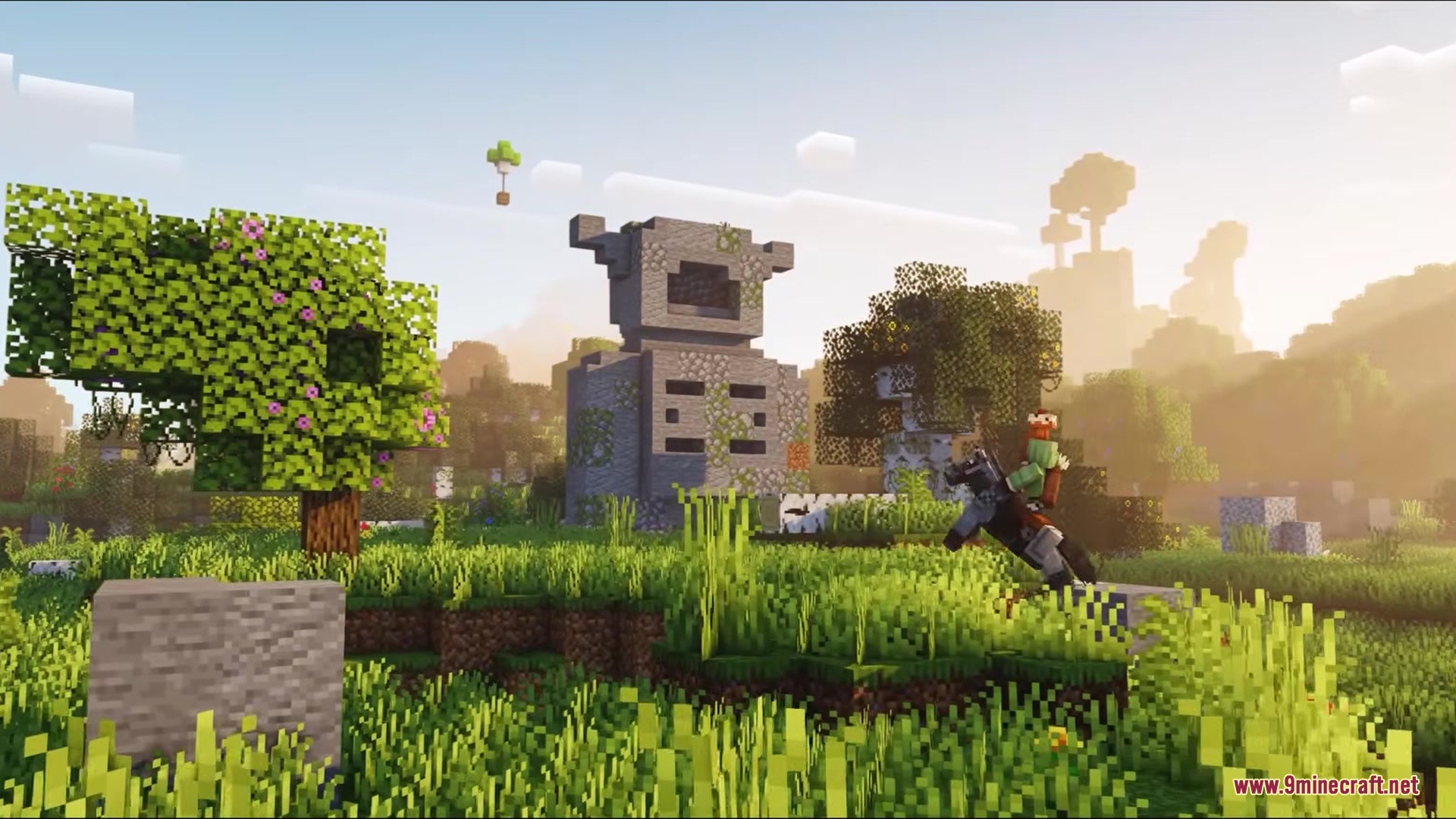
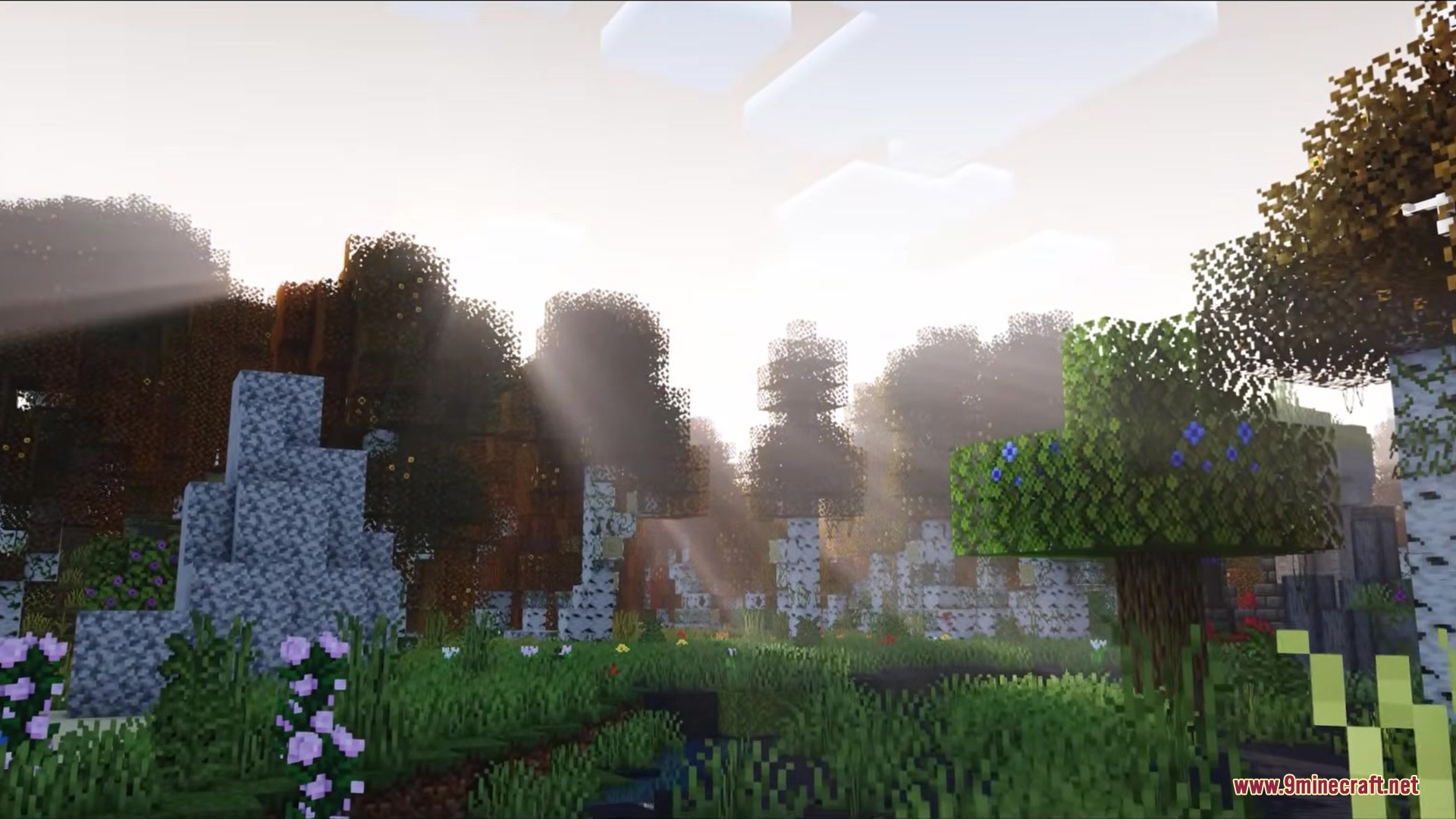
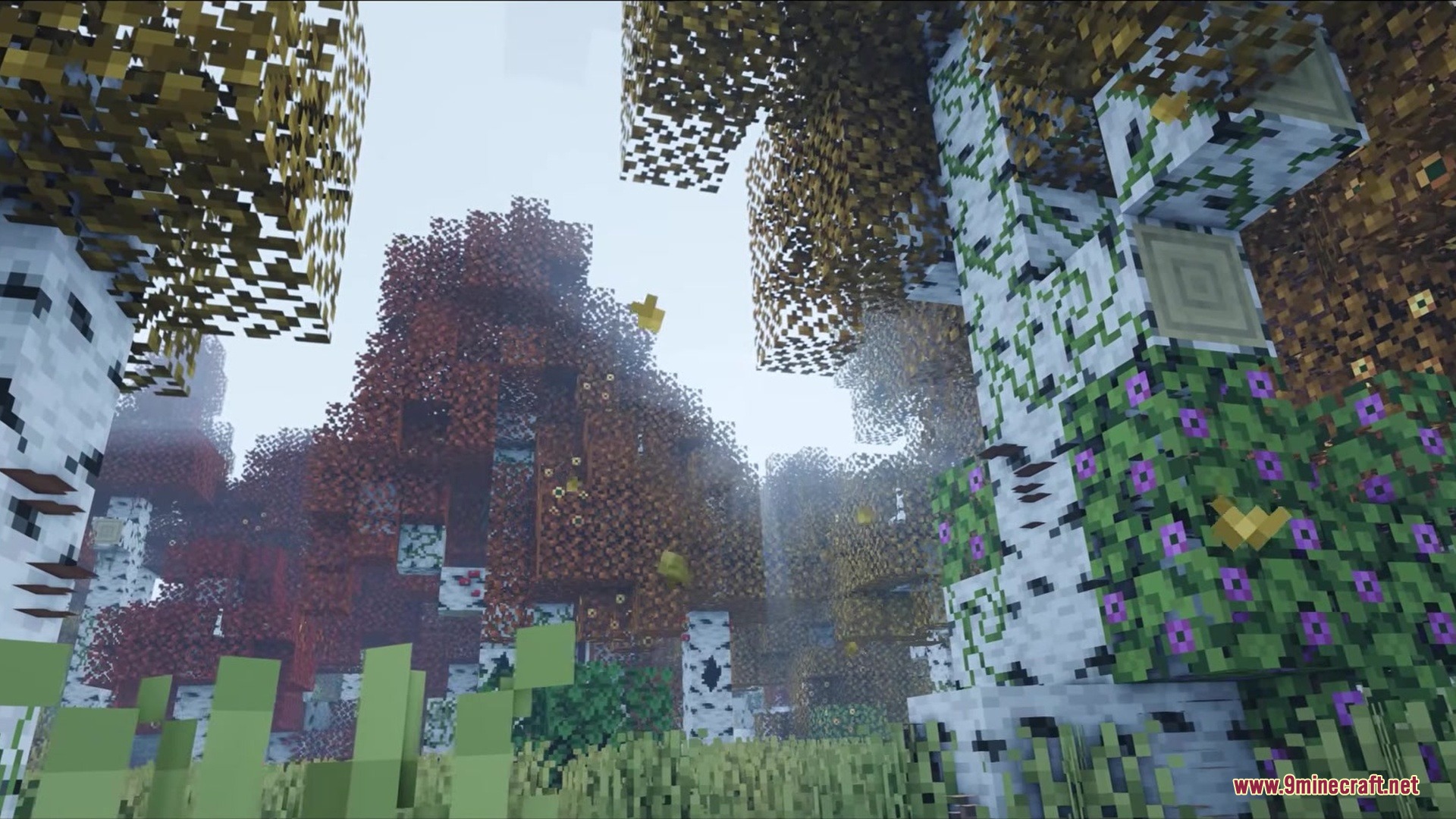
Screenshots:







How to Install:
New to Minecraft? Follow our step-by-step guide to install Mods on your PC.View Guide



Auth Back Mod Download Links
For Minecraft 26.2
For Minecraft 26.1.2, 26.1.1, 26.1
For Minecraft 1.21.11
Click to rate this post!
[Total: 0 Average: 0]
You May Also Like











This post has no comments yet. Be the first — your comment will appear here.