Automining Mod (1.21.11, 1.20.1) – The Power Of Background Mining
 12,301
 0
0
 2 weeks ago
 AlmightyAnubis, waechter_von_atlantis
Automining Mod allows players to automatically mine resources without having to manually control their character. With this mod, you can set up automated mining operations using redstone and other mechanisms, making it easier to collect ores, coal, and other materials.
Features:
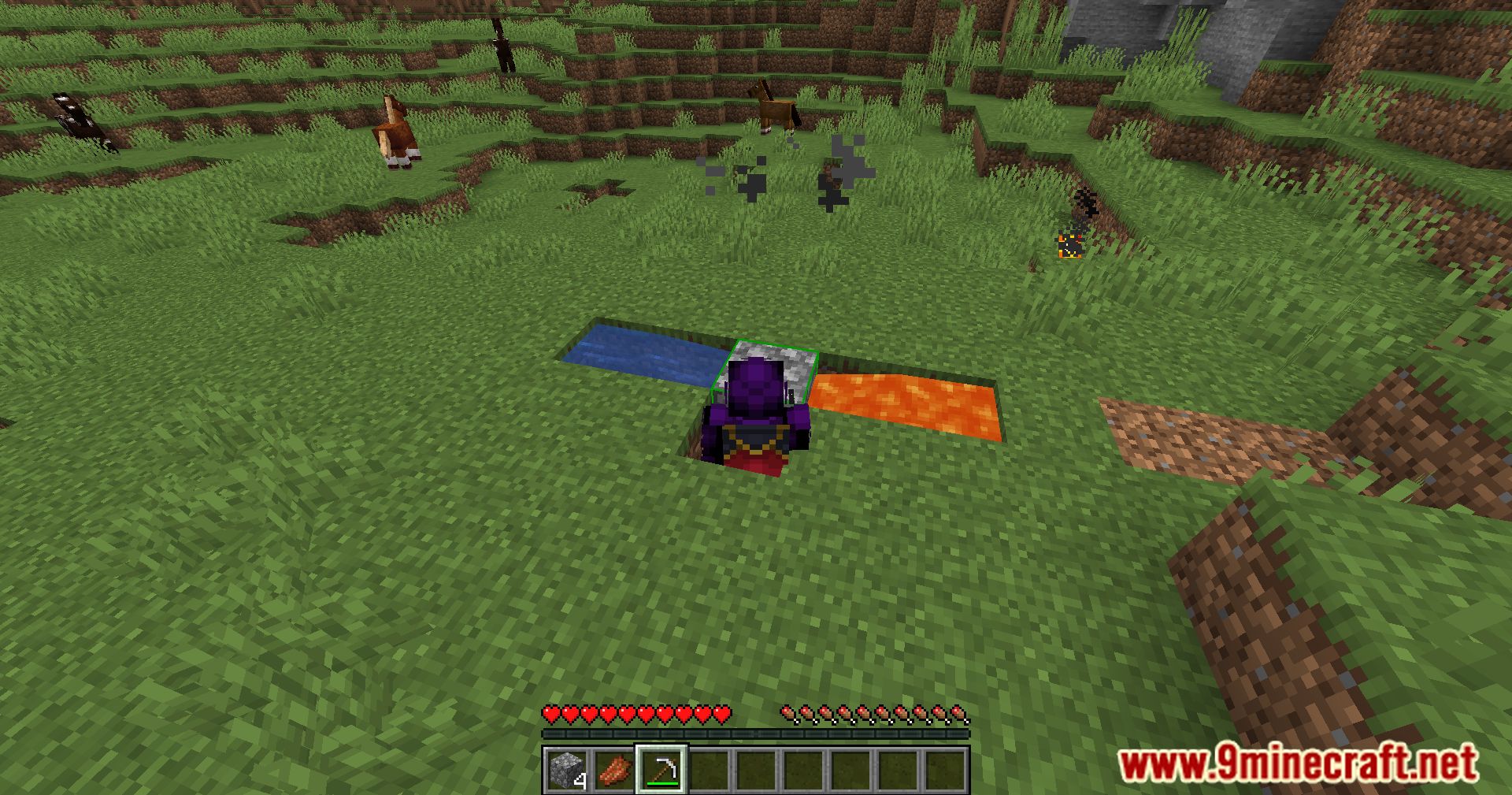
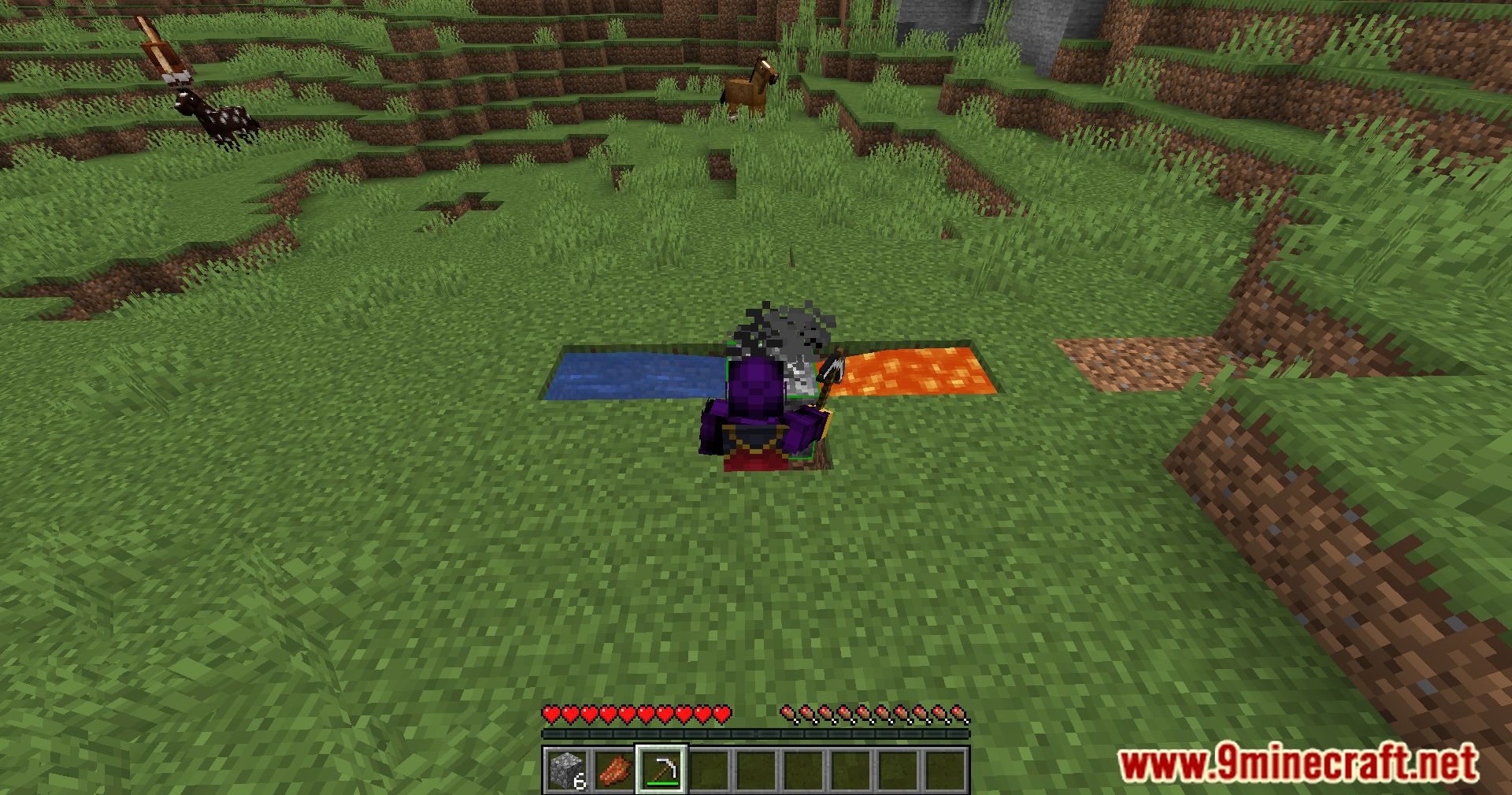
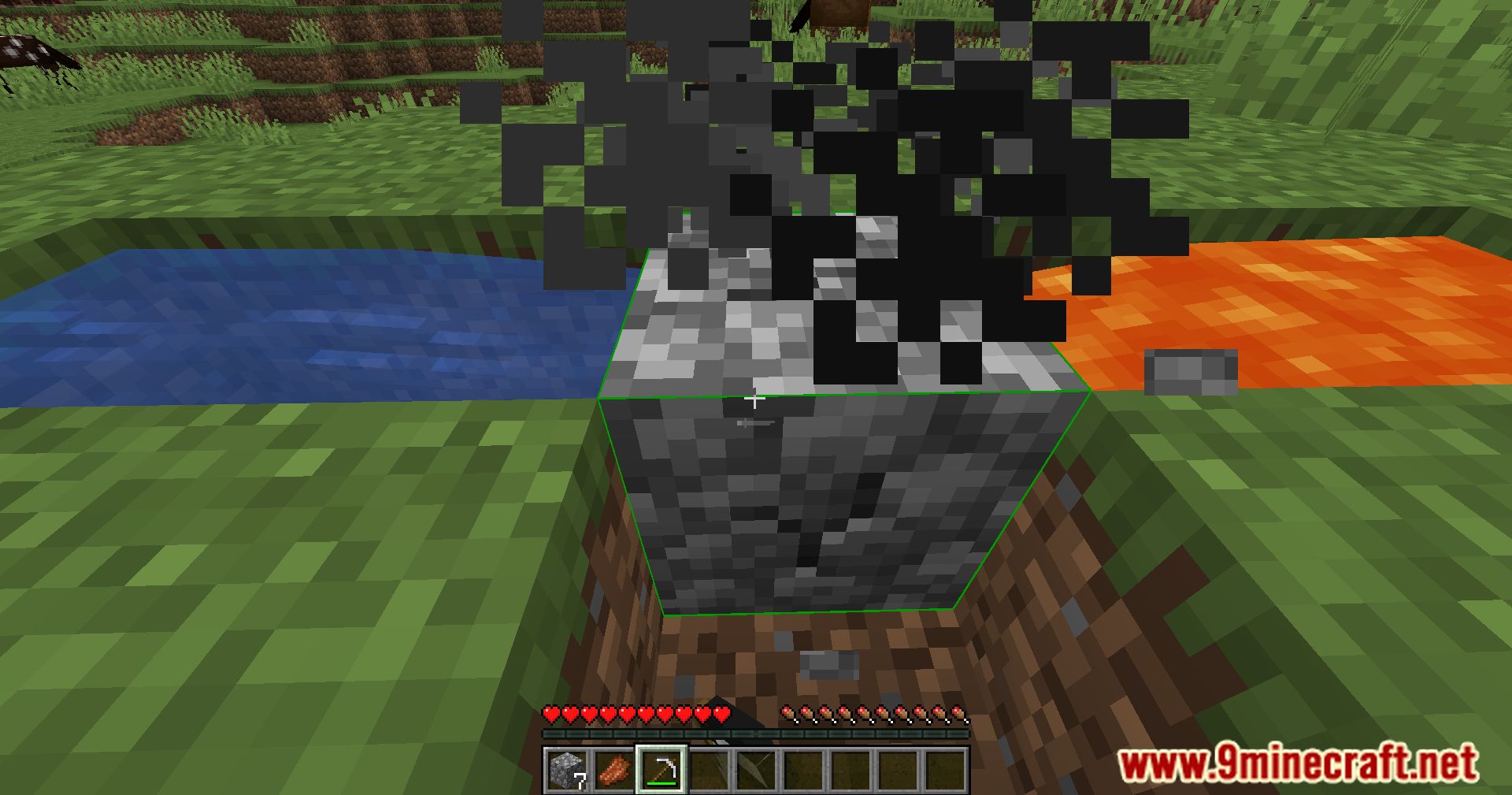
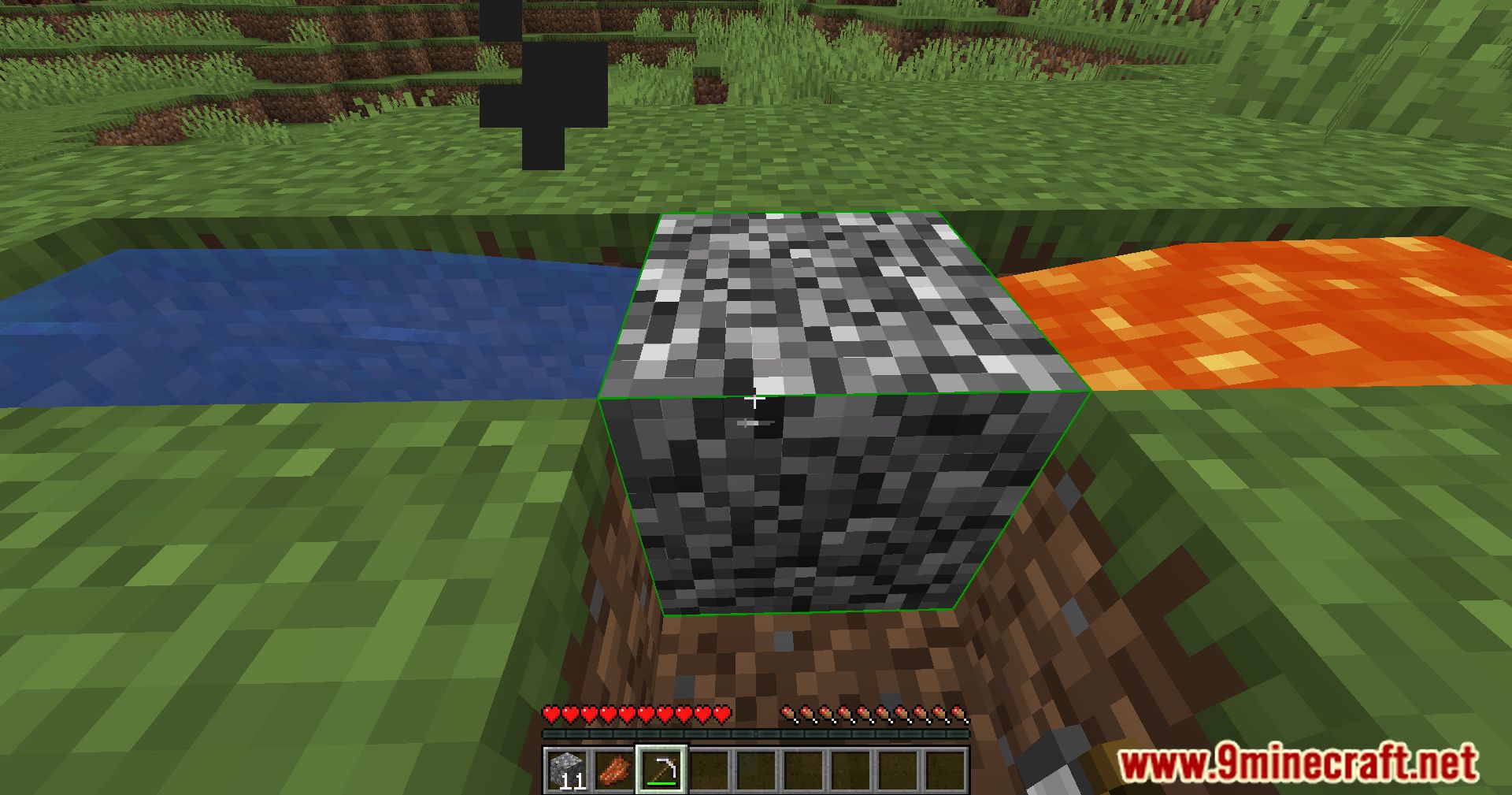
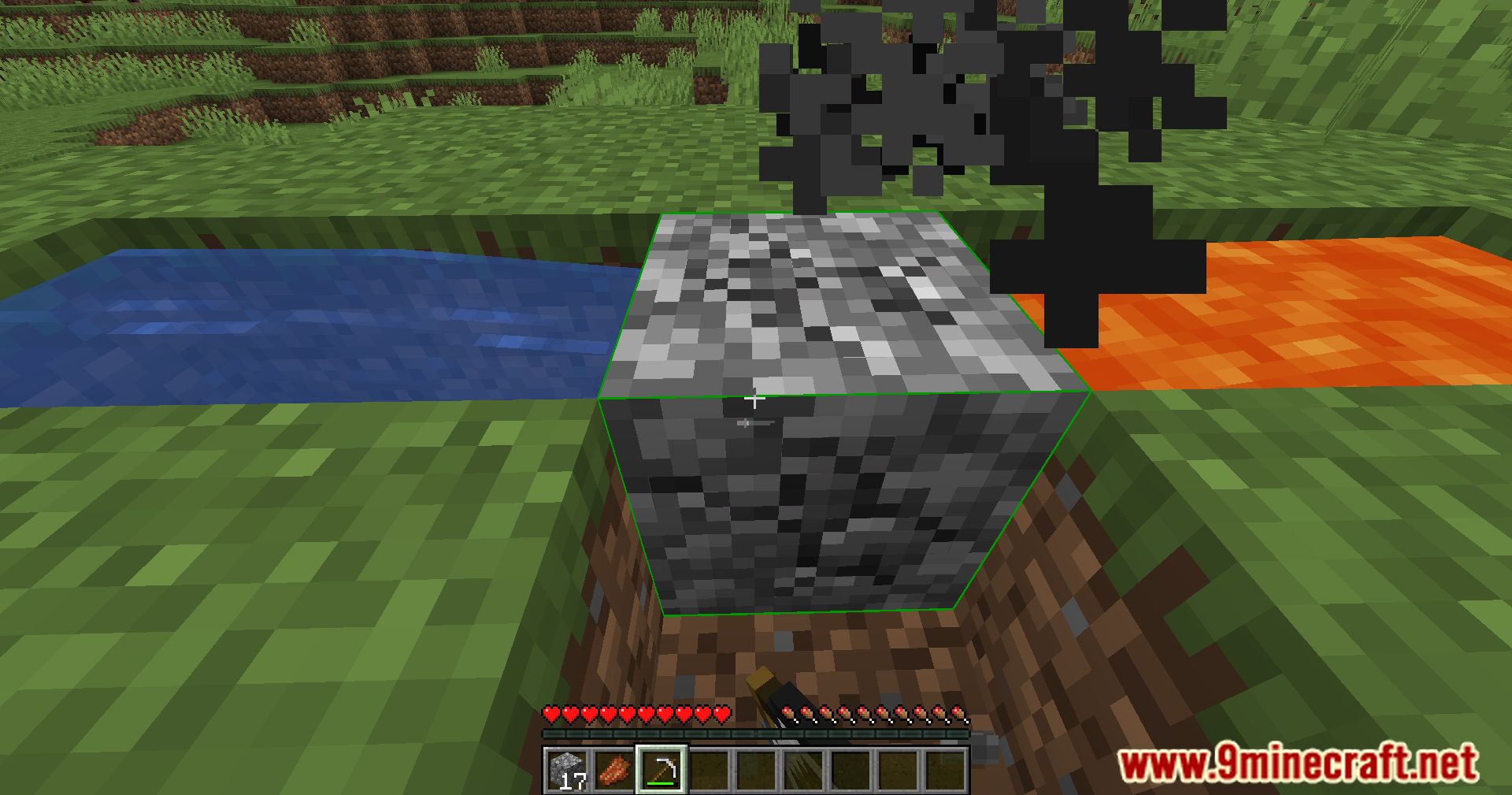
- Client-side background mining without leaving the game
- Automatically swaps tools of the same type in the hotbar
- Supports continuous block sources such as cobblestone generators and tree farms
- Optional automatic attacking while mining
- Works in both singleplayer and multiplayer (server rules permitting)
How to Use
- Launch the game and load into a world
- Press
Nto start or stop background mining (default key) - Press
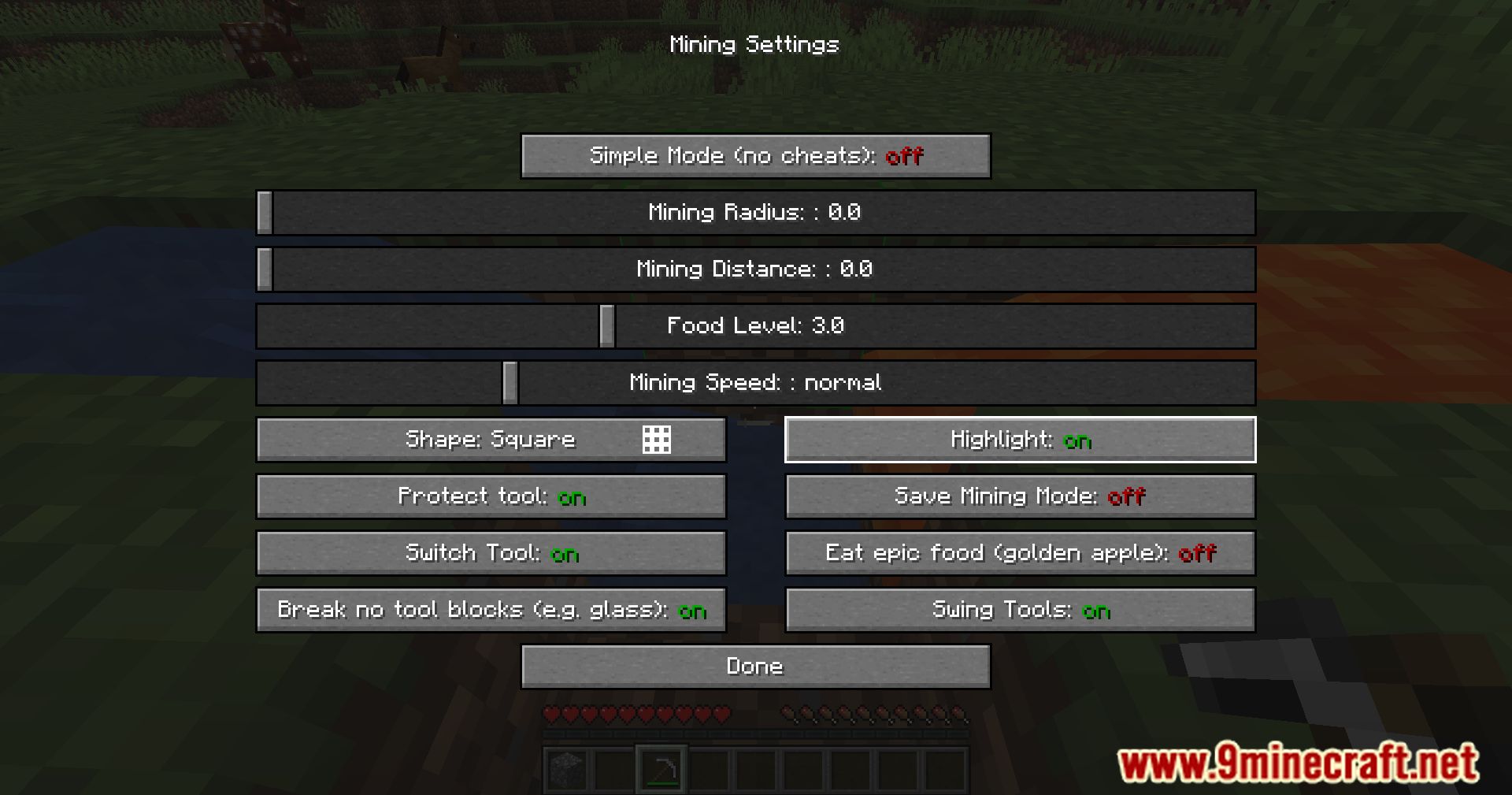
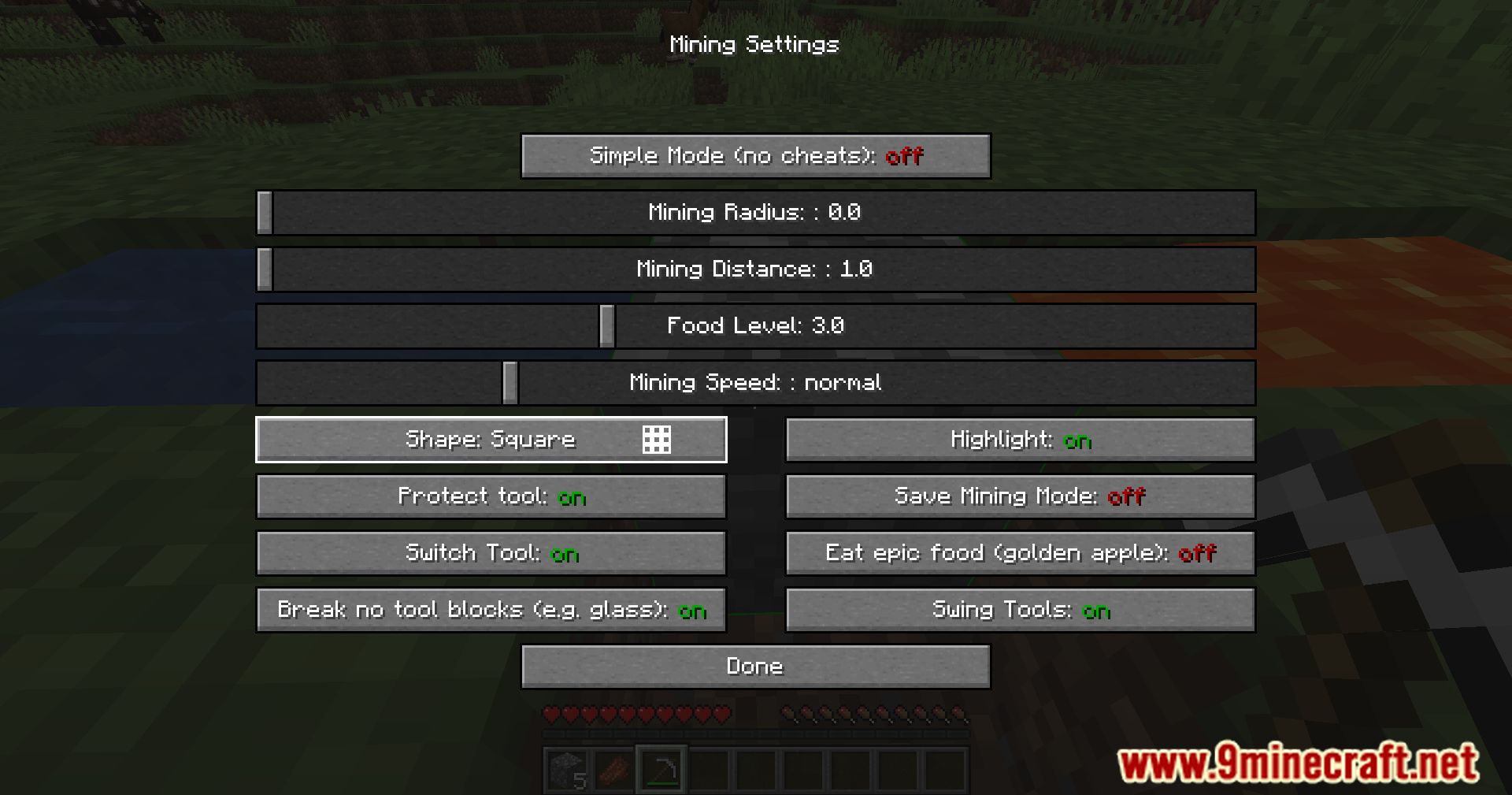
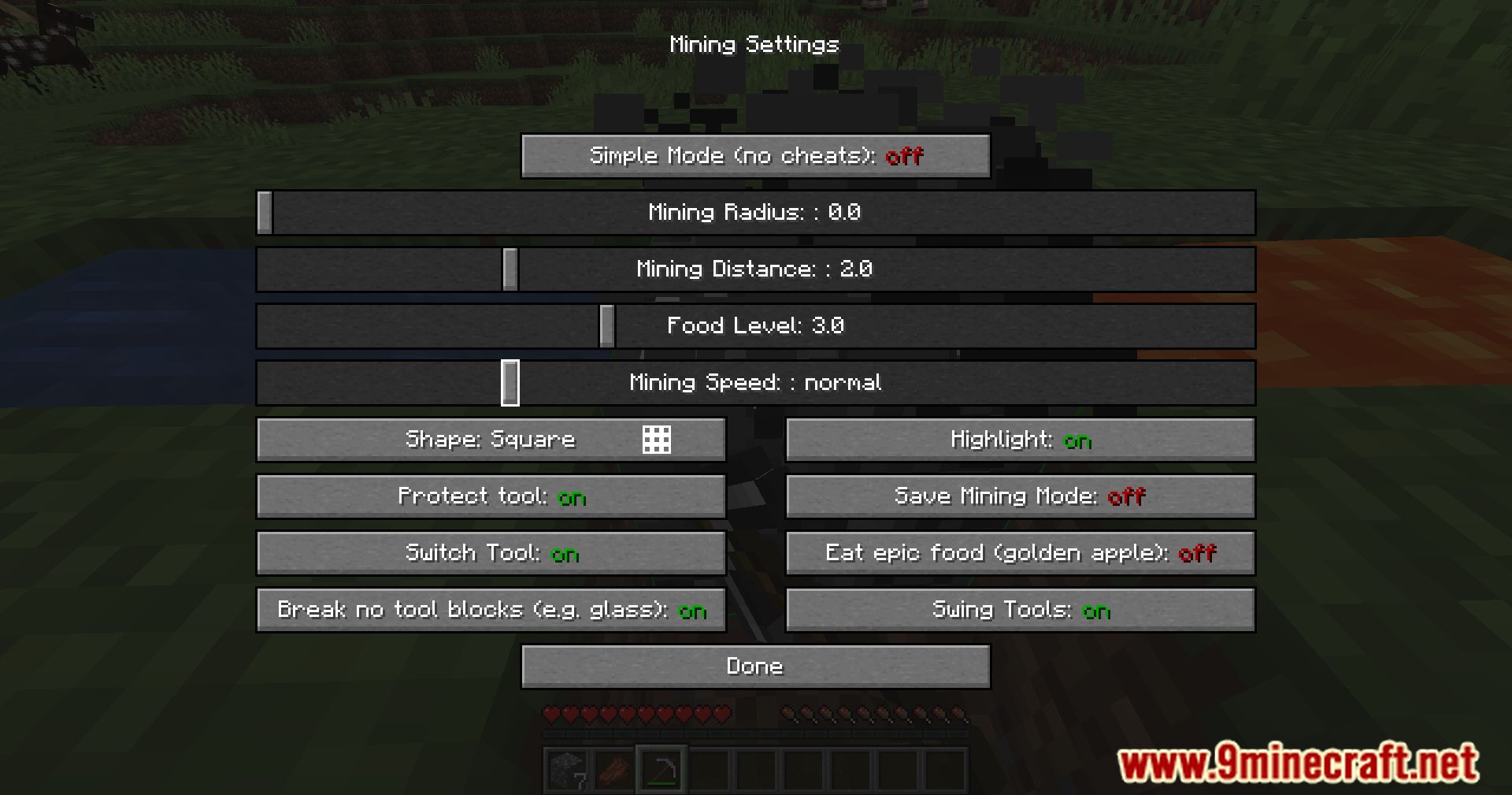
Oto open the in-game configuration menu - Sneak while activating mining to enable automatic attacking
- Aim at a block or entity and let the mod handle mining or attacks
Configs
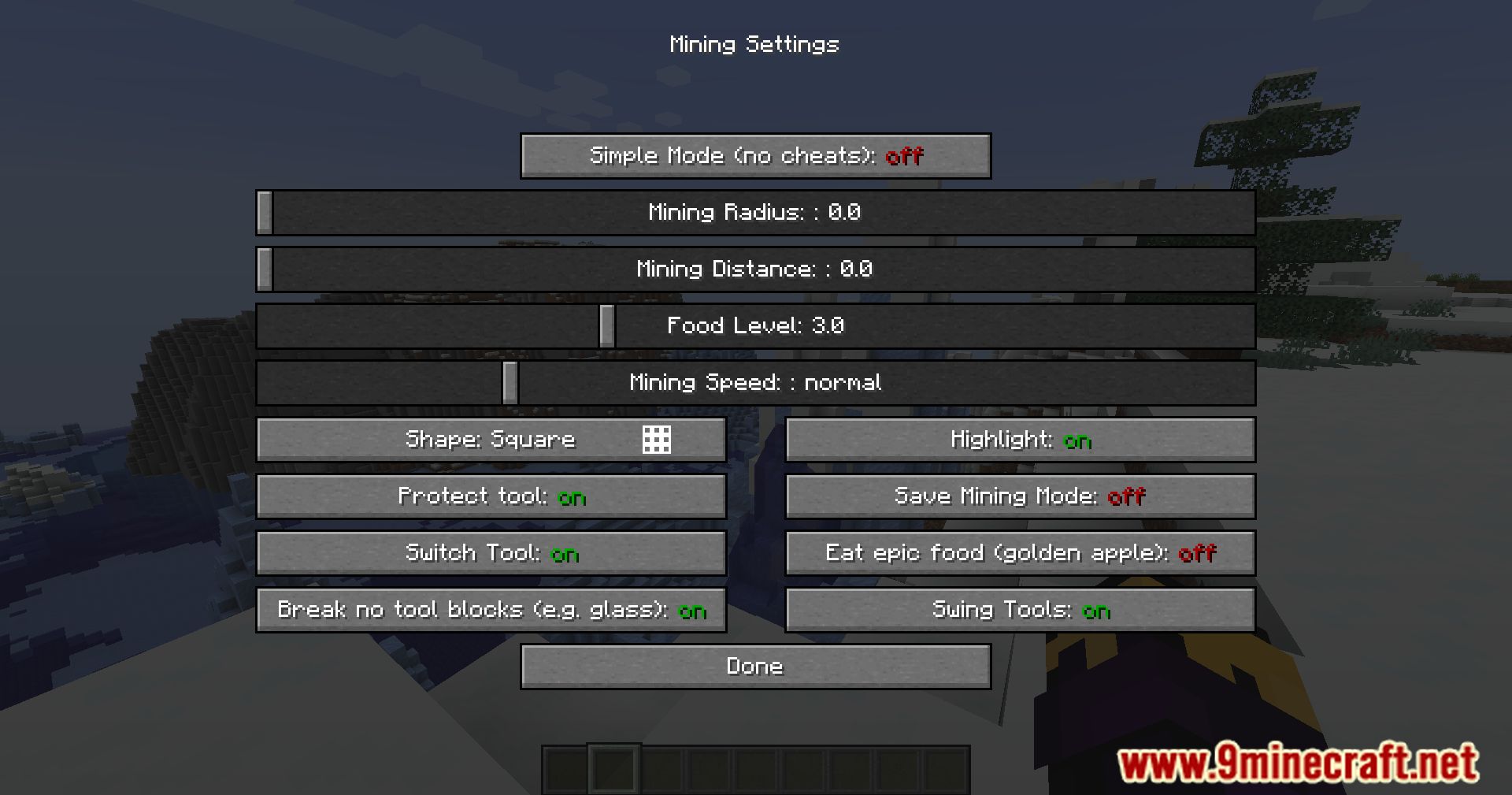
- Simple Mode
- Continuously presses the attack button when a block or entity is in front of you
- Mining Range
- Expands the area of blocks being mined
- Higher values require higher tool durability
- Food Level
- Maintains a minimum hunger level while mining
- Mining Speed
- Controls how fast blocks are broken
- Very high speeds may cause server desynchronization
- Protect Tool
- Stops mining when tool durability is low
- Prevents tools from breaking
- Switch Tool
- Automatically selects the correct tool for each block
- Disabling this limits mining to compatible blocks only
- Break No-Tool Blocks
- Allows breaking blocks that do not require a specific tool
- Examples include
glassandglowstone
- Save Mining Mode
- Locks onto the first targeted block
- Allows free camera movement while mining continues
- Eat Epic Food
- Controls consumption of
Golden ApplesandEnchanted Golden Apples
- Controls consumption of
Screenshots:
Crafting Recipes:
Recommend that you should install Just Enough Items (for mods using Forge) or Roughly Enough Items (for mods using Fabric) to view the full recipes included in this mod.
Requires:
How to install:
Click the following link to view details: How to Install Mods for Minecraft Java Edition on PC: A Beginner Guide
Automining Mod Download Links
For Minecraft 1.16.5
Forge Version: Download from Server 1 – Download from Server 2
For Minecraft 1.17.1
Forge Version: Download from Server 1 – Download from Server 2
For Minecraft 1.18.1
Forge Version: Download from Server 1 – Download from Server 2
For Minecraft 1.18.2
Forge Version: Download from Server 1 – Download from Server 2
For Minecraft 1.19
Forge Version: Download from Server 1 – Download from Server 2
For Minecraft 1.19.3, 1.19.2
Forge Version: Download from Server 1 – Download from Server 2
For Minecraft 1.19.4
Forge Version: Download from Server 1 – Download from Server 2
Fabric Version: Download from Server 1 – Download from Server 2
For Minecraft 1.20.1, 1.20
Forge Version: Download from Server 1 – Download from Server 2
Fabric Version: Download from Server 1 – Download from Server 2
For Minecraft 1.20.2
Forge Version: Download from Server 1 – Download from Server 2
Fabric Version: Download from Server 1 – Download from Server 2
For Minecraft 1.20.4
Forge Version: Download from Server 1 – Download from Server 2
Fabric Version: Download from Server 1 – Download from Server 2
For Minecraft 1.21.1, 1.21
NeoForge Version: Download from Server 1 – Download from Server 2
Fabric Version: Download from Server 1 – Download from Server 2
For Minecraft 1.21.3
NeoForge Version: Download from Server 1 – Download from Server 2
Fabric Version: Download from Server 1 – Download from Server 2
For Minecraft 1.21.4
NeoForge Version: Download from Server 1 – Download from Server 2
Fabric Version: Download from Server 1 – Download from Server 2
For Minecraft 1.21.5
NeoForge Version: Download from Server 1 – Download from Server 2
Fabric Version: Download from Server 1 – Download from Server 2
For Minecraft 1.21.8, 1.21.7, 1.21.6
NeoForge Version: Download from Server 1 – Download from Server 2
Fabric Version: Download from Server 1 – Download from Server 2
For Minecraft 1.21.10, 1.21.9
NeoForge Version: Download from Server 1 – Download from Server 2
Fabric Version: Download from Server 1 – Download from Server 2
For Minecraft 1.21.11
NeoForge Version: Download from Server 1 – Download from Server 2
Fabric Version: Download from Server 1 – Download from Server 2
You May Also Like