
Blaze Map Mod (1.20.1, 1.19.4) – Track Every Biome and Structure

 0


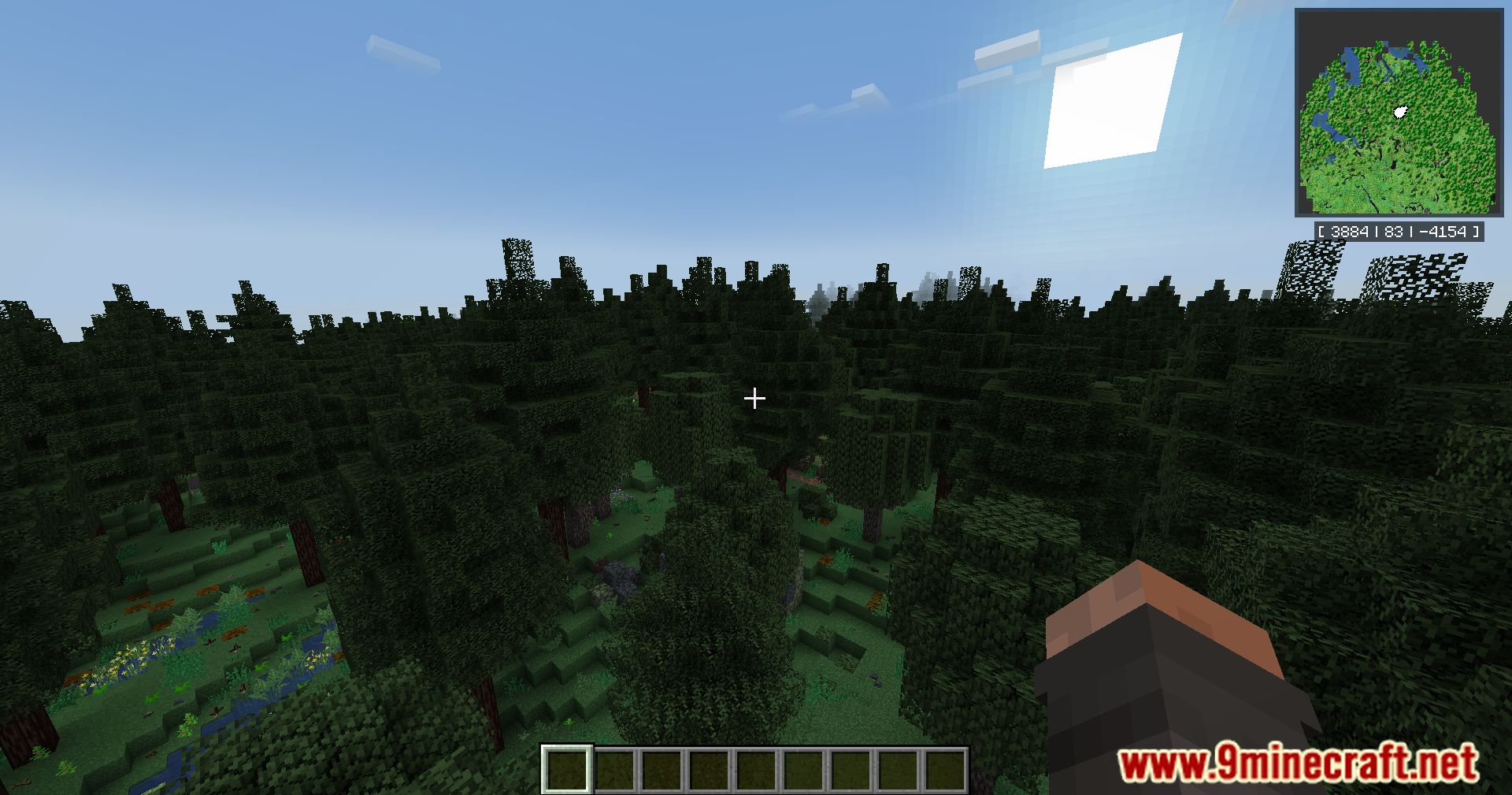
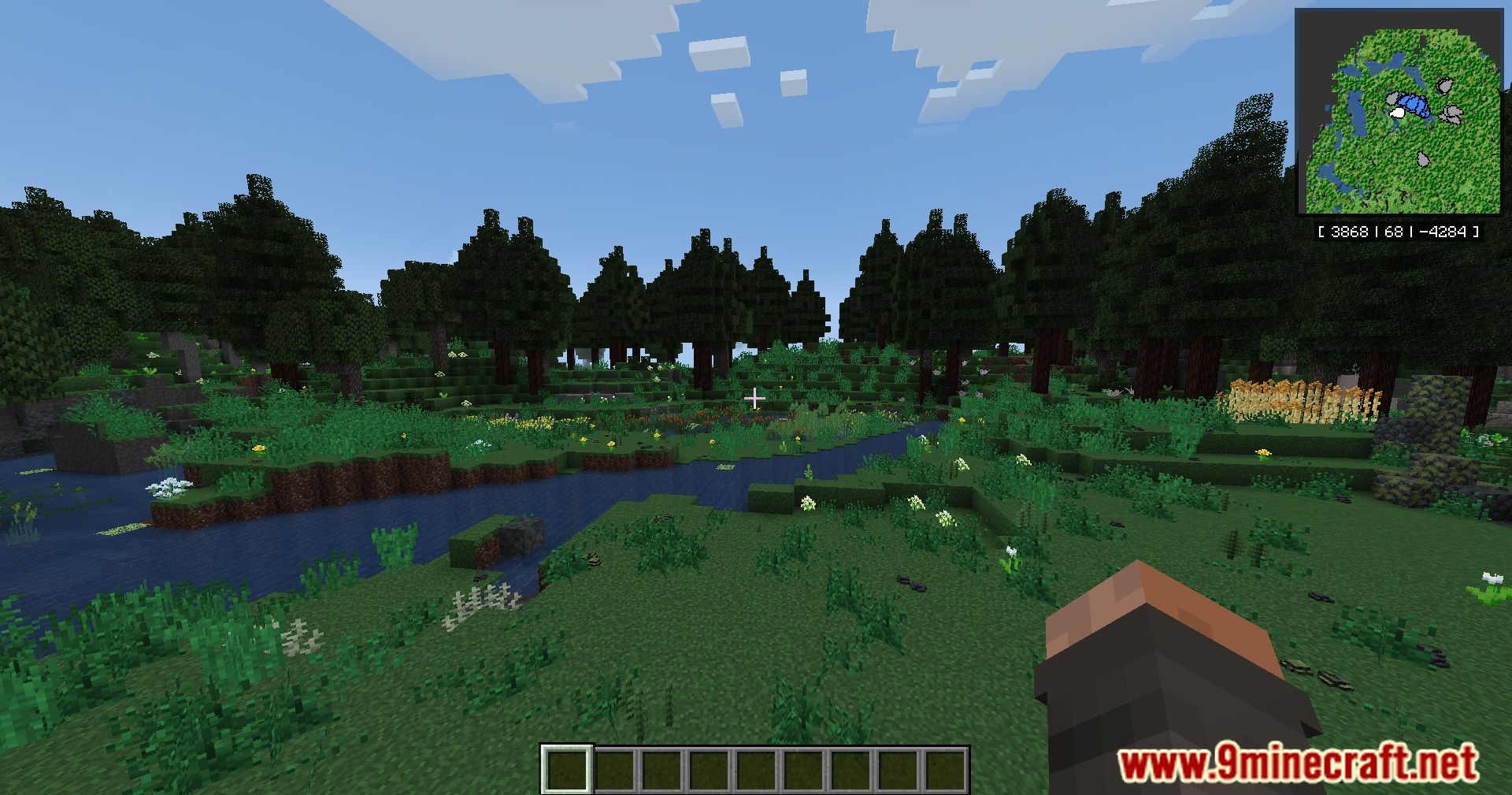
Blaze Map Mod brings an open-source mapping system with both a minimap and a world map view to the game. It gives players flexible tools to navigate the world using aerial views, terrain height maps, and toggleable information layers.
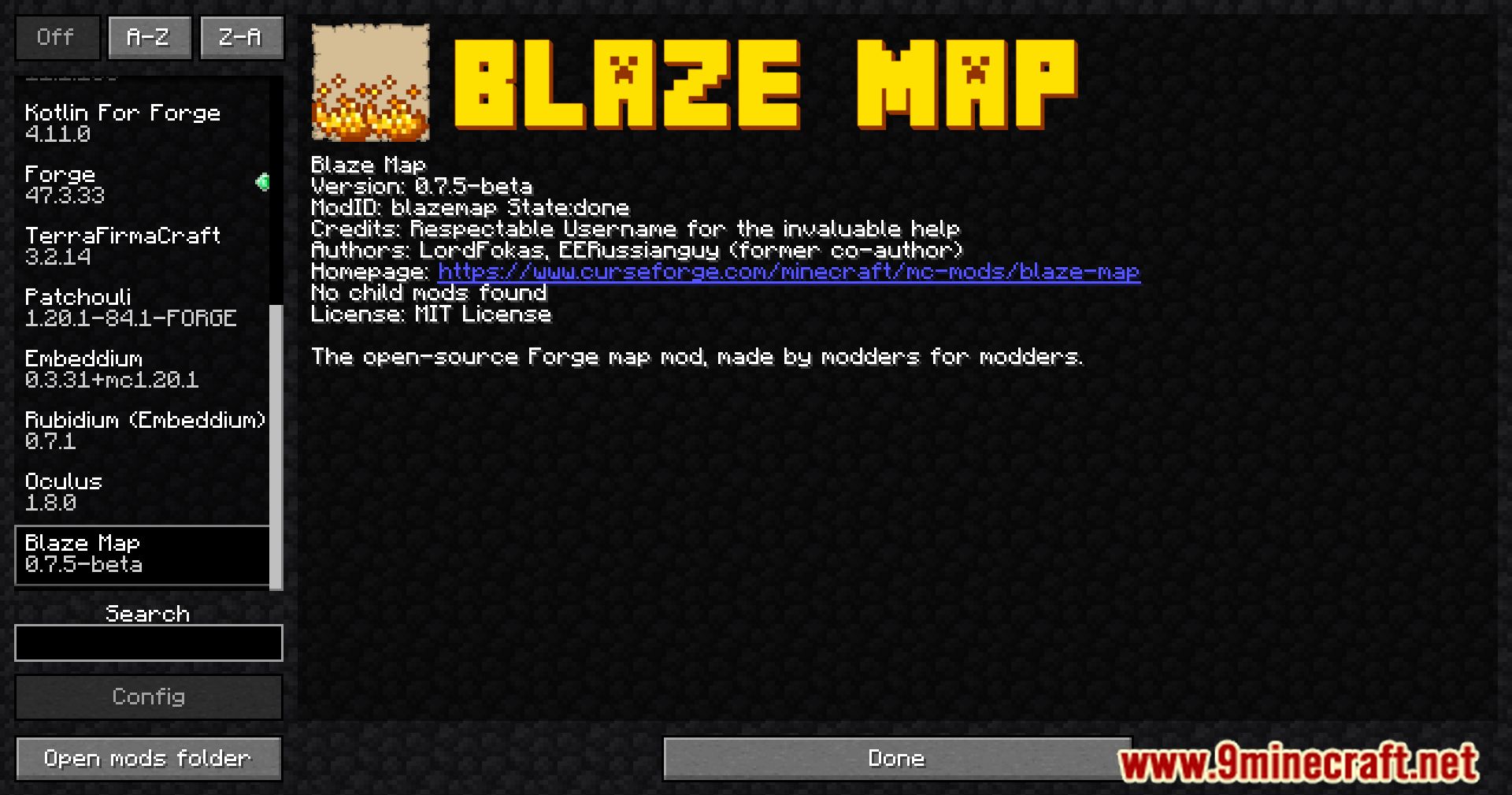
Features:
- Includes multiple default map types like Aerial View and Terrain Height.
- Offers multiple toggleable layers of information for each map type.
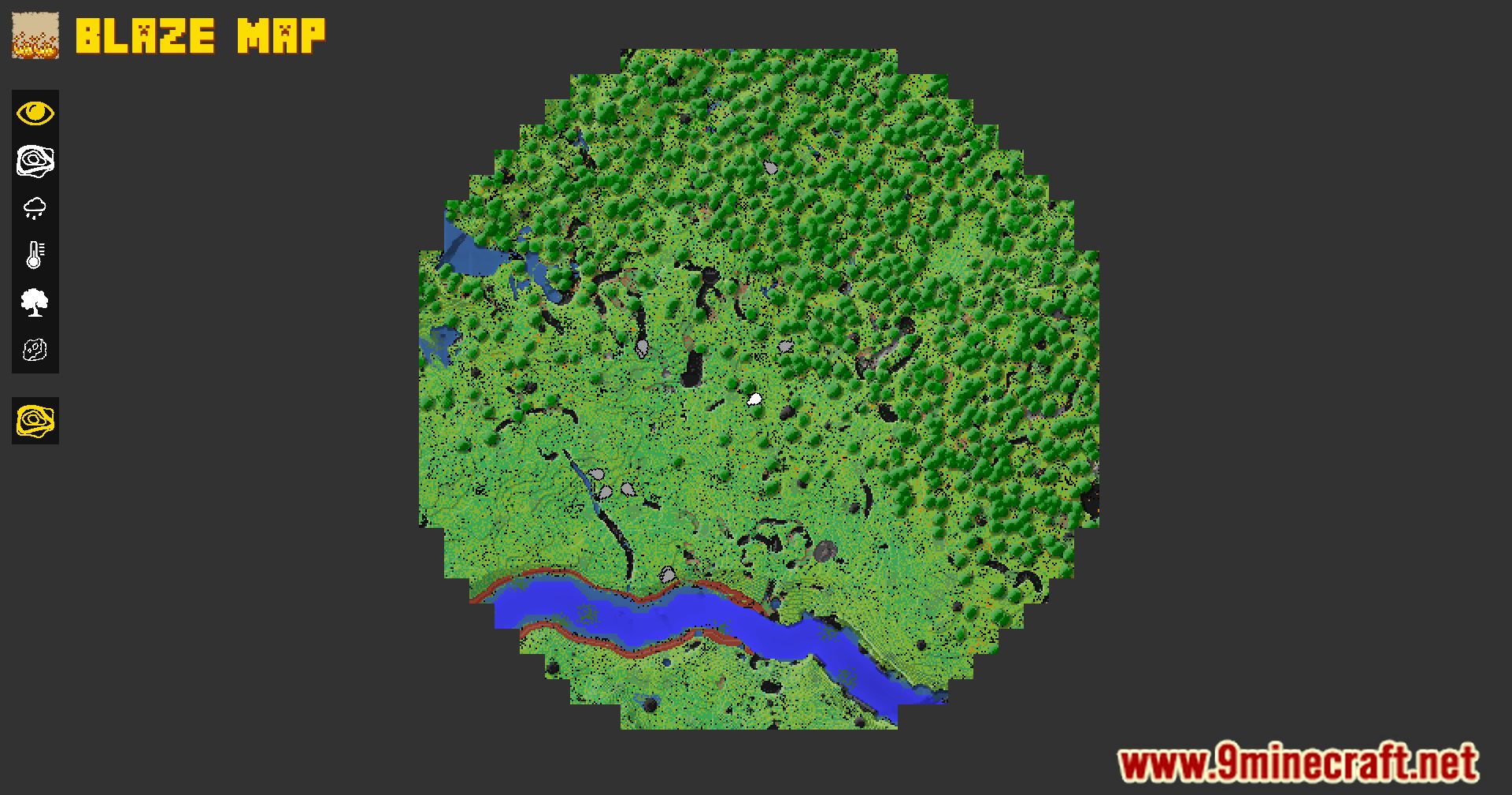
- Provides a World Map view to see a wider area of the world by pressing B.
- Lets players export an atlas view of the World Map using F12.
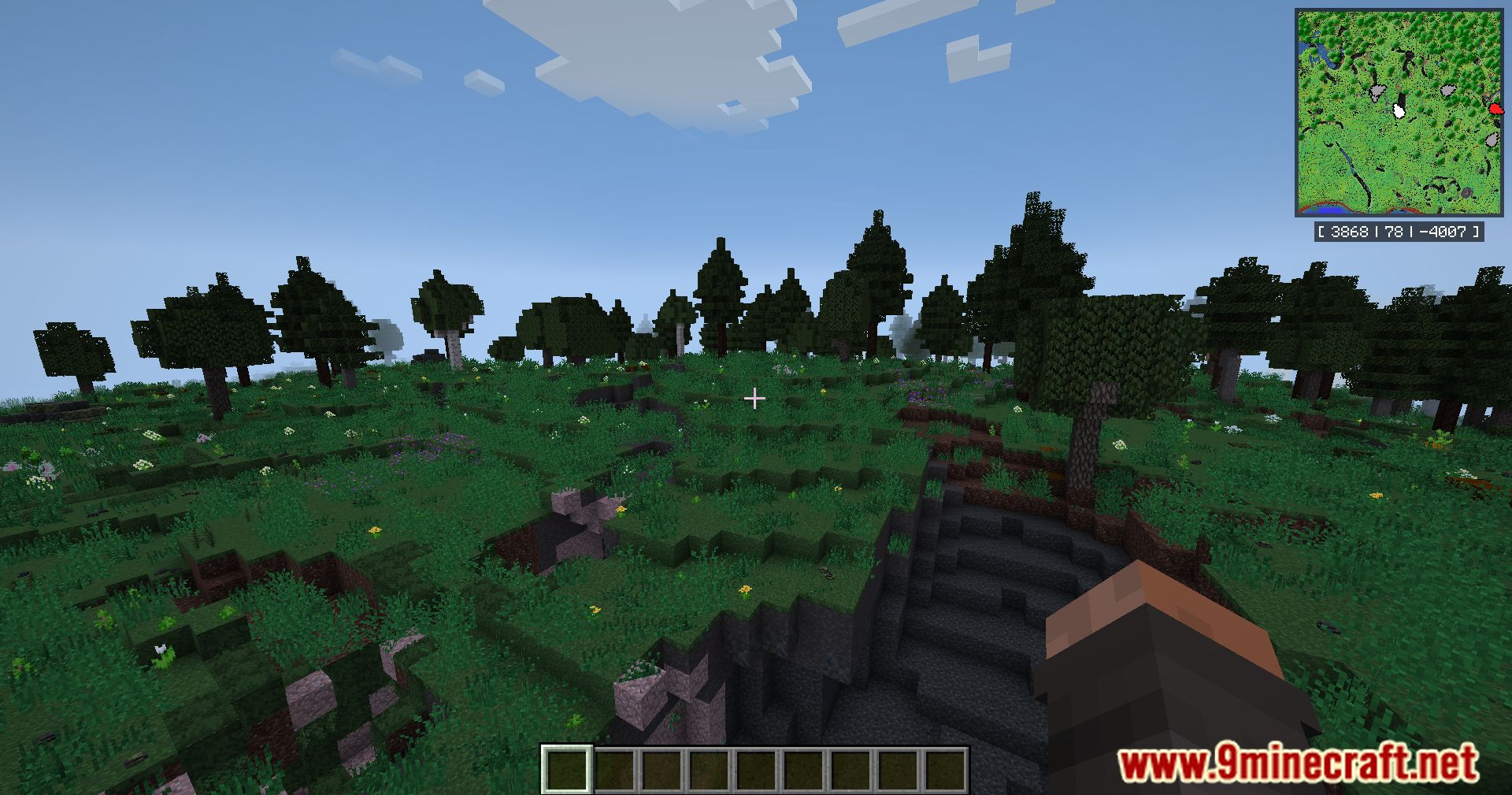
- Features a configurable minimap that allows click-and-drag resizing and repositioning using Shift + B.
- Shows nearby mobs around the player based on config settings.
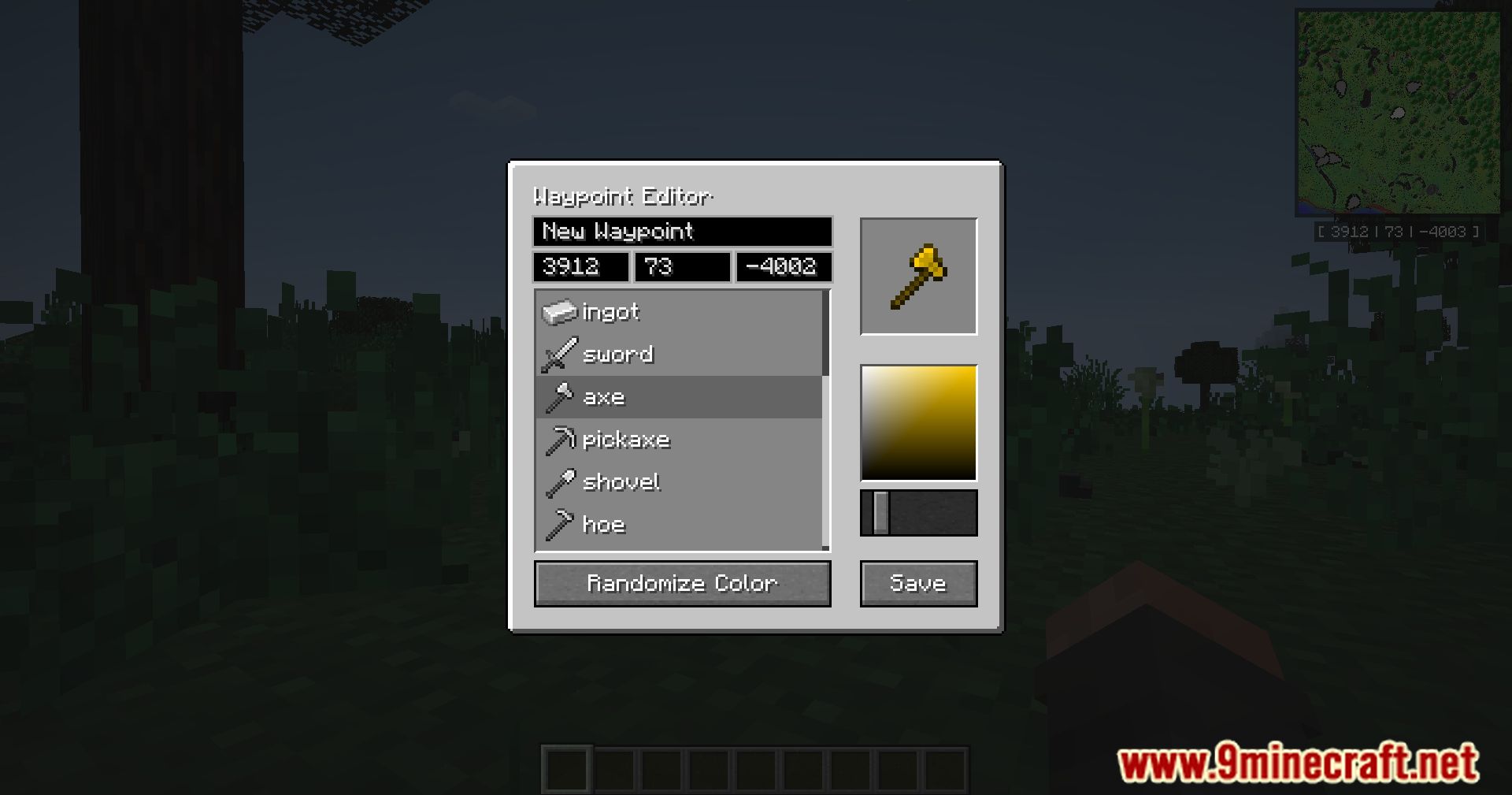
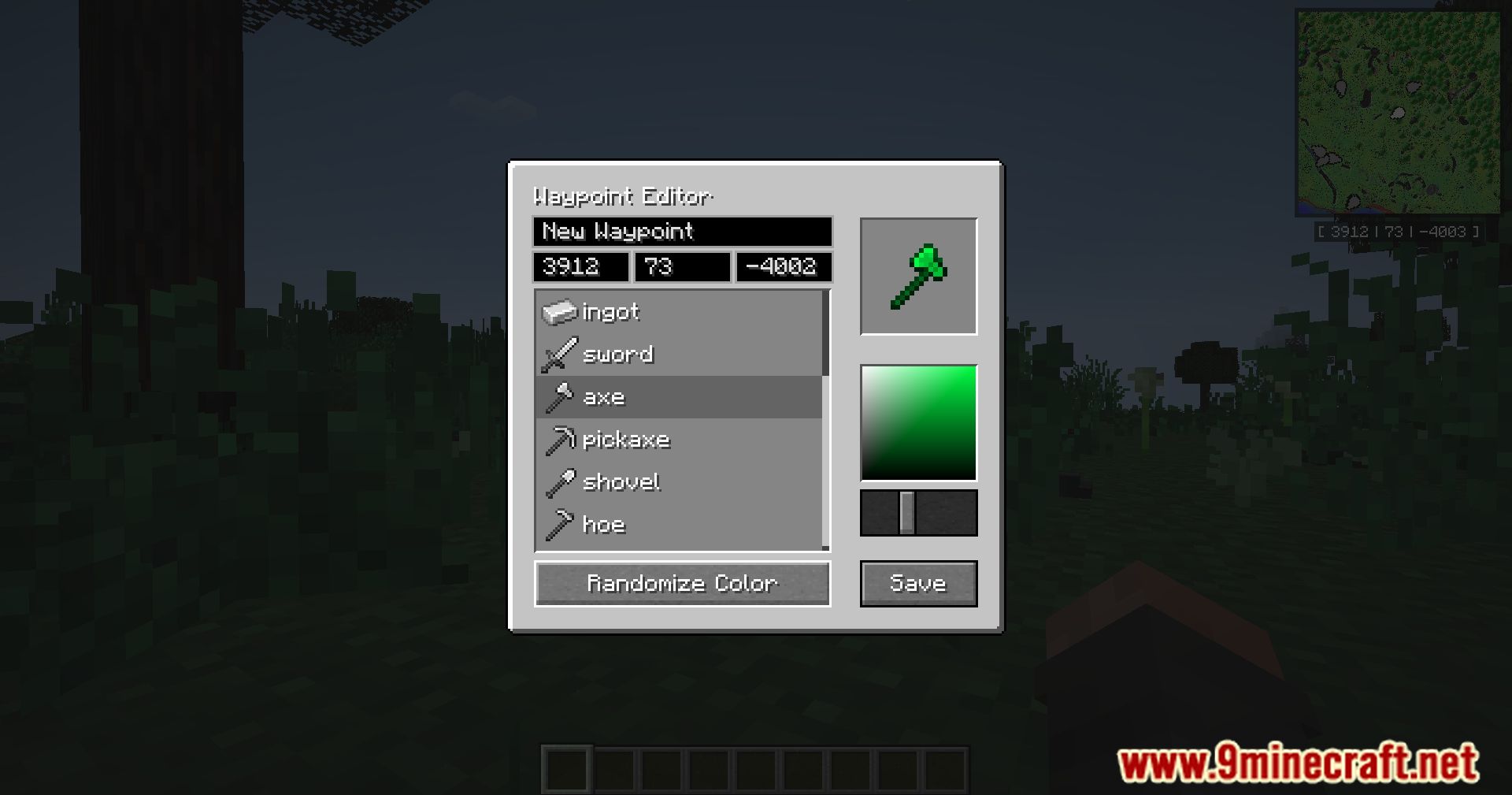
- Allows players to add and manage custom waypoints with custom colors and icons using N and Shift + N.
- Separates world data representation from visual representation to support complex visualizations.
- Moves data processing off the main thread to reduce performance impact.
Commands:
/blazemap minimap on/off: turns the minimap on or off./blazemap debug on/off: toggles performance profiling and debugging information.
How to Use:
- Press B to open the World Map and see a wider view of your surroundings.
- Press Shift + B to change map types, adjust layers, or resize the minimap on your screen.
- Press N to add a waypoint on your map with a custom color and icon.
- Press Shift + N to manage your existing waypoints in the world.
- Press F12 while viewing the World Map to export an atlas view.
Screenshots:
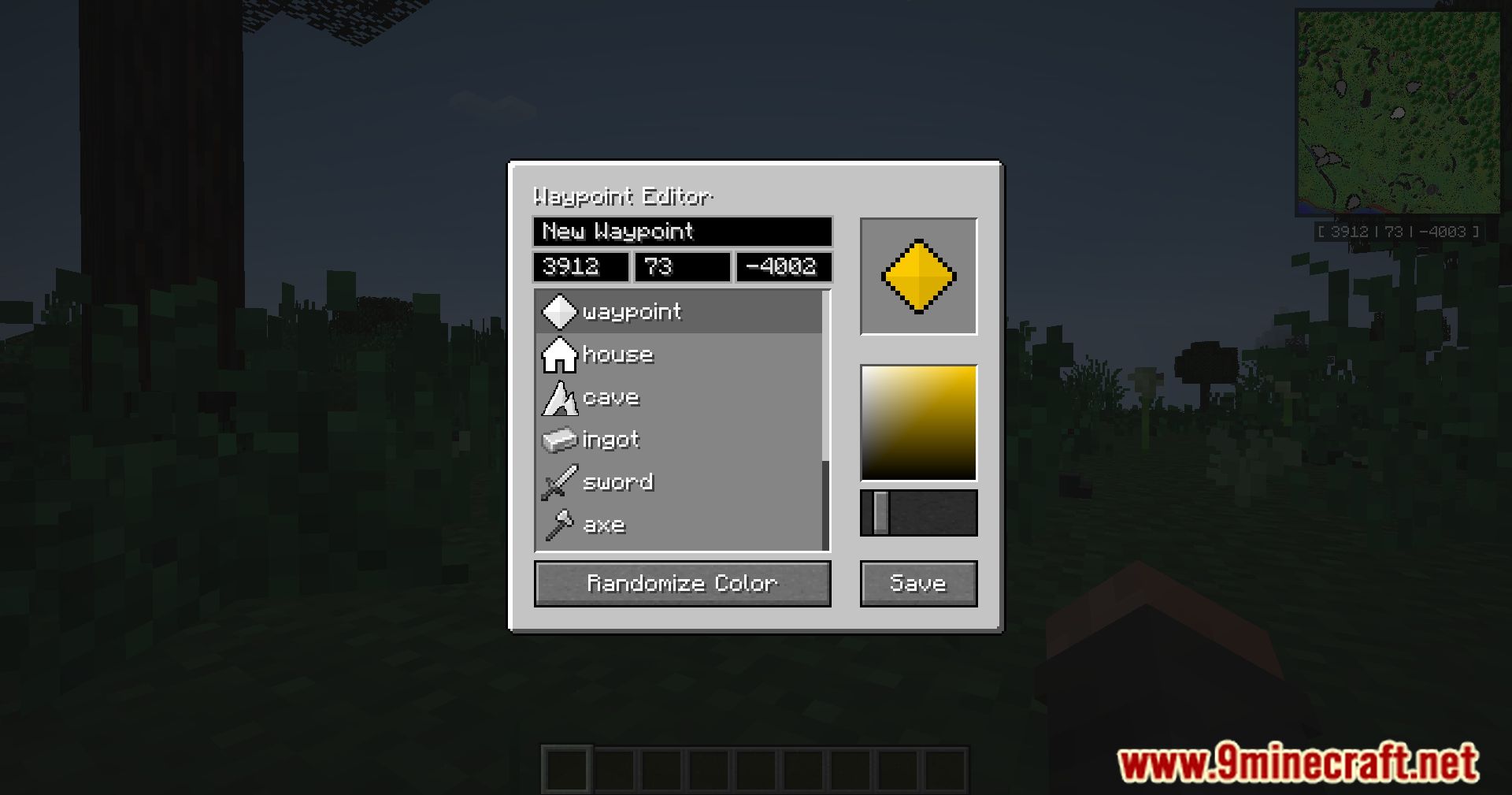
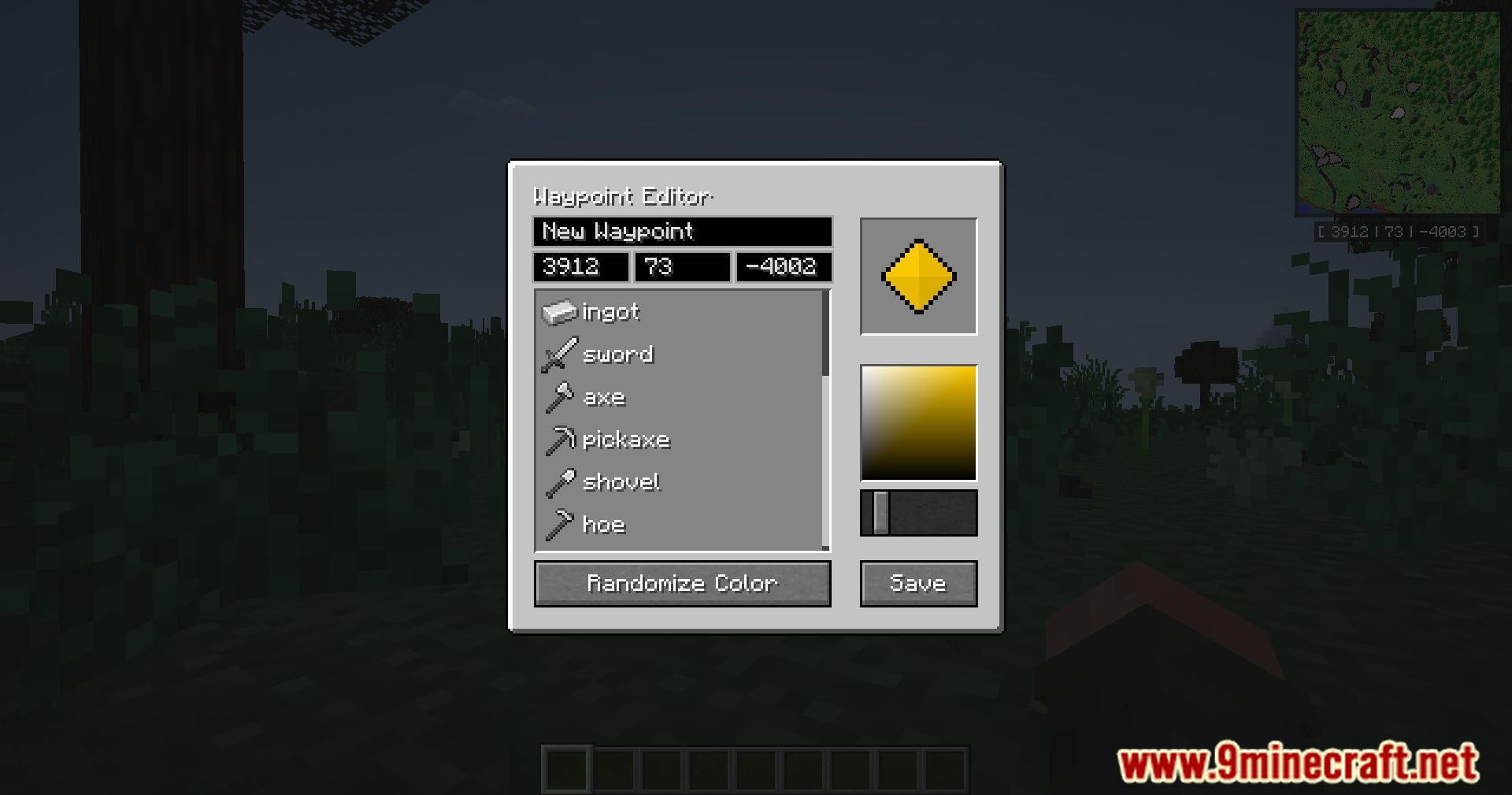
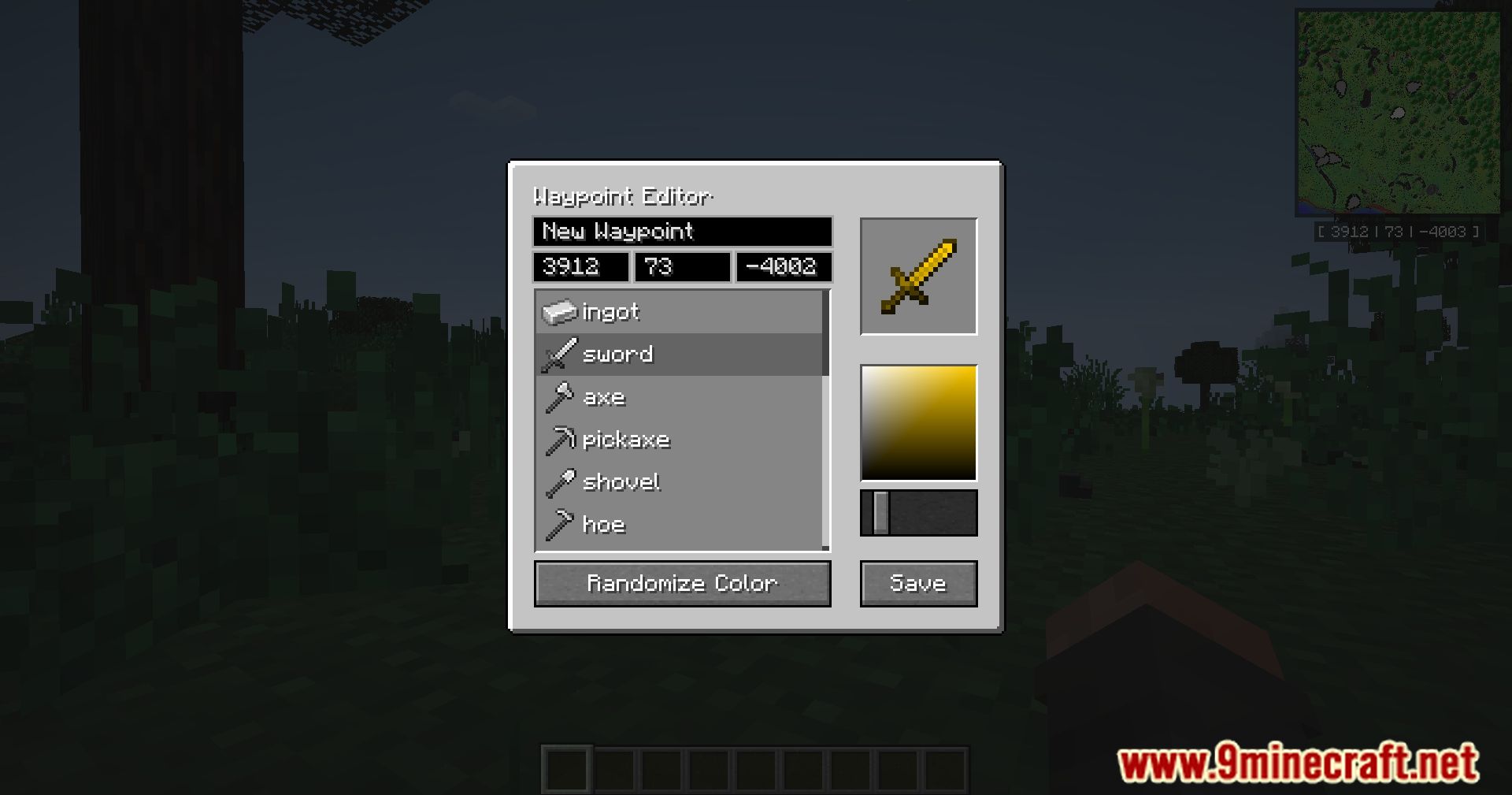
How to Install:
New to Minecraft? Follow our step-by-step guide to install Mods on your PC.View Guide
Blaze Map Mod Download Links
For Minecraft 1.20.1
Forge Version: Download from Server 1 – Download from Server 2
For Minecraft 1.19.4
Forge Version: Download from Server 1 – Download from Server 2
For Minecraft 1.19.2
Forge Version: Download from Server 1 – Download from Server 2
For Minecraft 1.18.2
Forge Version: Download from Server 1 – Download from Server 2
Click to rate this post!
[Total: 1 Average: 5]
QUICK MINECRAFT SURVEY · ONE TAP
Mods & Modpacks
Where do you primarily download your mods and modpacks from?
75 responses · See the full results →
You May Also Like
Picked for this page
 Xaero’s World Map Mod (26.3, 1.20.1) – Trace Your Footsteps
 Explorer’s Compass Mod (26.3, 1.20.1) – Locate Structures Anywhere in The World
 Wynntils Mod (1.21.11, 1.21.1) – Utilities for Wynncraft
 Open Parties and Claims Mod (26.3, 1.20.1) – Team Up to Claim Your Land
 Xaero’s Map Server Utils Mod (26.3, 1.20.1) – Fair-Play Mode Controls
 Simple Compass Mod (26.3, 1.20.1) – RPG-like Compass
 Harder Natural Healing Mod (26.1.2, 1.20.1) – Control Over Healing Mechanics
 Hud Compass Mod (26.1.2, 1.20.1) – Find Your Way in The World
 PeteMC’s Contagion Mod (26.3, 1.20.1) – A Zombie Infection
 Lucky’s Cozy Home Refurnished Mod (1.21.1, 1.21) – Make Your Base Feel Lived-In
 Cursed Fate Projection Sorcery Mod (1.20.1, 1.20) – Frame Technique
 Name Tag (Crafting) Mod (1.21.11, 1.21.1) – Makes Name Tags Obtainable In Survival Mode
Most viewed in Mods over the last 7 days
 Ala Industrial Mod (26.3) – Run Electric Power Grids and Automated Factories
 PleasureCraft Mod (26.3, 1.21.1) – Jenny Mod Remake for Fabric
 Jennycraft Mod (26.3, 1.20.1) – Virtual Girlfriend in Minecraft
 Fapcraft Mod (26.3, 1.12.2) – Comprehensive and Detailed Content
 Jenny Mod (Fapcraft) Official Complete Guide – How to use, Tutorial
 BangCraft Mod (1.20.1) – Jenny, Ellie and Elliot
 Fabric Loader (26.3, 1.20.1) – Fabric Installer for All Minecraft Versions
 The Shooting Star Demo Mod (26.3, 1.20.1) – Vaporize Terrain From Orbit
 Meteor Client Mod (26.3, 1.20.1) – Xray, HUD, Fly
 OptiFine HD (26.3, 1.20.1) – Run Faster, FPS Boost, Shaders Support
 Aristois Client Mod (1.21.4, 1.20.1) – World Class Minecraft Utility
 Prestige Client Mod (1.21.11, 1.21.4) – Powerful Ghost Features for Crystal & Sword PvP
More from Mods
 Gabou’s Libs Mod (26.3, 1.20.1) – Keep Custom Weather and Survival Mods Stable
 /Sit Mod (26.3, 1.21.1) – Make The Player Sit Down
 Arcane Redstone Dial Mod (26.3, 1.20.1) – Trigger Commands and Shortcuts
 The Graveyard Mod (26.3, 1.20.1) – Cemeteries in Minecraft
 Enhanced Overlay Mod (26.3, 1.21.11) – Remove Screen Clutter
 Flint Mod (1.21.11) – Run DiamondFire Community Addons Without Crashing
 Not Just Sandwich Mod (26.3, 1.20.1) – Edibles, Sandwiches
 Waddles Mod (26.3, 1.20.1) – Make Icy Biomes Feel Alive
 Artemis’ Thin Logs Mod (26.3, 1.20.1) – Build Custom Trees and Detailed Wood
 Asterion Mod (26.3, 1.20.1) – Survive Ancient Mazes and Slay the Legendary Minotaur
 Passthrough Signs Mod (26.3, 1.20.1) – Right-Click Through Wall Signs
 Packing Tape Mod (26.3, 1.20.1) – Move Chests, Machines

This post has no comments yet. Be the first — your comment will appear here.