


Camol Mod (26.1.2, 1.21.1) – Build Secret Doors And Hide Redstone Behind Fake
 123
123
 0
0


🌐 Read this article in your language! Choose your preferred language below.
Or pick the one you like:
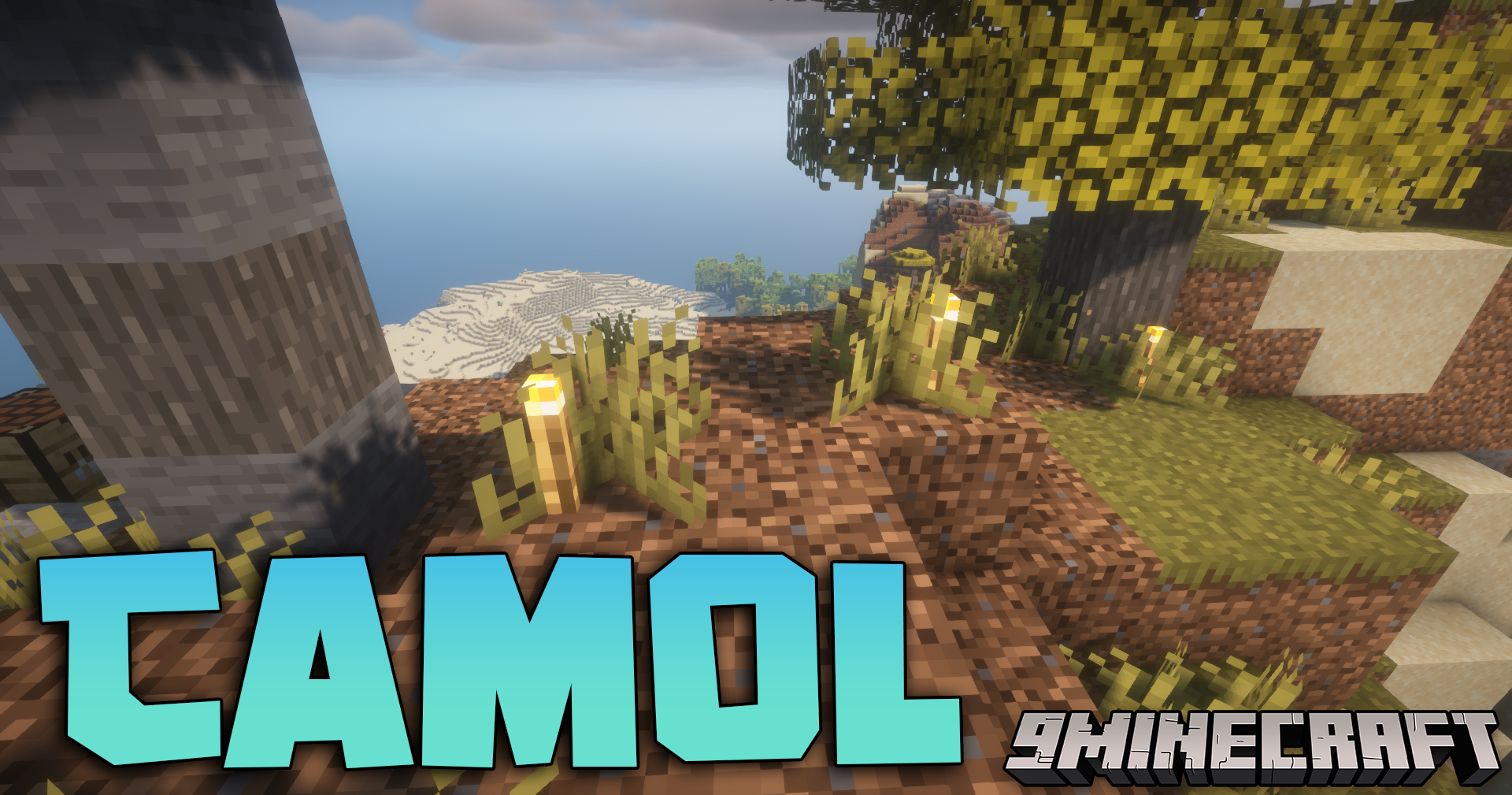
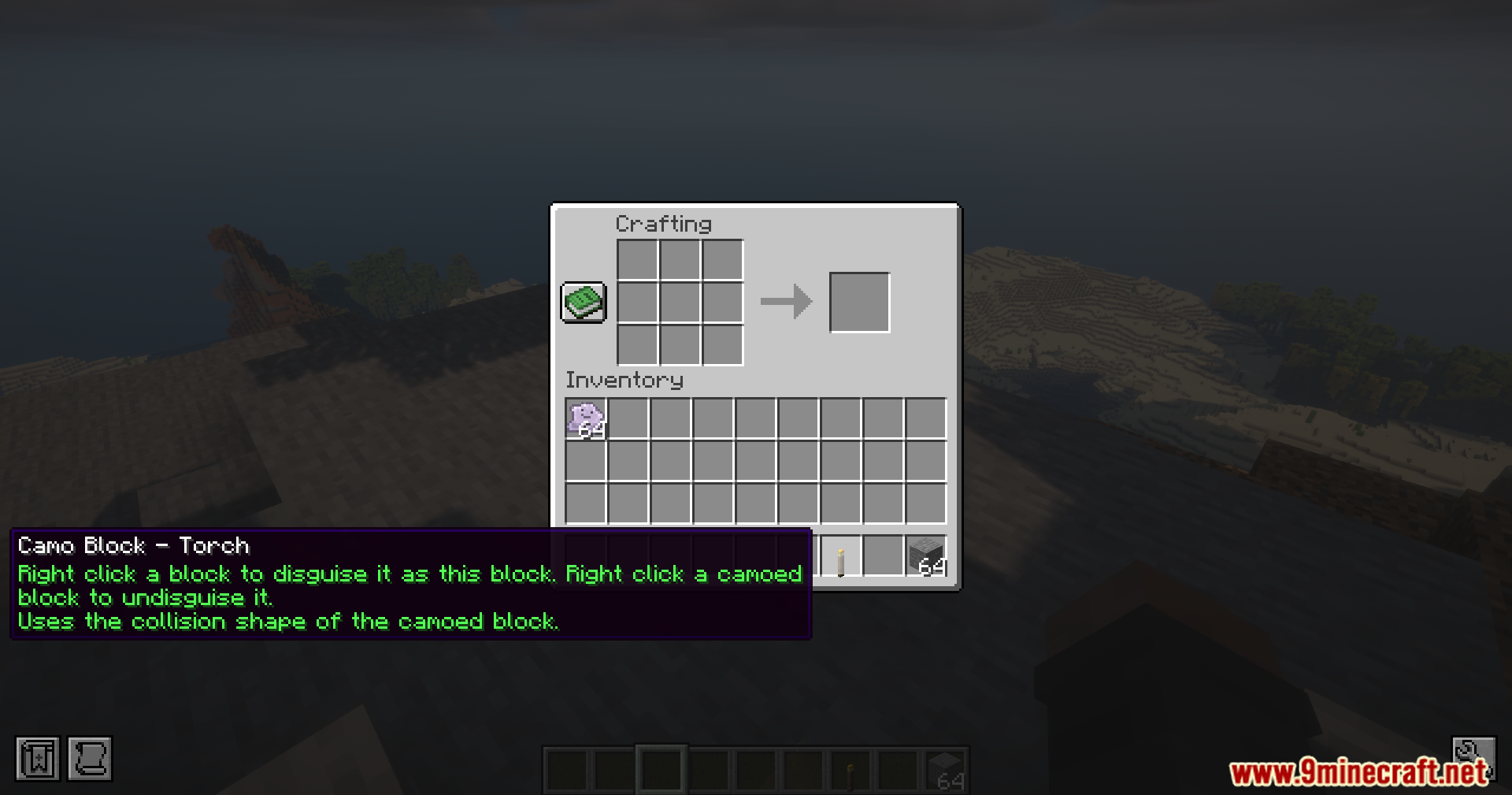
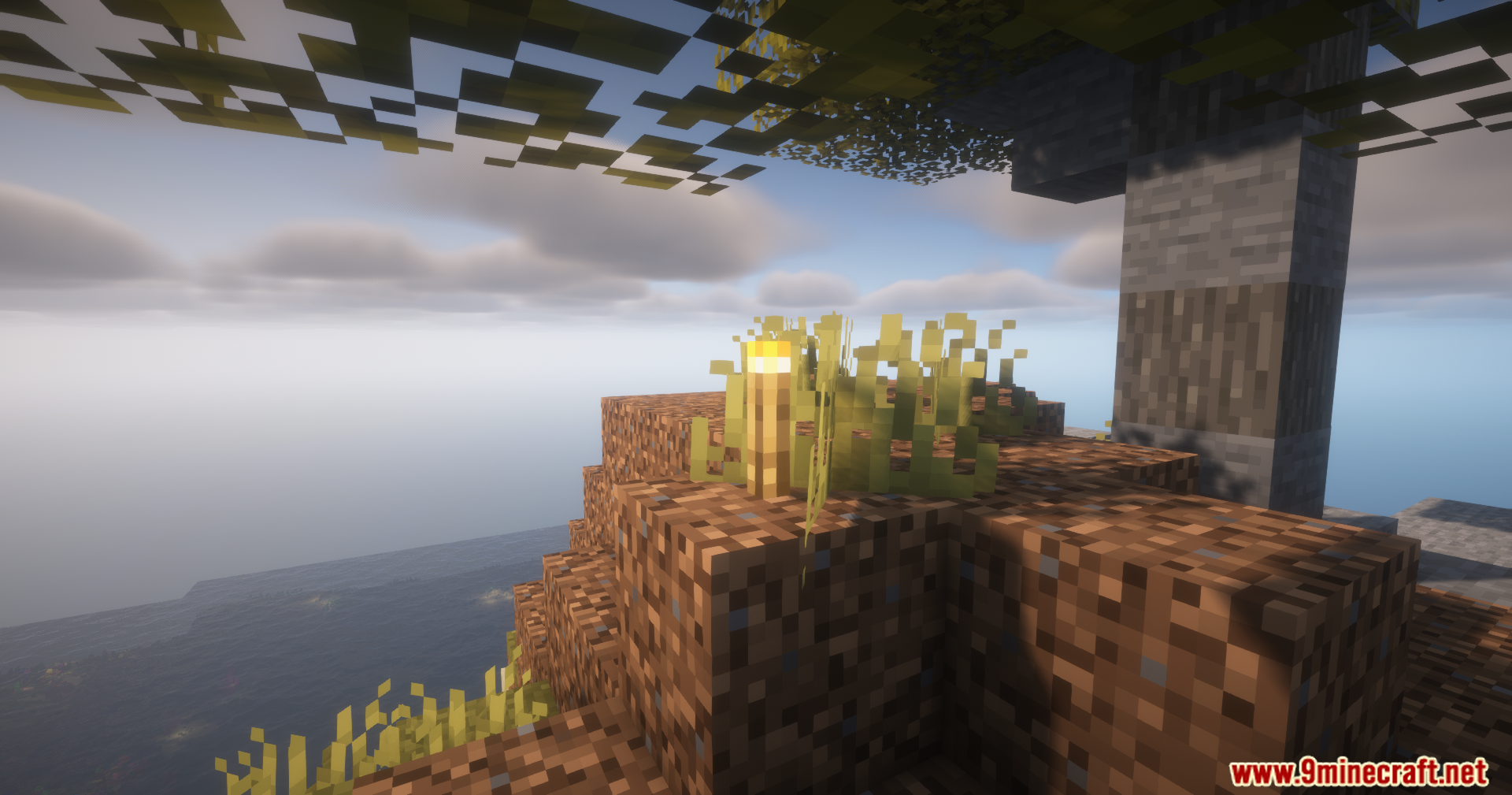
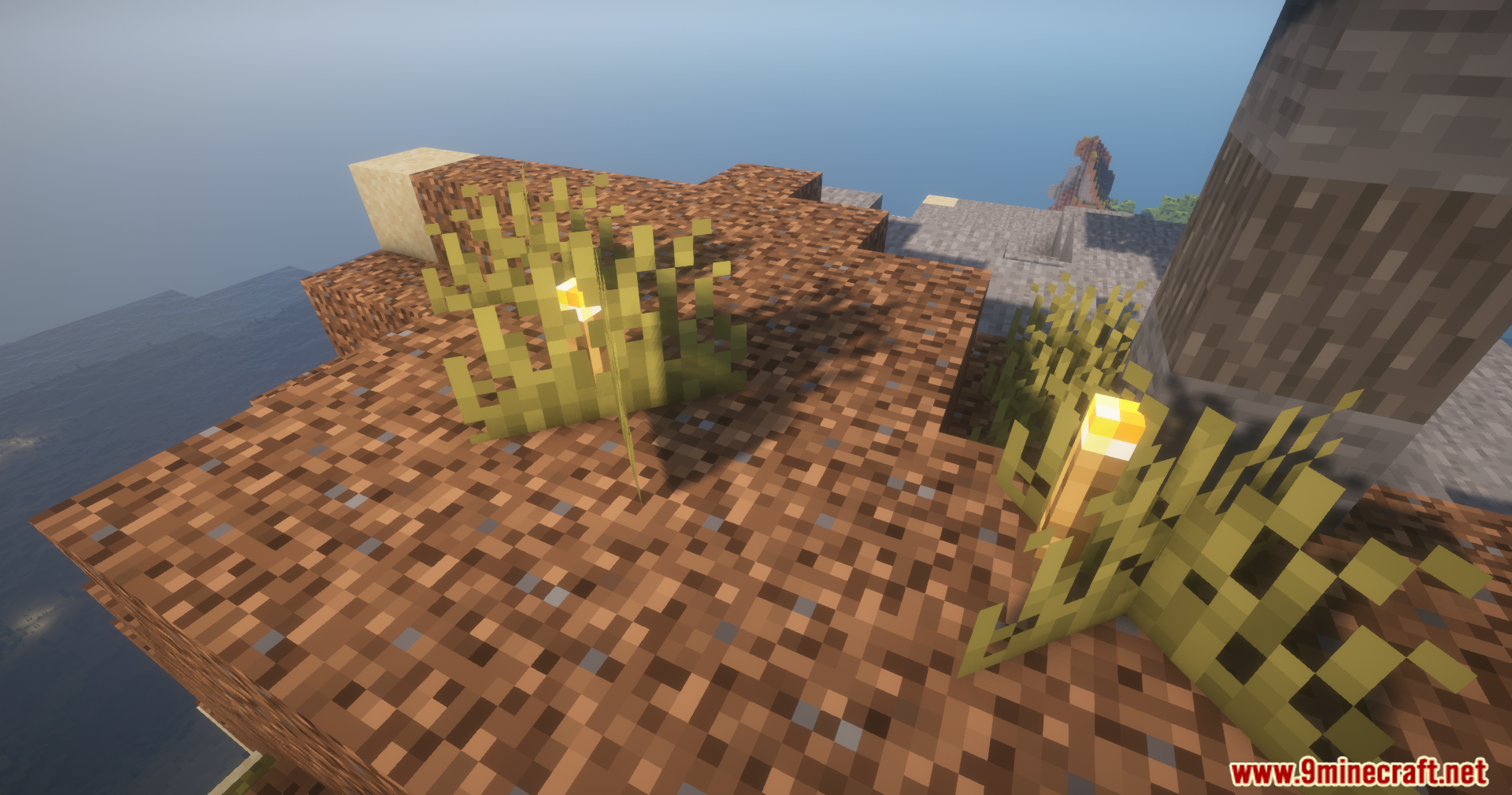
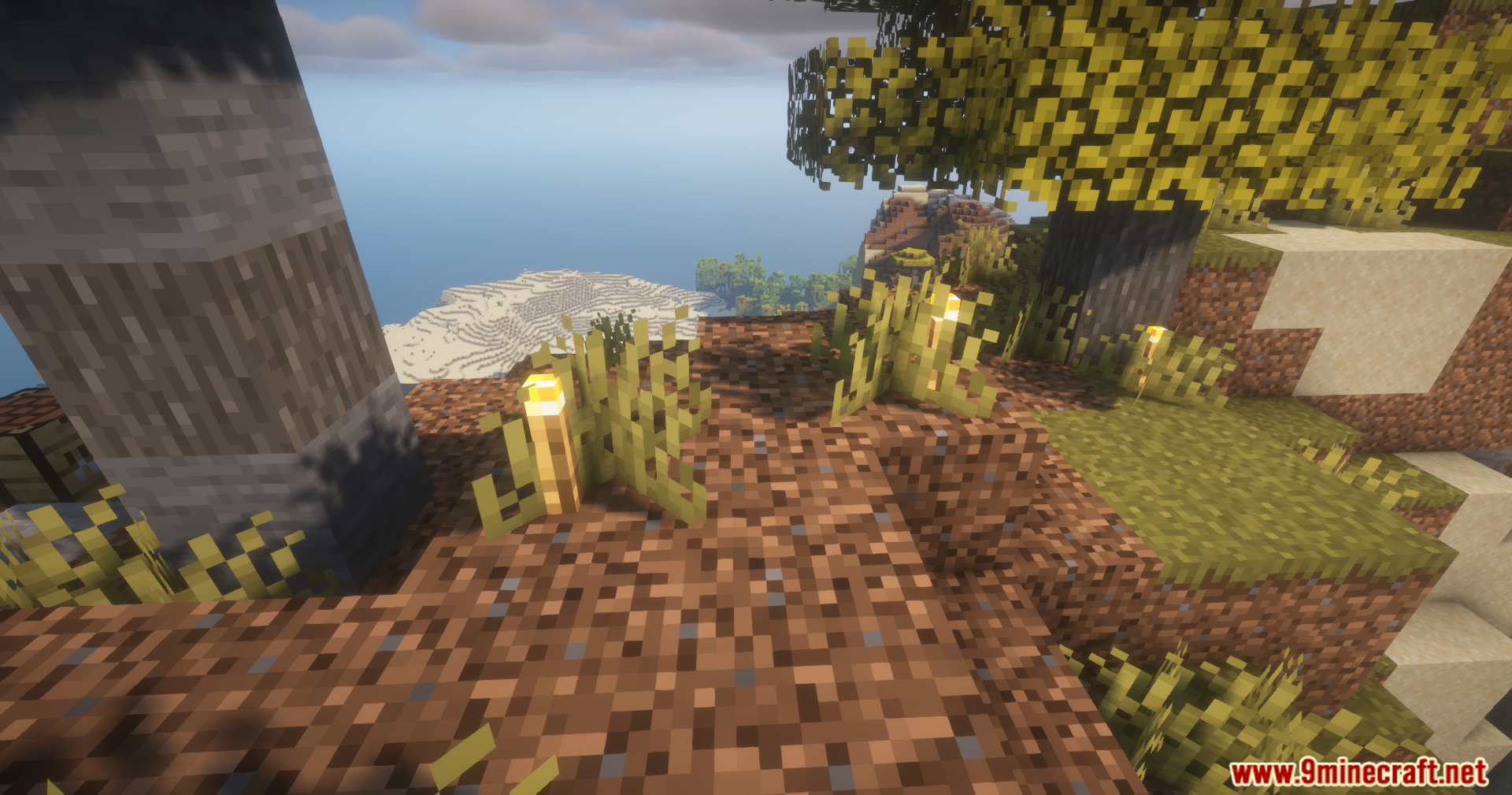
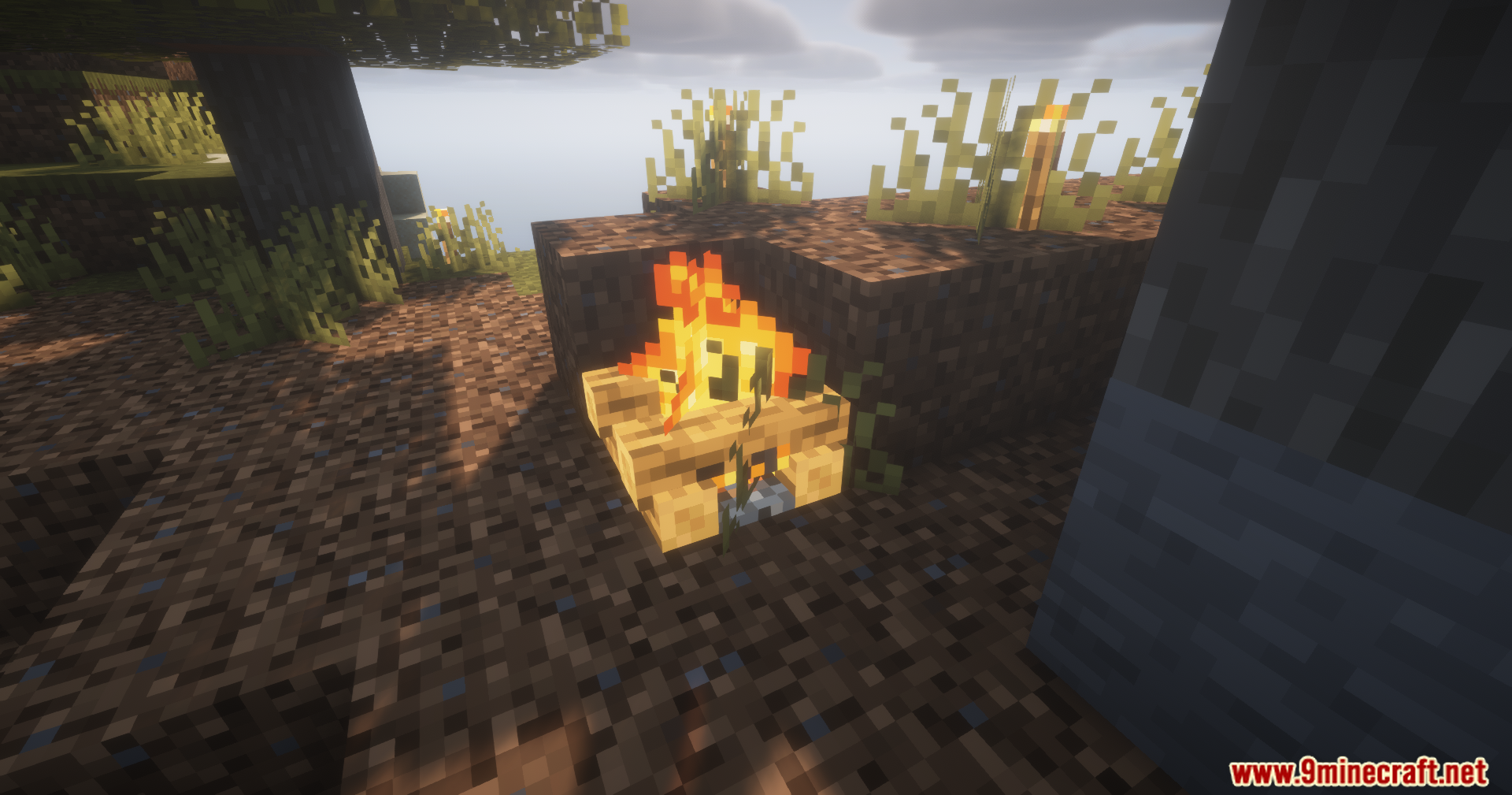
Camol Mod gives you a special item to disguise blocks in your world. It lets you make any block look like a completely different block. You can use this to build secret doors, cover up ugly redstone cables, or keep your chests safe from friends.
Features:
- Block Disguises: Changes the look of any block to match a different block you choose.
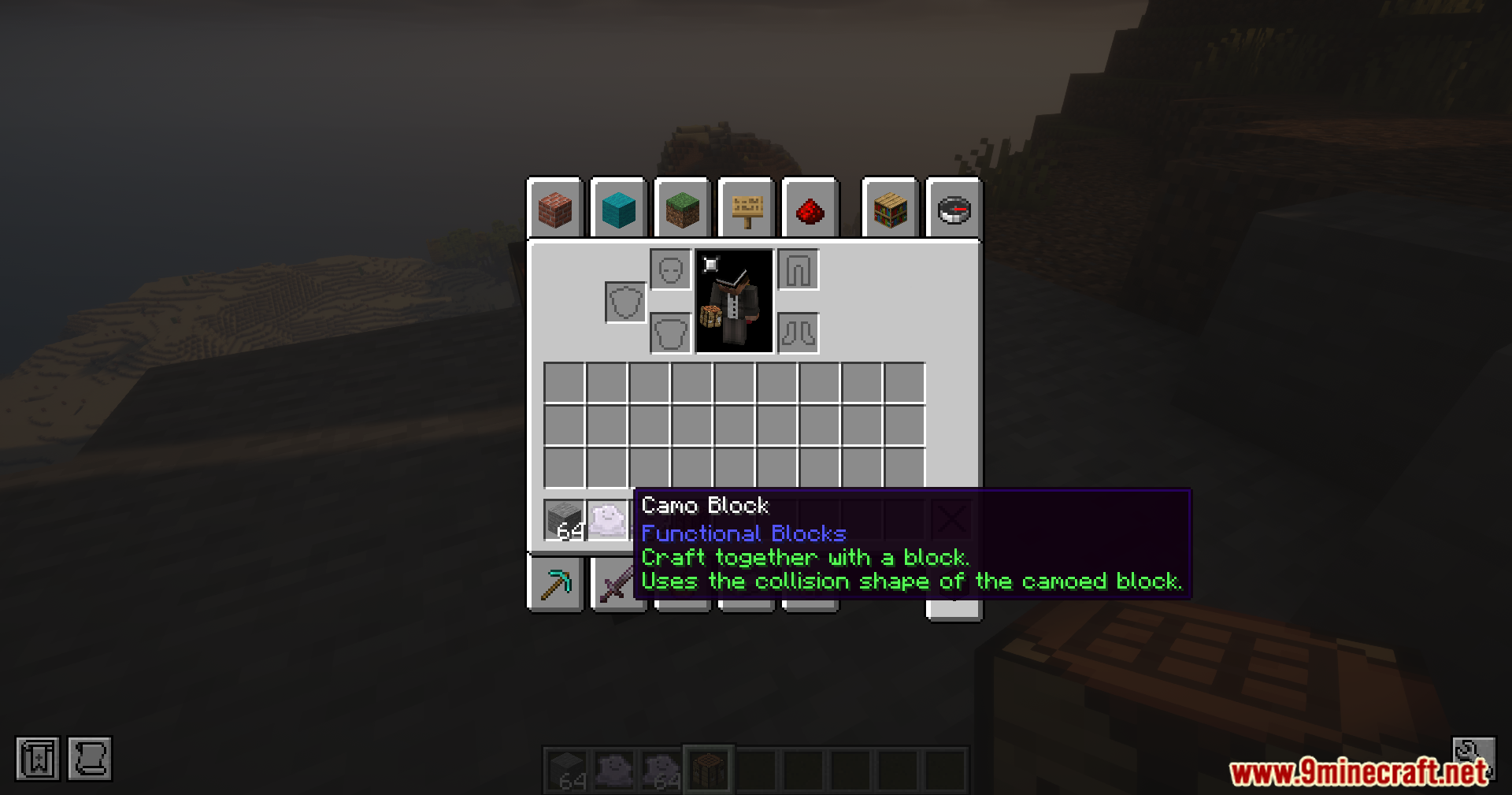
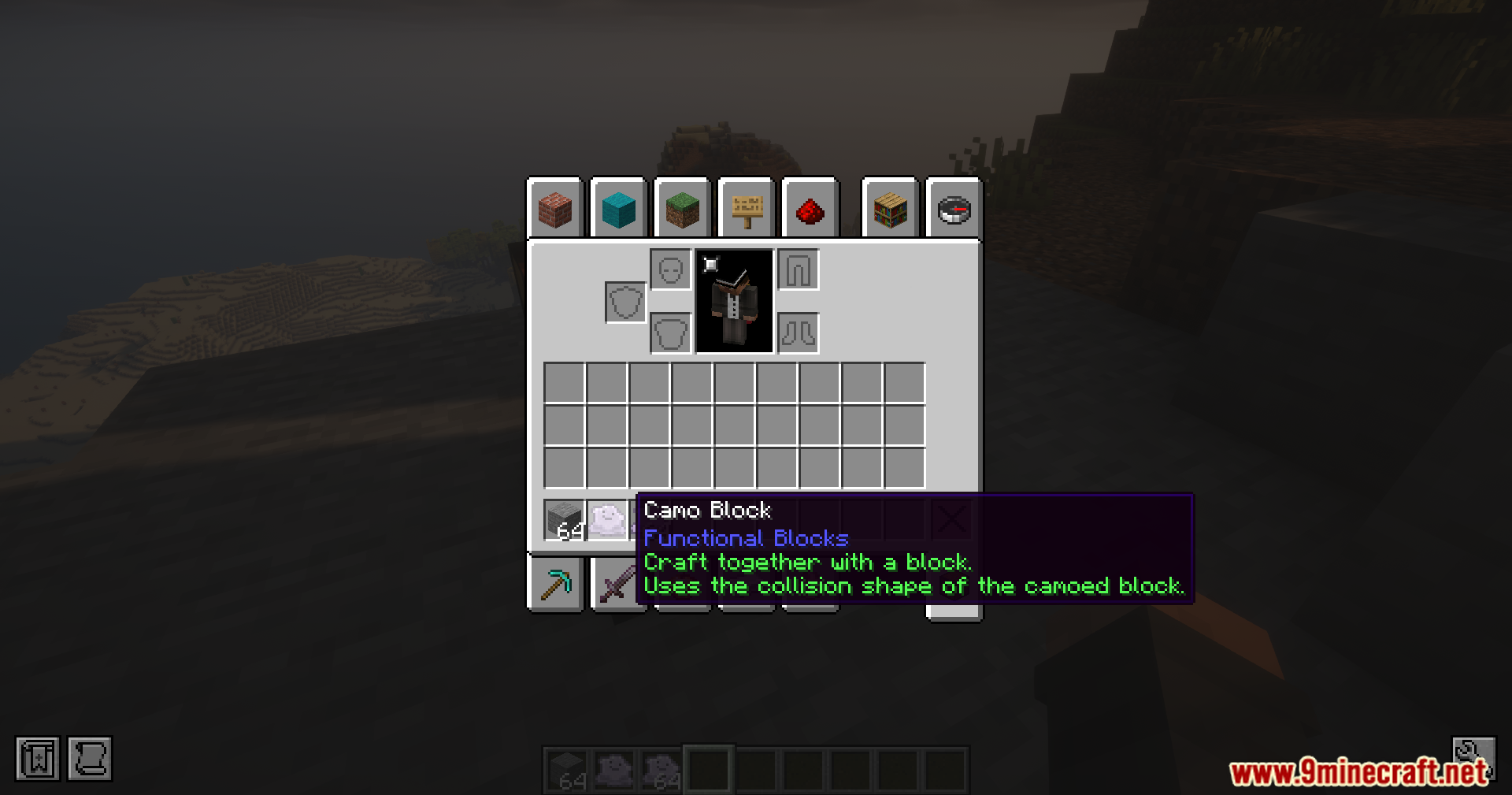
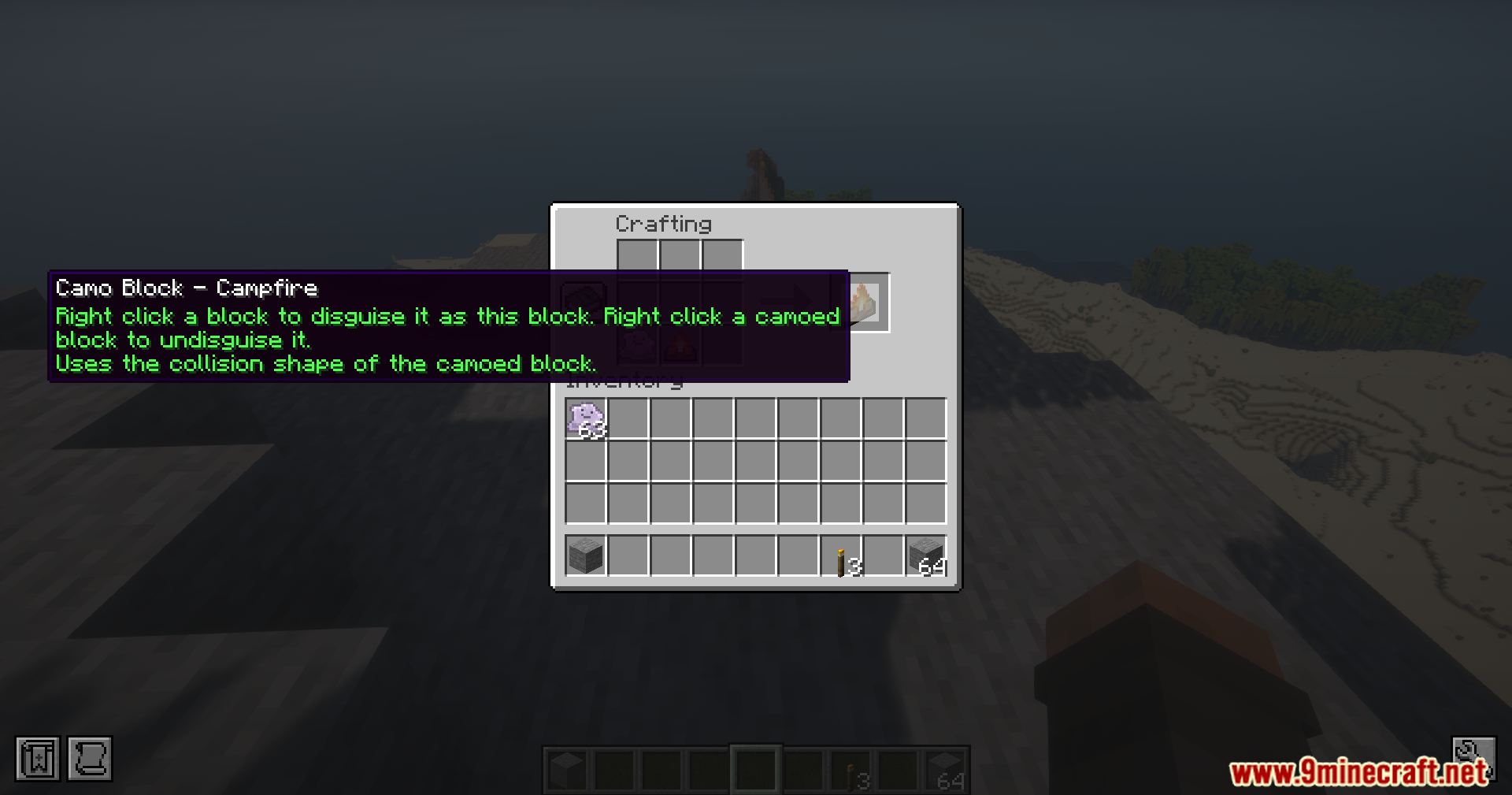
- Adds a new Camo Item that stores the texture of the block you want to copy.
- Players can hide messy wires, pipes, or traps behind fake stone or wood.
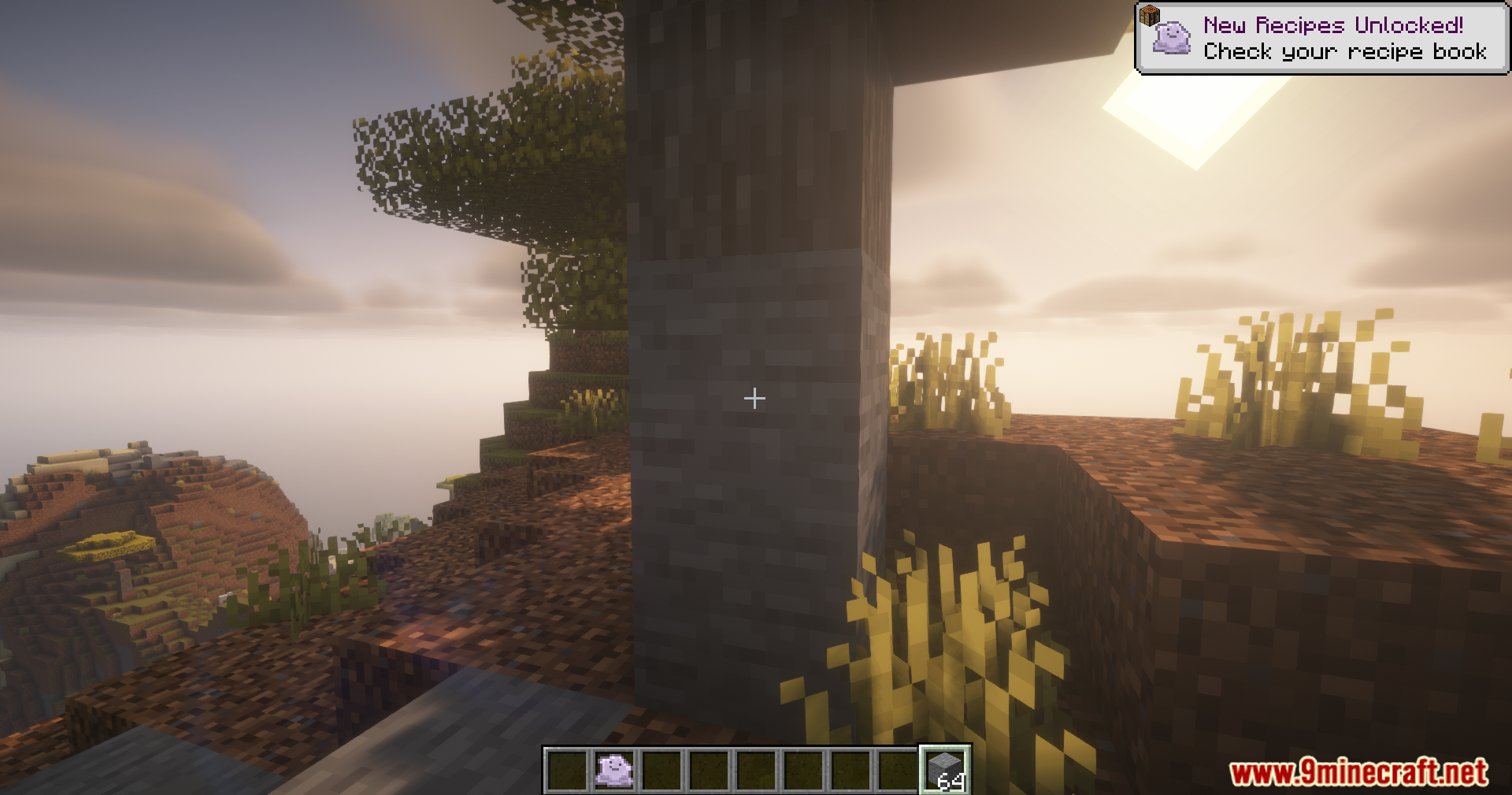
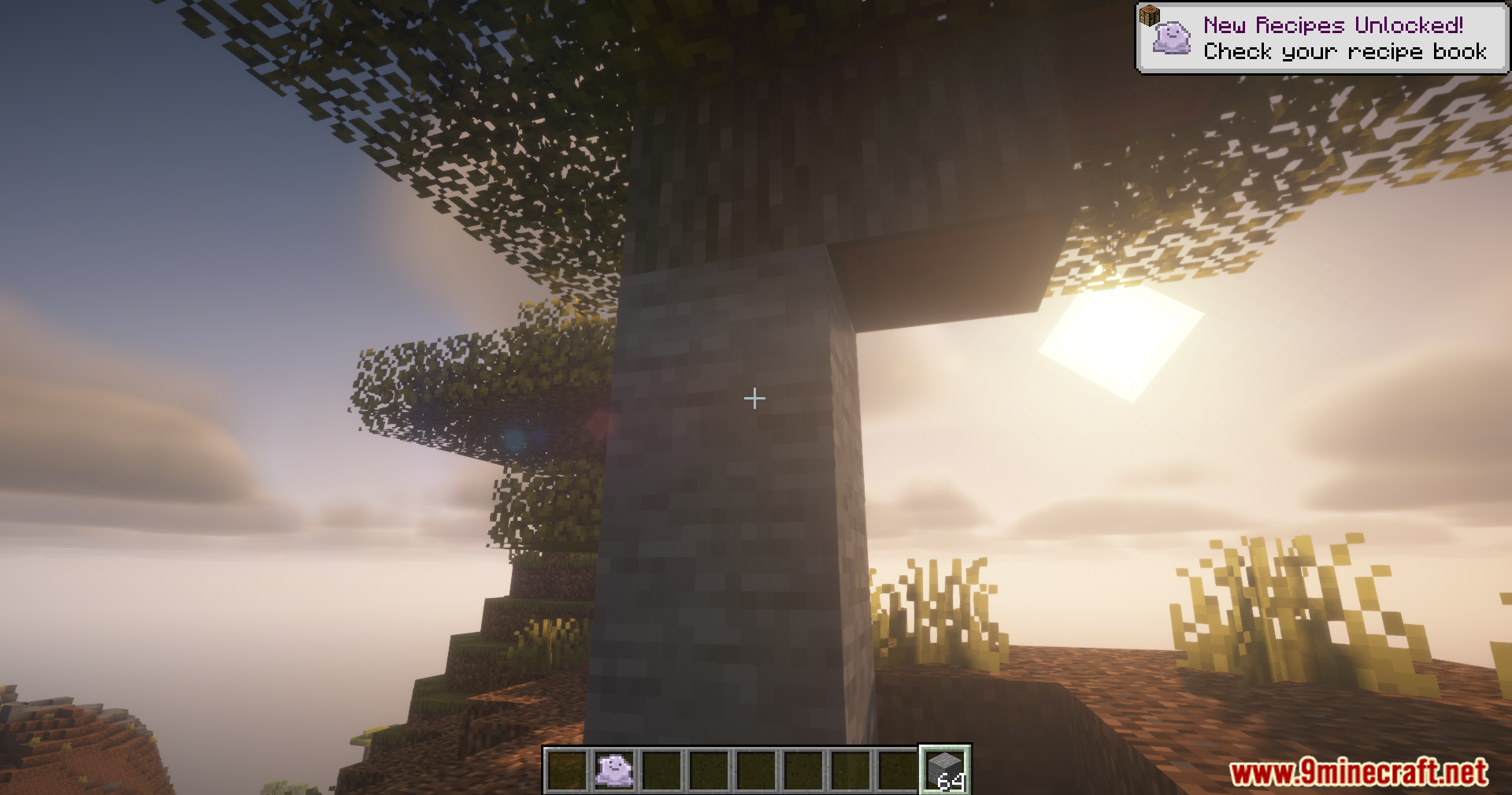
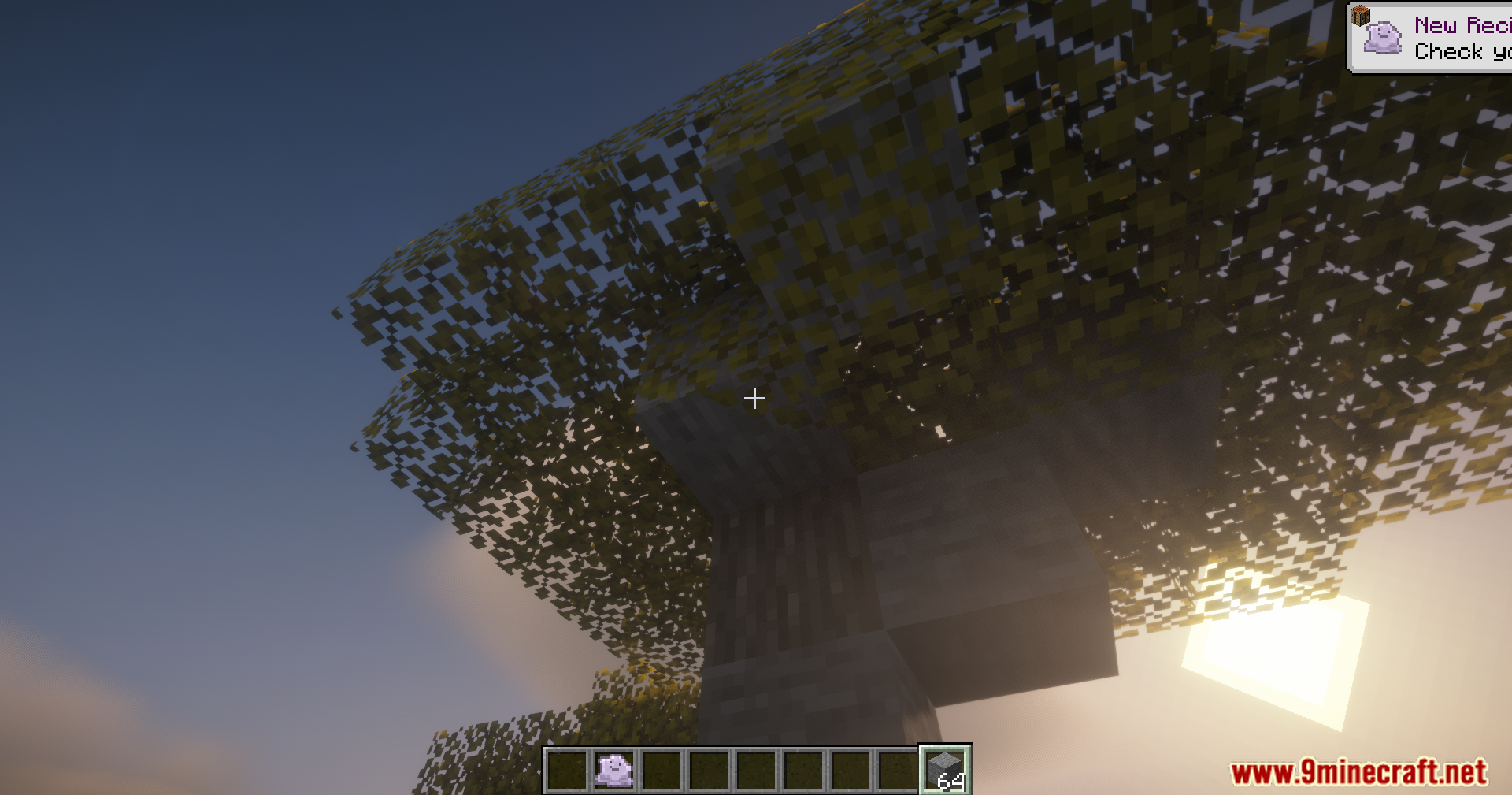
- Lets you build secret entrances to your hidden base that look like normal walls.
- You can quickly remove the fake cover by right-clicking the block with a Camo Item in your hand.
How to Use:
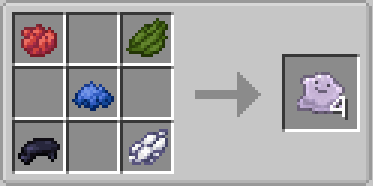
- Get the new Camo Item in your game.
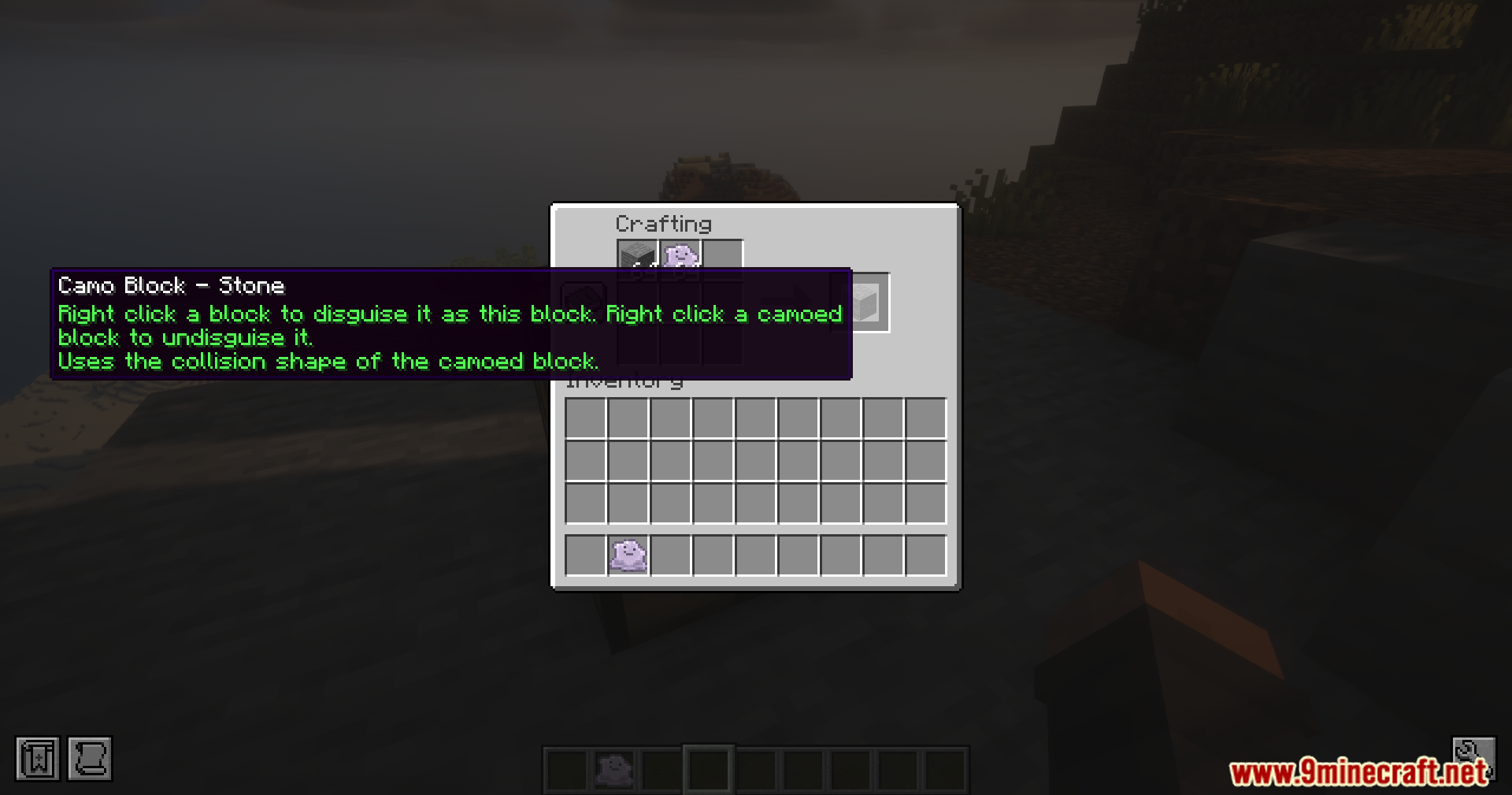
- Put the Camo Item and the block you want to copy (like a Dirt block) together in your crafting grid.
- Hold the new copied Camo Item and click on the block you want to hide.
- To take the disguise off, just right-click the hidden block while holding a Camo Item.
Screenshots:


How to Install:
New to Minecraft? Follow our step-by-step guide to install Mods on your PC.View Guide
Requirements:

Camol Mod Download Links
For Minecraft 26.1.2, 26.1.1, 26.1
For Minecraft 1.21.1, 1.21
Click to rate this post!
[Total: 1 Average: 5]
You May Also Like










This post has no comments yet. Be the first — your comment will appear here.