
CB: Compressed Blocks Mod (26.3, 1.20.1) – Shrink Massive Storage Rooms

 0


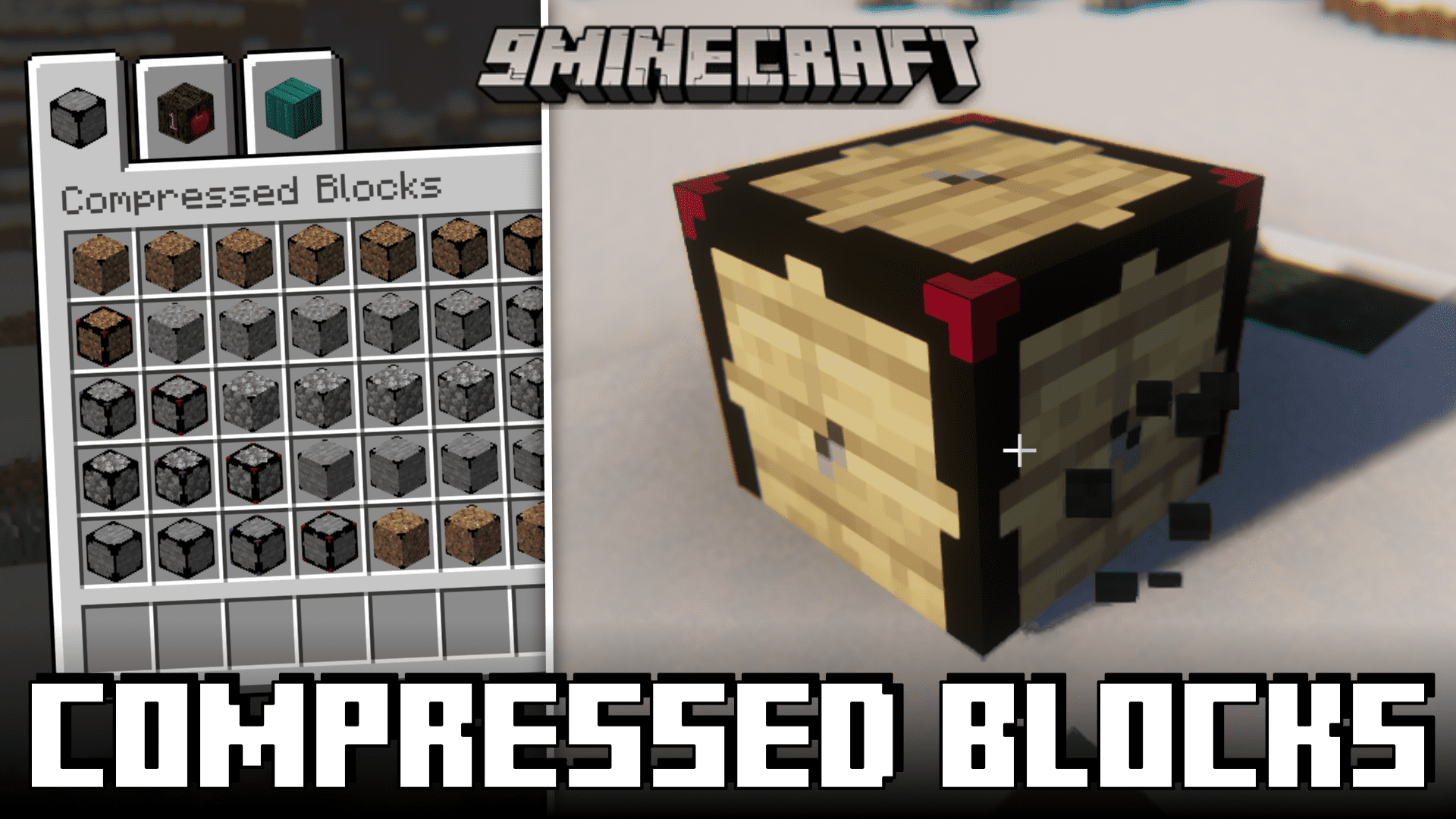
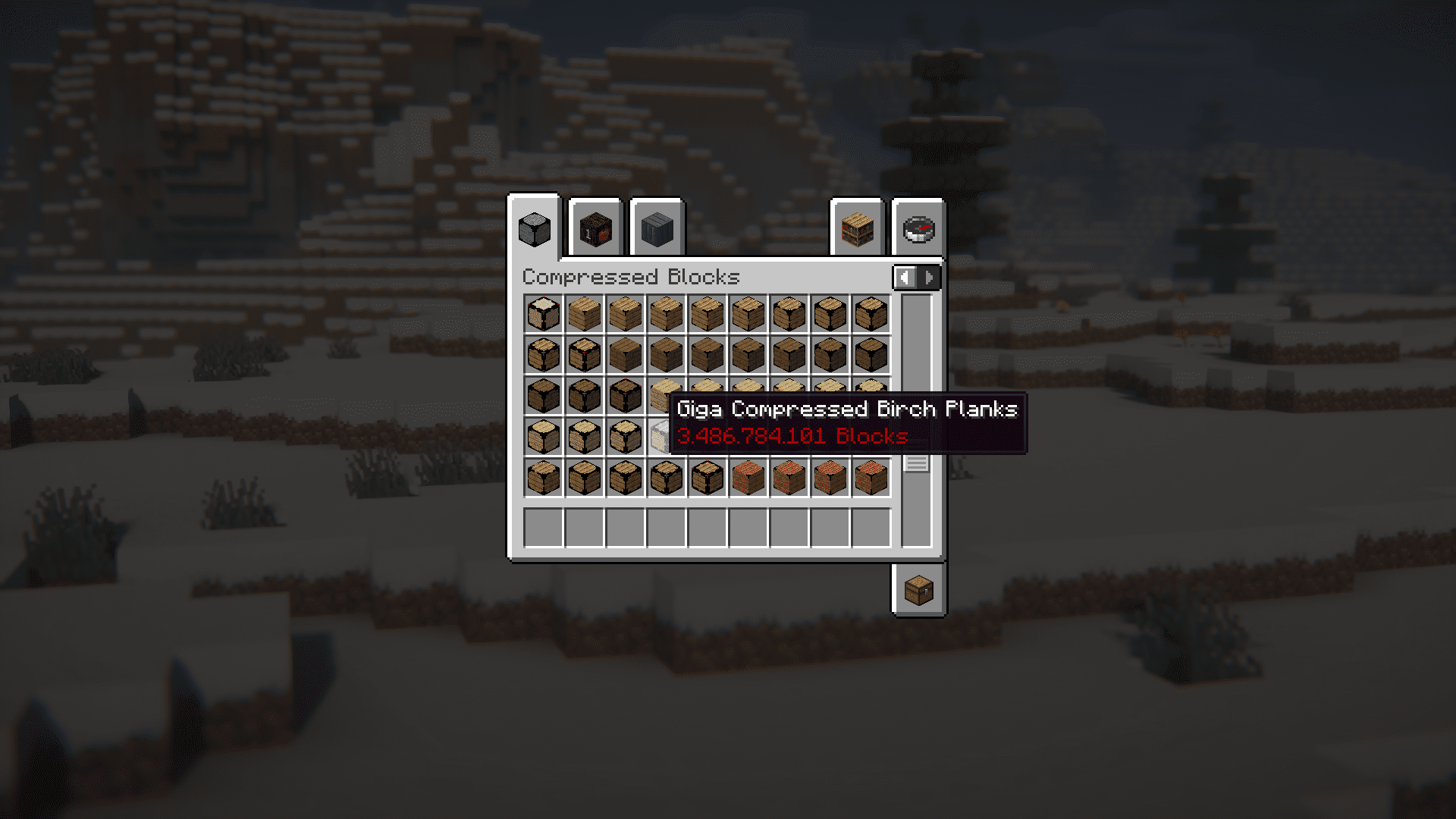
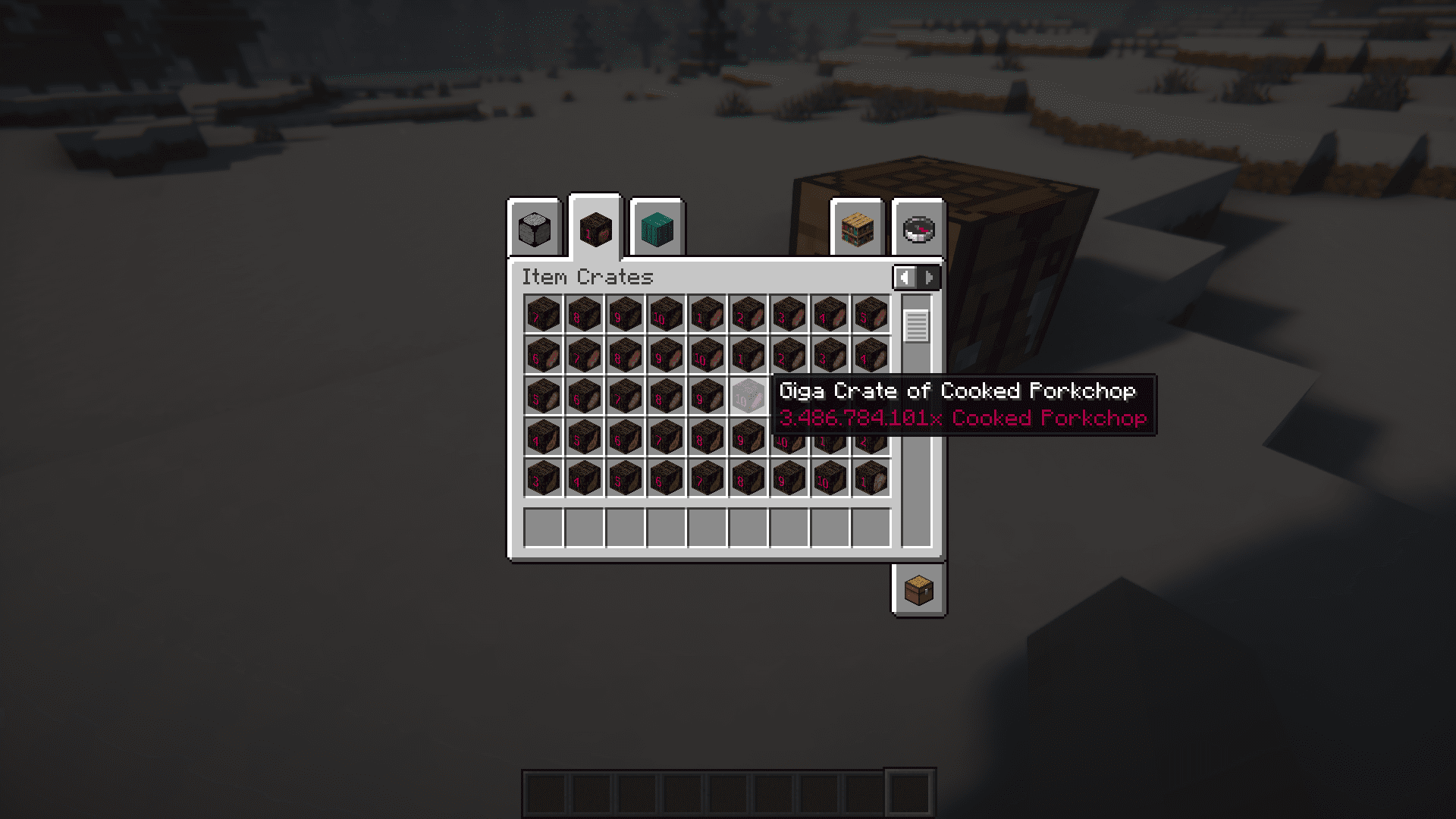
CB: Compressed Blocks Mod adds multi-level compression for blocks and items so you can save lots of storage space. You can pack matching blocks into compact, placeable units and store regular items inside space-saving crates. One max-level unit holds up to 3,486,784,401 original blocks or items across ten tiers. When you need your materials back, you can uncraft them at any time to get the original pieces. This mod makes moving whole storage rooms in shulker boxes and keeping up with large farm drops simple and clean.
Features:
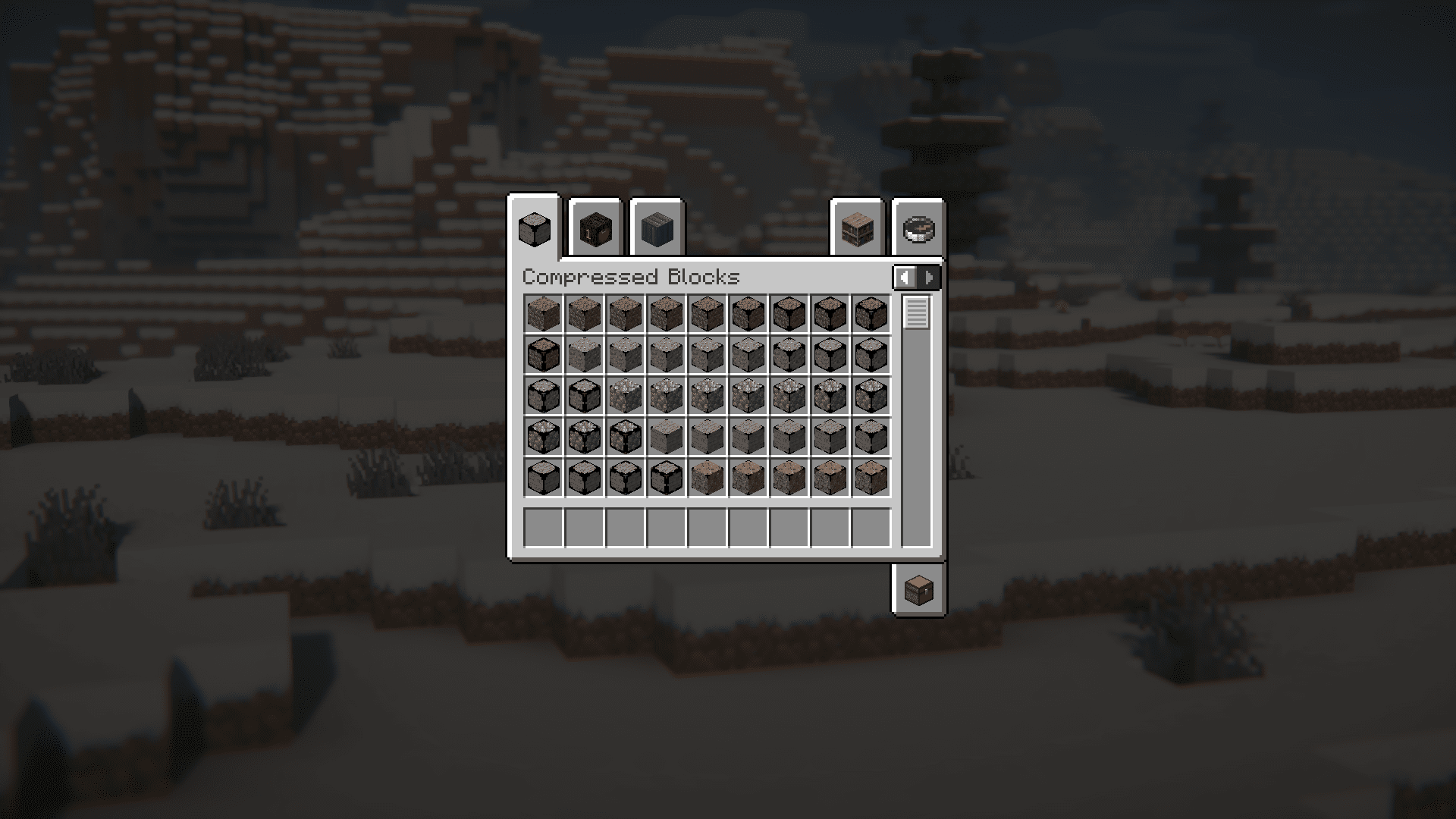
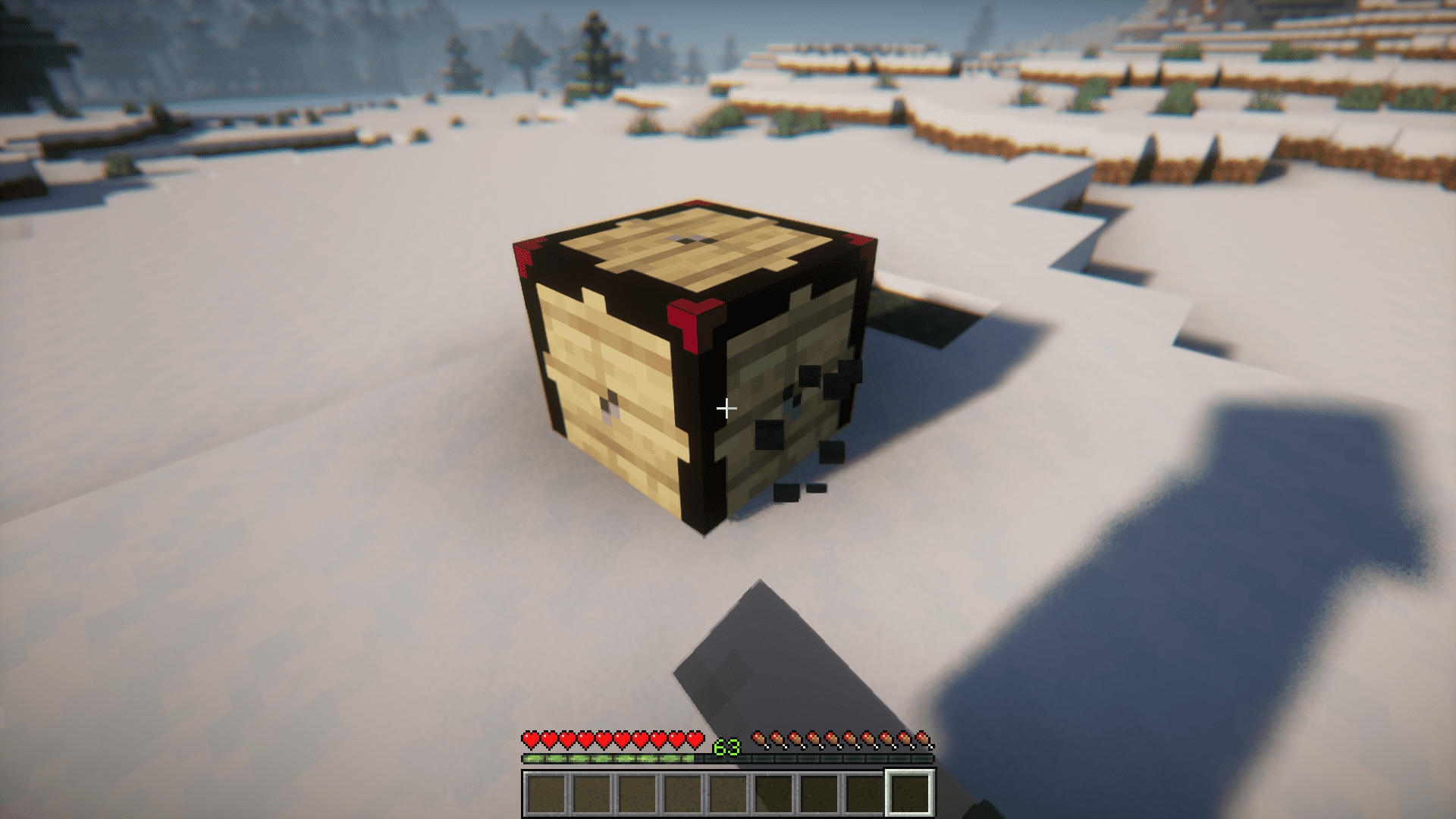
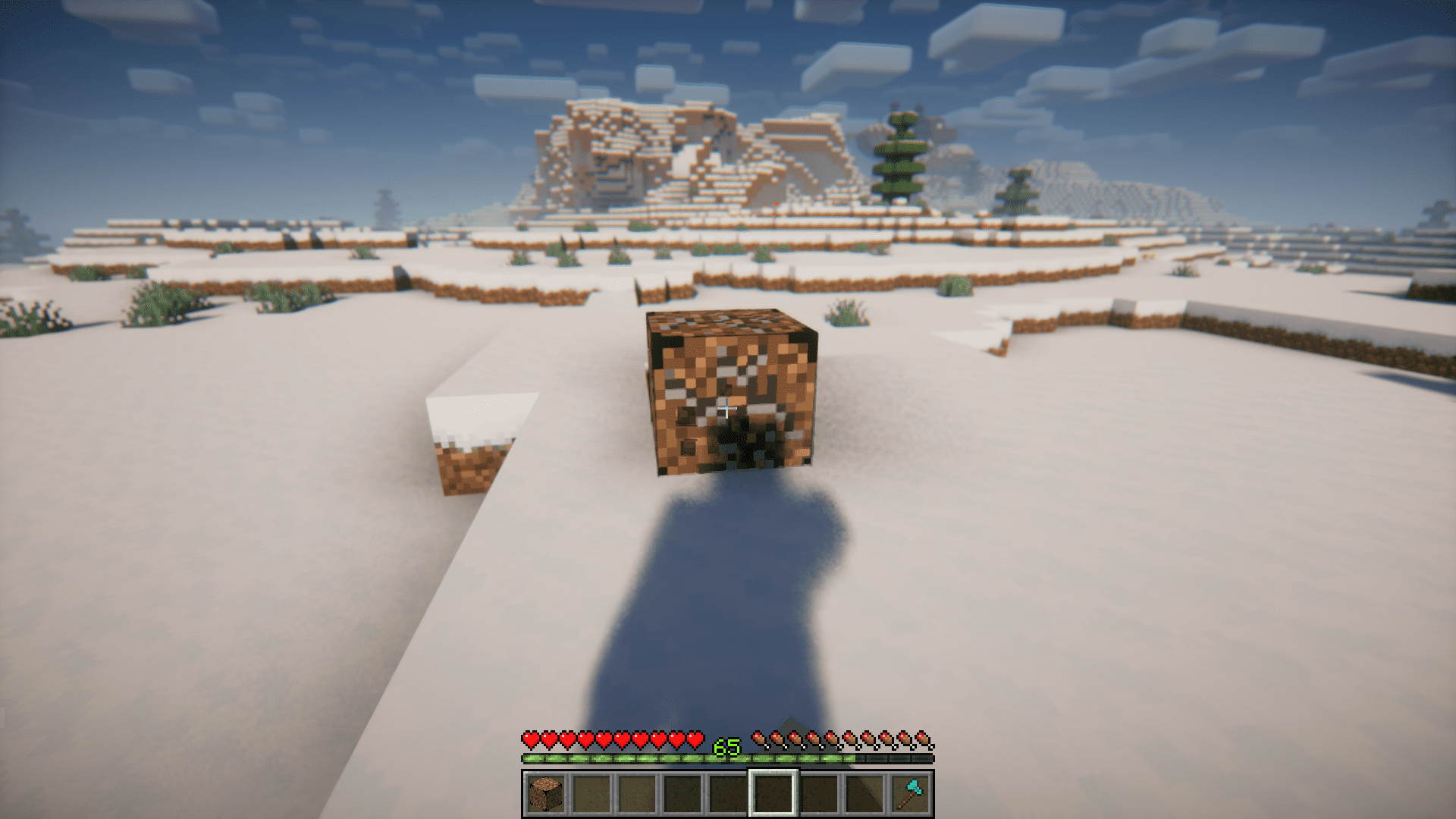
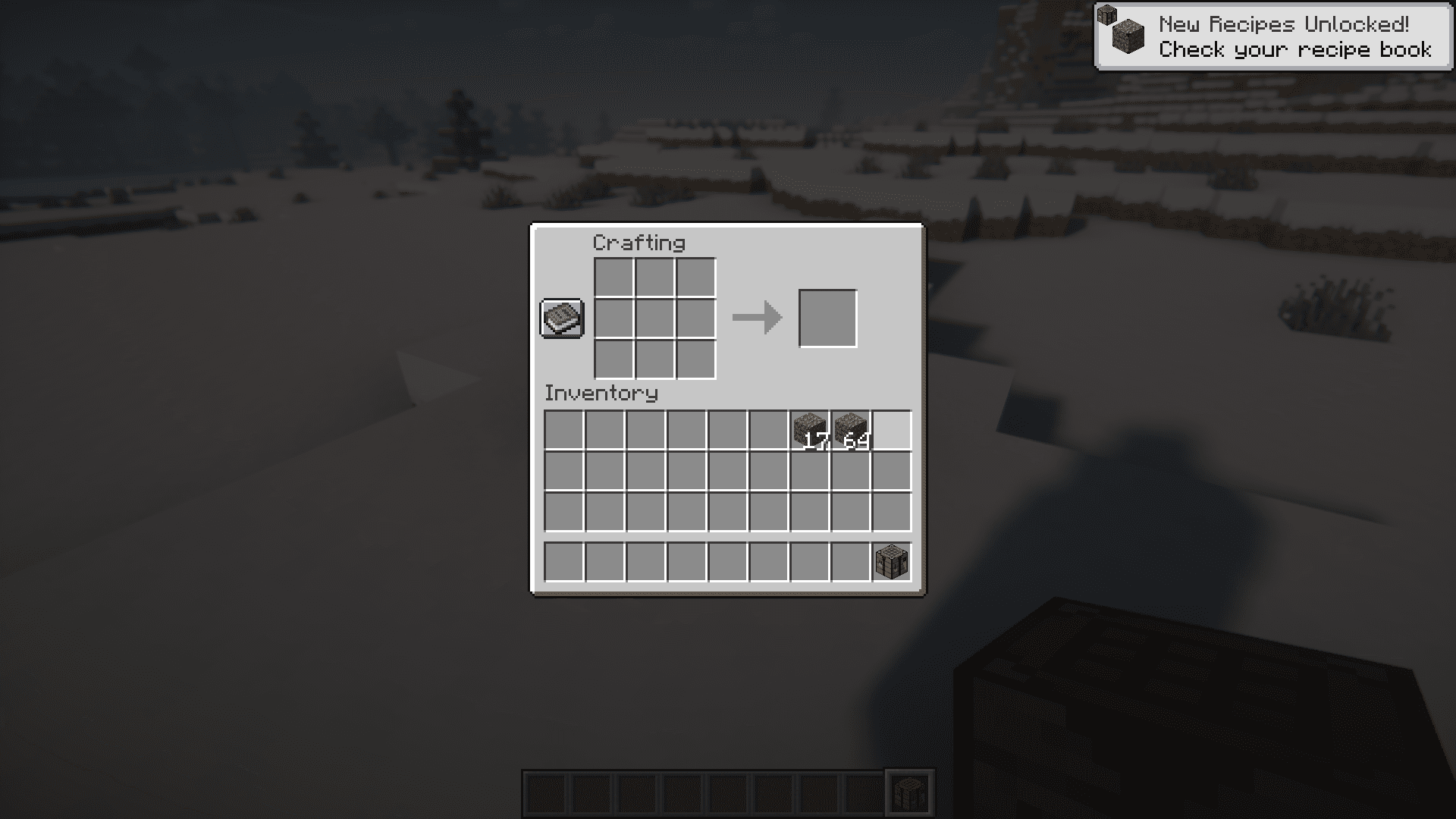
- Block Compression: Packs standard blocks into compact variants that you can still place and break right in the world.
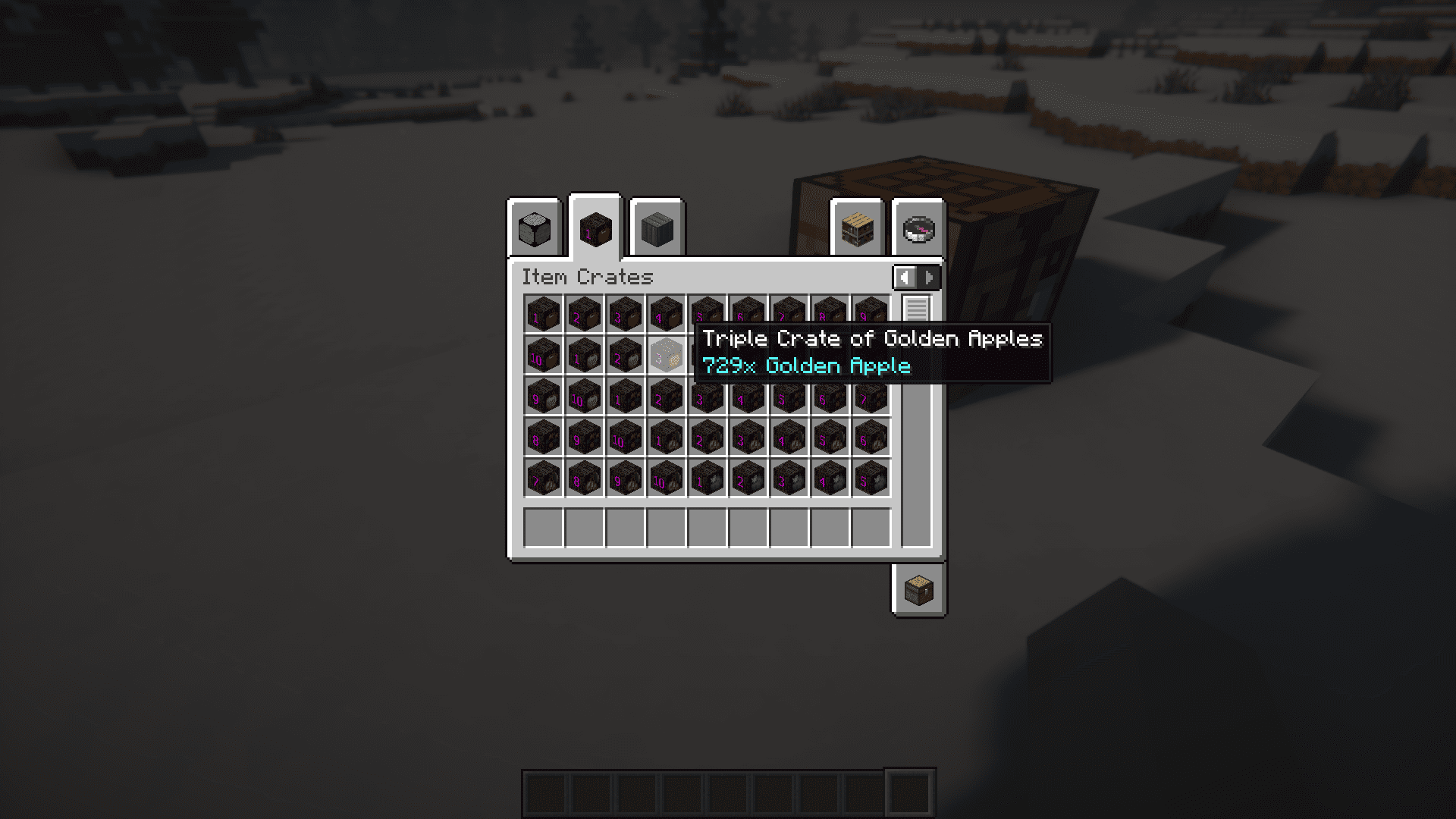
- Item Crates: Stores compressed items inside crates to cut down on inventory and chest clutter.
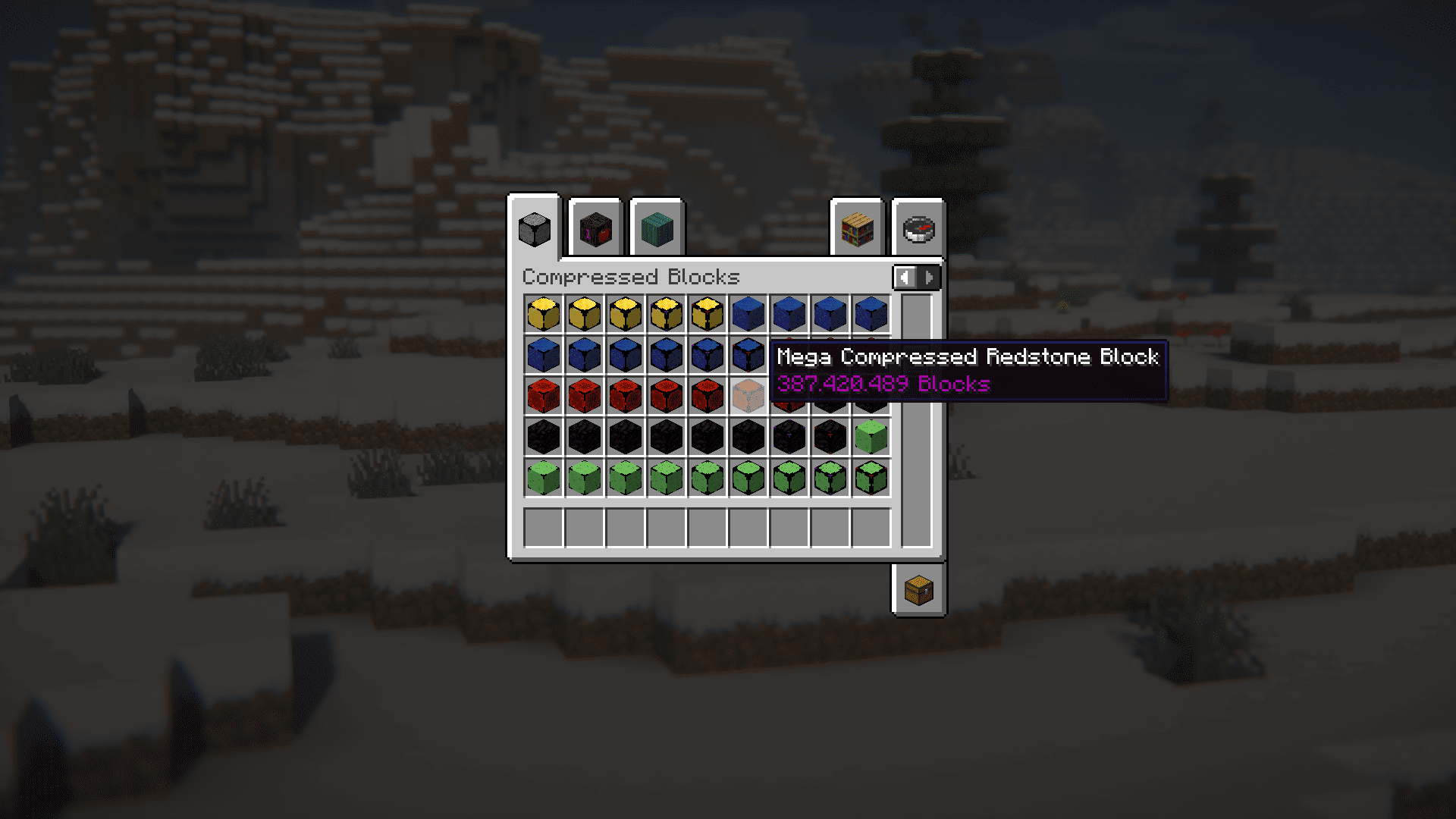
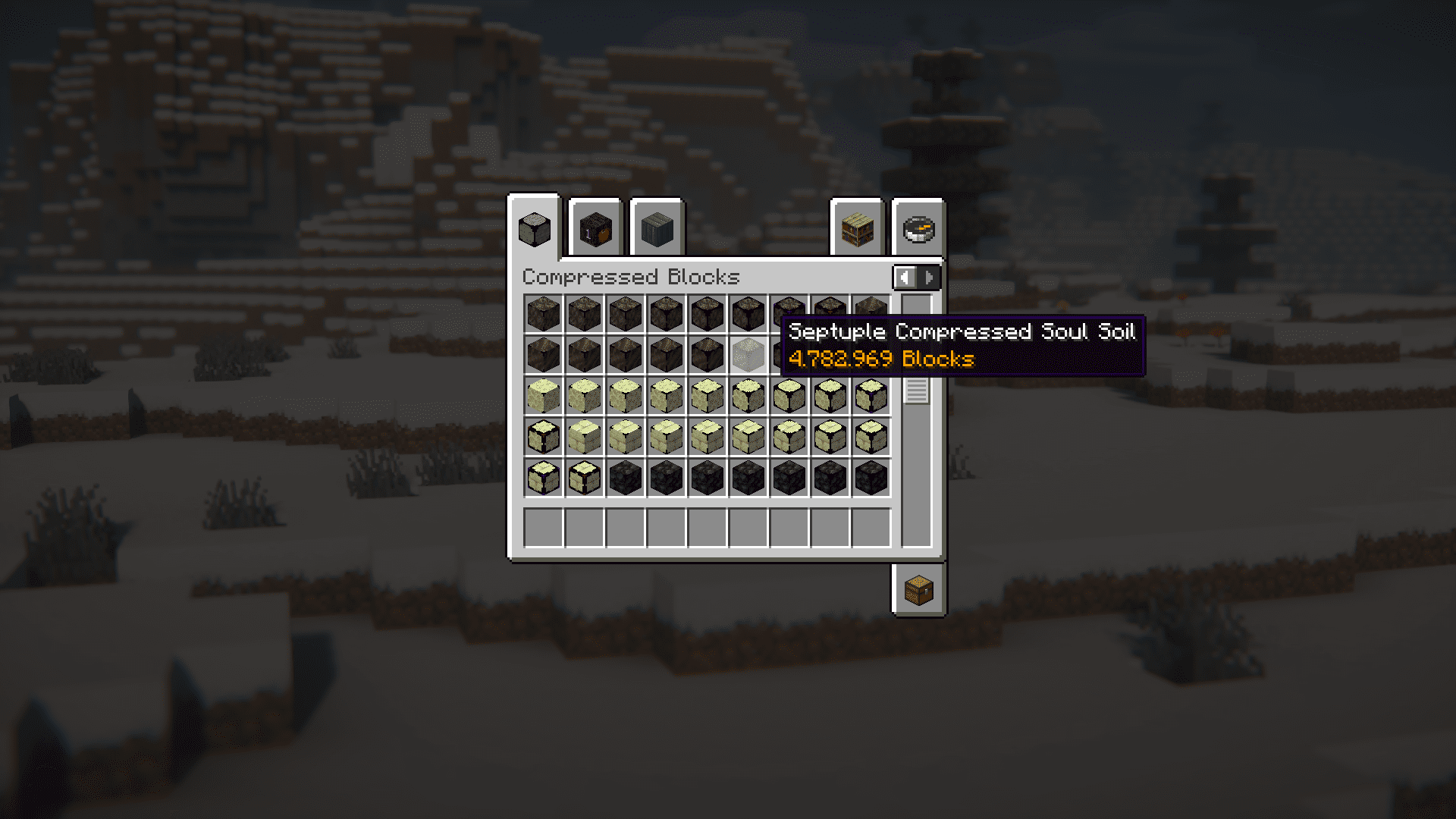
- Ten Compression Tiers: Lets you compress already compressed blocks and crates again and again, holding up to 3,486,784,401 original blocks or items in a single slot.
- Two Crafting Layouts: Uses a standard 3×3 crafting grid for most blocks and items, plus a 2×2 grid for items that already have a 3×3 recipe.
- Full Decompression: Reverses the crafting step at any time so you can recover all of your original blocks and items.
- Custom Mod Support: Supports extra blocks and items from other mods through JSONC config files and resource-pack assets, letting you add new IDs or replace built-in ones.
- Helps you pack entire storage systems into shulker boxes for easy moving.
- Handles huge amounts of overflow drops from big farms without needing hundreds of chests.
Configuration:
config/compressedblocks/blocks.jsonc: sets the default block compression entries and settings.config/compressedblocks/crates.jsonc: sets the default item crate entries and settings.config/compressedblocks/custom_blocks.jsonc: adds optional custom block compression entries or replaces default ones with the same ID.config/compressedblocks/custom_crates.jsonc: adds optional custom item crate entries or replaces default ones with the same ID.
On Forge, this mod reads these JSONC files directly and copies the default files automatically if they are missing. On NeoForge and Fabric, saved loader config values override the JSONC defaults, while custom entries still load from the custom JSONC files.
How to Use:
- Open a crafting table to access the standard 3×3 crafting grid.
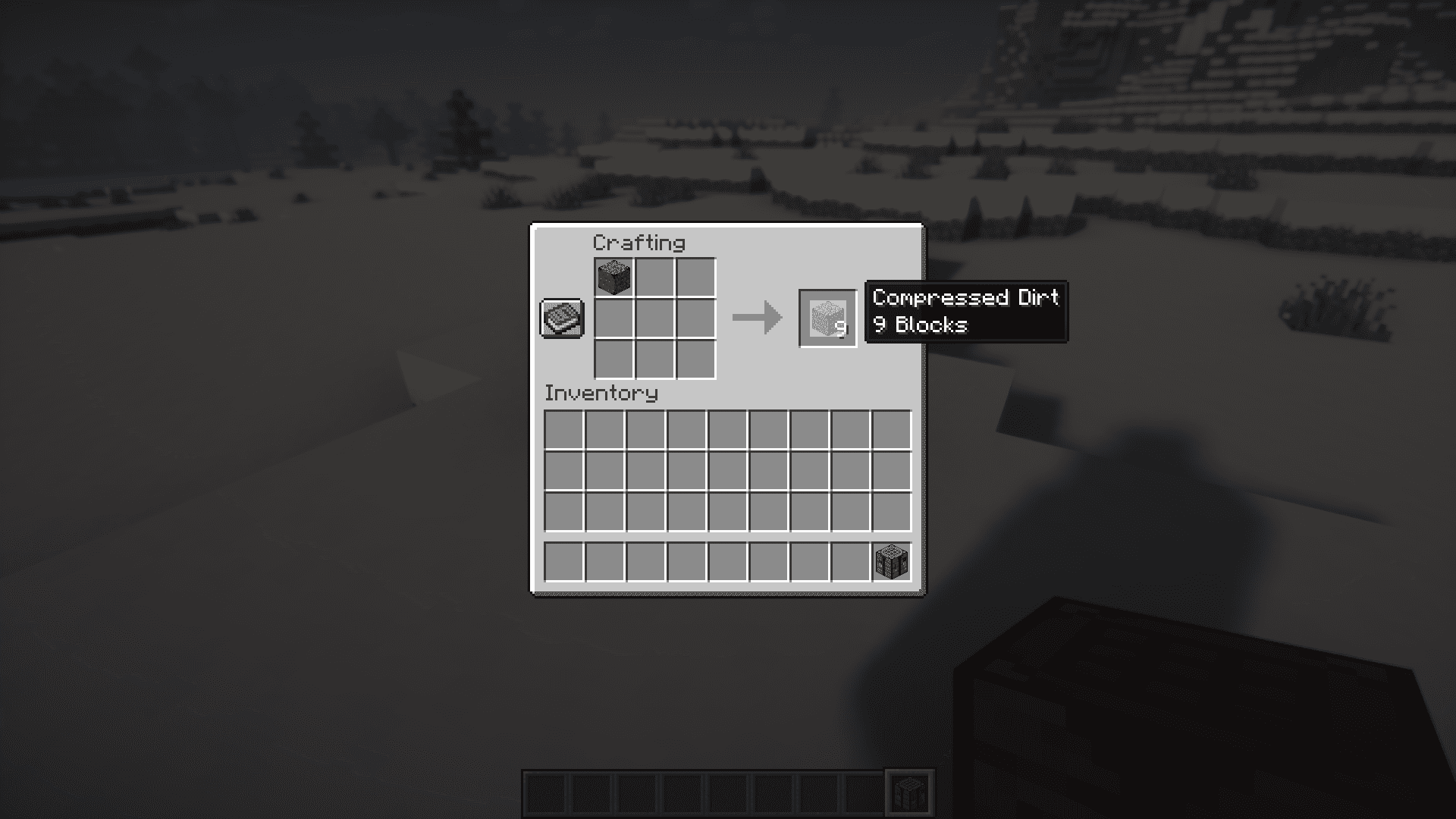
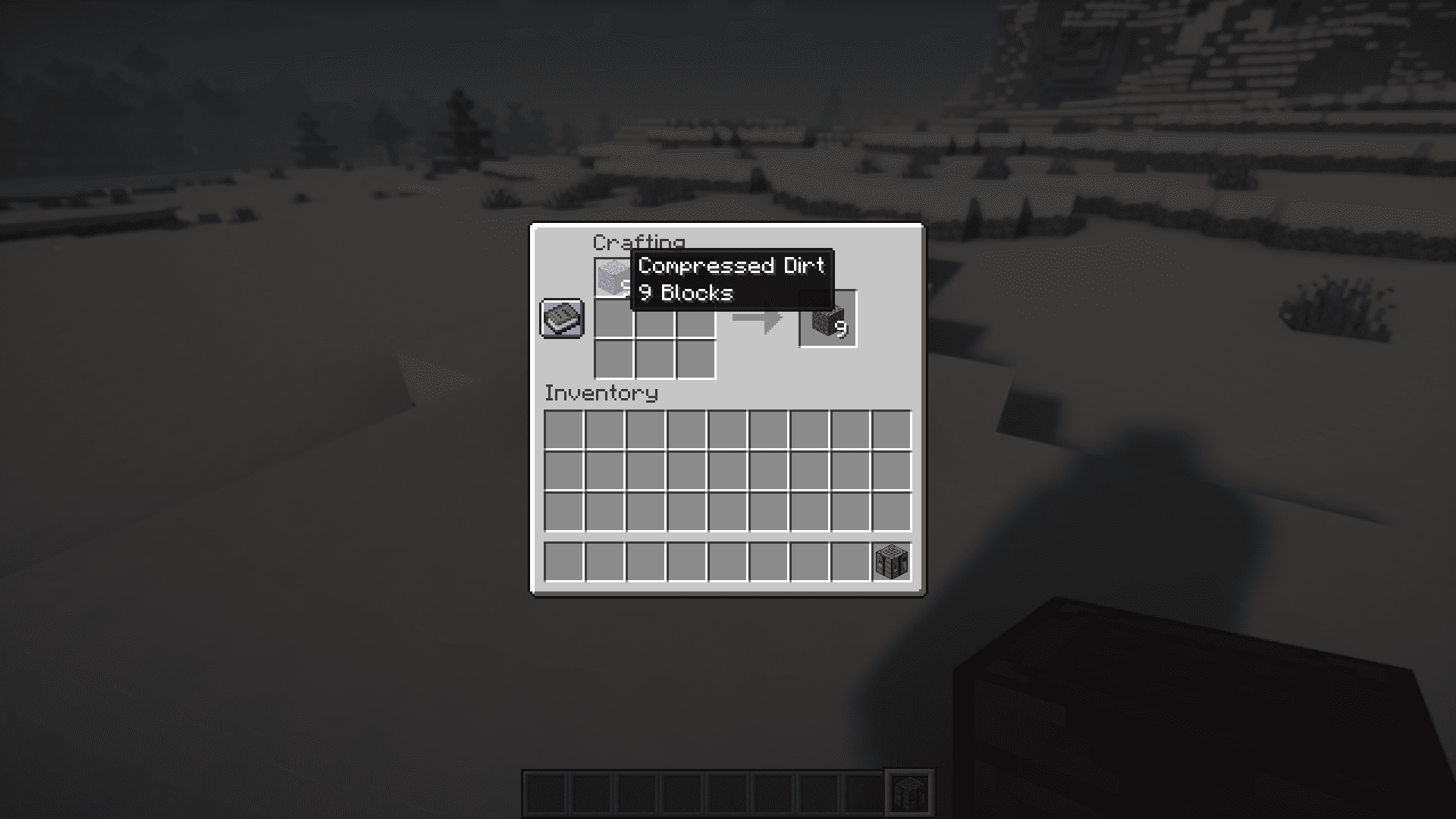
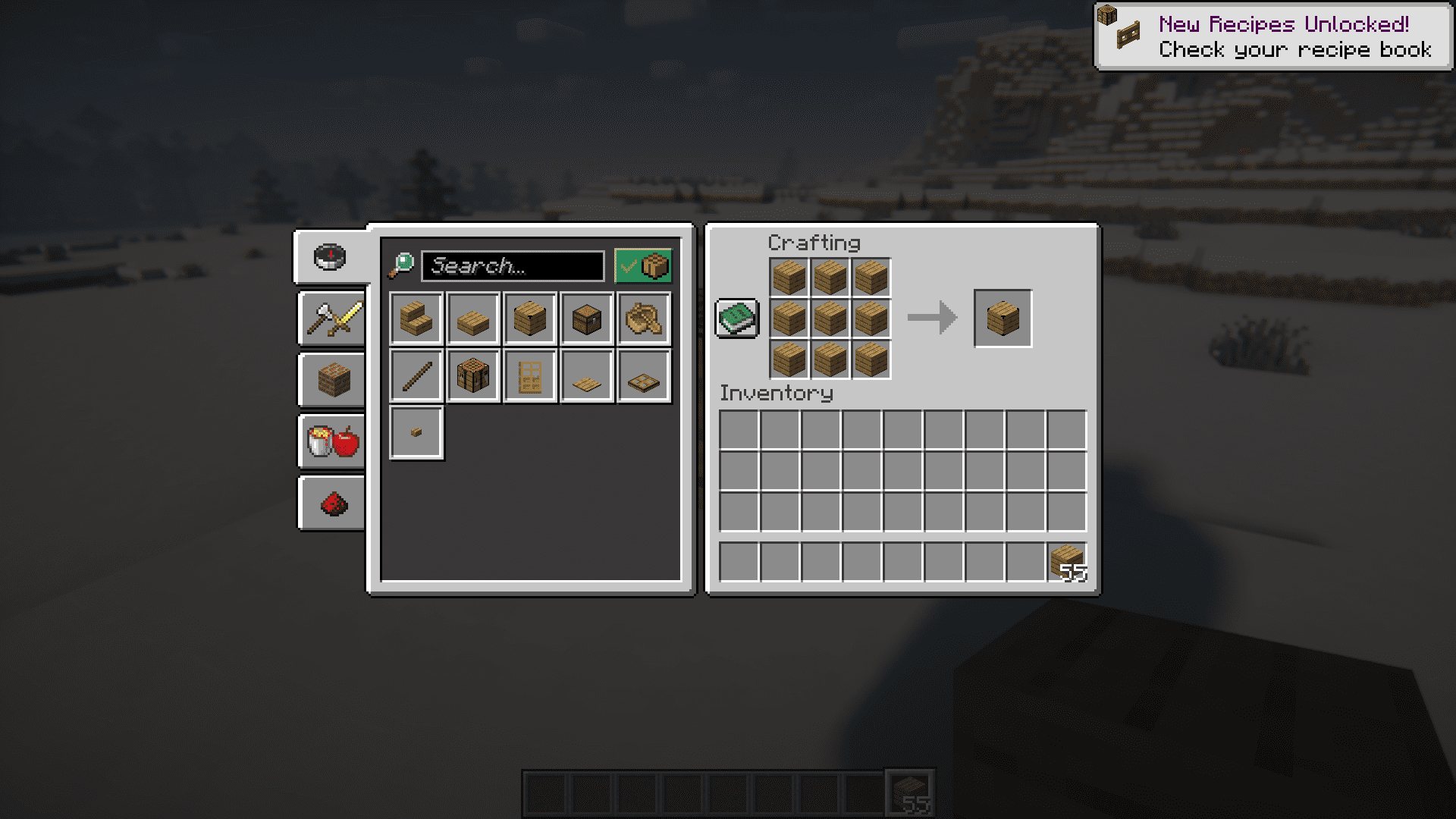
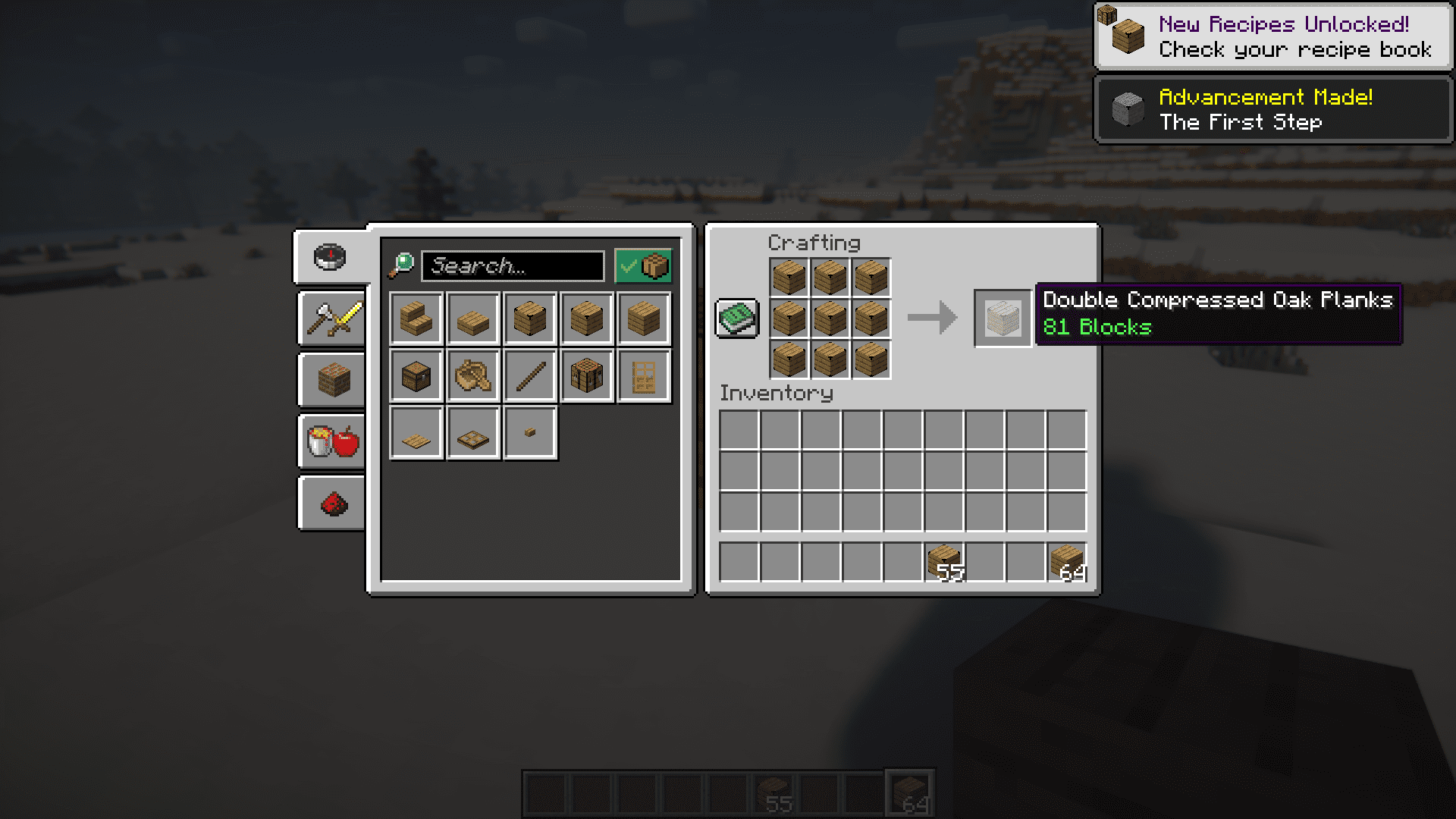
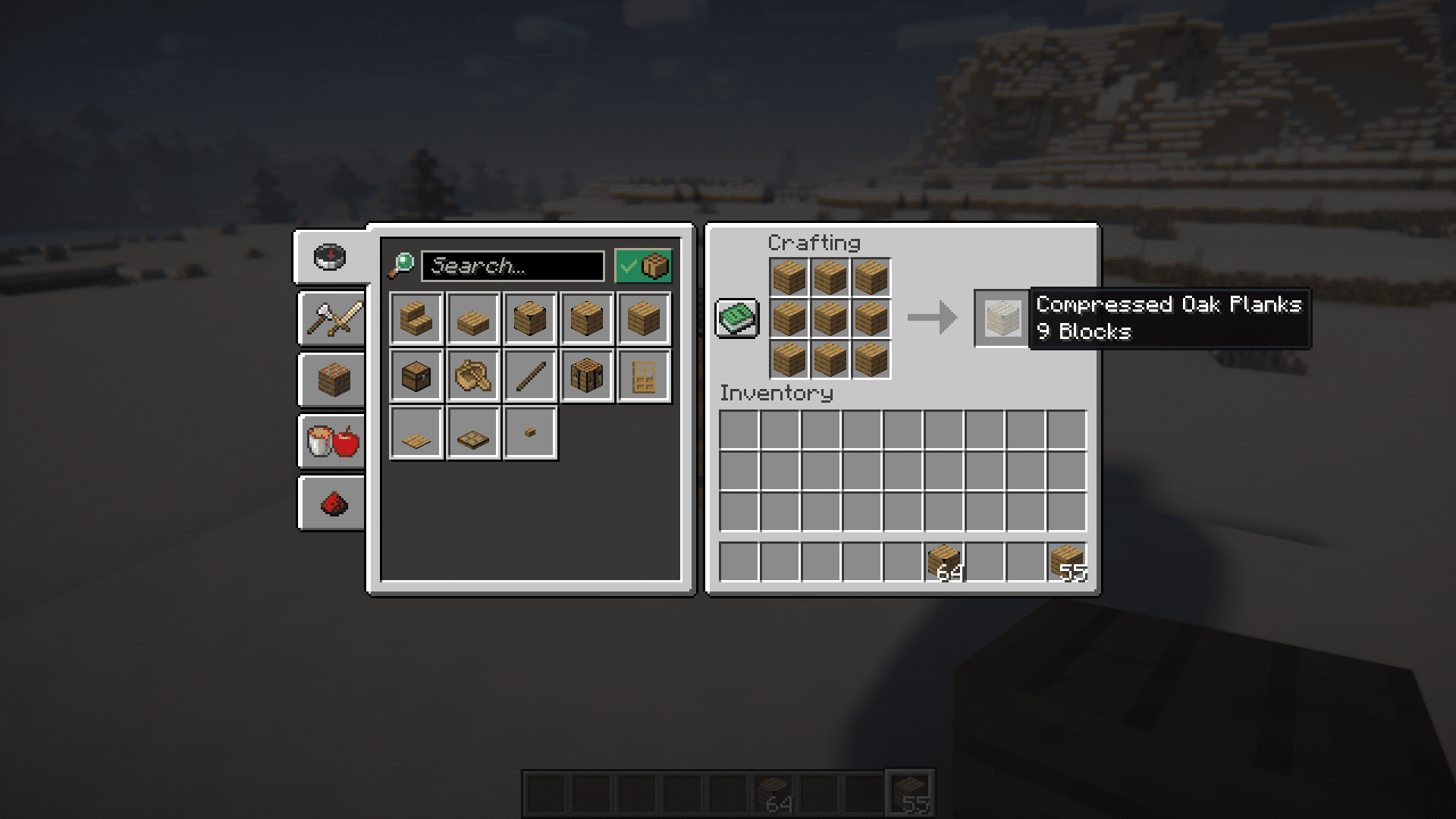
- Fill all nine slots with identical blocks or items to craft a compressed block or item crate.
- Use a 2×2 crafting grid instead when compressing blocks or items that already have a 3×3 crafting recipe.
- Combine nine compressed blocks or crates of the same level in the crafting grid to reach higher tiers, up to ten levels in total.
- Place compressed blocks in the world like normal blocks, or keep item crates in chests and shulker boxes to save space.
- Put any compressed block or crate back into a crafting grid to decompress it into the previous tier or your original items.
- Edit
custom_blocks.jsoncorcustom_crates.jsoncinsideconfig/compressedblocks/and add matching resource-pack assets if you want to include blocks or items from other mods.
Screenshots:
How to Install:
New to Minecraft? Follow our step-by-step guide to install Mods on your PC.View Guide



CB: Compressed Blocks Mod Download Links
For Minecraft
26.3,
26.2,
26.1.2
All Versions Covered
26.3
26.2
26.1.2
26.1.1
26.1
For Minecraft 1.21.11
For Minecraft
1.21.10,
1.21.9,
1.21.8
All Versions Covered
1.21.10
1.21.9
1.21.8
1.21.7
1.21.6
For Minecraft 1.21.5
For Minecraft 1.21.4
For Minecraft 1.21.1, 1.21
For Minecraft 1.20.6
For Minecraft 1.20.4
For Minecraft 1.20.1, 1.20
For Minecraft 1.19.4
For Minecraft 1.19.2
For Minecraft 1.18.2, 1.18.1, 1.18
For Minecraft 1.17.1
For Minecraft 1.16.5
For Minecraft 1.15.2
For Minecraft 1.14.4
How much RAM do you usually allocate to a modded Minecraft profile?
10 responses · See the full results →
You May Also Like
Picked for this page
 Easy Villagers Mod (26.3, 1.20.1) – Never Get Annoyed by Villagers Again
 Extended Crafting Mod (26.1.2, 1.20.1) – Some New Ways to Craft Items
 Miner’s Helmet Mod (26.1.2, 1.16.5) – Helmet with Dynamic Lighting
 Smaller Nether Portals Mod (26.3, 1.20.1) – 1×2, 1×3, 2×2… Portals
 Horse Statistics Mod (26.3, 1.20.1) – Attribute Display, Taming Assistance
 PandaLib Mod (1.21.11, 1.20.1) – Library for ThePandaOliver’s Mods
 Compact Machines Mod (1.21.8, 1.20.1) – Build a Factory in a Block
 Wrenchest Mod (1.21.11, 1.20.1) – Easier Connect Chests Together
 CoffeeG’s Wall Climbing Mod (1.21.11, 1.20.1) – Climb Walls Like A Pro
 IkkatsuHakai Shovel Mod (26.3, 1.20.1) – Break Multiple Blocks Quickly
 Invariable Paintings Mod (26.2, 1.20.1) – Improvements With Paintings
 Sophisticated Item Actions Mod (26.3, 1.20.1) – Move Items Without Opening Chests
Most viewed in Mods over the last 7 days
 Ala Industrial Mod (26.3) – Run Electric Power Grids and Automated Factories
 PleasureCraft Mod (26.3, 1.21.1) – Jenny Mod Remake for Fabric
 Jennycraft Mod (26.3, 1.20.1) – Virtual Girlfriend in Minecraft
 Fapcraft Mod (26.3, 1.12.2) – Comprehensive and Detailed Content
 Jenny Mod (Fapcraft) Official Complete Guide – How to use, Tutorial
 BangCraft Mod (1.20.1) – Jenny, Ellie and Elliot
 Fabric Loader (26.3, 1.20.1) – Fabric Installer for All Minecraft Versions
 Meteor Client Mod (26.3, 1.20.1) – Xray, HUD, Fly
 The Shooting Star Demo Mod (26.3, 1.20.1) – Vaporize Terrain From Orbit
 OptiFine HD (26.3, 1.20.1) – Run Faster, FPS Boost, Shaders Support
 Aristois Client Mod (1.21.4, 1.20.1) – World Class Minecraft Utility
 Prestige Client Mod (1.21.11, 1.21.4) – Powerful Ghost Features for Crystal & Sword PvP
More from Mods
 Kaleidoscope Cookery Refabricated Mod (26.3, 1.20.1) – Cook Hearty Meals
 Minecraft MusicBox Mod (1.21.12) – Play Your Favorite Songs While Mining and Building
 MTR Navigation Mod (1.21.1) – Plan Railway Trips and Never Miss a Train Stop
 TheHouse Mod (1.21.11) – Host Casino Tables and Track Every Bet in Real Time
 CinematicInteractions Mod (1.21.1) – Watch Your Hands Work at Every Crafting Table
 Earth Platform Mod (1.21.1) – Travel Across Real Continents in a True Scale World
 Taunahi Mod (26.1.2) – Automate Daily Farming and Slayers in Hypixel Skyblock
 HORROR Fake Join Leave Messages Mod (1.20.1) – Trigger Creepy Chat Scares
 Bons Voyage Mod (1.20.1) – Teleport Across Biomes Through Hidden Waystones
 Orbital Railgun UPDATED Mod (26.3) – Flatten Giant Landscapes From Space
 Automobility Autoradio Mod (26.3, 26.1.2) – Trade Custom Mixtapes with Friends
 Towers of the Wild 9minecraft Mod (26.3, 26.2) – Climb Tall Towers for Loot

This post has no comments yet. Be the first — your comment will appear here.