
CompixelUI Mod (26.3, 1.20.1) – Style Your Mod Menus with Crisp Pixel Color
 3
 0

CompixelUI Mod brings Jetpack Compose to Minecraft Java Edition so other mods can build clean custom screens. It works as a library and adds nothing to the game on its own. When you run it alongside mods that need it, you get crisp pixel menus, real item slots, and adjustable color schemes.

Features:
- Pixel-Style Screens: Adds crisp buttons, sliders, tabs, menus, tooltips, and windows that fit the classic look of Minecraft.
- Custom Color Schemes: Lets you switch between built-in Light and Twilight themes, edit any color or opacity in-game, and export your colors as a resource pack.
- Vanilla-Style Inventories: Keeps normal clicking, dragging, and shift-clicking actions while working alongside recipe viewers and other inventory mods.
- Shows real item icons with full animations, enchantment glints, and standard inventory tooltips.
- Handles text fields properly by matching your keyboard layout and allowing text selection, copy and paste, plus input methods for languages like Chinese and Japanese.
- Draws screens directly on your GPU through the game’s graphics API, including Vulkan on Minecraft 26.2 and 26.3.
Configuration:
assets/compixel/compixel/schemes.json: changes default color schemes inside a resource pack.-Dcompixel.backend=cpu: makes the mod draw screens on your CPU instead of your graphics card when added to your launcher JVM arguments.
Example resource pack file to set the built-in Twilight scheme as default:
{
  "format": 1,
  "default": "twilight"
}
How to Use:
- Open the mod list in Minecraft and click the Config button for this mod to open its color editor.
- Switch between preset schemes like Light and Twilight, or change individual colors and their opacity.
- Export your custom colors as a resource pack, or press F3+T in-game to reload active scheme packs.
How to Install:
New to Minecraft? Follow our step-by-step guide to install Mods on your PC.View Guide
Requirements:
CompixelUI Mod Download Links
For Minecraft 26.3
For Minecraft 26.2
For Minecraft 26.1.2, 26.1.1, 26.1
For Minecraft 1.21.1, 1.21
For Minecraft 1.20.1, 1.20
Click to rate this post!
[Total: 0 Average: 0]
You May Also Like
Picked for this page
 Global DataPacks Resourcepacks Mod (26.3, 1.20.1) – Global Packs Mod
 Wormhole Portals Mod (26.3, 1.20.1) – Interdimensional Portals of Any Size, Shape and Color
 Name Tag Upgrade Mod (26.3, 1.21.1) – Rename Mobs Anywhere Without Anvils or XP
 Better Melon Mod (26.3, 1.20.1) – Eat Melons Slice By Slice and Carve Glowing
 Biome Spy Mod (26.1.2, 1.20.1) – Speeds Up Biome Searching
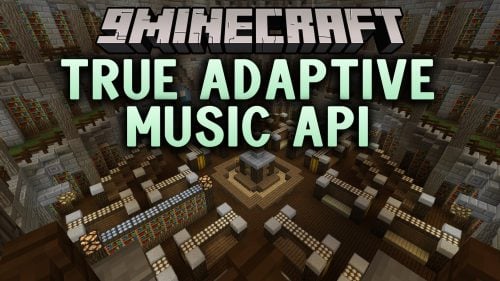 True Adaptive Music API Mod (26.3, 1.20.1) – Soundtracks That React
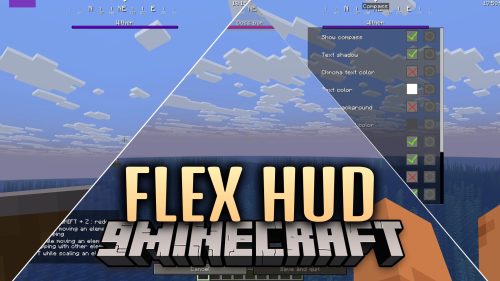 Flex HUD Mod (26.3, 1.21.11) – Monitor Vital Survival Stats and Info Right
 Gregtech6 W Mod (26.1.2) – Build Realistic Industrial Factories Across Your World
 Custom Gun Continued Mod (26.3, 1.20.1) – Master Tactical Shootouts in Survival
 BoomLib Mod (26.1.2, 1.20.1) – Run Linked Additions Smoothly Without Startup
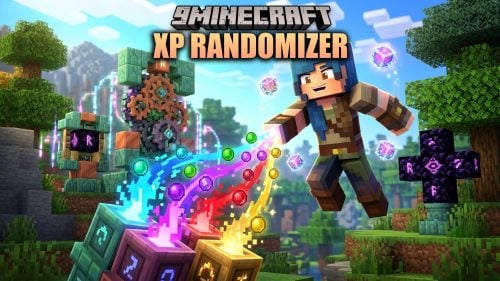 XP Randomizer Mod (26.2, 1.21.1) – Animate Your XP Bar with Custom Text
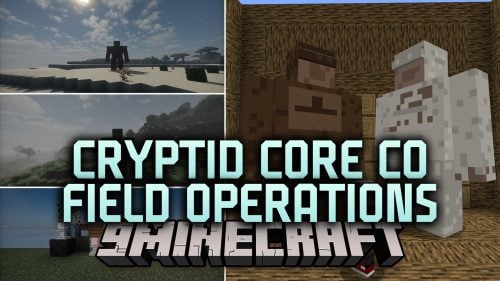 Cryptid Core Co Field Operations Mod (1.20.1) – Track Bigfoot Families
Most viewed in Mods over the last 7 days
 Ala Industrial Mod (26.3) – Run Electric Power Grids and Automated Factories
 PleasureCraft Mod (26.3, 1.21.1) – Jenny Mod Remake for Fabric
 Jennycraft Mod (26.3, 1.20.1) – Virtual Girlfriend in Minecraft
 Fapcraft Mod (26.3, 1.12.2) – Comprehensive and Detailed Content
 Meteor Client Mod (26.3, 1.20.1) – Xray, HUD, Fly
 Jenny Mod (Fapcraft) Official Complete Guide – How to use, Tutorial
 Let it Walk Mod (1.21.1) – Pilot Spider Tanks and Mechs Built From Your Blocks
 BangCraft Mod (1.20.1) – Jenny, Ellie and Elliot
 OptiFine HD (26.3, 1.20.1) – Run Faster, FPS Boost, Shaders Support
 Fabric Loader (26.3, 1.20.1) – Fabric Installer for All Minecraft Versions
 SchnurriTV Mod (1.12.2) – Characters and Features
 CatLean Client Mod (26.2, 1.21.11) – ThunderHack Recode Alternatives
More from Mods
 Explorify Mod (26.3, 1.20.1) – Uncover Hidden Ruins in Every Biome
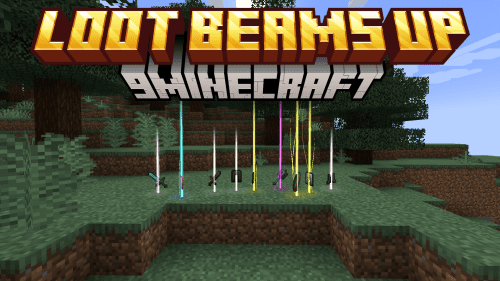 Loot Beams Up Mod (26.3, 1.21.1) – Highlight Your Rarest Loot
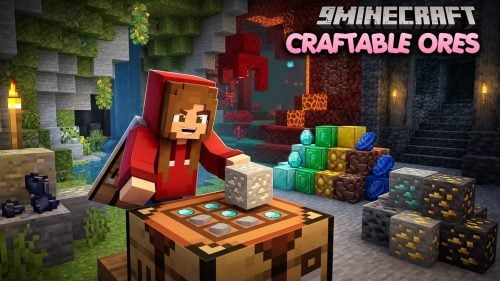 Craftable Ores Mod (26.3) – Make Ore Blocks for Cave Builds Without Silk Touch
 Corail Adventurer Mod (26.3, 1.20.1) – Craftable Exploration Maps to Structures
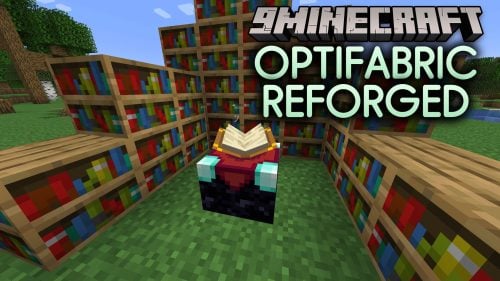 OptiFabric Reforged Mod (26.2, 1.21.1) – Run OptiFine Visuals and Steady FPS
 Dont Drop Your Compass Mod (26.3, 1.20.1) – Keep Inventory After Death
 World Share Mod (26.2, 1.21.1) – Take Turns Playing Shared Worlds
 Pehkui Rebuilt Mod (26.3, 1.21.1) – Resize Any Mob in Your World
 Favorita Mod (26.3, 1.20.1) – Lock Items In Slots
 CobbreedingQ Mod (1.21.1) – Breed Any Cobblemon Pairs Without Gender Limits
 Mods Optimizer Mod (26.3, 1.20.1) – Automatic Mod Folder Cleaner and Classifier
 Better Gamma Mod (26.3, 1.20.1) – Better Visibility In The Dark

This post has no comments yet. Be the first — your comment will appear here.