


Create Tracks Mod (1.21.1) – Build Heavy Vehicles with Working Tracks

 0
0 

🌐 Read this article in your language! Choose your preferred language below.
Or pick the one you like:
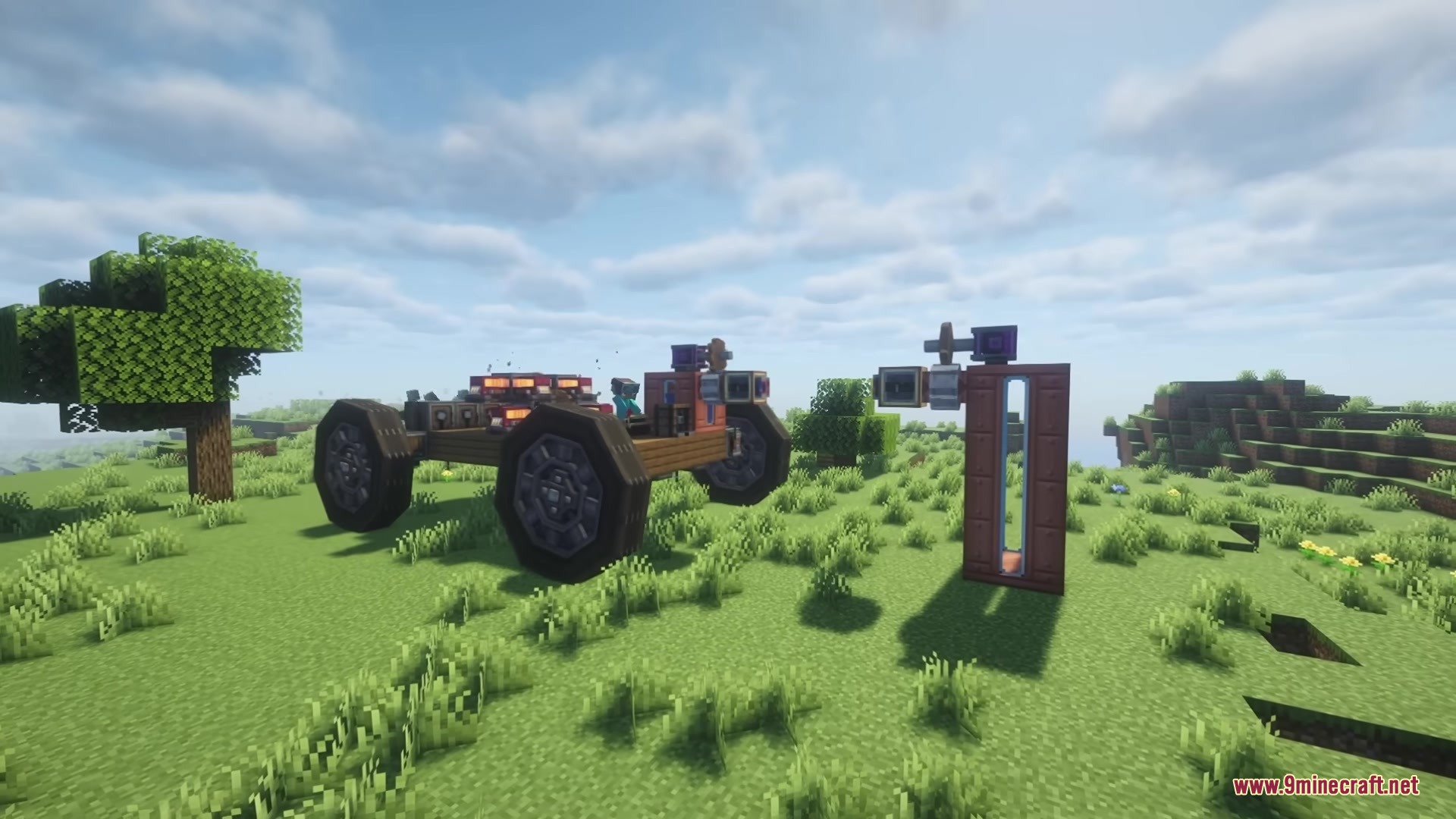
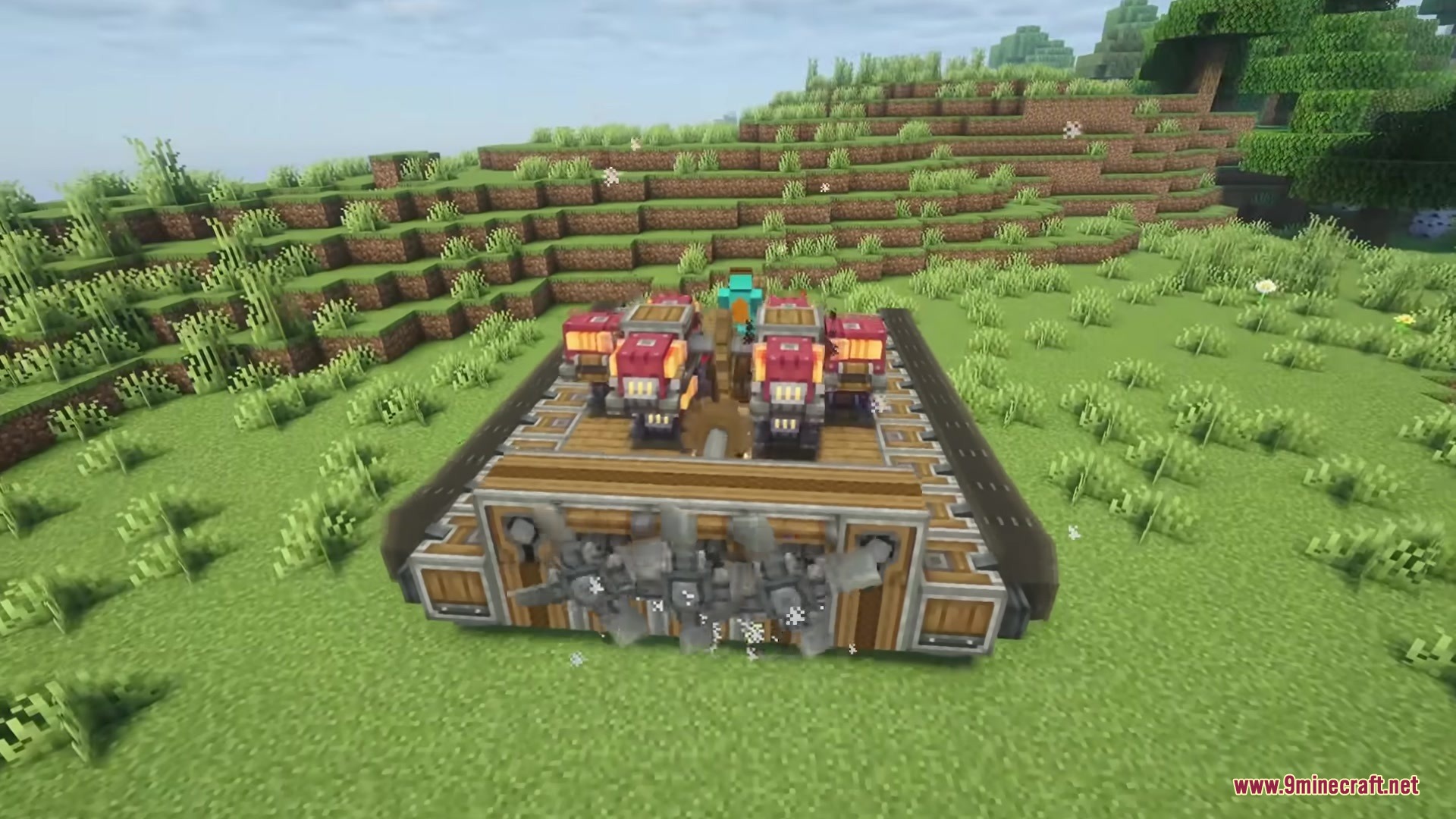
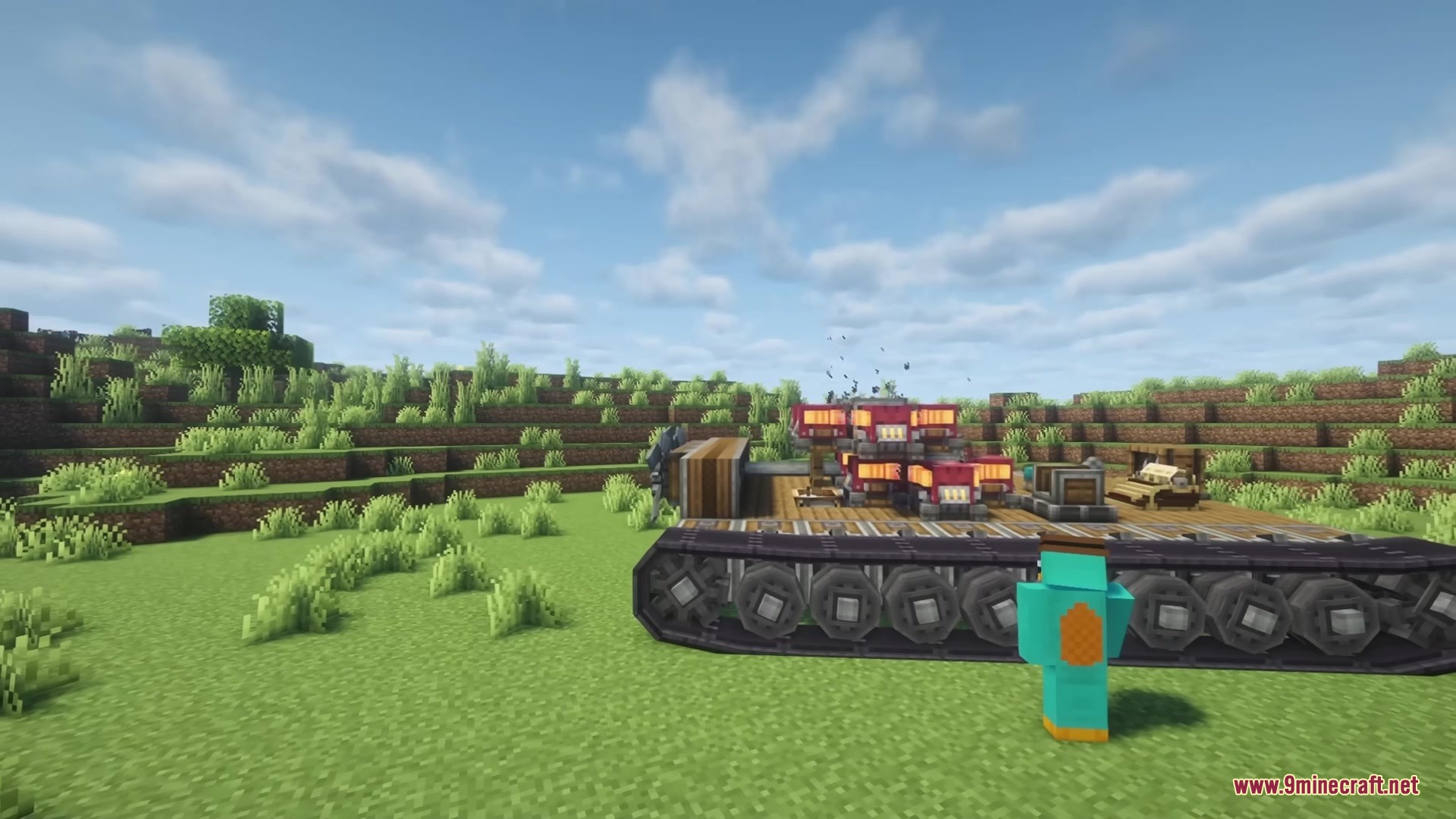
Create Tracks Mod adds working tracks for the Create: Aeronautics mod. It gives you the parts you need to build heavy vehicles like tanks, bulldozers, and tractors. You can put together track mounts, suspension parts, and drive wheels to make your machines move. The mod also lets you change how the tracks look and how they handle rough ground.
Features:
- Track Customization: Change the color of your tracks using normal dyes, or wash them clean with water.
- Suspension Tuning: Use a special wrench to change how your vehicle handles bumps and jumps.
- Build custom vehicles using new track mounts, suspension tracks, and drive wheels.
- Hide the metal mounts and suspension parts if you want a cleaner look for your machine.
- Copy your wrench settings across all connected track parts so big vehicles stay balanced.
- Adjust spring strength, damping, drive force, and grip to make your vehicle drive exactly how you want.
- Adds new wrench controls to wheel mounts from the Create: Offroad mod.
- Hide Offroad wheel mounts to make your custom cars and trucks look much better.
How to Use:
- Place down your track mounts, suspension tracks, and drive wheels to build the base of your vehicle.
- Click on the tracks with any dye to change their color, or use water to clean them.
- Hold the suspension wrench and click on your track mounts to open the tuning menu.
- Adjust the sliders for spring strength and grip, then apply those settings to the whole vehicle.
Screenshots:

How to Install:
New to Minecraft? Follow our step-by-step guide to install Mods on your PC.View Guide
Requirements:
 NeoForge Required
Create: Aeronautics Required
Create Tracks Mod Download Links
For Minecraft 1.21.1, 1.21
Click to rate this post!
[Total: 0 Average: 0]
You May Also Like






This post has no comments yet. Be the first — your comment will appear here.