Custom Images Plugin (1.20.6, 1.20.1) – Load Custom Images Into Minecraft
 5,418
5,418
 0
0
 June 6, 2024
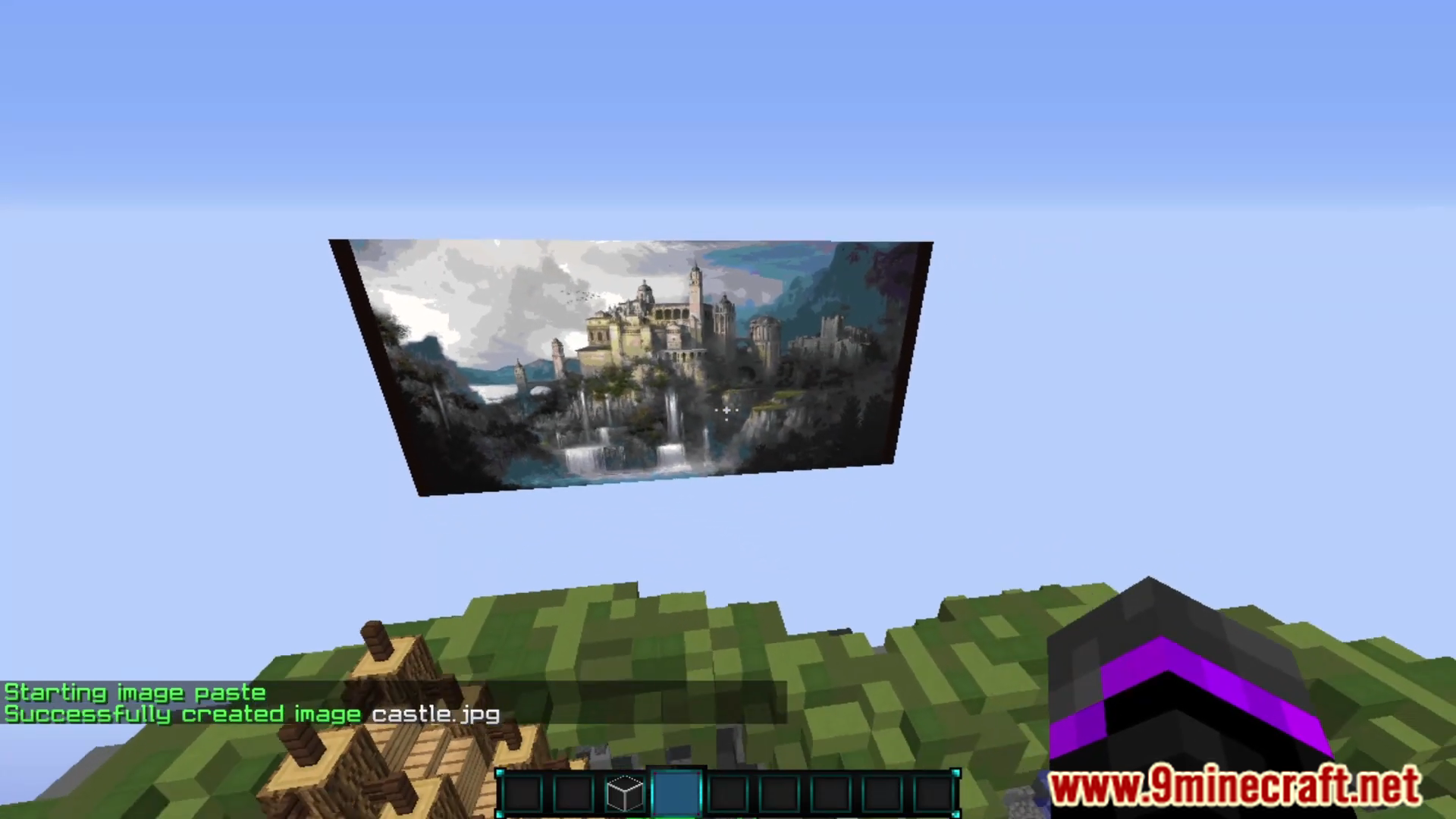
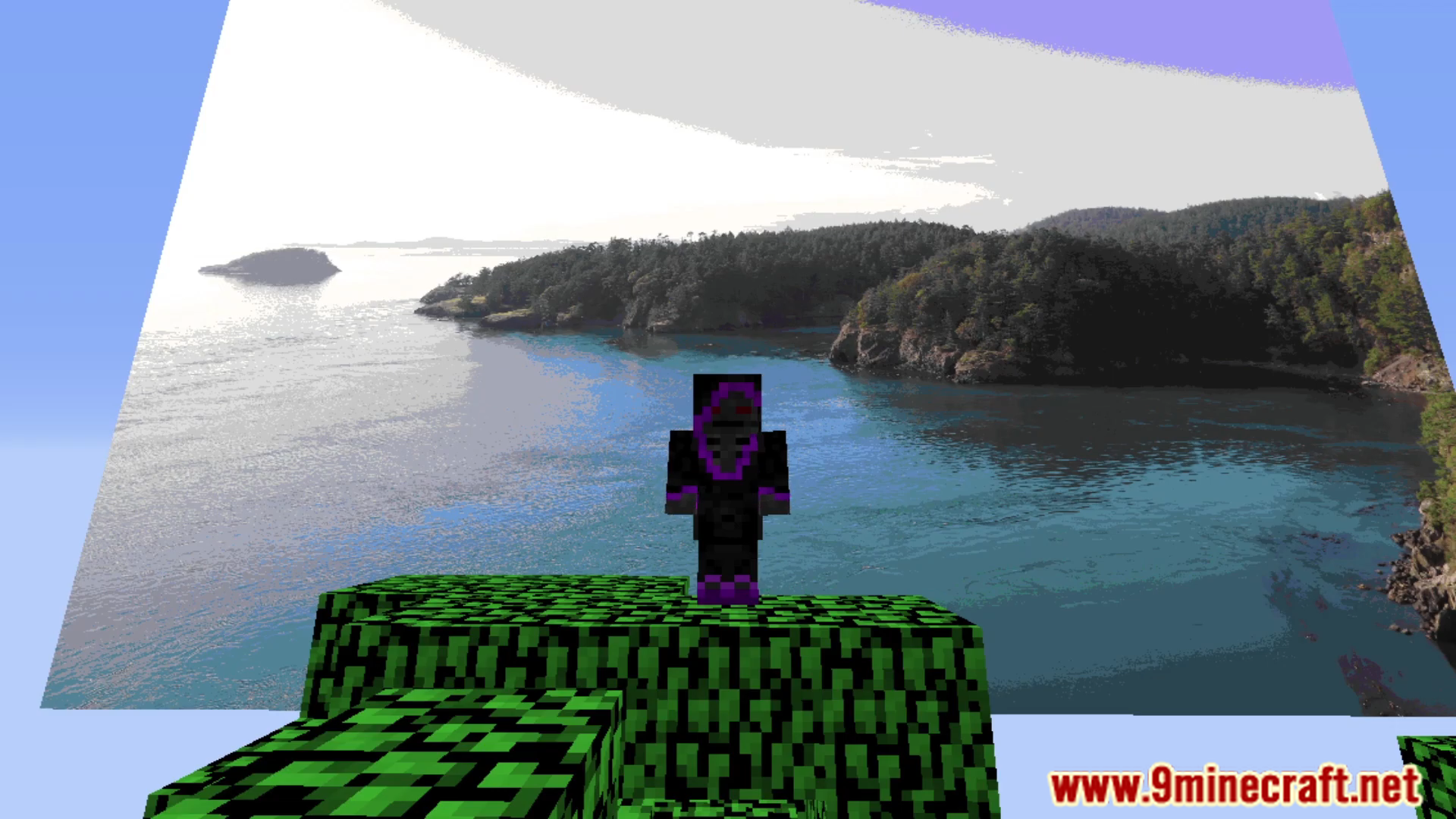
Custom Images Plugin (1.20.6, 1.20.1) allows server administrators to add custom images to their Minecraft world. This plugin is perfect for servers looking to enhance their visual appeal, create custom maps, or provide players with a more immersive experience by displaying any image directly in the game.
Features:
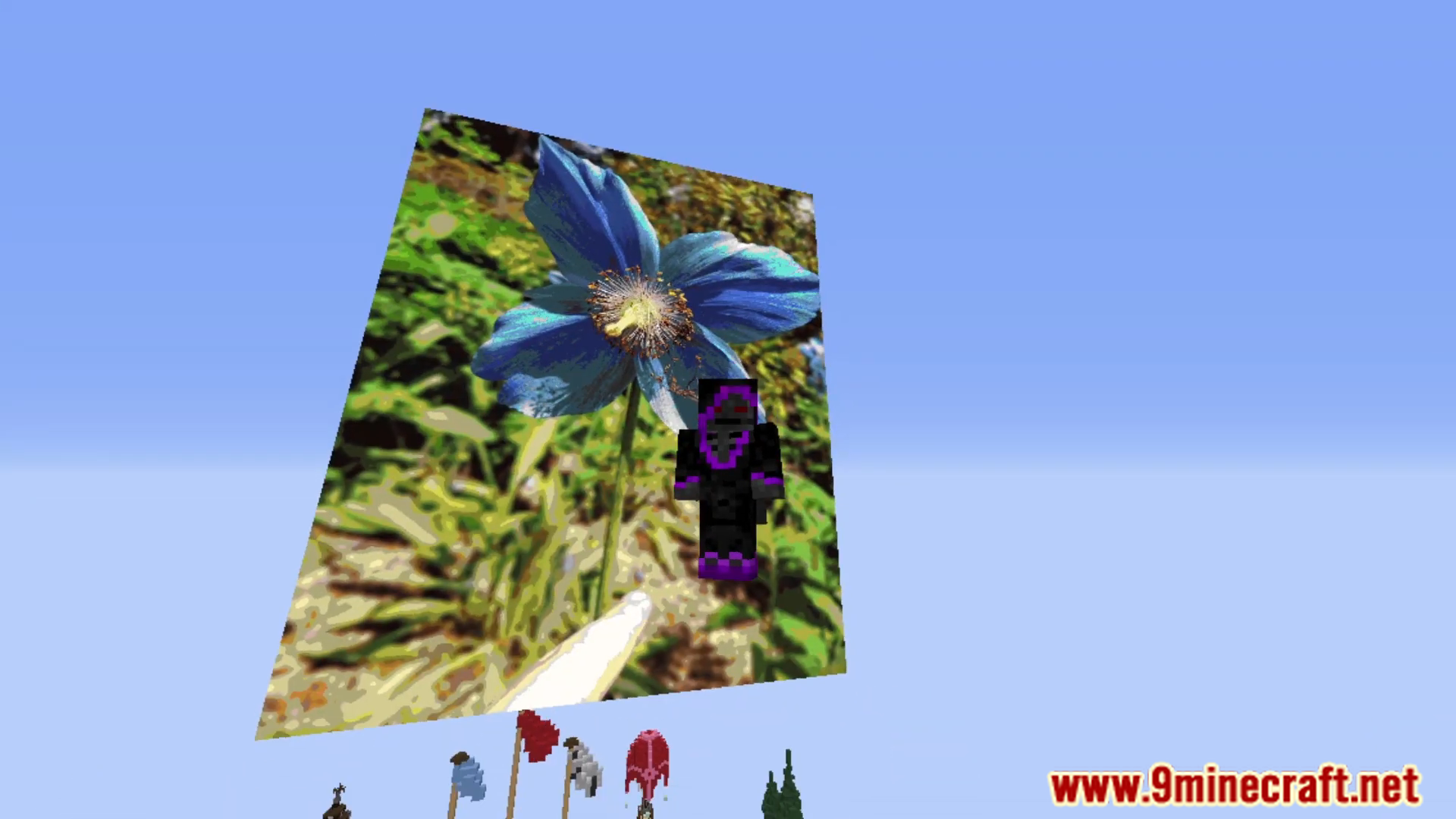
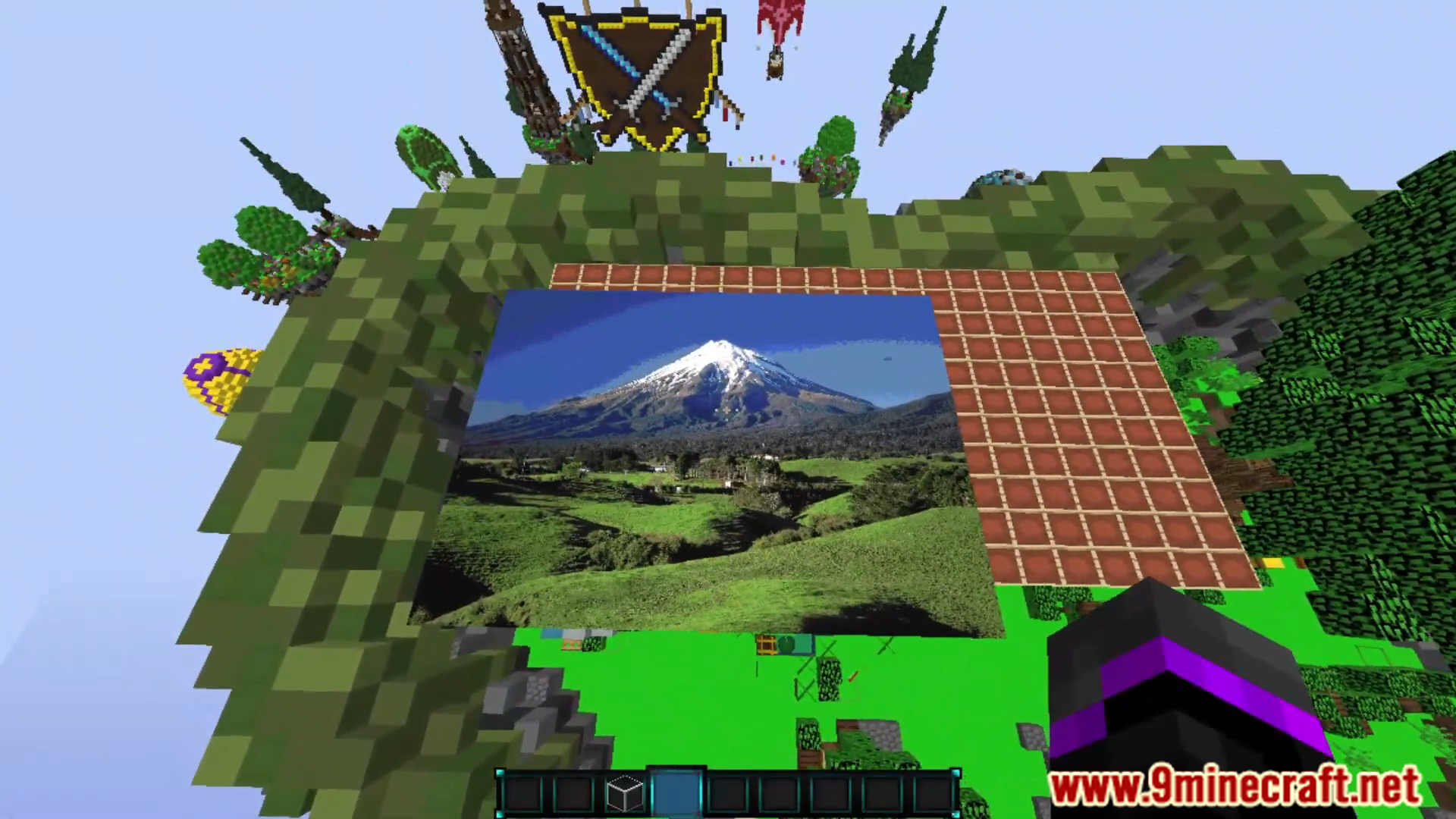
- Allows administrators to upload any image and display it in the Minecraft world as a map item or a large-scale in-game image.
- Supports various image formats, including PNG, JPG, and BMP, providing flexibility in the types of images that can be used.
- Images can be resized to fit different areas, from small pictures to large murals, ensuring they can be tailored to specific needs.
- Simple and intuitive commands allow precise placement of images, making it easy to create detailed and accurate displays.
- Detailed permissions settings ensure administrators can control who can upload, place, and manage custom images, maintaining order and security.
- Designed to handle large images efficiently, ensuring minimal impact on server performance.
- Offers in-game commands to adjust and manage images, providing a and user-friendly experience.
- Allows for image rotation, giving administrators flexibility in how images are displayed and integrated into the game world.
Screenshost:
Commands:
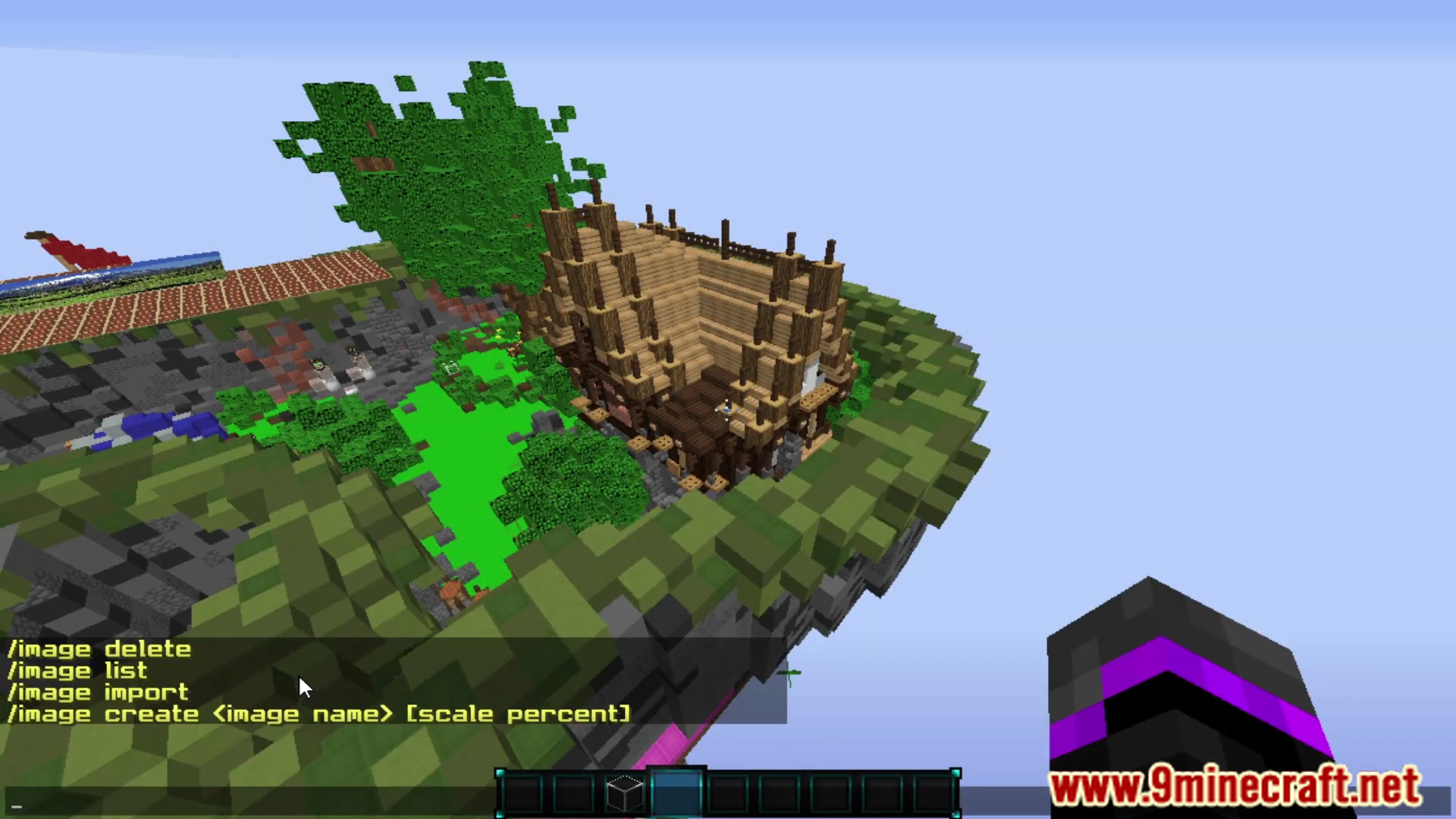
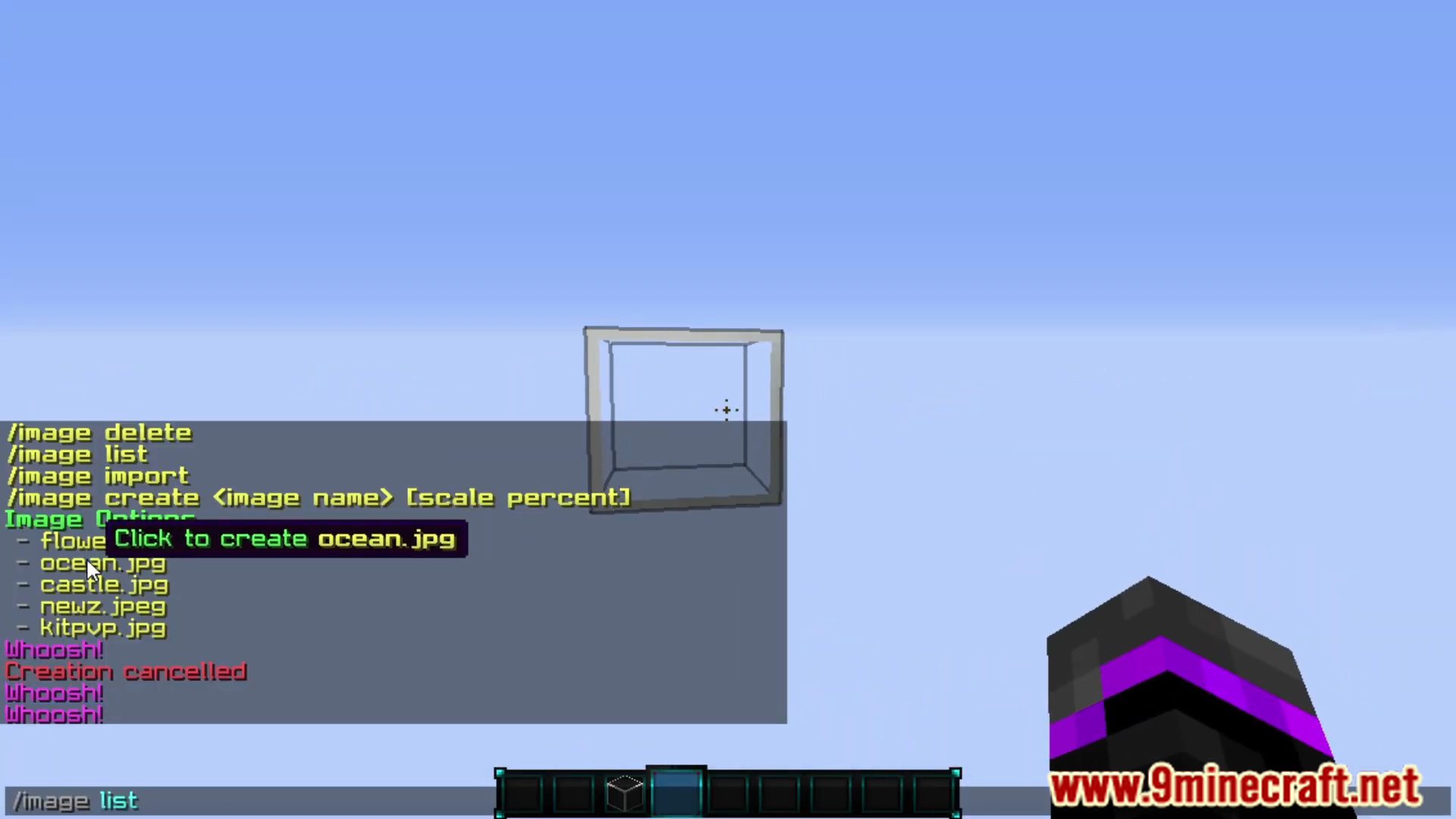
- /image create <image name|url> [scale percent] – Create and begin pasting a new custom image
- /image delete – Delete an existing image by clicking on it
- /image delete near <range> – Delete images within a range
- /image list – Show a list of the options of images that can be added
- /image import – Import legacy images to the new format
- /image transfer – Transfer images to a new database
Installation:
- Download images-2.x.x.jar and place it in your plugins folder.
- Start your server to load the plugin and then stop the server.
- Open the config.yml found in the Images folder.
- Place any images in the Images folder.
- Start your server and start placing your images.
How to install:
- Please visit the following link for full instructions: How To Download & Install Spigot Plugins
- Don’t miss out today’s latest Minecraft Plugins
Custom Images Plugin (1.20.6, 1.20.1) Download Links
For All Versions from Minecraft 1.8 to Minecraft 1.20.6
Click to rate this post!
[Total: 1 Average: 5]
You May Also Like