
Enhanced Workbenches Mod (1.21.1, 1.20.1) – Keep Items Inside Your Workbench
 1,379
 0


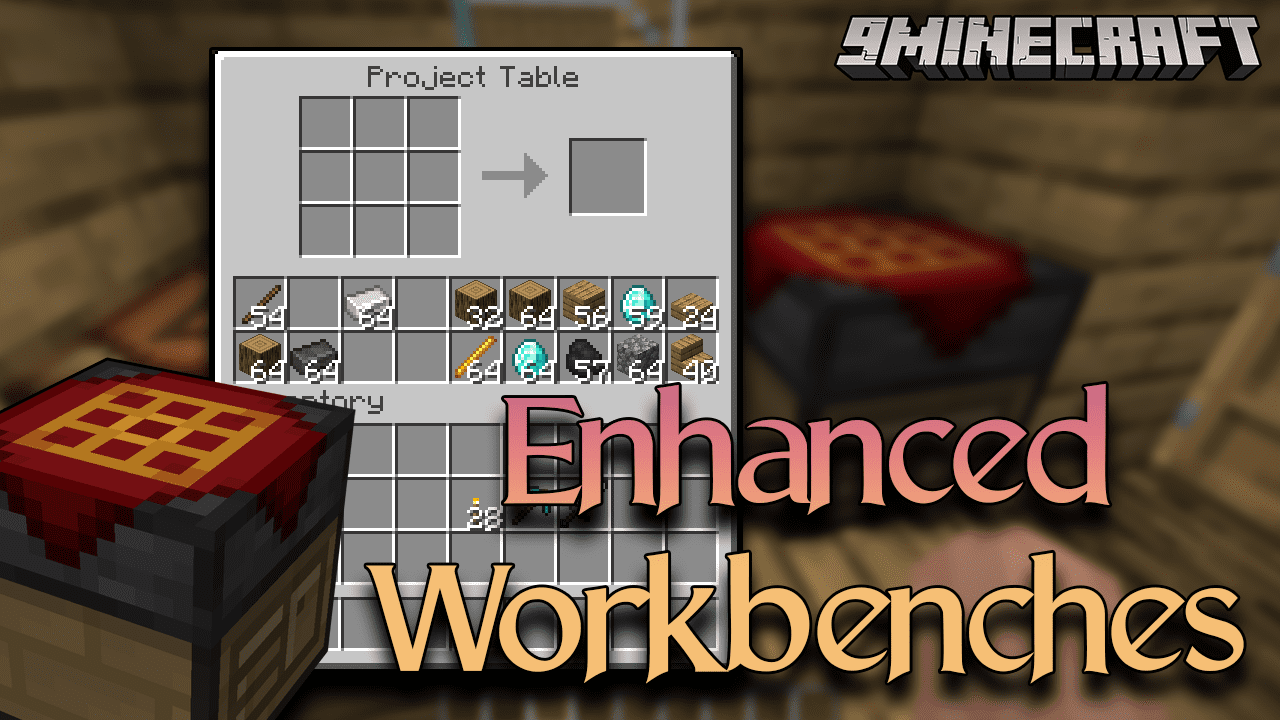
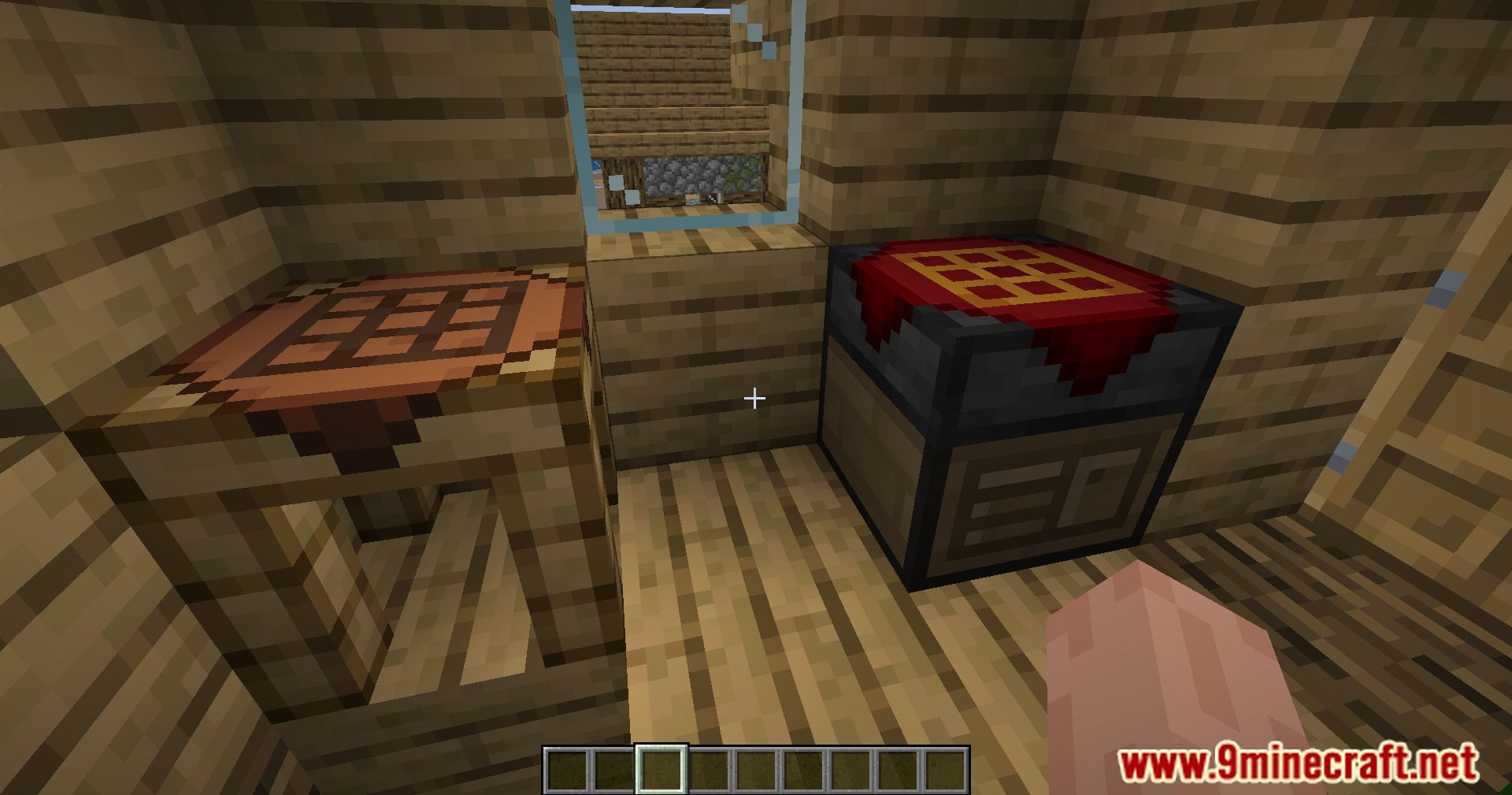
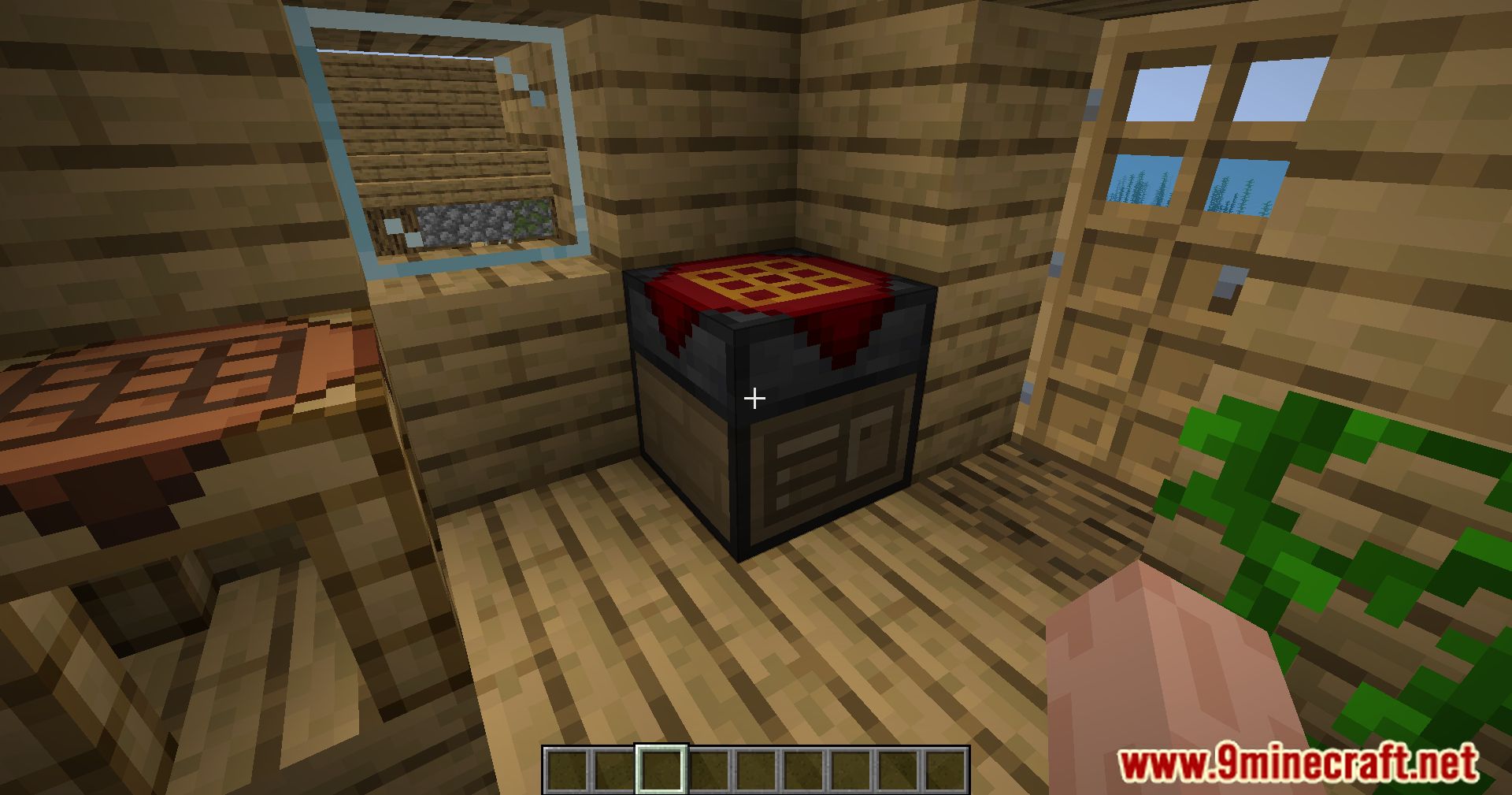
Enhanced Workbenches Mod adds two better crafting tables that store your items right inside them. It brings a Project Table with two extra storage rows for big crafting tasks and a budget-friendly Crafting Station that keeps your items inside permanently. This mod is part of the RED LOGIC series and shows stored items directly in the world. It also works with EMI, Roughly Enough Items, and Crafting Tweaks.
Features:
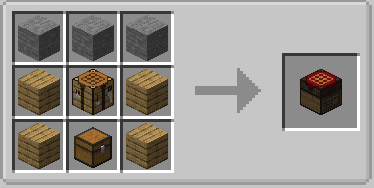
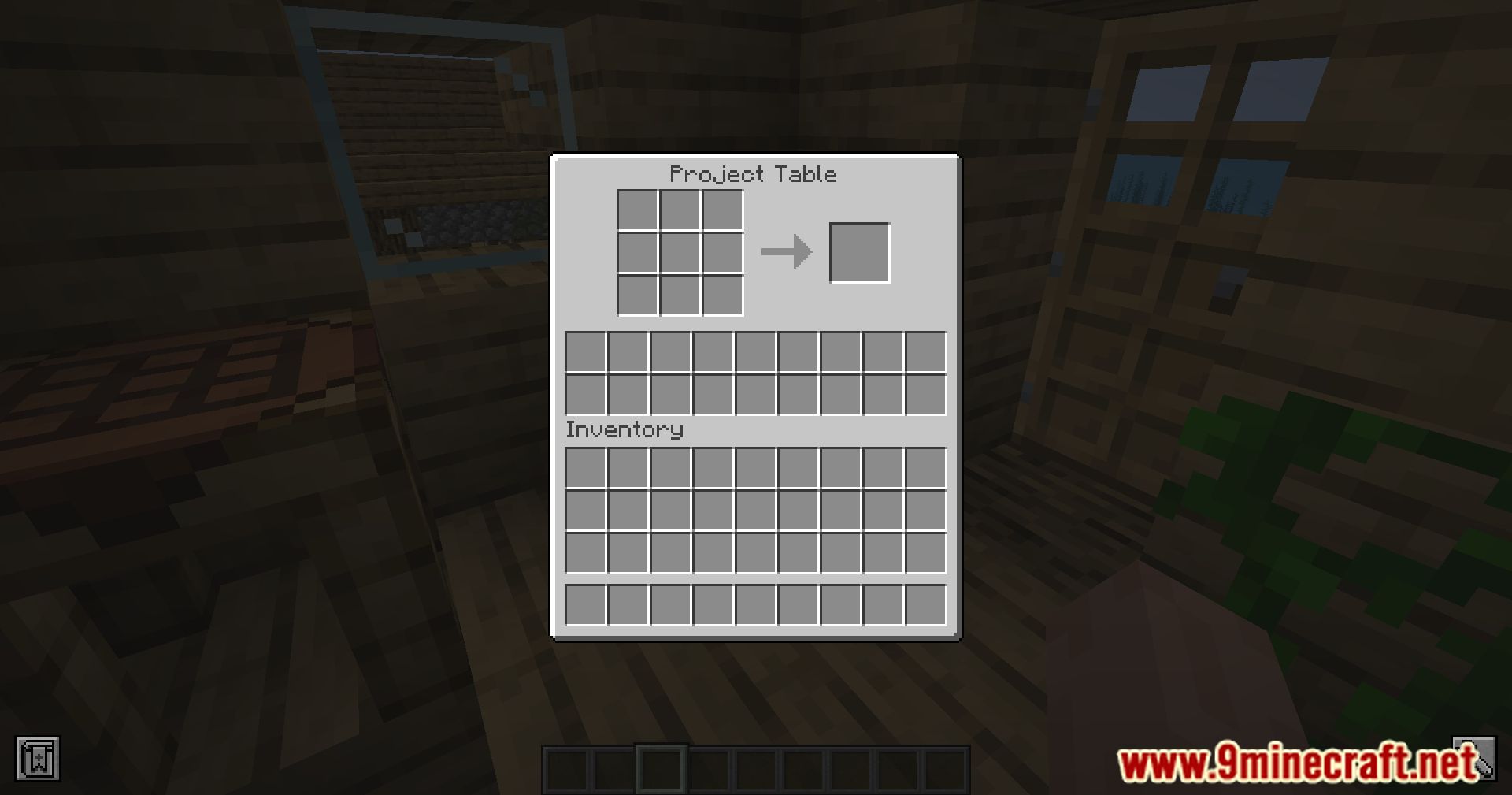
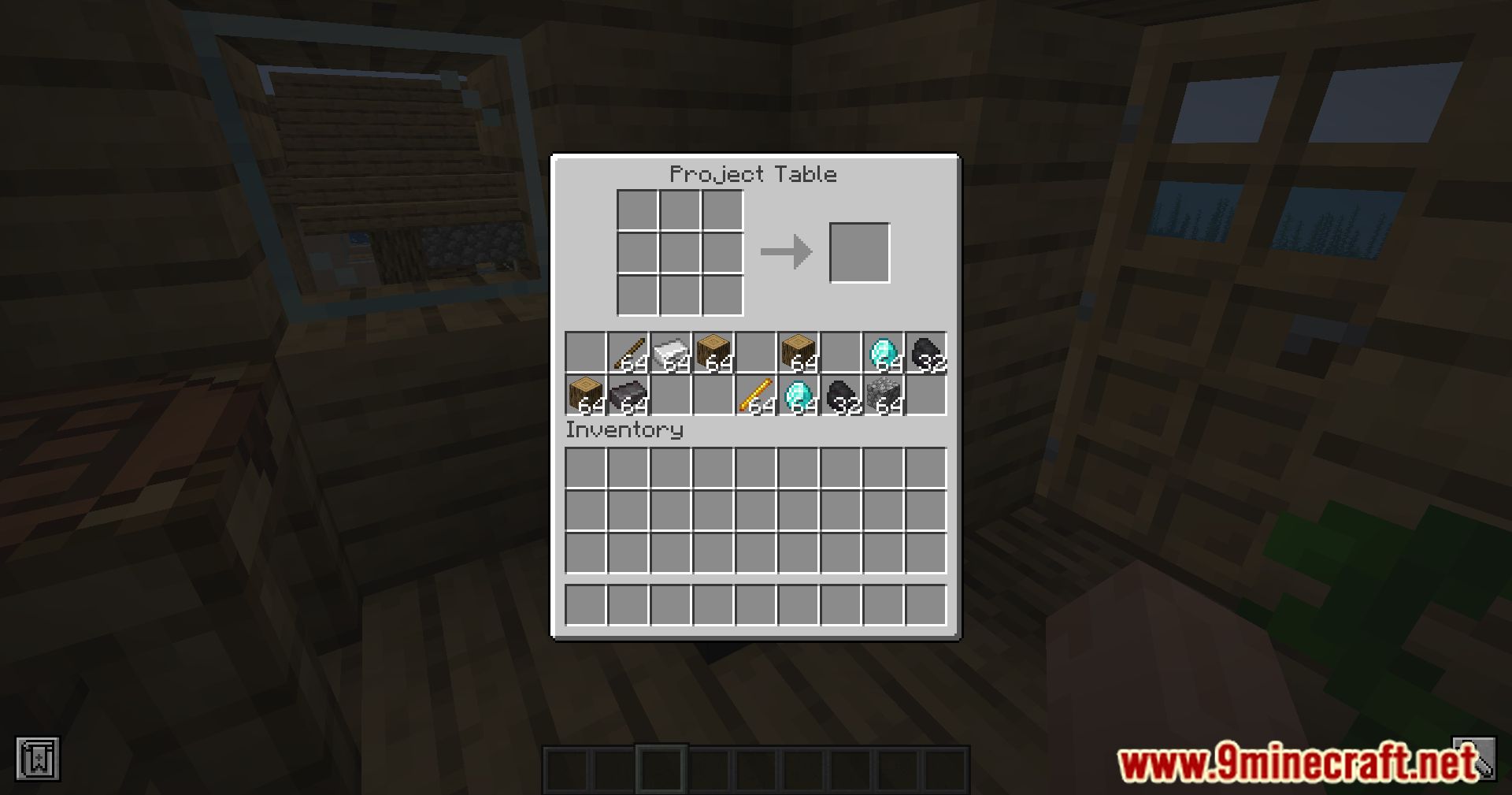
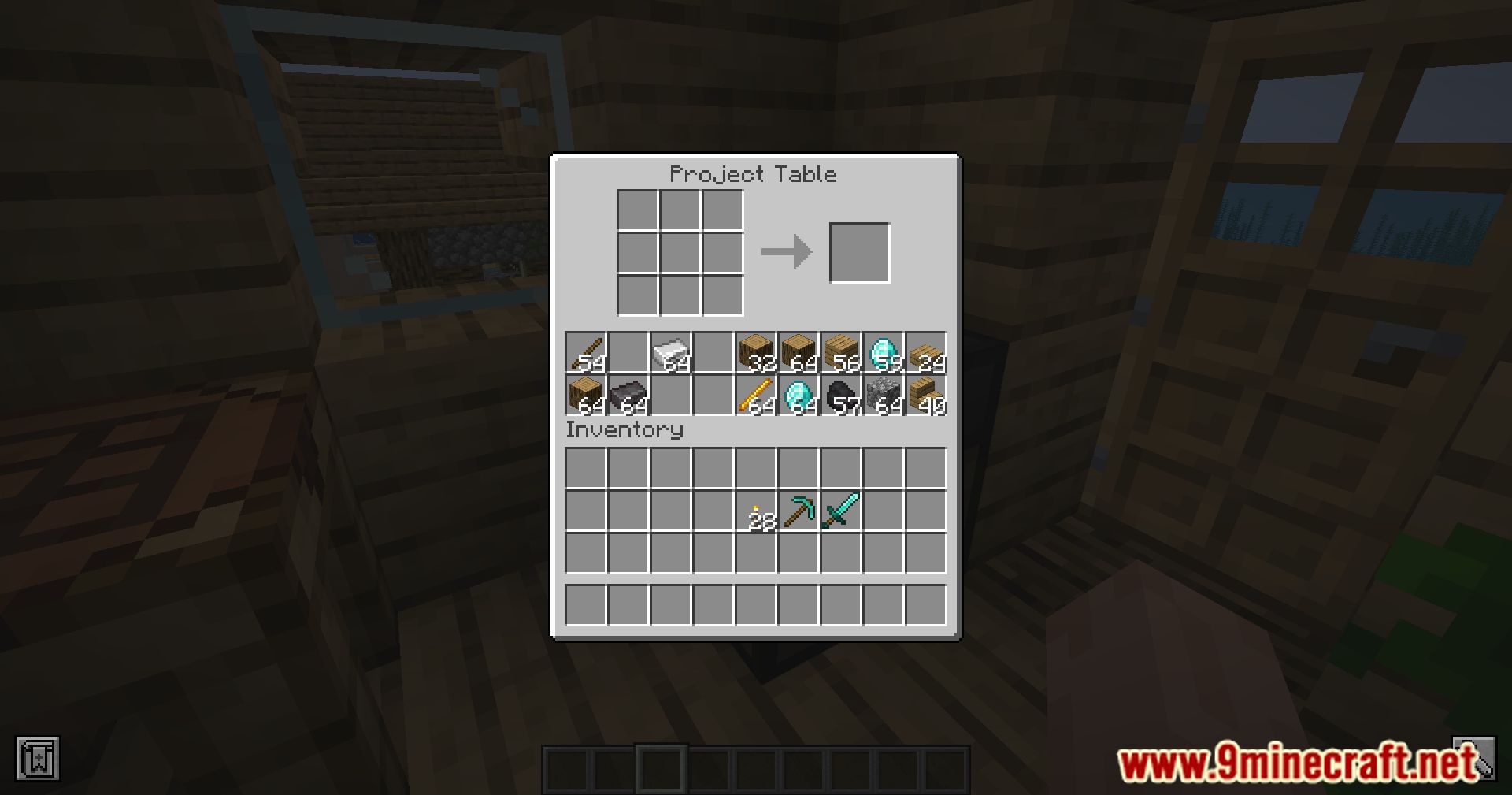
- Project Table: Brings back the classic table from RedPower 2 with two extra storage rows to hold your materials during multi-step crafting.
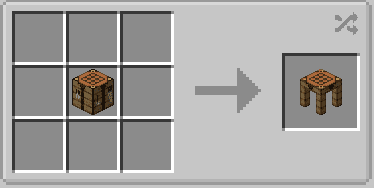
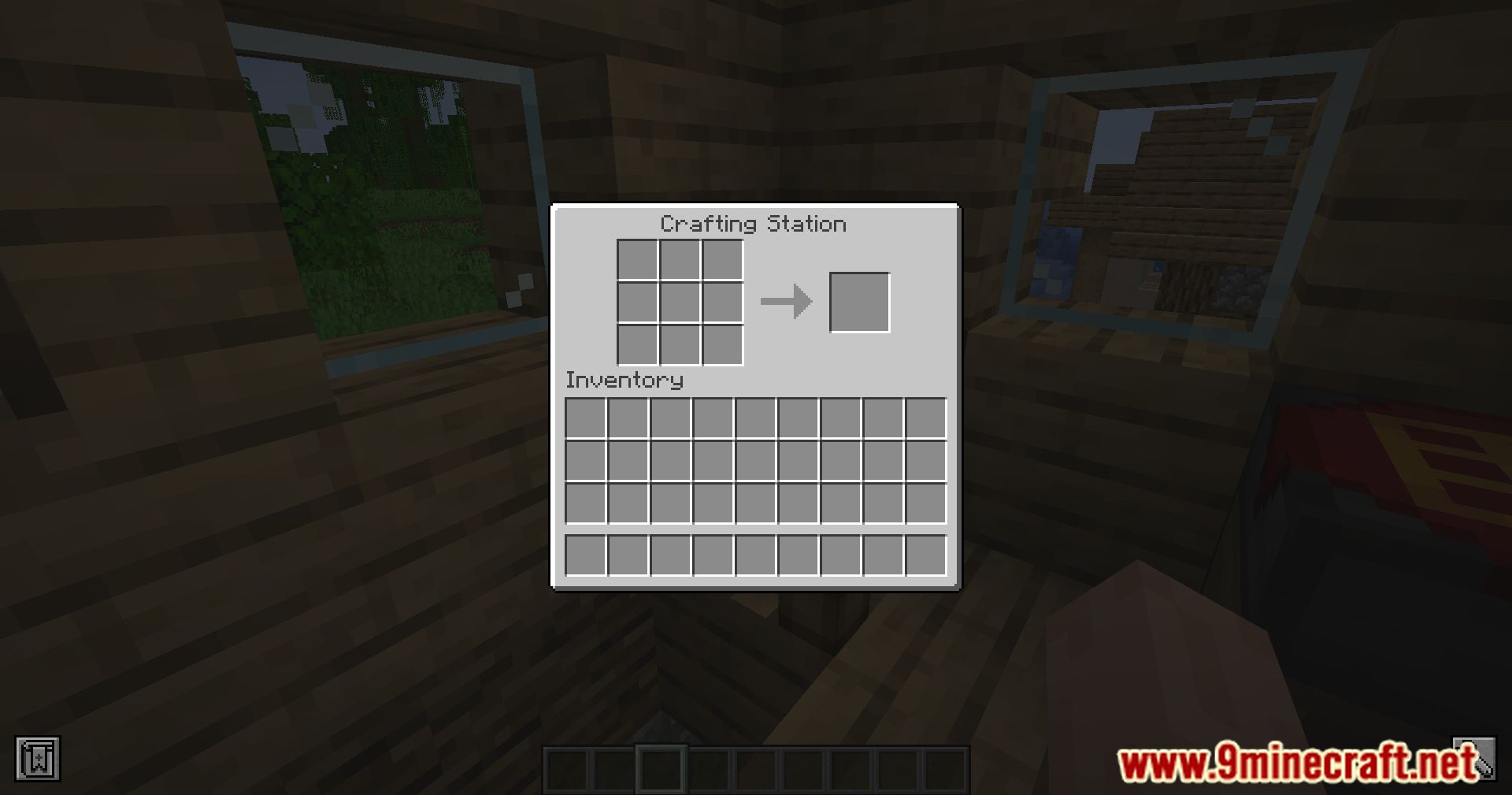
- Crafting Station: Offers a simple, budget-friendly table based on TiC that keeps your items stored inside permanently.
- Shows stored items directly in the game world with full config options.
- Includes full support for EMI.
- Works fully with Roughly Enough Items.
- Offers full support for Crafting Tweaks.
How to Use:
- Place a Crafting Station or Project Table in your world so you can use it for crafting and storage.
- Open the Crafting Station to craft on its 3×3 grid while keeping your items stored safely inside.
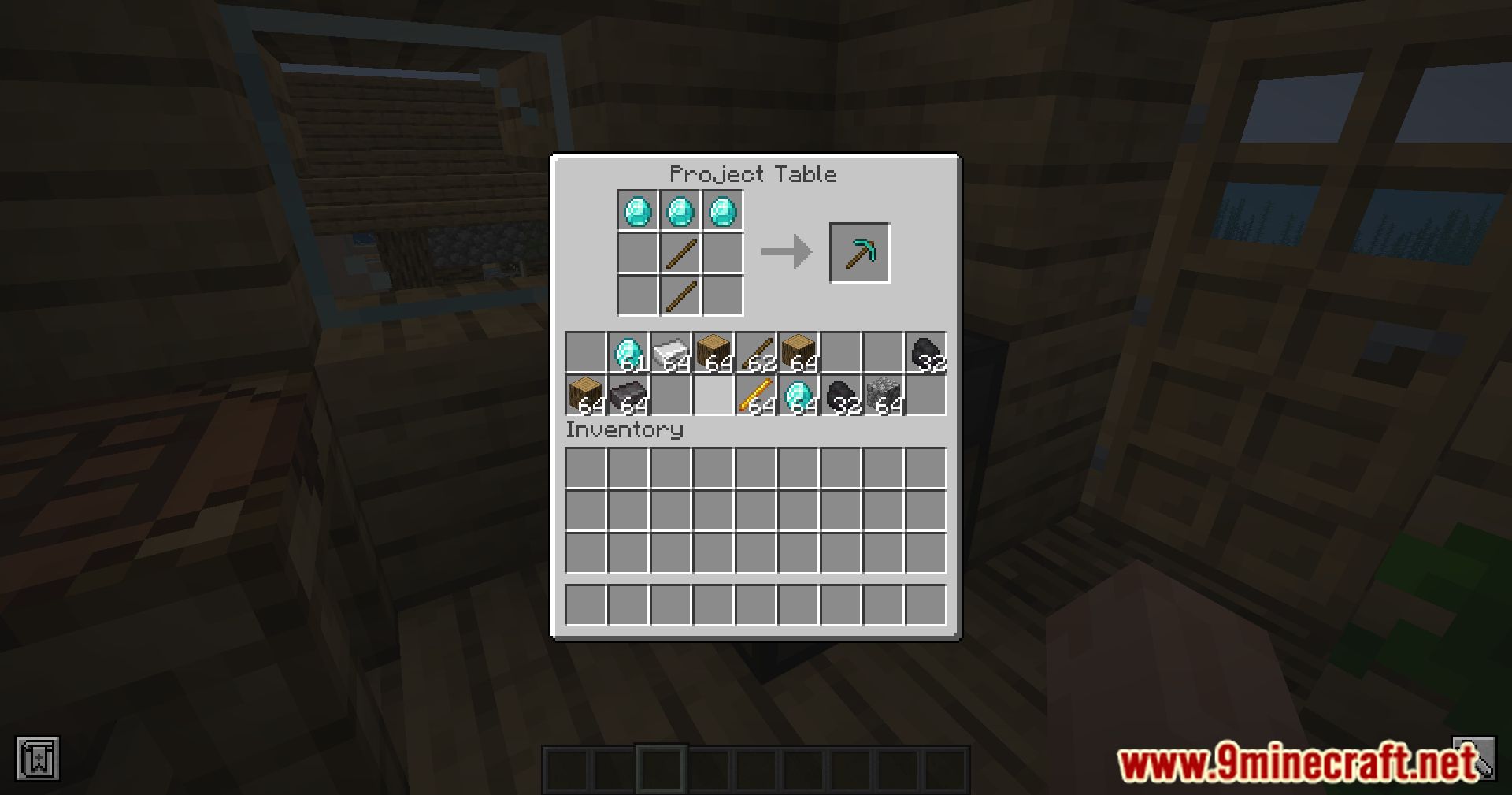
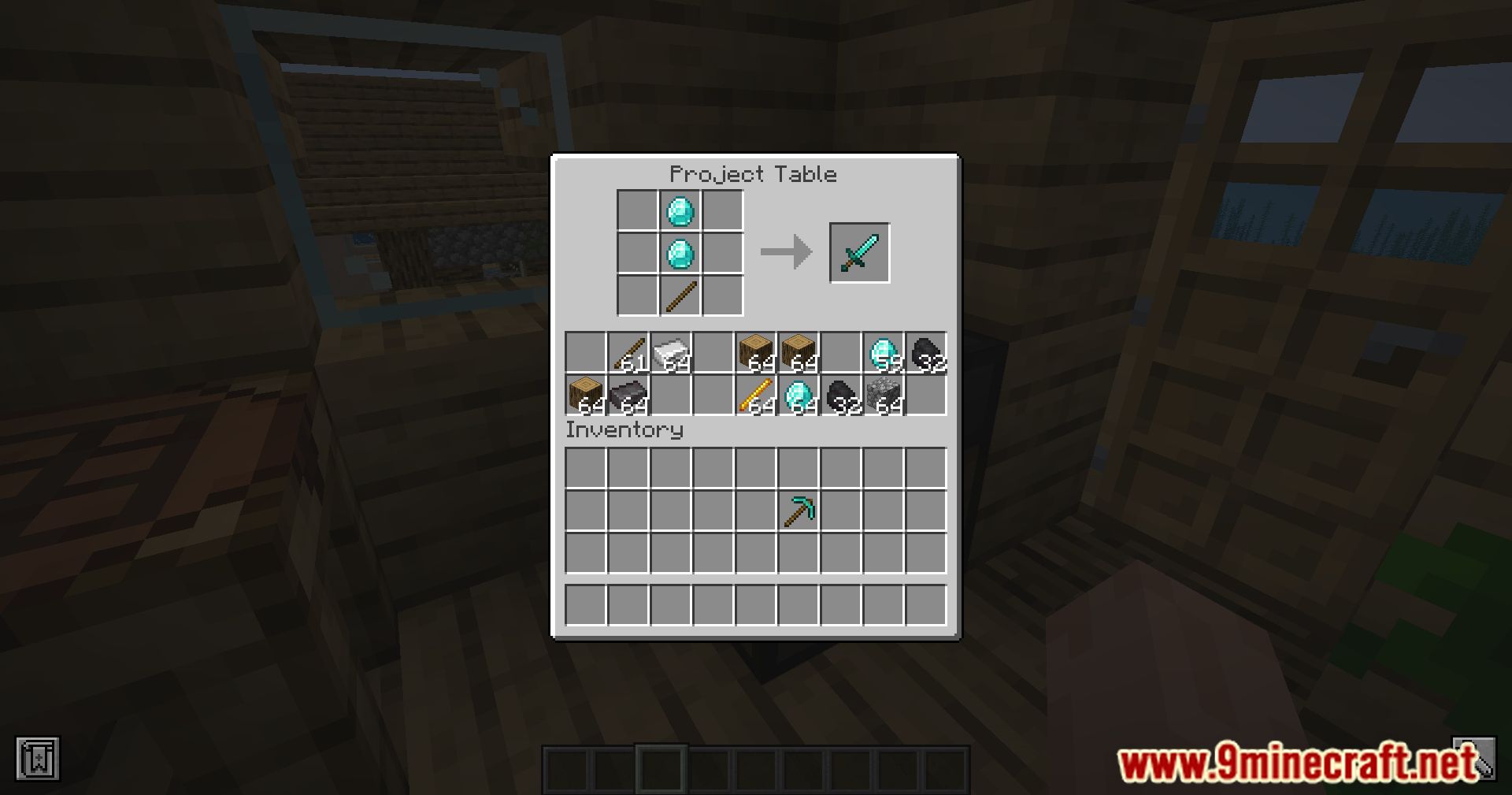
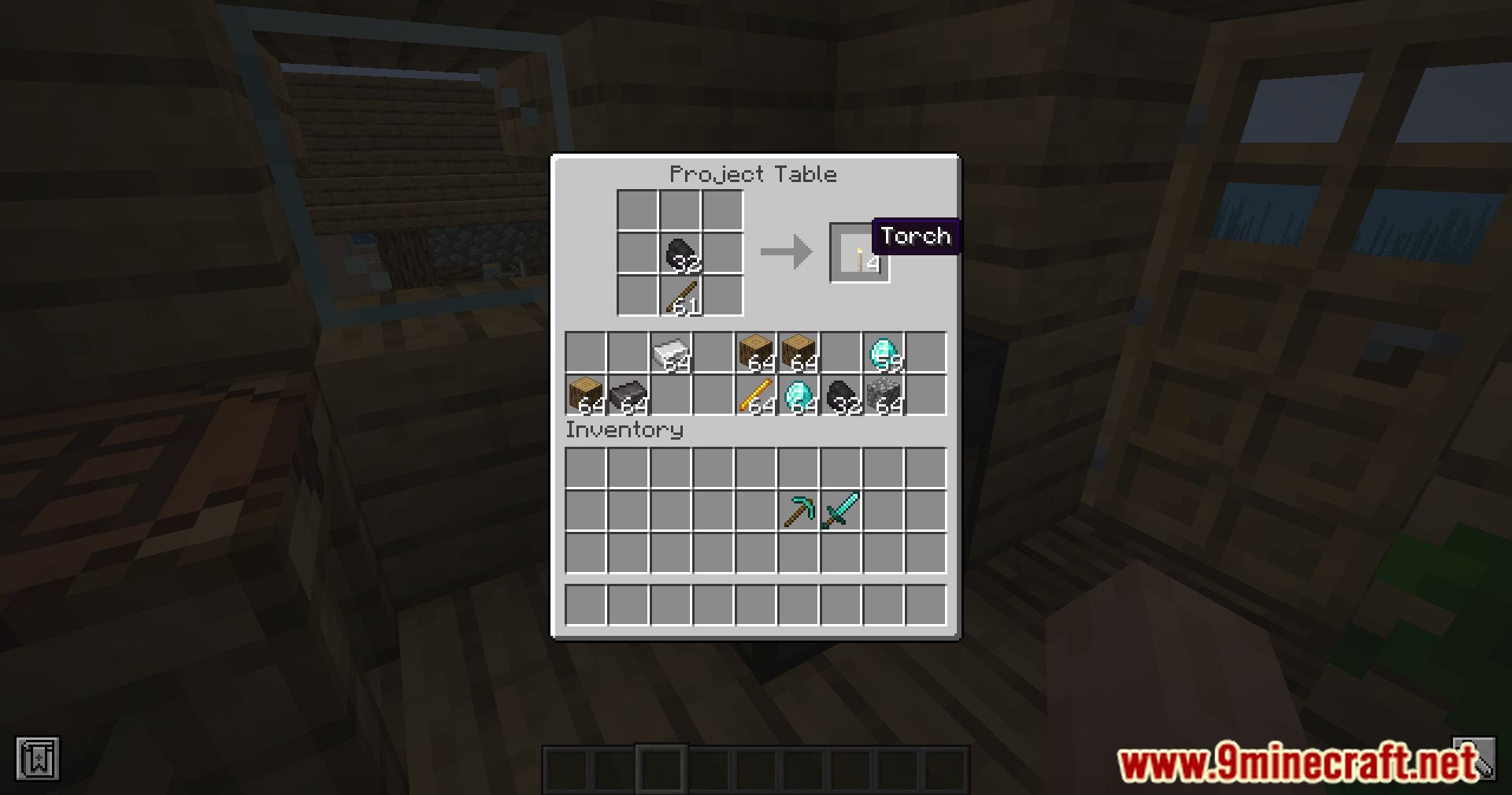
- Open the Project Table to place spare materials into its two extra storage rows while you work on multi-step recipes.
Crafting Recipes:
Screenshots:
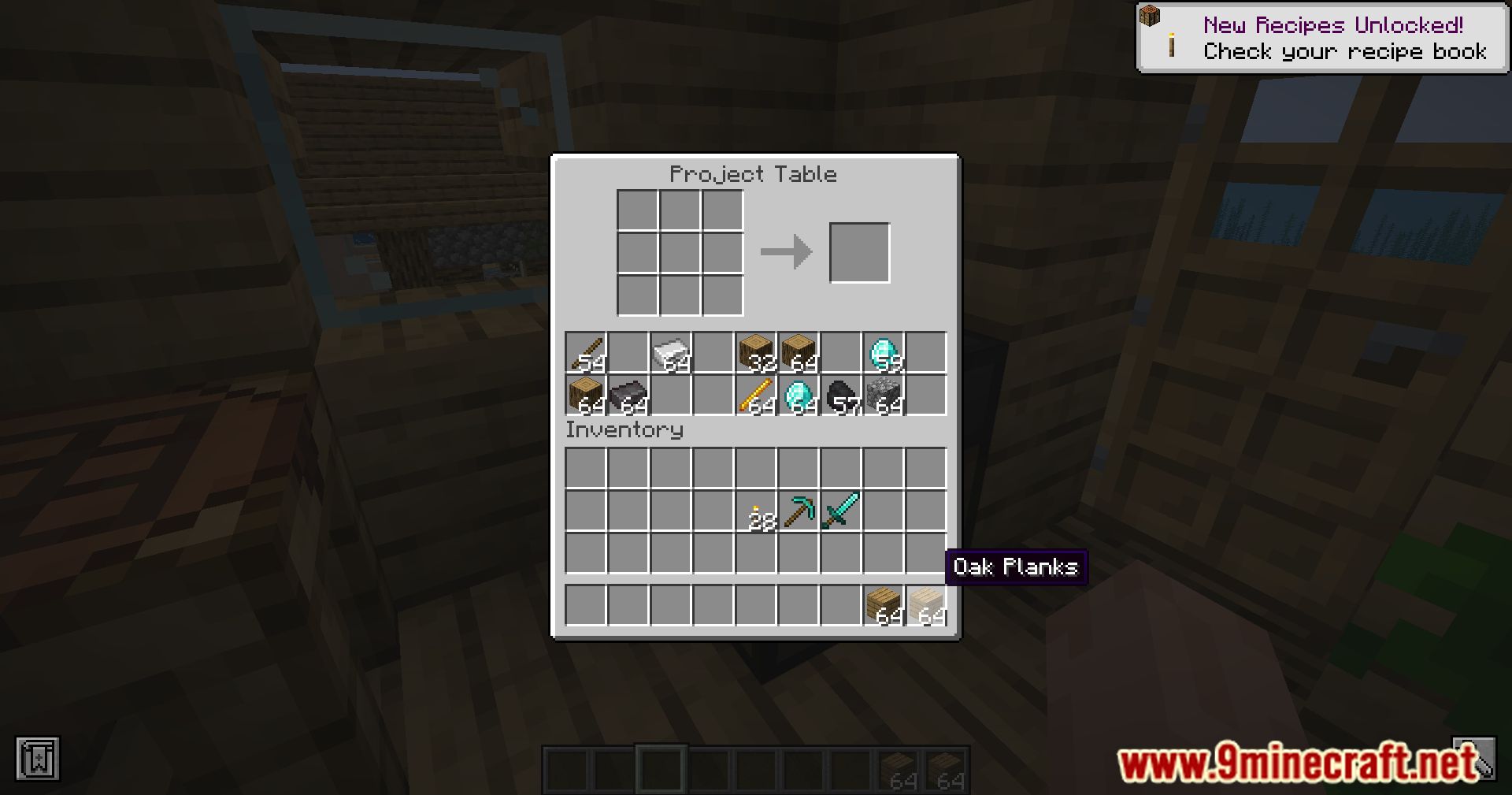
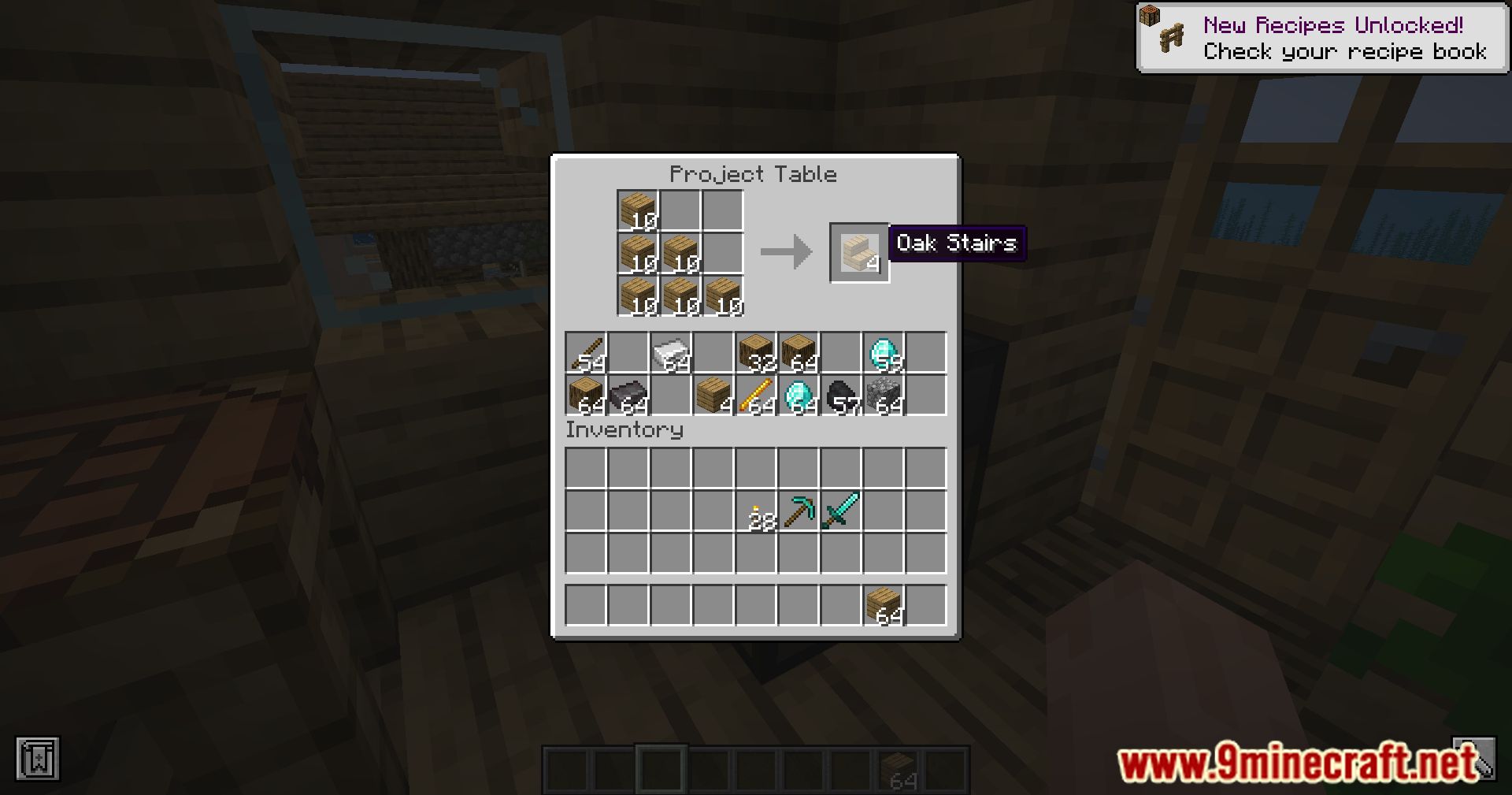
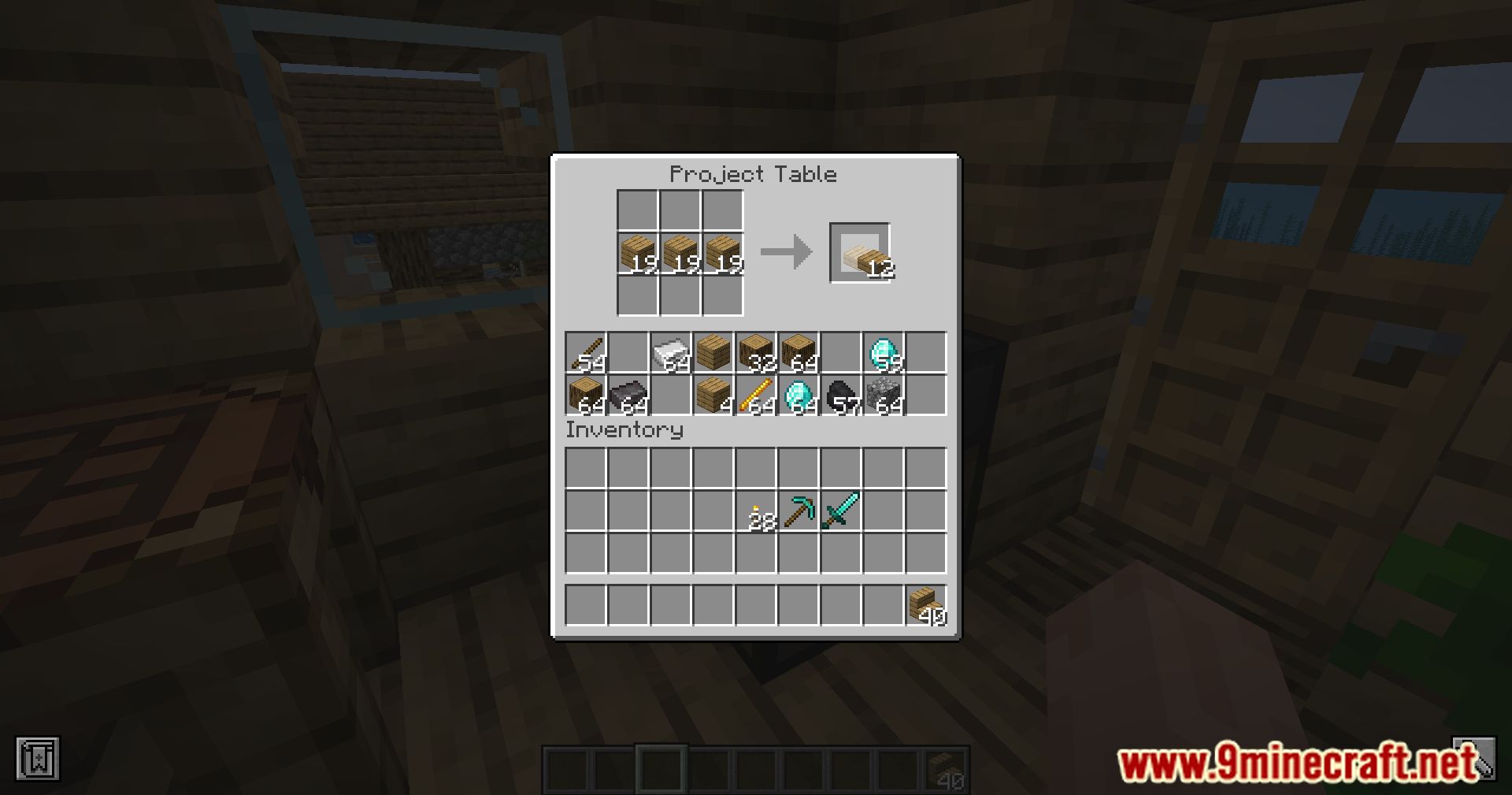
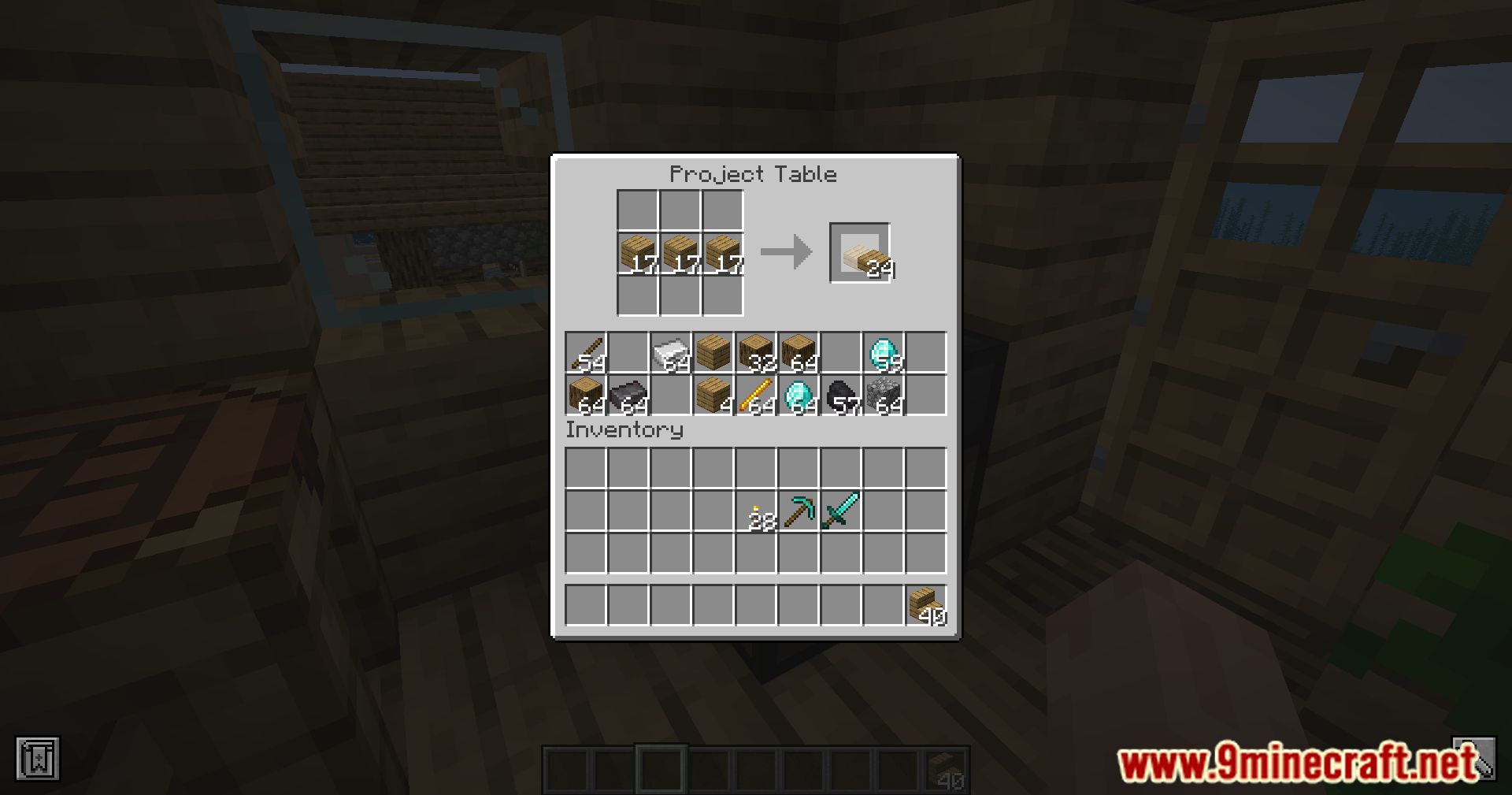
How to Install:
New to Minecraft? Follow our step-by-step guide to install Mods on your PC.View Guide
Requirements:

 Crafting Tweaks Mod Optional
 Roughly Enough Items Mod Optional
 Distraction Free Recipes Mod Optional
Enhanced Workbenches Mod Download Links
For Minecraft 1.20.1
Fabric version: Download from Server 1 – Download from Server 2
For Minecraft 1.20.1
NeoForge version: Download from Server 1 – Download from Server 2
Fabric version: Download from Server 1 – Download from Server 2
For Minecraft 1.19.2, 1.19.1, 1.19
Fabric version: Download from Server 1 – Download from Server 2
What graphic style do you prefer for your modded game?
18 responses · See the full results →
You May Also Like
Picked for this page
 Solar Generation Mod (26.3, 1.20.1) – Produce FE from the Sun
 Building Wands Mod (26.2, 1.20.1) – Wands for Construction
 Sophisticated Storage Mod (26.3, 1.20.1) – Upgraded Storage
 Villager Config Mod (26.3, 1.20.1) – Custom Trades
 Realistic Cobwebs Mod 1.14, 1.12.2 for Minecraft (26.1.2, 1.20.1)
 Tschipcraft’s More Mobs Mod (26.3, 1.20.1) – Humanoid Mobs
 Mystical Agriculture Tiered Crystals Mod (26.1.2, 1.20.1) – New Crafting Crystals
 Dismount Entity Mod (26.3, 1.20.1) – Dismount Mobs From Vehicles
 Horse Stonks Mod (26.2, 1.20.1) – Improve Horse Breeding Mechanics
 Emoji Type Mod (26.2, 1.20.1) – Using Emojis and Special Characters
 Improved Grindstone Mod (26.1.2, 1.20.1) – Enhanced Enchantment Management
 Cobblemon Field Moves Mod (1.21.1, 1.20.1) – Get Bonus Items After Battles
Most viewed in Mods over the last 7 days
 Ala Industrial Mod (26.3) – Run Electric Power Grids and Automated Factories
 PleasureCraft Mod (26.3, 1.21.1) – Jenny Mod Remake for Fabric
 Jennycraft Mod (26.3, 1.20.1) – Virtual Girlfriend in Minecraft
 Fapcraft Mod (26.3, 1.12.2) – Comprehensive and Detailed Content
 Jenny Mod (Fapcraft) Official Complete Guide – How to use, Tutorial
 BangCraft Mod (1.20.1) – Jenny, Ellie and Elliot
 Fabric Loader (26.3, 1.20.1) – Fabric Installer for All Minecraft Versions
 Meteor Client Mod (26.3, 1.20.1) – Xray, HUD, Fly
 The Shooting Star Demo Mod (26.3, 1.20.1) – Vaporize Terrain From Orbit
 OptiFine HD (26.3, 1.20.1) – Run Faster, FPS Boost, Shaders Support
 Aristois Client Mod (1.21.4, 1.20.1) – World Class Minecraft Utility
 SchnurriTV Mod (1.12.2) – Characters and Features
More from Mods
 YDM’s coreX Library Mod (1.20.1) – Loot RPG Gear with Random Names
 DayTimeControl Mod (1.20.1) – Enjoy Longer Days for Big Builds or Endless Nights
 Builders Companion Core Mod (1.20.1) – Power Custom Waters for Better Creative
 Giacomo’s Fishing Net Mod (1.20.1) – Catch Fish and Treasure While Away
 Ender Portal Stone Mod (1.22) – Fast Travel to Distant Biomes and Dungeons
 Chat Spellcheck Mod (26.2) – Never Send Embarrassing Typos to Friends Again
 NovaUtils Mod (26.1.2) – Locate Buried Ores and Inspect Chests Through Walls
 In-Game Account Switcher with Cookies Mod (1.21.11) – Swap Your Alts Without Relaunching
 CrewX Mod (1.8.9) – Dominate Competitive Server Matches Without Lag
 Vanilla Refit Mod (1.21.1) – Build Thinner Walls with Vertical Slabs
 IZeMod Mod (26.2) – Helpful Survival Tools for Everyday Fabric Adventures
 SkullLIB Mod (1.20.1) – Bring Prehistoric Beasts and New Animals to Your World

This post has no comments yet. Be the first — your comment will appear here.