


Extra Rails Mod (1.12.2, 1.11.2) – Automate Your Rail Network
 711
711
 0
0

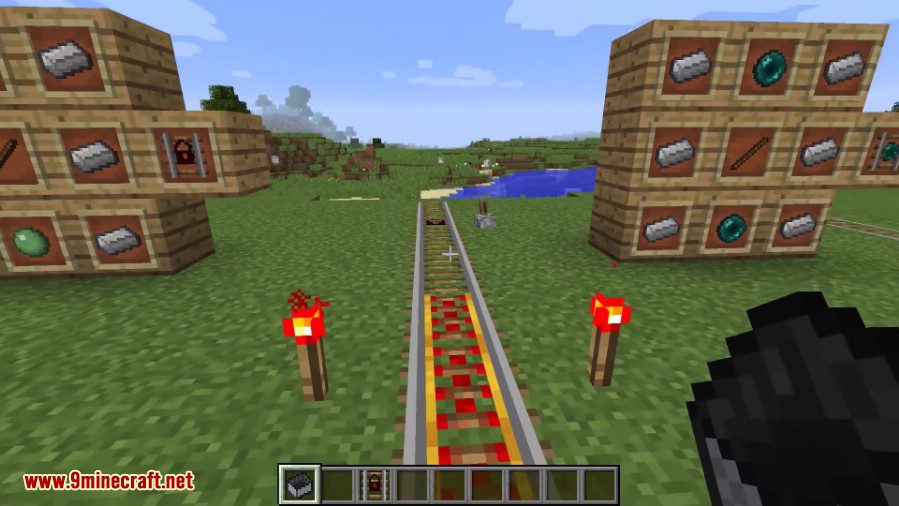
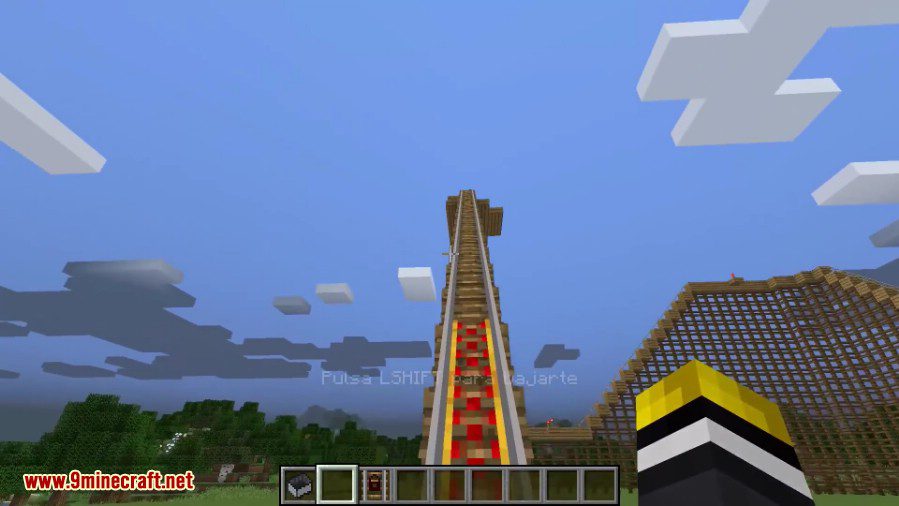
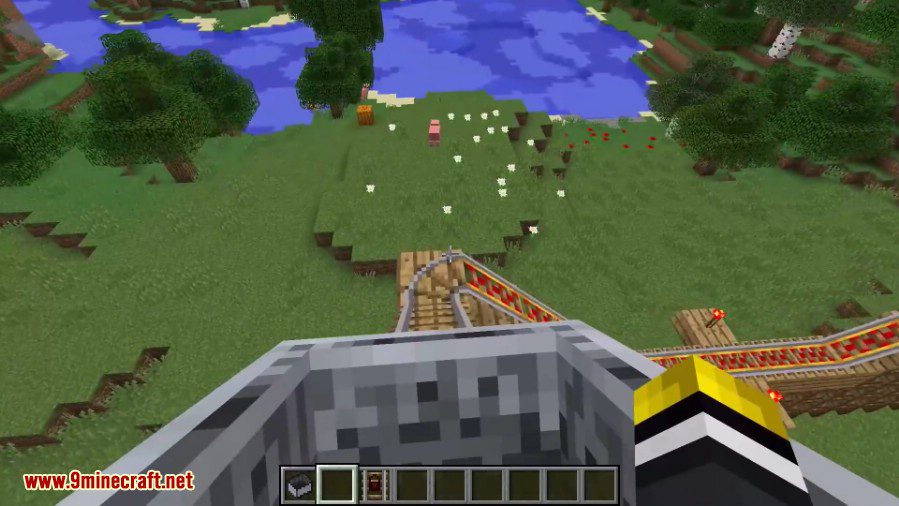
Extra Rails Mod adds several new types of rails to build your minecart tracks. These special rails give you more control over your carts. You can make them stop, change direction, or even teleport across the map.
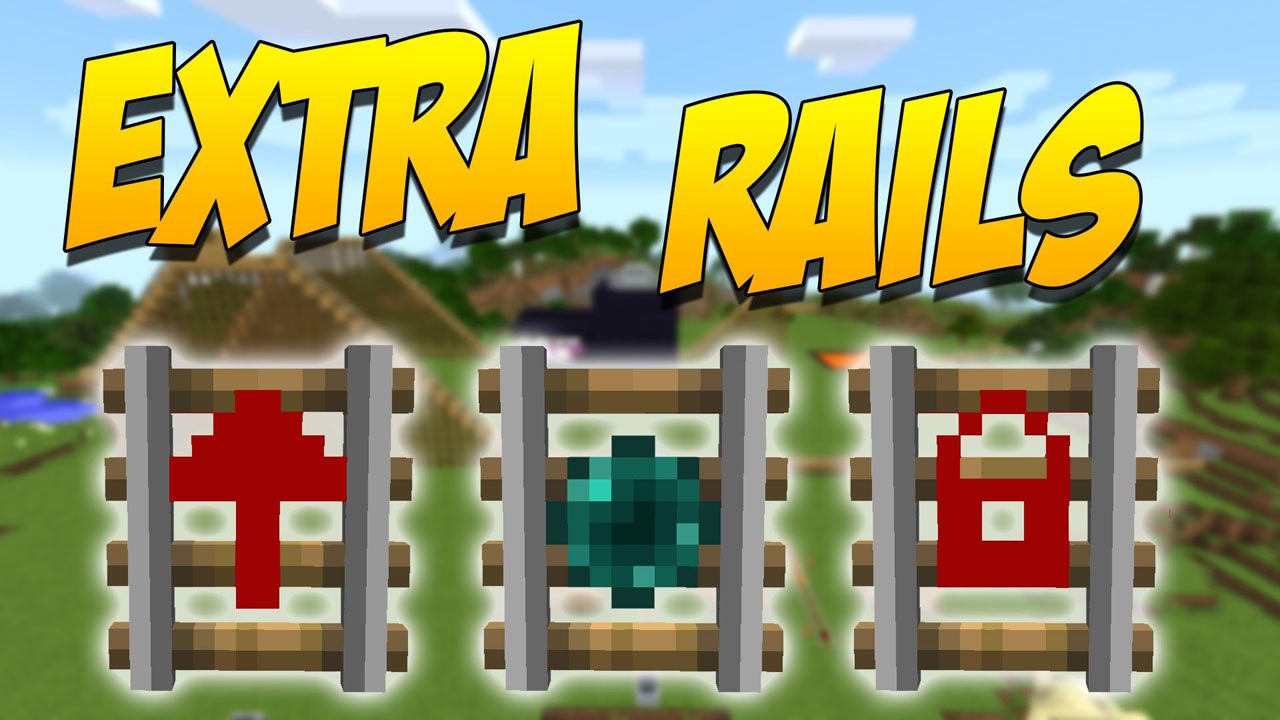
Features:
- Locking Rail: This rail holds a minecart in place. When it gets a redstone signal, it pushes the cart in the direction it’s facing.
- Direction Rail: Works like a powered rail, but it will only push minecarts in one specific direction.
- Teleporting Rail: Instantly sends a minecart to another linked Teleporting Rail. You can link them by setting the same color frequency.
- Comparator Rail: If a minecart with an inventory (like a chest minecart) is on this rail, it will output a redstone signal based on how full the inventory is.
- Wooden Rail: This rail looks like a normal track but is made of wood. It slows down minecarts to half their normal speed.
How to Use:
To link two Teleporting Rails:
- Place a Teleporting Rail at your starting point and another at your destination.
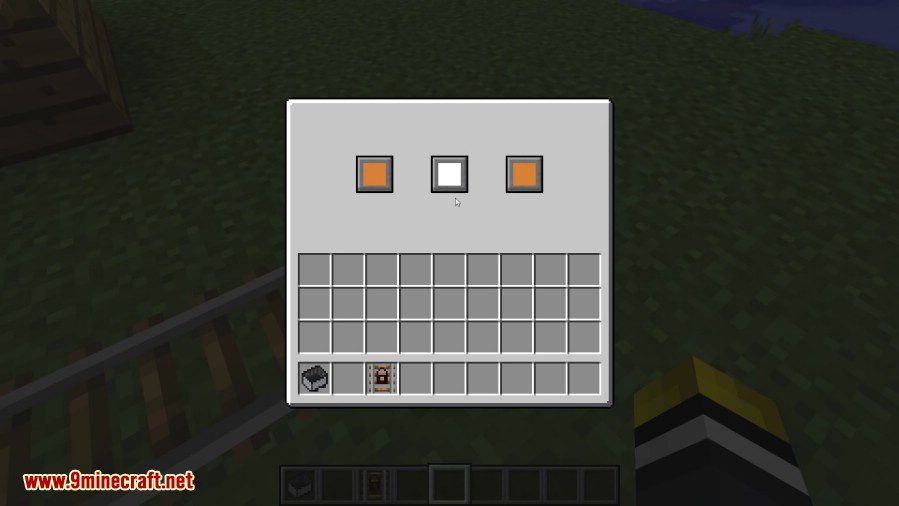
- Right-click on the first rail to open its menu.
- Use the color selectors to pick a unique frequency (a color combination).
- Go to the second rail and set it to the exact same color frequency.
Once linked, any minecart that goes over one rail will instantly appear on the other. Be careful, as linking more than two rails to the same frequency can make the destination random.
Configuration:
You can enable or disable certain rails in the config file:
enableTeleportingRail: Set to true to allow the Teleporting Rail to be crafted and used. It is on by default.enableWoodenRail: Set to true to allow the Wooden Rail to be crafted and used. It is also on by default.
Crafting Recipes:
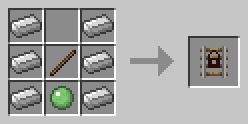
Locking Rail
The Locking Rail holds the cart on it in place until it receives a redstone signal, at which point it propels the Minecart in the direction it is facing.
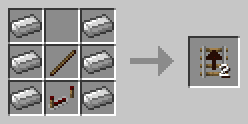
Direction Rail
The Direction Rail acts like the Golden Rail but it only propels carts in the direction it is facing.
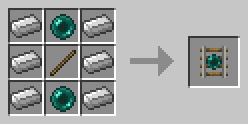
Teleporting Rail
The Teleporting Rail teleports Minecarts on it to the other Teleporting Rail it is connected to.
To link Teleporting Rails, open the GUI by right-clicking on them and use the 3 color selectors to pick a frequency for the rail. Do the same for the other Teleporting Rail and Minecarts will be able to teleport back and forth.
Note: If there are more than 2 Teleporting Rails on the same frequency, the destination may be random.
Comparator Rail
The Comparator Rail outputs the redstone level of the cart on it, if said cart is an inventory (specifically if it implements IInventory, has the IItemHandler capability or implements IItemHandler).
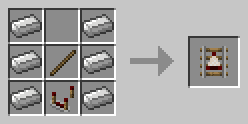
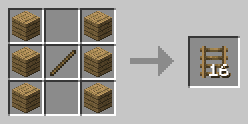
Wooden Rail
The Wooden Rails are functionally identical to the normal Rails, but they limit Minecart’s speed to 50% of the vanilla speed.
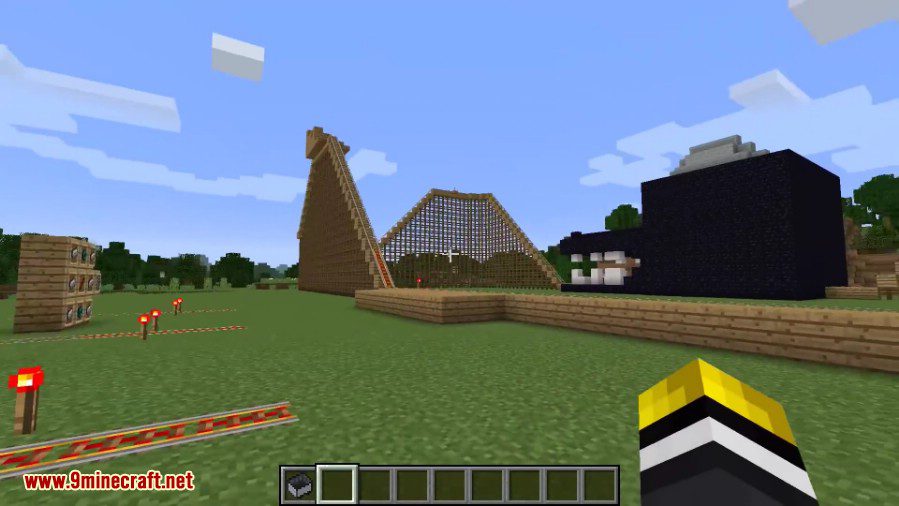
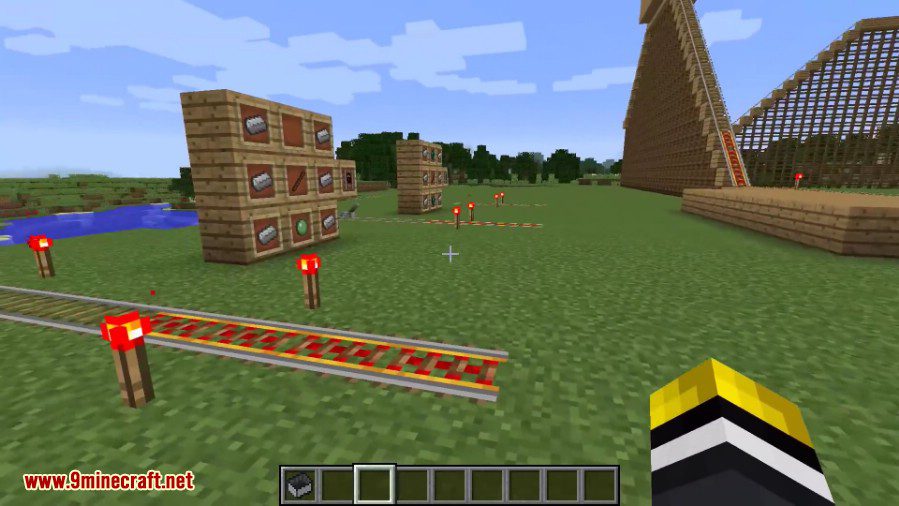
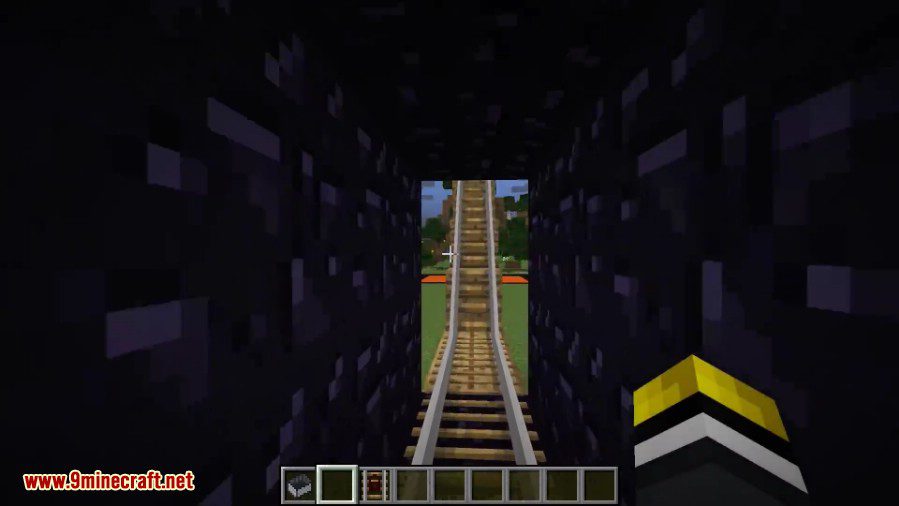
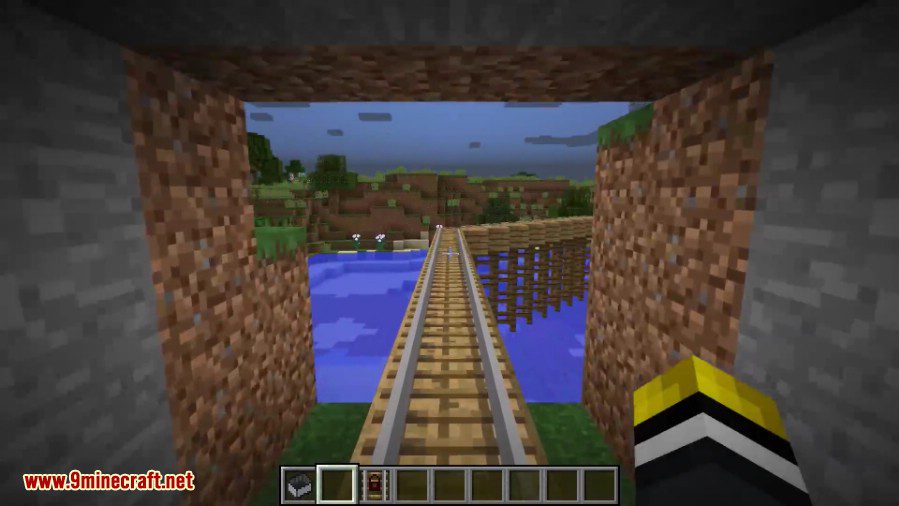
Screenshots:
How to Install:
New to Minecraft? Follow our step-by-step guide to install Mods on your PC.View Guide
Extra Rails Mod Download Links
For Minecraft 1.10.2
For Minecraft 1.11.2, 1.11
For Minecraft 1.12.2, 1.12.1, 1.12
You May Also Like





This post has no comments yet. Be the first — your comment will appear here.