


GTBC’s Cataclysmic Boss UI Mod (1.21.1, 1.20.1) – Study Cataclysm Bosses
 0
0
 0
0

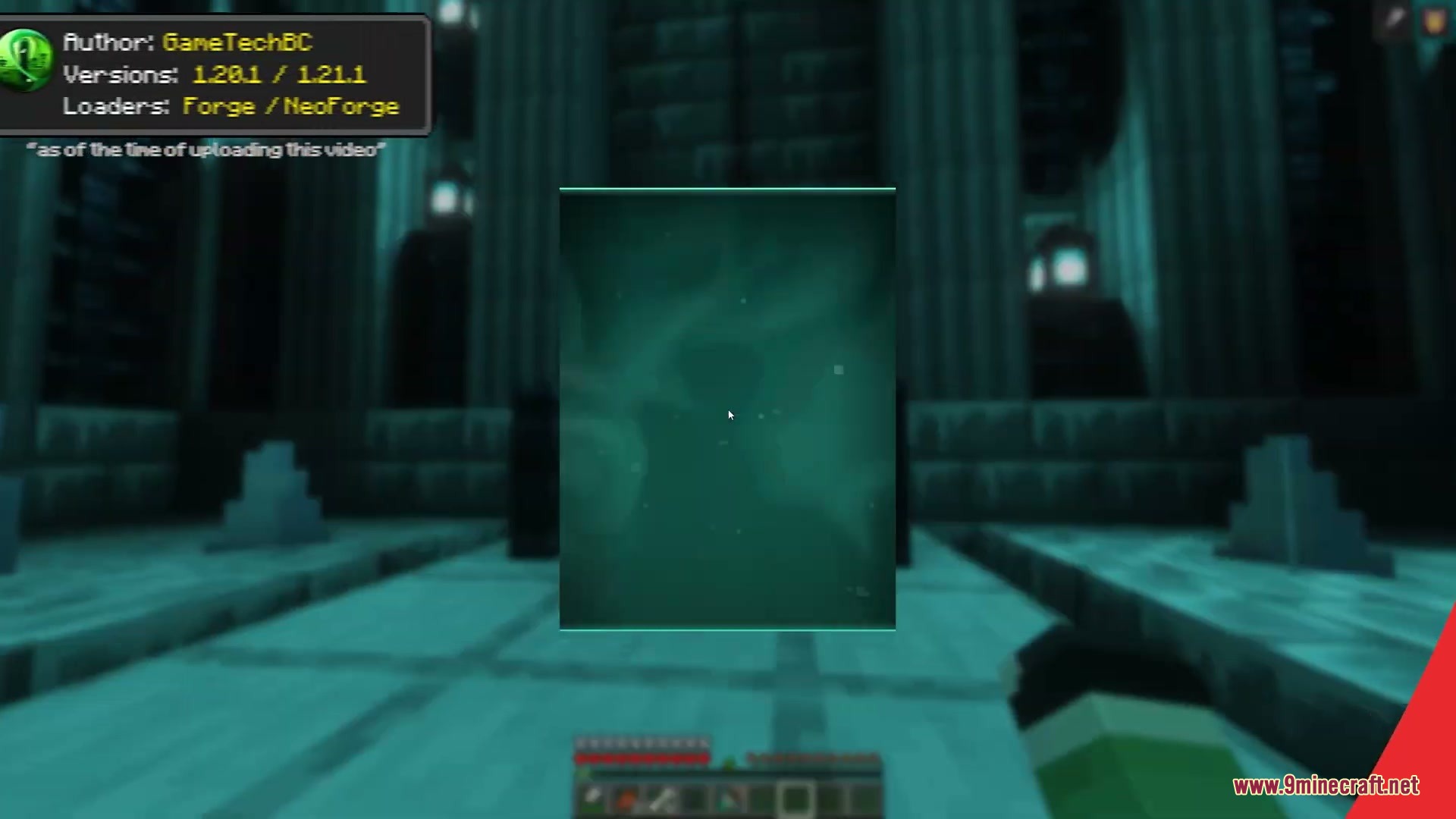
GTBC’s Cataclysmic Boss UI Mod adds detailed pre-fight information screens for L_Ender’s Cataclysm. It brings interactive overview menus that showcase 3D boss models, background lore, attack patterns, and phase mechanics before you walk into battle. This mod helps players prepare the right gear and learn smart counter-strategies for every tough encounter.
Features:
- Displays an interactive preview screen for every boss from the Cataclysm roster.
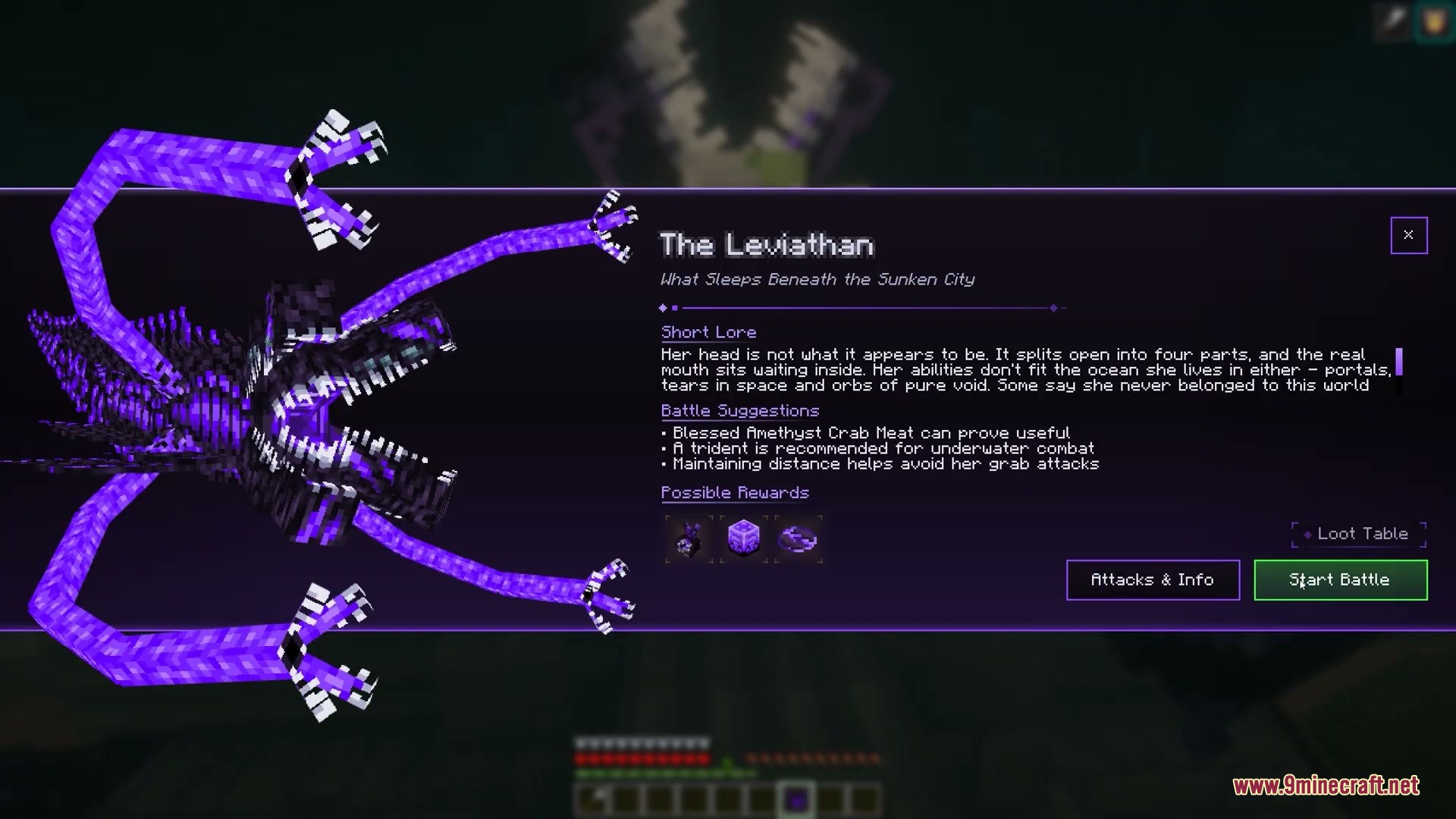
- Renders an animated 3D model of the selected boss directly inside the interface.
- Provides short lore entries to explain the story and background of each enemy.
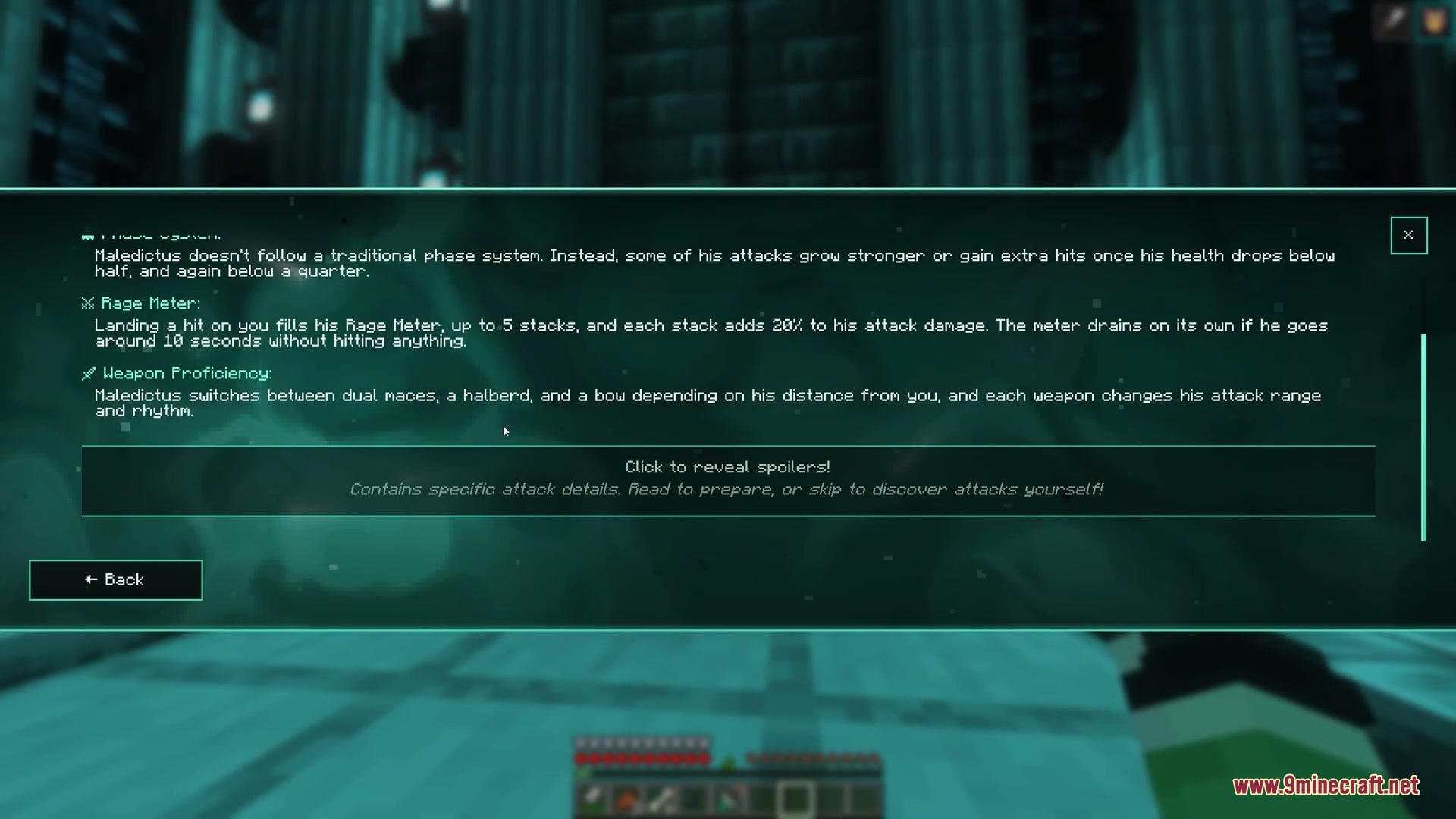
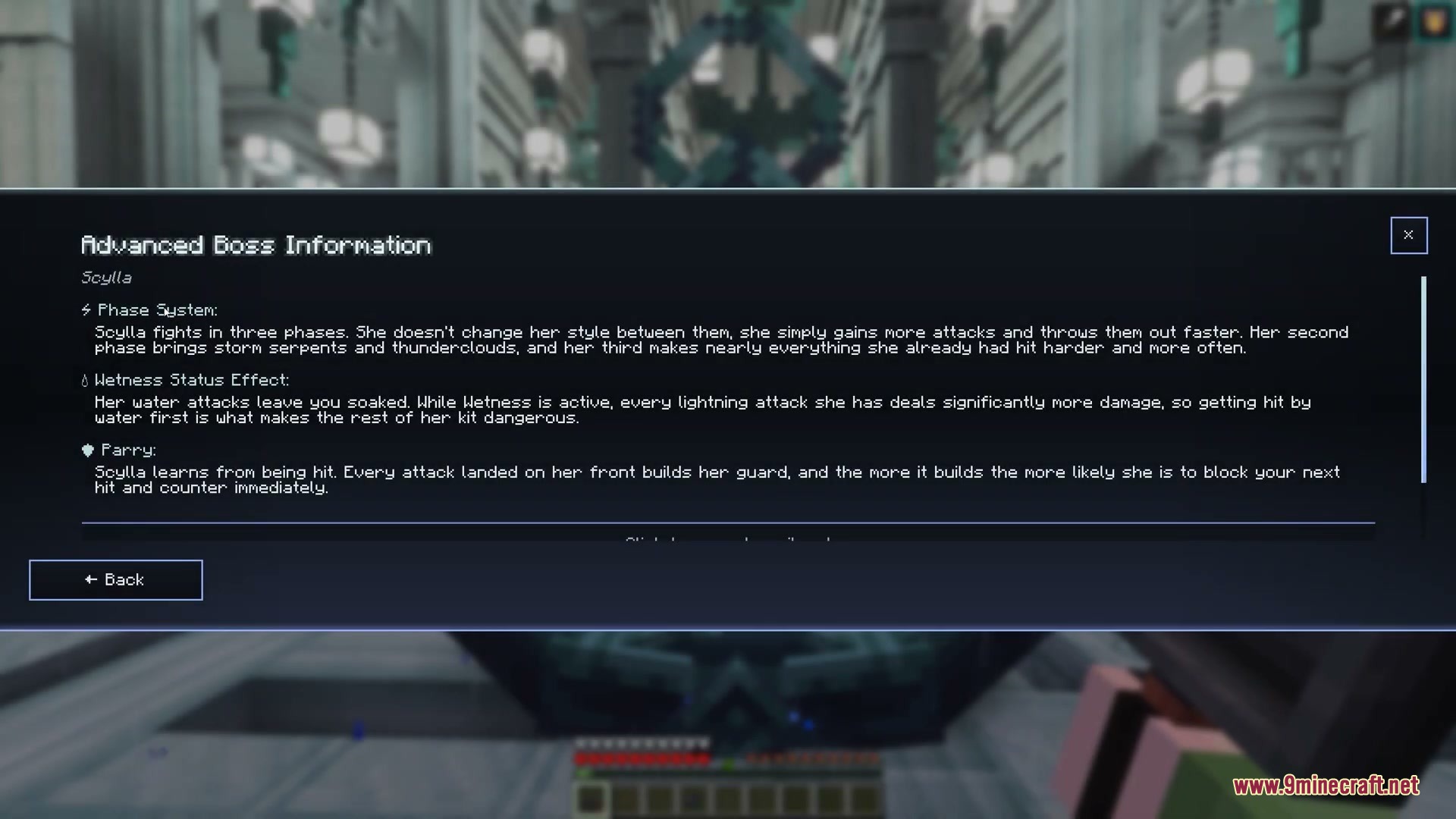
- Breaks down critical attack behaviors, dangerous phase transitions, and hidden mechanics.
- Offers helpful suggestions on weapons, potions, and equipment to bring to the battle.
- Works with custom resource packs so players can edit language text, descriptions, and shaders.
How to Use:
- Open the boss menu screen before starting an encounter.
- Select the target boss from the list to view its rendered model and lore.
- Read through the breakdown of phases, special attacks, and recommended equipment.
- Pack your inventory with the suggested counter-items and head into the arena.
Screenshots:
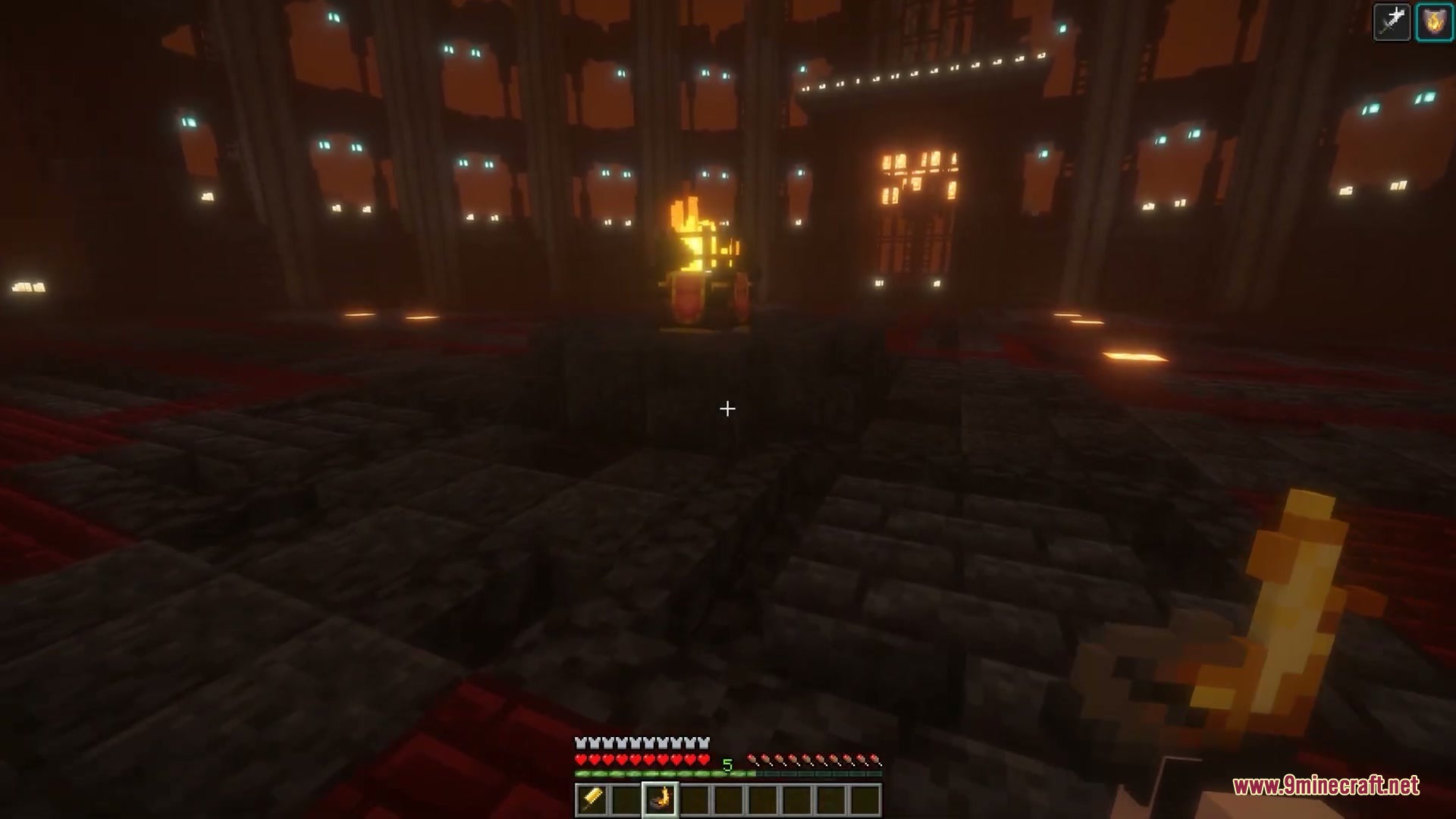
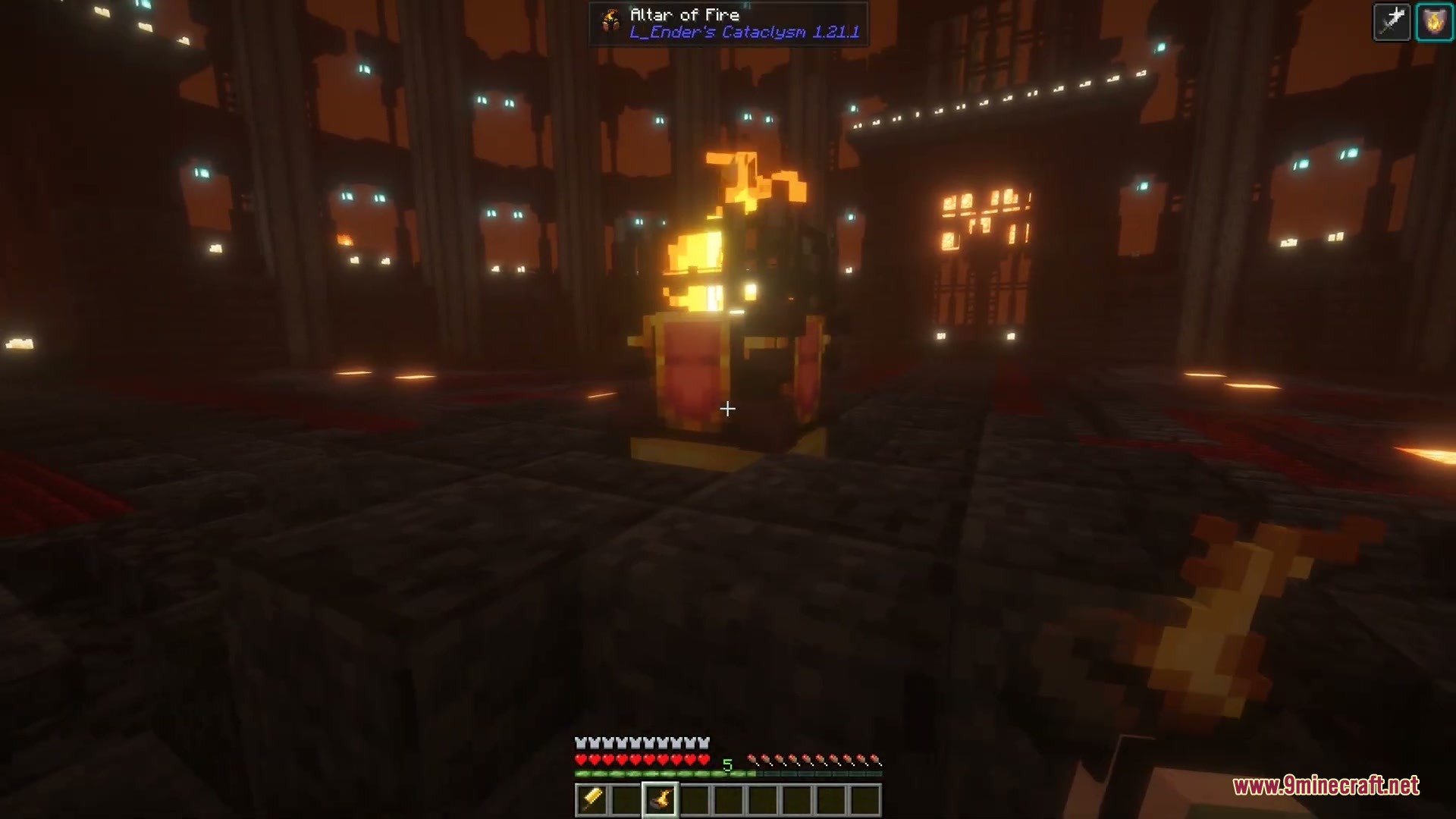
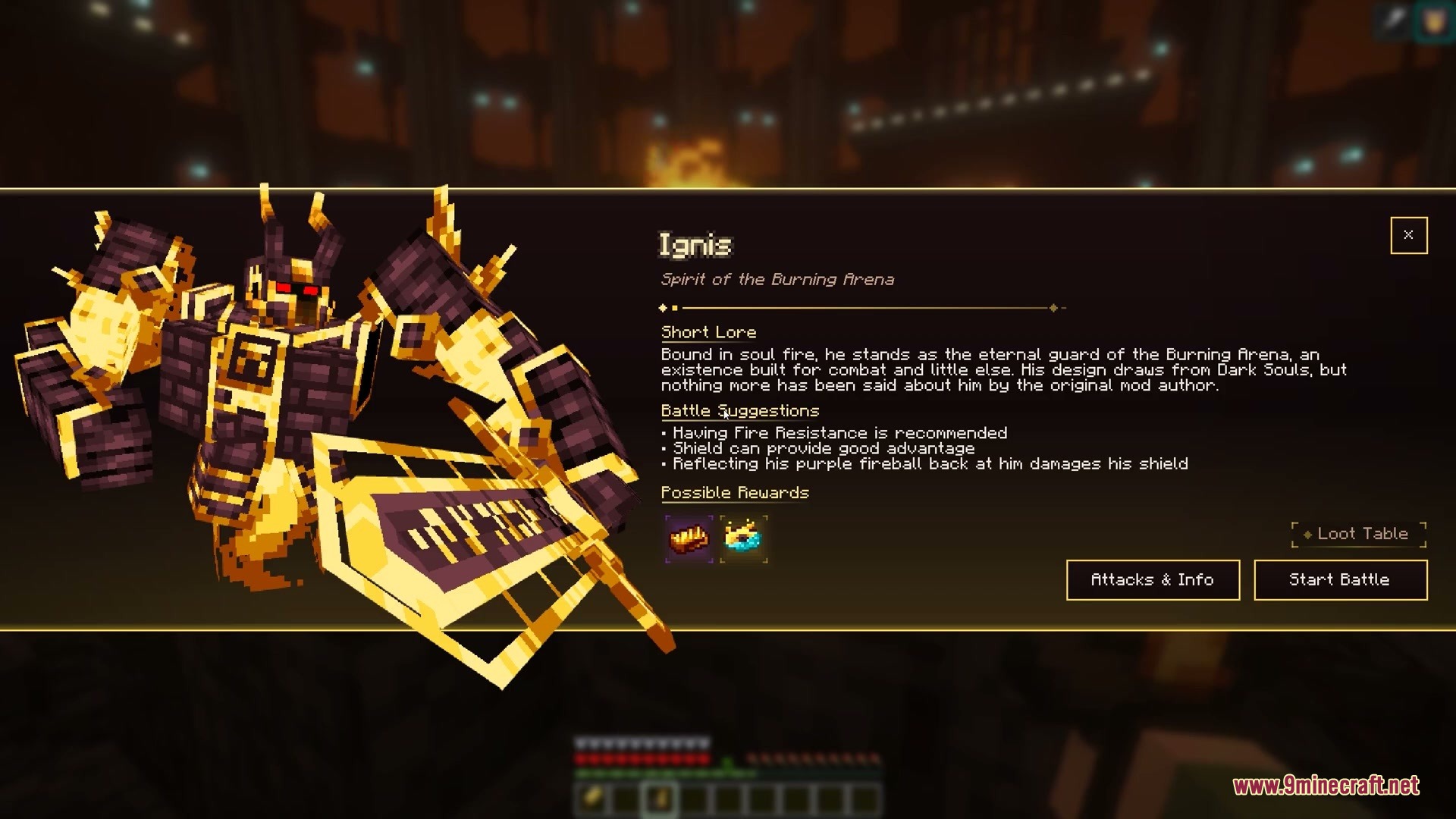
How to Install:
New to Minecraft? Follow our step-by-step guide to install Mods on your PC.View Guide
Requirements:
 NeoForge Required
 Minecraft Forge Required
L_Ender 's Cataclysm Required
L_Ender's Cataclysm Required
GTBC’s Cataclysmic Boss UI Mod Download Links
For Minecraft 1.21.1, 1.21
For Minecraft 1.20.1, 1.20
Click to rate this post!
[Total: 0 Average: 0]
You May Also Like

This post has no comments yet. Be the first — your comment will appear here.