Hardcover Mod (1.21.11, 1.20.1) – Upgrade The Recipe Book
 251
251
 0
0
 December 27, 2025
 dicedpixels
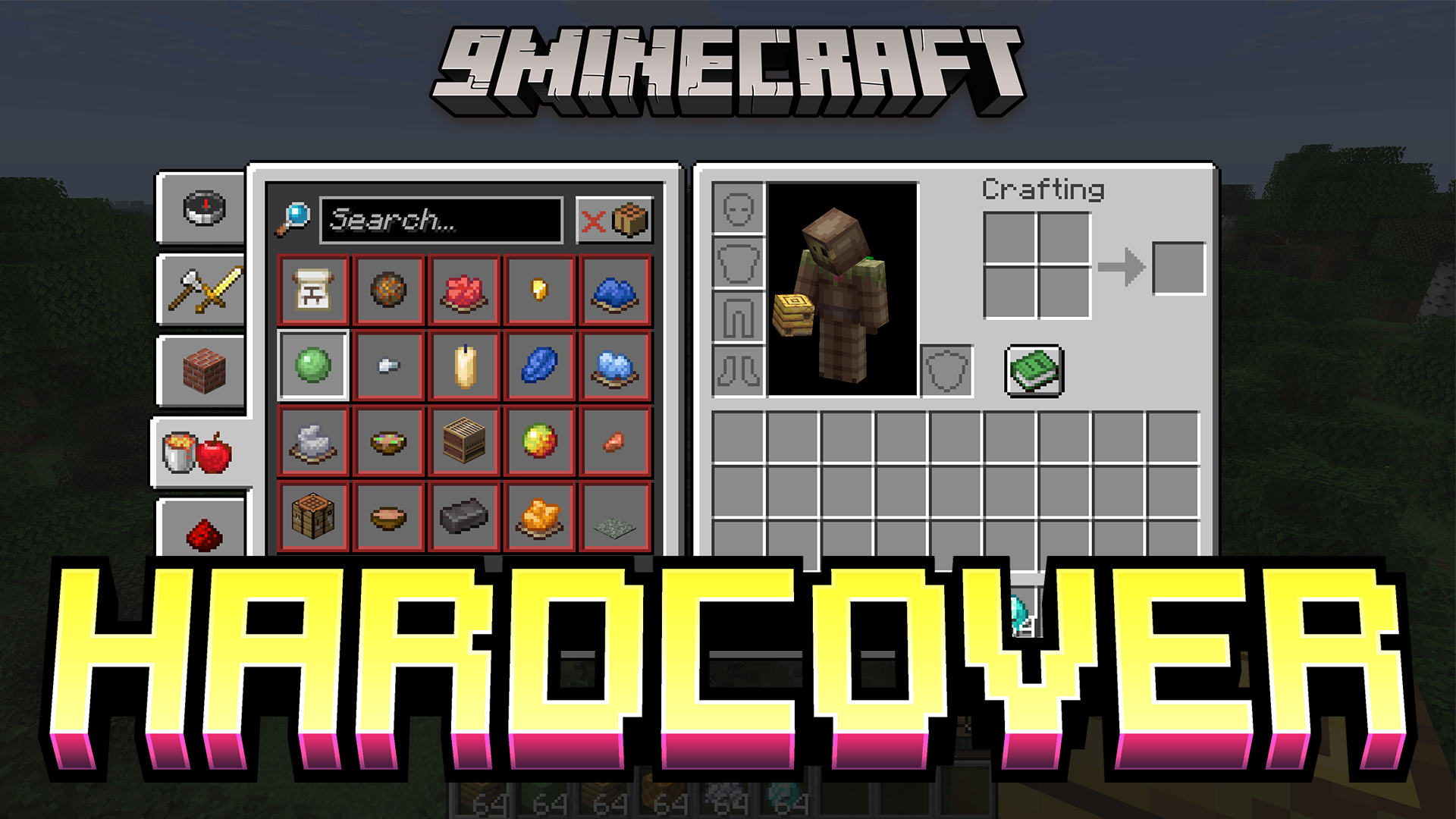
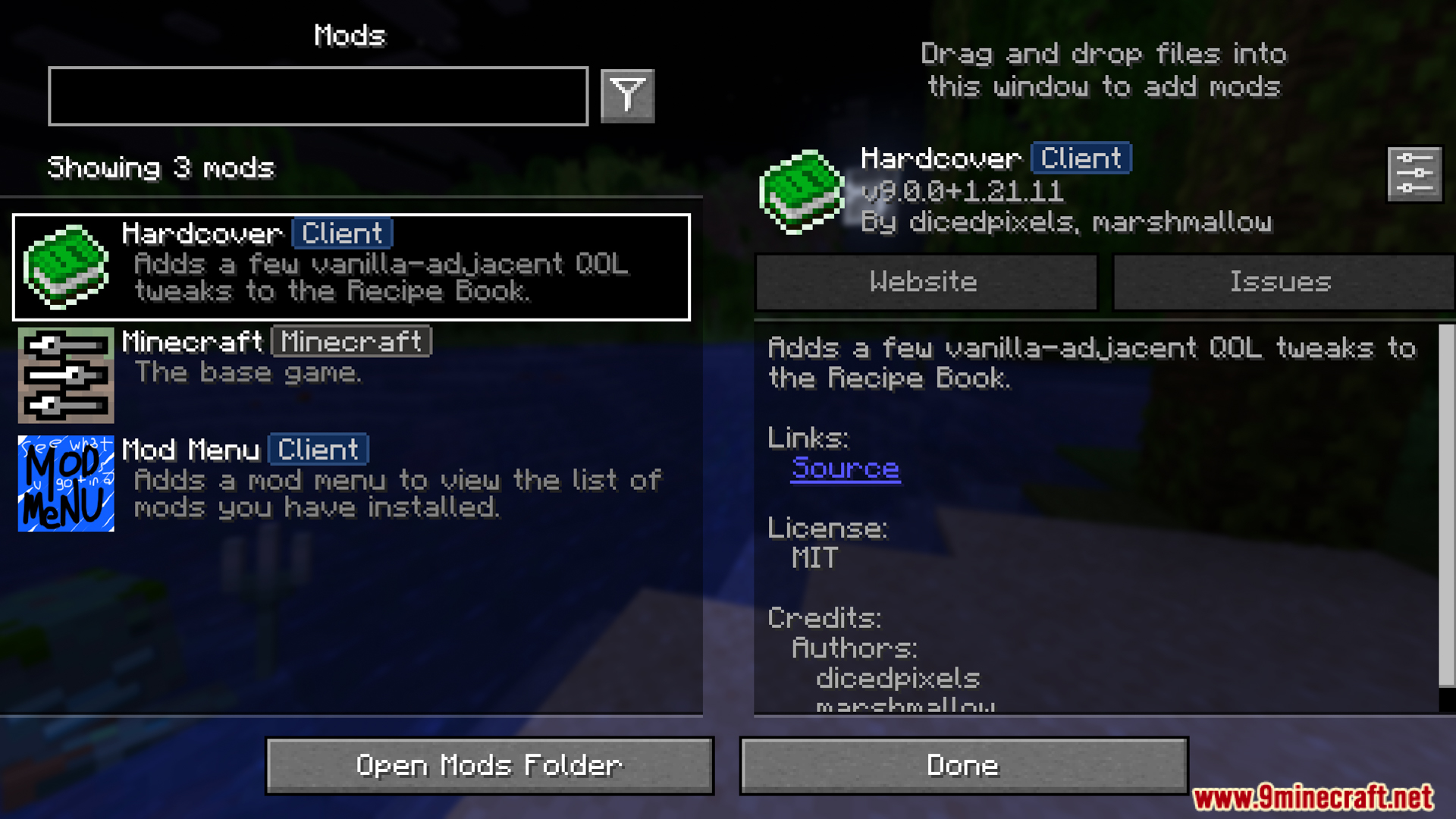
Hardcover Mod is a small but extremely useful Quality of Life (QoL) enhancement mod for Minecraft’s Recipe Book. It provides “near-vanilla” tweaks to help you find, view, and craft recipes faster when playing.
Features:
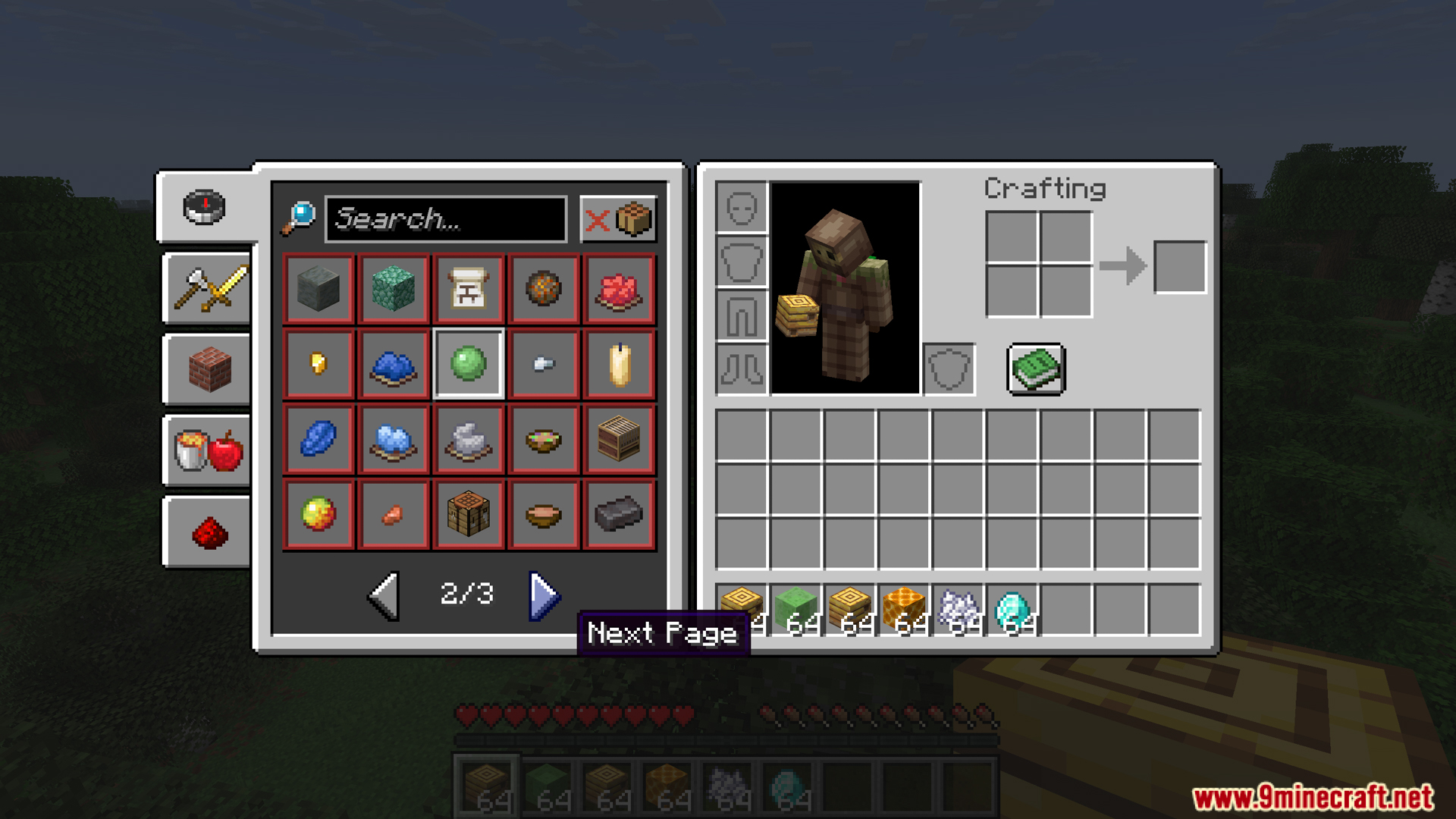
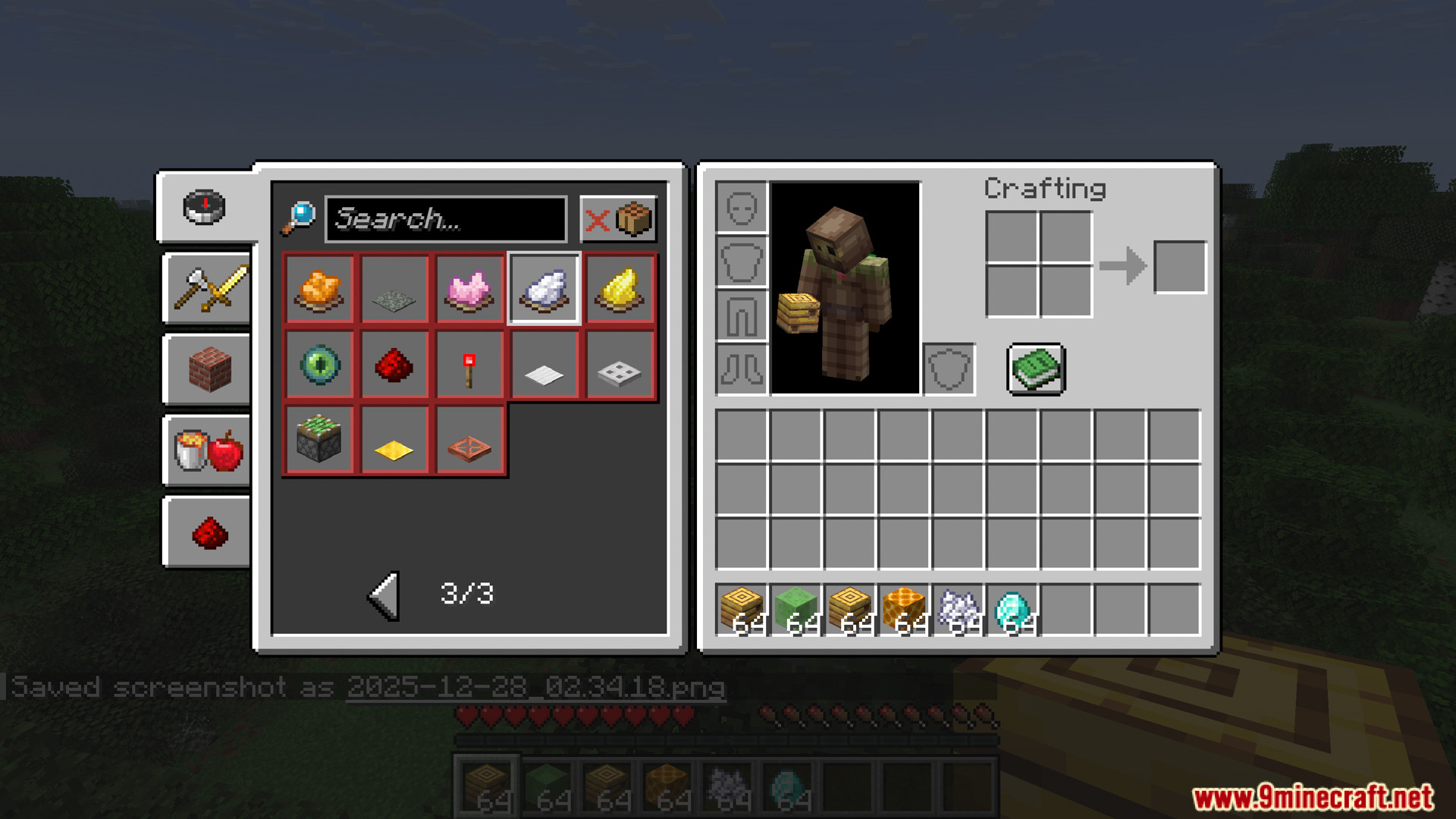
- Hardcover expands the recipe book interface with more display lines and rearranges the search/navigation position so you can see more results at once.
- When you view the recipe book, the time button will always show the item you received instead of the recipe image; if you hover your mouse, you will see a list of ingredients needed to craft that item, making it easier to select the right item when searching for crafting materials.
- You can scroll with the mouse wheel to move the recipe list, and the scroll will rotate when it reaches the beginning/end. The mod also lets you reverse the scroll direction if you prefer a different style.
- When you leave the player screen (inventory) or open another GUI, the recipe book will automatically close, no need to manually close it each time. Modrinth
- Hardcover adds recipe groups similar to Creative Inventory so you can easily find items by type/function. It also has a compact mode for more groups to display in limited space.
- You can craft items directly from the recipe book by holding down the left Ctrl key and clicking on the recipe in the list – extremely fast when playing survival games.
- Hardcover brings a Dark Mode option to the Recipe Book (there are two variations based on popular resource packs), making it easier to see when playing at night or in dark themes.
- You can enable/disable the “bounce” effect when a new recipe appears, center inventory, toggle the recipe book button in supporting screens, ungroup recipes to view each recipe individually, or auto-unlock all recipes when entering the singleplayer world so you don’t have to manually open each one.
Screenshots:




Crafting Recipes:
Recommend that you should install Just Enough Items (for mods using Forge) or Roughly Enough Items (for mods using Fabric) to view the full recipes included in this mod.
Requires:
How to install:
Click the following link to view details: How to Install Mods for Minecraft Java Edition on PC: A Beginner Guide
Hardcover Mod Download Links
For Minecraft 1.19.4
Fabric version: Download from Server 1 – Download from Server 2
For Minecraft 1.20.1, 1.20
Fabric version: Download from Server 1 – Download from Server 2
For Minecraft 1.20.2
Fabric version: Download from Server 1 – Download from Server 2
For Minecraft 1.20.4
Fabric version: Download from Server 1 – Download from Server 2
For Minecraft 1.21.1, 1.21
Fabric version: Download from Server 1 – Download from Server 2
For Minecraft 1.21.3
Fabric version: Download from Server 1 – Download from Server 2
For Minecraft 1.21.4
Fabric version: Download from Server 1 – Download from Server 2
For Minecraft 1.21.5
Fabric version: Download from Server 1 – Download from Server 2
For Minecraft 1.21.8, 1.21.7, 1.21.6
Fabric version: Download from Server 1 – Download from Server 2
For Minecraft 1.21.10
Fabric version: Download from Server 1 – Download from Server 2
For Minecraft 1.21.11
Fabric version: Download from Server 1 – Download from Server 2
You May Also Like