


Kinetic Model Forge Mod (26.2, 1.21.1) – Transform Into Custom 3D Characters
 0
0
 0
0

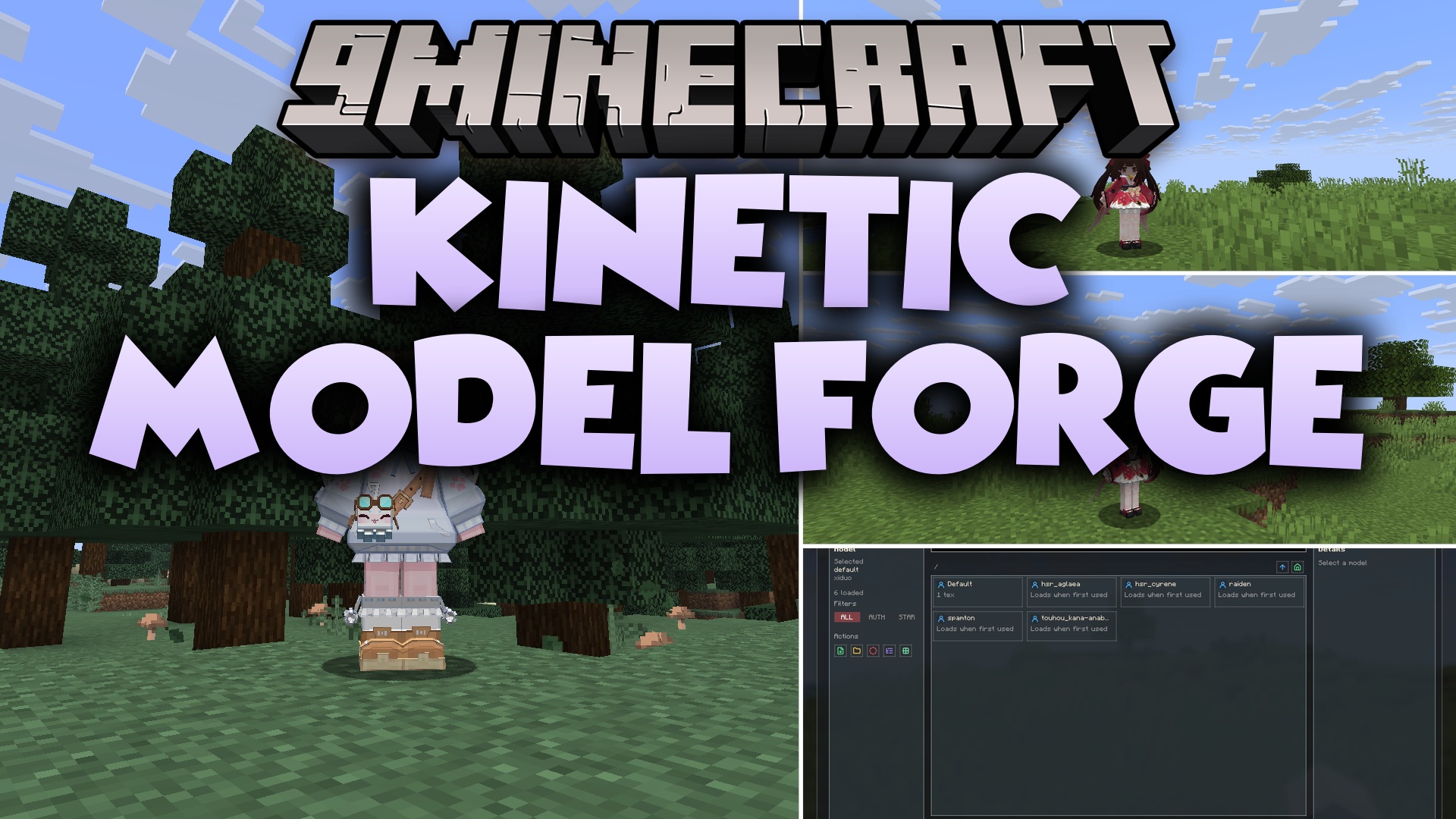
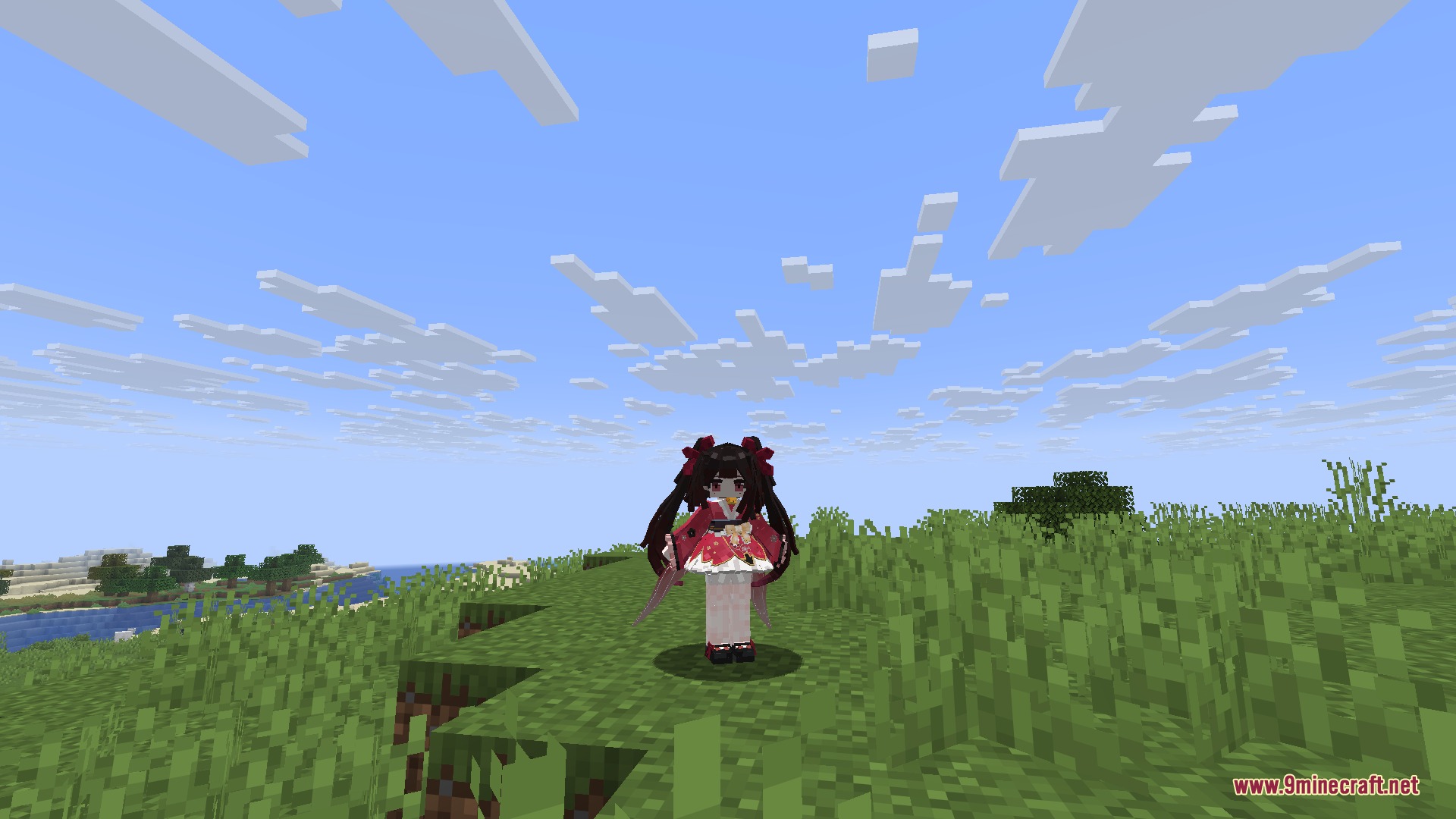
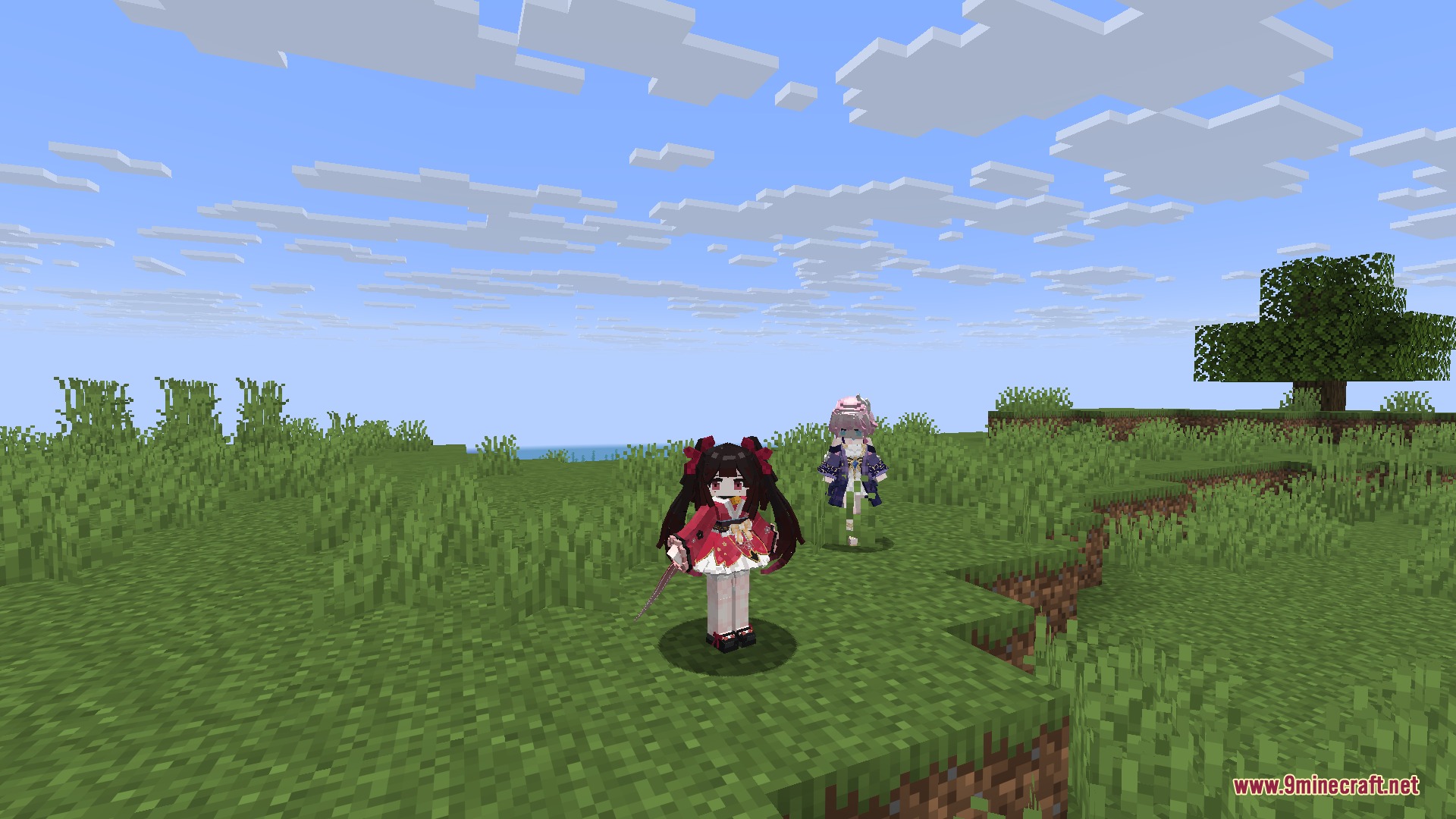
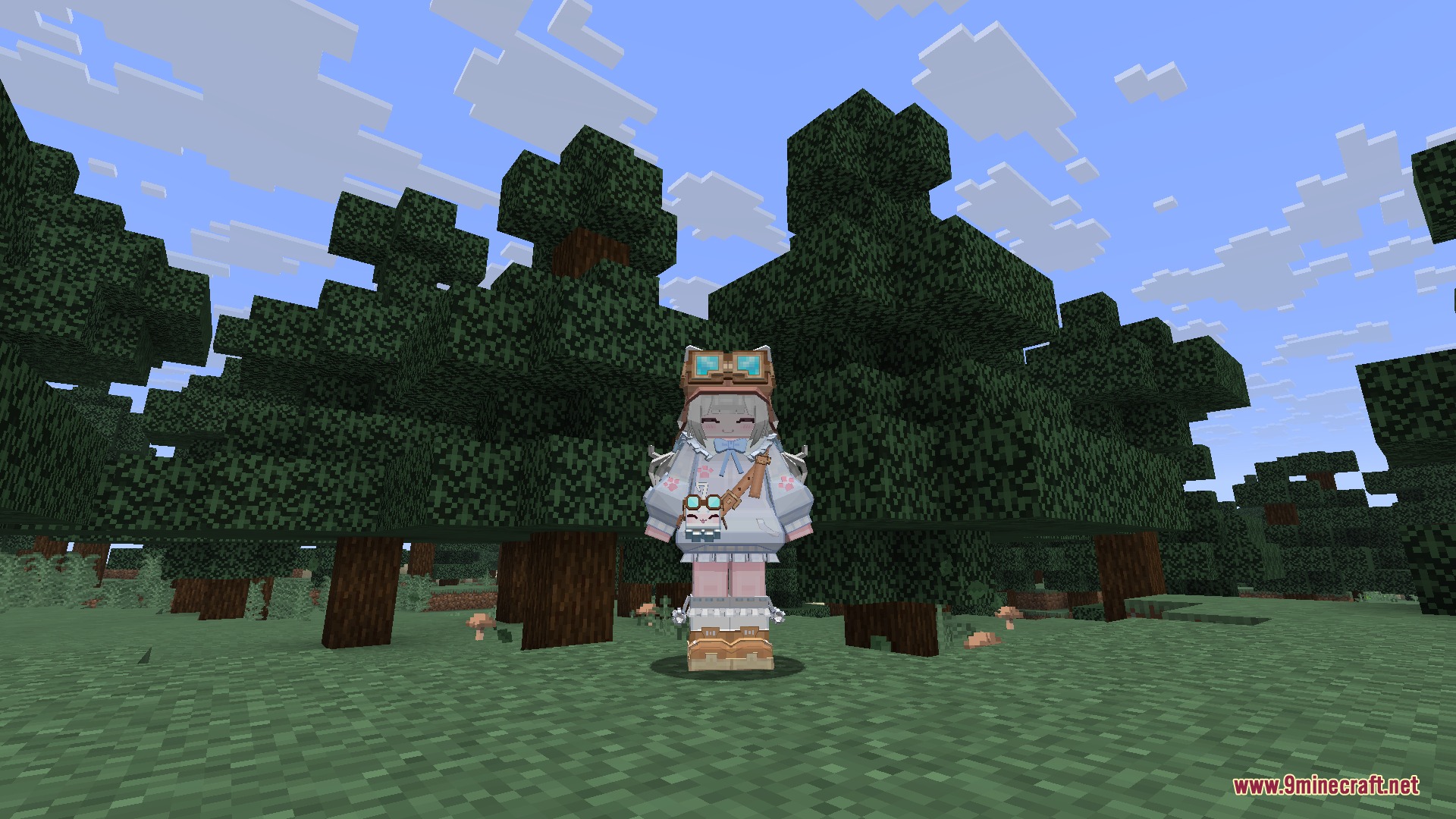
Kinetic Model Forge Mod replaces standard Minecraft player models with custom 3D characters, animations, and sound effects. This mod works as a universal model loader that lets you import creations directly from multiple modeling programs. Players can trigger custom animations in real time and see each other’s unique avatars during multiplayer games.
Features:
- Replaces default Steve and Alex player models with detailed custom 3D characters.
- Loads multiple model formats including YSM (.ysm), Blockbench (.bbmodel), Figura avatar archives, and ZIP packages.
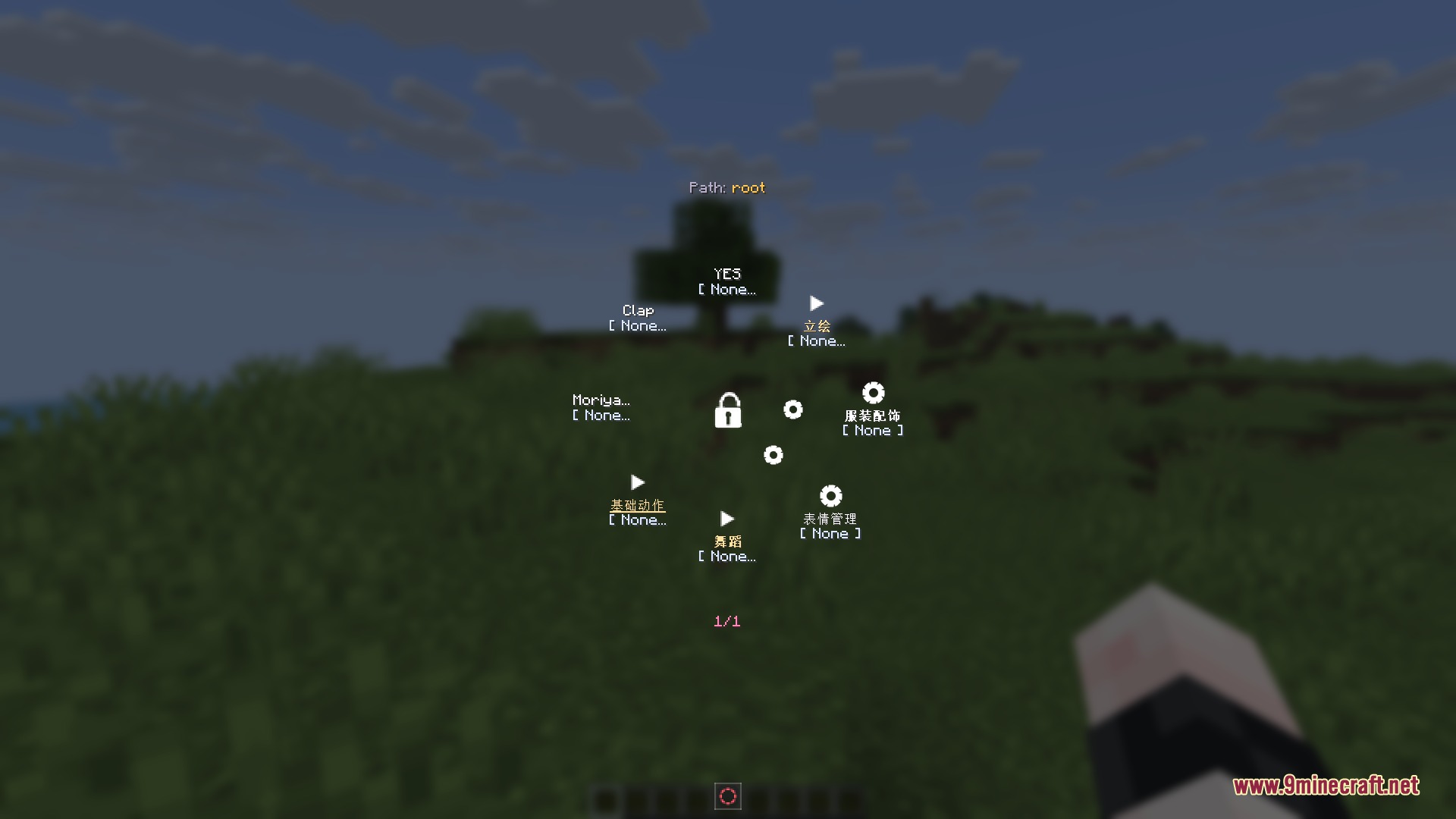
- Includes an animation carousel menu to trigger unique emotes and character movements in game.
- Adds skeletal animations, custom item holding poses, first-person arm models, and Molang expressions.
- Plays custom voice lines and sound effects with native audio decoding.
- Imports models from local folders, archive files, web links, and remote directories.
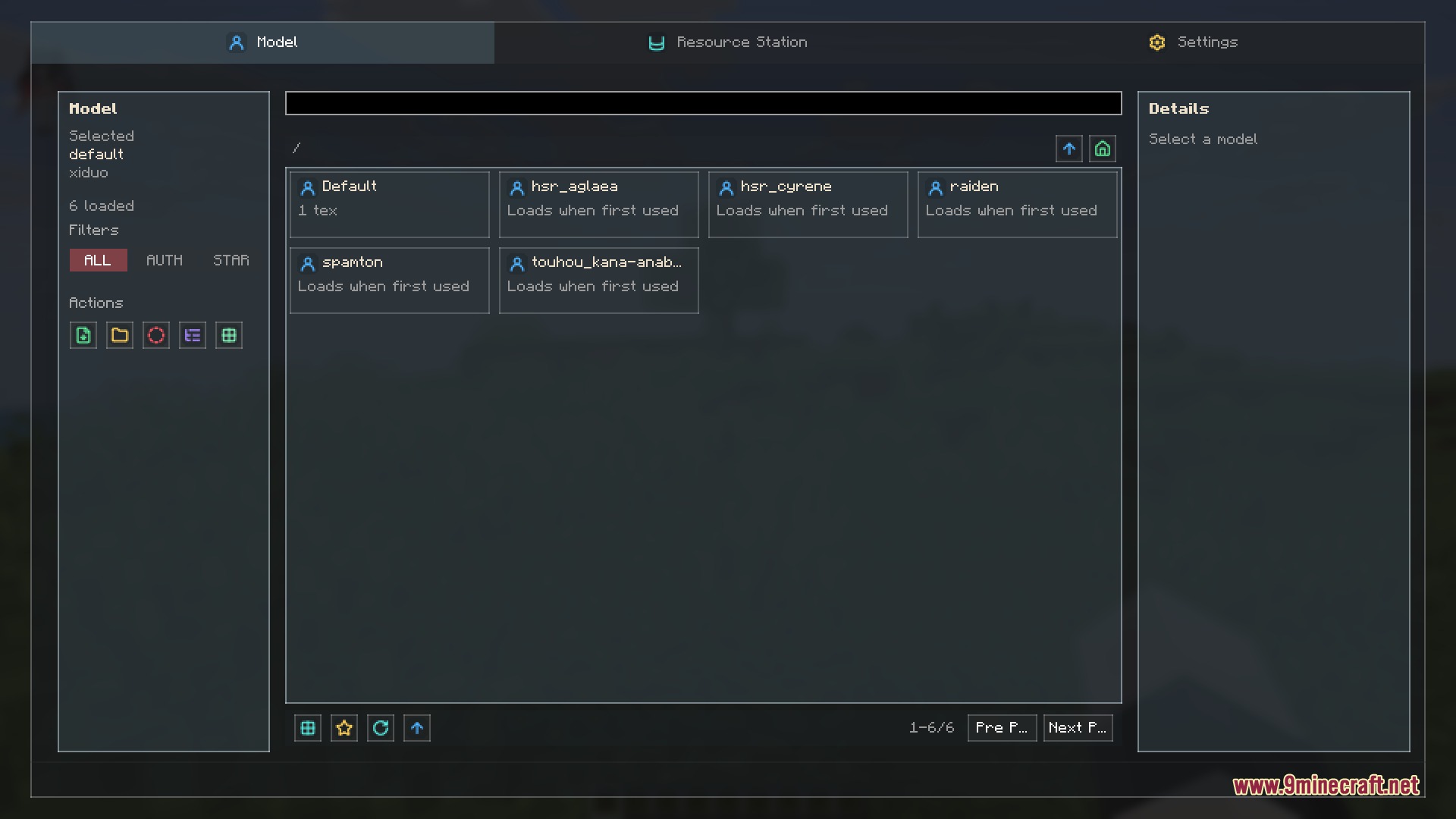
- Organizes your custom avatars with favorites lists and custom model groups.
- Synchronizes player models on multiplayer servers so everyone sees your custom skin.
- Provides server controls including model blacklists, upload tools, and bandwidth limits.
Compatible File Formats:
- Blockbench files (.bbmodel) with meshes, textures, and keyframe animations.
- Yes Steve Model packages (.ysm) with full movement sets.
- Figura avatar archives for imported community creations.
- Standard ZIP archives containing valid model and texture files.
How to Use:
- Place your custom model files into the mod’s config folder.
- Launch the game and open the in-game model selector screen.
- Choose your favorite avatar from the imported list to apply it instantly.
- Open the animation carousel to play custom emotes and actions during gameplay.
Screenshots:
How to Install:
New to Minecraft? Follow our step-by-step guide to install Mods on your PC.View Guide



Kinetic Model Forge Mod Download Links
For Minecraft 26.2
For Minecraft 26.1.2, 26.1.1, 26.1
For Minecraft 1.21.1, 1.21
Click to rate this post!
[Total: 0 Average: 0]
You May Also Like



This post has no comments yet. Be the first — your comment will appear here.