


Lithe Motion Framework Mod (26.2, 26.1.2) – Sit Lie Down and Crawl
 5
5
 0
0

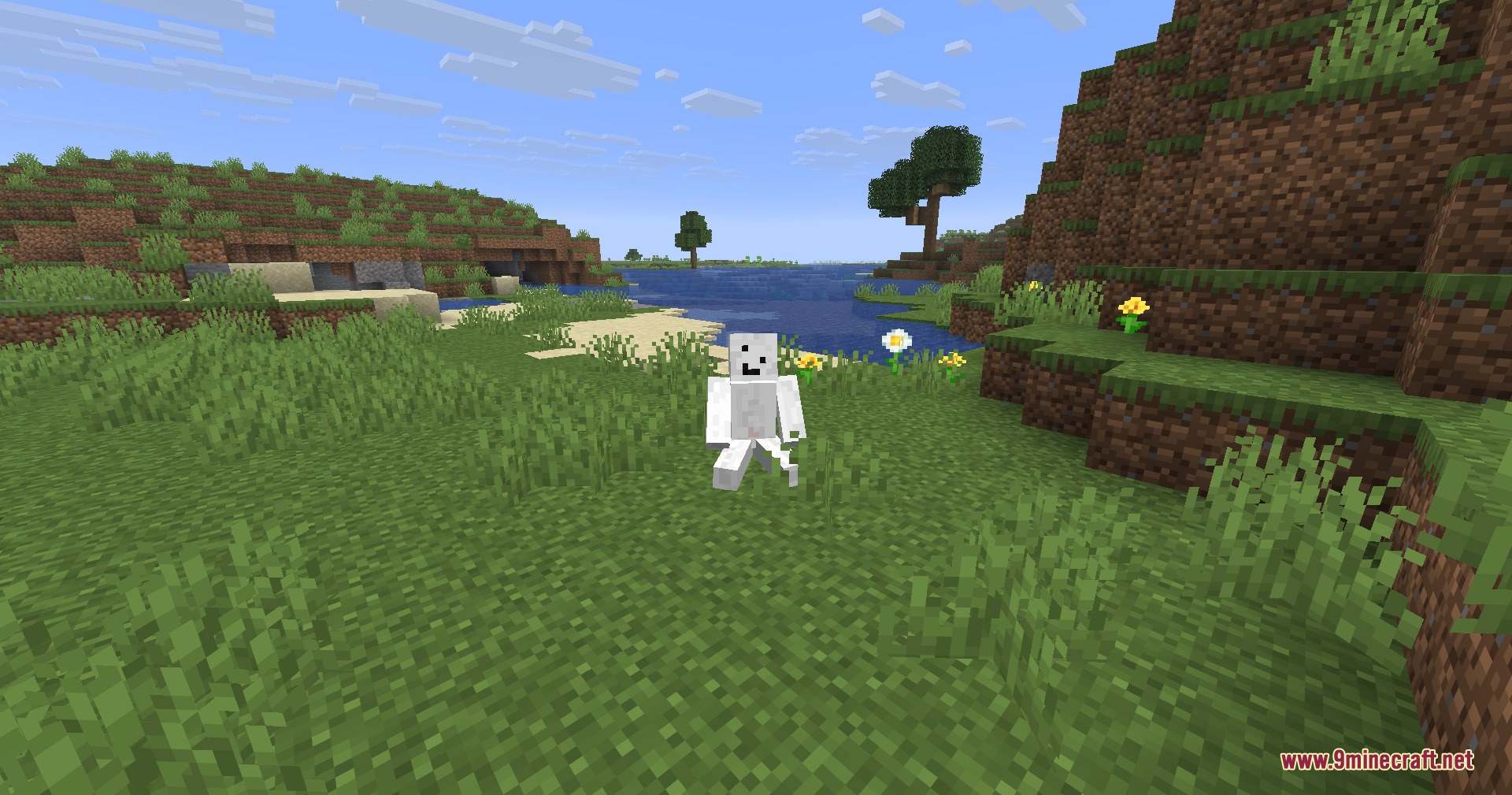
Lithe Motion Framework Mod adds new body postures to your game, letting your character sit, crawl, and lie down on command. This mod changes your actual player state instead of using invisible boats or basic crouch animations. It adapts your position to fit partial blocks like slabs, stairs, carpets, and snow layers. All poses stay synchronized across multiplayer servers so other players see your exact movements.
Features:
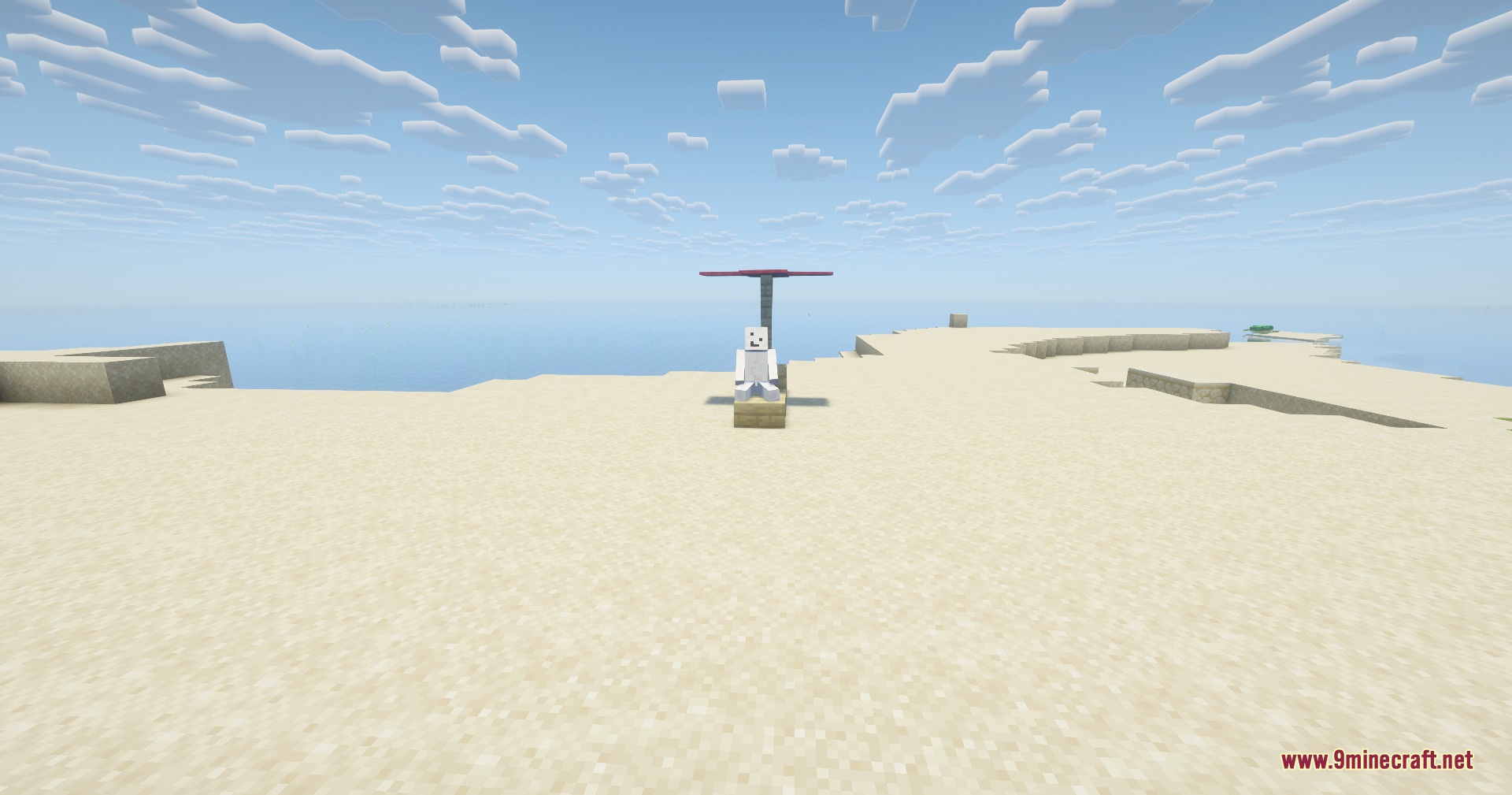
- Lets your character sit on the ground, slabs, stairs, or other blocks.
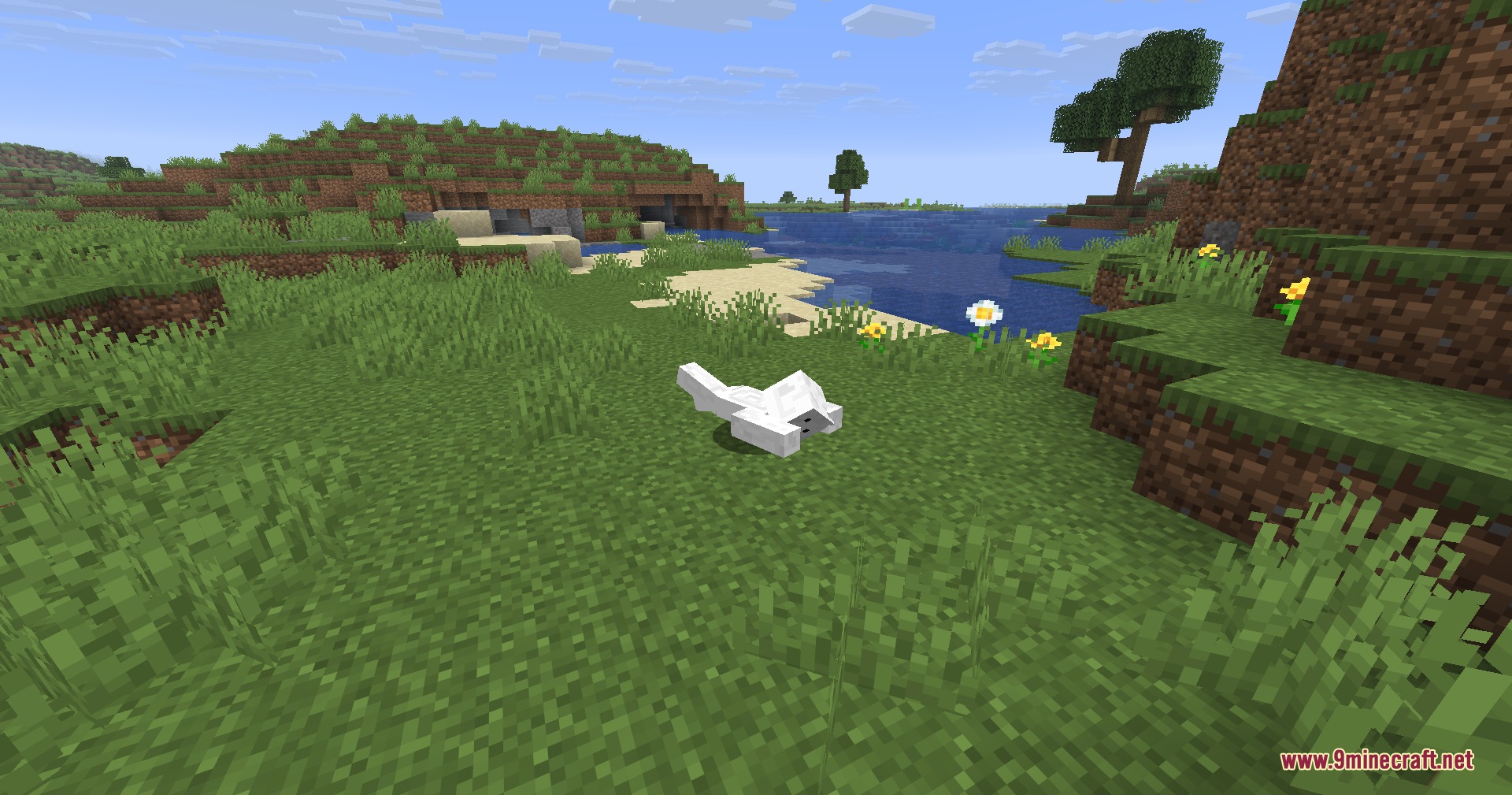
- Allows you to crawl through narrow one-block high spaces and tunnels.
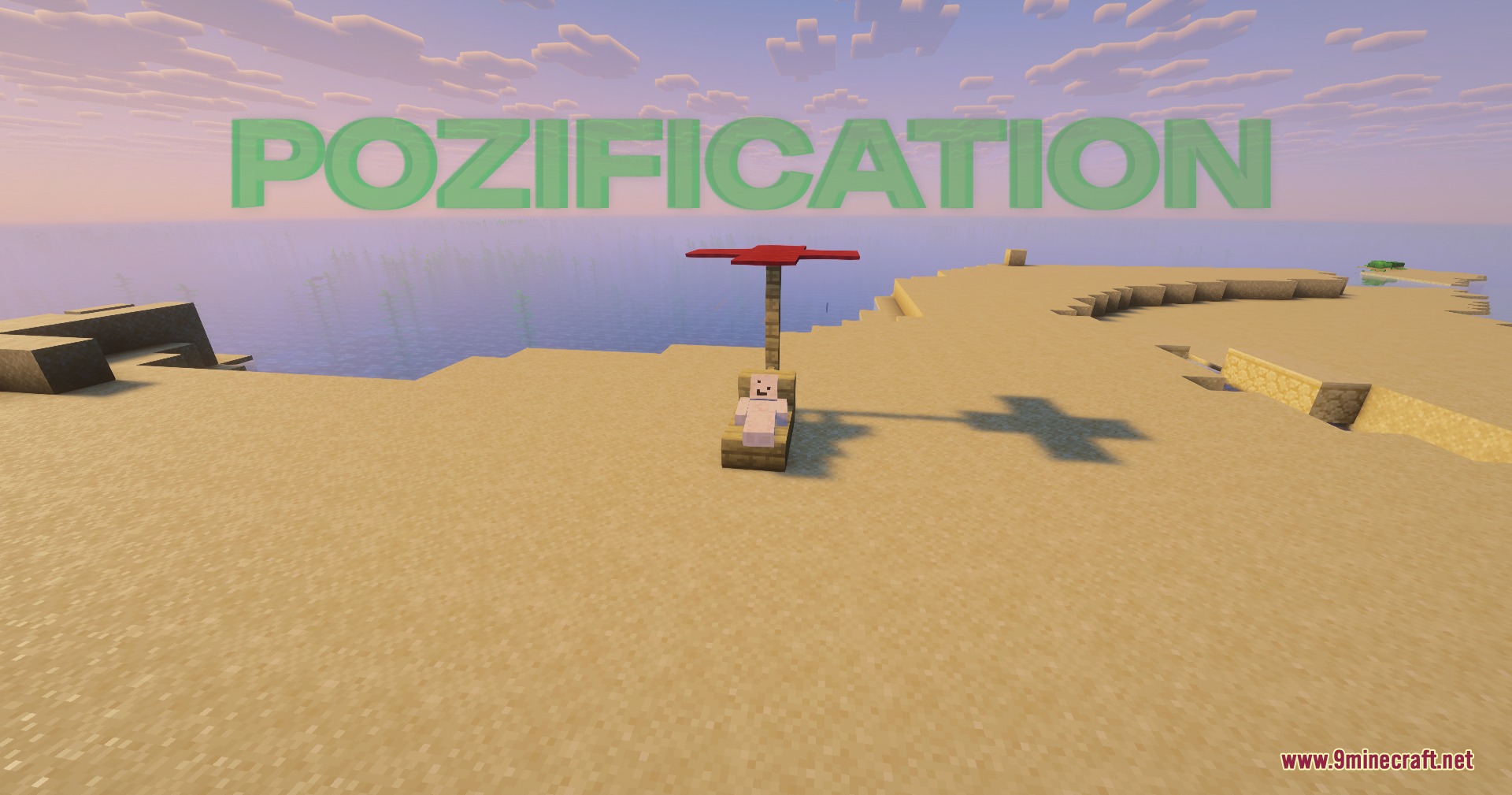
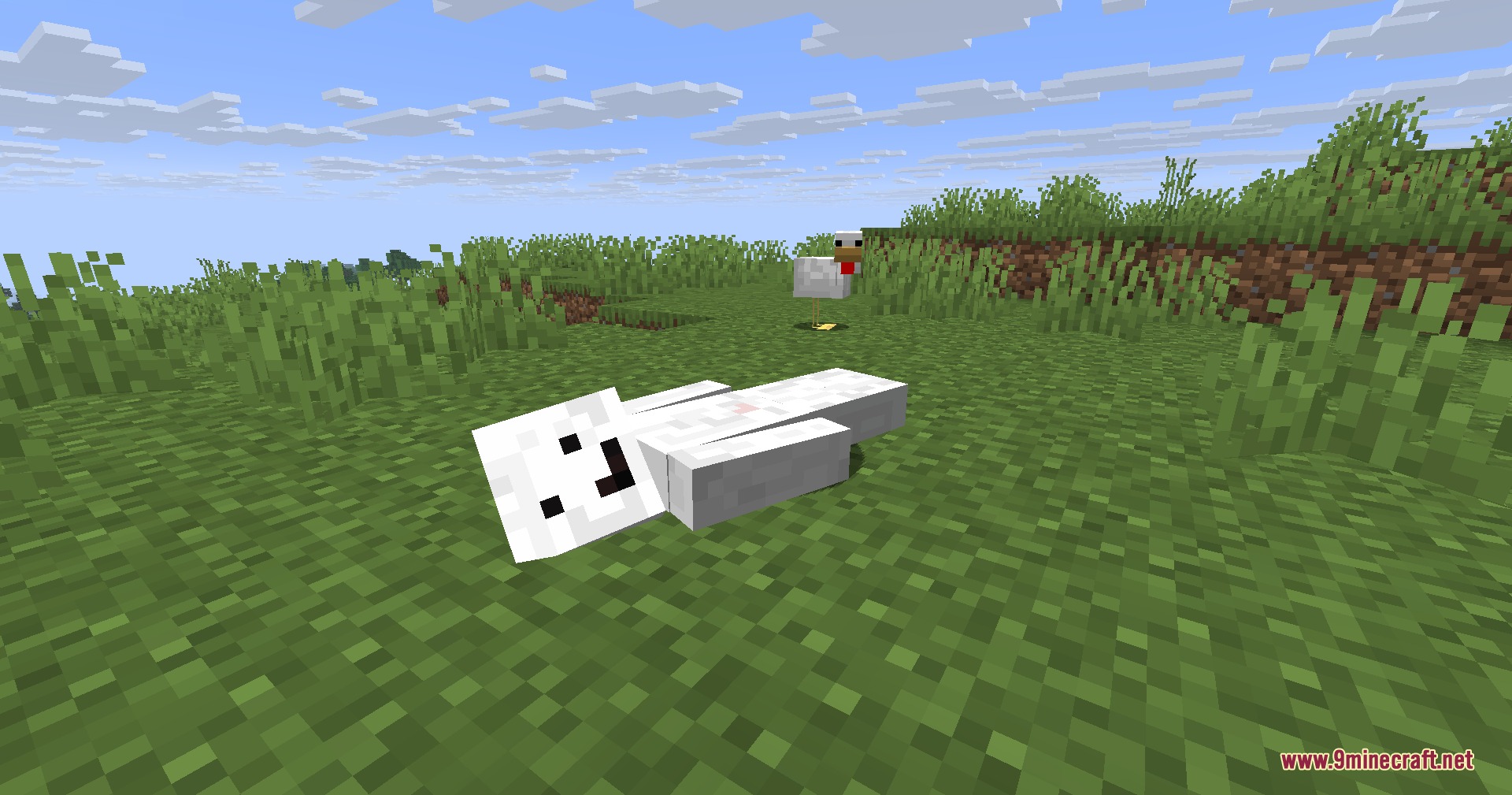
- Adds a lying pose to rest on flat surfaces without needing a bed.
- Adjusts your character hitbox and view height to match your current posture.
- Synchronizes all body positions across multiplayer worlds so other players see them.
- Detects custom block shapes like carpets, snow, and half-slabs for proper positioning.
- Lets you remap every pose shortcut through the standard Minecraft controls menu.
How to Use:
- Press X to make your character sit down on the surface beneath you.
- Press Z to enter the crawling posture and move through one-block openings.
- Press C to lie flat on the ground.
- Press Left Shift to stand back up into the normal walking stance.
- Open the standard game Controls menu to rebind these keys if needed.
Screenshots:
How to Install:
New to Minecraft? Follow our step-by-step guide to install Mods on your PC.View Guide
Requirements:


Lithe Motion Framework Mod Download Links
For Minecraft 26.2
For Minecraft 26.1.2, 26.1.1, 26.1
Click to rate this post!
[Total: 0 Average: 0]
You May Also Like



This post has no comments yet. Be the first — your comment will appear here.