


Lockdown Mod (1.19.2, 1.18.2) – A Perfect Start Every Time

 0
0 

🌐 Read this article in your language! Choose your preferred language below.
Or pick the one you like:
Lockdown Mod helps you create new worlds from a single template. This is very useful for modpacks that use a pre-made map, ensuring every player starts in the exact same world.
Features:
- Creates a new world by making a copy of a template map.
- Lets you use any of your existing worlds as a template.
- Allows you to hide buttons on the world creation screen, like the game mode or multiplayer buttons.
- All features can be changed in the config file.
How to Use:
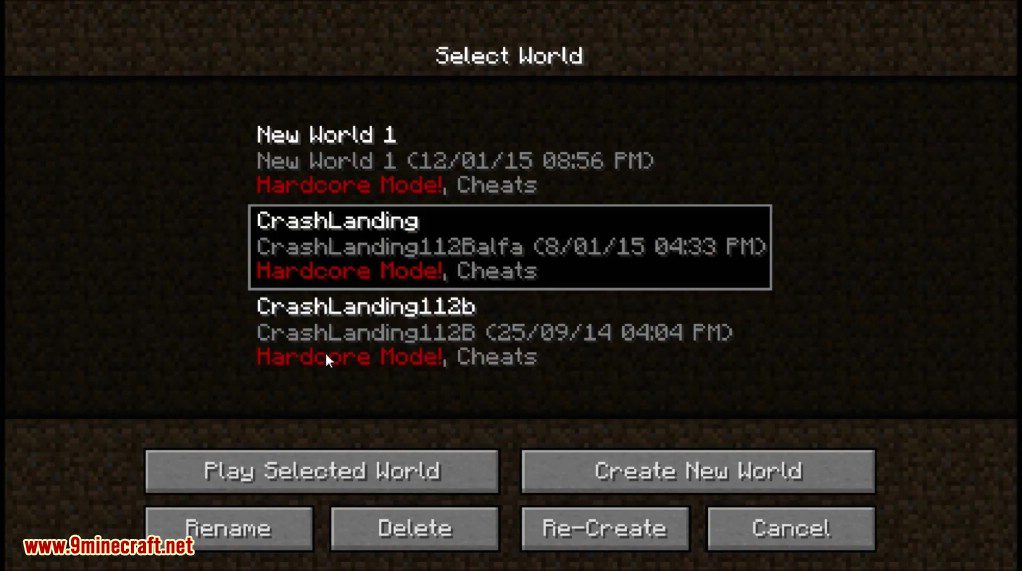
- Place the world you want to use as a template into the designated template folder (defaults to .minecraft/template).
- You can simply copy and rename any existing world folder to act as the template.
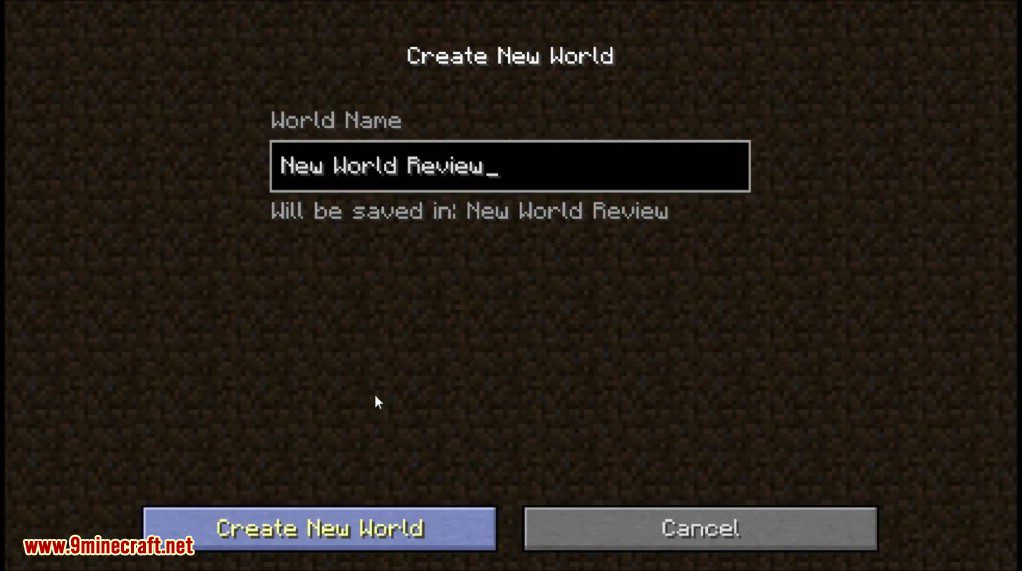
- When you create a new world in Minecraft, the mod will automatically make a copy of this template.
Configuration:
- Set a custom folder path for your world template.
- Turn the world template feature on or off.
- Choose exactly which buttons to disable on the GUI, including the game mode, more world options, and multiplayer buttons.
Screenshots:
How to Install:
New to Minecraft? Follow our step-by-step guide to install Mods on your PC.View Guide
Lockdown Mod Download Links
For Minecraft 1.19.2
Forge version: Download from Server 1
For Minecraft 1.19
Forge version: Download from Server 1
For Minecraft 1.18.2
Forge version: Download from Server 1
For Minecraft 1.16.5
Forge version: Download from Server 1
For Minecraft 1.12.2, 1.12.1
Forge version: Download from Server 1
For Minecraft 1.7.10, 1.7.2
Forge version: Download from Server 1
Click to rate this post!
[Total: 0 Average: 0]
You May Also Like





This post has no comments yet. Be the first — your comment will appear here.