


Mewnicraft Mod (1.21.1) – Cast Chaotic Cartoon Spells with a Magic Wand
 0
0
 0
0

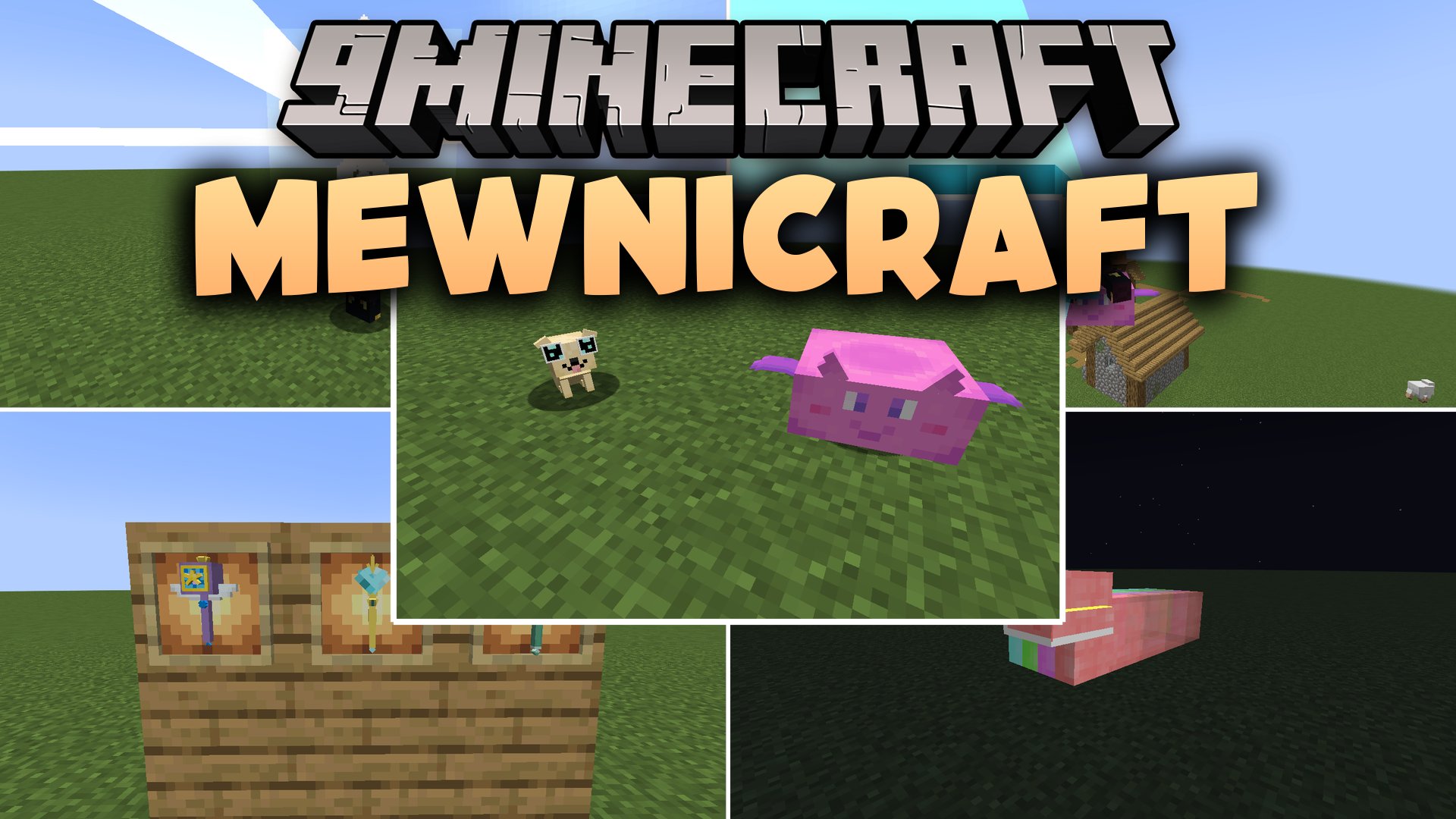
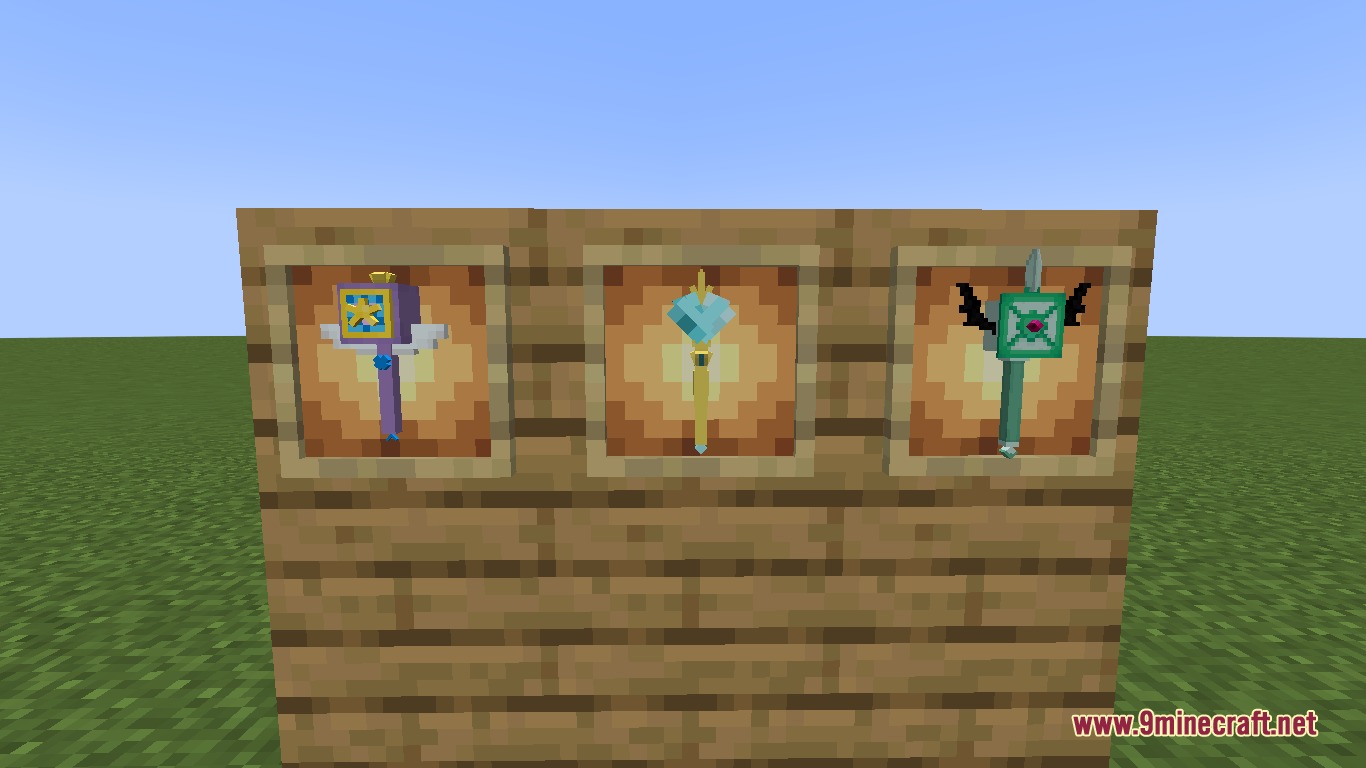
Mewnicraft Mod adds the iconic Magic Wand and wacky spells from Star vs The Forces Of Evil into your world. You can blast hostile mobs away with giant fists, summon laser-shooting puppies, or launch into the air at high speeds. The mod gives you a dedicated spellbook menu to swap magic and lets you customize the look of your wand at any time.
Features:
- Adds the Magic Wand to cast a wide selection of offensive and utility spells.
- Includes a Notebook of Spells menu to pick and equip your active powers.
- Lets you fire attacks like Rainbow Fist Punch, Narwhal Blast, and Cupcake Blast.
- Summons helpful companion mobs such as Cloudy Charm and laser puppies.
- Supports sneak casting to activate alternate modes for select spells.
- Provides fun utility magic to fly around, spawn fireworks, or change carpet colors.
- Allows wand skin customization through simple preference menus.
- Adds extra bonus spells inspired by vanilla Minecraft elements.
Available Spells:
- Rainbow Fist Punch: strikes targets with a flying rainbow fist.
- Winter Storm Hyper Blow: blows away enemies with icy winds.
- Levitato: lifts entities into the air with custom control settings.
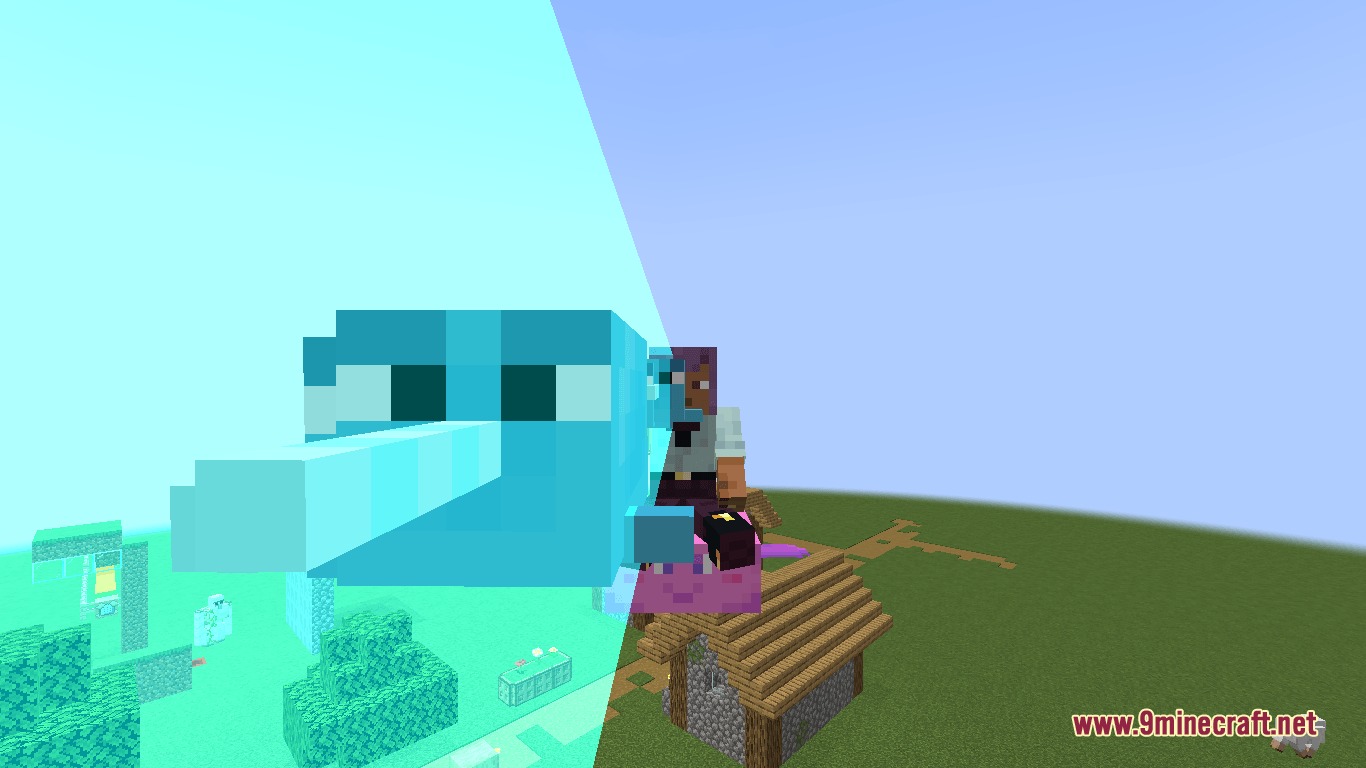
- Narwhal Blast: launches flying horns at your target.
- Midnight Shriek: casts a dark area-of-effect blast.
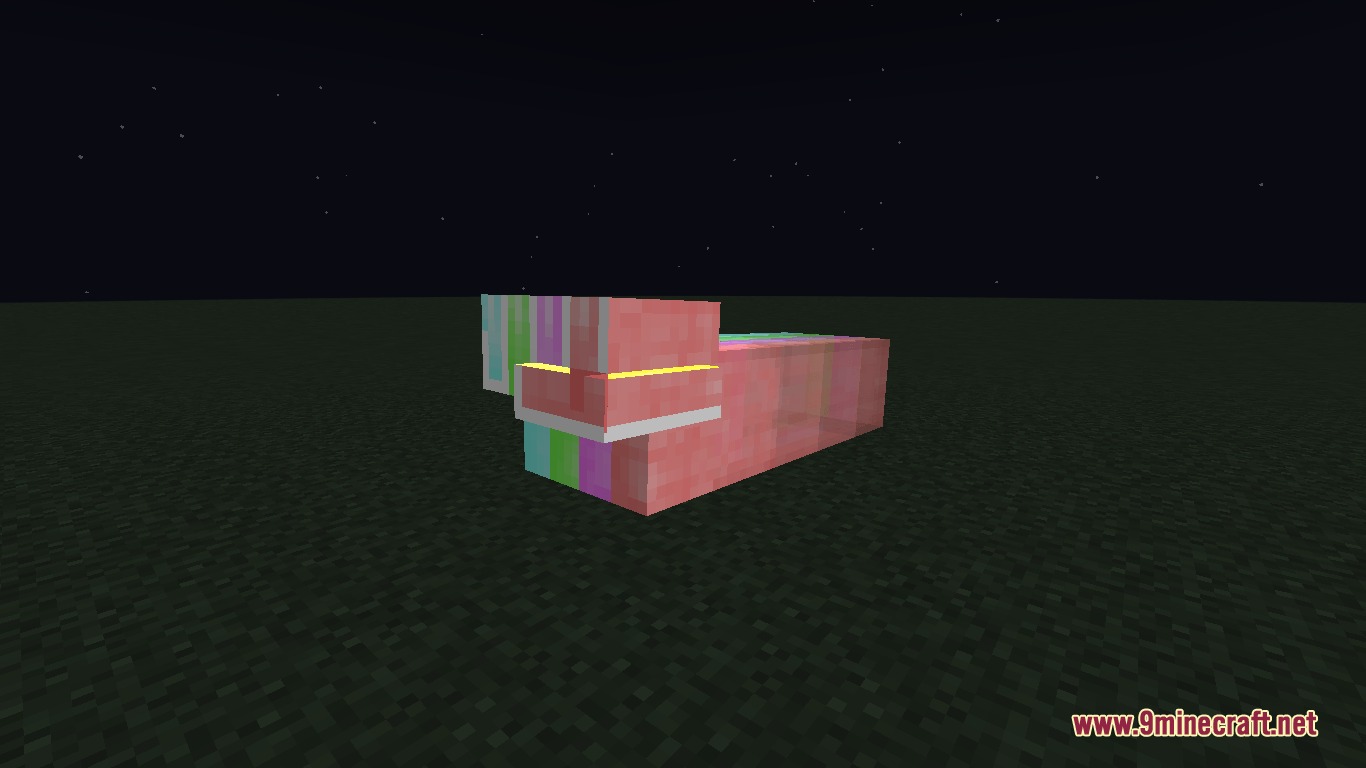
- Bunny Rabbit Blast: fires fast rabbit projectiles in two distinct forms.
- Summoning Cloudy Charm: creates a rideable cloud ally.
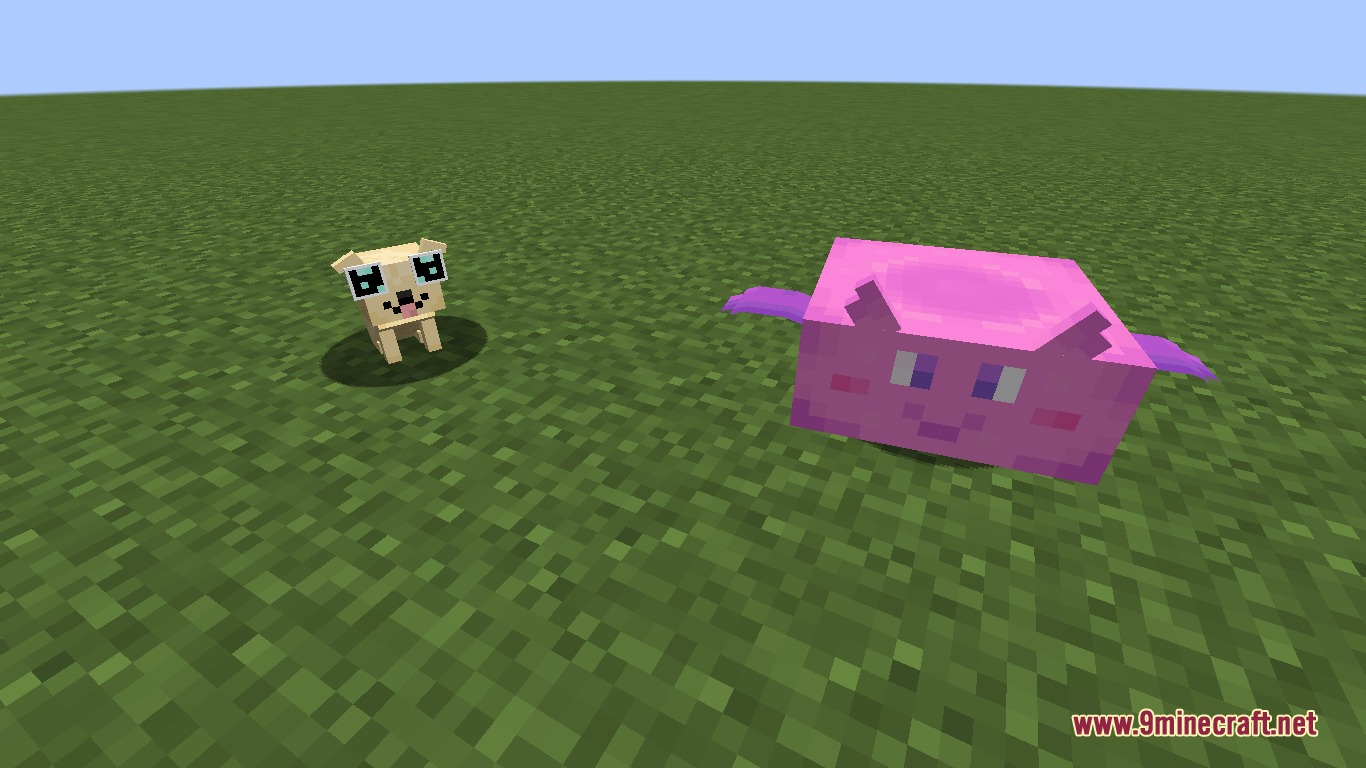
- Laser Puppies: summons small puppies that shoot laser beams from their eyes.
- Rolling Thunder Lightning Blast: calls down lightning strikes on your foes.
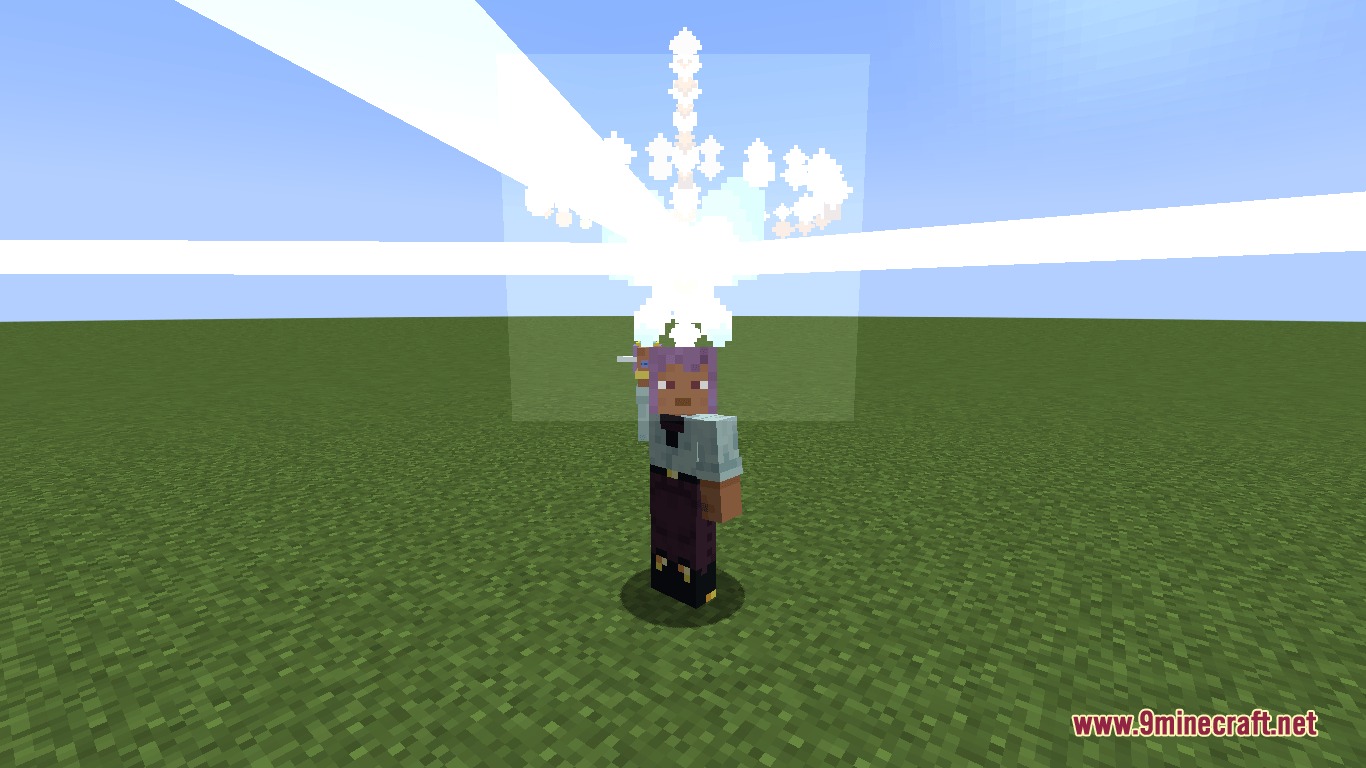
- Never Ending Fireworks: launches colorful fireworks into the sky.
- Thermonuclear Butterfly Blast: unleashes a massive butterfly explosion.
Commands:
/preferences wand: opens the visual customization menu for your magic wand./preferences <spell_name>: opens adjustment menus for customizable spells like Levitato.
How to Use:
- Hold the Magic Wand in your main hand.
- Press R to open the Notebook of Spells and select your desired spell.
- Right-click while holding the wand to cast the active spell.
- Sneak while right-clicking to trigger secondary modes on supported spells.
- Type
/preferences wandto choose your favorite wand skin.
Screenshots:
How to Install:
New to Minecraft? Follow our step-by-step guide to install Mods on your PC.View Guide
Requirements:

Mewnicraft Mod Download Links
For Minecraft 1.21.1, 1.21
Click to rate this post!
[Total: 0 Average: 0]
You May Also Like







This post has no comments yet. Be the first — your comment will appear here.