


MMO Econ Mod (1.21.11, 1.21.1) – Trade Items and Run Server Shops
 0
0
 0
0

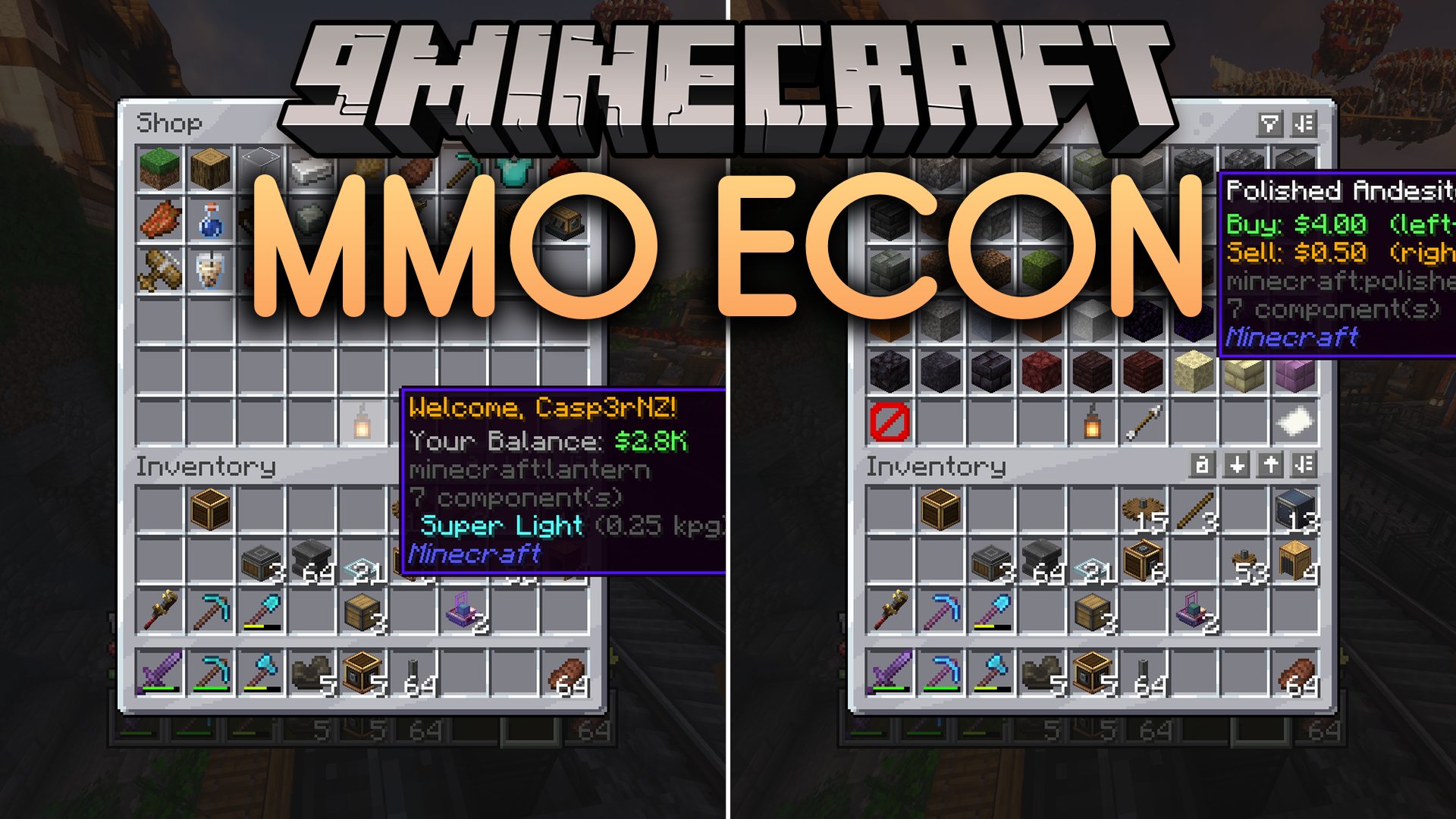
MMO Econ Mod brings a complete economy system with menu-based shops and player trading to your world. It runs on the server side, so players do not need to install any files on their game clients. You can trade items through graphical shop menus, list goods on a public auction house, and send money directly to other players. The mod also tracks balances on a leaderboard and lets server owners build custom shop categories using text files.
Features:
- Manages persistent player balances directly on the server side.
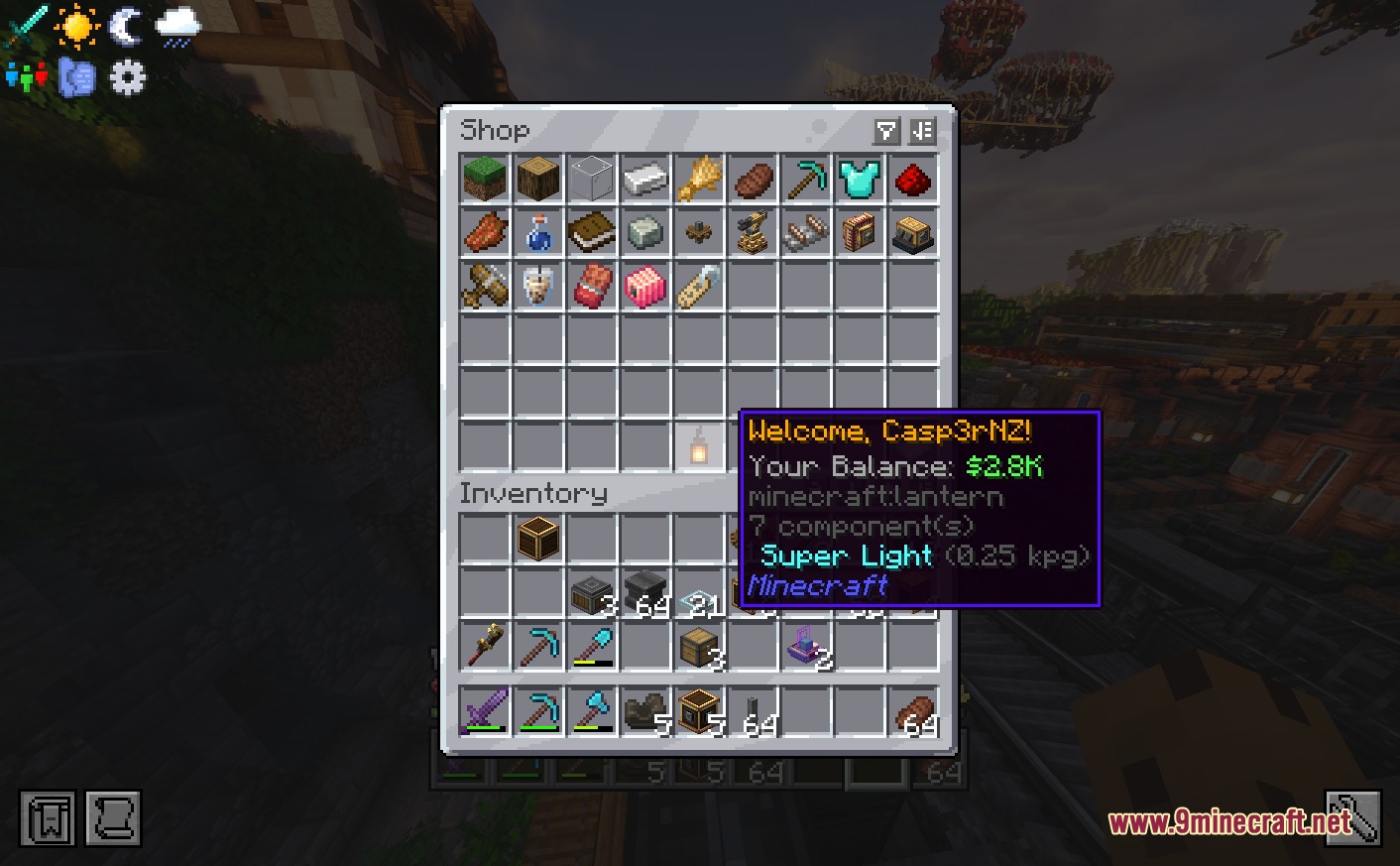
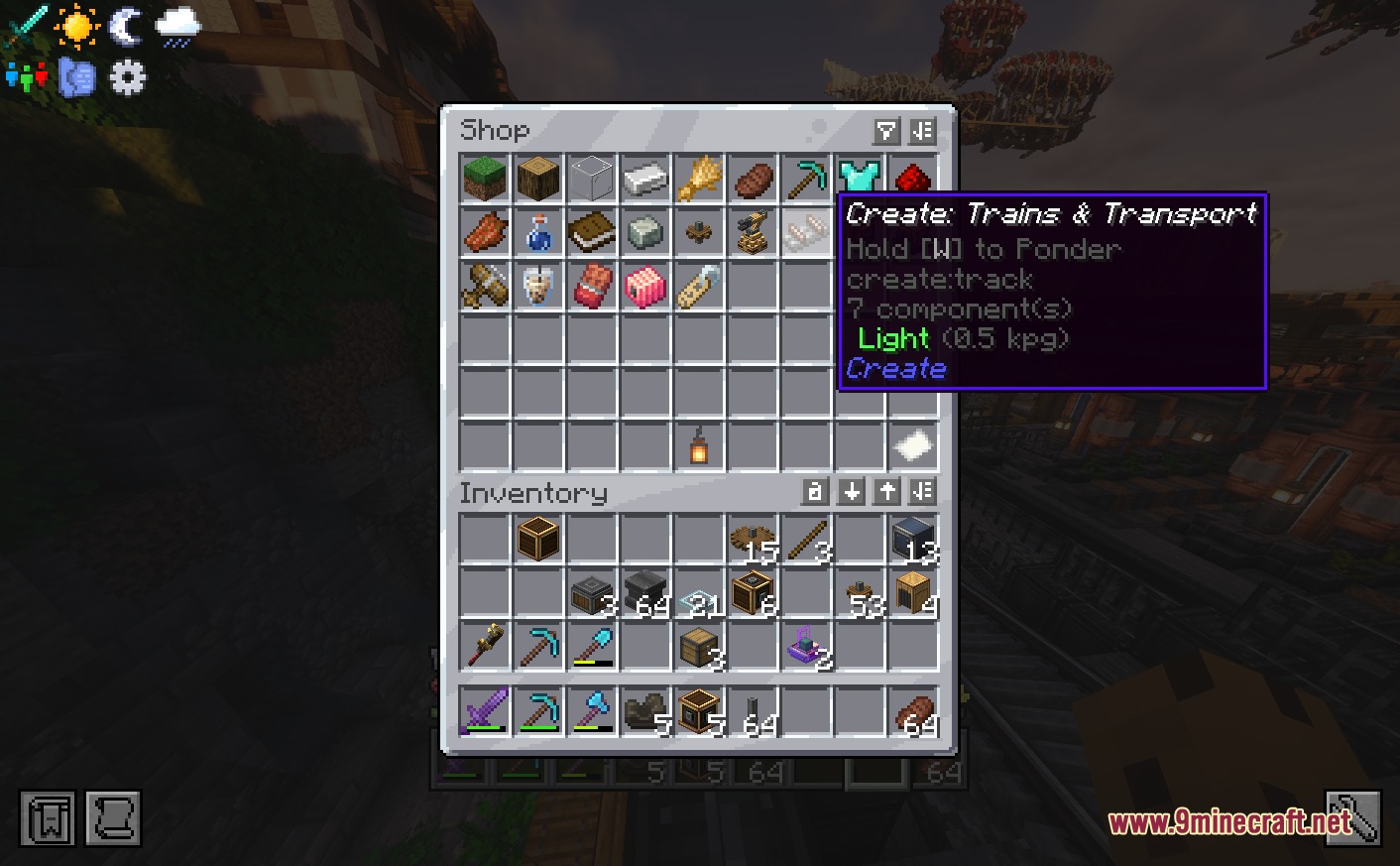
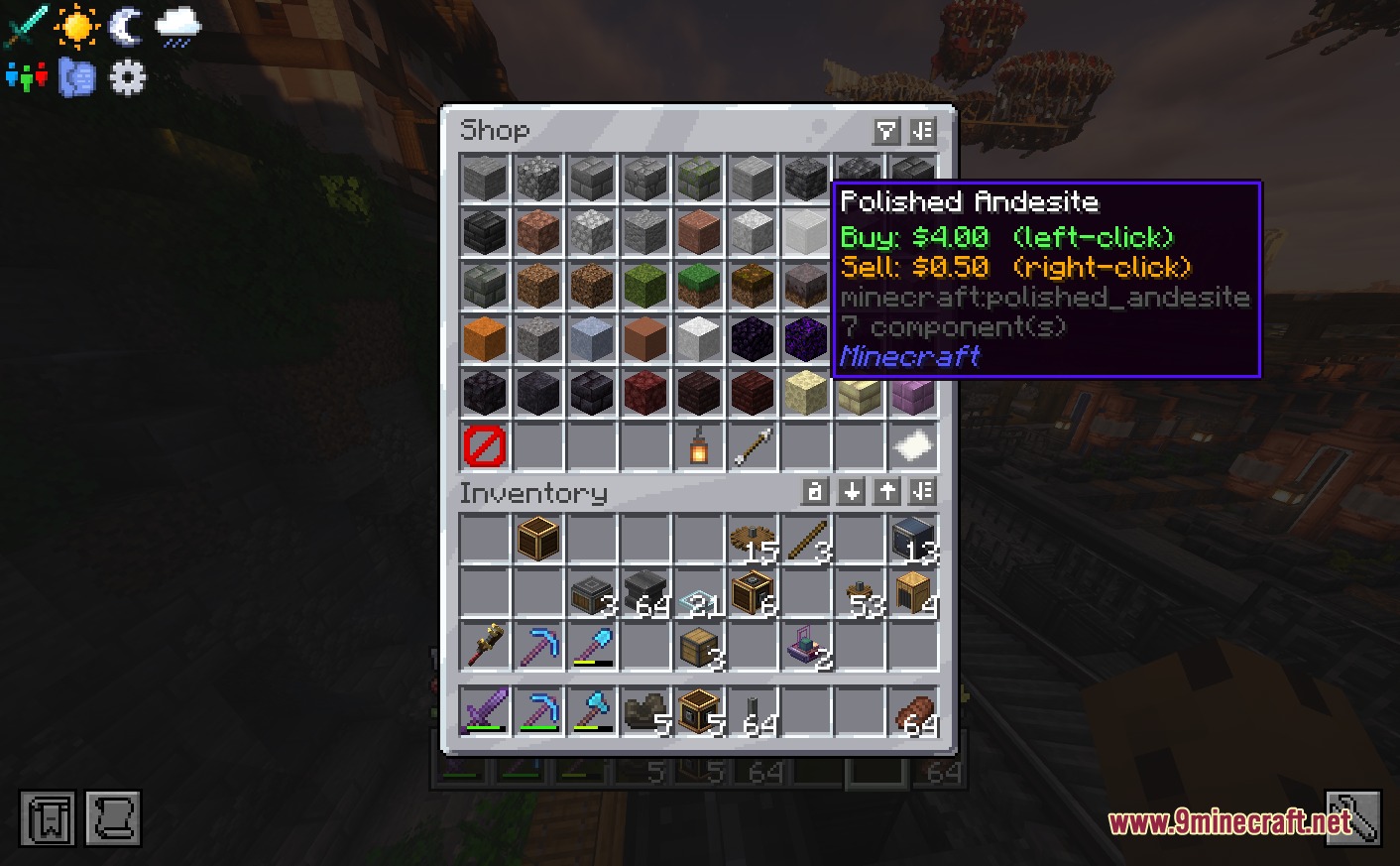
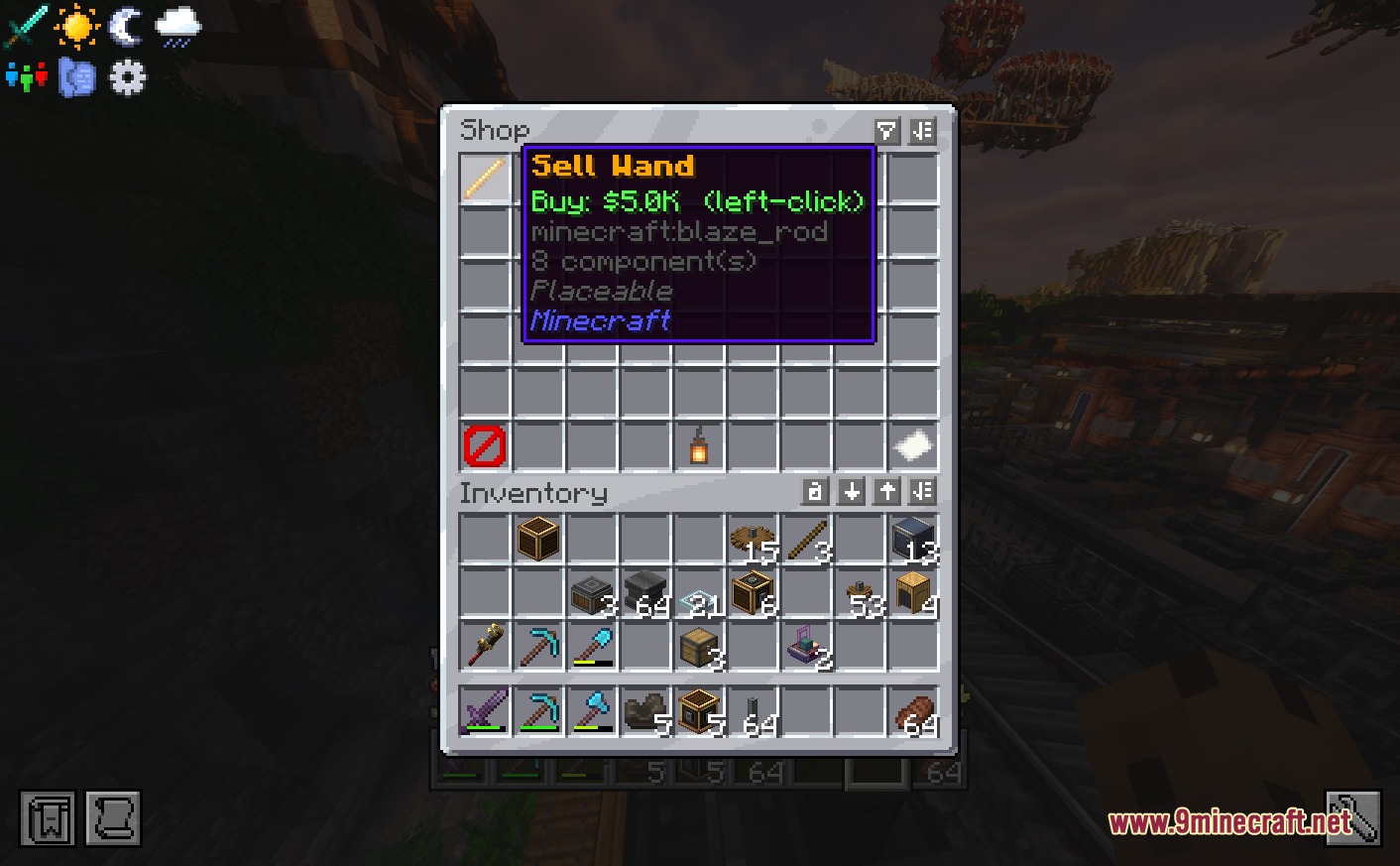
- Adds an interactive graphical shop for buying and selling blocks and items.
- Lets players send money directly to each other through chat commands.
- Includes quick sell commands to sell held items or full inventories instantly.
- Displays a richest player leaderboard to show off top balances.
- Introduces sell wands that players can buy and use to clear chests for money.
- Grants money rewards to players automatically based on their playtime.
- Features an auction house menu where players trade items with each other.
- Works with modded items and Minecraft color formatting codes in shop files.
Commands:
/balor/money: Displays your current balance./pay <playername> <amount>: Sends money from your balance to another player./bal top: Shows a list of the richest players on the server./shop: Opens the main shop menu./sell hand: Sells the item in your main hand if it is listed in the shop./sell inv: Sells all shop-listed items currently in your inventory./shop reload: Reloads the shop configuration file./ah: Opens the player auction house menu./ah sell (price) [quantity]: Lists an item on the auction house with a set price and amount.
Configuration:
- Edit the file located at
/config/mmoecon/MMOShop.jsonto customize items, categories, and prices. - Use Minecraft color codes like
&6&lin category names to apply colors and bold text in menus.
{
  "categories": [
    {
      "name": "Building Blocks",
      "representativeItem": "minecraft:grass_block",
      "items": [
        { "id": "minecraft:stone", "buyPrice": 3.0, "sellPrice": 0.3 },
        { "id": "minecraft:grass_block", "buyPrice": 1.5, "sellPrice": 0.1 }
      ]
    },
    {
      "name": "Modded Items",
      "representativeItem": "create:cogwheel",
      "items": [
        { "id": "create:cogwheel", "buyPrice": 10.0 }
      ]
    },
    {
      "name": "Custom Server-side Items",
      "representativeItem": "minecraft:emerald",
      "items": [
        { "id": "mmoecon:sell_wand", "special": "sell_wand", "buyPrice": 35000.0 }
      ]
    }
  ]
}
How to Use:
- Open the shop interface by typing
/shopin the chat window. - Click on any shop category to view items available for buying or selling.
- Check your current funds with
/balor view top rankings with/bal top. - Hold an item and run
/sell handto turn it into currency quickly. - Type
/ahto open the auction house and browse player listings.
Screenshots:
How to Install:
New to Minecraft? Follow our step-by-step guide to install Mods on your PC.View Guide



MMO Econ Mod Download Links
For Minecraft
1.21.11,
1.21.10,
1.21.9
All Versions Covered
1.21.11
1.21.10
1.21.9
1.21.8
1.21.7
1.21.6
1.21.5
1.21.4
1.21.3
1.21.2
1.21.1
1.21
All Versions Covered
1.21.11
1.21.10
1.21.9
1.21.8
1.21.7
1.21.6
1.21.5
1.21.4
1.21.3
1.21.2
1.21.1
1.21
For Minecraft 1.21.1, 1.21
Click to rate this post!
[Total: 0 Average: 0]
You May Also Like



This post has no comments yet. Be the first — your comment will appear here.