


Momentum Capture Engine Mod (26.2, 1.21.11) – Auto Record Your Best Clutches
 2
2
 0
0

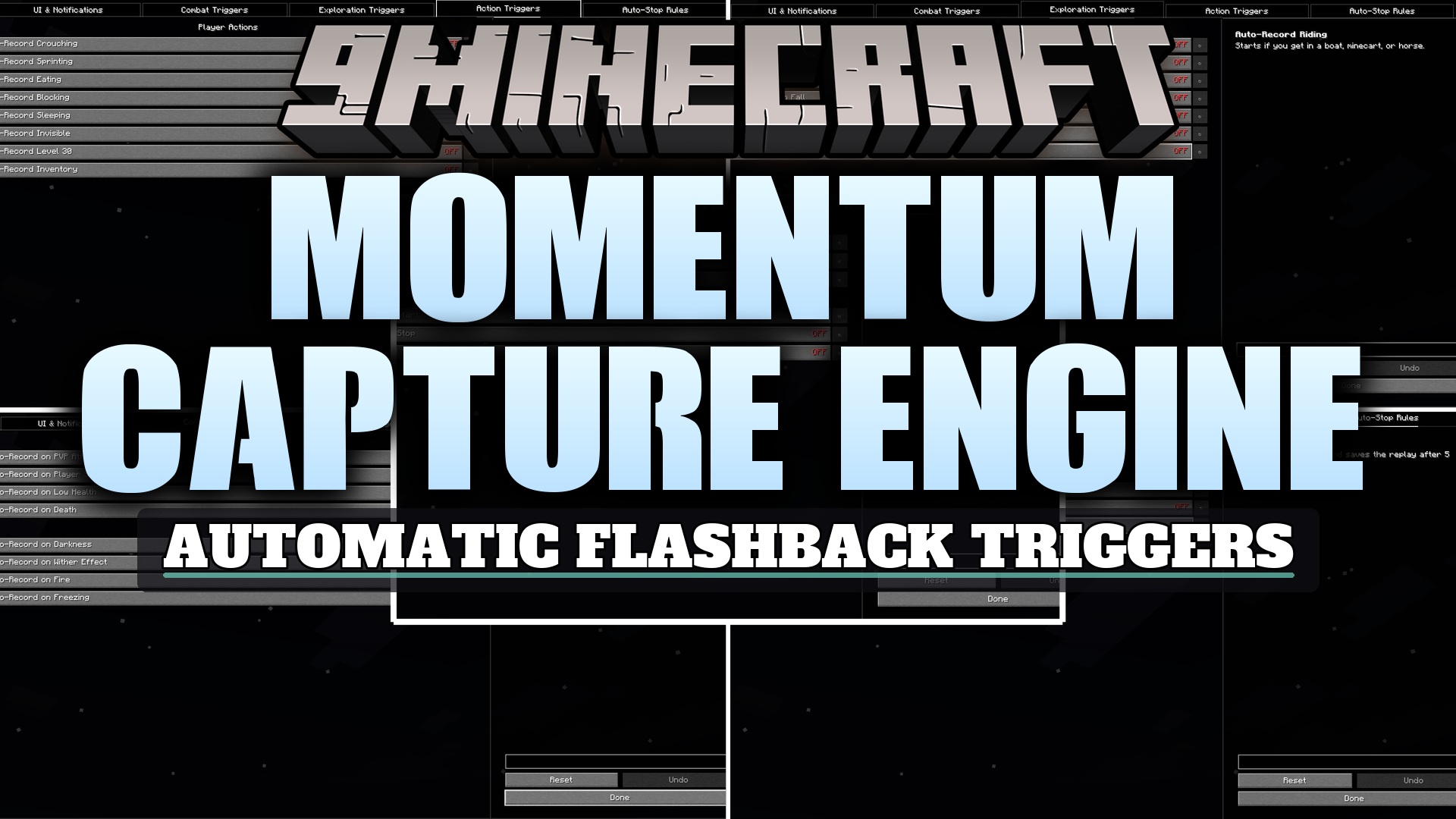
Momentum Capture Engine Mod extends the Flashback replay mod with automated triggers and quick keybinds for instant recording. It lets you capture intense combat battles, quick clutches, and unexpected encounters without running a recorder continuously. By starting and stopping recordings based on specific in-game events, this mod saves storage space on your drive while keeping every important moment safe.
Features:
- Gives you quick hotkeys to start and stop recordings in a single press without opening menus.
- Includes over thirty custom triggers that start recording automatically when specific events happen.
- Prevents recording spam by locking onto the first trigger event and ignoring duplicate hits.
- Saves storage space by only recording action scenes instead of hours of basic gameplay.
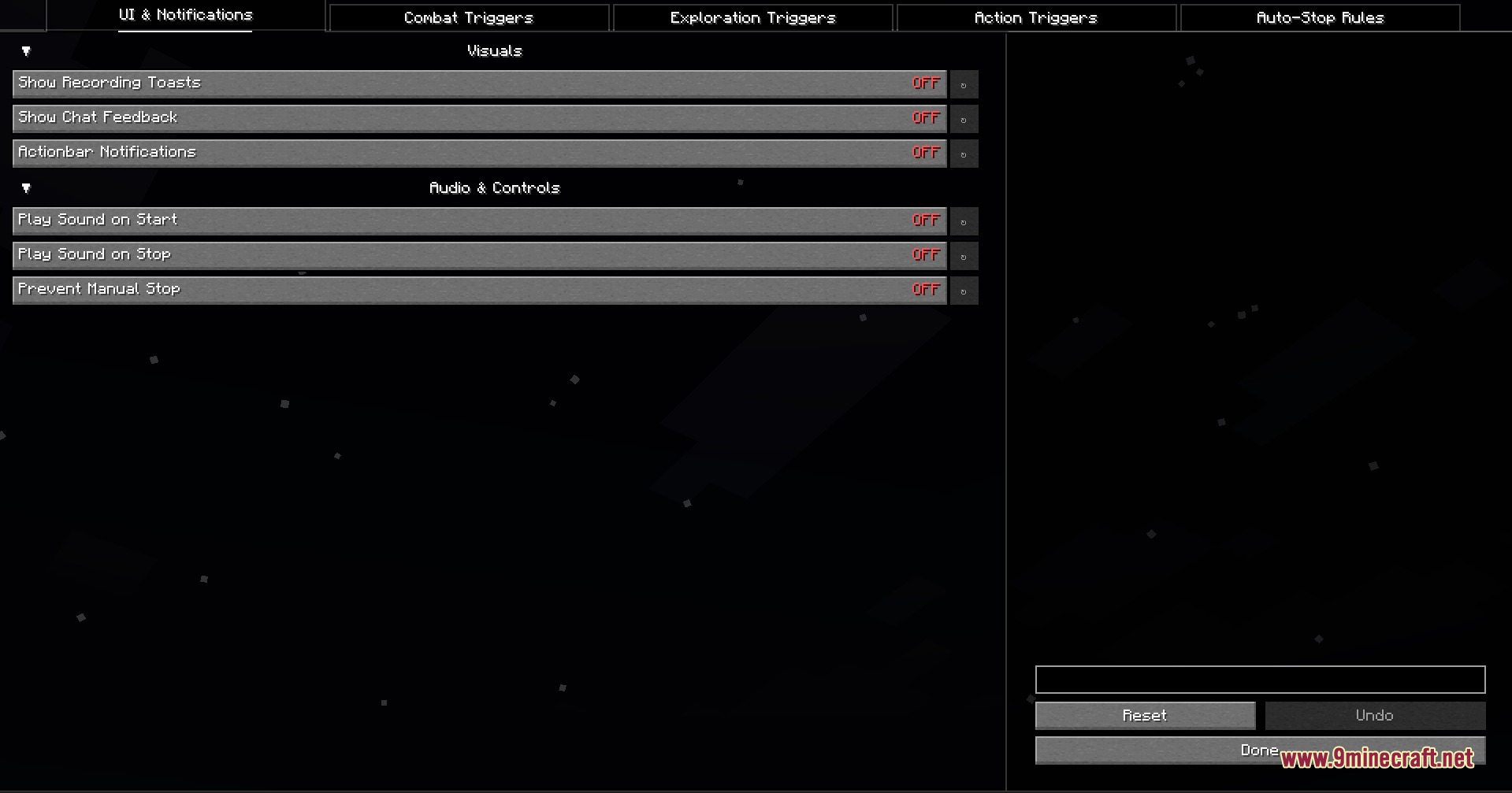
- Adds action bar text and sound effects so you know when a recording starts or stops.
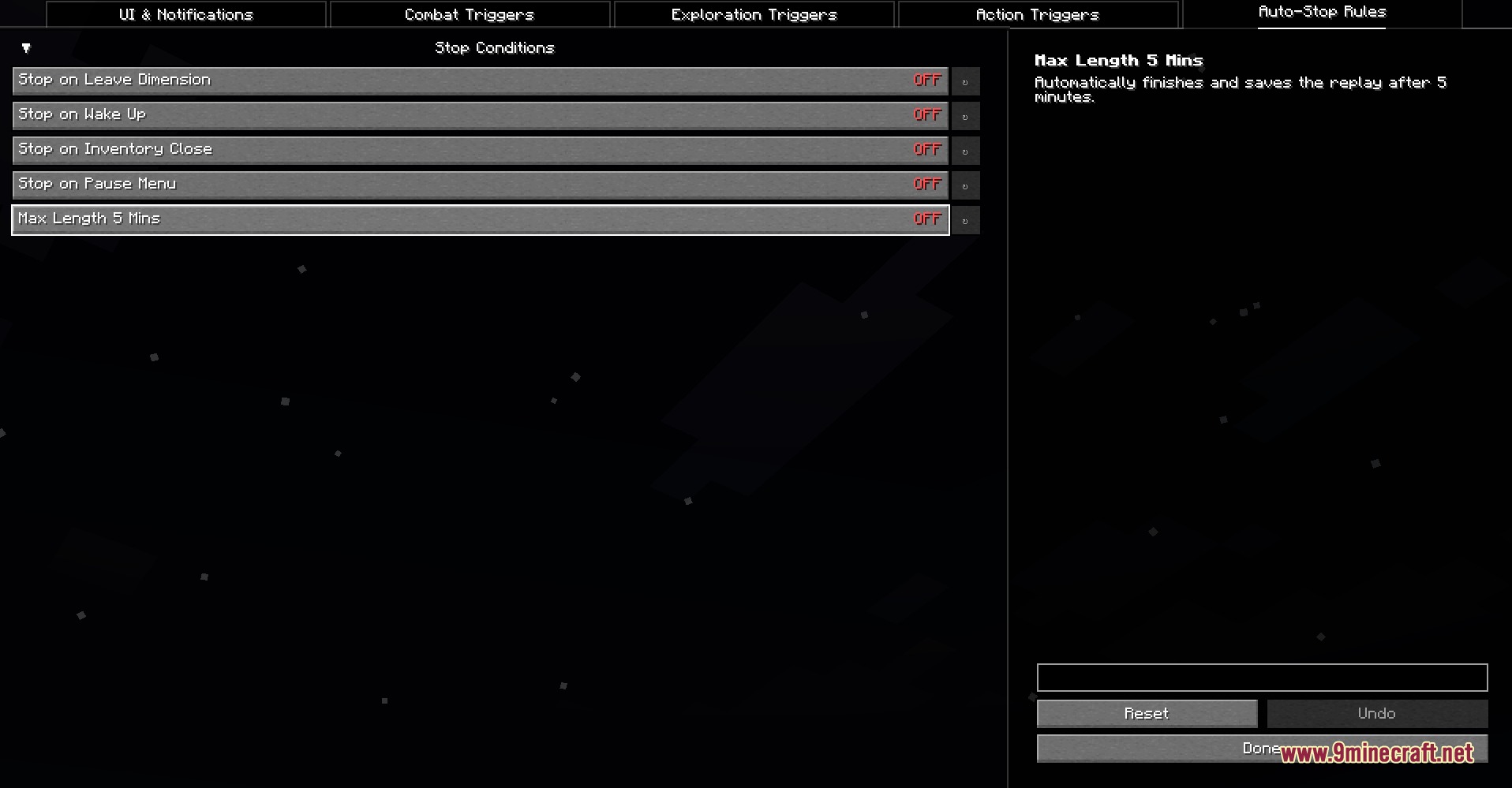
- Provides auto-stop rules to finish captures when you die, change dimensions, or go AFK.
Combat Triggers:
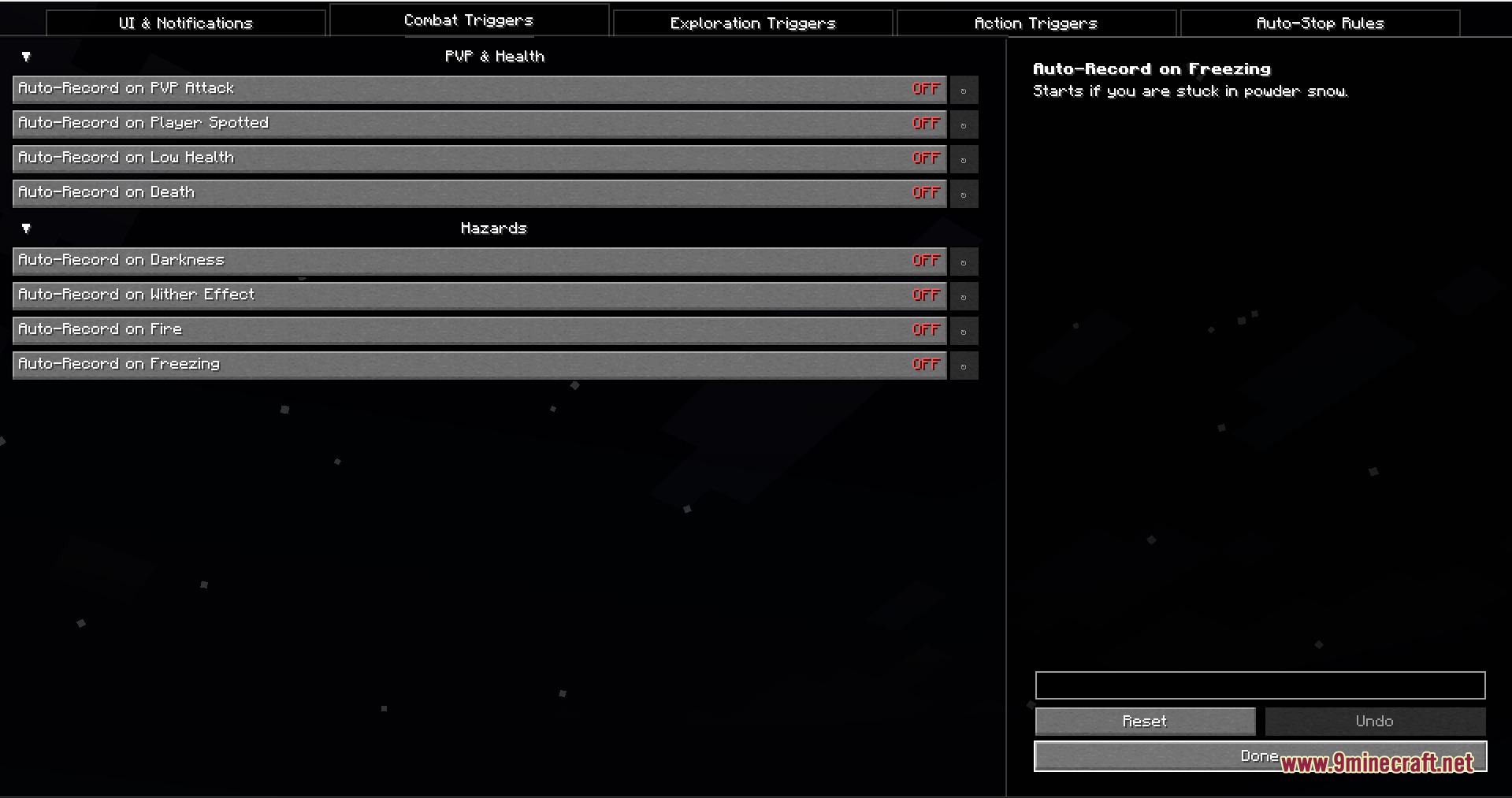
- Starts recording when another player attacks you or steps into your render distance.
- Triggers when your health drops below three hearts or when your character dies.
- Activates during danger effects like fire, freezing in powder snow, wither, poison, darkness, or levitation.
Exploration and Movement Triggers:
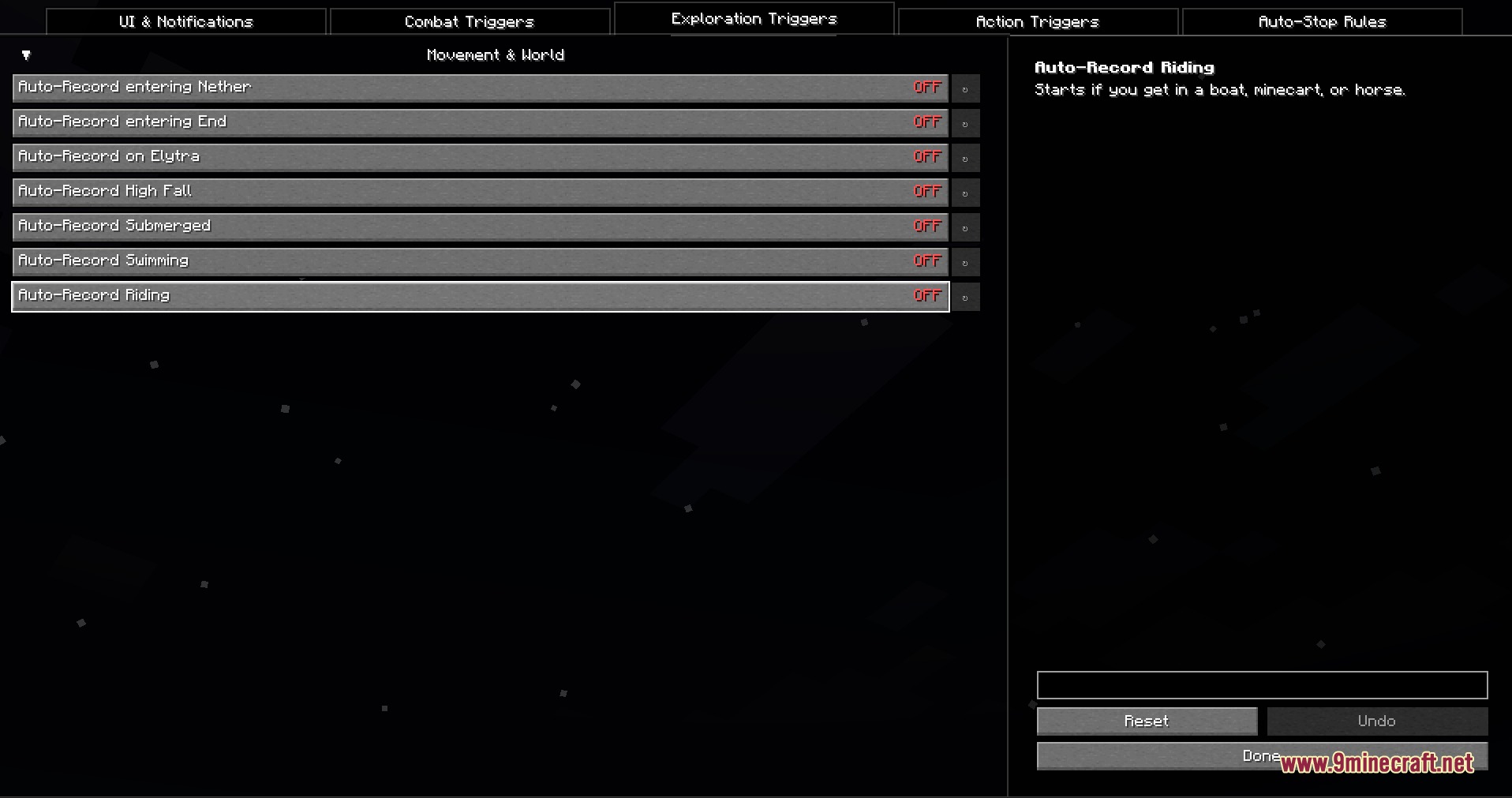
- Starts recording when you travel through Nether or End portals.
- Captures moments when you launch with an Elytra or fall more than ten blocks.
- Begins recording when swimming, sinking underwater, riding vehicles, or exploring below Y level 0.
Player Action Triggers:
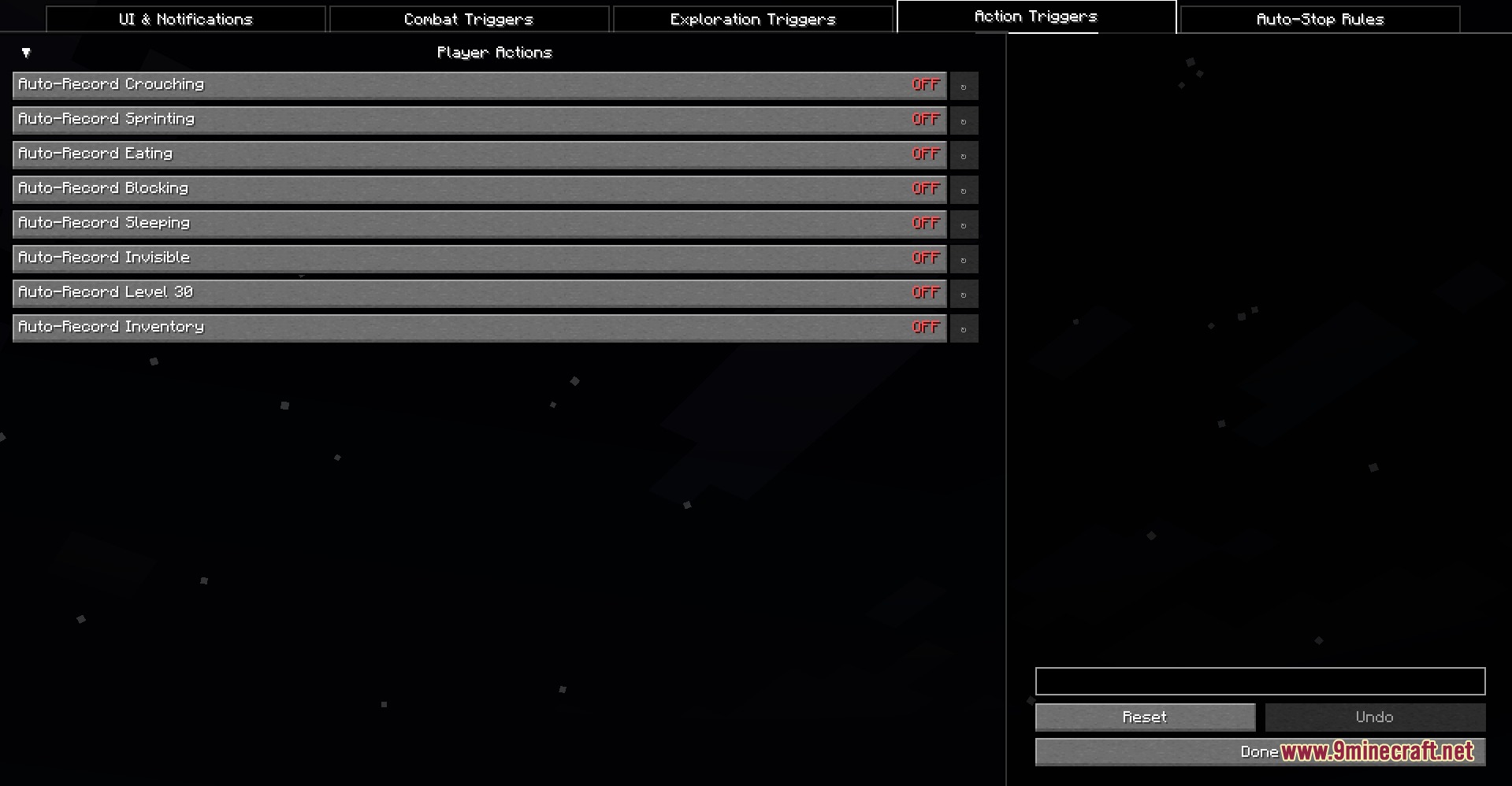
- Records automatically when sprinting, sneaking, eating food, drinking potions, or blocking with shields.
- Triggers when opening inventories, trading with villagers, sleeping in beds, or reaching level 30.
Auto Stop Rules:
- Stops and saves recordings on death, dimension changes, or waking up from bed.
- Ends recordings when closing menus, pausing the game, or standing AFK for thirty seconds.
- Sets a custom maximum length limit using seconds, minutes, or hours.
How to Use:
- Press R to start recording immediately or V to stop.
- Press O to open the custom configuration menu.
- Toggle on the specific combat, movement, or action triggers you want to use.
- Set auto-stop rules and notifications to match your recording preferences.
Screenshots:
How to Install:
New to Minecraft? Follow our step-by-step guide to install Mods on your PC.View Guide
Requirements:
 Fabric Loader Required
 Fabric API Required
 Flashback Mod Required
YetAnotherConfigLib (YACL) Required

Yet Another Config Lib Required
Momentum Capture Engine Mod Download Links
For Minecraft 26.2
For Minecraft 26.1.2, 26.1.1, 26.1
For Minecraft 1.21.11
Click to rate this post!
[Total: 0 Average: 0]
You May Also Like





This post has no comments yet. Be the first — your comment will appear here.