
More Overlays Updated Mod (26.3, 1.20.1) – Track Light Levels and Find Items

 0


More Overlays Updated Mod brings back helpful visual screens from old mods to help you track light levels, chunk borders, and inventory items easily. It runs as a client-side only addition for modern game versions, giving you useful tools right on your screen without changing server files.
Features:
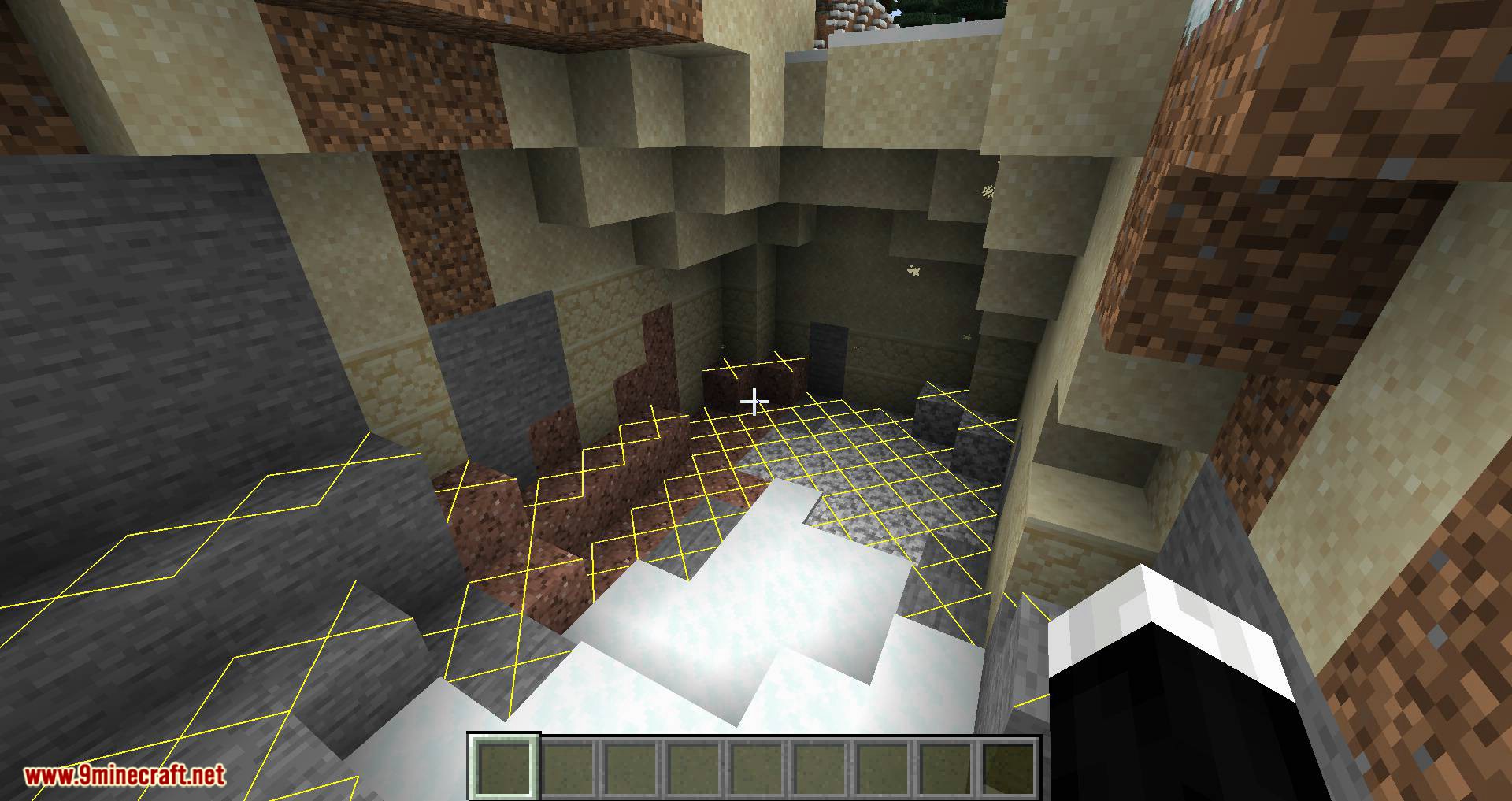
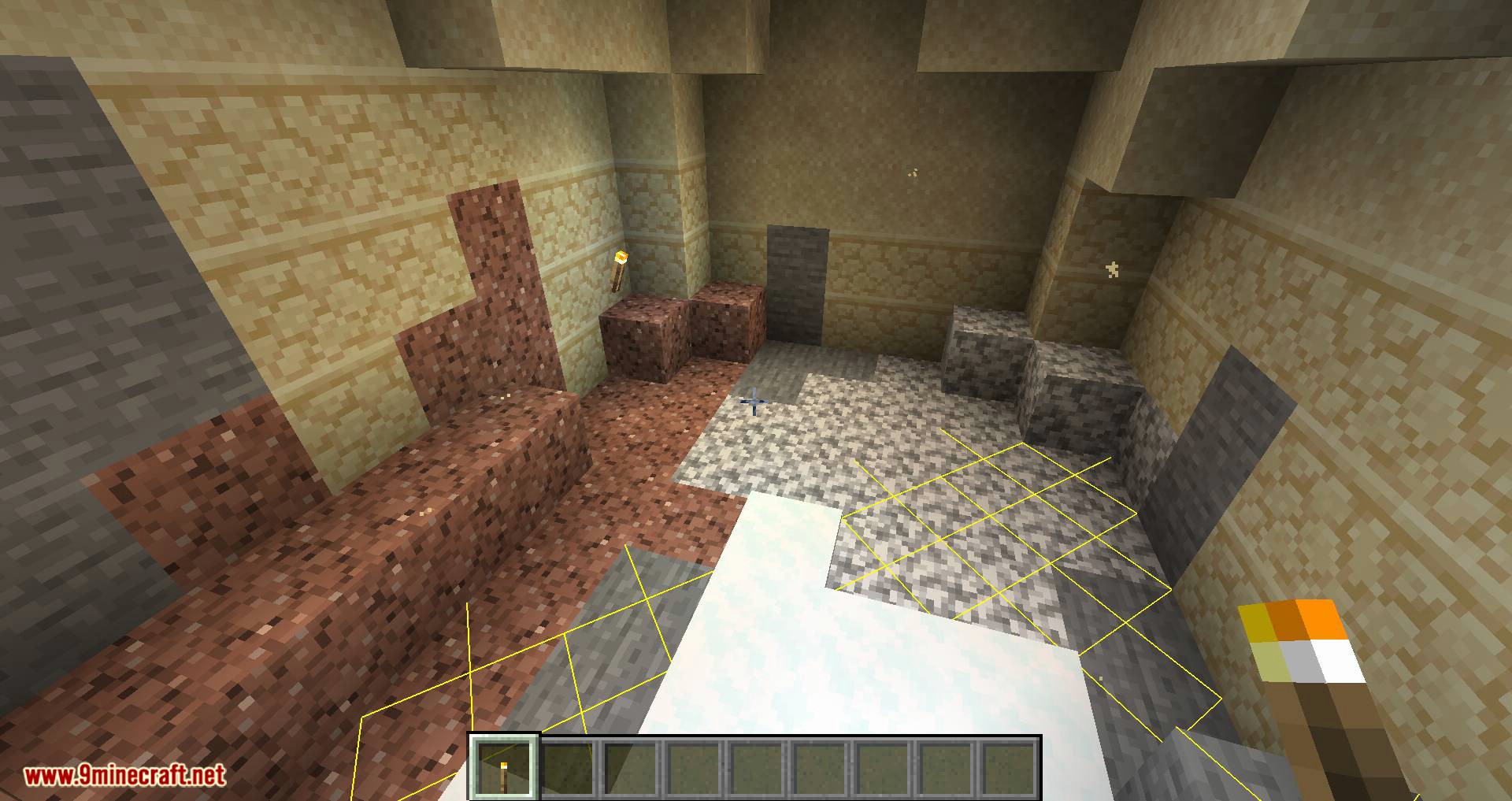
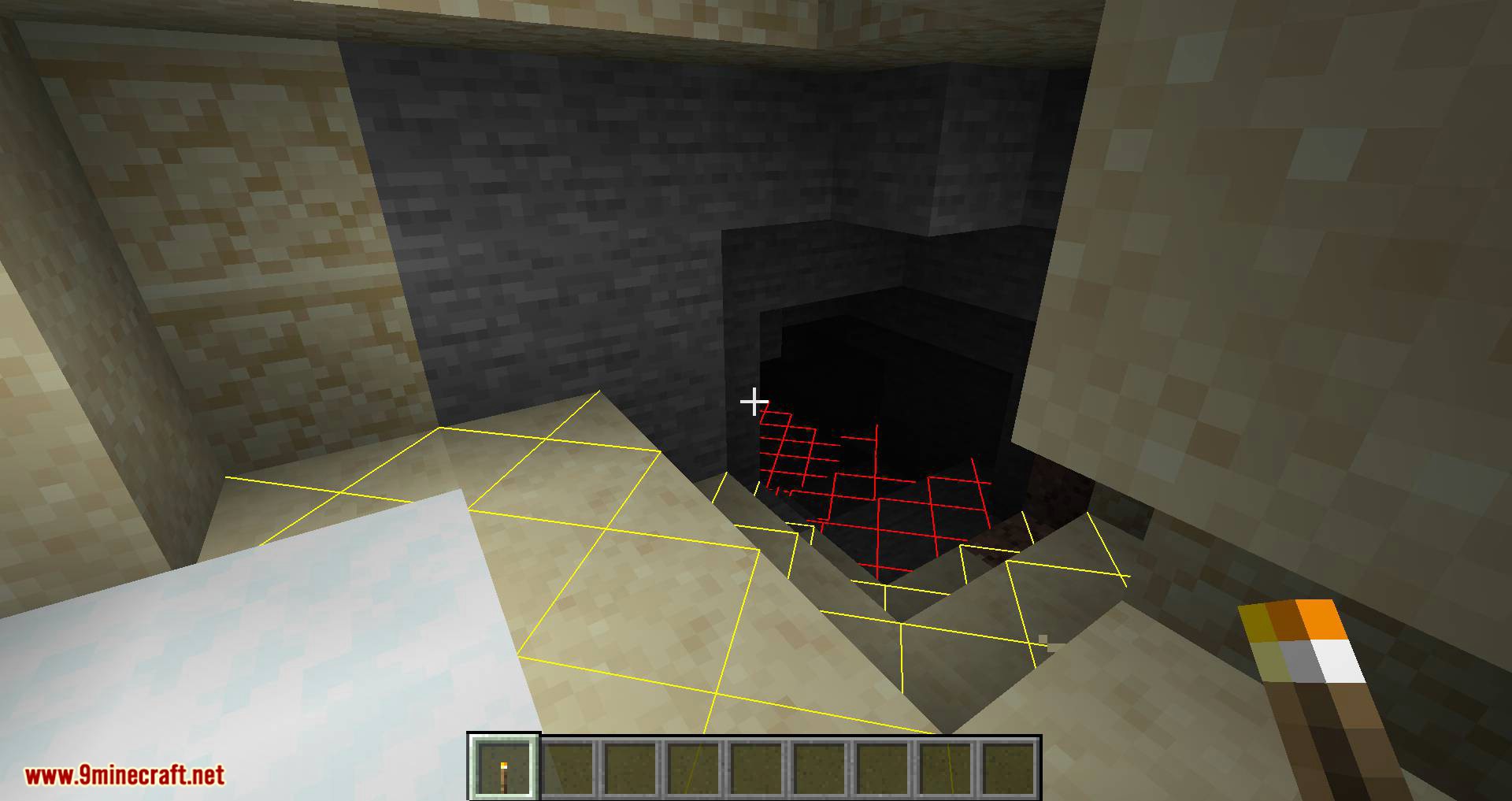
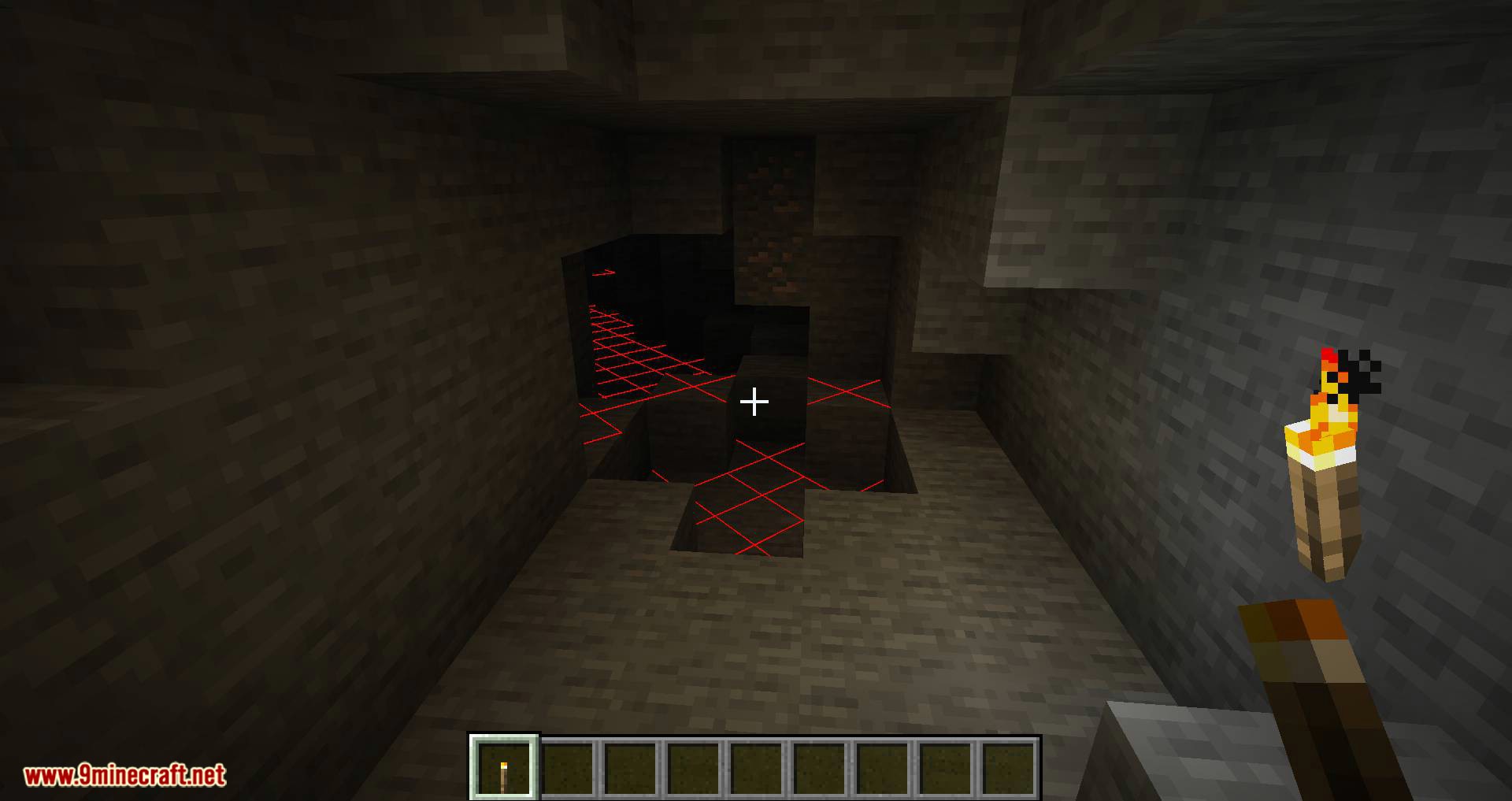
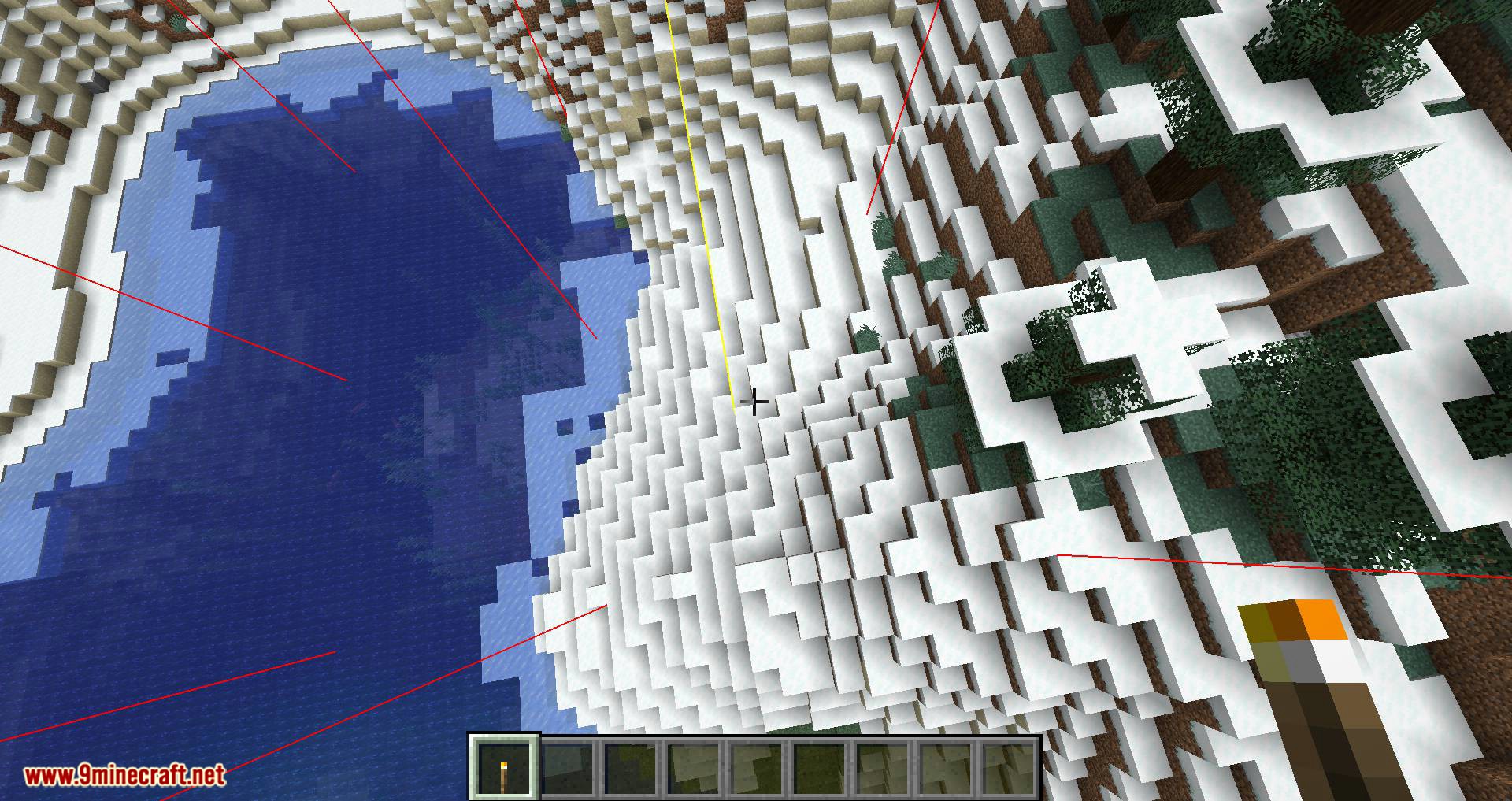
- Light Level Overlay: Press F7 to show a yellow X on blocks where monsters can spawn only at night, or a red X where monsters can spawn at any time.
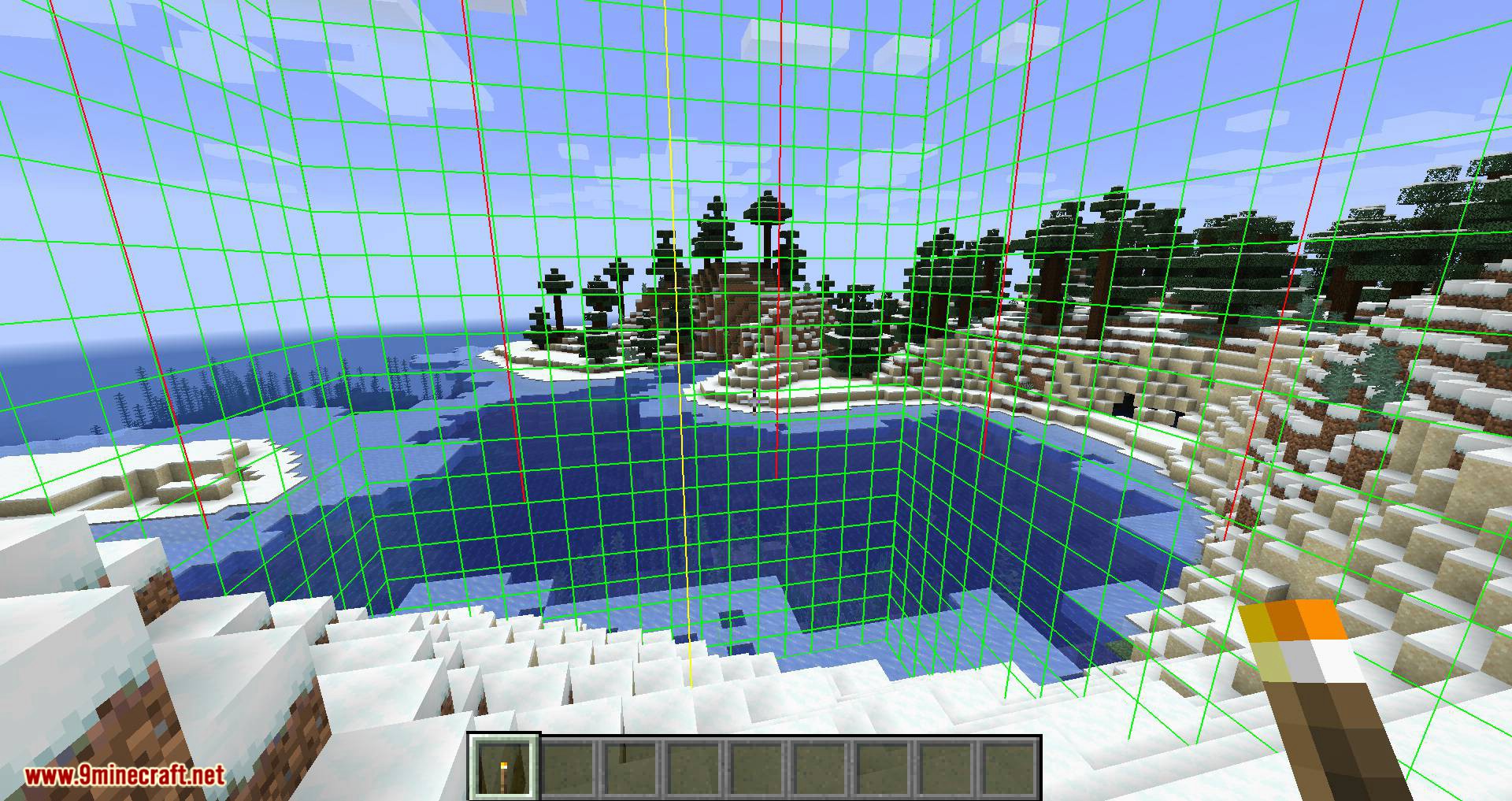
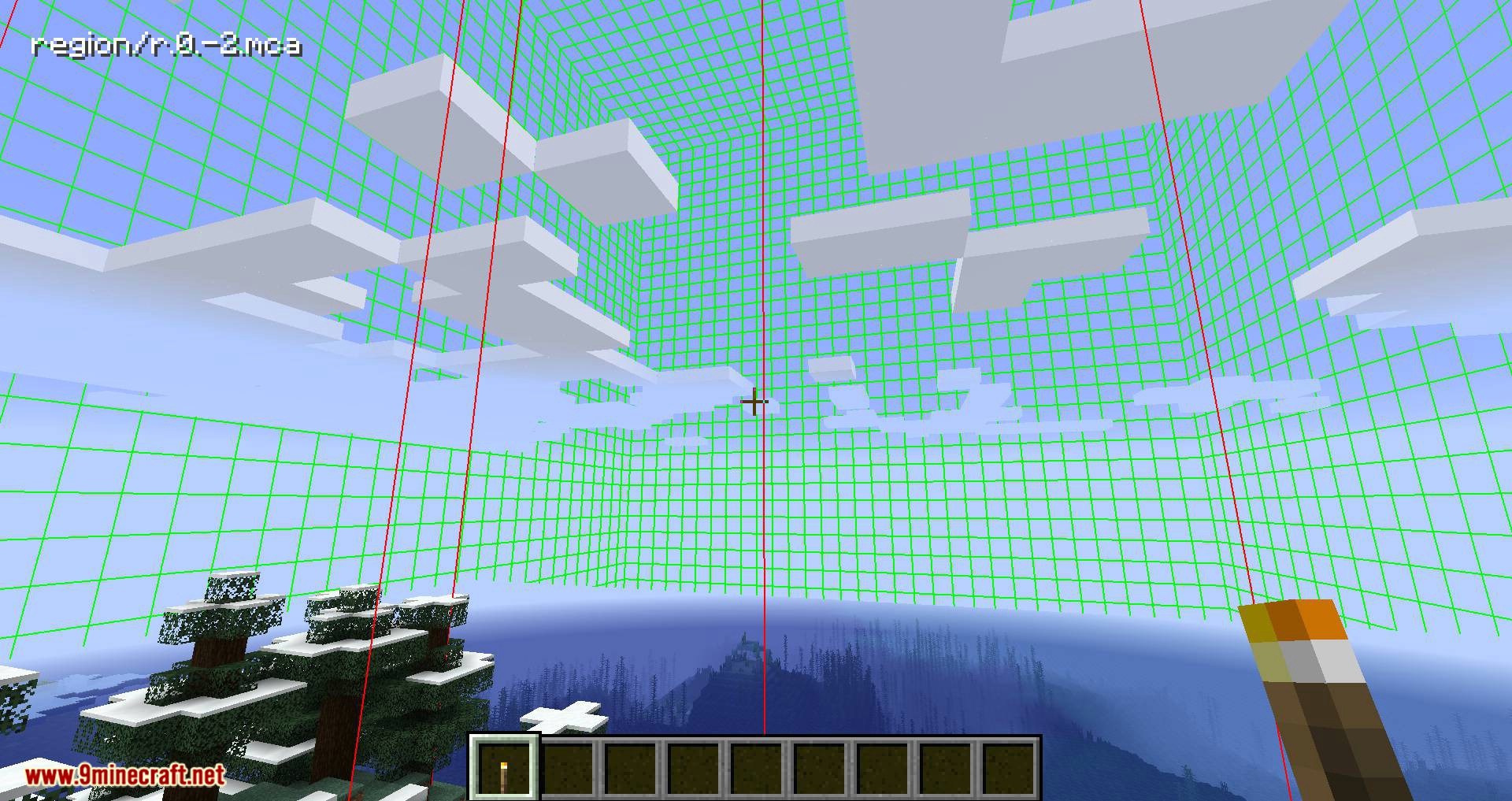
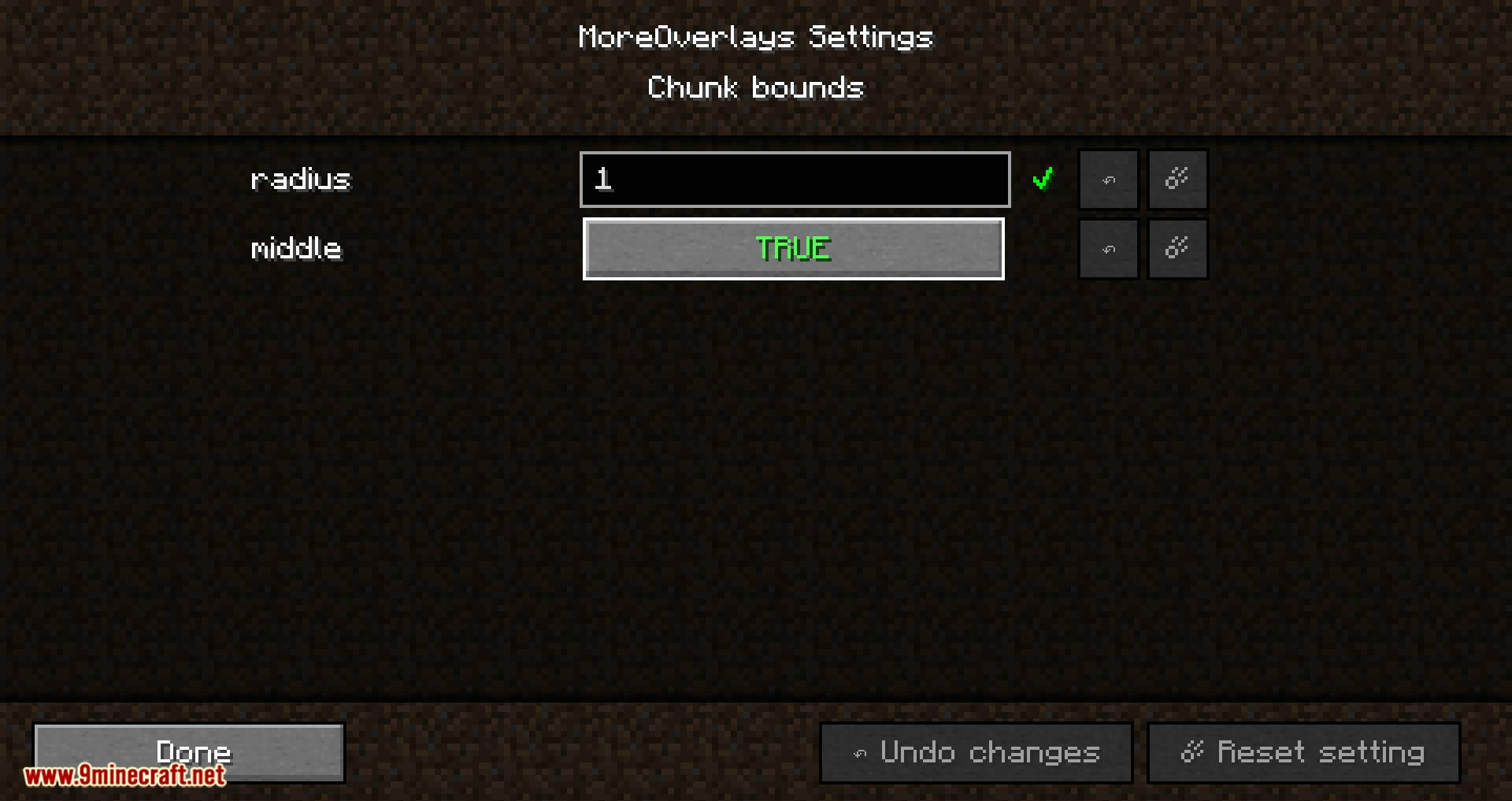
- Chunk Boundaries: Press F9 to view chunk borders with three different display modes, including corner lines, edge grids, and region file names.
- Inventory Item Search: Double-click the search field in the JEI menu to highlight matching items and dark out everything else in your open inventory.
- Searches for custom named items starting from game version 1.15.
- Integrates directly with JustEnoughItems to use its search algorithm for highlighting items.
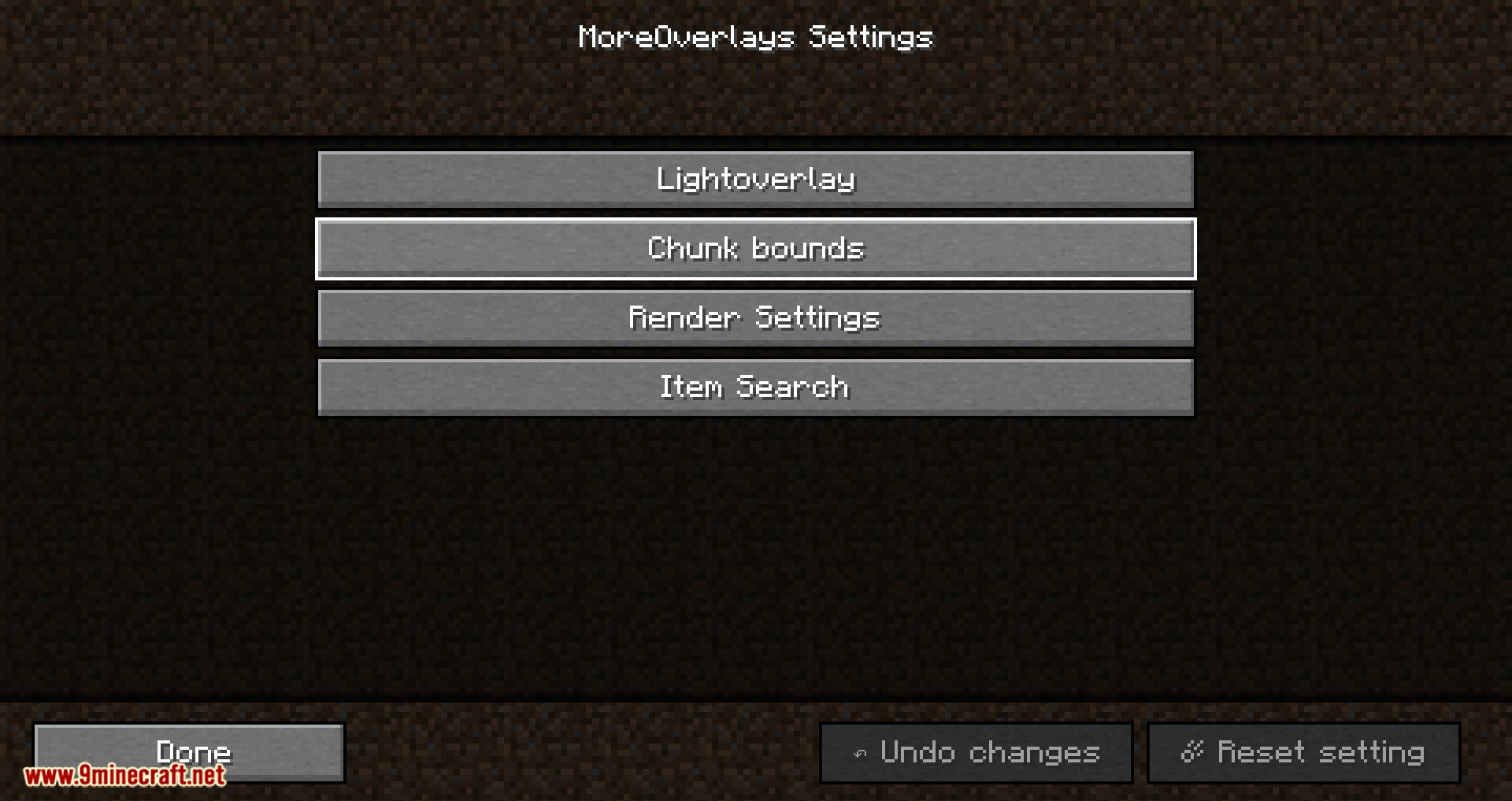
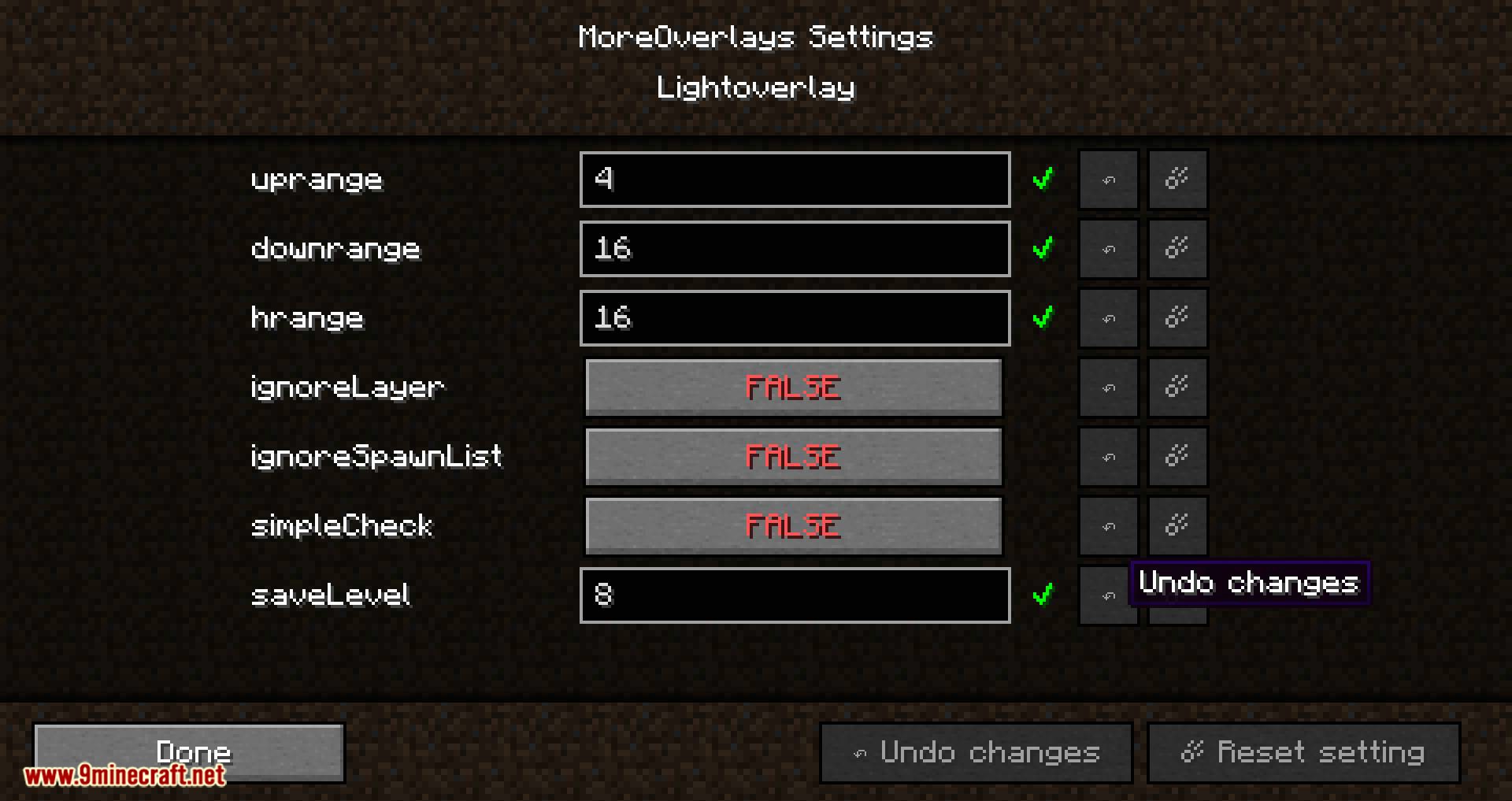
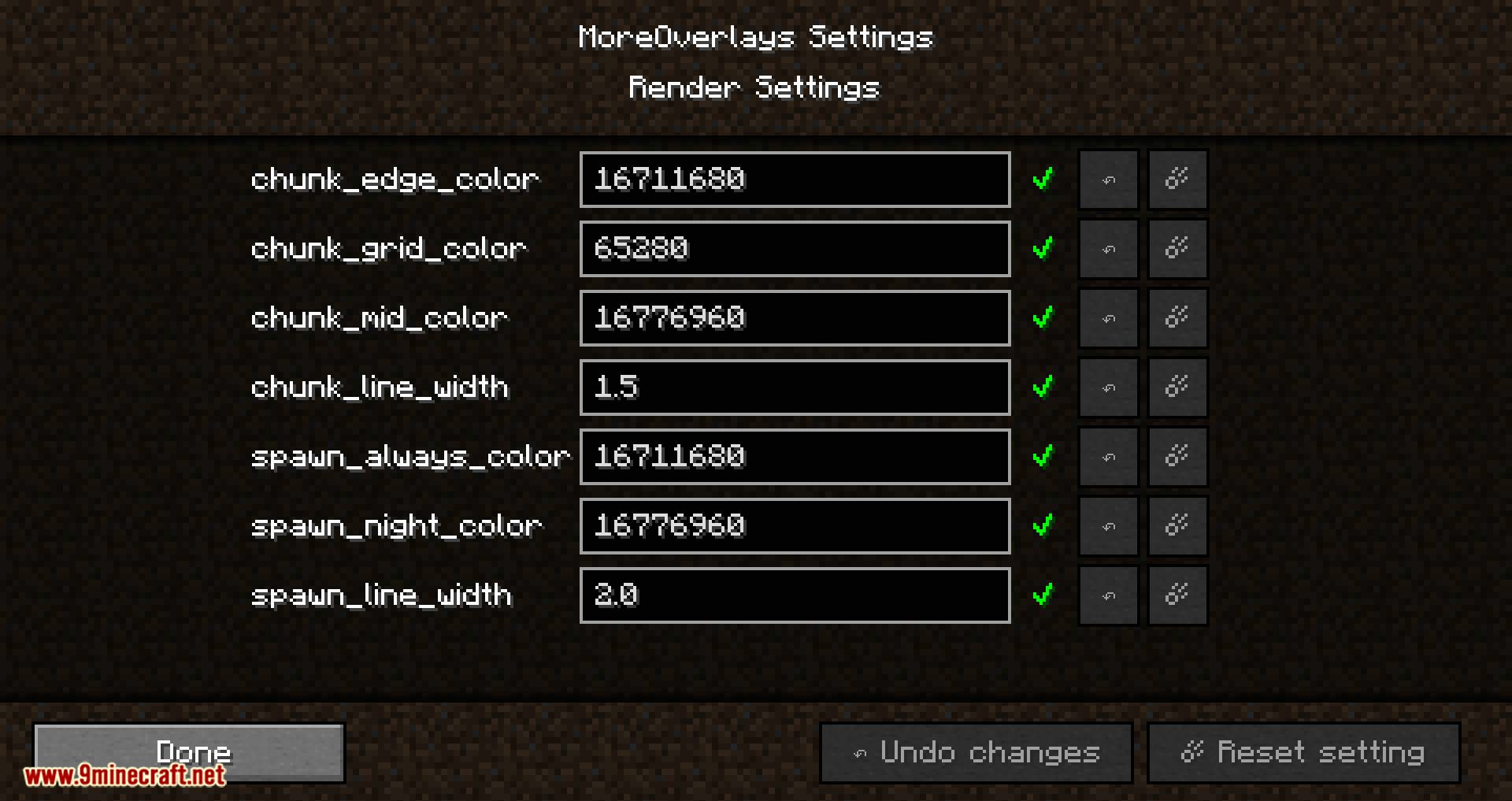
- Lets you adjust settings easily from the main game menu for Forge and NeoForge.
How to Use:
- Press F7 while exploring to check ground light levels and see where hostile mobs can spawn.
- Press F9 to toggle chunk borders and switch between the three different boundary view modes.
- Open an inventory or chest alongside the JEI menu and double-click the search bar to filter items.
- Go to Mods, select MoreOverlays, and open the Config menu from the main screen to change settings on Forge or NeoForge.
Screenshots:
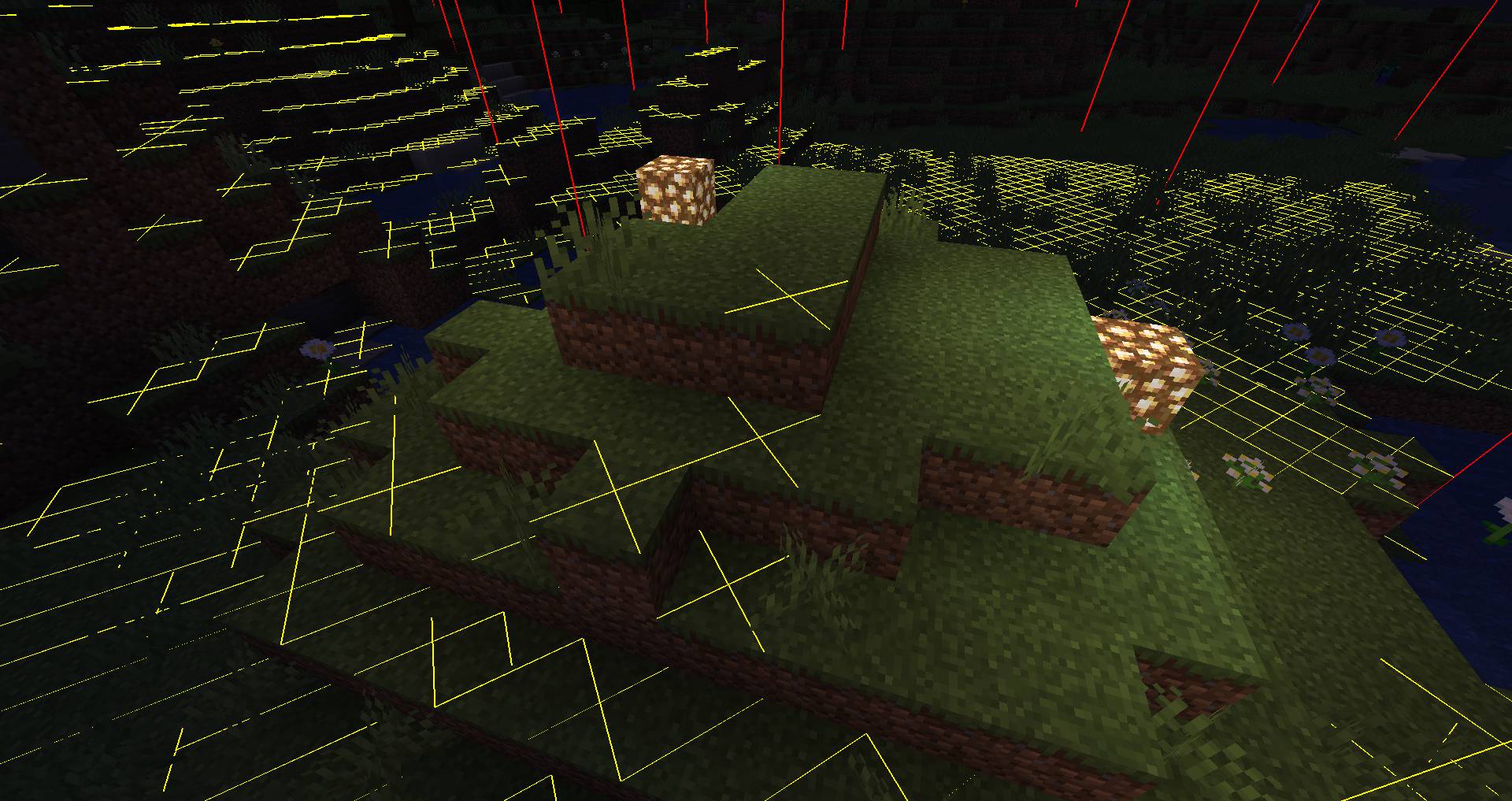
Light Overlay at night
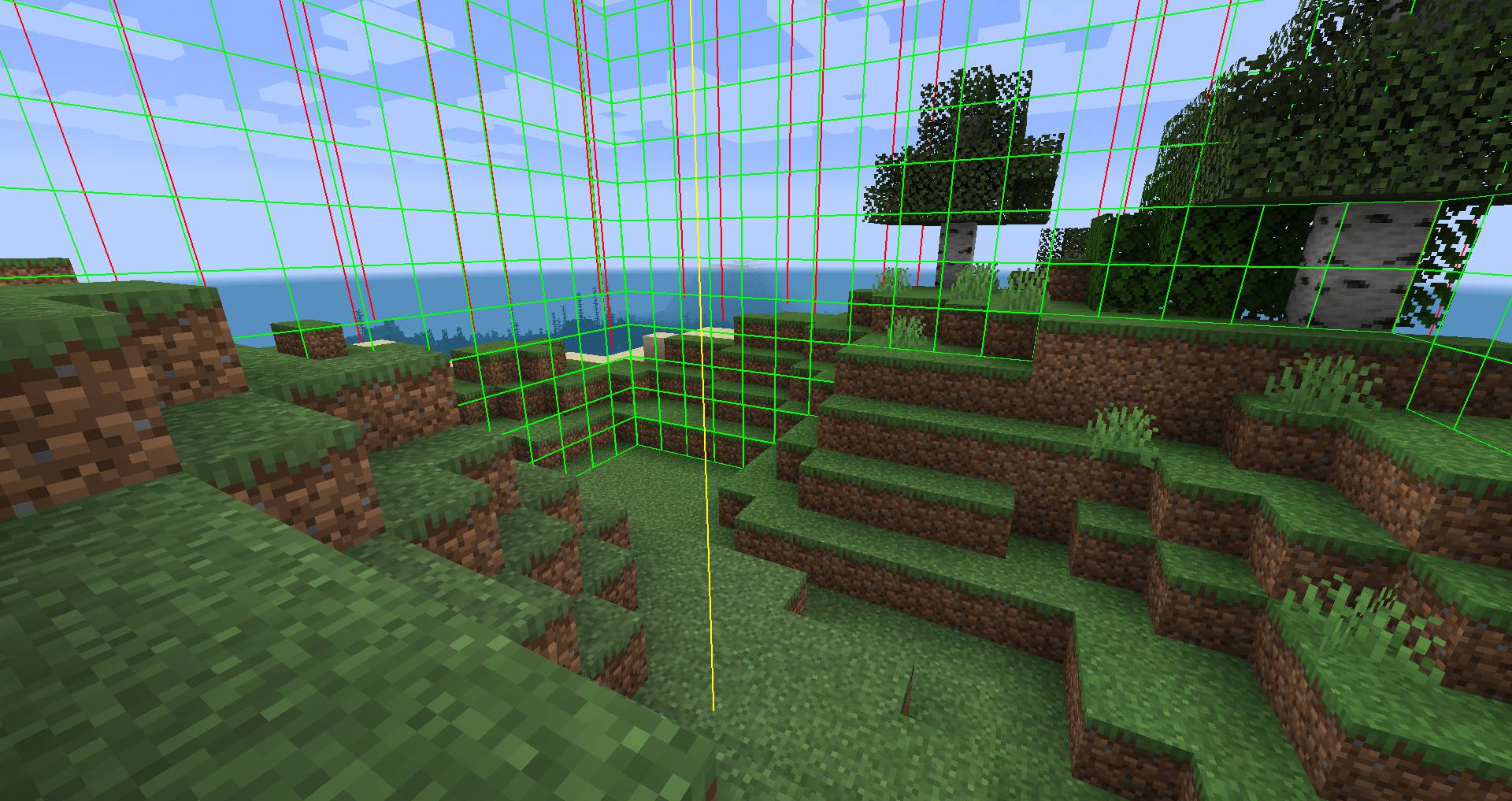
Display Chunk Borders
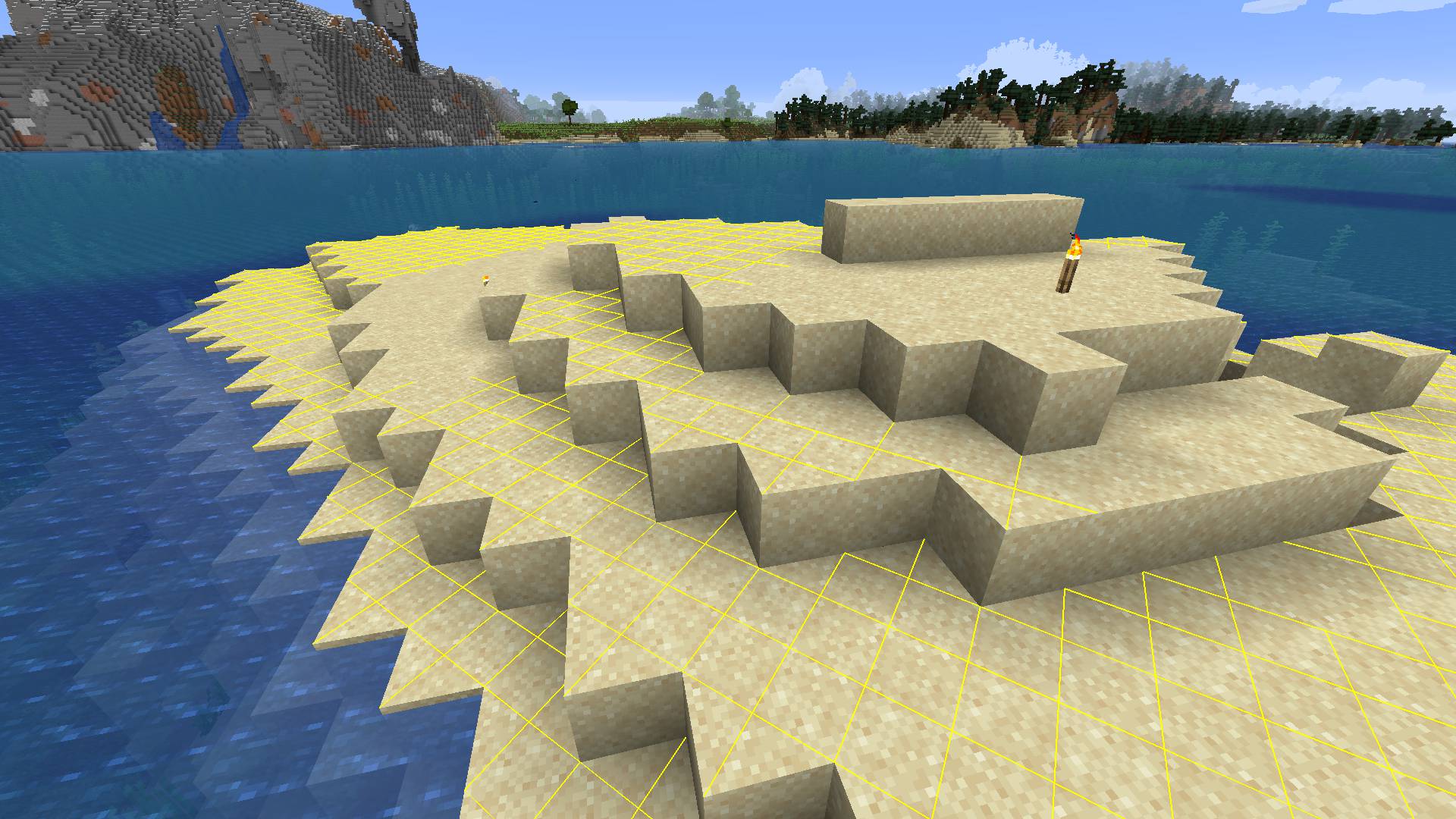
Light Overlay at daytime
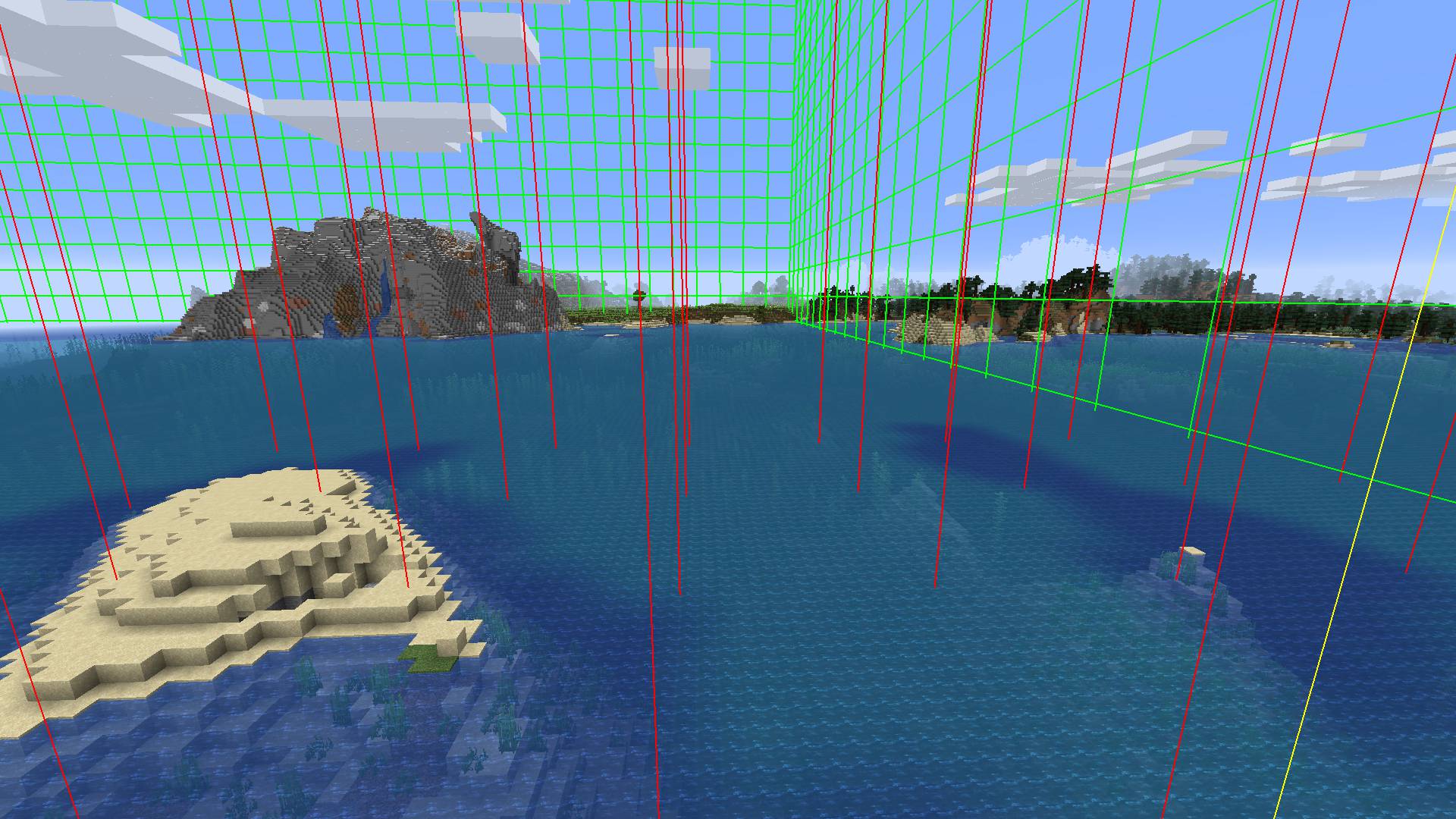
Display Region Borders
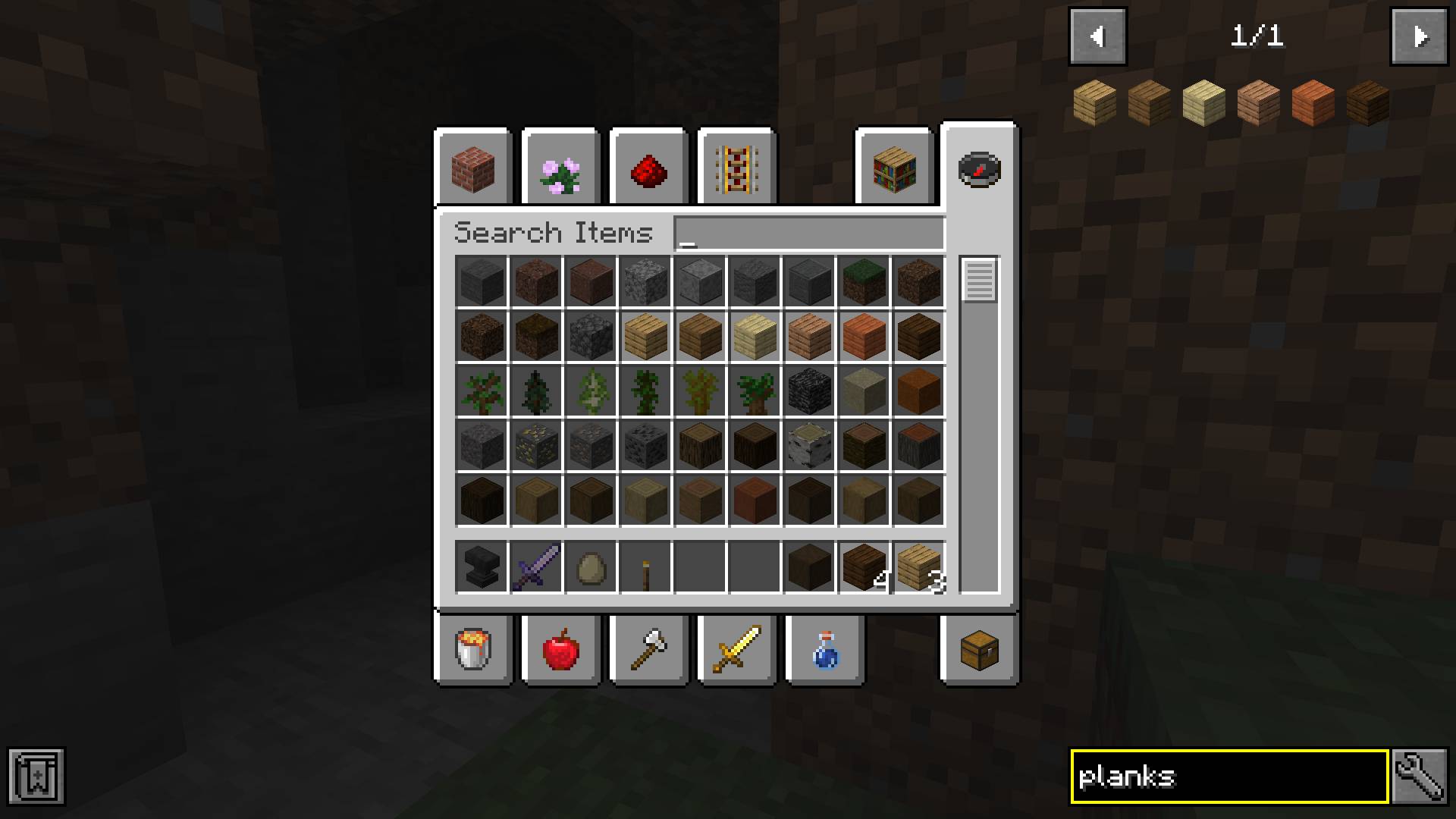
Item search highlight in creative menu
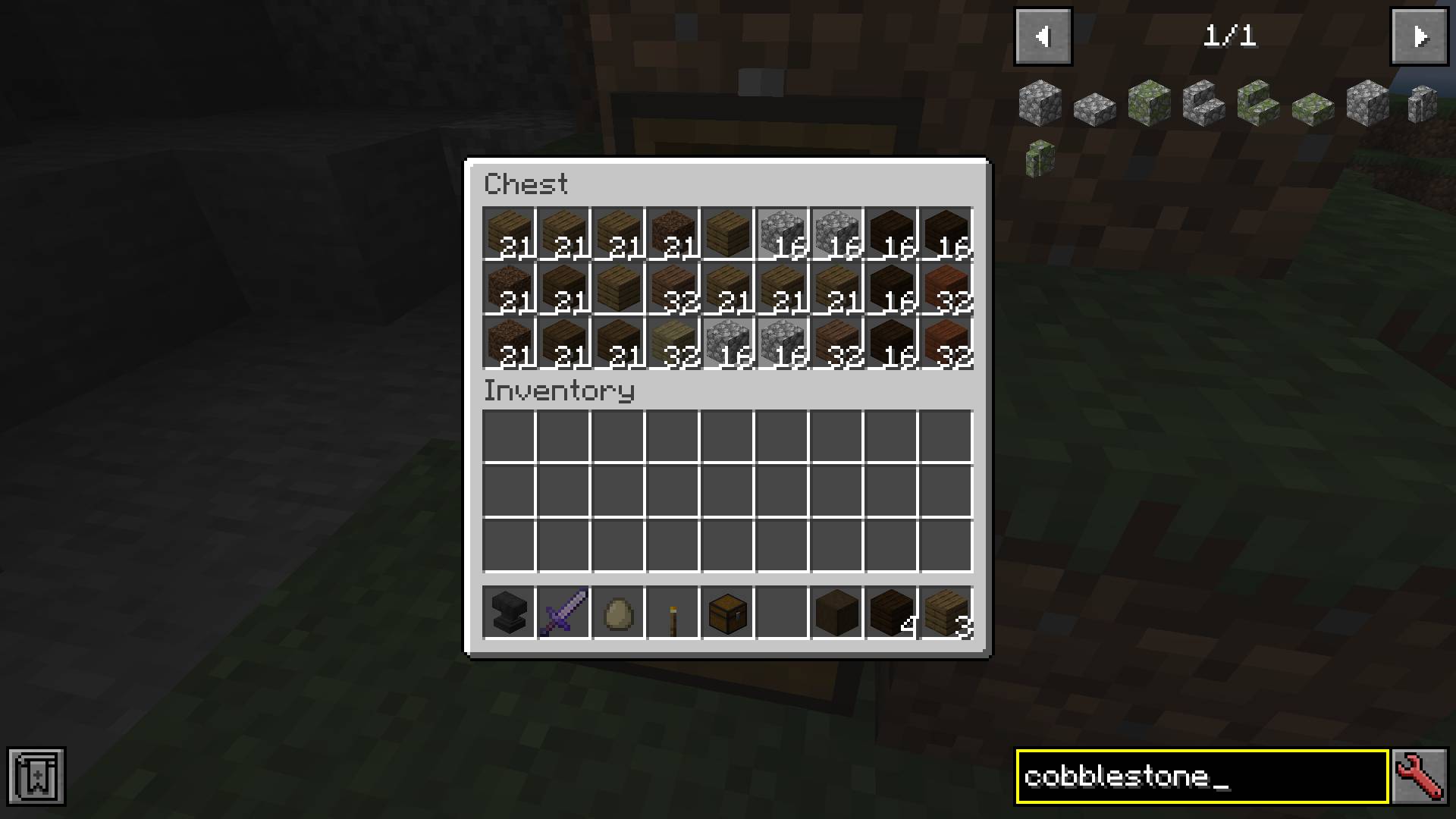
Item search highlight in chest
How to Install:
New to Minecraft? Follow our step-by-step guide to install Mods on your PC.View Guide
Requirements:
 Minecraft Forge Required
 NeoForge Required
 Fabric Loader Required
 Fabric API Required
Just Enough Items (JEI) Optional
More Overlays Updated Mod Download Links
For Minecraft 26.3
For Minecraft 26.2
For Minecraft 26.1.2, 26.1.1, 26.1
For Minecraft
1.21.11,
1.21.10,
1.21.9
All Versions Covered
1.21.11
1.21.10
1.21.9
1.21.8
1.21.7
1.21.6
1.21.5
1.21.4
1.21.1
1.21
All Versions Covered
1.21.11
1.21.10
1.21.9
1.21.8
1.21.7
1.21.6
1.21.5
1.21.4
1.21.1
1.21
For Minecraft 1.21.10, 1.21.9
For Minecraft 1.21.8, 1.21.7, 1.21.6
For Minecraft 1.21.5
For Minecraft 1.21.4
For Minecraft 1.20.6
For Minecraft
1.20.4,
1.20.3,
1.20.2
All Versions Covered
1.20.4
1.20.3
1.20.2
1.20.1
1.20
All Versions Covered
1.20.4
1.20.3
1.20.2
1.20.1
1.20
For Minecraft 1.20.2, 1.20.1, 1.20
For Minecraft 1.20.1, 1.20
For Minecraft 1.19.4
For Minecraft 1.19.3
For Minecraft 1.19.2
For Minecraft 1.18.2
For Minecraft 1.17.1
For Minecraft
1.16.5,
1.16.4,
1.16.3
All Versions Covered
1.16.5
1.16.4
1.16.3
1.16.2
All Versions Covered
1.16.5
1.16.4
1.16.3
1.16.2
Click to rate this post!
[Total: 1 Average: 5]
You May Also Like
Picked for this page
 Combat Hitboxes Mod (26.3, 1.20.1) – Enhance Debug Hitboxes
 HD Skins Mod (26.3, 1.20.1) – Custom Skin Servers with Higher Resolution
 Inertia Anti Cheat Mod (1.21.11, 1.20.1) – Verifies Client Mod Lists Upon Server Join
 I18n Update Mod (1.21.11, 1.20.1) – Localization for Chinese Players
 Crosshair Tweaks Mod (26.3, 1.20.1) – Tweak Crosshair Properties
 Totem Tweaks Mod (26.2, 1.20.1) – Small Totem Pop and Extensive Customizability
 Tiers Mod (26.3, 1.20.1) – Display Rank And Tier PvP
 Xaeros Maps x Waystones Mod (26.2, 1.20.1) – Waystones on Your Map
 Wither Cage Fix Mod (26.3, 1.20.1) – Fixes Wither Memory Bug
 Artifacts Crafting Mod (1.21.11, 1.20.1) – Stop Hunting, Start Crafting!
 ModList Command Mod (26.2, 1.20.1) – Command To View Installed Mods
 Mount Opacity Mod (26.3, 1.20.1) – Adjust The Opacity Of Rideable Mobs
Most viewed in Mods over the last 7 days
 Ala Industrial Mod (26.3) – Run Electric Power Grids and Automated Factories
 PleasureCraft Mod (26.3, 1.21.1) – Jenny Mod Remake for Fabric
 Jennycraft Mod (26.3, 1.20.1) – Virtual Girlfriend in Minecraft
 Fapcraft Mod (26.3, 1.12.2) – Comprehensive and Detailed Content
 Jenny Mod (Fapcraft) Official Complete Guide – How to use, Tutorial
 BangCraft Mod (1.20.1) – Jenny, Ellie and Elliot
- Fabric Loader (26.3, 1.20.1) – Fabric Installer for All Minecraft Versions
 Meteor Client Mod (26.3, 1.20.1) – Xray, HUD, Fly
 The Shooting Star Demo Mod (26.3, 1.20.1) – Vaporize Terrain From Orbit
 OptiFine HD (26.3, 1.20.1) – Run Faster, FPS Boost, Shaders Support
 Aristois Client Mod (1.21.4, 1.20.1) – World Class Minecraft Utility
 Prestige Client Mod (1.21.11, 1.21.4) – Powerful Ghost Features for Crystal & Sword PvP
More from Mods
 Animal Info Mod (26.3, 1.21.11) – Quick Stats For Your Animals
 Timber Tales Dynamic Tree System Mod (26.3, 1.20.1) – Watch Entire Trees Topple
 Gabou’s Libs Mod (26.3, 1.20.1) – Keep Custom Weather and Survival Mods Stable
 /Sit Mod (26.3, 1.21.1) – Make The Player Sit Down
 Arcane Redstone Dial Mod (26.3, 1.20.1) – Trigger Commands and Shortcuts
 The Graveyard Mod (26.3, 1.20.1) – Cemeteries in Minecraft
 Enhanced Overlay Mod (26.3, 1.21.11) – Remove Screen Clutter
 Flint Mod (1.21.11) – Run DiamondFire Community Addons Without Crashing
 Not Just Sandwich Mod (26.3, 1.20.1) – Edibles, Sandwiches
 Waddles Mod (26.3, 1.20.1) – Make Icy Biomes Feel Alive
 Artemis’ Thin Logs Mod (26.3, 1.20.1) – Build Custom Trees and Detailed Wood
 Asterion Mod (26.3, 1.20.1) – Survive Ancient Mazes and Slay the Legendary Minotaur

This post has no comments yet. Be the first — your comment will appear here.