


Multiverse Signportals Plugin (26.1.2, 1.20.1) – Teleport Using Simple Signs
 96
96
 0
0


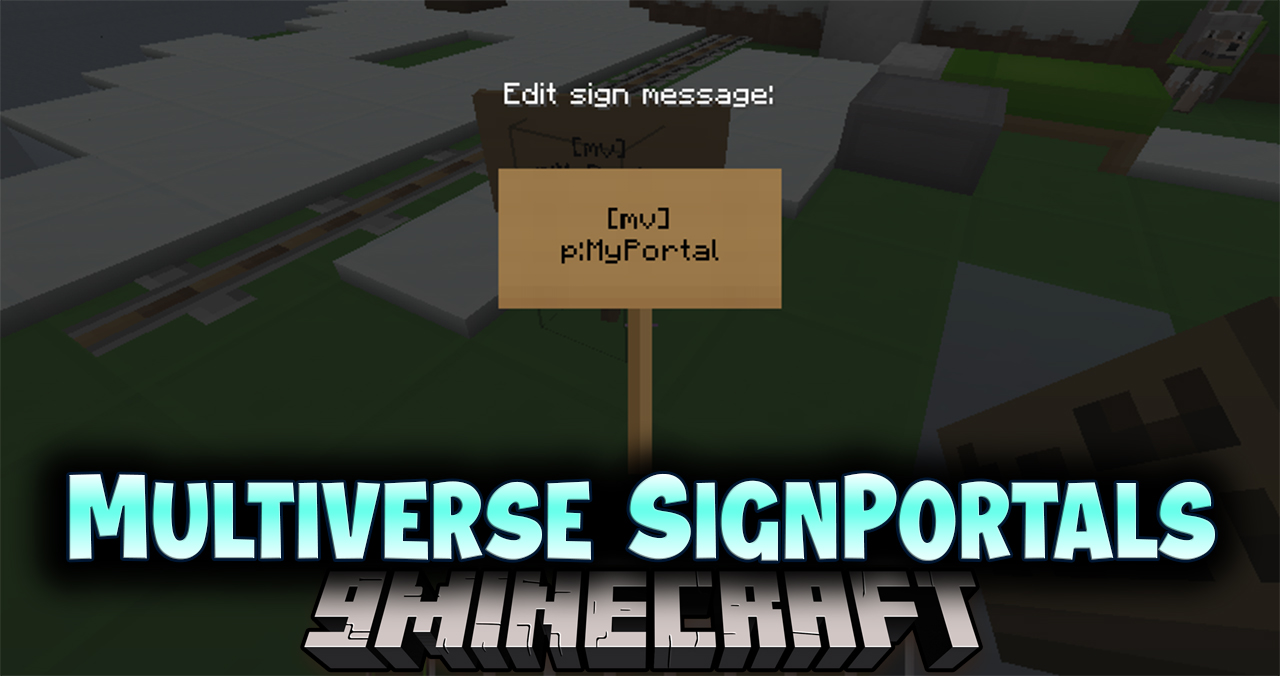
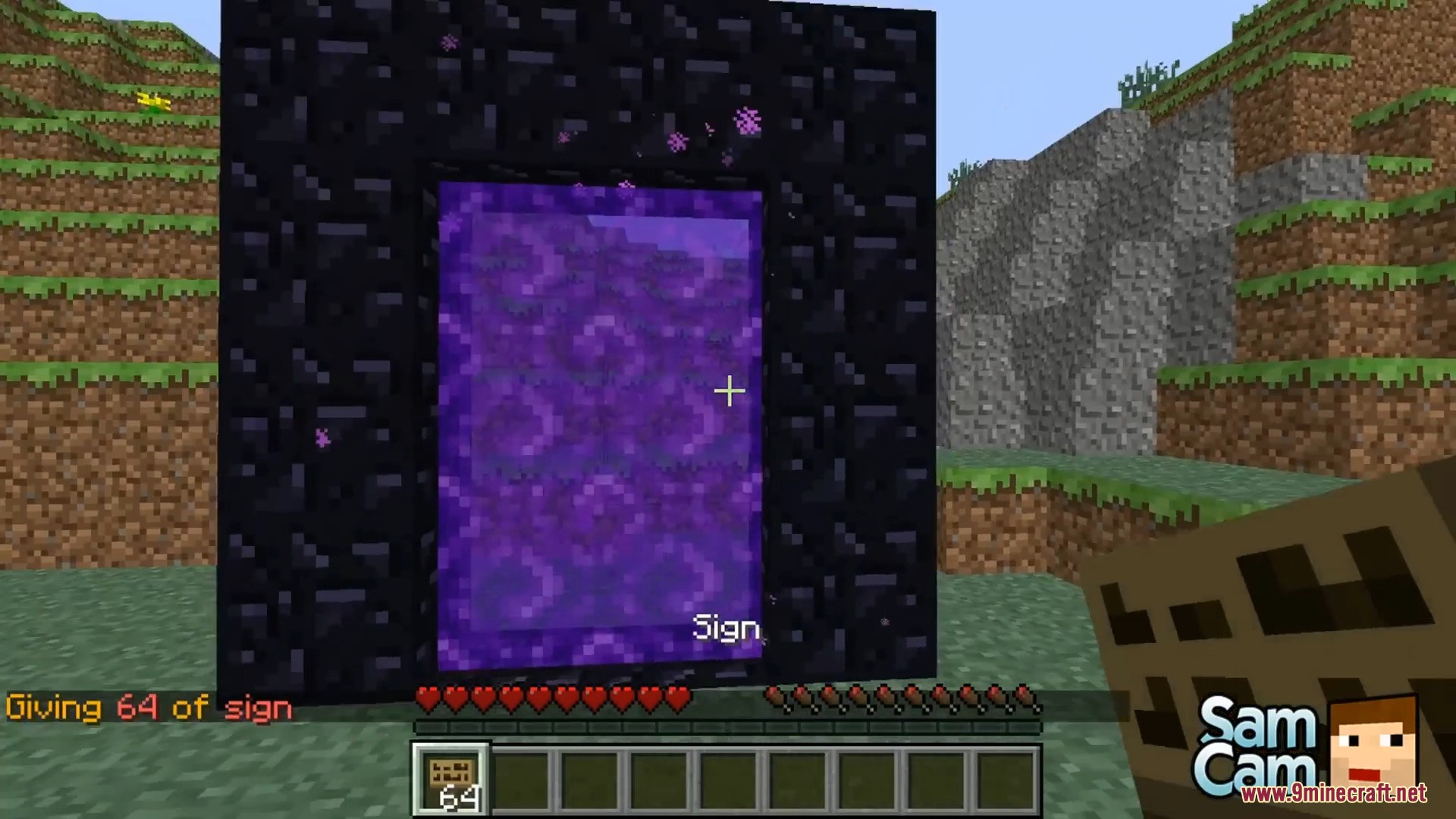
Multiverse Signportals Plugin lets you travel between different worlds using simple wooden signs. It changes how portals work on your server. You can put a sign on a normal Nether portal to change where it takes you. You can also place a sign anywhere on a block and right-click it to travel. This makes moving around your game very fast and simple.
Features:
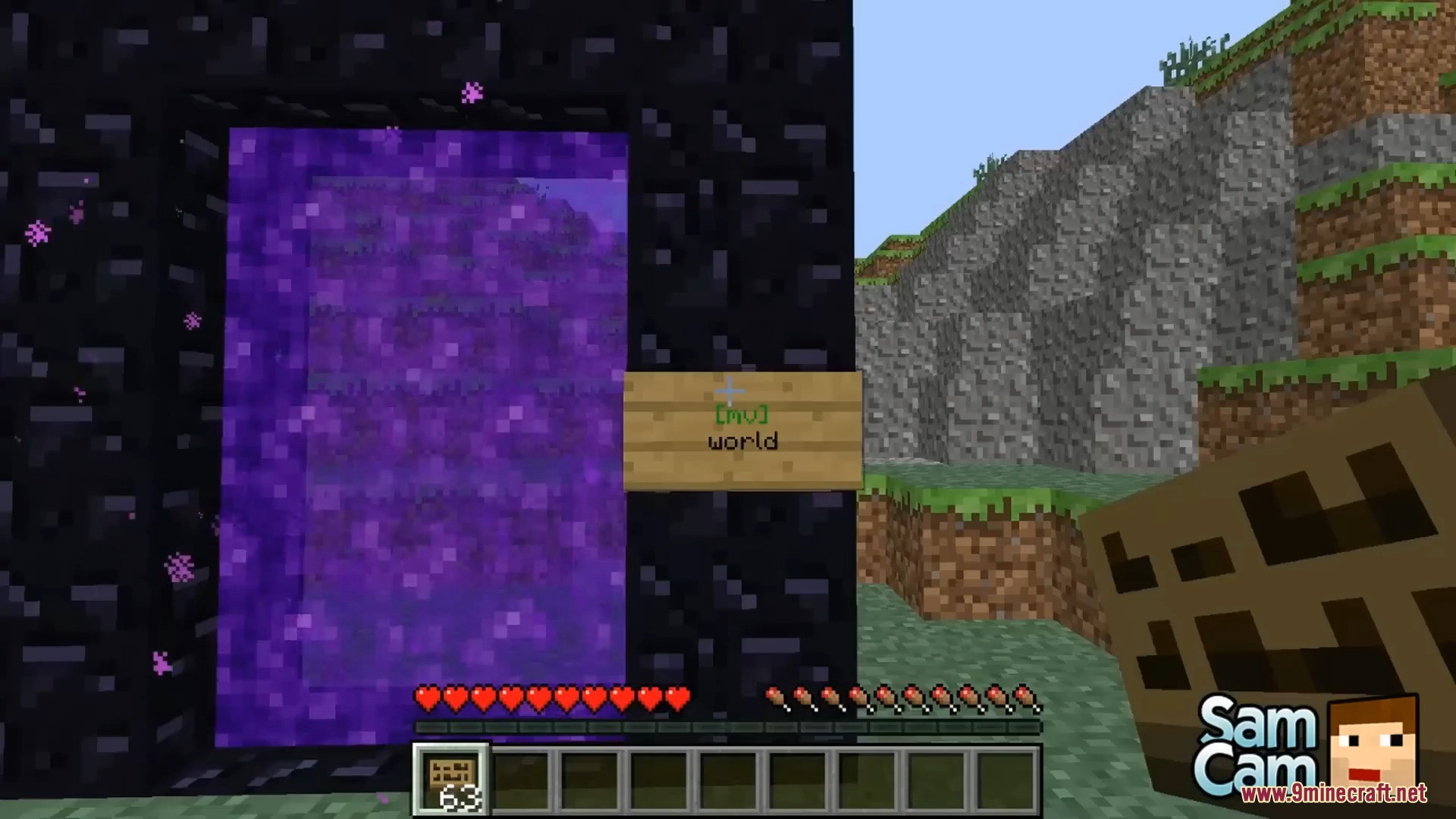
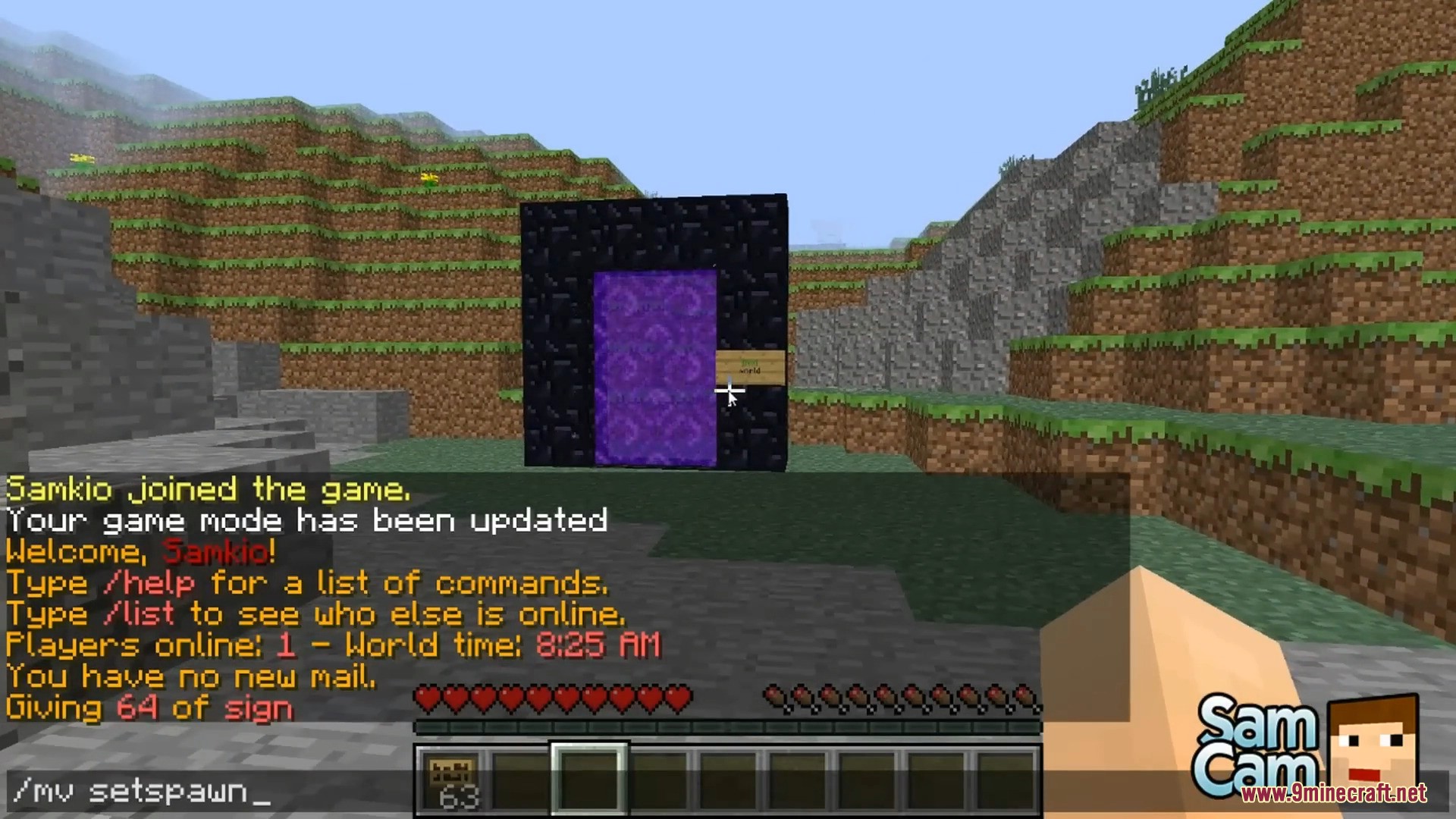
- Change Portal Destinations: Put a sign on a standard Nether Portal to make it send players to a specific place.
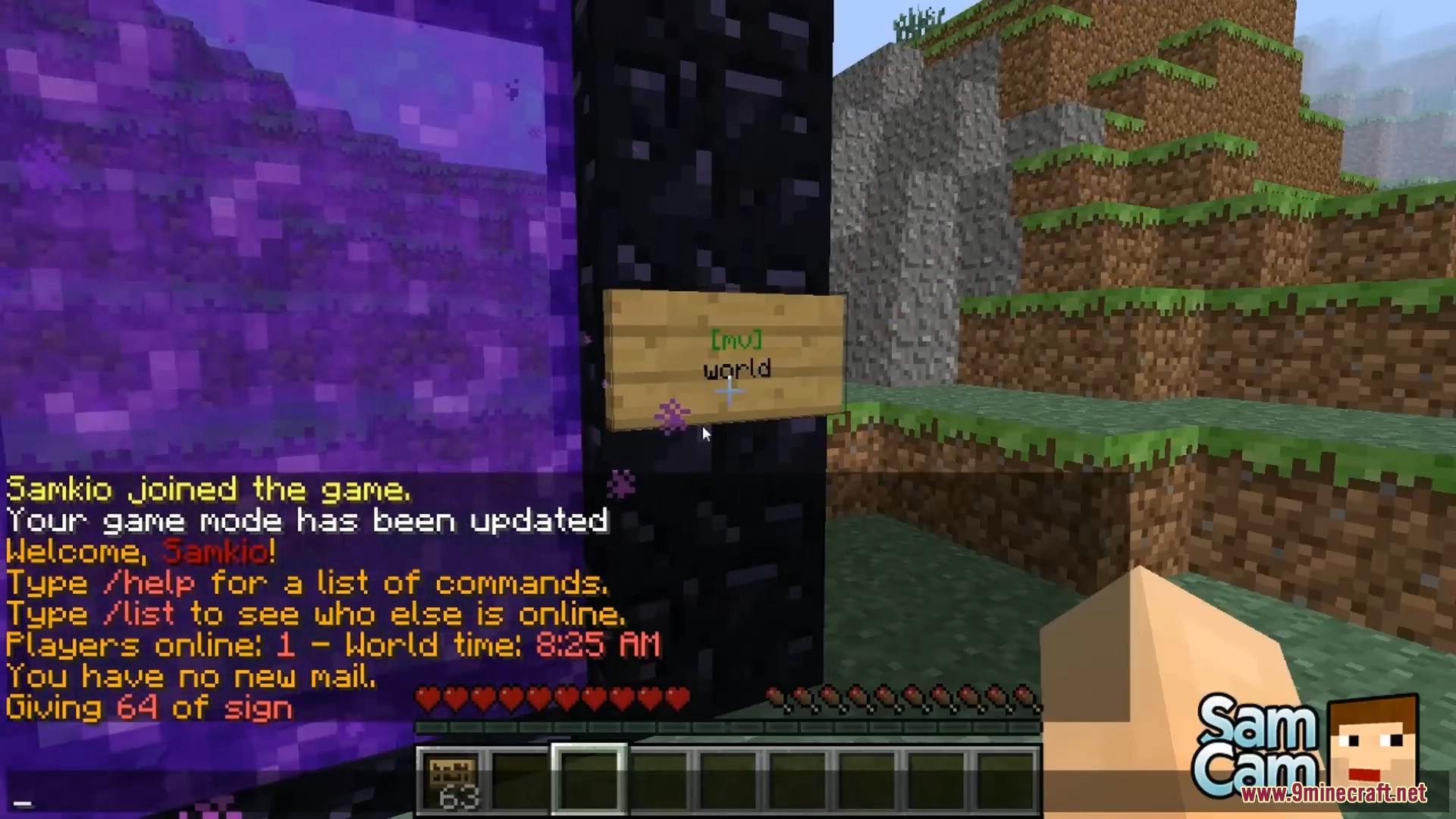
- Clickable Signs: Place a sign anywhere in the game. Players just need to right-click the sign to travel to the location written on it.
- Travel Anywhere: You can set the signs to send players to any Multiverse world or destination.
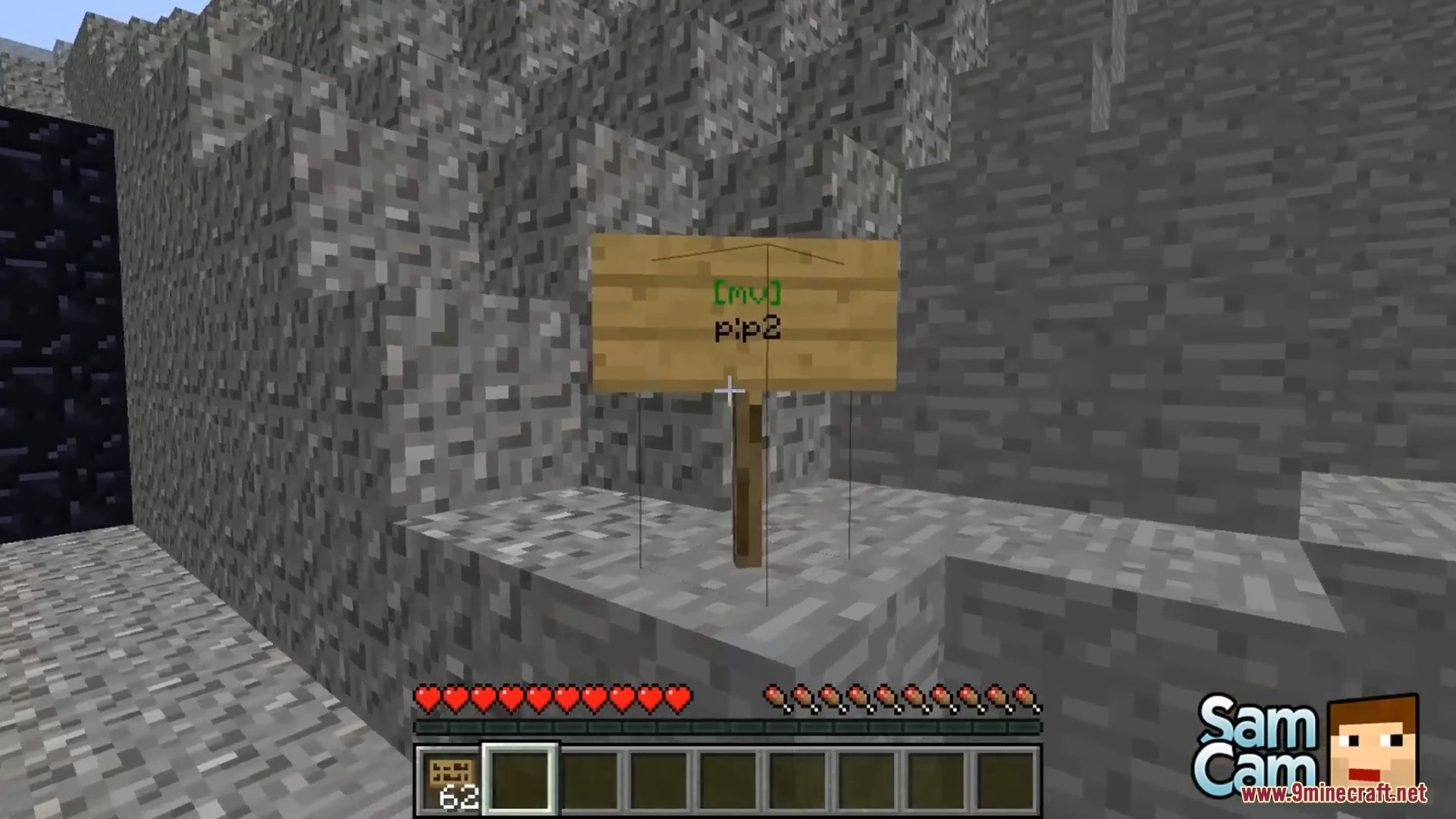
- Color Indicators: The text on the sign turns green if you set it up right. It turns red if there is an error or you do not have the right permission.
How to Use:
- Make sure you have the
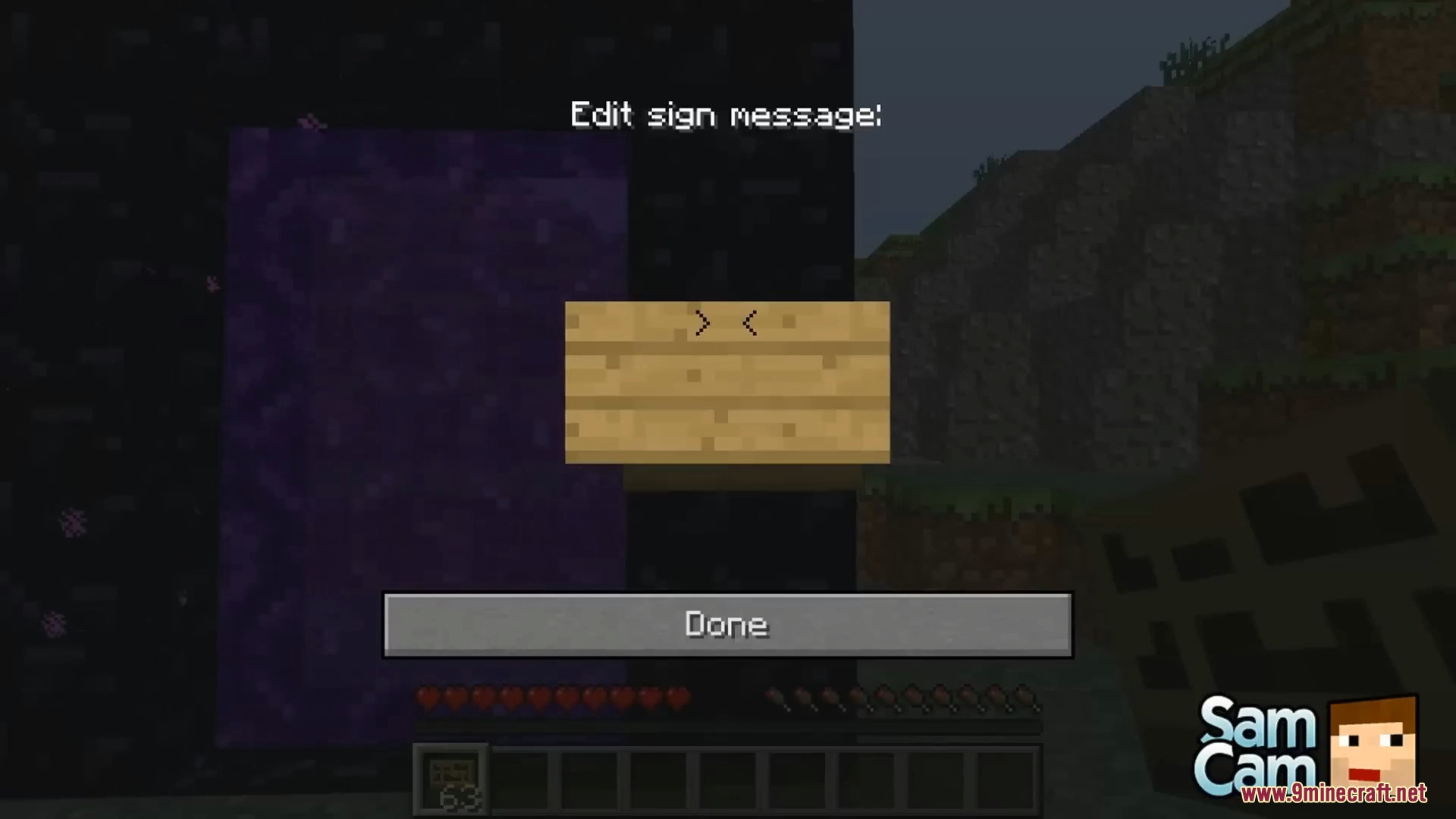
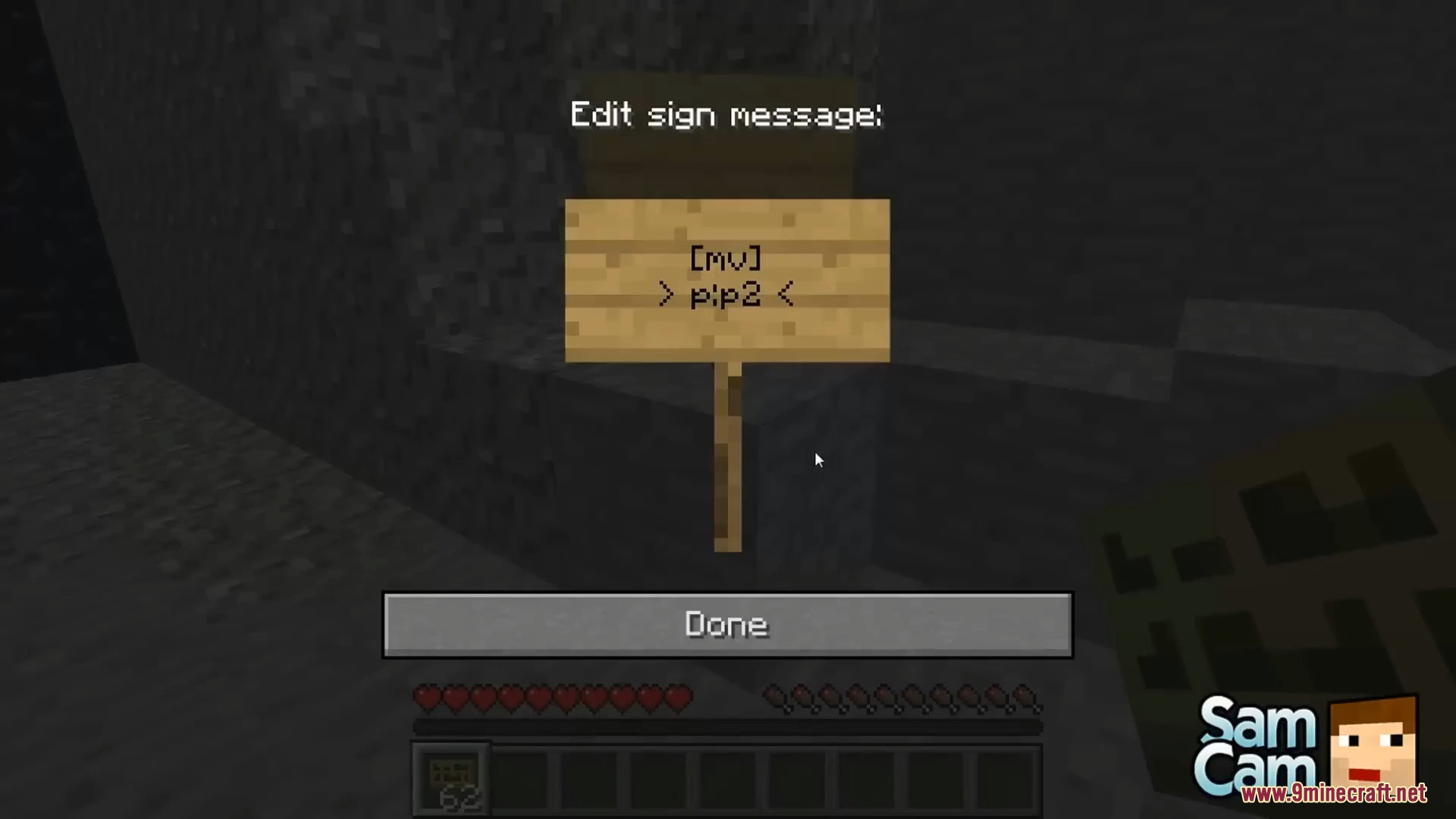
multiverse.signportal.createpermission on your server. - Place a wooden sign where you want it.
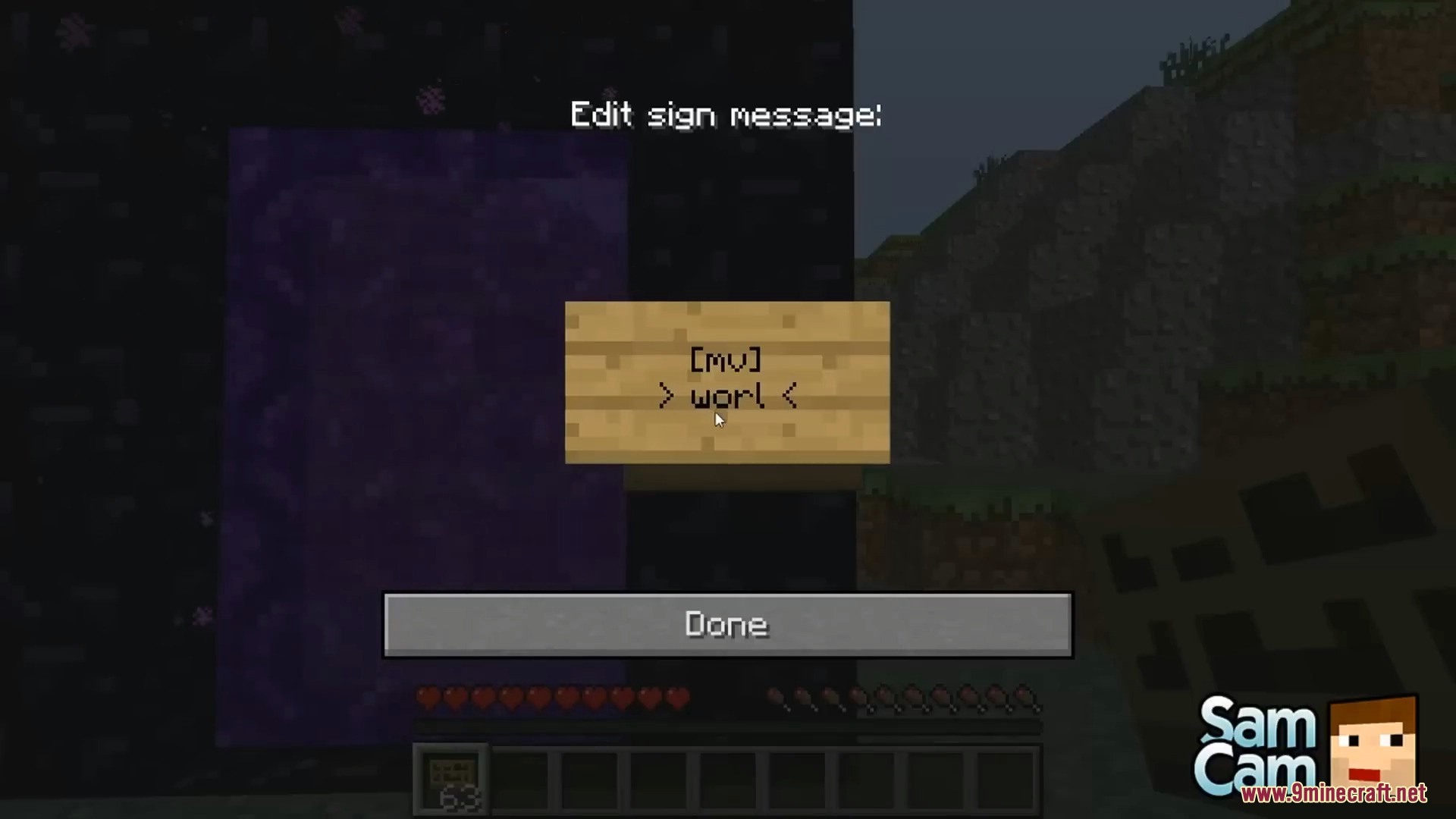
- Type
[mv]on the second line of the sign. - Type your destination name (like
world) on the third line. - Close the sign. If the text turns green, your sign is ready to use!
Screenshots:
How to Install:
New to Minecraft? Follow our step-by-step guide to install Plugins on your PC.View Guide
Requirements:
Multiverse Signportals Plugin Download Links
For Minecraft
26.1.2,
26.1.1,
26.1
All Versions Covered
26.1.2
26.1.1
26.1
1.21.11
1.21.10
1.21.9
1.21.8
1.21.7
1.21.6
1.21.5
1.21.4
1.21.3
1.21.2
1.21.1
1.21
1.20.6
1.20.5
1.20.4
1.20.3
1.20.2
1.20.1
1.20
1.19.4
1.19.3
1.19.2
1.19.1
1.19
1.18.2
All Versions Covered
26.1.2
26.1.1
26.1
1.21.11
1.21.10
1.21.9
1.21.8
1.21.7
1.21.6
1.21.5
1.21.4
1.21.3
1.21.2
1.21.1
1.21
1.20.6
1.20.5
1.20.4
1.20.3
1.20.2
1.20.1
1.20
1.19.4
1.19.3
1.19.2
1.19.1
1.19
1.18.2
For Minecraft
1.21.11,
1.21.5,
1.21.4
All Versions Covered
1.21.11
1.21.5
1.21.4
1.20.6
1.20.5
1.20.4
1.20.3
1.20.2
1.20.1
1.20
1.19.4
1.19.3
1.19.2
1.19.1
1.19
1.18.2
All Versions Covered
1.21.11
1.21.5
1.21.4
1.20.6
1.20.5
1.20.4
1.20.3
1.20.2
1.20.1
1.20
1.19.4
1.19.3
1.19.2
1.19.1
1.19
1.18.2
For Minecraft
1.19.3,
1.19.2,
1.19.1
All Versions Covered
1.19.3
1.19.2
1.19.1
1.19
1.18.2
1.18.1
1.18
1.17
1.16
1.15
1.14
1.13
All Versions Covered
1.19.3
1.19.2
1.19.1
1.19
1.18.2
1.18.1
1.18
1.17
1.16
1.15
1.14
1.13
Click to rate this post!
[Total: 0 Average: 0]
You May Also Like

















This post has no comments yet. Be the first — your comment will appear here.