


No Blindness Shaders (26.2, 1.20.1) – Remove Blindness and Dark Overlays
 0
0
 0
0

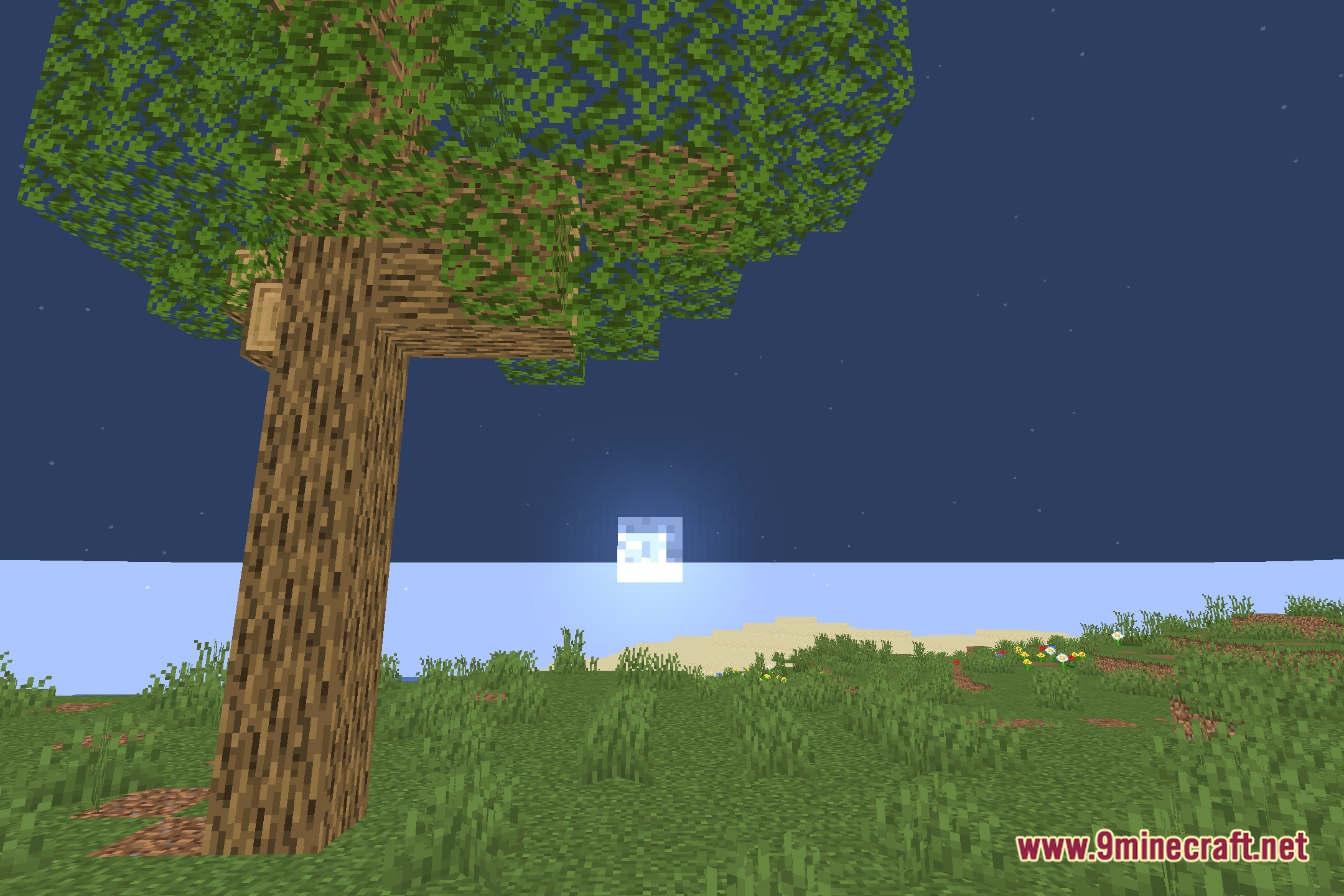
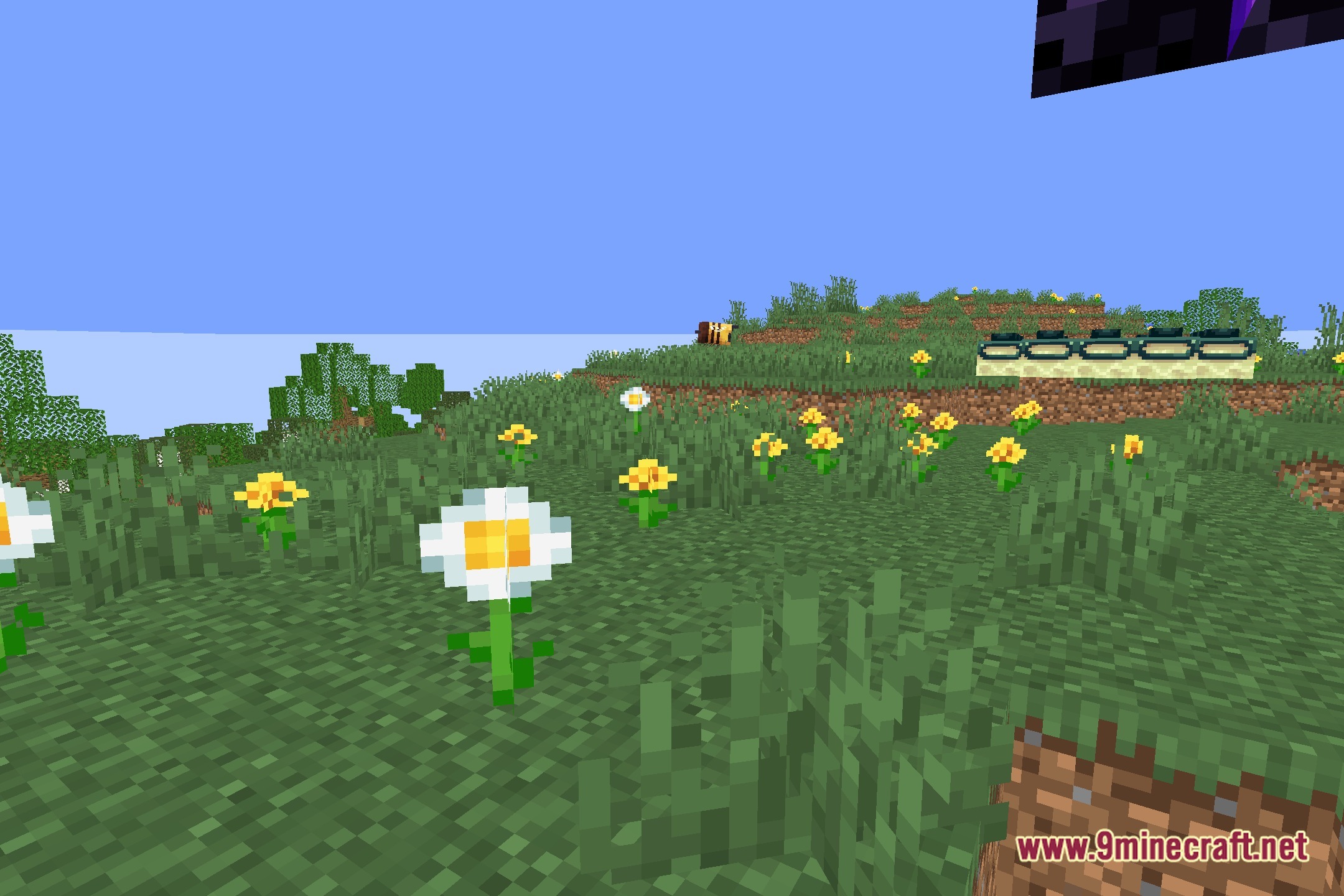
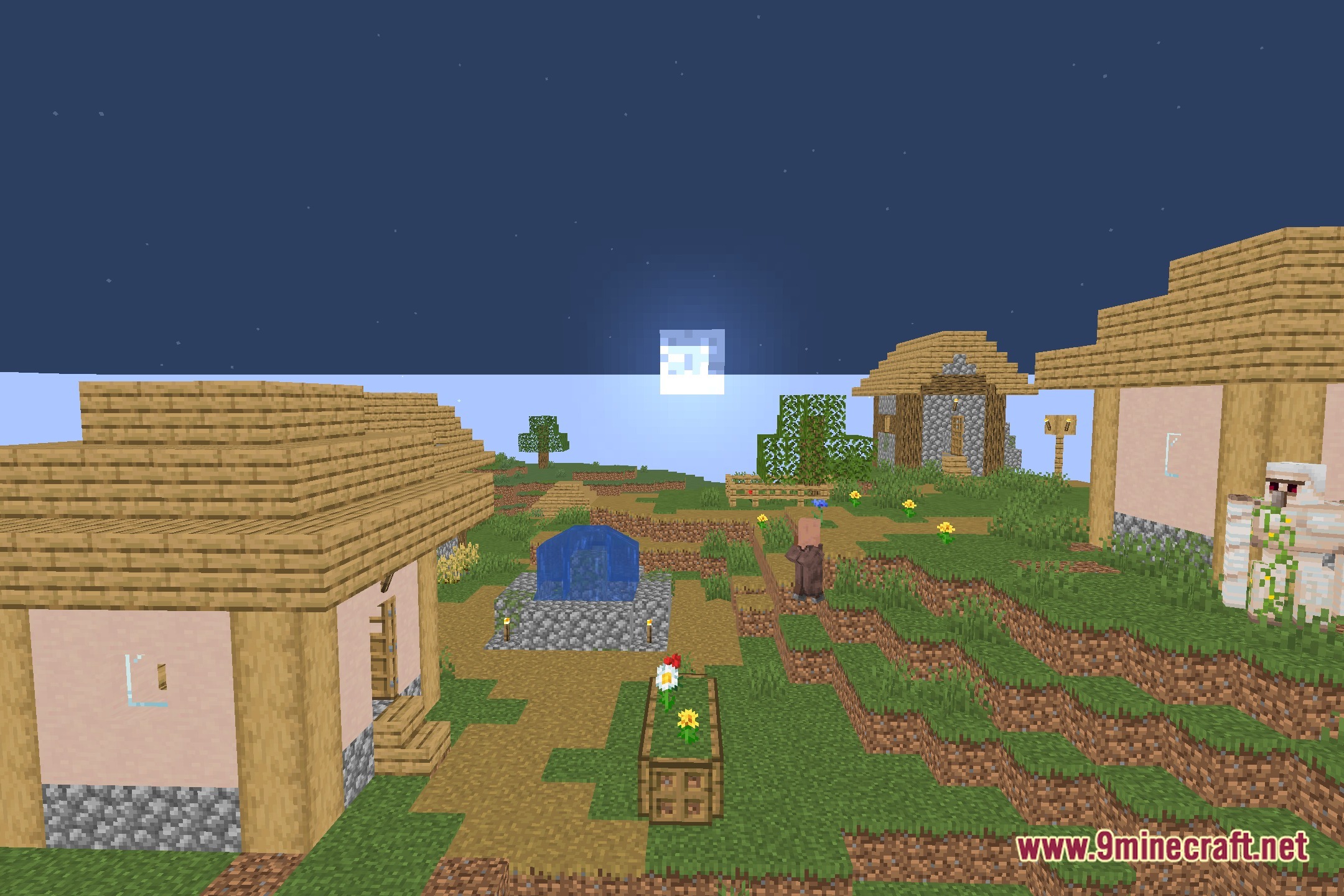
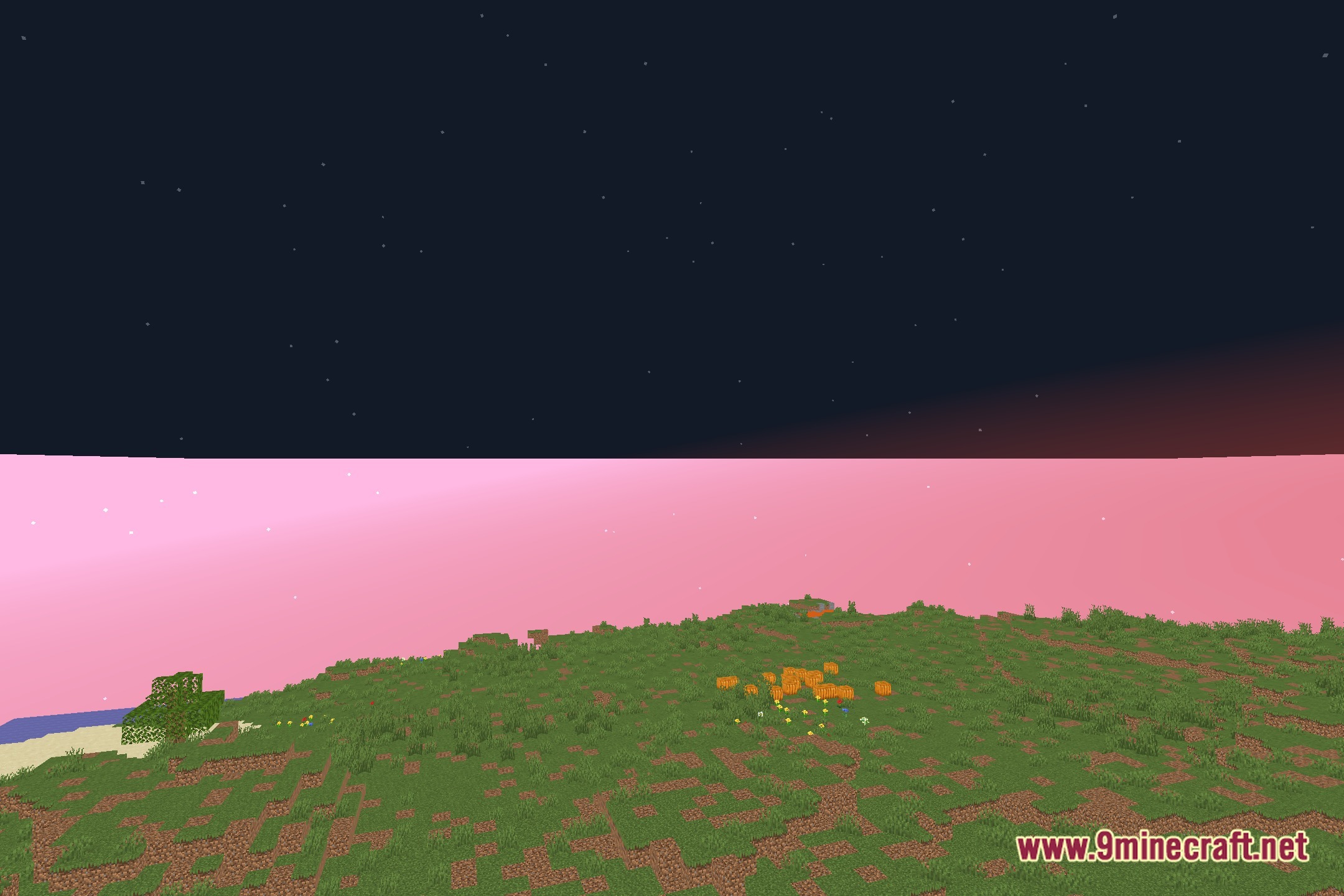
No Blindness removes the pitch-black visual overlay caused by blindness effects in the game. It stops your screen from fading to dark when you get hit by splash potions or face an Elder Guardian in underwater temples. The pack keeps standard vanilla graphics intact while adding gentle bloom effects to light sources. Because it runs lightweight code, it works smoothly on low-end computers without dropping your frame rate.
Features:
- Removes the blindness screen effect completely so your view stays clear.
- Stops the dark screen blur triggered by Elder Guardians and hostile mobs.
- Clears potion blindness without changing normal world rendering.
- Includes soft bloom lighting for torches and glow blocks.
- Runs on potato computers and low-end hardware with zero lag.
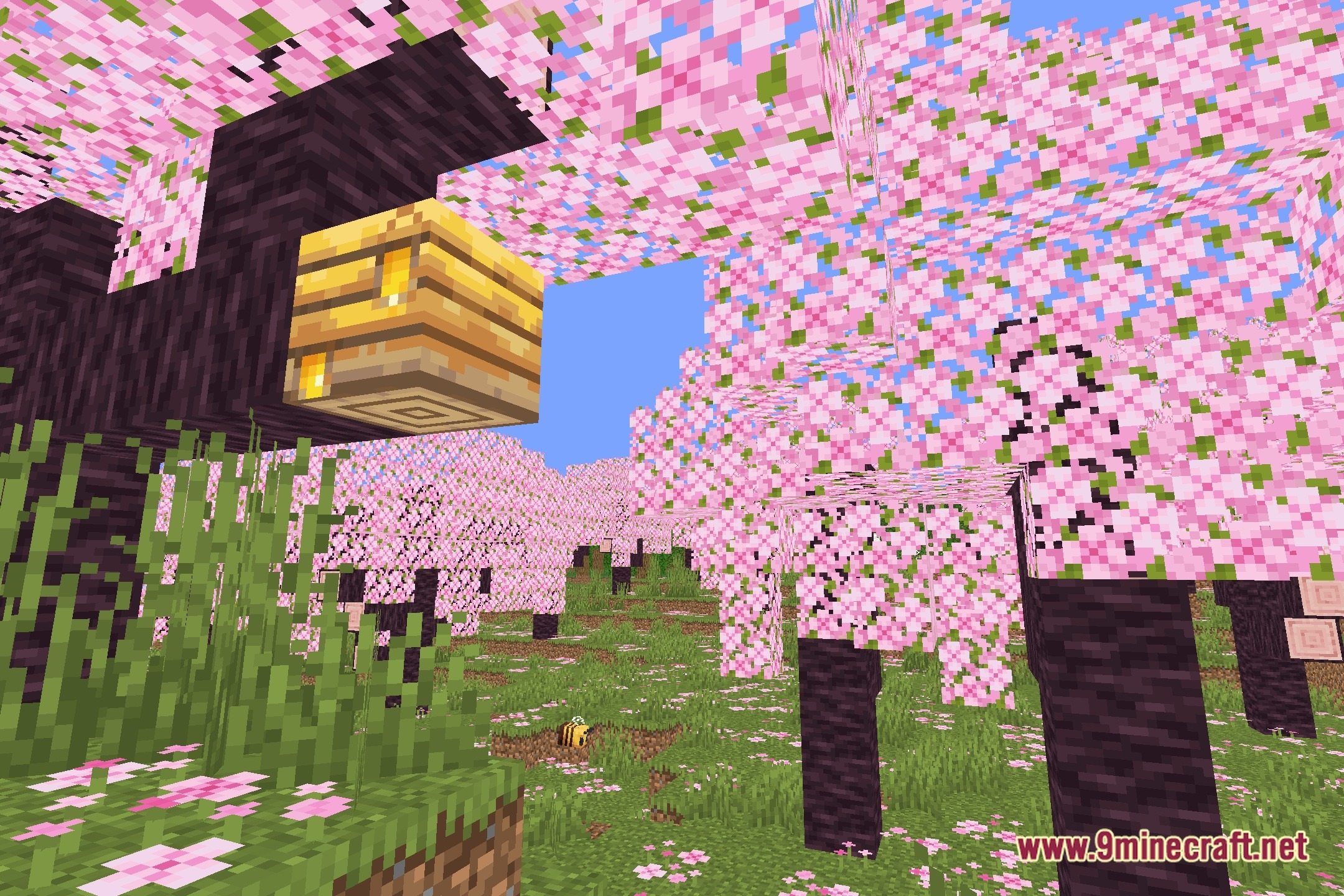
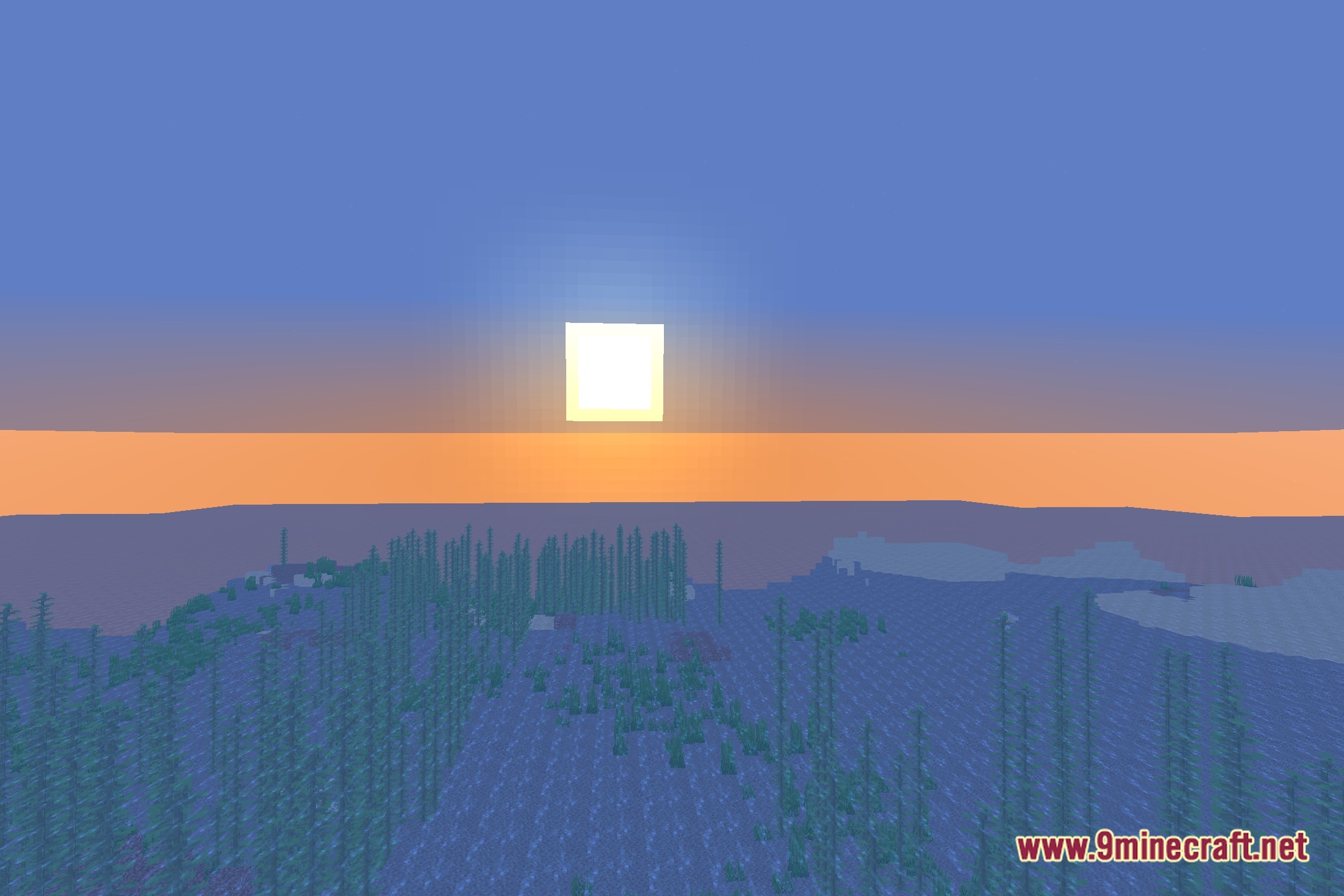
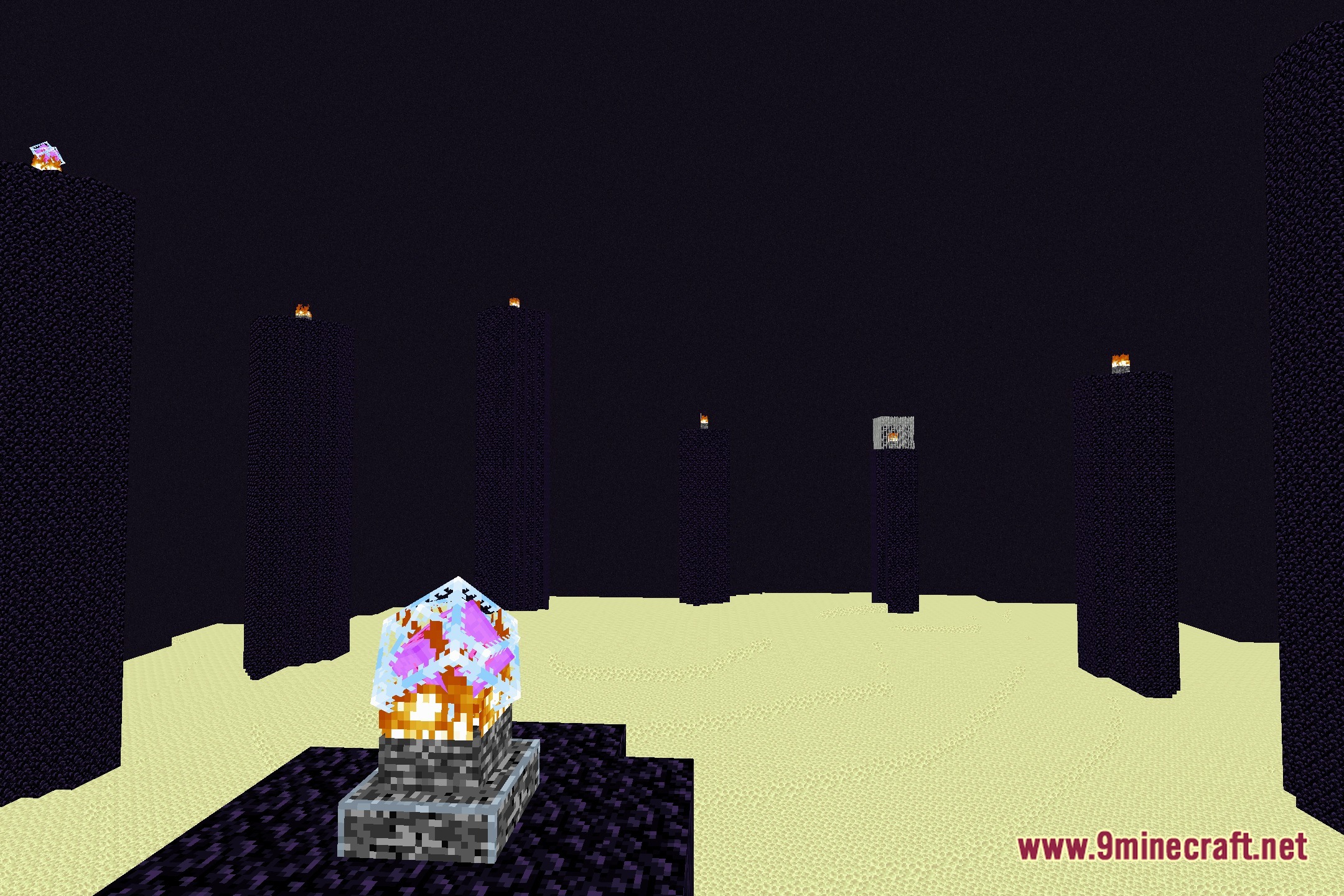
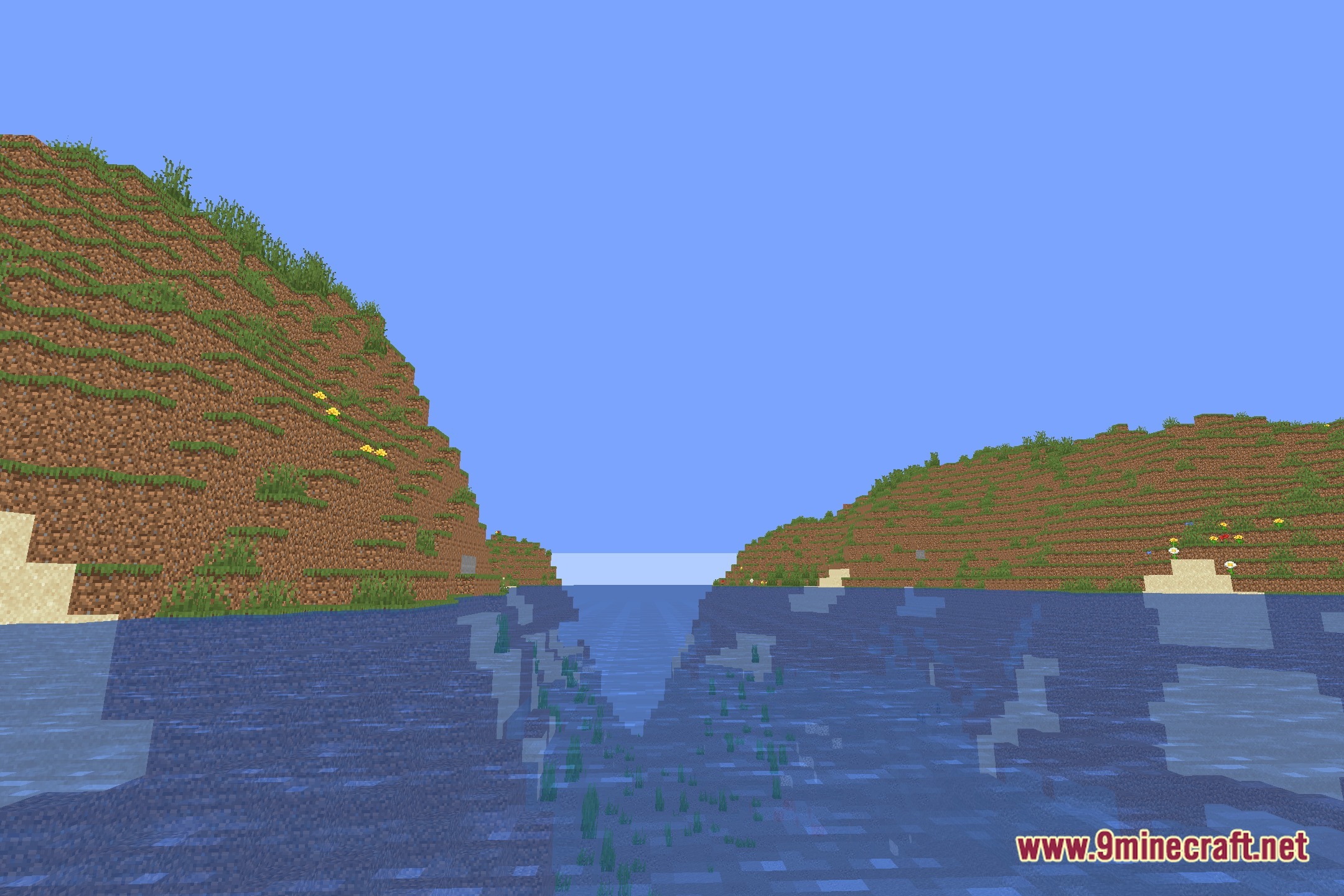
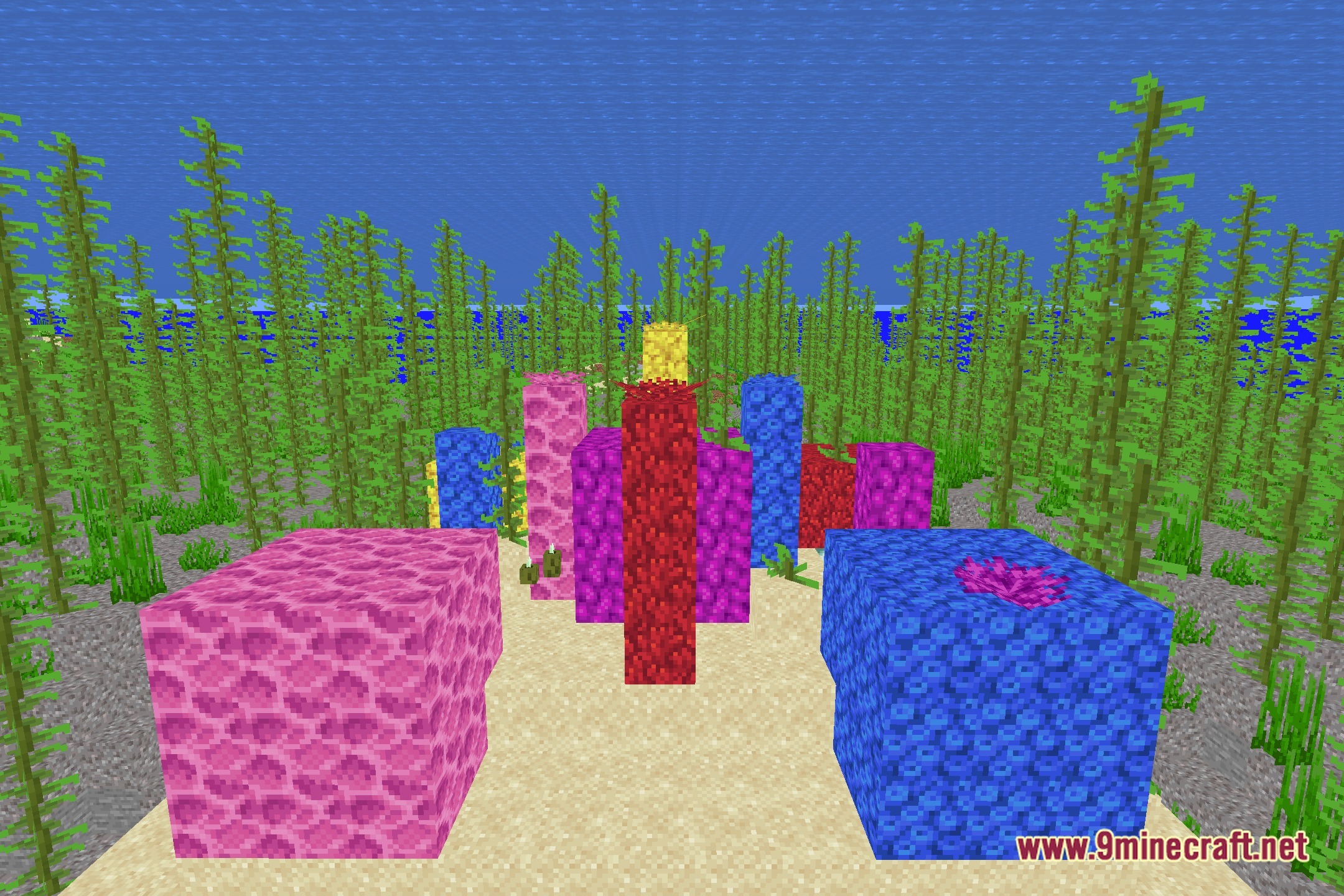
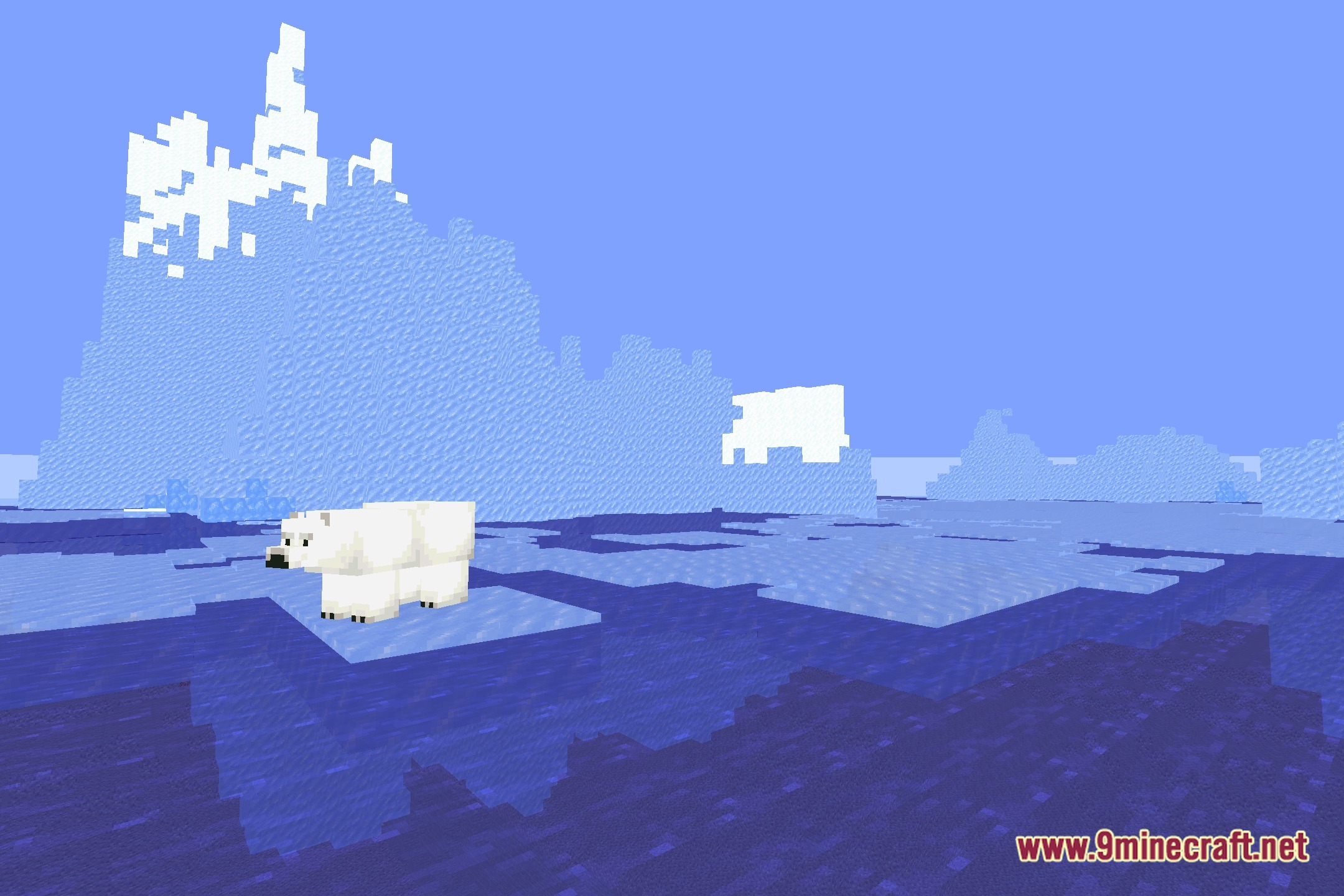
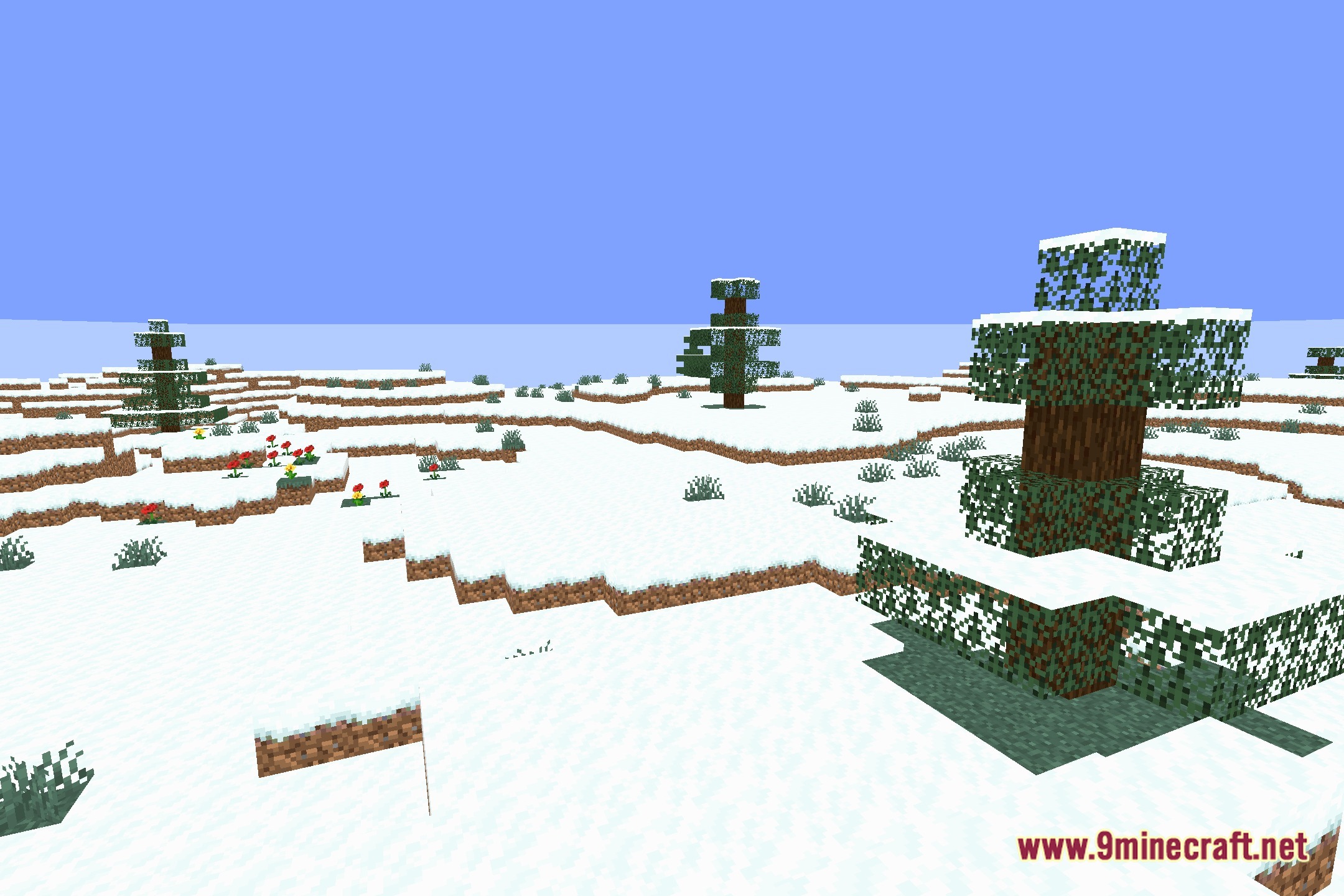
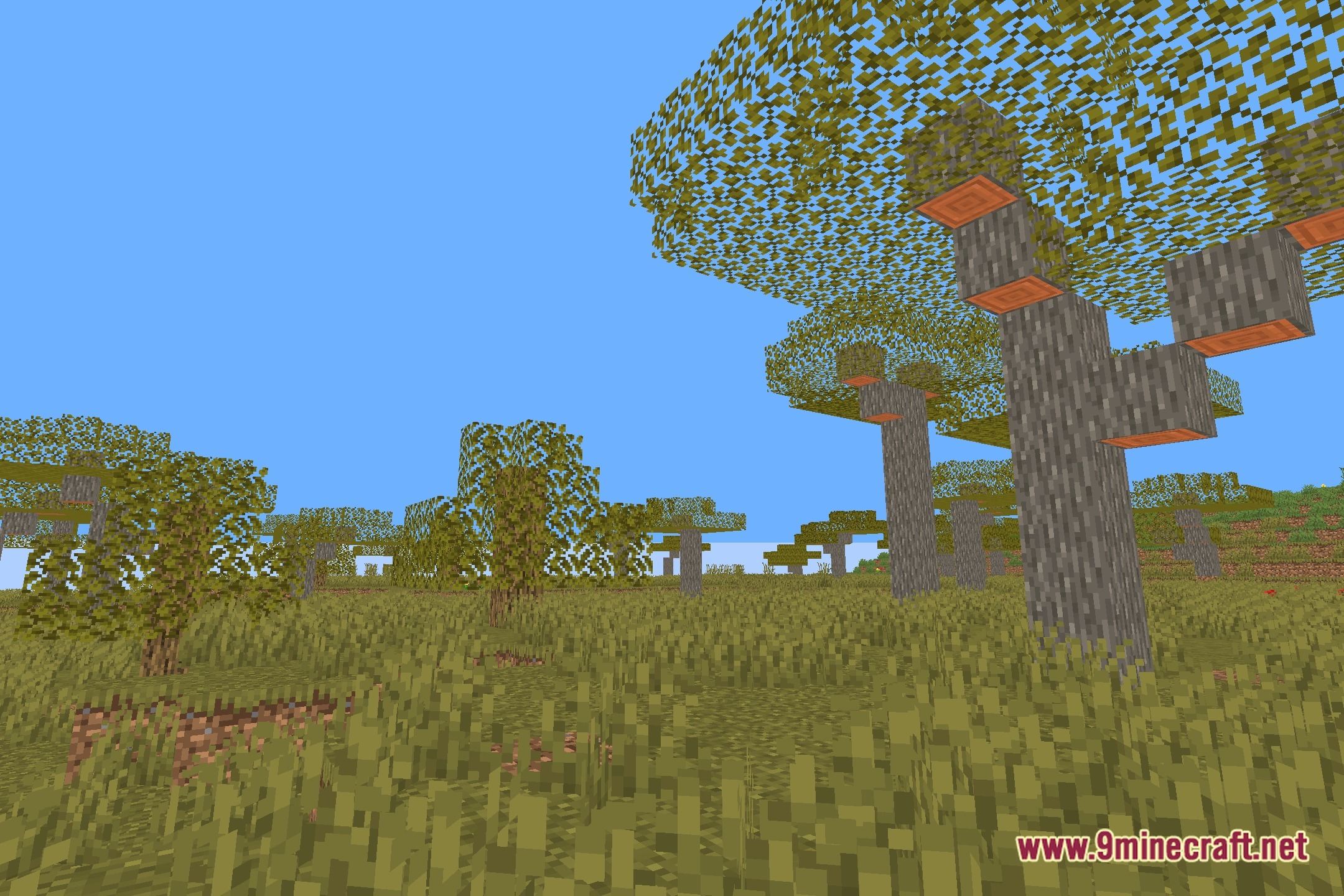
Screenshots:
How to Install:
New to Minecraft? Follow our step-by-step guide to install Shaders on your PC.View Guide
No Blindness Shaders Download Links
Click to rate this post!
[Total: 0 Average: 0]
You May Also Like



This post has no comments yet. Be the first — your comment will appear here.