


Paladin’s Furniture Mod (1.21.8, 1.20.1) – Furniture for Modern House
 112,646
 0
0


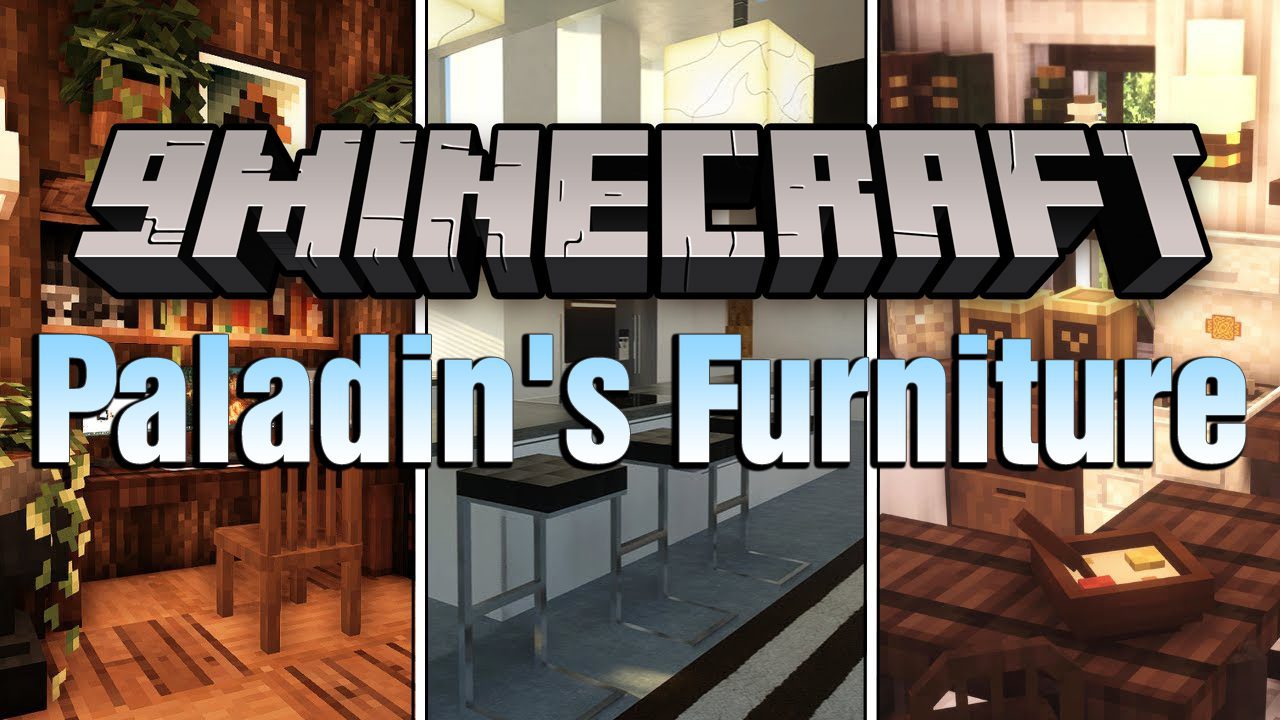
Paladin’s Furniture Mod contains over 1,000 New Pieces of Furniture that you can use to furnish your build, while being functional and nice to look at. Everything is craftable and obtainable in Survival so it’s friendly, and nice to look at, it has compatibility with Sandwichable, REI, EMI and Patchouli. A Brand-New Furniture mod for Modern Minecraft where things are functional.
Features:
Bathtub
- Function: Works like a cauldron. Can be filled with a bucket or bottle, or automatically draws water from a source block one block below.
- Uses:
- Removes dye from armor and shulker boxes
- Extinguishes fire
- Emits a comparator signal
- Allows sitting during the day and sleeping at night
- Crafting: Quartz, stone buttons, and a bucket
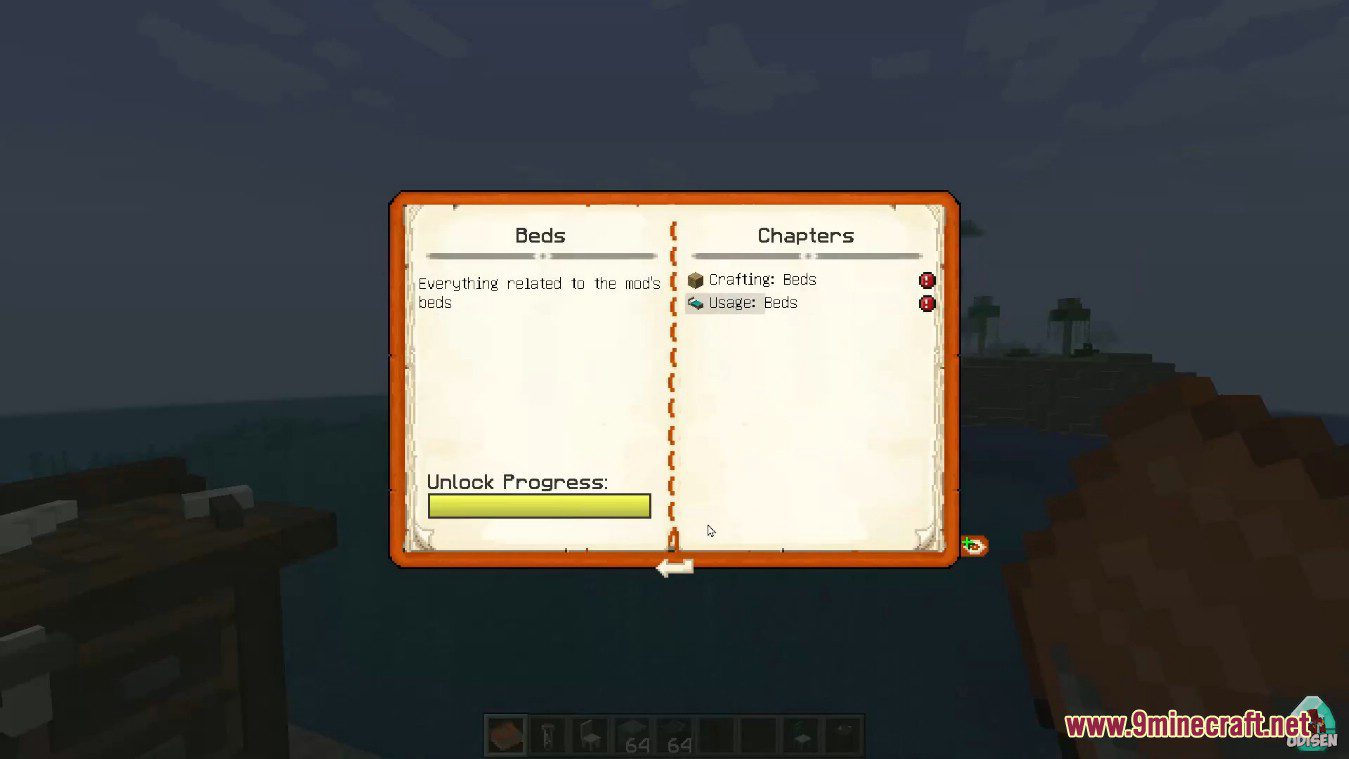
Beds
- Function: Behaves like vanilla beds; allows sleeping and setting spawn points; villagers can use them.
- Variants:
- Comes in all colors and wood types
- Two styles: Basic and Classic
- Connects when placed side by side
- Stackable for bunk beds
- Customization:
- Use a Dye Kit to recolor half a bed
- Beds of different wood types connect
- Bunk Bed Ladder: Available in all wood types; unlimited height and width
- Crafting:
- Bed + planks + fence (for Classic beds)
- Ladder: 1 plank + 6 sticks
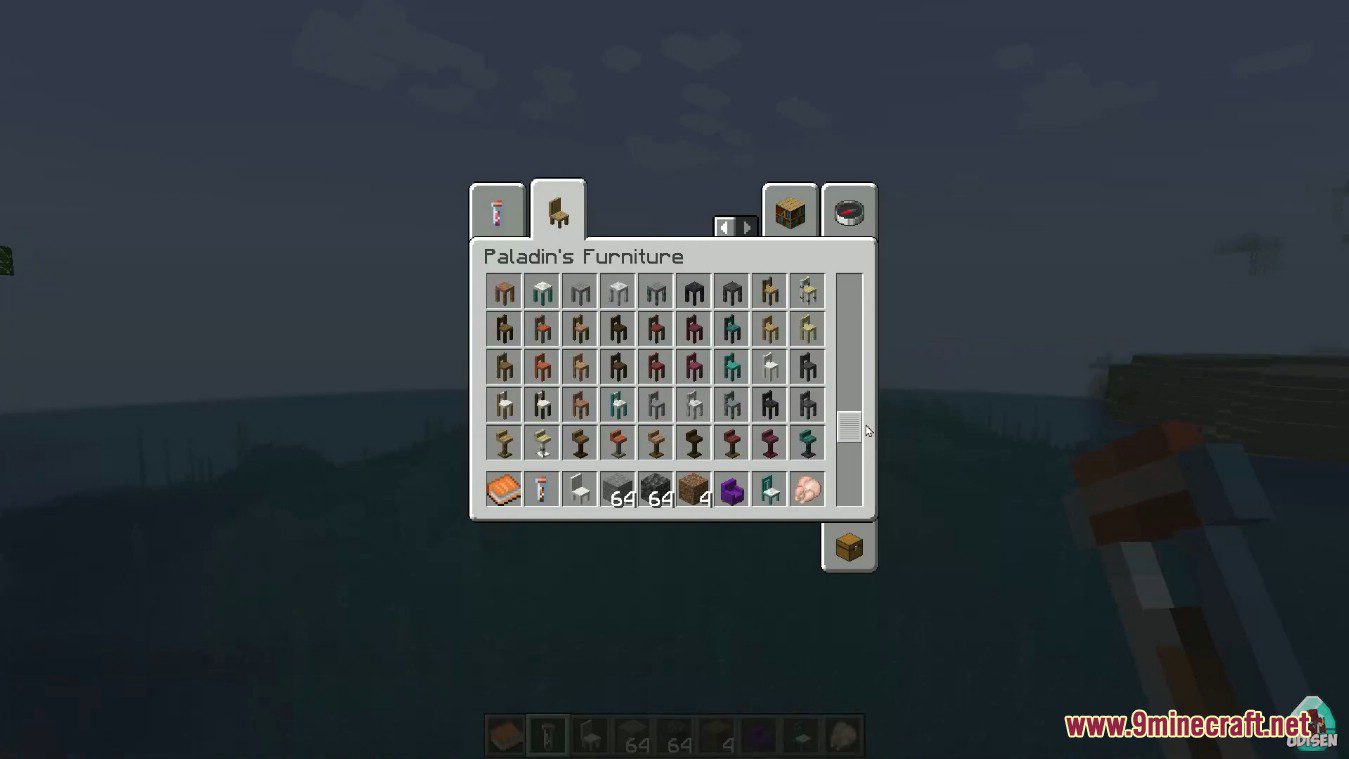
Chairs
- Usage: Left-click to sit, press Shift to stand. Mobs can sit automatically (configurable).
- Variants: All wood, stripped, and stone types available.
- Special Feature: Shift + Left-click when facing a table to tuck the chair in.
- Crafting: Planks, logs, or stone and their polished variants.
Coffee Tables
- Purpose: Decorative furniture with 3 distinct styles.
- Variants: Wood, stripped wood, stone, and other special types.
- Connections: Different table types connect uniquely.
- Crafting: Requires planks and logs depending on style.
Fridge and Freezer
- Function: Separate blocks that connect when stacked (freezer on top).
- Fridge: 54 storage slots.
- Freezer:
- Processes materials (e.g., ice → packed ice, rotten flesh → leather)
- Requires cold materials such as snow or ice
- Iron Fridge: Same function, but freezer must be below.
- Stacking: Fridges connect vertically.
- Crafting:
- Fridge: chest + iron/concrete
- Freezer: base material + 2 redstone dust
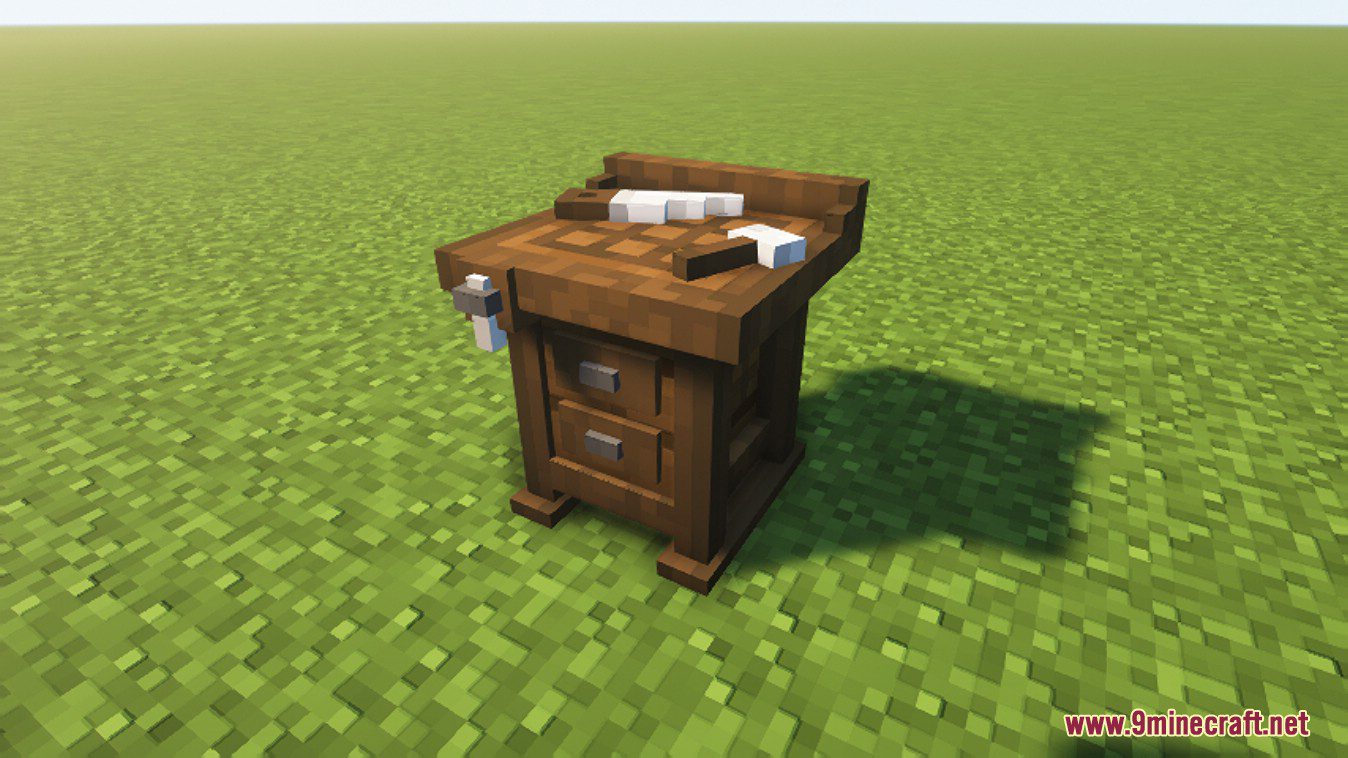
Furniture Workbench
- Function: Main crafting station for all mod furniture.
- Features:
- Uses materials from inventory
- Shows available or missing recipes
- Includes a search bar
- Crafting: 8 planks (any type) + 1 iron ingot.
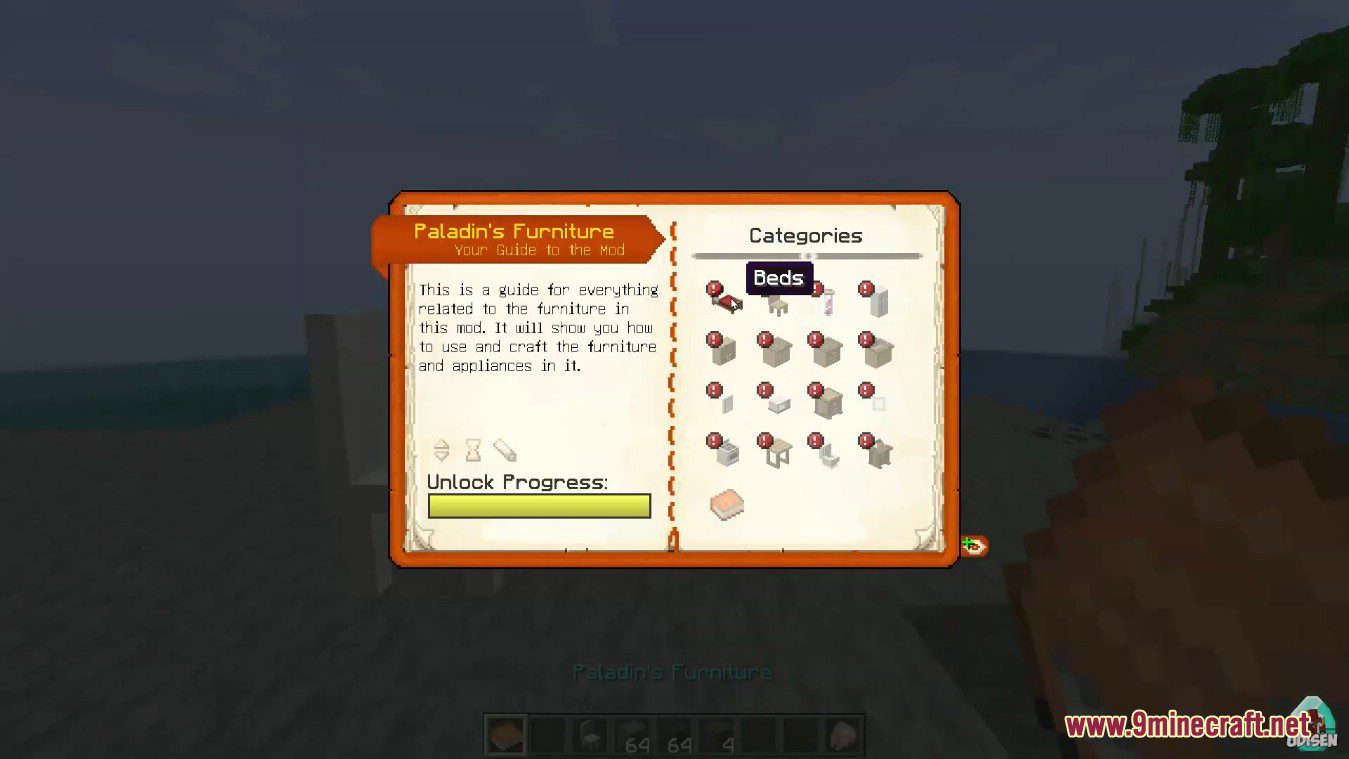
Guide Book
- Purpose: Provides in-game crafting and usage info (requires Patchouli mod).
- Availability:
- Given to each new player automatically (can be disabled)
- Can be crafted again if lost
Kitchen Counters
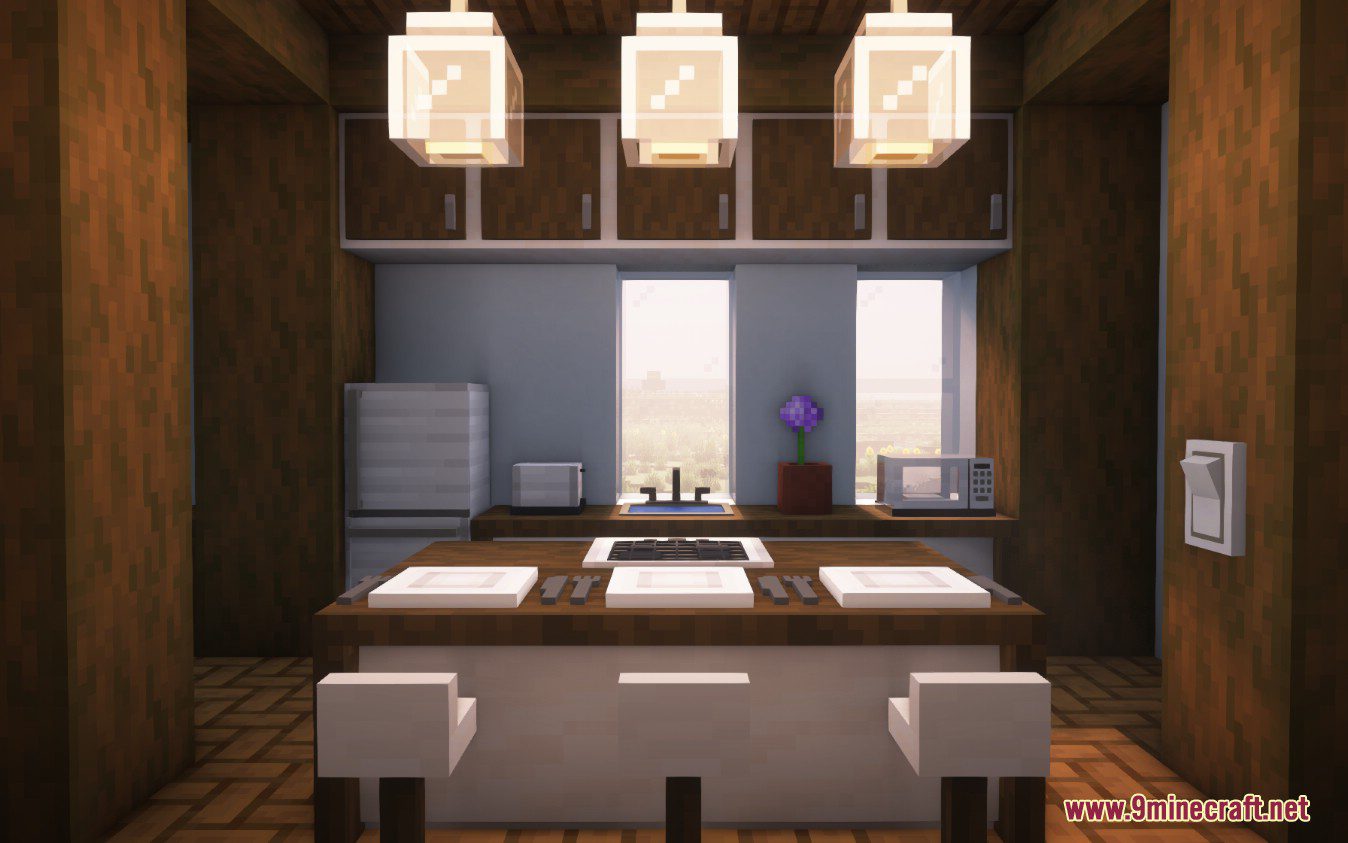
- Function: Decorative and functional surfaces for appliances or decoration.
- Connections:
- Connect automatically when adjacent (configurable)
- Curve at corners like stairs
- Filler Counters: Lacks top and side panels for wall placement
- Compatible with Cooking For Blockheads as kitchen connectors
- Crafting:
- Wood and planks, or stone and polished variants
- Filler counters: base material only
Kitchen Drawers and Cabinets
- Storage:
- Drawers and Cabinets: 27 slots
- Small Cabinets: 9 slots
- Connections: Connect automatically to each other and to counters; bend around corners (configurable).
- Crafting:
- Wood/planks or stone/polished stone + chest
- Small cabinets yield 3 per craft
Lighting
- Function: Light fixtures can be powered by redstone or linked to a light switch.
- Light Switch:
- Right-click on a light to connect it.
- Shift + Right-click in the air to clear connections.
- When placed within range, lights sync to the switch’s state.
- Outputs a redstone signal.
- Types: Simple light, pendant, floor lamp, and light switch.
- Crafting: Recipe varies depending on type.
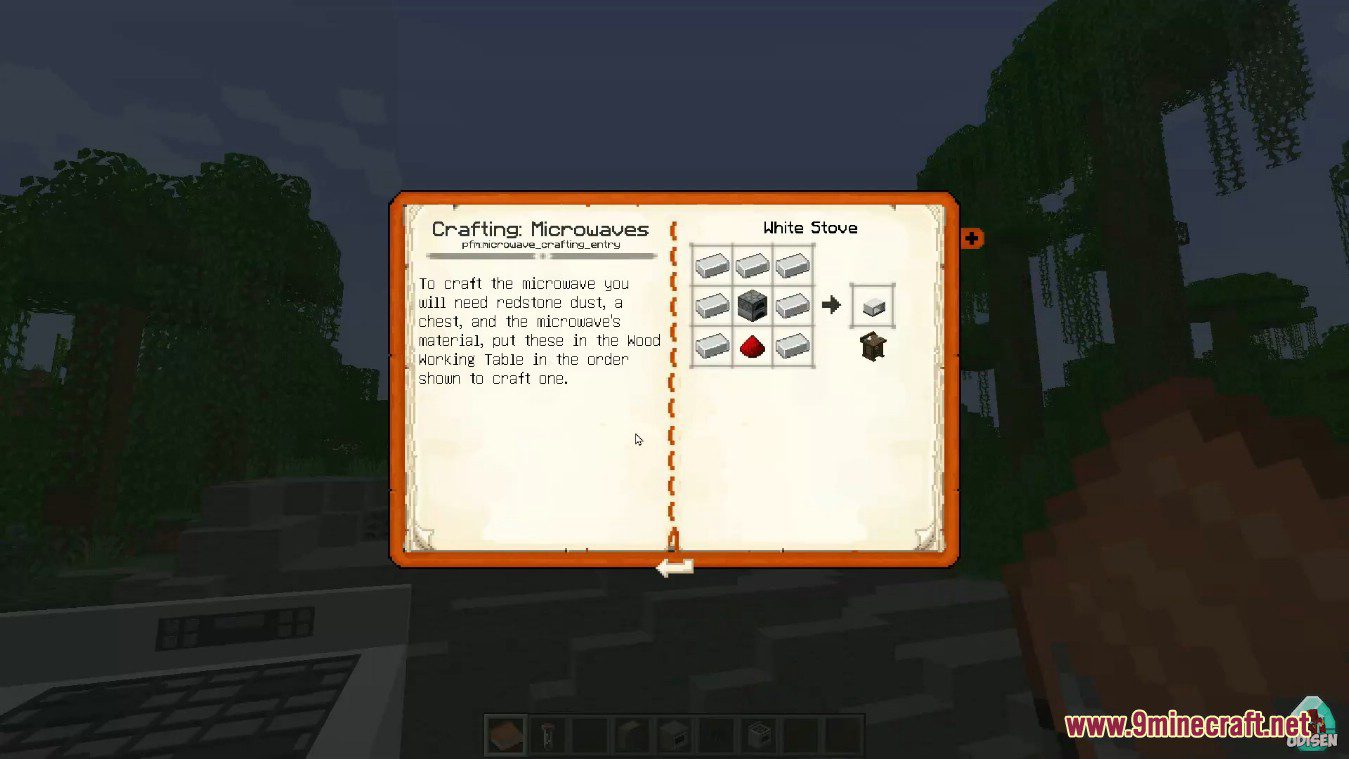
Microwave
- Usage:
- Right-click to open the GUI.
- Cooks one item at a time; press the start button to begin.
- Does not require fuel; works with smoker recipes.
- Crafting: Redstone dust, chest, and the material of choice.
Nightstand
- Usage:
- Right-click to open and store items (27 slots).
- Connects visually when placed next to another nightstand.
- Crafting: Chest, planks, and logs (varies by type).
Plate
- Usage:
- Right-click with food to place it on the plate.
- Right-click again to eat; Shift + Right-click to remove food.
- Can hold decorative cutlery.
- Crafting:
- White concrete around an item frame.
- Optional: Add cutlery for decoration.
Shower
- Usage:
- Right-click to turn the shower head on or off.
- Connect with a shower handle by right-clicking the head first, then placing the handle.
- Includes towels in all vanilla colors.
- Crafting:
- Handle: 2 levers, 1 redstone, 1 iron ingot.
- Head: 1 water bucket, 1 redstone, 1 iron ingot.
- Towels: 4 wool + 2 gray concrete.
Sinks
- Function: Works like a cauldron – can hold water, remove dyes, extinguish fire, and emit a comparator signal.
- Types:
- Regular sink
- Counter-style sink with variations matching kitchen counters
- Crafting: Quartz or wood/stone materials + 1 iron ingot + 1 bucket (replace oak with chosen material).
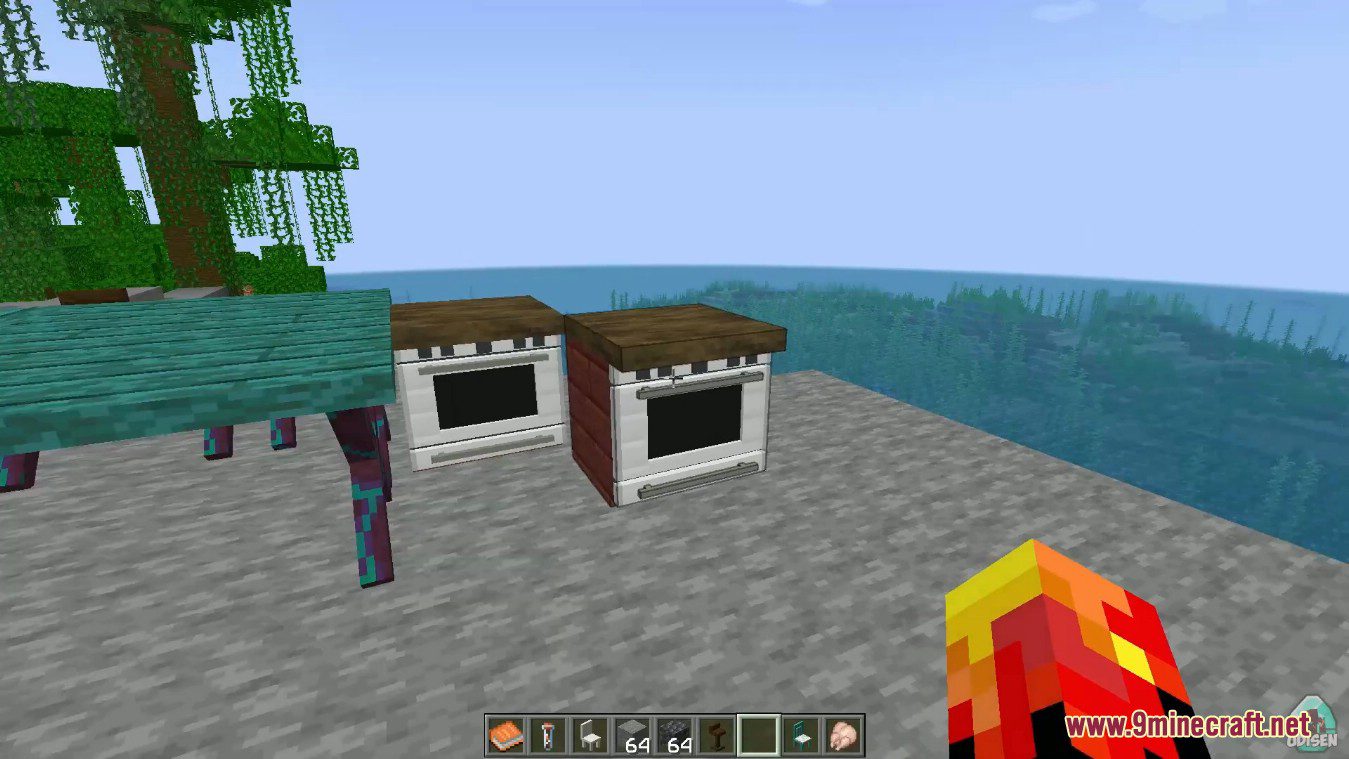
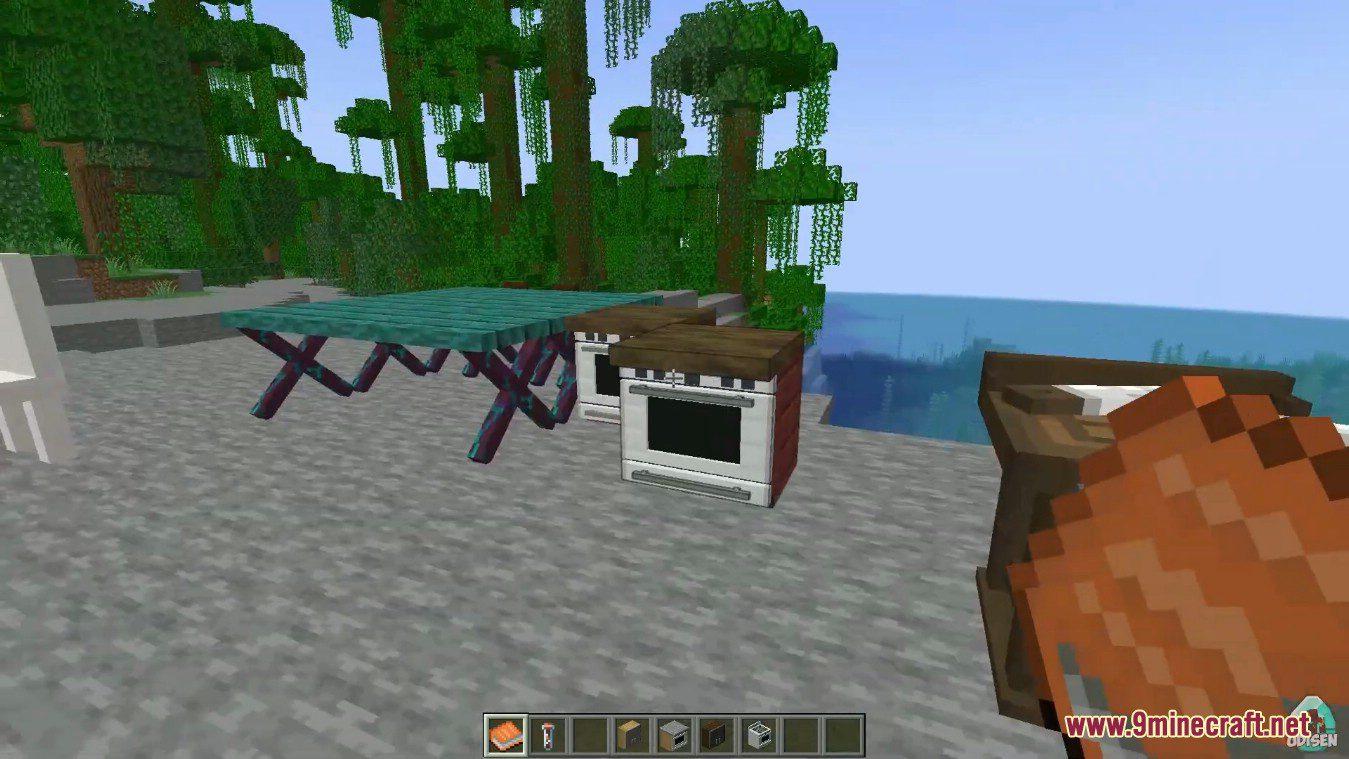
Stove and Oven
- Function:
- Acts as both a campfire and smoker.
- Right-click top with food to cook using campfire mode.
- Right-click sides to open GUI for smoker mode.
- Cooktop and oven can be separate blocks; oven integrates with counters.
- Automatically adjusts shape when placed above/below cabinets or fillers.
- Crafting:
- Stove: Furnace + concrete or iron.
- Built-in Oven: Counter materials.
- Cooktop: Flint and steel + 6 iron + 2 gray concrete.
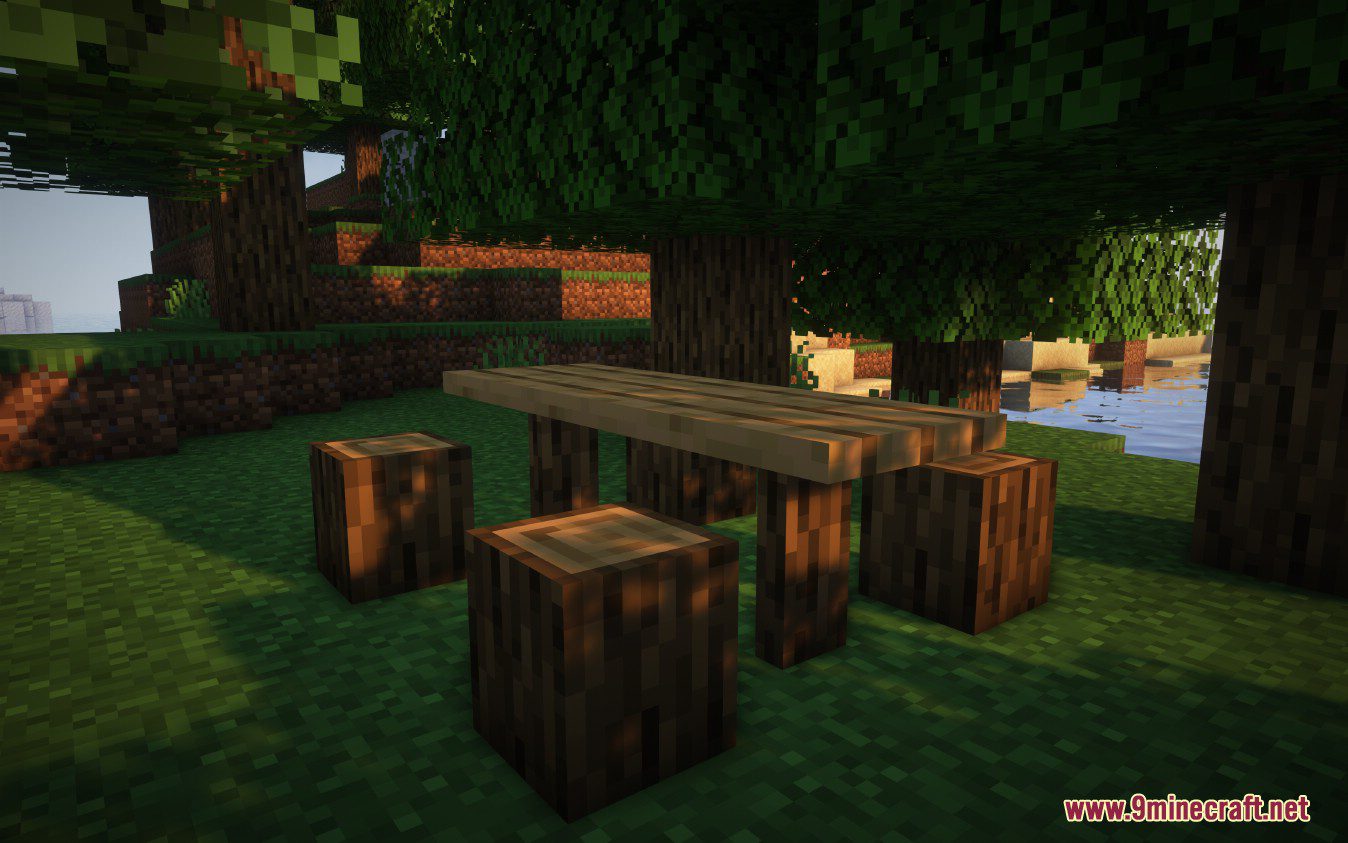
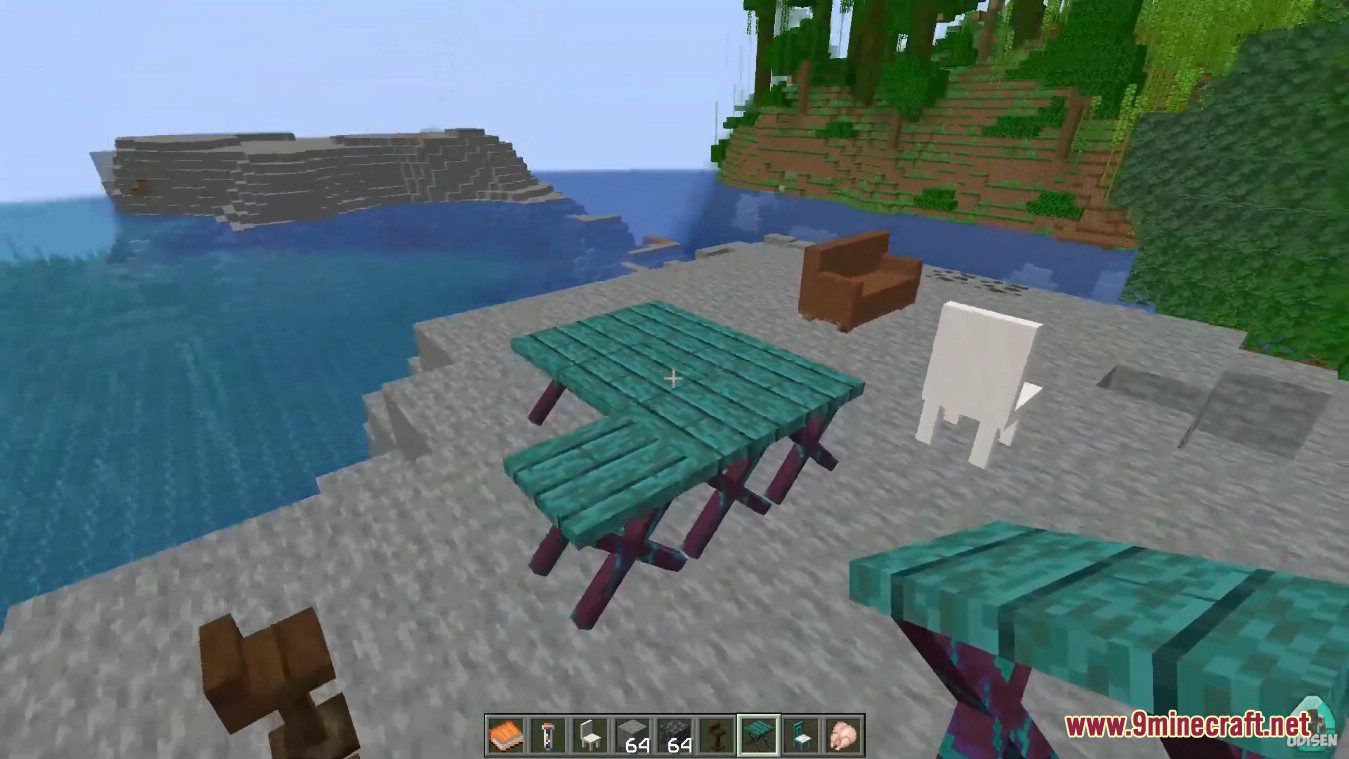
Tables
- Function: Decorative surface for placing items.
- Variety:
- 6 different styles
- Available in all wood types, stripped wood, stone, and extra variants
- Connects and changes shape depending on orientation
- Crafting: Planks and logs (amount varies by type).
Toaster
- Usage:
- Right-click with an item to insert.
- Shift + Right-click to start toasting.
- Right-click again to retrieve toasted food.
- No fuel required; compatible with smoker recipes.
- Crafting: Redstone dust and iron (crafted via Wood Working Table).
Toilet
- Usage:
- Sit on it, press the default key (U) to use.
- Press Shift to leave.
- Flush by right-clicking with an empty hand.
- Requires water source beneath or can be filled with a bucket or bottle.
- Extras:
- Includes toilet paper – shift + left-click to flip its orientation.
- Crafting:
- Toilet: Quartz, bucket, and button.
- Toilet Paper: 1 stone + 8 paper.
Screenshots:
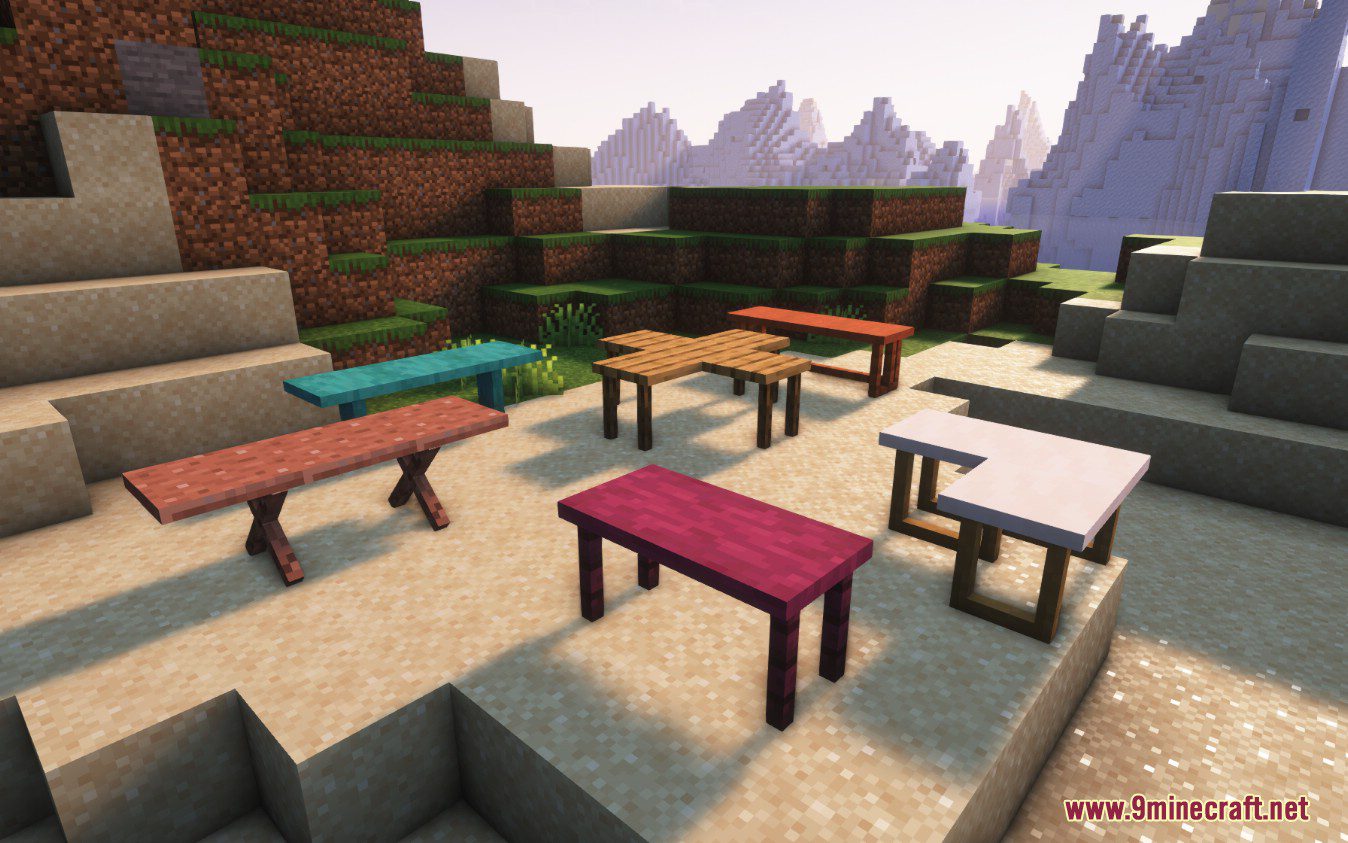
Tables
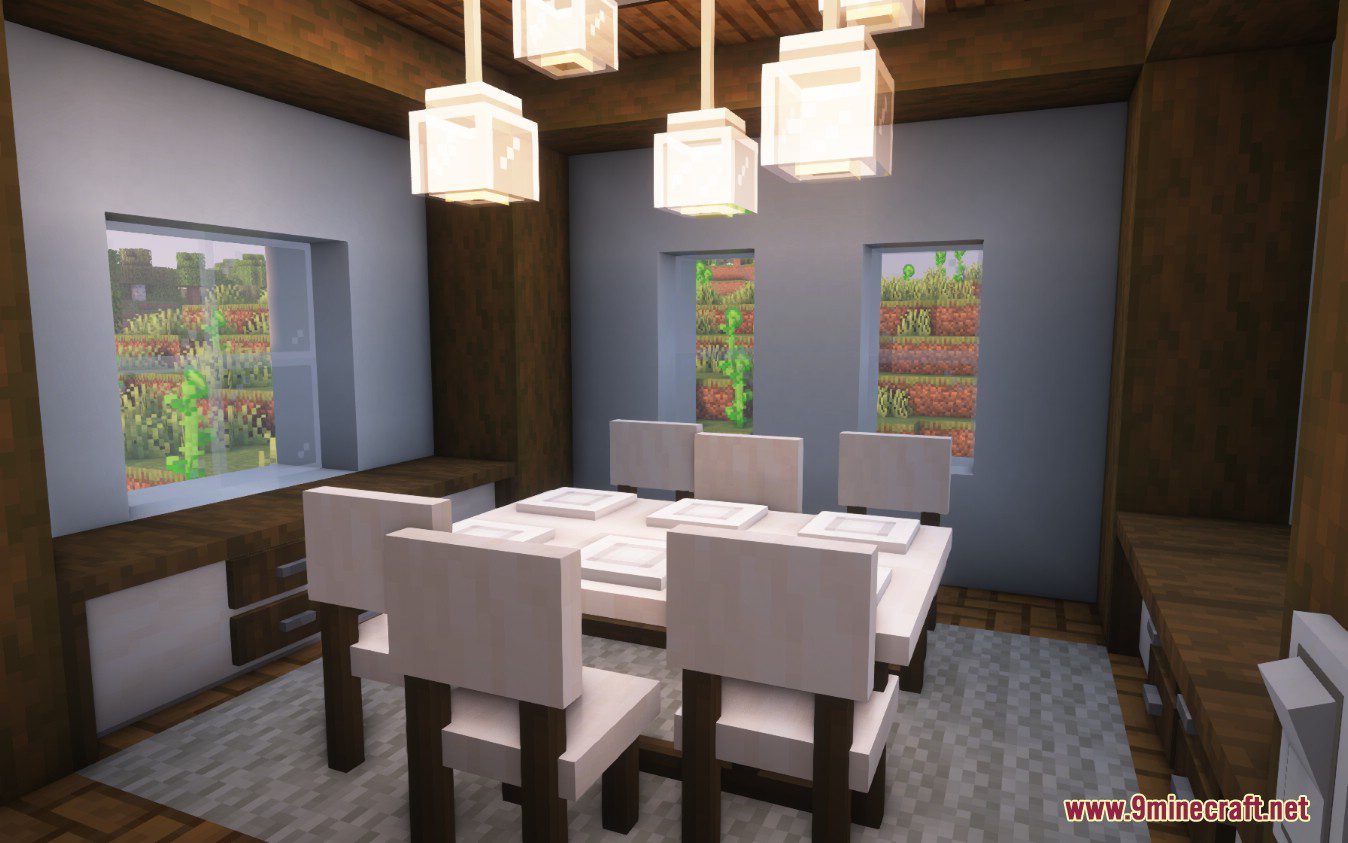
Dining Room
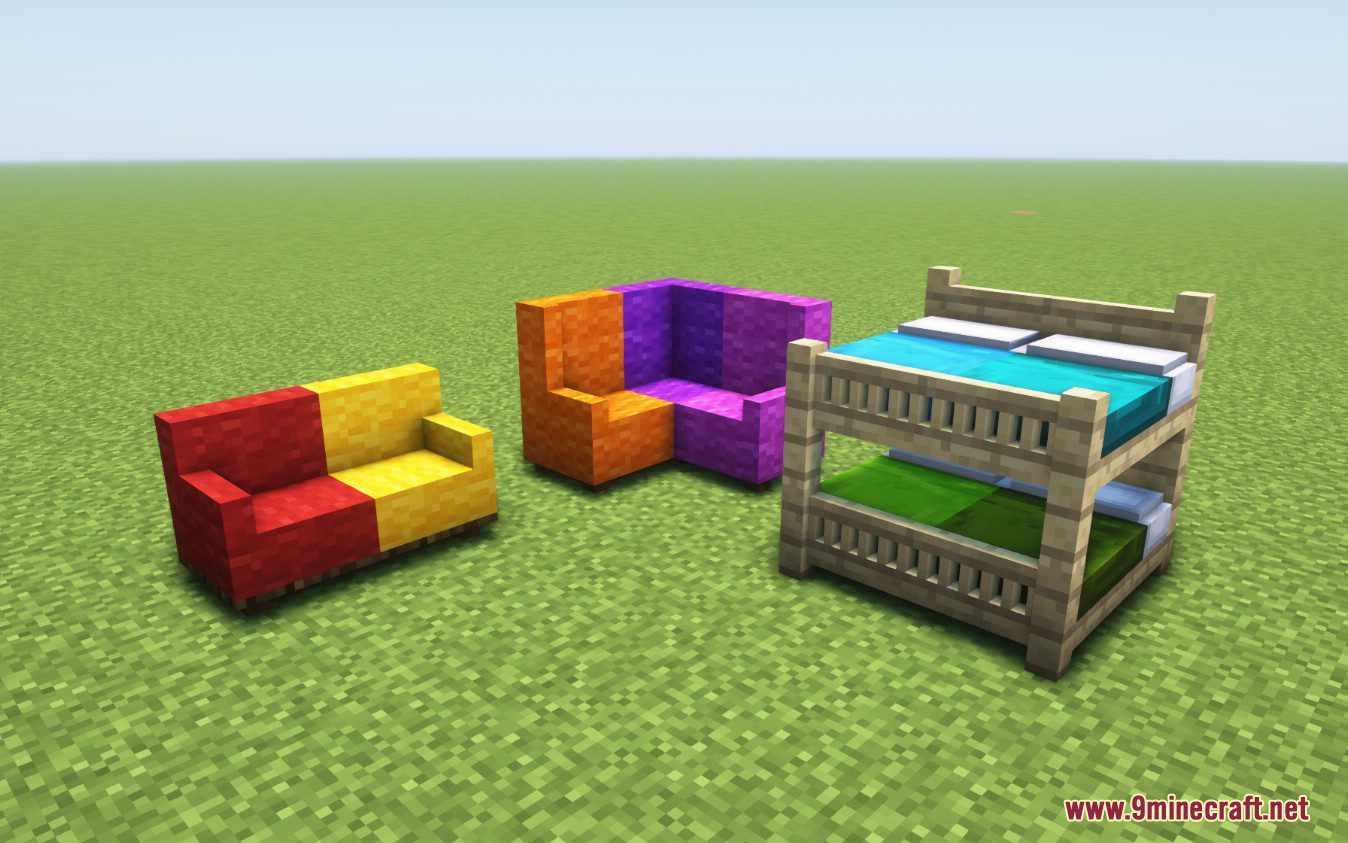
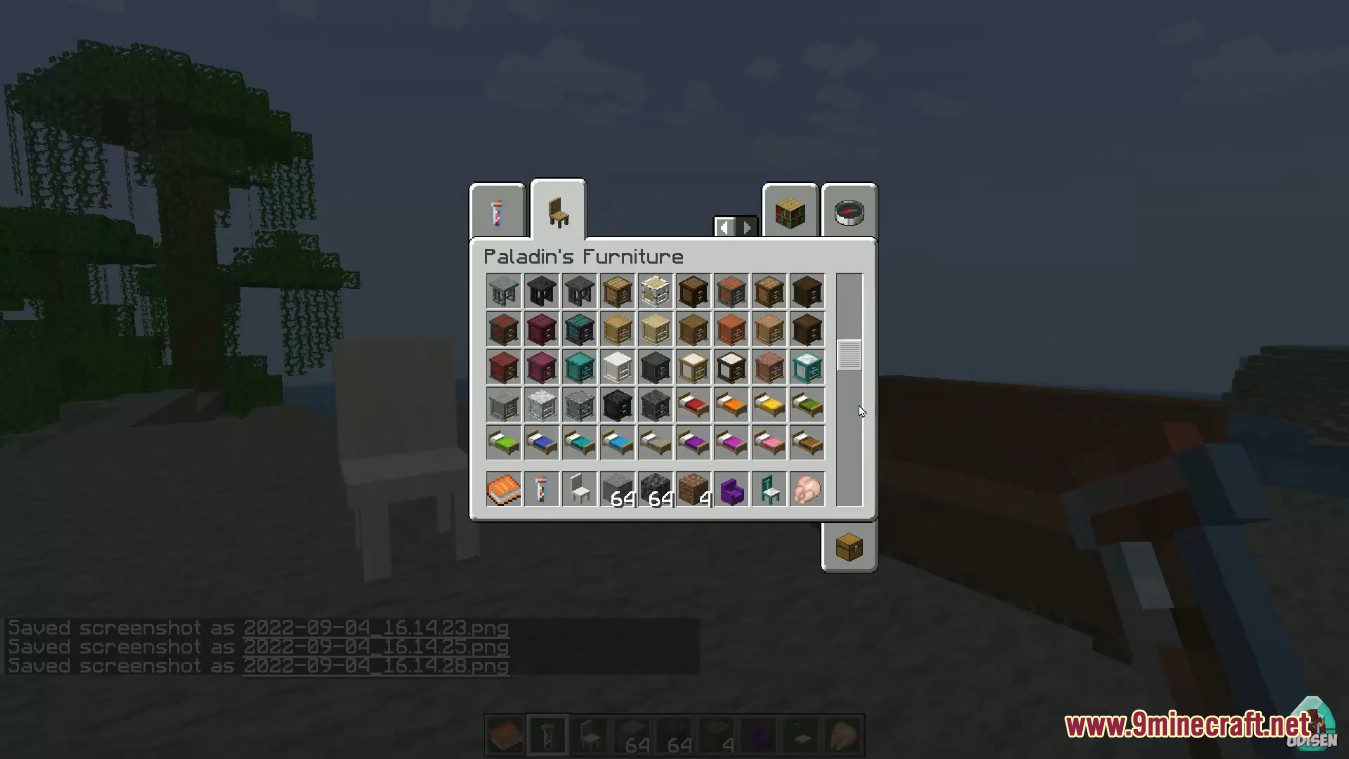
Sofa and Beds
How to Install:
New to Minecraft? Follow our step-by-step guide to install Mods on your PC.View Guide
Requirements:

Paladin’s Furniture Mod Download Links
For Minecraft 1.16.5
Forge version: Download from Server 1
Fabric version: Download from Server 1
For Minecraft 1.17.1
Forge version: Download from Server 1
Fabric version: Download from Server 1
For Minecraft 1.18.1
Forge version: Download from Server 1
Fabric version: Download from Server 1
For Minecraft 1.18.2
Forge version: Download from Server 1
Fabric version: Download from Server 1
For Minecraft 1.19.2, 1.19.1, 1.19
Forge version: Download from Server 1
Fabric version: Download from Server 1
For Minecraft 1.19.3
Forge version: Download from Server 1 – Download from Server 2
Fabric version: Download from Server 1 – Download from Server 2
For Minecraft 1.19.4
Forge version: Download from Server 1 – Download from Server 2
Fabric version: Download from Server 1 – Download from Server 2
For Minecraft 1.20.1, 1.20
Forge version: Download from Server 1 – Download from Server 2
Fabric version: Download from Server 1 – Download from Server 2
For Minecraft 1.20.2
Forge version: Download from Server 1 – Download from Server 2
NeoForge version: Download from Server 1 – Download from Server 2
Fabric version: Download from Server 1 – Download from Server 2
For Minecraft 1.20.4
Forge version: Download from Server 1 – Download from Server 2
NeoForge version: Download from Server 1 – Download from Server 2
Fabric version: Download from Server 1 – Download from Server 2
For Minecraft 1.20.6
Forge version: Download from Server 1
NeoForge version: Download from Server 1
Fabric version: Download from Server 1
For Minecraft 1.21.1, 1.21
Forge version: Download from Server 1 – Download from Server 2
NeoForge version: Download from Server 1 – Download from Server 2
Fabric version: Download from Server 1 – Download from Server 2
For Minecraft 1.21.3, 1.21.2
Forge version: Download from Server 1 – Download from Server 2
NeoForge version: Download from Server 1 – Download from Server 2
Fabric version: Download from Server 1 – Download from Server 2
For Minecraft 1.21.4
Forge version: Download from Server 1 – Download from Server 2
NeoForge version: Download from Server 1 – Download from Server 2
Fabric version: Download from Server 1 – Download from Server 2
For Minecraft 1.21.5
Forge version: Download from Server 1 – Download from Server 2
NeoForge version: Download from Server 1 – Download from Server 2
Fabric version: Download from Server 1 – Download from Server 2
For Minecraft 1.21.8, 1.21.7, 1.21.6
Forge version: Download from Server 1 – Download from Server 2
NeoForge version: Download from Server 1 – Download from Server 2
Fabric version: Download from Server 1 – Download from Server 2
You May Also Like










This post has no comments yet. Be the first — your comment will appear here.