


Pencil Trace Horizon Mod (1.21.1) – Draw Custom Art and Hang It on Your Walls
 2
2
 0
0

🌐 Read this article in your language! Choose your preferred language below.
Or pick the one you like:
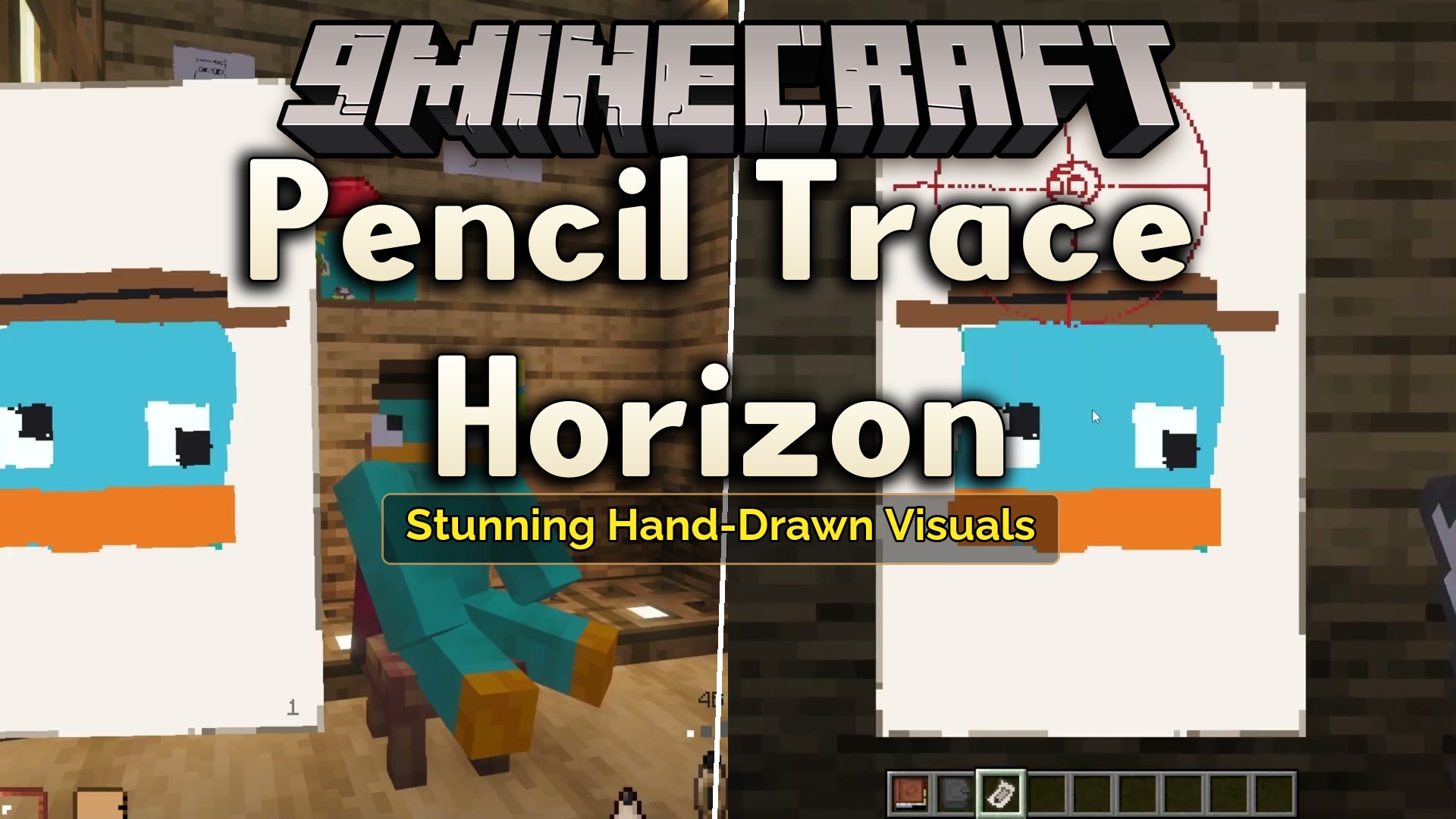
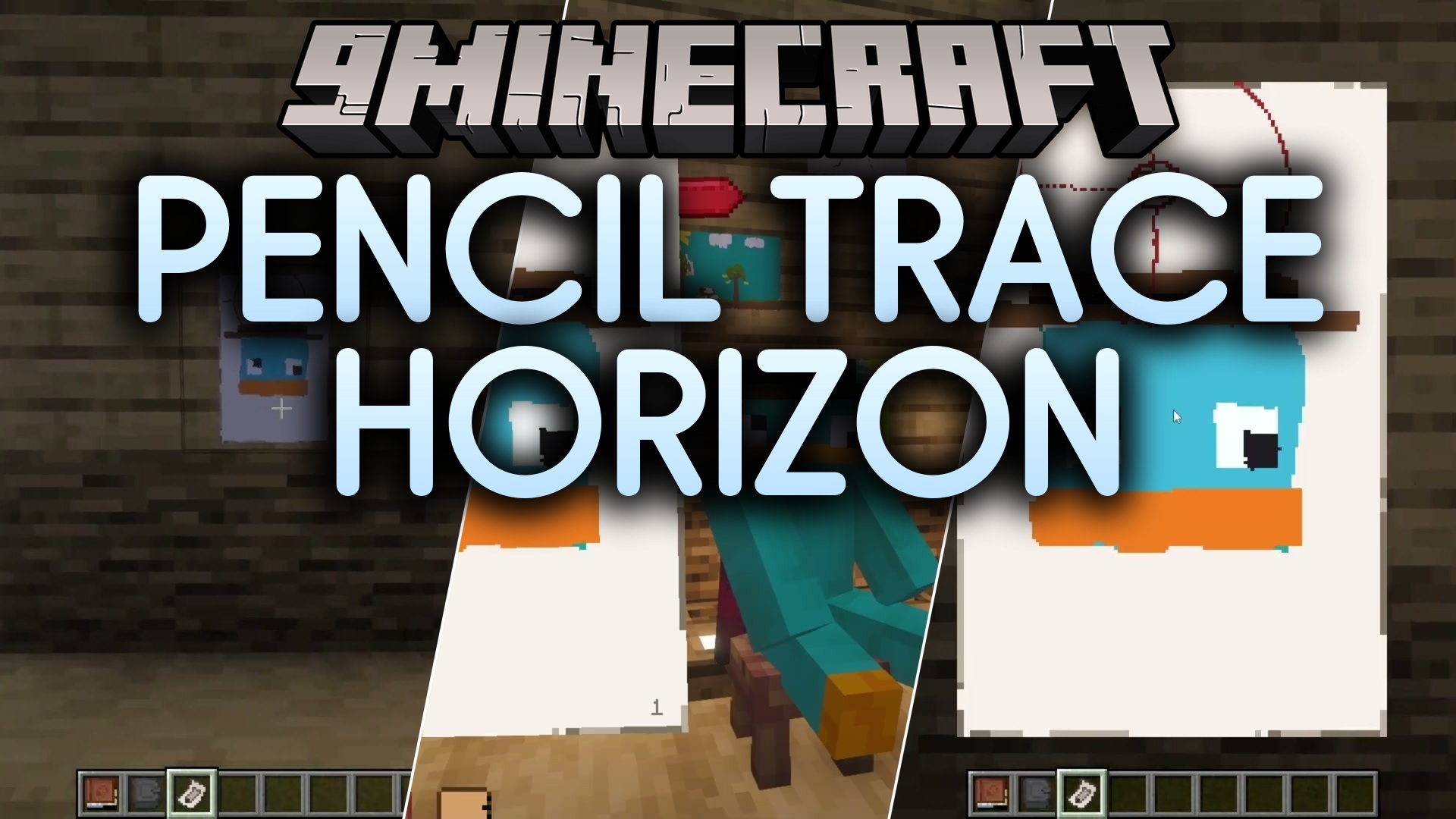
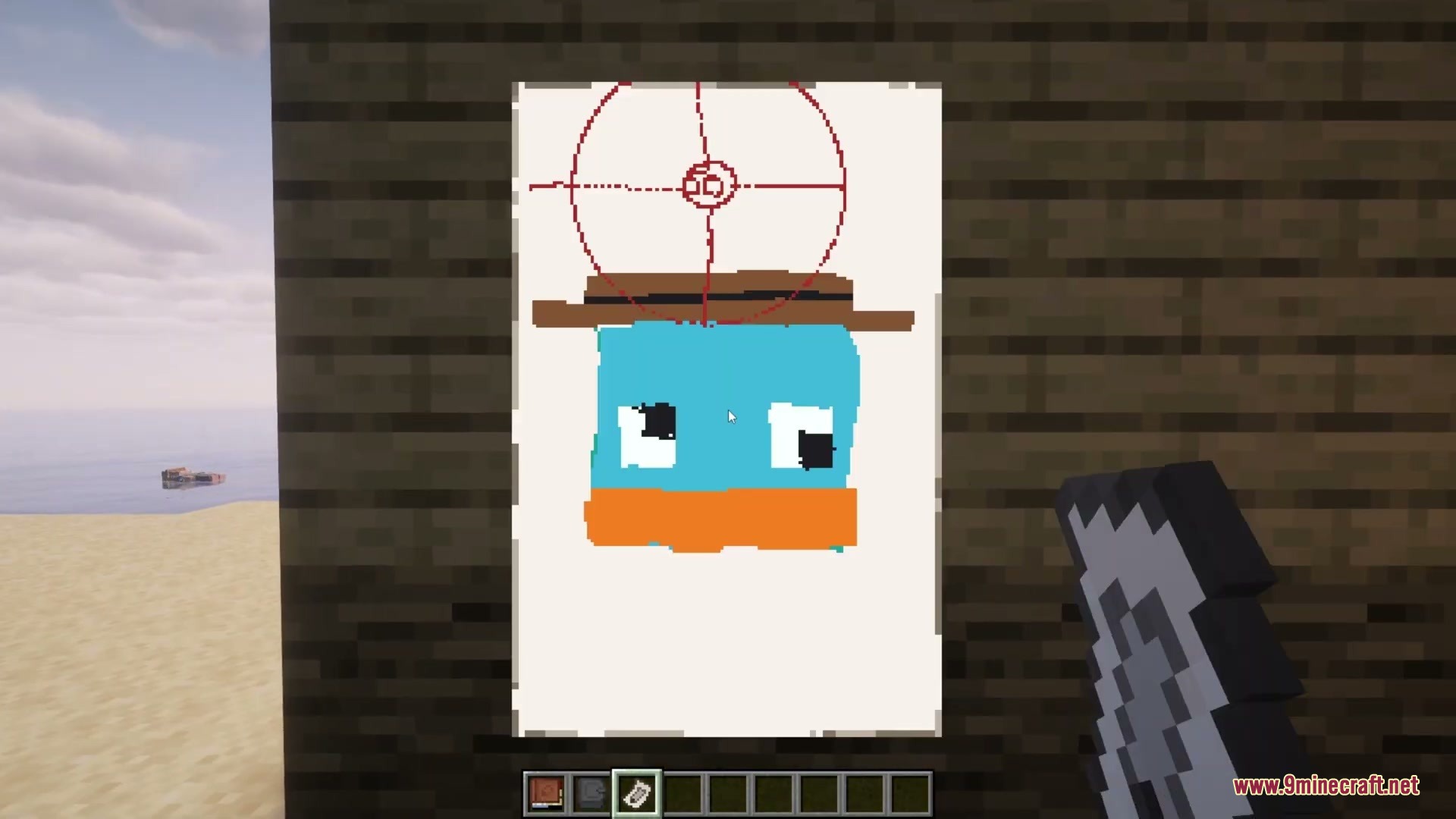
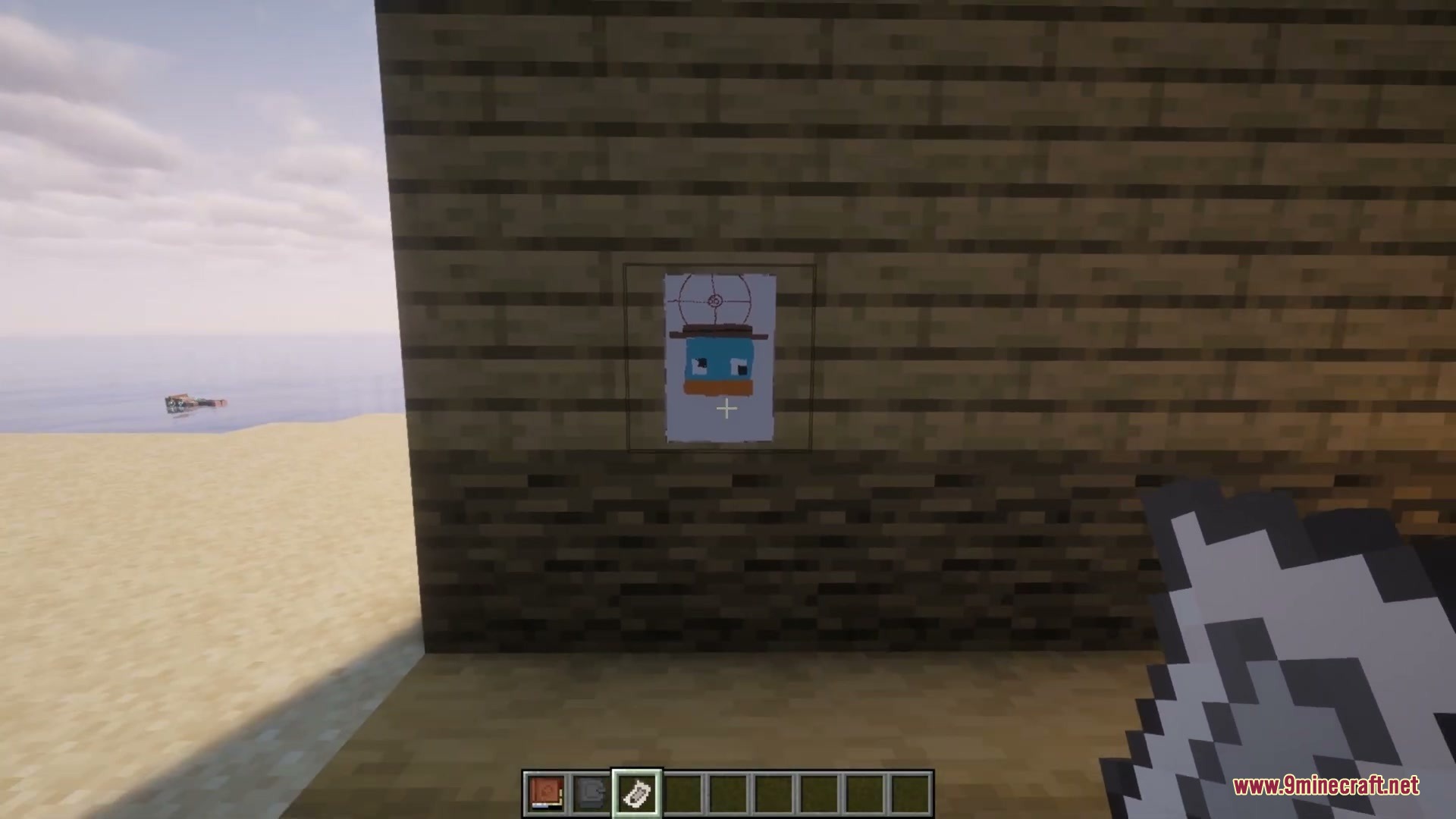
Pencil Trace Horizon Mod adds a craftable sketchbook and art supplies to your world. This mod lets you sketch starter houses, landscapes, and pets right onto paper using pencils, markers, and helpful measurement tools. You can move and rotate the sketchbook anywhere across your screen while you work. When you finish an artwork, you can tear the page out, carry it in your inventory with an art thumbnail preview, or hang it on walls as custom wall art.
Features:
- Adds a craftable sketchbook with a movable drawing interface.
- Includes drawing tools such as pencils, colored pencils, markers, erasers, and smudge tools.
- Lets you restock the book by right-clicking paper or empty pages onto it in your inventory.
- Allows you to load dyes into colored pencils and markers to paint with different colors.
- Supports adjustable brush sizes, hardness levels, brush rotation, and opacity settings.
- Features precision rulers, magnifying glasses, and drawing compasses for technical sketches.
- Lets you tear out completed pages to preserve your drawings as separate items.
- Shows a mini image preview of your artwork inside the inventory tooltip of torn pages.
- Allows you to hang torn art on walls by using Shift + Right-Click and rotate it to fit your room.
Included Tools:
- Standard Pencil: handles everyday sketching with multiple hardness levels and sizes.
- Color Pencil: uses loaded dyes to create multi-colored line art.
- Color Marker: draws wider strokes with adjustable opacity and custom angles.
- Kneaded Eraser: removes pencil marks with adjustable hardness options.
- Smudge Tool: blends nearby pixels together for softer shading.
- Ruler and Compass: creates straight anchor lines and round circles with ease.
How to Use:
- Open the sketchbook to bring up the drawing interface on your screen.
- Press B for the pencil or C for the colored pencil to start drawing with the Left Mouse Button.
- Scroll the Mouse Wheel to switch brush sizes and hold Shift + Mouse Wheel to change brush hardness.
- Click the red dotted line inside the book to tear out your finished drawing.
- Hold Shift + Right-Click on any wall with your torn sketch to hang it up as a picture.
Screenshots:
How to Install:
New to Minecraft? Follow our step-by-step guide to install Mods on your PC.View Guide
Requirements:

Pencil Trace Horizon Mod Download Links
For Minecraft 1.21.1, 1.21
Click to rate this post!
[Total: 0 Average: 0]
You May Also Like






This post has no comments yet. Be the first — your comment will appear here.