PerWorld Plugin (1.21.1, 1.20.1) – Bukkit, Spigot, Paper
 4,578
4,578
 0
0
 June 14, 2024
 X_TonimatasMC_X
PerWorld Plugin can limit plugins to certain worlds. If you’re hosting a hybrid server, you’re probably overflowing with excitement.

Benefits:
- Fix up and prevent certain exploits and unfair tactics in places. (like the mcMMO/Minigames example)
- Cut down on server lag; some plugins like SurvivalGames check player movement, which fires everywhere, costing you RAM and CPU usage.
- Add more features and plugins into your server.
Commands:
- /perworldplugin reload – Reloads the config.
- /perworldplugin version – Displays the version of the plugin.
Permissions:
- perworldplugins.reload- Gives access to reload the plugin.
- perworldplugins.version – Gives access to view the plugin version.
Configuration
This is an example of the config.
plugins:
WorldEdit:
– world_end
– world_nether
The configuration of PerWorldPlugins is simple and easy. Referring to the example above, WorldEdit would only work in the worlds ‘world’. However, ModReq will work in any world.
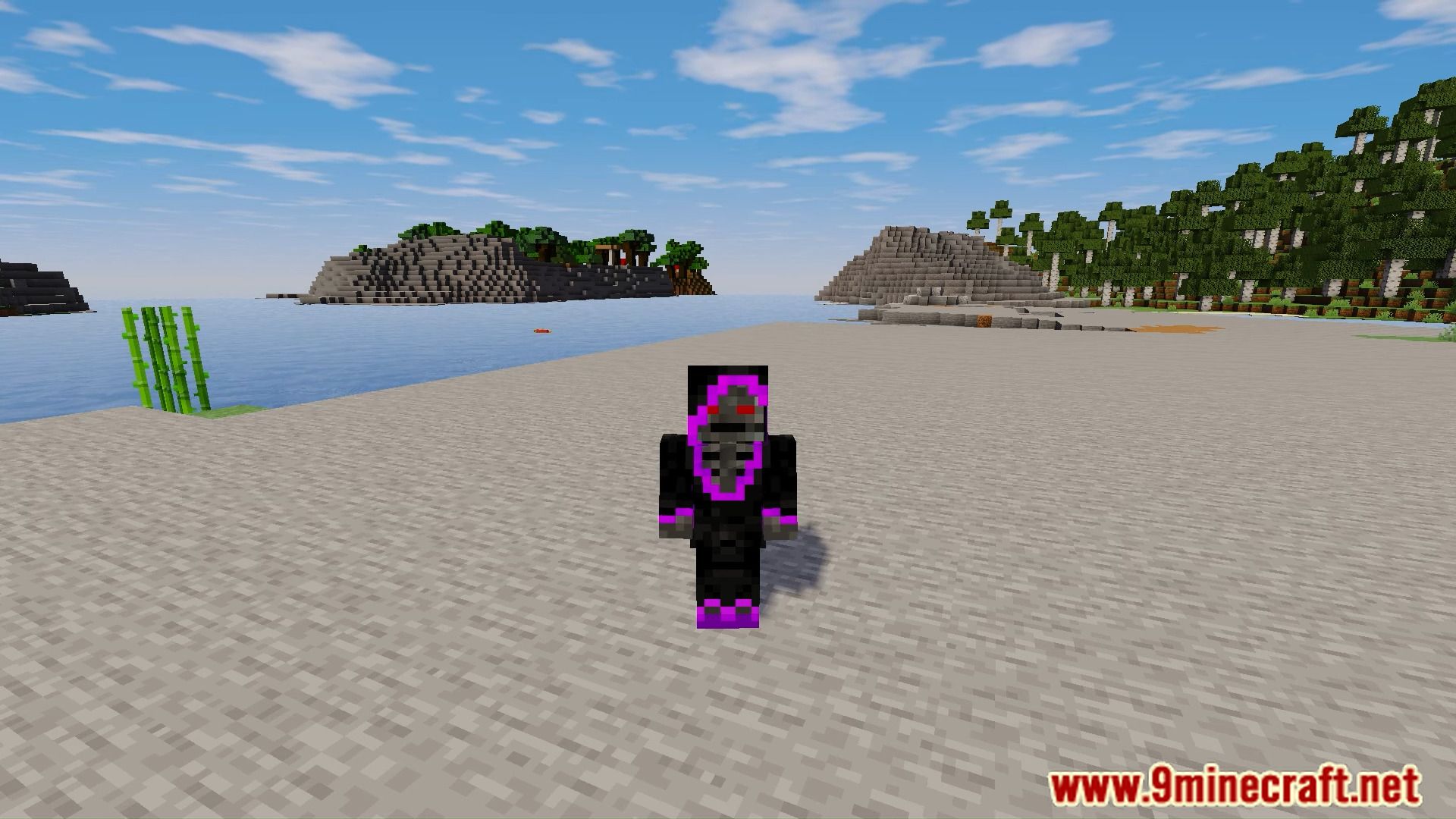
Screenshots:
How to install:
- Download a plugin of your choice.
- Place the .jar and any other files in your plugins directory.
- Run the server and wait for it to fully load.
- Type stop in your Minecraft server console to bring the server to a clean stop.
- Run the server.
- All done! Your plugin should be installed and ready to be used.
PerWorld Plugin Download Links
For All Versions from Minecraft Bukkit 1.13 to Minecraft Bukkit 1.15
For All Versions from Minecraft Bukkit 1.16 to Minecraft Bukkit 1.20
For Minecraft Bukkit 1.20.2, 1.20.1
For Minecraft Bukkit 1.20.4
For Minecraft Bukkit 1.21.1, 1.21
Click to rate this post!
[Total: 0 Average: 0]
You May Also Like