
Physical Falling Trees Mod (26.3, 1.21.11) – Never See Floating Trees Again
 7,663
 0


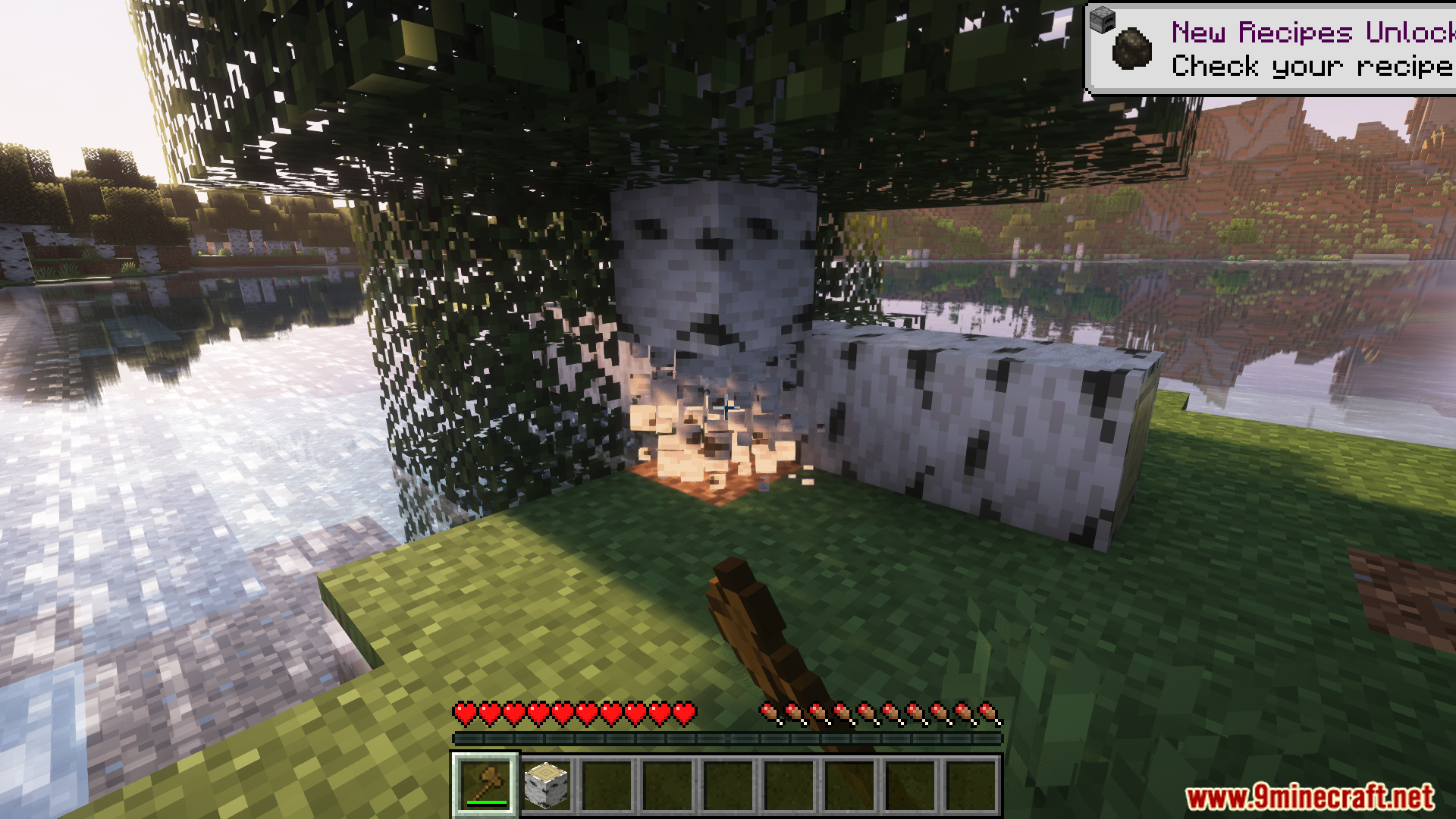
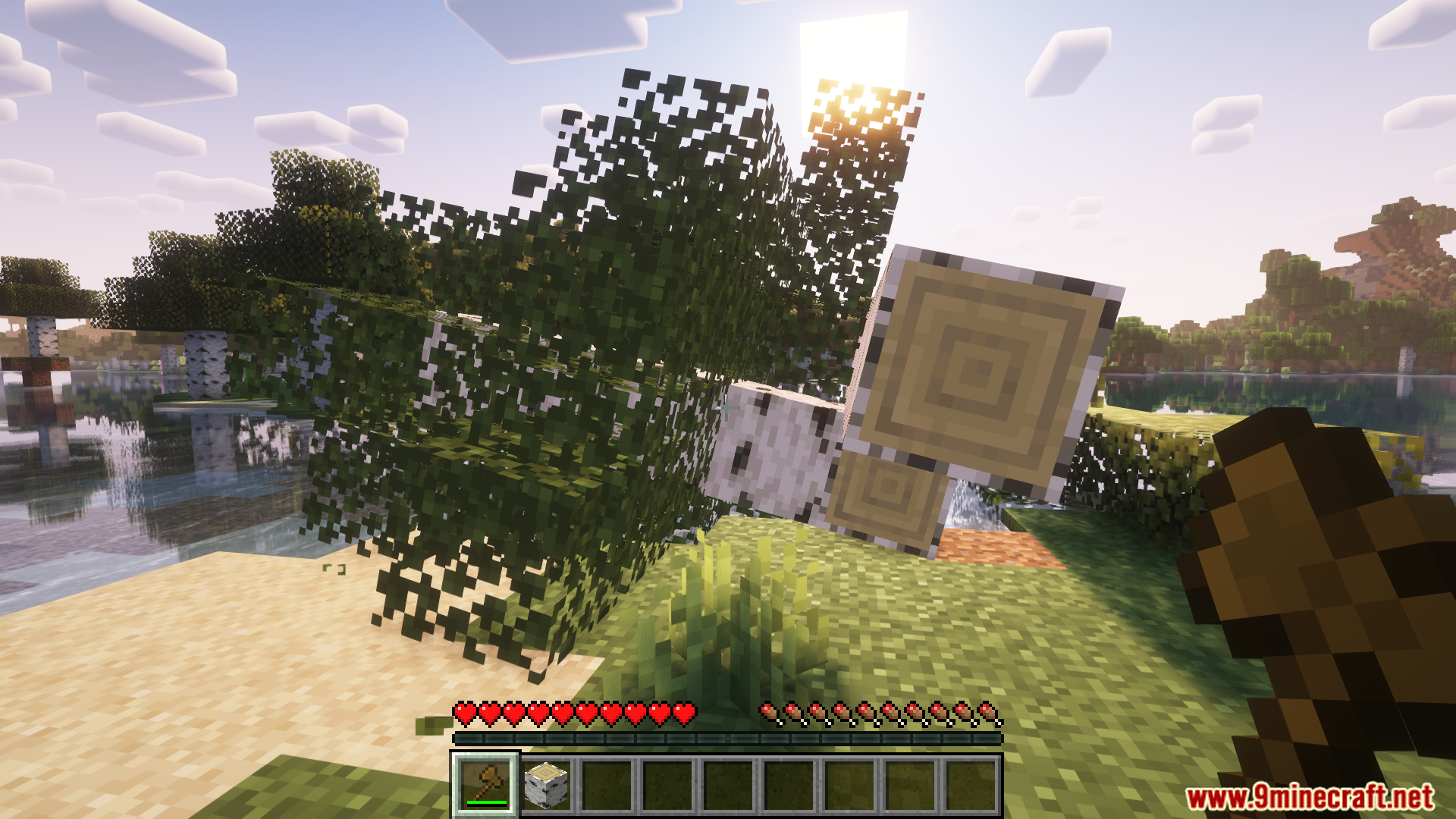
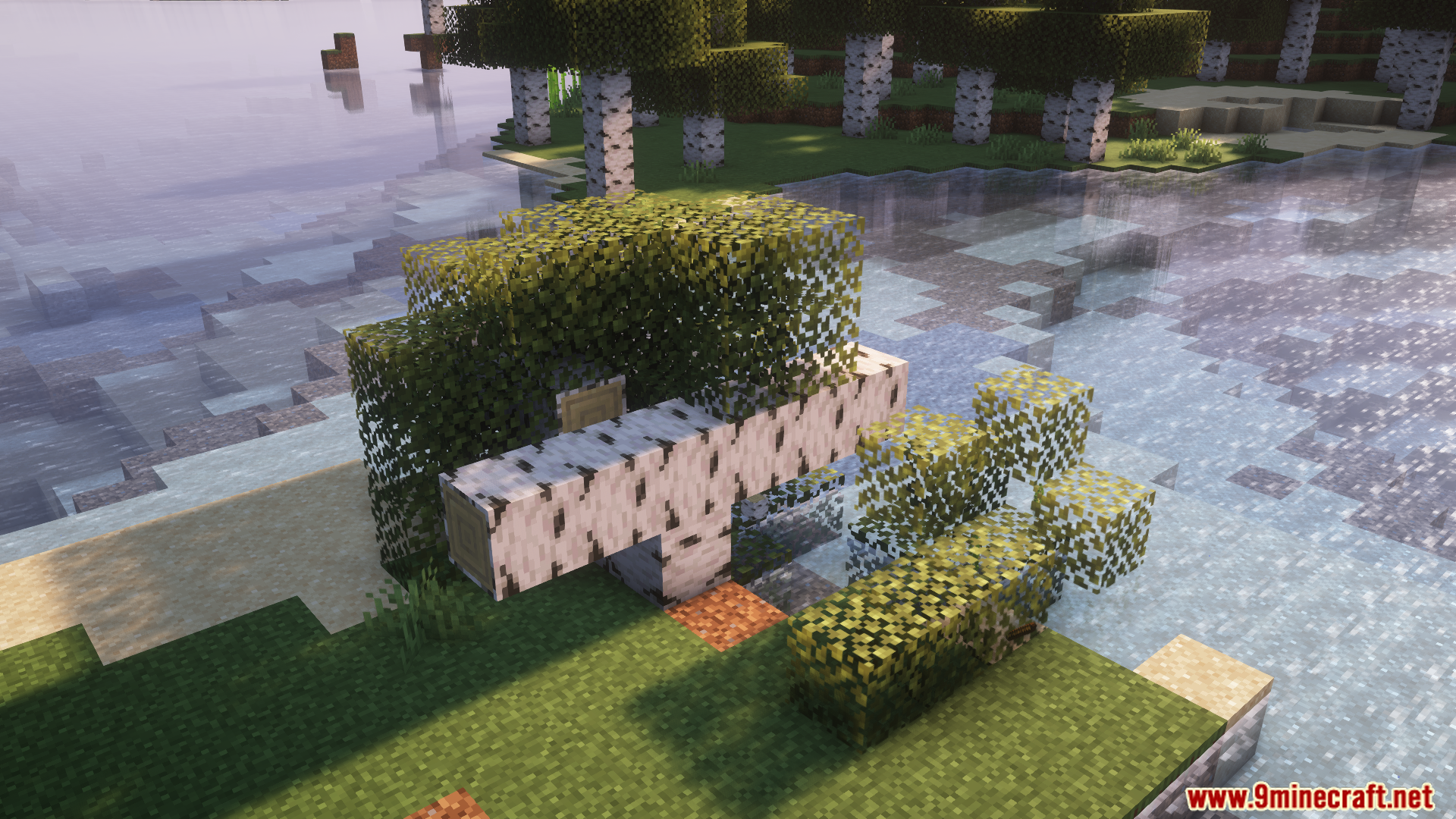
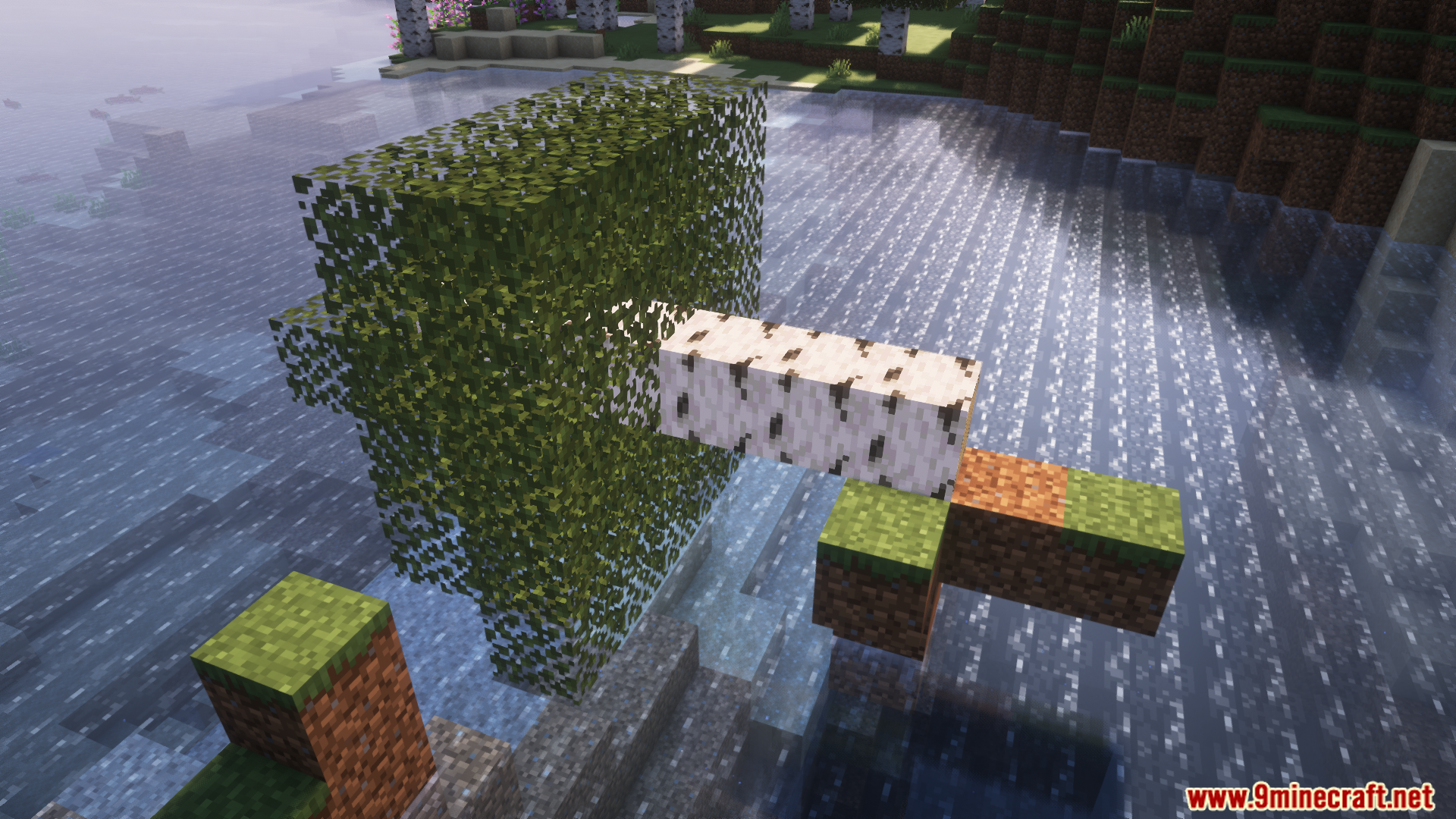
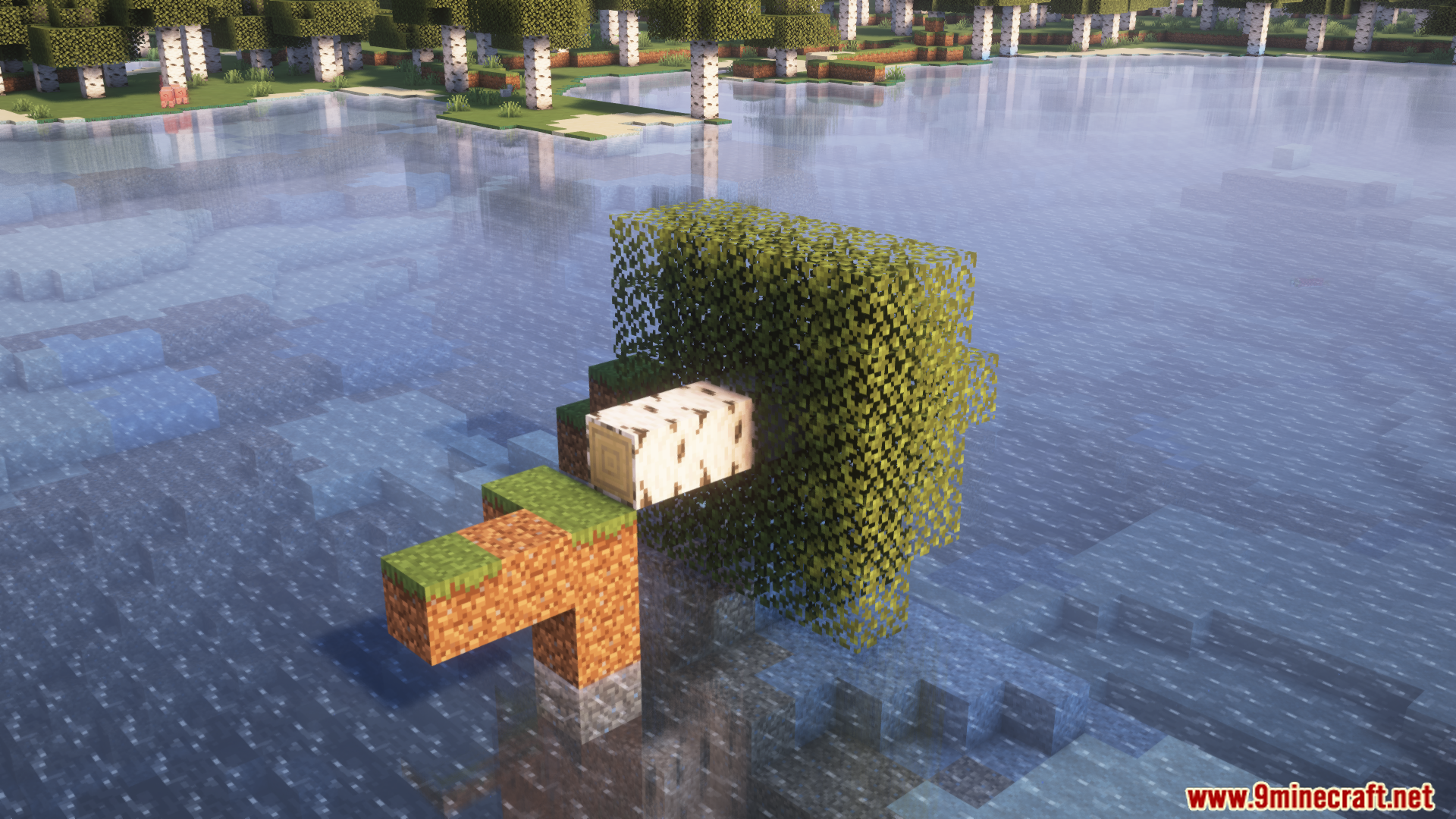
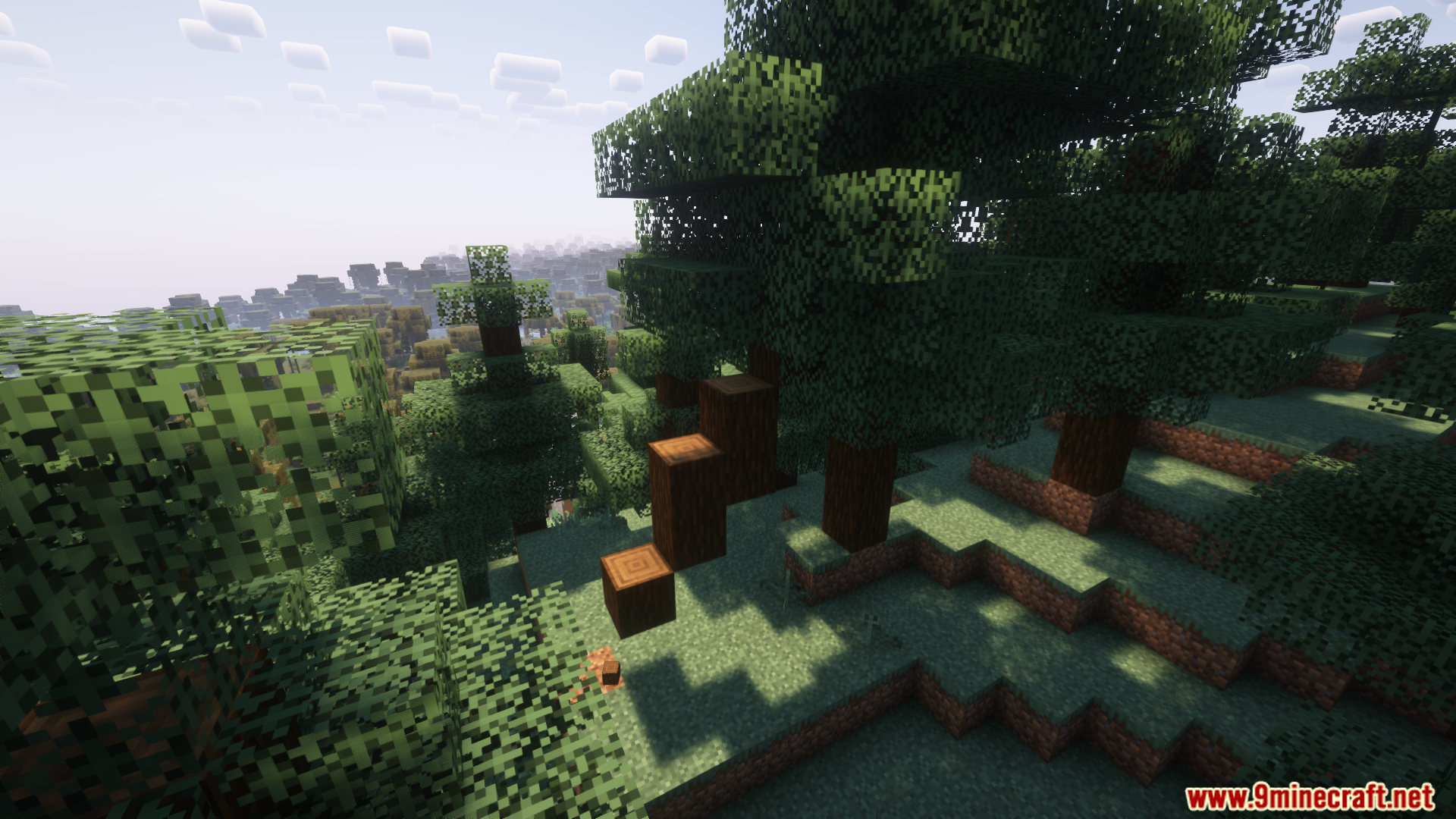
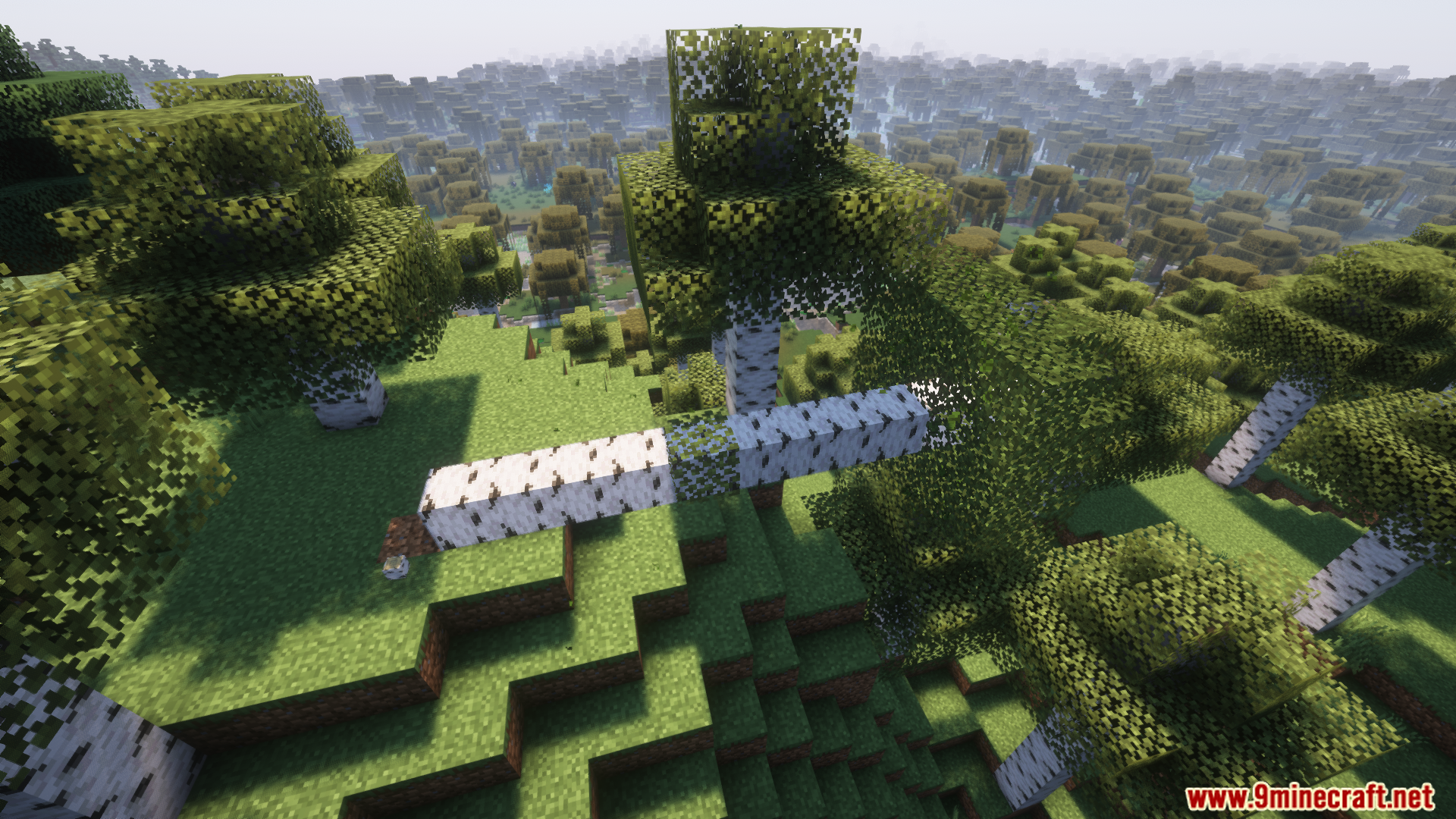
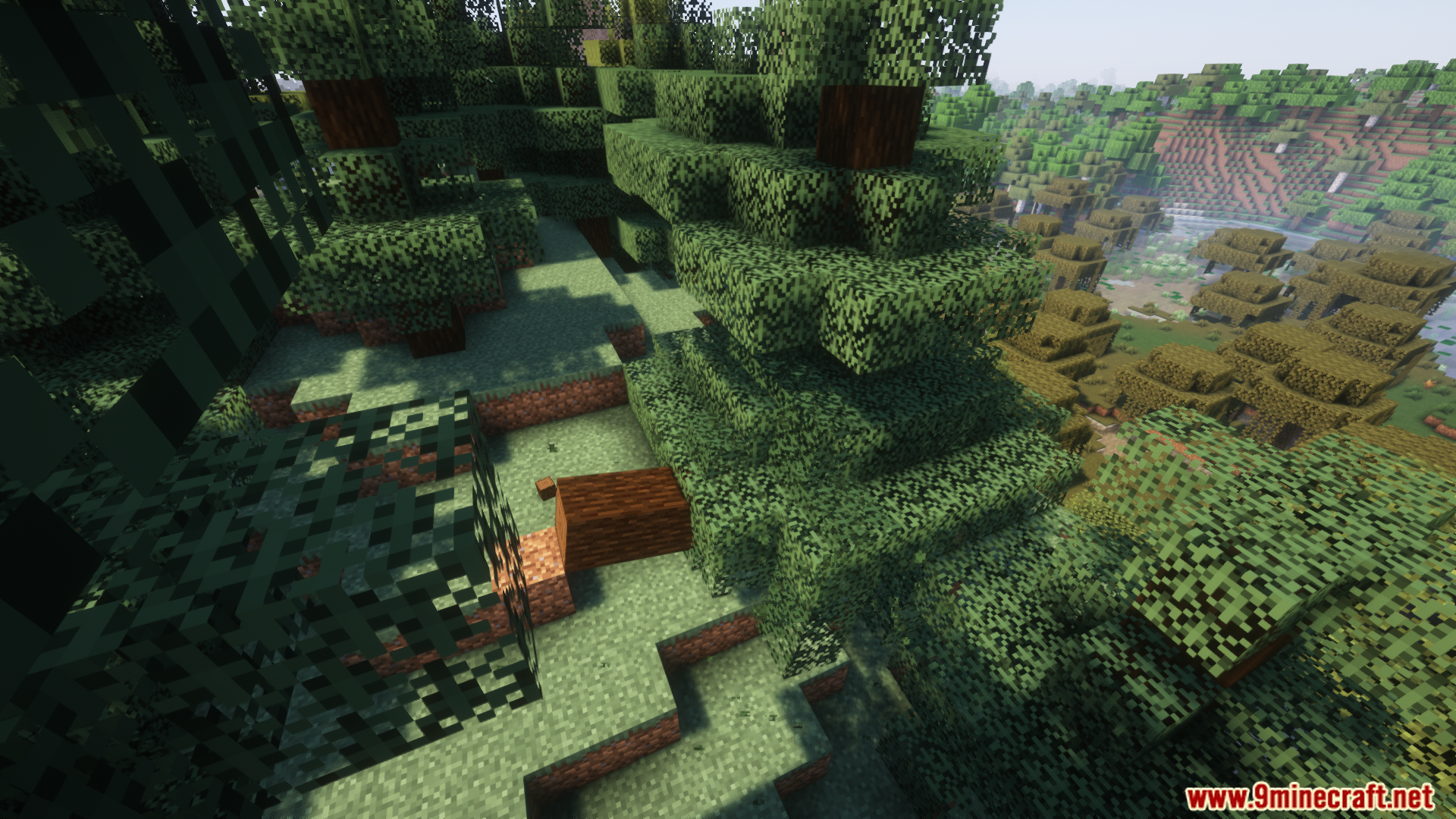
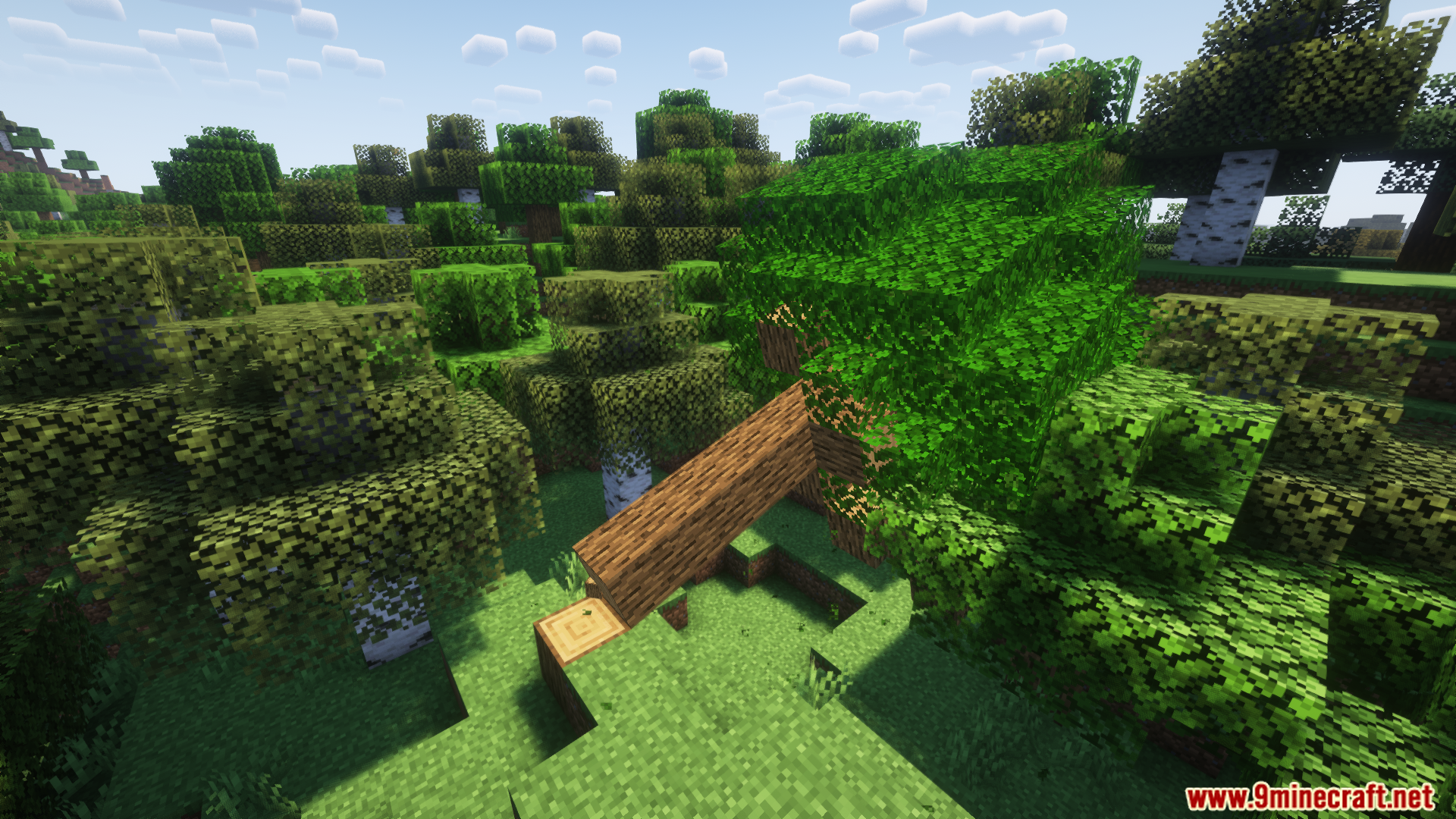
Physical Falling Trees Mod brings realistic tree-falling physics to Minecraft so chopped trunks stop floating in the air. When you cut down a tree, it tips over toward its heavier side, bends its leaves against nearby blocks, and bounces off the ground before turning back into solid blocks. Any living mob caught under a falling trunk takes damage based on how fast the tree drops, and bees inside a nest get angry if you cut down their tree. This mod also cuts lag on big trees and supports modded wood, leaves, and custom biome foliage colors through addon tags.
Features:
- Gravity-Based Falling: Trees tip toward their heavier side, or fall straight toward you when the center of gravity sits right on the trunk axis.
- Real World Collisions: Falling trunks hit blocks and terrain around them, bounce on impact, and bend or squash their leaves against obstacles on the way down.
- Speed-Based Mob Damage: Any living mob in a falling tree’s path takes damage based on how fast the tree falls.
- Calculates the heavier side across the four cardinal directions, counting deforming blocks as weight 1 and all other blocks as weight 3.
- Makes bees angry at you when you cut down a tree with a bee nest that has bees inside.
- Lets a fallen tree rest on the ground as a solid model for half a second before turning back into real blocks with logs rotated to match how they landed.
- Turns a tree back into real blocks right away if it falls for less than half a second after you cut it down.
Performance and Mod Support:
- Prepares large trees across several ticks before they start falling to cut down on lag.
- Lets multiple small trees cut down at the same time begin falling on the same tick.
- Allows trees to fall even past coordinates ±2147483 on the X and Z axes.
- Detects modded logs and leaves automatically when they use the
#minecraft:logsand#minecraft:leavestags, including log-axis rotation. - Keeps saved block states on extra modded tree blocks after they fall and supports custom biome leaf colors through compatibility addons.
Configuration:
To support custom modded tree blocks or biome leaf colors, create a separate compatibility data pack. Replace my_addon and example_mod with your own namespaces, and keep "replace": false in shared tags.
Custom Modded Tree Blocks:
#physical_falling_trees:others: Add extra attached tree blocks indata/physical_falling_trees/tags/block/others.jsonso they fall as part of a connected tree.minecraft:block_state: Blocks without a dedicated handler restore the block state properties saved in their Silk Touch drops. They must drop their own block item when mined with Silk Touch, and arbitrary block-entity NBT is not restored automatically.
{
  "replace": false,
  "values": [
    "example_mod:tree_fruit",
    "example_mod:tree_growth"
  ]
}
Custom Biome Leaf Colors:
#physical_falling_trees:biome_leaves_color: Register your leaf color function indata/physical_falling_trees/tags/function/biome_leaves_color.jsonto tint falling leaves in custom biomes.data/my_addon/function/leaf_color.mcfunction: Check the biome at the current block position, write a packed RGB integer (R × 65536 + G × 256 + B, such as5614131for#55AA33) tostorage midwut:main temp.leaves_color, and return1even if the stored value is already the same. Returnfailfor unhandled biomes so the default color lookup runs, and keep the current execution position.data/my_addon/tags/worldgen/biome/: For larger biome packs, define biome groups here and use a dispatcher function to check which group matches before calling its color lookup. Adding a new tinted leaf type also needs a matching resource pack model definition.
{
  "replace": false,
  "values": [
    "my_addon:leaf_color"
  ]
}
execute unless biome ~ ~ ~ example_mod:autumn_forest run return fail
data modify storage midwut:main temp.leaves_color set value 5614131
return 1Screenshots:
How to Install:
New to Minecraft? Follow our step-by-step guide to install Mods on your PC.View Guide
Requirements:




Physical Falling Trees Mod Download Links
For Minecraft 26.3
For Minecraft
26.2,
26.1.2,
26.1.1
All Versions Covered
26.2
26.1.2
26.1.1
26.1
For Minecraft 1.21.11, 1.21.10, 1.21.9
For Minecraft
1.21.8,
1.21.7,
1.21.6
All Versions Covered
1.21.8
1.21.7
1.21.6
1.21.5
1.21.4
For Minecraft 1.20.6 –> 1.21.1
How do you usually discover new mods to try out?
2 responses · See the full results →
You May Also Like
Picked for this page
 VoxelMap Updated Mod (26.3, 1.20.1) – Minimap & Waypoint Marking
 Wakes Mod (1.21.11, 1.20.1) – Messing About on the Water
 Connectivity Mod (26.3, 1.20.1) – Solving Network Connection Issues
 Bacterium Mod (26.3, 1.20.1) – Environment Corrupting, World Shaping
 Climb Ladders Fast Mod (26.2, 1.20.1) – Ladders Become More Useful
 Better Grassify Mod (26.3, 1.20.1) – Smoother, Faster, Prettier Grass
 Lava Turns Sand into Glass Mod (26.3, 1.20.1)
 Preventer Mod (26.3, 1.20.1) – Prevents You From Doing Unwanted Actions
 Rebel459 End Reborn Mod (26.1.2, 1.20.1) – More Content To The End
 Dungeonsplus Mod (26.3, 1.20.1) – Adds Biome Specific Underground Dungeons
 Search on Mcmod Mod (26.3, 1.20.1) – Never Guess What an Item Does Again
 MP Moog’s Paths Mod (26.3, 1.20.1) – Follow Scenic Roads and Trails
Most viewed in Mods over the last 7 days
 Ala Industrial Mod (26.3) – Run Electric Power Grids and Automated Factories
 PleasureCraft Mod (26.3, 1.21.1) – Jenny Mod Remake for Fabric
 Jennycraft Mod (26.3, 1.20.1) – Virtual Girlfriend in Minecraft
 Fapcraft Mod (26.3, 1.12.2) – Comprehensive and Detailed Content
 Jenny Mod (Fapcraft) Official Complete Guide – How to use, Tutorial
 BangCraft Mod (1.20.1) – Jenny, Ellie and Elliot
 Fabric Loader (26.3, 1.20.1) – Fabric Installer for All Minecraft Versions
 Meteor Client Mod (26.3, 1.20.1) – Xray, HUD, Fly
 The Shooting Star Demo Mod (26.3, 1.20.1) – Vaporize Terrain From Orbit
 OptiFine HD (26.3, 1.20.1) – Run Faster, FPS Boost, Shaders Support
 Aristois Client Mod (1.21.4, 1.20.1) – World Class Minecraft Utility
 SchnurriTV Mod (1.12.2) – Characters and Features
More from Mods
 RFTools Builder Mod (26.3, 1.20.1) – The Builder, Powerful Machine
 Block & Board Mod (26.3, 1.20.1) – Play Classic Tabletop Games with Friends
 Hammers 3×3 Mod (1.21.8, 1.20.1) – Carve Caves with One Swing
 Huge Structure Blocks Mod (26.3, 1.20.1) – Pushing Limits With Huge Structure Blocks Mod
 Rctapi Fix Mod (1.21.1) – Fight Cobblemon Trainers Without Any Server Crashes
 Better Title Screen Mod (26.3, 1.20.1) – Adding Custom Text Messages
 Log Cleaner Mod (26.3, 1.20.1) – Cleans Old and Unused Log Files
 Brick Variety Mod (26.3, 1.20.1) – More Brick Variants
 Fast Xp Mod (26.3, 1.21.1) – Faster XP Bottle Usage
 Cherry Villages Mot’s Structures Mod (26.3, 1.21.11) – Find Fresh Settlements
 XinexLib Mod (1.21.1) – Keep Your Ultreon Studios Mods Running
 Libvulpes – Fixed Mod (1.12.2) – Launch Rockets with Fewer Bugs

This post has no comments yet. Be the first — your comment will appear here.