
Quicker Connect Button Mod (1.21.1, 1.20.1) – Jump Straight Into Your Favorite

 0


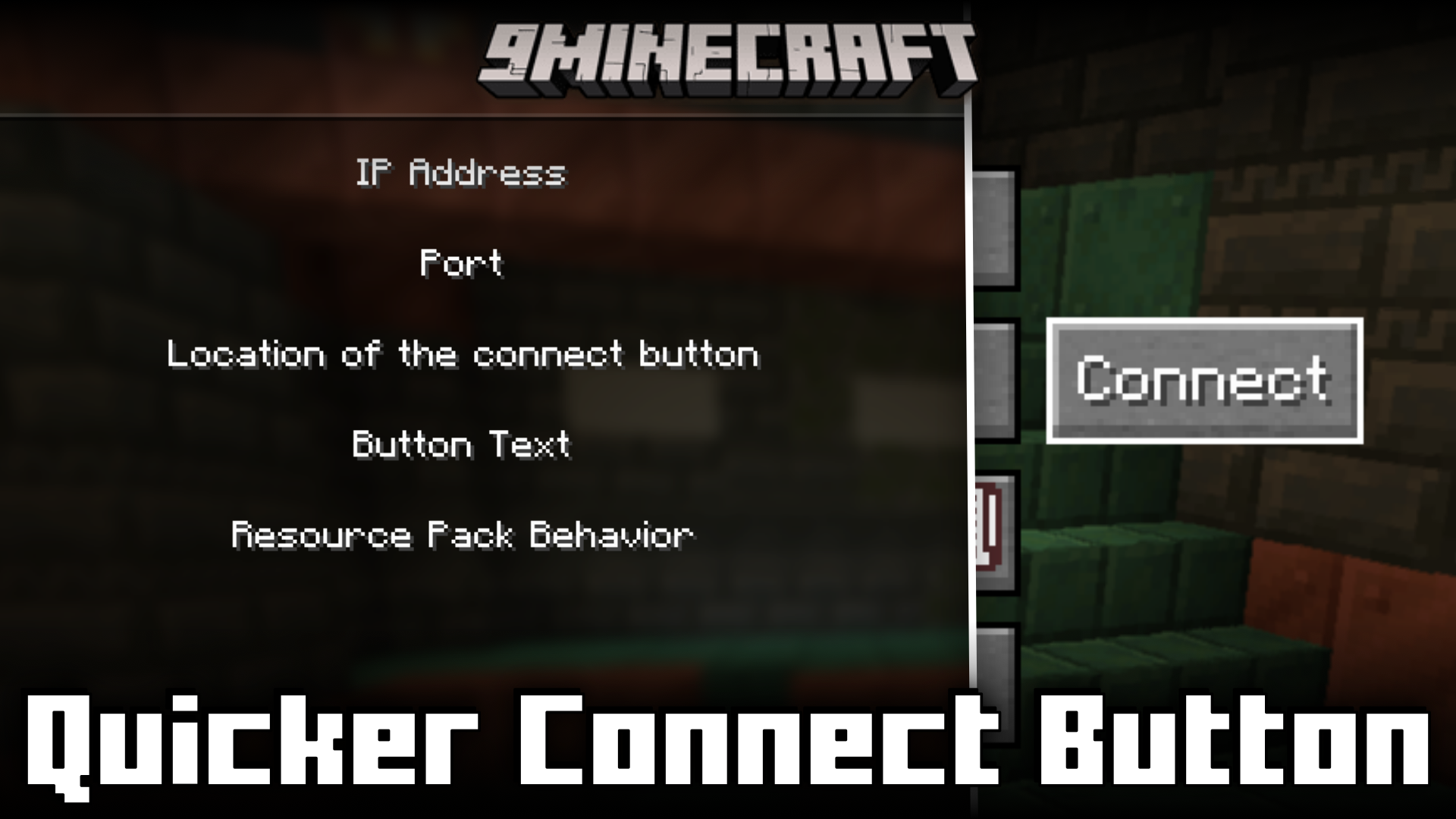
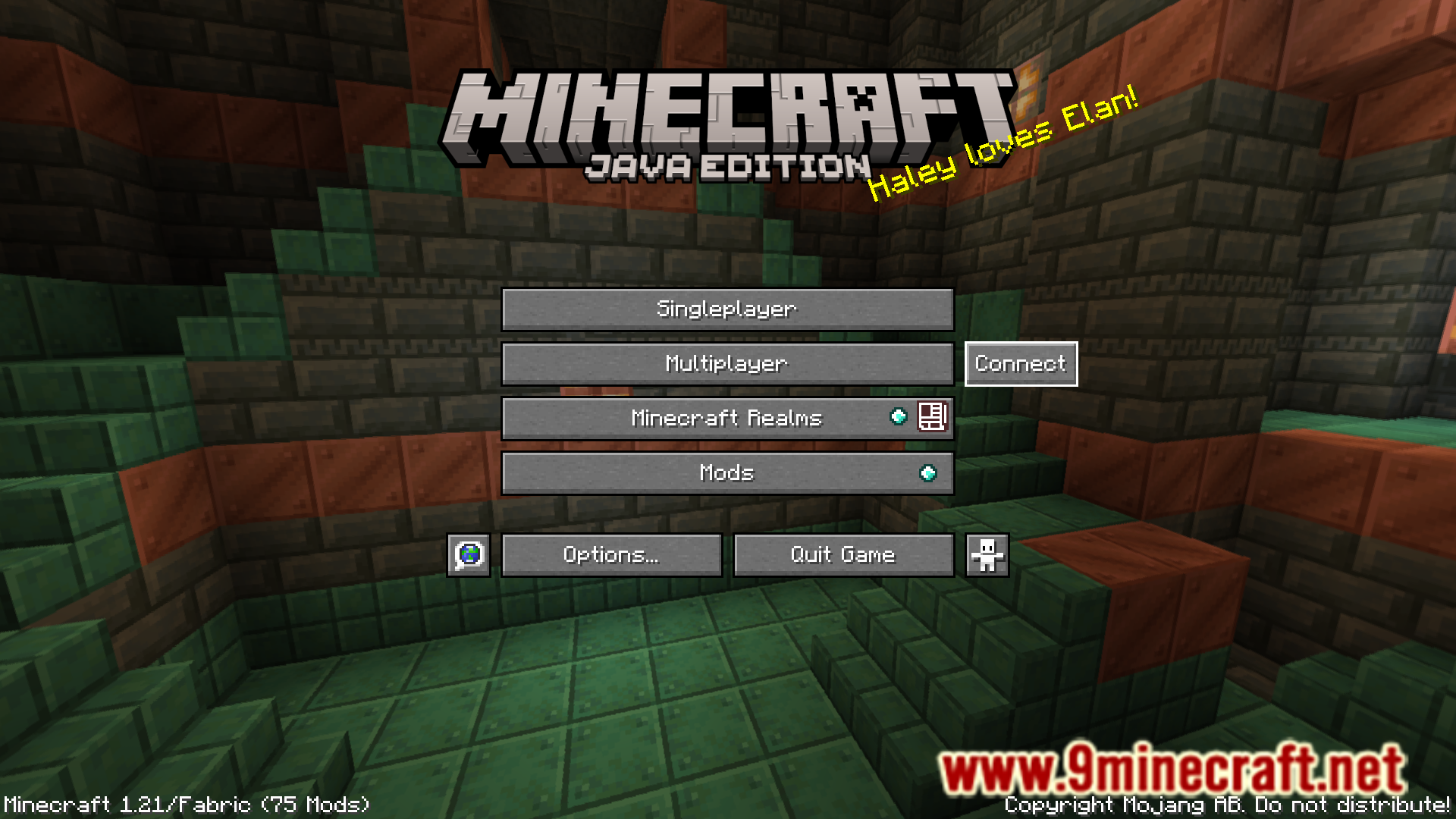
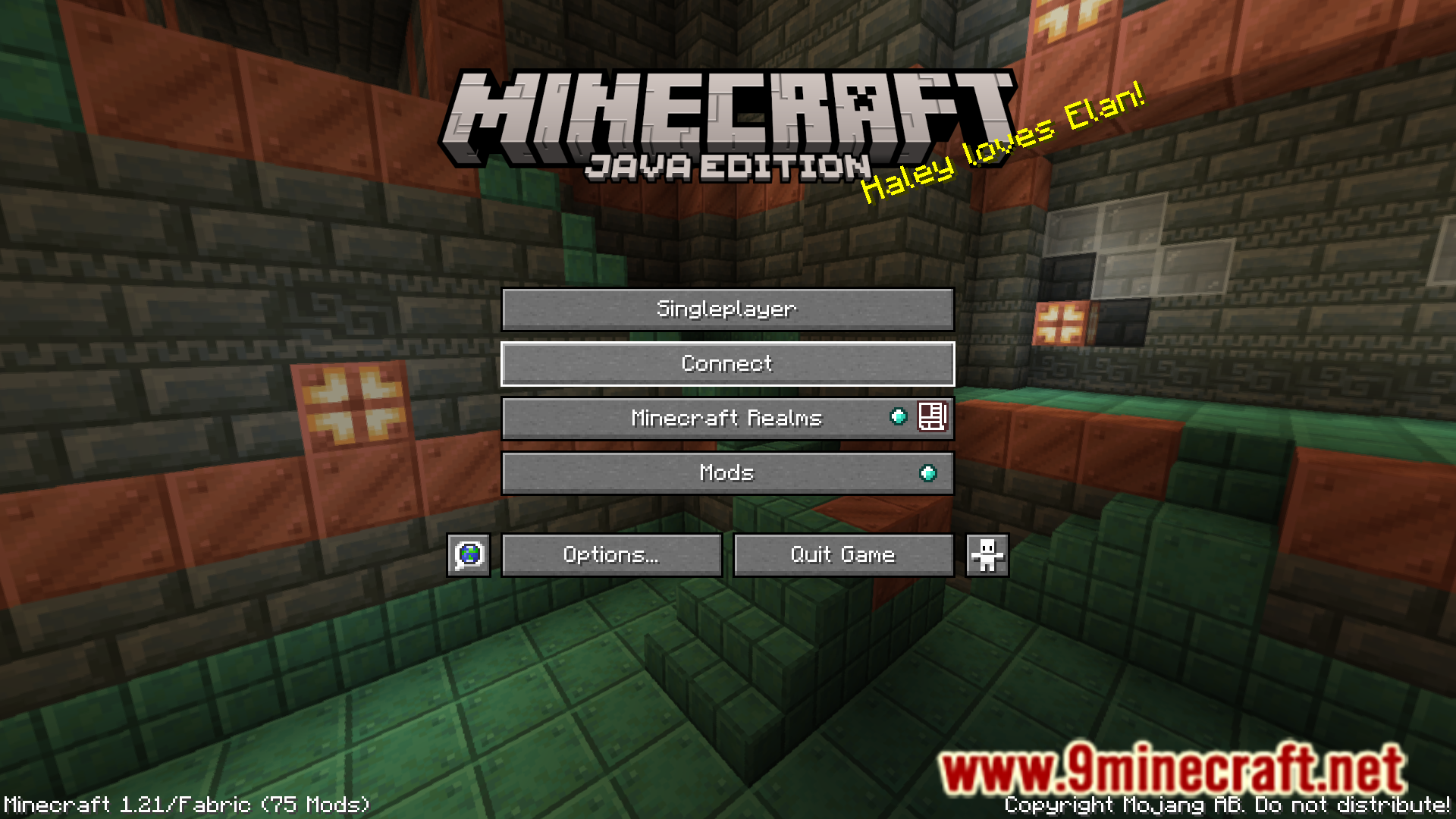
Quicker Connect Button Mod adds a simple connect button right onto your main menu. It lets you jump straight into your favorite server with just one click. You save time by skipping the standard multiplayer server list every time you open the game.
Features:
- Adds a new connect button to the main menu for fast server access.
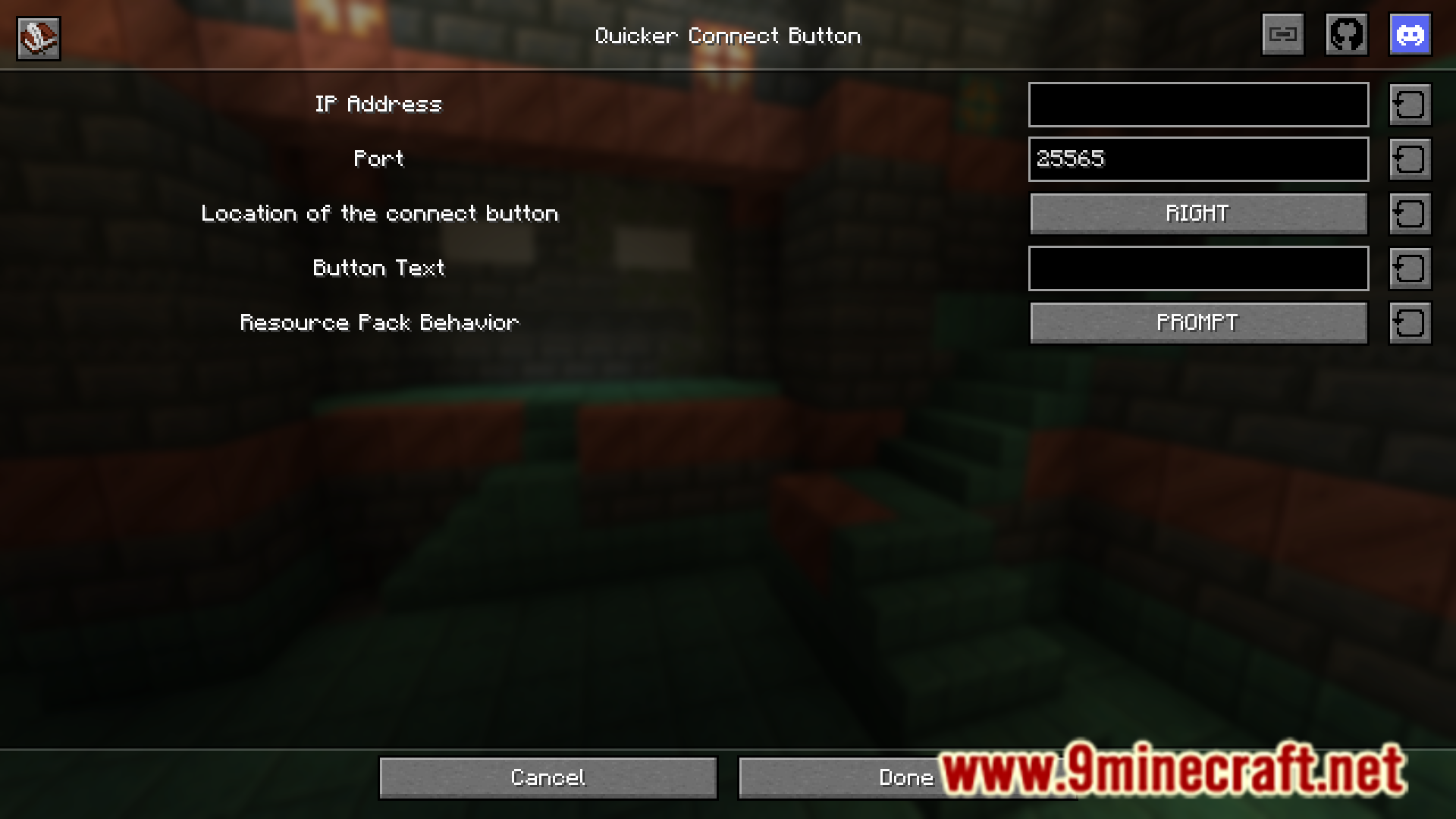
- Links directly to one specific server IP and port.
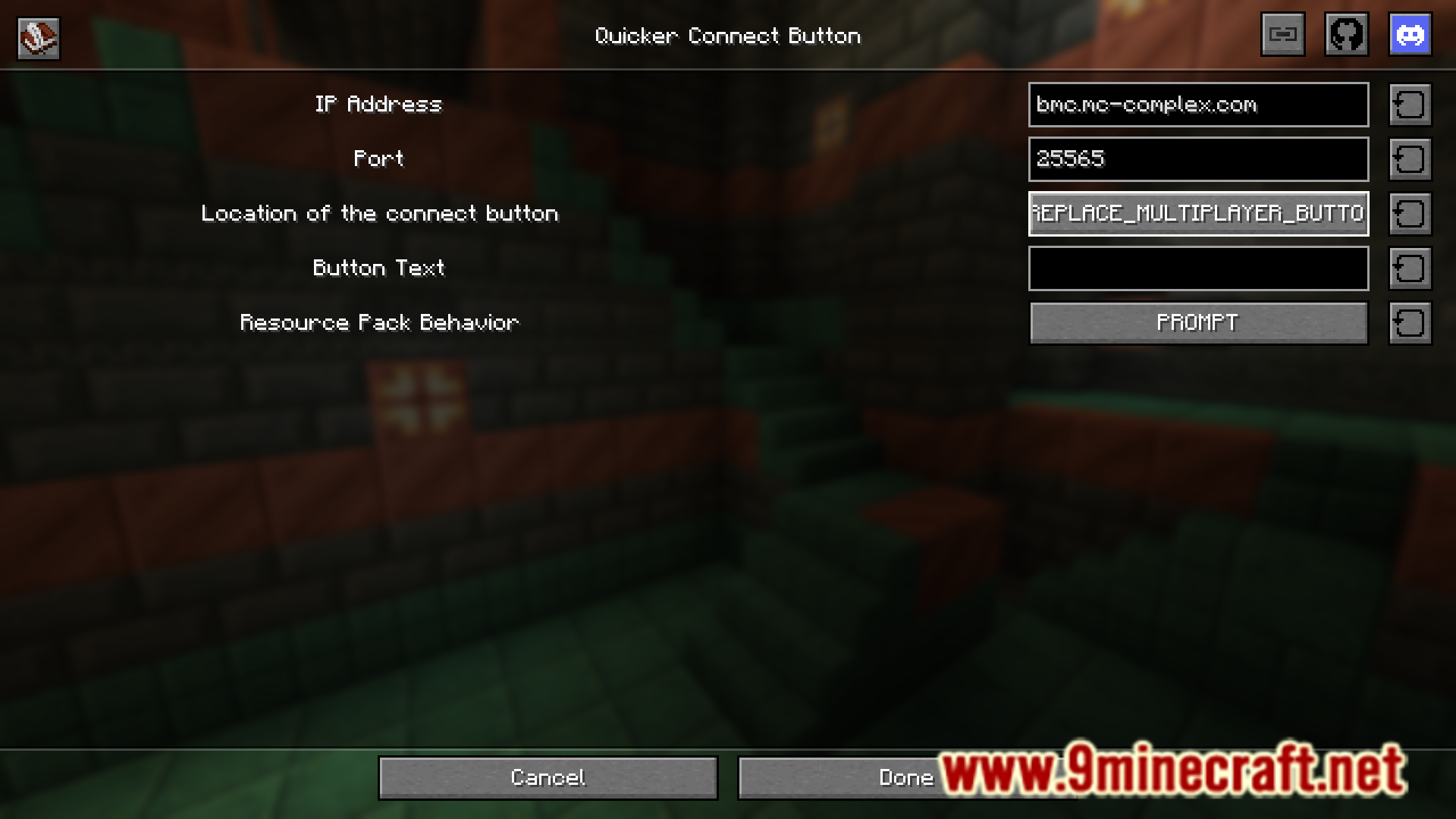
- Allows you to change the button location on the screen using configuration settings.
- Lets you customize the button text to show any message you want.
- Sets custom behavior for server resource packs when you join.
- Provides an in-game GUI configuration menu when using Mod Menu on Fabric or the config button on Forge.
How to Use:
- Open the configuration menu through the in-game Mod Menu or directly edit the config file at
config/quickerconnectbutton.json5. - Set your target server IP address and port in the configuration file.
- Choose where you want the button to appear on your main menu and customize its display text.
- Launch your game and click the new connect button on the main menu to join your server instantly.
Screenshots:
How to Install:
New to Minecraft? Follow our step-by-step guide to install Mods on your PC.View Guide
Requirements:

Quicker Connect Button Mod Download Links
For Minecraft 1.21.1, 1.21
NeoForge version: Download from Server 1 – Download from Server 2
Fabric version: Download from Server 1 – Download from Server 2
For Minecraft 1.20.6
NeoForge version: Download from Server 1 – Download from Server 2
Fabric version: Download from Server 1 – Download from Server 2
For Minecraft 1.20.4
Forge version: Download from Server 1 – Download from Server 2
NeoForge version: Download from Server 1 – Download from Server 2
Fabric version: Download from Server 1 – Download from Server 2
Quilt version: Download from Server 1 – Download from Server 2
For Minecraft 1.20.1
Forge/NeoForge version: Download from Server 1 – Download from Server 2
Fabric/Quilt version: Download from Server 1 – Download from Server 2
Do you add mods when playing on Bedrock Edition (Add-Ons, behavior packs, or Marketplace content)?
54 responses · See the full results →
You May Also Like
Picked for this page
 Enchant with Mobs Mod (26.3, 1.20.1) – Minecraft Dungeons’ Contents
 Macaw’s Roofs Mod (26.3, 1.20.1) – Make a Sloped Roof Without Using Stairs
 Patched Mod (26.2, 1.20.1) – Tools for Modifying Parts of JSON Files
 Clean Swing Through Grass Mod (26.2, 1.20.1) – Hit Through Tall Grass
 Elytra Trinket Mod (1.21.11, 1.20.1) – Elytra in The Trinket Slot
 Cut Through Mod (26.3, 1.20.1) – Enhancing Combat Flow
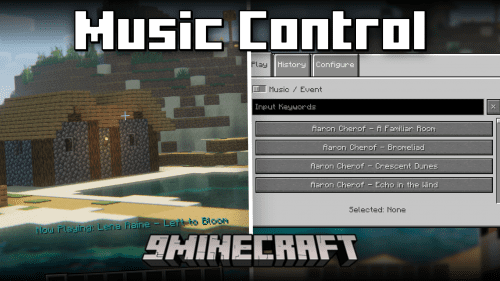 Music Control Mod (1.21.10, 1.20.1) – Customizable In-Game Music Experience
 Superflat World No Slimes Mod (26.3, 1.20.1) – Removes Slime from Superflat Worlds
 Daily Dad Mod (26.2, 1.20.1) – One Joke At A Time
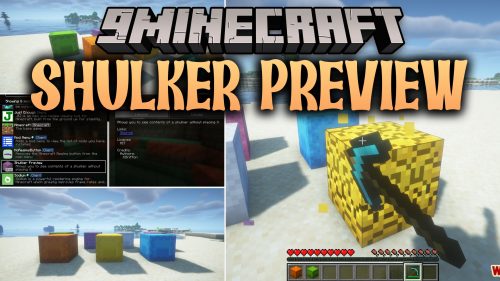 Shulker Preview Mod (26.3, 1.20.1) – Convenient Storage Management
 Ender Dragon Fight Remastered Mod (26.2, 1.20.1) – Up in The Difficulty of the Final Boss
 Island Menu Mod (26.2, 1.20.1) – Dynamic Main Menu
Most viewed in Mods over the last 7 days
 Ala Industrial Mod (26.3) – Run Electric Power Grids and Automated Factories
 PleasureCraft Mod (26.3, 1.21.1) – Jenny Mod Remake for Fabric
 Jennycraft Mod (26.3, 1.20.1) – Virtual Girlfriend in Minecraft
 Fapcraft Mod (26.3, 1.12.2) – Comprehensive and Detailed Content
 Jenny Mod (Fapcraft) Official Complete Guide – How to use, Tutorial
 BangCraft Mod (1.20.1) – Jenny, Ellie and Elliot
 Fabric Loader (26.3, 1.20.1) – Fabric Installer for All Minecraft Versions
 Meteor Client Mod (26.3, 1.20.1) – Xray, HUD, Fly
 The Shooting Star Demo Mod (26.3, 1.20.1) – Vaporize Terrain From Orbit
 OptiFine HD (26.3, 1.20.1) – Run Faster, FPS Boost, Shaders Support
 Aristois Client Mod (1.21.4, 1.20.1) – World Class Minecraft Utility
 Prestige Client Mod (1.21.11, 1.21.4) – Powerful Ghost Features for Crystal & Sword PvP
More from Mods
 Bard RPG Series Plus by Fichte Mod (1.21.1, 1.20.1) – Buff Allies in Combat
 Fabric Gui ImGui Mod (26.3, 1.21.11) – Clean Custom Menus and In-Game Control
 Multi Item Lib Mod (1.20.1) – Wield Custom Gear with Flawless Hand Animations
 Universe3090 Mod (1.20.1) – Survive Corrupted Dimensions Filled
 Wireless Automate Mod (1.21.1) – Automate Base Logistics Without Messy Pipes
 Vaskars Opus Faction War Quests & Bosses Mod (1.21.11, 1.20.1)
 Multitools and More Mod (26.3, 1.20.1) – Clear Your Hotbar and Travel
 Luxium Let There Be Light Mod (1.20.1) – Stunning Lighting on Low-End Computers
 Soulscraft Tarnished Legacy Mod (1.21.1) – Hunt Relics to Forge Dark Fantasy
 Fetzi’s Displays Mod (26.1.2, 1.20.1) – Turn Rare Gear and Weapons
 Primal Plushies Paleo Pals Mod (1.21.1, 1.20.1) – Decorate Your Base
 Ipla Mod (26.3, 1.20.1) – Showcase Your Favorite Items

This post has no comments yet. Be the first — your comment will appear here.