


Sprout Weaver Mod (1.21.1, 1.20.1) – Take Complete Control Over Mob Spawns
 2
2
 0
0

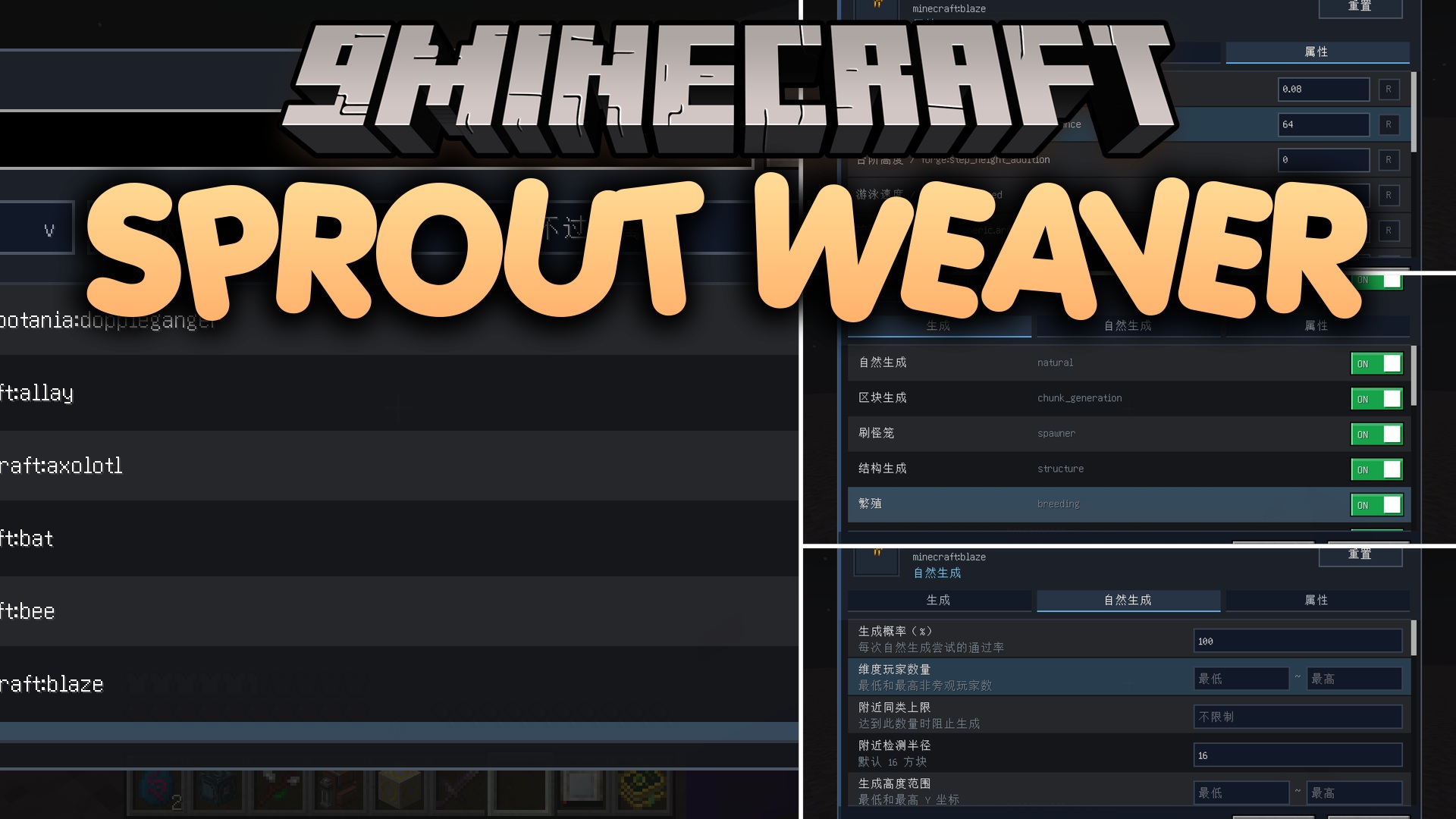
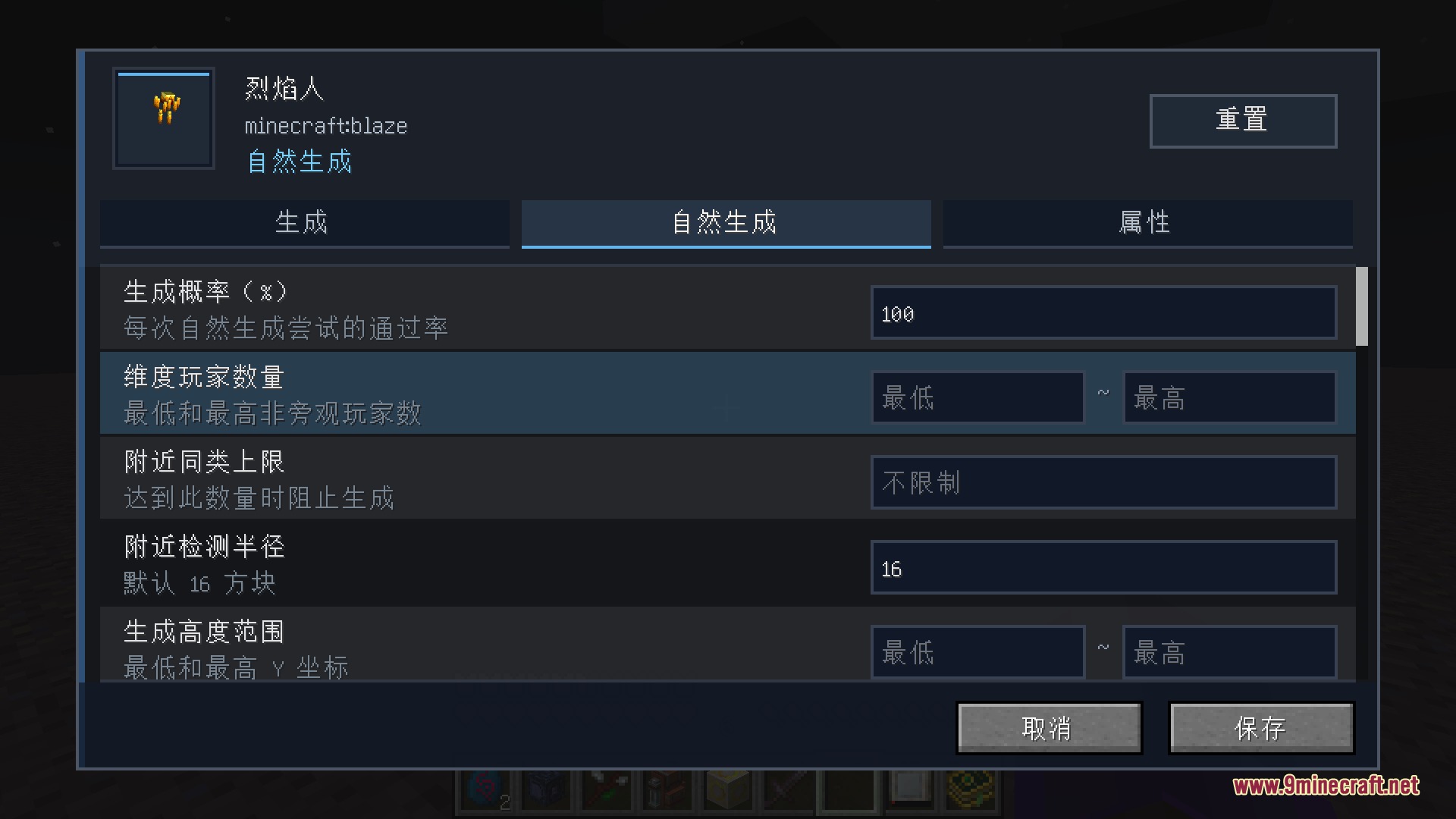
Sprout Weaver Mod gives you total control over mob spawning behavior and entity stats across your Minecraft worlds. You can turn mob spawns on or off for specific spawn types like spawners, breeding, or natural world generation. The mod brings a built-in visual menu with 3D model previews alongside server commands to adjust stats like health, damage, and movement speed.
Features:
- Controls spawning rules for any mob from the base game or added by other mods.
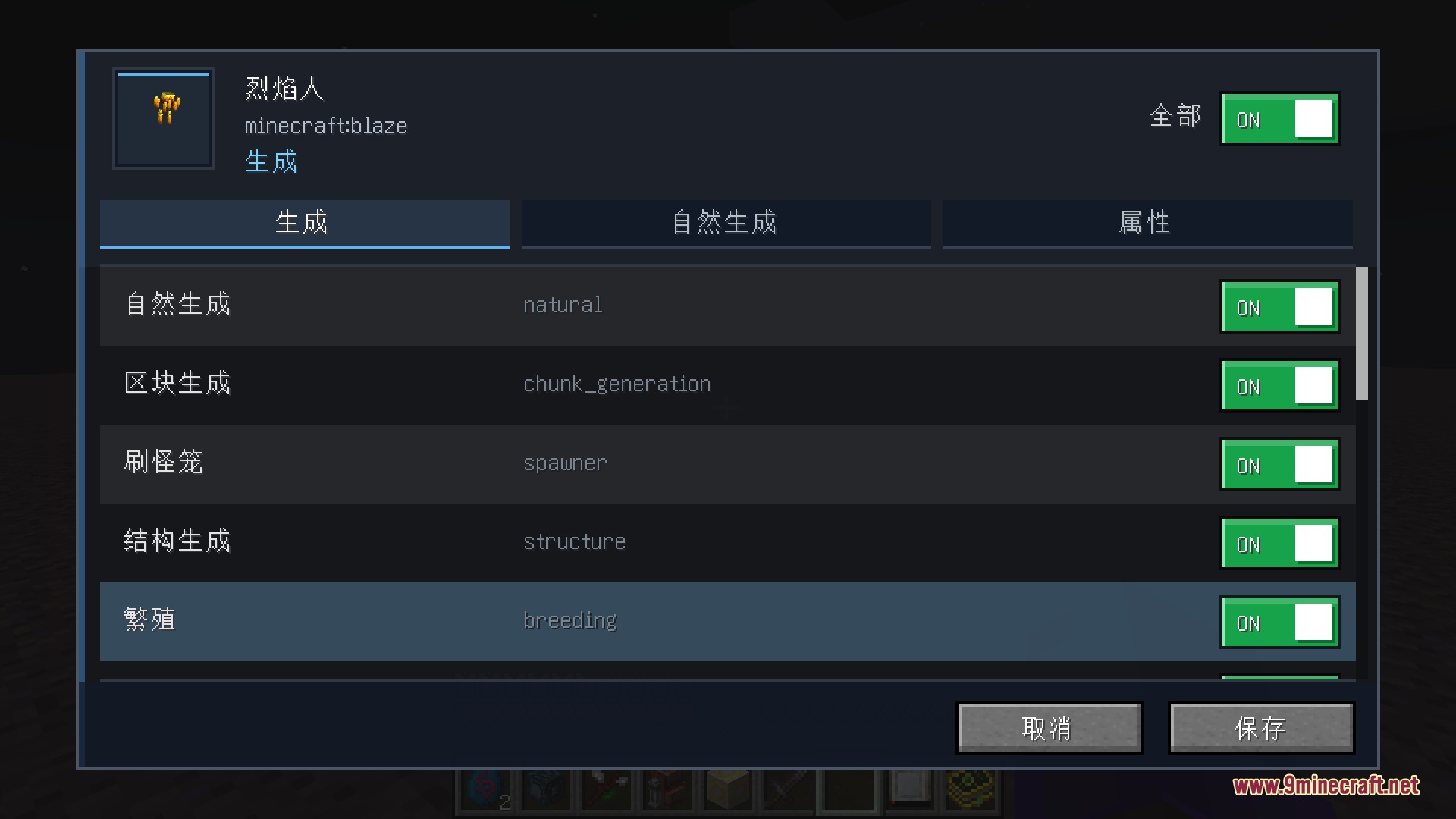
- Blocks or permits mob spawns based on specific spawn types such as natural spawns, monster spawners, breeding, or world events.
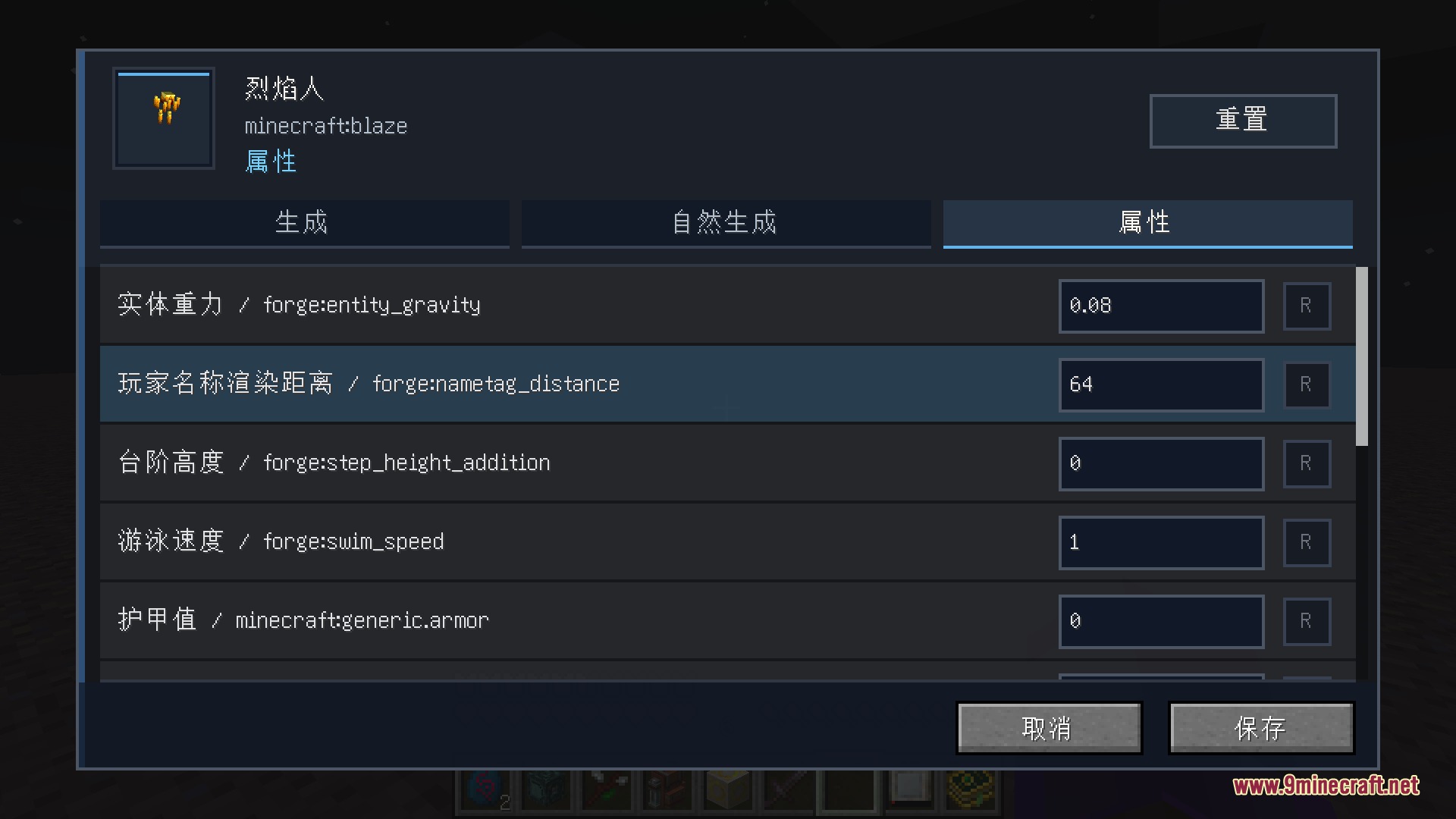
- Applies custom attribute changes directly to mobs, including max health, attack damage, movement speed, and knockback resistance.
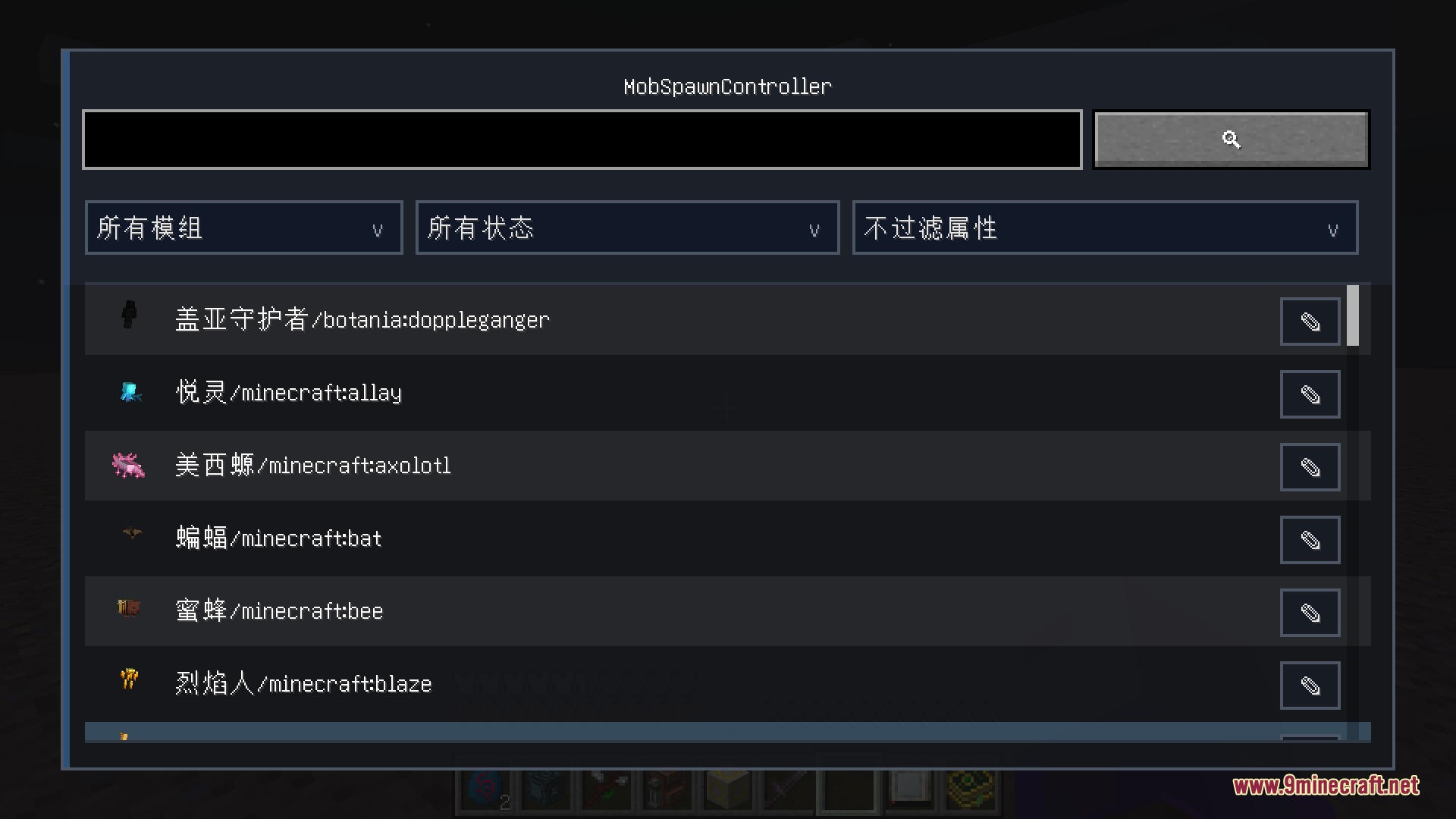
- Opens a built-in visual menu with search bars, filters, and 3D mob previews to edit rules without editing text files manually.
- Saves all custom rules per world inside a simple JSON file that loads on server startup.
Natural Spawn Conditions:
- Sets custom limits based on height levels, light levels, moon phases, time of day, and world difficulty.
- Restricts mob spawns by specific biomes, biome tags, custom dimensions, and world structures.
- Checks player proximity, world spawn distance, fluid types, and nearby mob caps before a mob spawns.
- Pairs with Serene Seasons to restrict certain mob spawns to specific seasons of the year.
In-Game Menu Tools:
- Filters entities by source mod, current spawn status, and modified attribute status.
- Features quick-add tools to select targeted blocks, held blocks, or blocks directly beneath the player.
- Provides visual pickers for structures, biomes, dimensions, and blocks.
Commands:
/mobspawncontroller <mob> <spawnType>: toggles spawn rules for a specific mob and spawn category./mobspawncontroller list [mob]: shows current active rules for all mobs or a specific mob./mobspawncontroller clear: resets rules back to default for one mob or all mobs./msc: works as a short alias for all mod commands.
How to Use:
- Install the mod on your client and server.
- Open the mod menu in-game to view the list of available mobs.
- Select a mob to adjust its spawn conditions, spawn types, or attribute modifiers.
- Use
/mobspawncontroller listor the in-game menu tabs to verify your changes. - Save the settings to apply the rules immediately across the world.
Screenshots:
How to Install:
New to Minecraft? Follow our step-by-step guide to install Mods on your PC.View Guide




Sprout Weaver Mod Download Links
For Minecraft 1.21.1, 1.21
For Minecraft 1.20.1, 1.20
Click to rate this post!
[Total: 0 Average: 0]
You May Also Like

















This post has no comments yet. Be the first — your comment will appear here.