


The Amnesia Mod 1.8.9, 1.7.10 (Mechanical and Decoration Items)
 1,671
1,671
 0
0

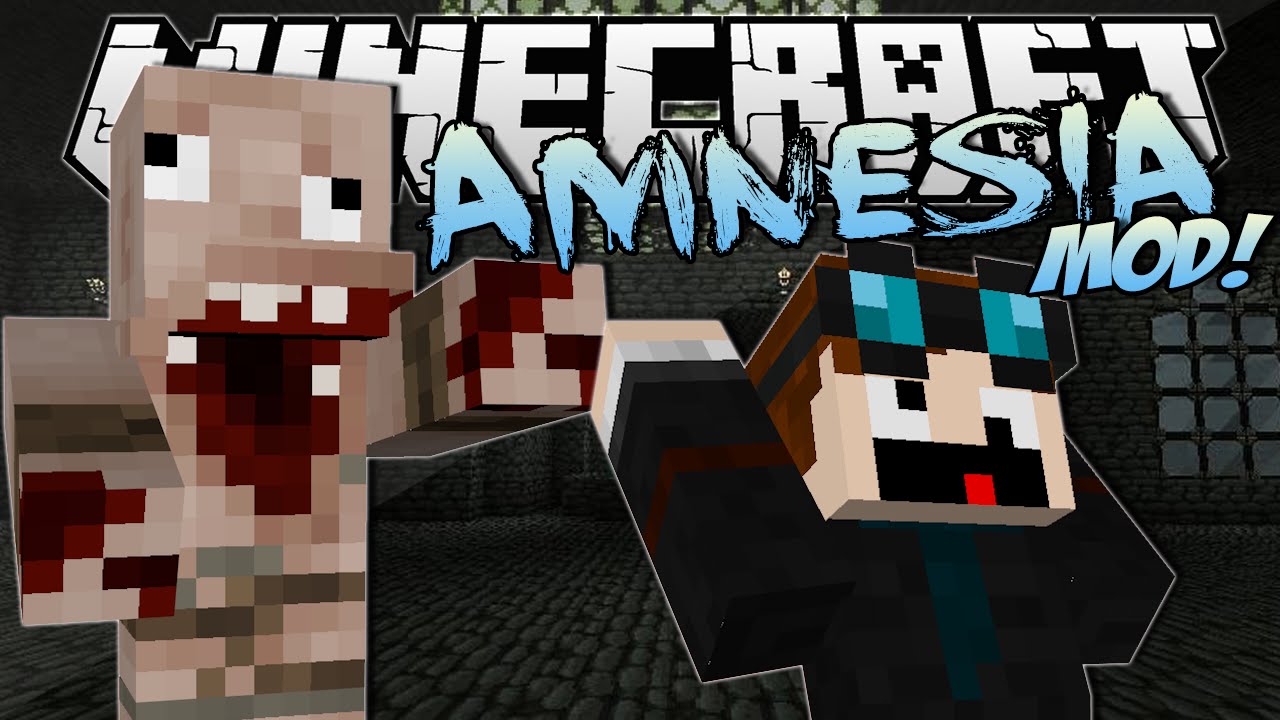
The Amnesia Mod 1.8.9, 1.7.10 adds mechanical and decoration items, light emitters, monsters and some music to the game to create the atmosphere of Amnesia in Minecraft. The main idea is for adventure maps and creative maps, but it has some feature for survival as well.
Screenshots:
Show More
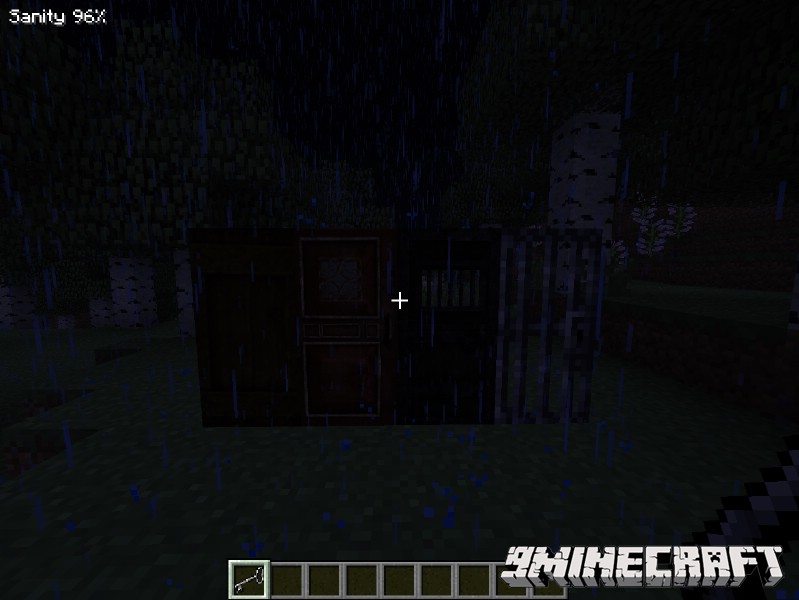
Normal doors
Level doors
Barrel, bottled fat and lantern oil
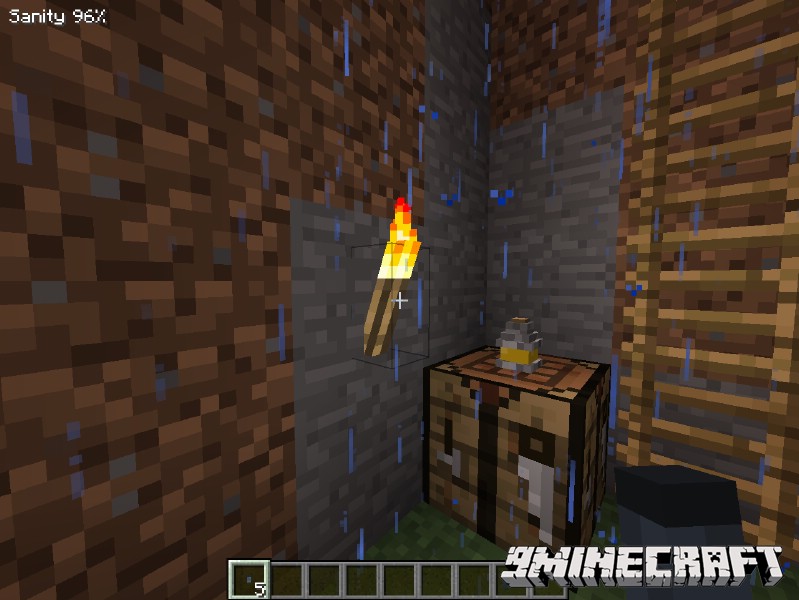
Tinderboxes and decorative lights
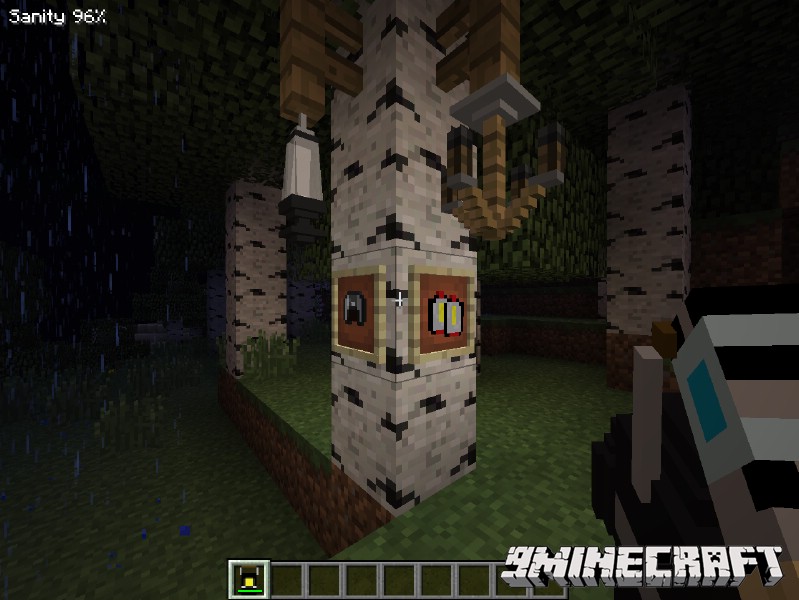
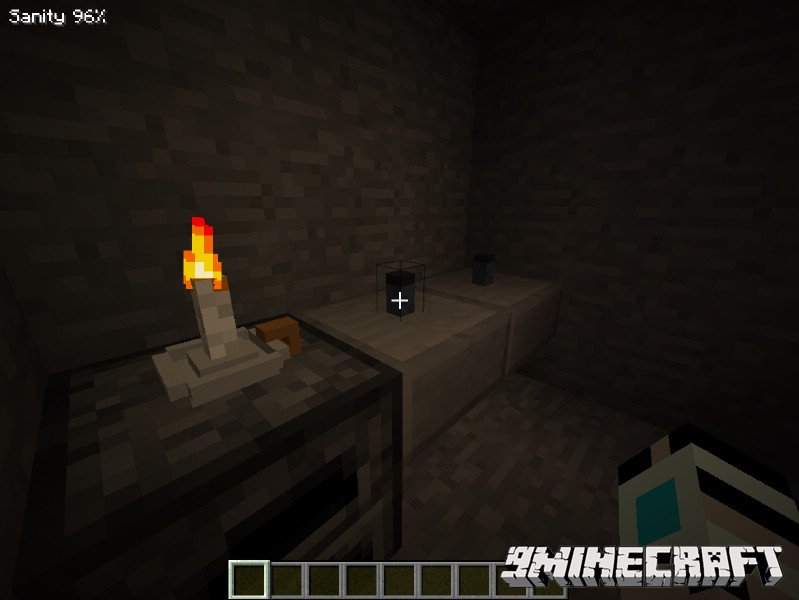
Candleholder, lantern and bullseye lantern
Flashlight and minerhelmet
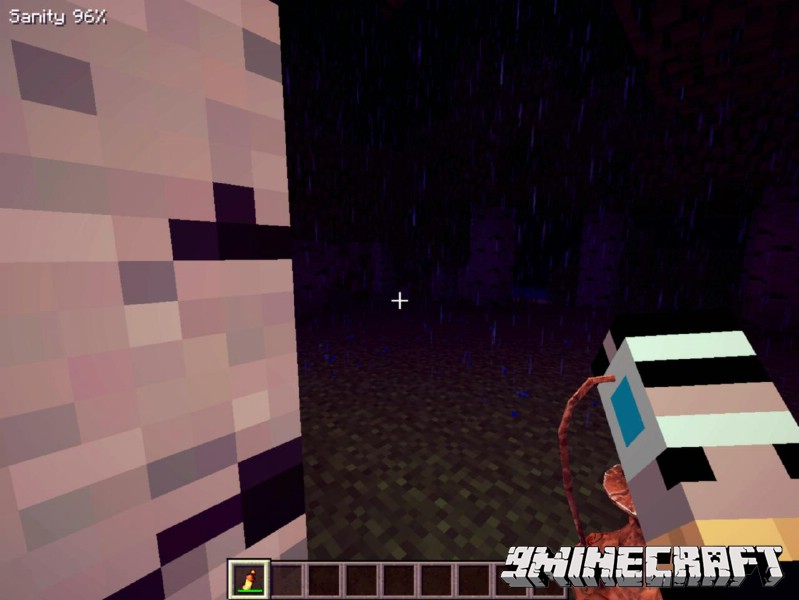
Monsters in creative
Distracting a kaernk(water lurker) with a rotten flesh
Chasing
Ghost monsters disappearance
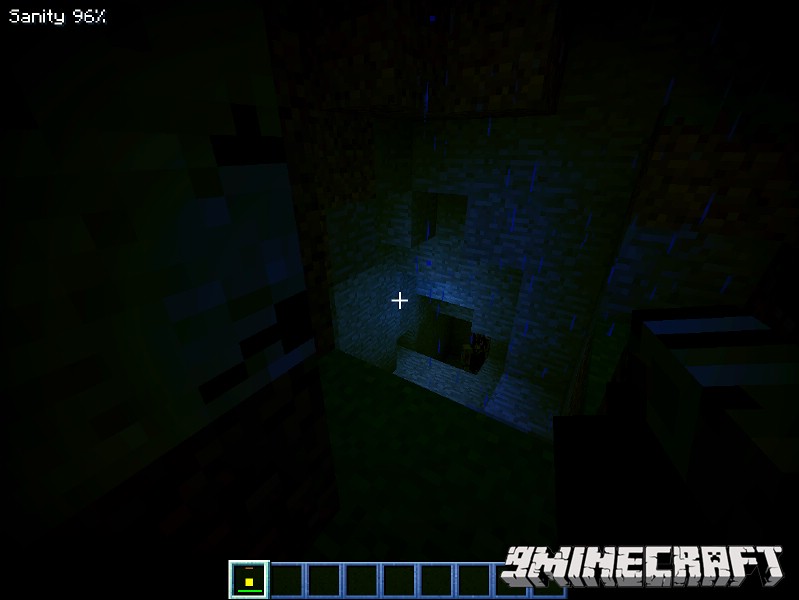
Low sanity
A music box
Mod Showcase:
How to Install:
New to Minecraft? Follow our step-by-step guide to install Mods on your PC.View Guide
Download Links for The Amnesia Mod 1.8.9, 1.7.10
For Minecraft 1.7.10
For Minecraft 1.8.9
Click to rate this post!
[Total: 0 Average: 0]
You May Also Like



This post has no comments yet. Be the first — your comment will appear here.