
Unbound Visuals (26+, 1.21) – PBR Materials and Biome Fog
 87
 0

Unbound Visuals bathes your Minecraft Bedrock world in soft pink haze, lavender daylight, and rose-to-violet sunrises. This shader transforms lighting with custom atmosphere, fog, water, and shadow systems across all 88 biomes. You can see pink volumetric haze drifting through cherry groves, northern lights in the night sky, and animated water with waves and caustics. It also includes full PBR materials, 16x retextures for blocks and armor, and two quality presets to pick in-game. This shader works with Minecraft Bedrock’s Vibrant Visuals mode, so you need to turn on Vibrant Visuals in your video settings to see the effects.
Requirements:
- MCPE/Bedrock 1.21.120 – 26.40
all 18 versions
26.40, 26.30, 26.20, 26.13, 26.12, 26.11, 26.10, 26.3, 26.0.02, 26.0, 1.21.132, 1.21.131, 1.21.130, 1.21.124, 1.21.123, 1.21.122, 1.21.121, 1.21.120
- Built for Minecraft Bedrock's Vibrant Visuals mode — its effects only show with Vibrant Visuals enabled in the video settings

Features:
- Custom Skies and Lighting: Paints the sky with rose-to-violet colors from dawn to midnight, lavender daylight, northern lights, shooting stars, and custom sun, moon, and End sky textures.
- Per-Biome Fog and Atmosphere: Tunes color and volumetric fog across all 88 biomes, using 7 atmosphere profiles and 16 fog profiles that also cover the Nether, the End, Soul Sand Valleys, and Warped Forests.
- Realistic Water: Adds animated water caustics, waves, and depth tinting to rivers and oceans.
- Full PBR and 16x Retextures: Includes PBR materials with metalness, emissive, roughness, normal, and height maps, plus 16x retextures for blocks, armor, the sky, and colormaps.
- Brings soft shadows, god rays, colored light sources, and colored atmospheric scattering to your world.
- Uses ACES tone mapping with 2 color-grading profiles.
- Lets you choose between 2 quality presets in-game: Default Resolution (memory tier 0) and 32x High Resolution (memory tier 1).
- Works alongside other resource packs.
How to Install:
New to Minecraft PE? Follow our step-by-step guide to install Shaders on your Mobile.View Guide
Screenshots:


For MCPE/Bedrock 26+
You May Also Like
Picked for this page
 Definitive Vibrant Visuals Shader (1.26+) – MCPE/Bedrock
 Vibrant Lumina Shader (1.26+) – MCPE/Bedrock
 Wandrer’s Visual Shader (1.26+) – MCPE/Bedrock
 Hyper Visuals Shader (1.26+) – MCPE/Bedrock
 Mystica Shader (1.21.20+) – MCPE/Bedrock Dream Fog Shader
 Aetheris Visuals Shader (1.26+) – MCPE/Bedrock
 Luvid Visuals Shader (1.26+) – MCPE/Bedrock
 Lumina Visuals Shader (1.21+) – MCPE/Bedrock
 Infinity Visuals (26+, 1.21) – MCPE/Bedrock Shader
 Ultra Vibrant Visuals for Vibrant Visuals (26+, 1.21) – MCPE/Bedrock Shader
 Cat RTX (26+, 1.21) – MCPE/Bedrock Shader
 Glacier Visuals Shader (26.x) – Frosty Blue Lighting and Crystal Clear Water
Most viewed in Shaders over the last 7 days
 Mirai Shader (1.26+) – Sharp Water Reflections and Volumetric Clouds
 Best Minecraft PE Shader for 1.26+ – Realistic and Lightweight For Low-End Devices
 Newb X Iterationt Shader (1.26+) – Black Hole Skybox And Stylized Clouds
 Better Render Dragon (1.26+) – Add Shaders Back To Minecraft
 MLYX Shader (1.21.50+) – MCPE/Bedrock
 Newb X RTX Shader (1.26+) – Support RenderDragon
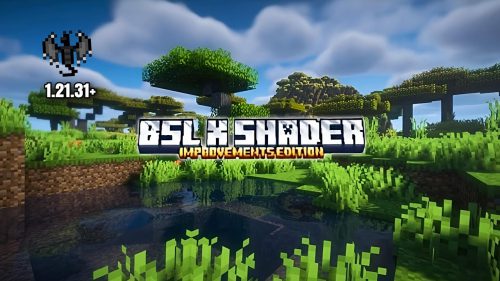 BSL X Improvement Shader (1.21.31+) – MCPE/Bedrock
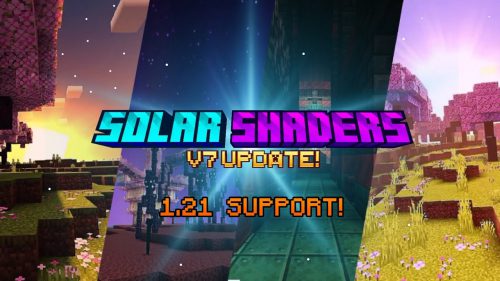 Solar Shader (1.26+) – Support BetterRenderDragon
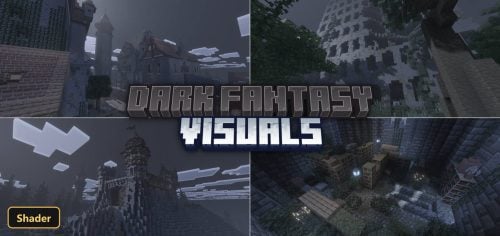 Dark Fantasy Visuals (26+, 1.21) – MCPE/Bedrock Shader
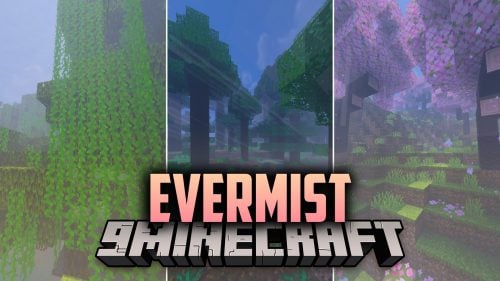 Evermist Shader (26.x, 1.21) – Realistic Clouds and Crystal Clear Water
 YSSBE Shader (1.21, 1.20) – Shader Cinematic for RenderDragon
 Newb Floren (26+) – MCPE/Bedrock Shader
More from Shaders
 Dynamic Sea Water by Ei Shader (26.x) – Realistic Wave Motion on Any Device
 Enhanced+ Shader (26.x) – Glowing Ore Textures and Radiant Skies for Mobile
 Animation Shader (26.x, 1.21) – Lag-Free Water and PBR Shading on Any Phone
 X-ray with Glowing Ore Shader (26.x) – Transparent Terrain and Bright Glowing
 Newb SV-Zero Render Dragon Shader (26.x) – Clean Lighting and Water Waves
 IterationT End Skybox Shader (26.x, 1.21) – Java-Style End Skybox
 Redstone Plus+ Shader (26.x, 1.21) – Clear Direction Indicators
 Fake Hardcore Heart by Baku Shader (26.x) – Hardcore Heart HUD on Any Bedrock
 Better Graphics Shader (26.x) – Saturated Colors and Clean UI at Stable FPS
 PureTone Visuals Shader (26.x, 1.21) – Vibrant Sky Transitions and Glowing
 Medieval Overhaul Shader (26.x) – Realistic PBR Textures and Lighting on Bedrock
 Luma Shade Visuals Shader (26.x, 1.21) – Soft Bloom and Water Caustics

This post has no comments yet. Be the first — your comment will appear here.