


Vanilla Deferred Lighting Shader (1.26+) – MCPE/Bedrock
 43,460
 0
0


As you may already know, Minecraft Bedrock Edition now supports a new type of shader. This is great news as it allows you to customize your gameplay experience with a wide variety of packs and shaders. However, if you prefer the full vanilla or default shader experience, you might want to check out the Vanilla Deferred Lighting shader/resource pack. Unlike other packs, Vanilla Deferred Lighting Shader does not change any lighting, which means that it works as a switch to enable Deferred Technical Preview while still allowing you to enjoy the full vanilla experience.
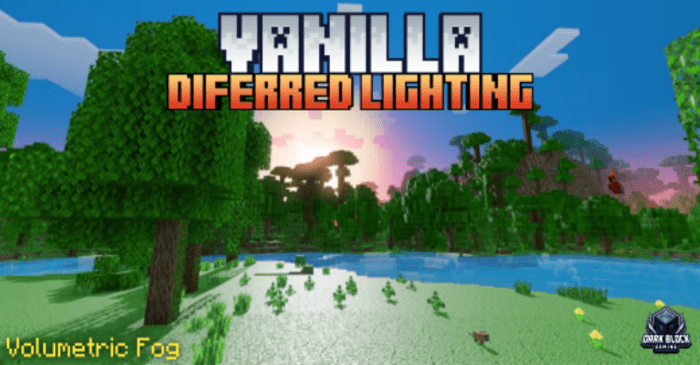
Features:
Pack Settings:
- Vanilla Diferred Lighting
- Vanilla Diferred Lighting + With Fog
- Vanilla Diferred Lighting will be the default, you can switch to vanilla Diferred Lighting + volumetric fog.
Important Note:
- Currently, this only works on beta/preview and this feature is not optimized enough so it may cause some problems, bugs, or glitches.
- After activating the pack, don’t forget to enable the “Render Dragon Features for Creators” experimental feature.
- Also, change the graphics mode to “Diferred Technical Preview” in the world’s video settings.
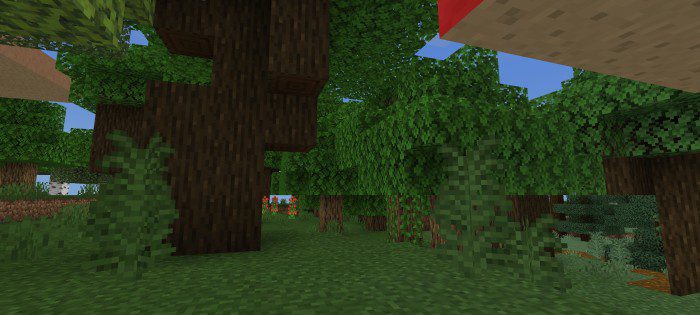
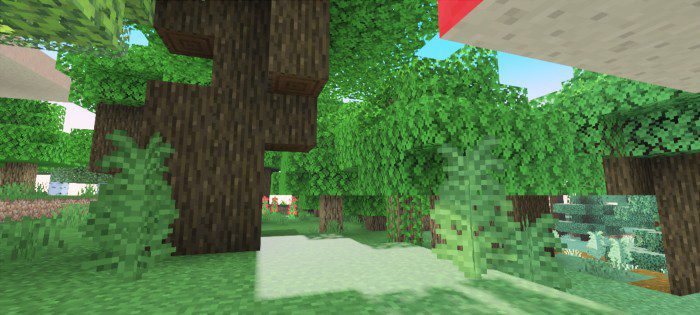
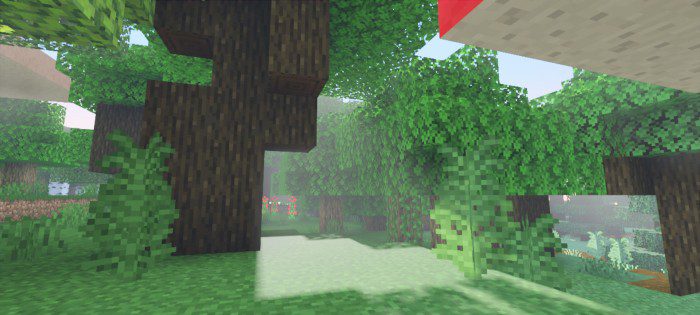
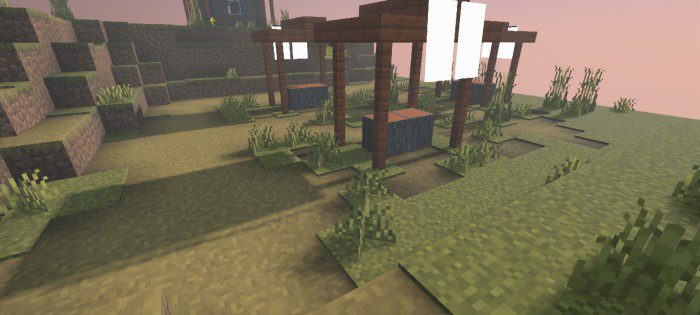
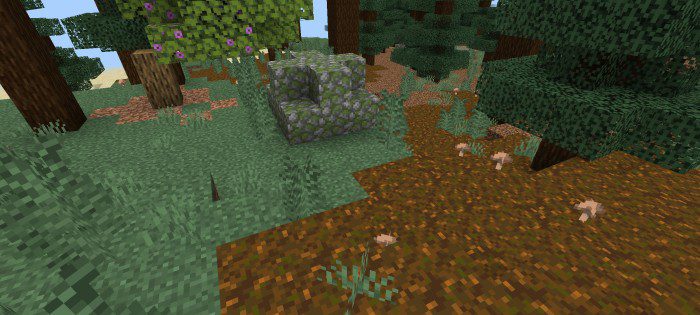
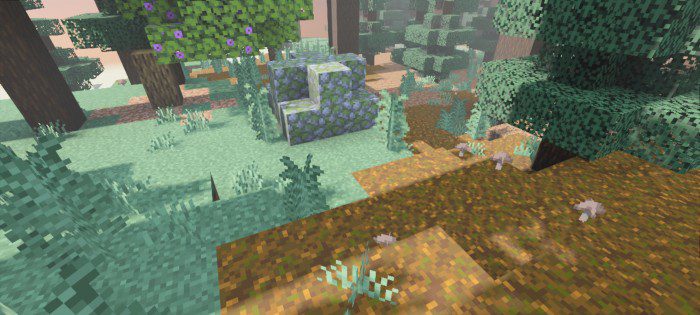
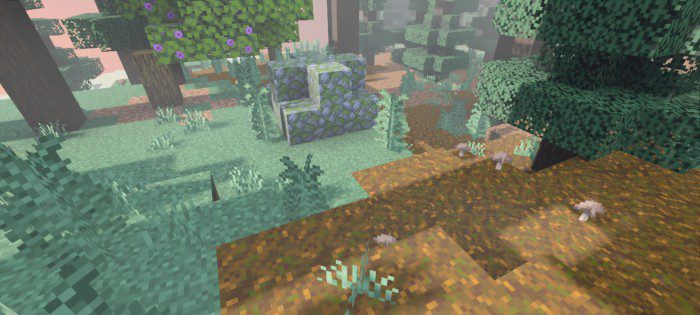
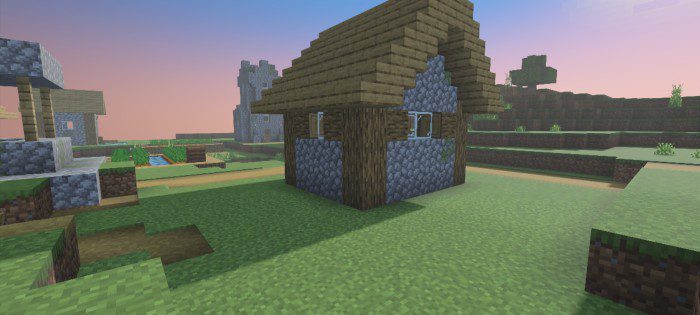
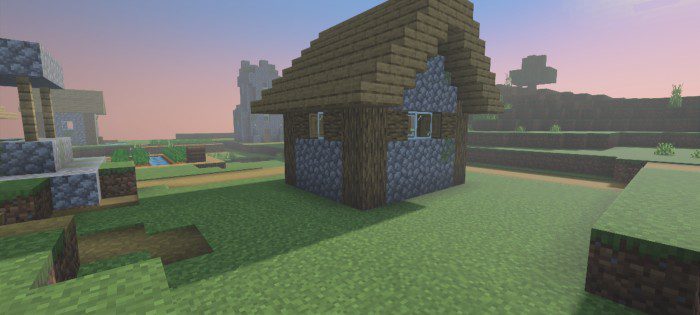
Screenshots:
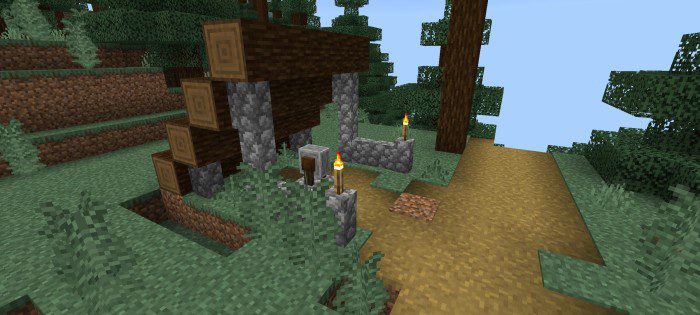
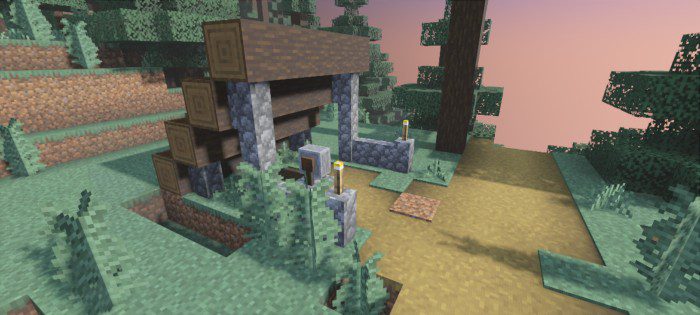
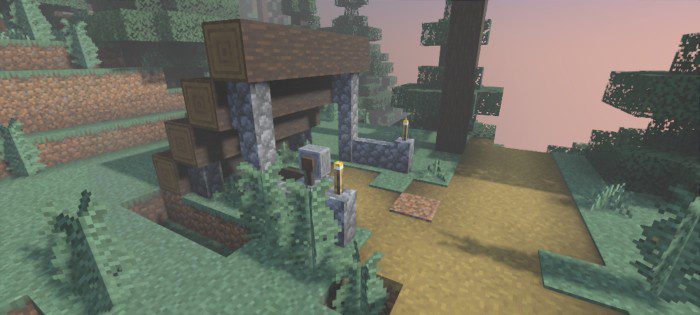
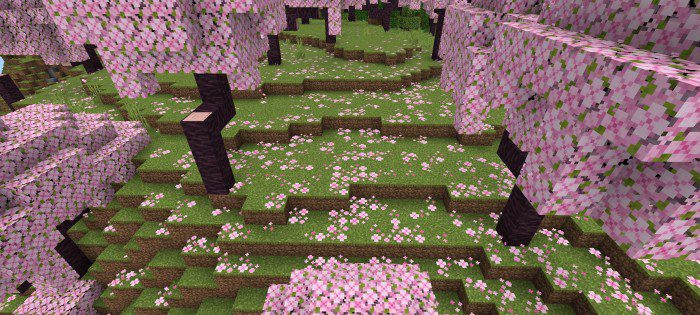
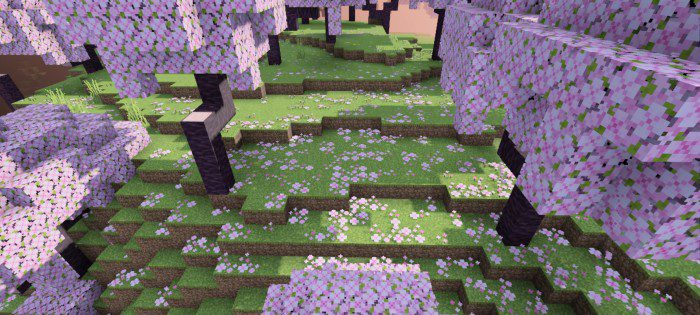
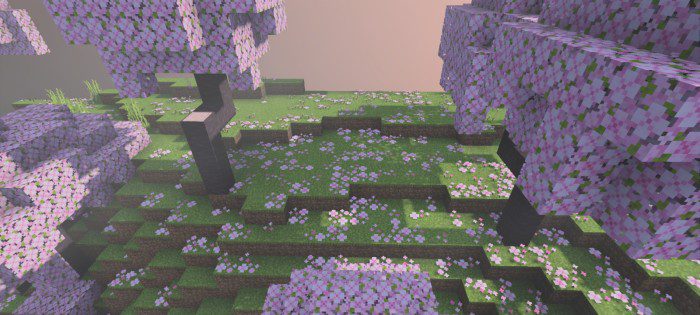
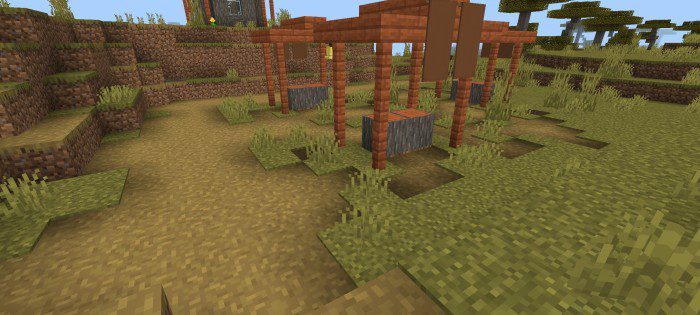
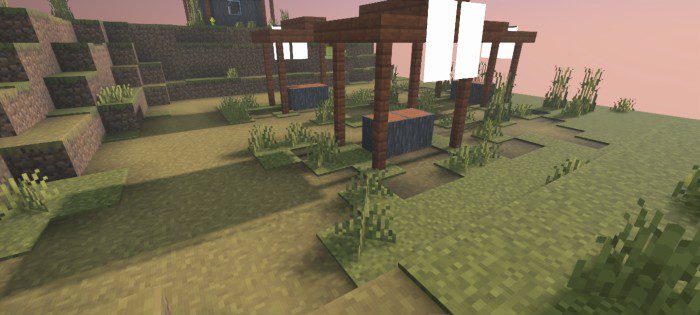
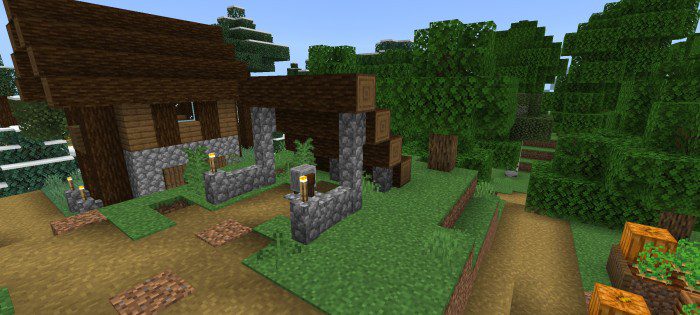
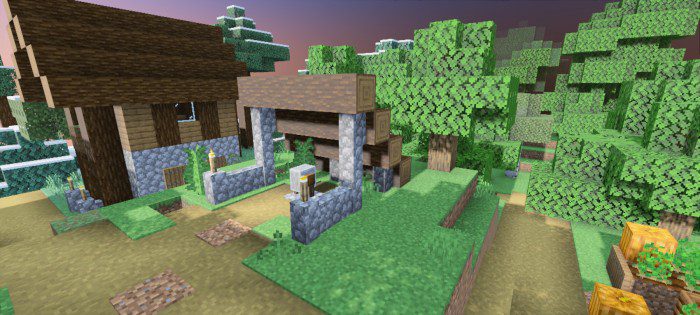
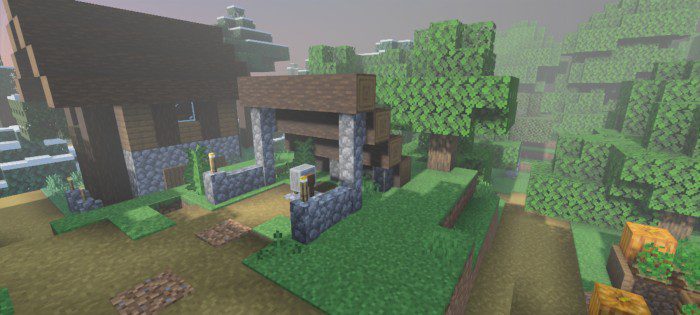
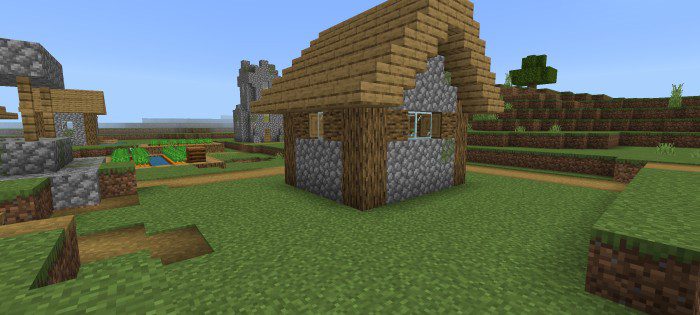
How to Install:
New to Minecraft PE? Follow our step-by-step guide to install Shaders on your Mobile.View Guide
Vanilla Deferred Lighting Shader Download Links
For Minecraft PE/Bedrock 1.20
mcpack: Download from server 1 – Download from server 2
For MCPE/Bedrock 26.30+
Click to rate this post!
[Total: 4 Average: 3.3]
You May Also Like










This post has no comments yet. Be the first — your comment will appear here.