
YDM’s Custom Camera View Mod (1.21.8, 1.20.1) – Capture Cinematic Shots
 1,382
 0


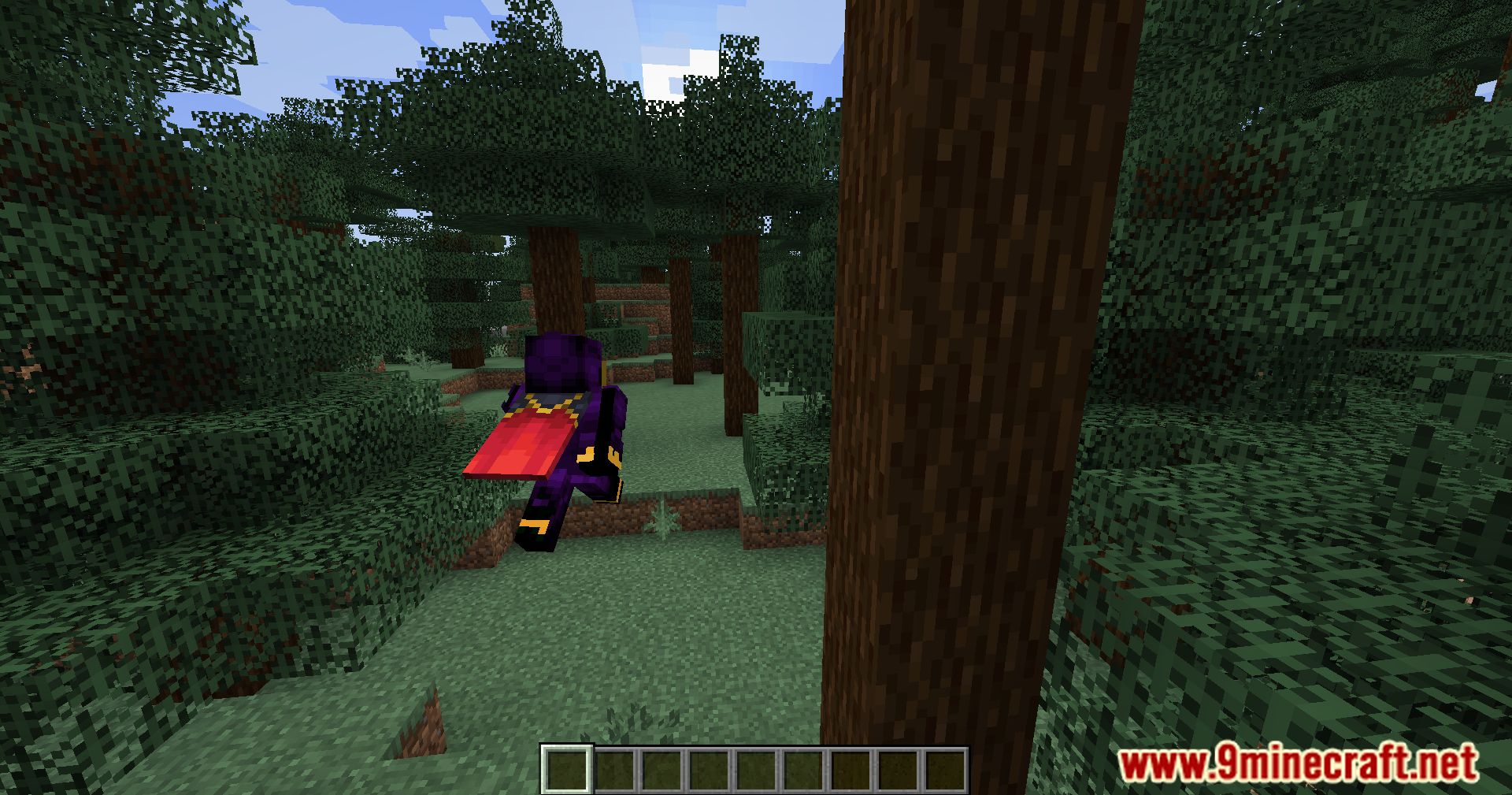
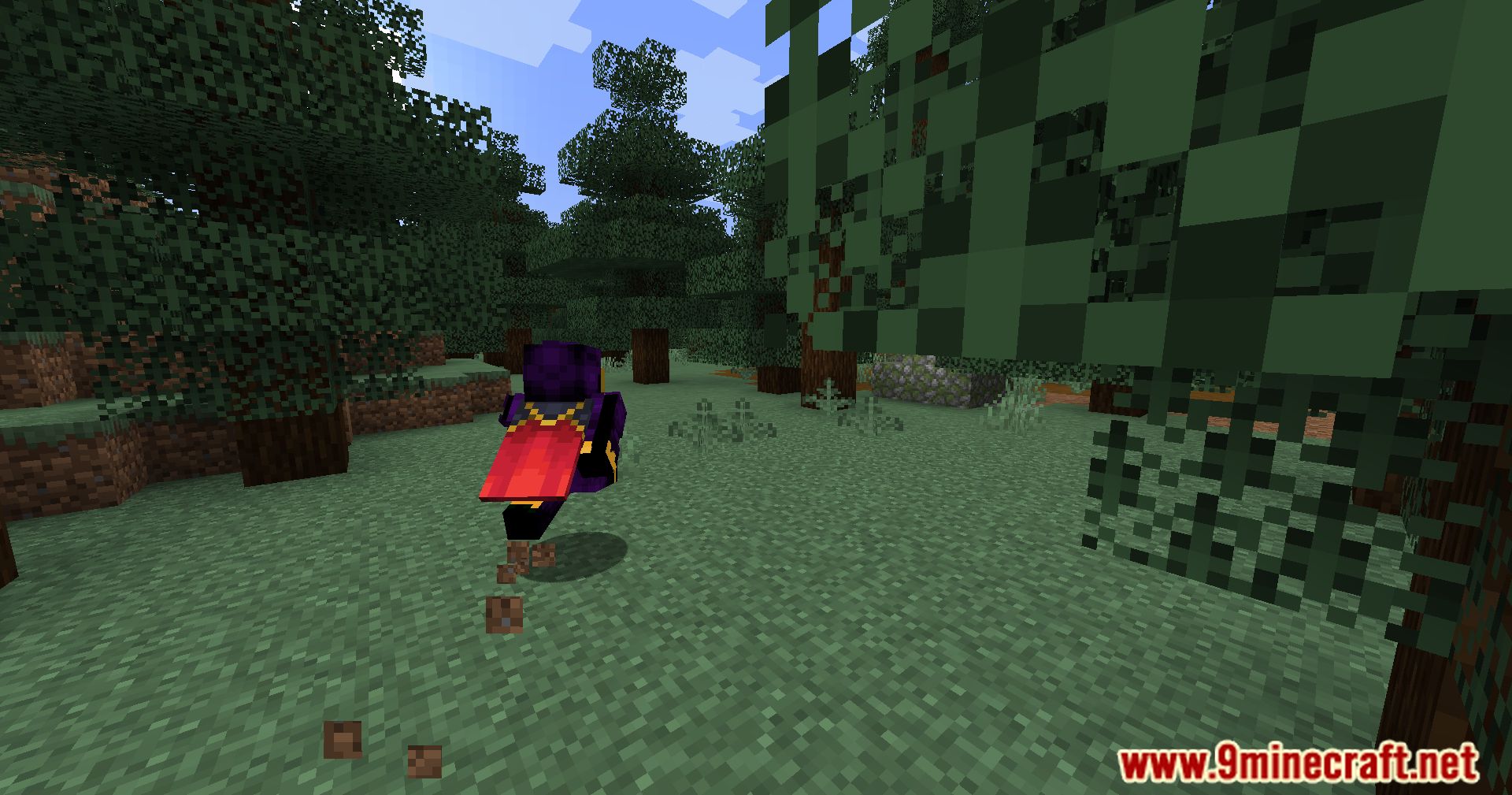
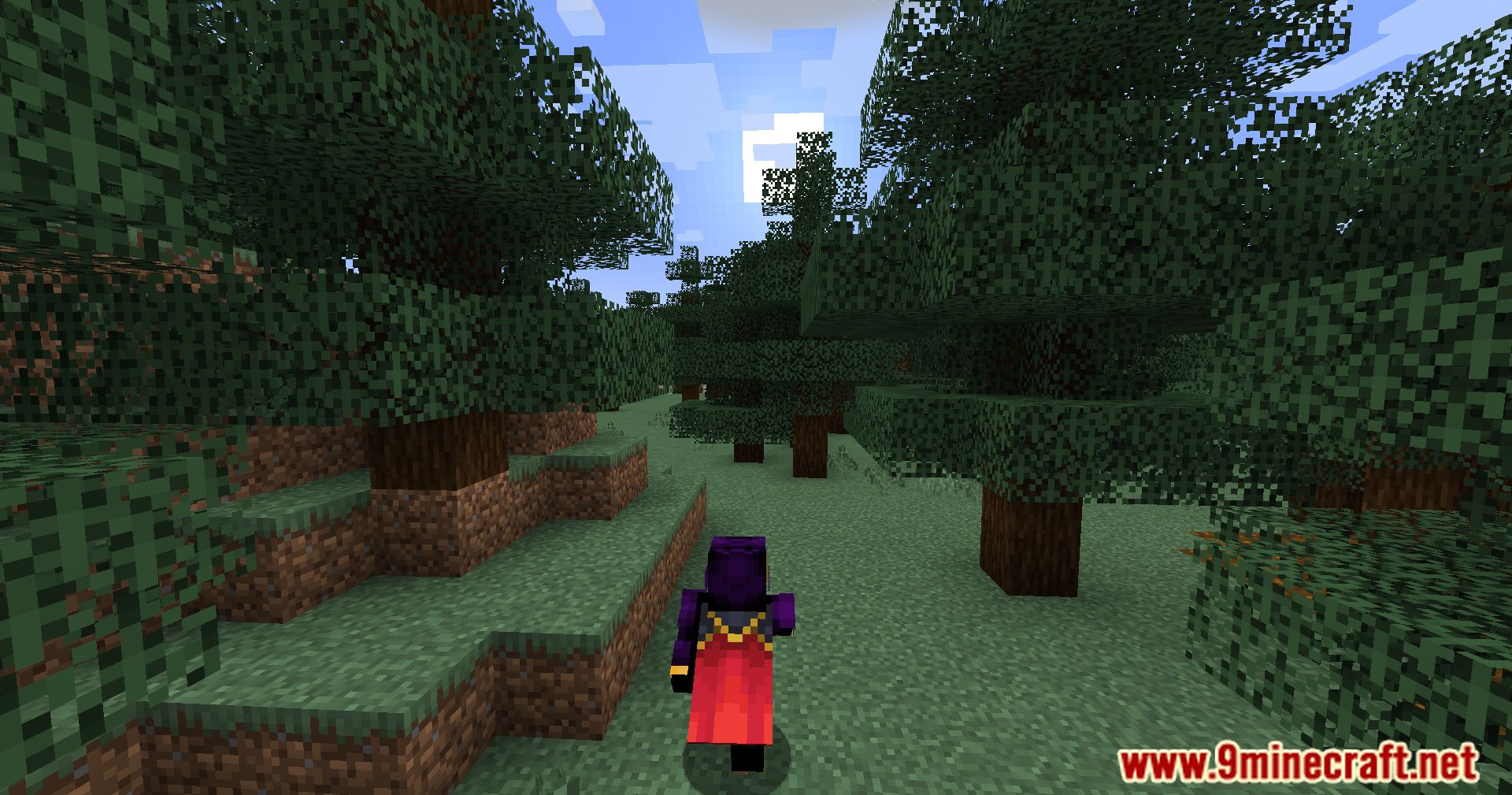
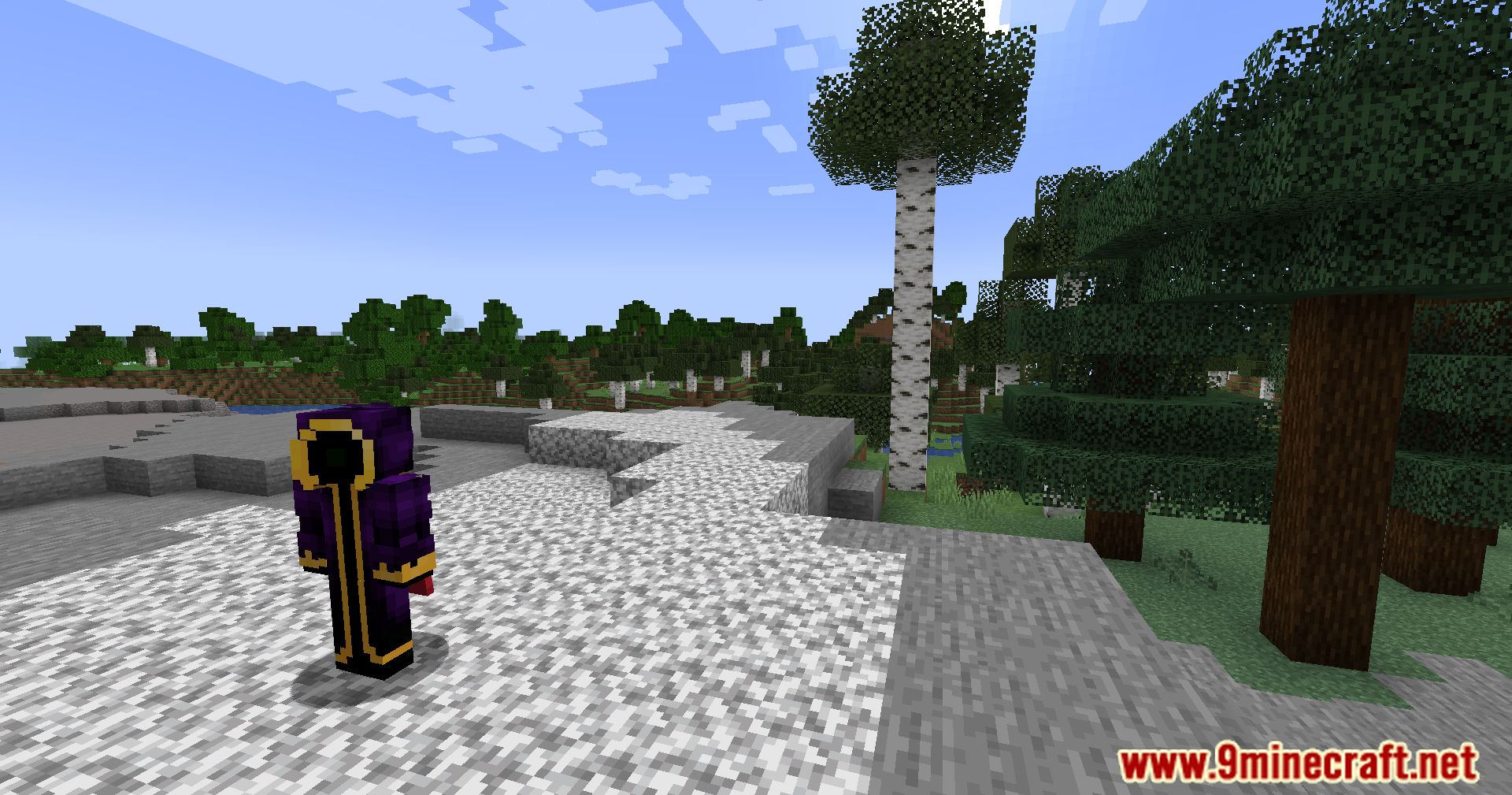
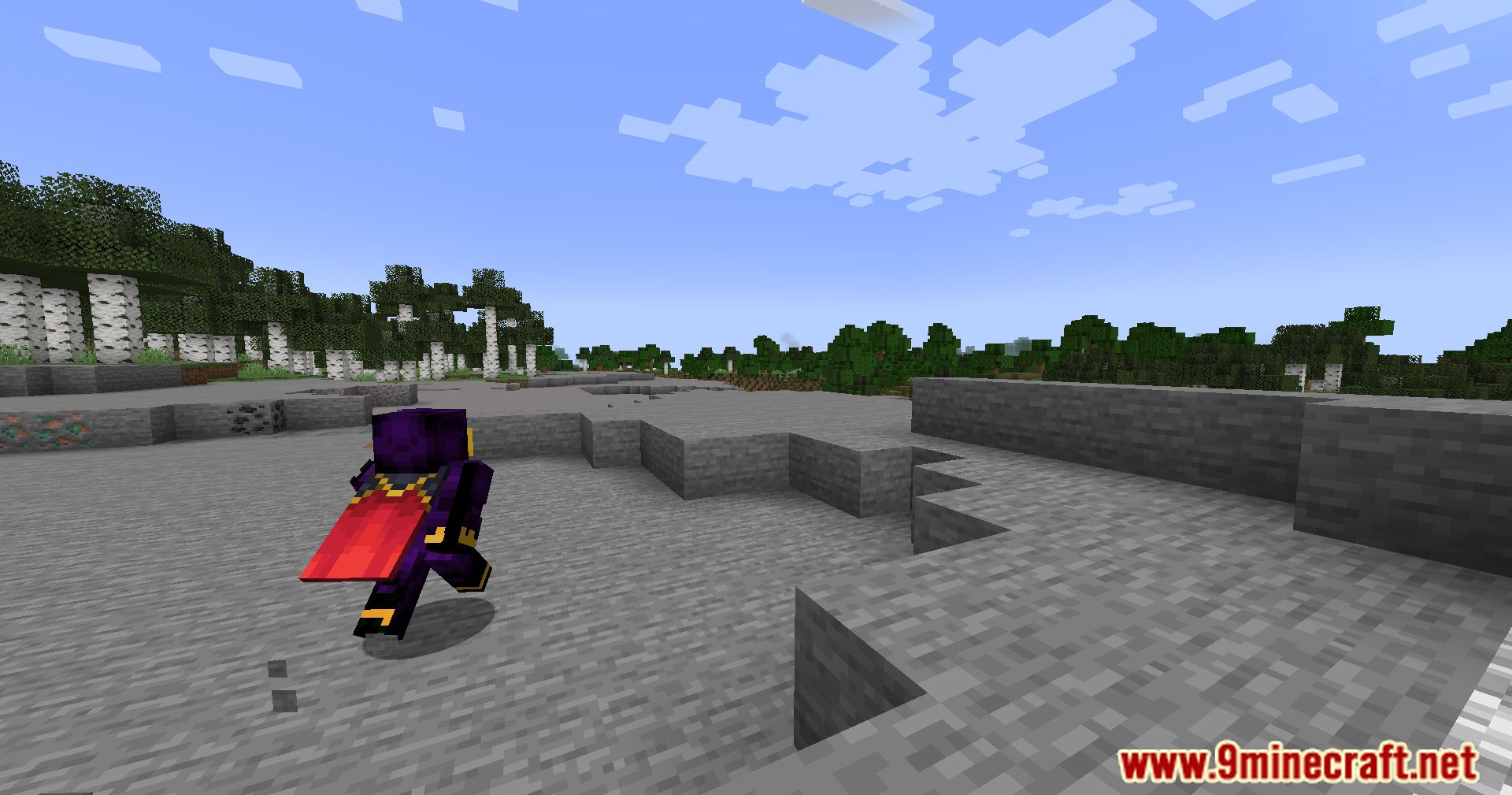
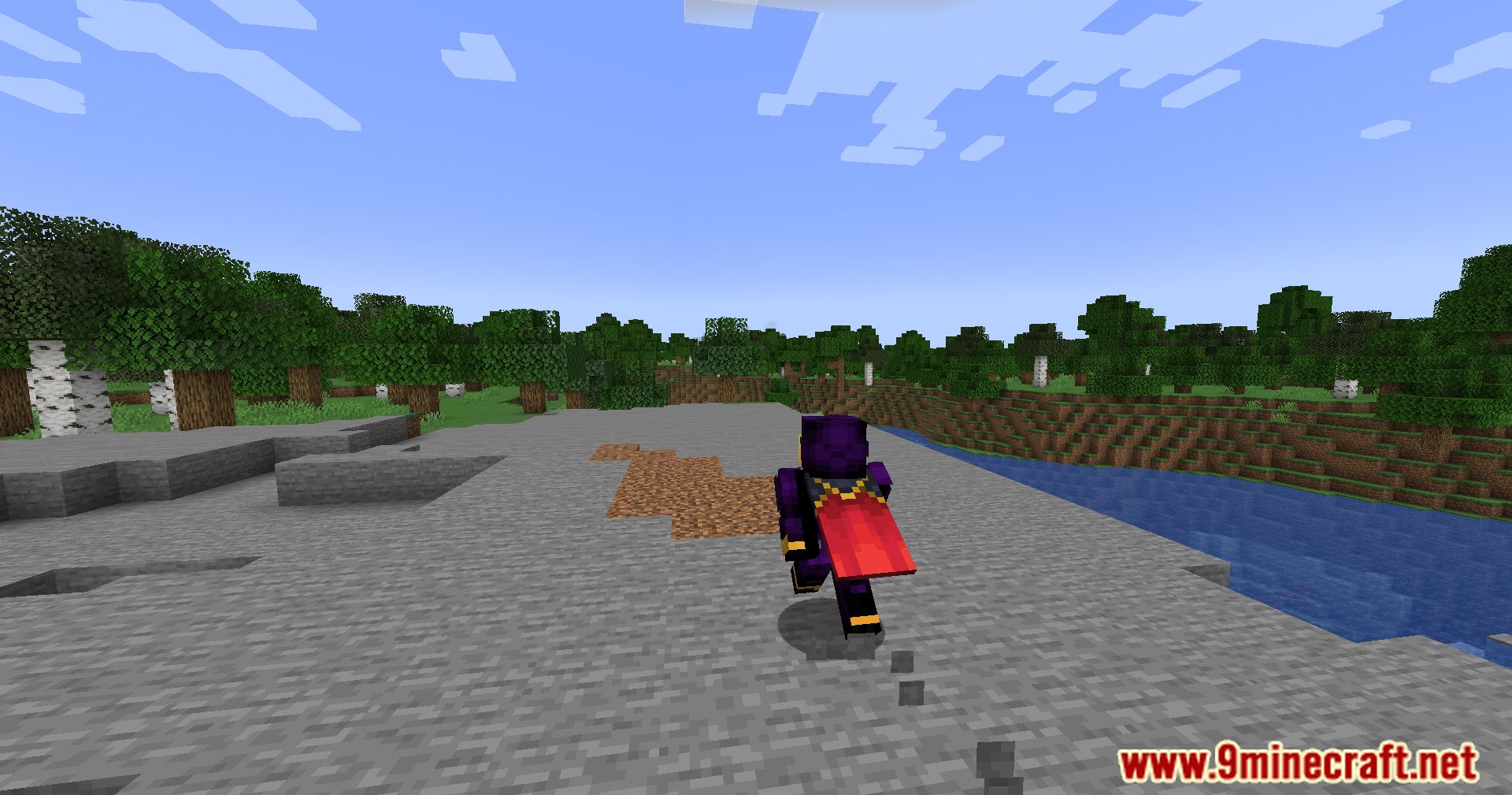
YDM’s Custom Camera View Mod lets you change your camera position and angle when you play in third-person mode. You can move the view in six directions, rotate its pitch and yaw, or lock the camera in one spot so it does not follow your character. This mod uses simple keybinds that you can reset or change anytime in your game settings.
Features:
- Lets you move your third-person camera up, down, left, right, forward, and backward.
- Allows you to rotate the camera yaw side to side and tilt the pitch up or down.
- Includes a stop camera toggle that locks the view in place so it stops following your character.
- Provides a reset key to return the camera to its normal position at any time.
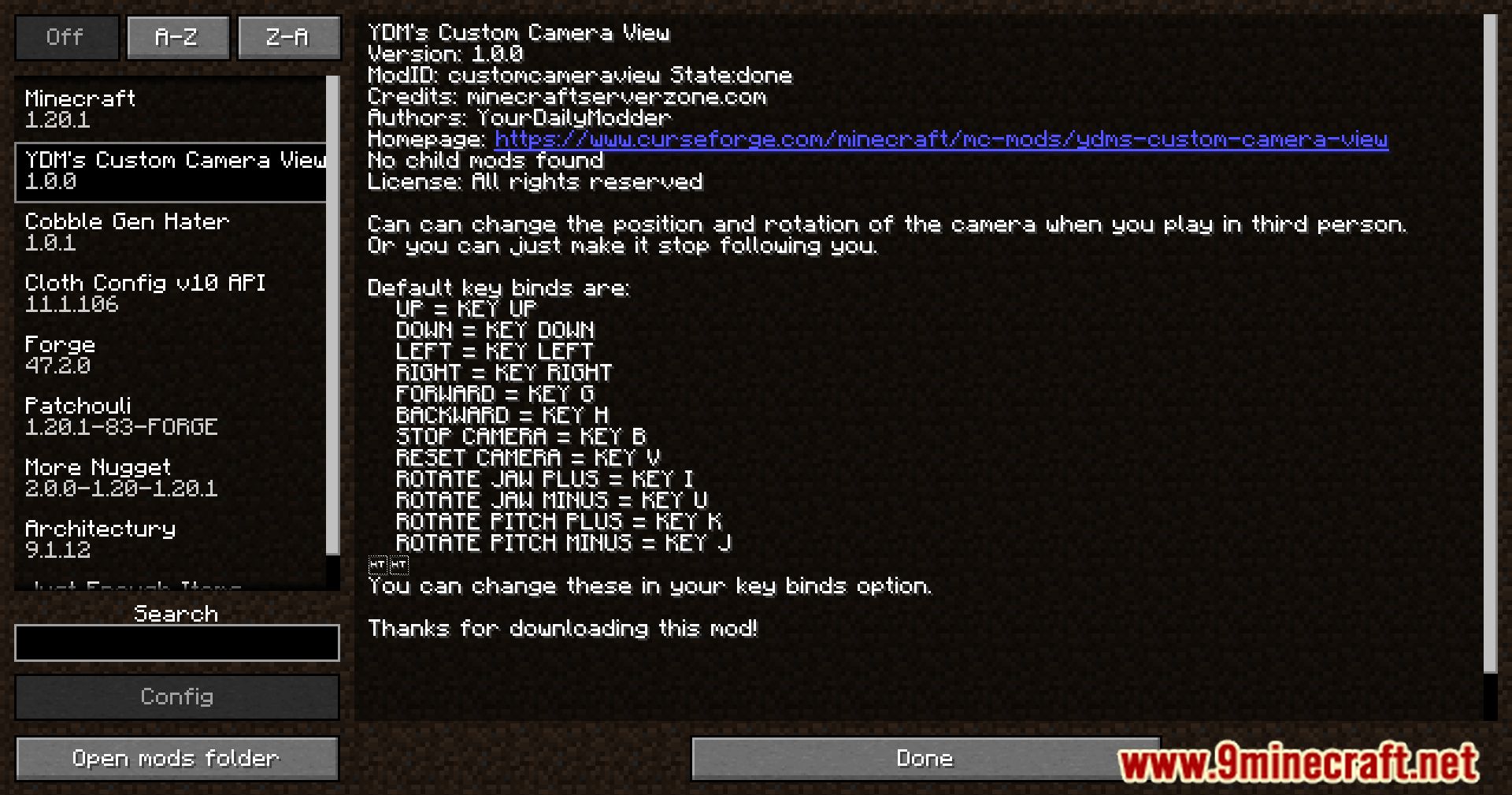
- Lets you change all 12 default camera keys inside the game’s keybinds options menu.
How to Use:
- Switch to third-person view in the game to start moving your camera.
- Press the Up, Down, Left, and Right arrow keys to move the camera up, down, left, or right.
- Press G to move the camera forward, or press H to move it backward.
- Press I (plus) or U (minus) to rotate the camera yaw side to side.
- Press K (plus) or J (minus) to tilt the camera pitch up or down.
- Press B to stop the camera from following your character so it stays in one spot.
- Press V to reset the camera back to its normal position.
- Open the keybinds menu in your Minecraft settings if you want to change any of these default keys.
Screenshots:
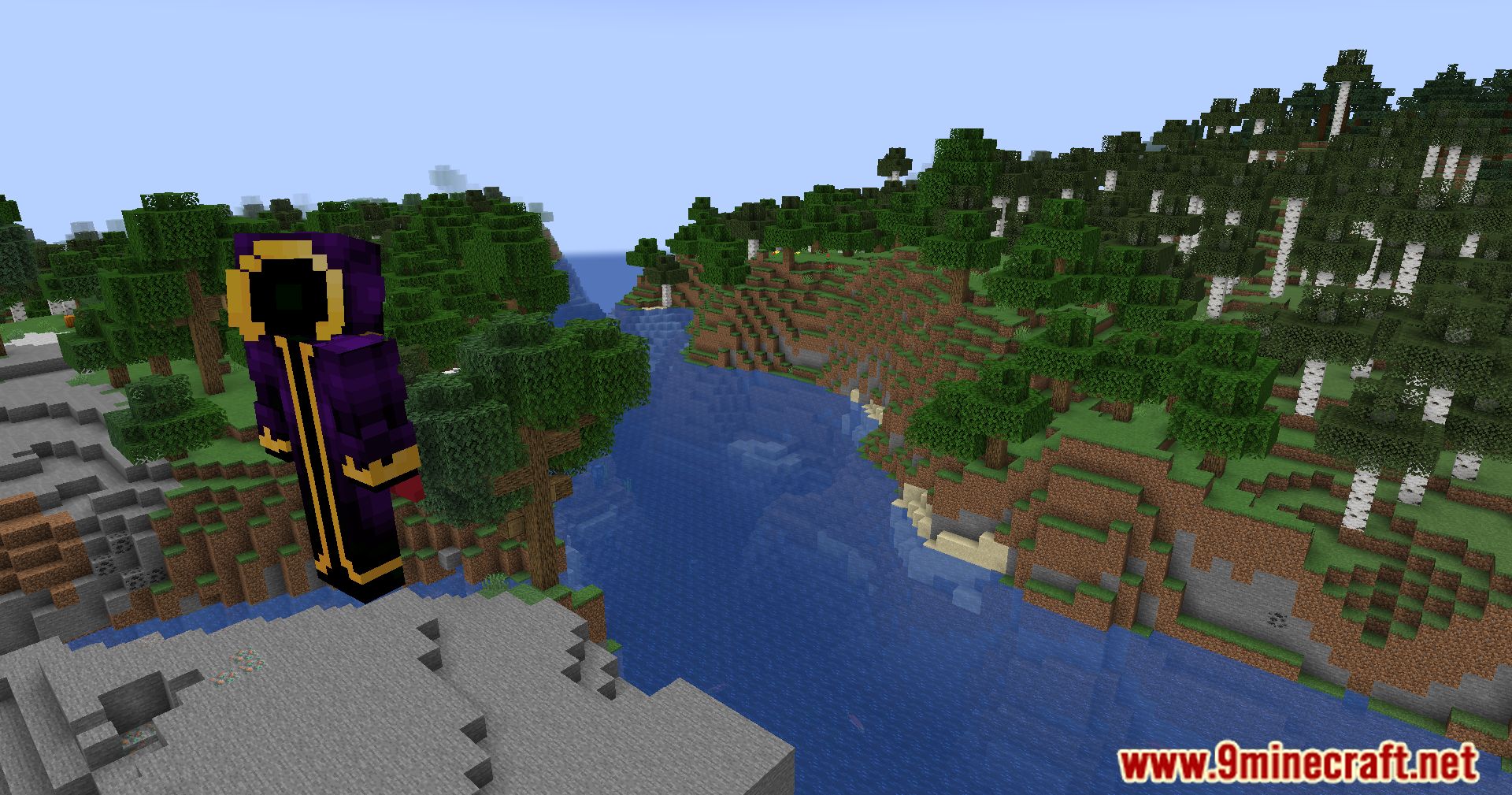
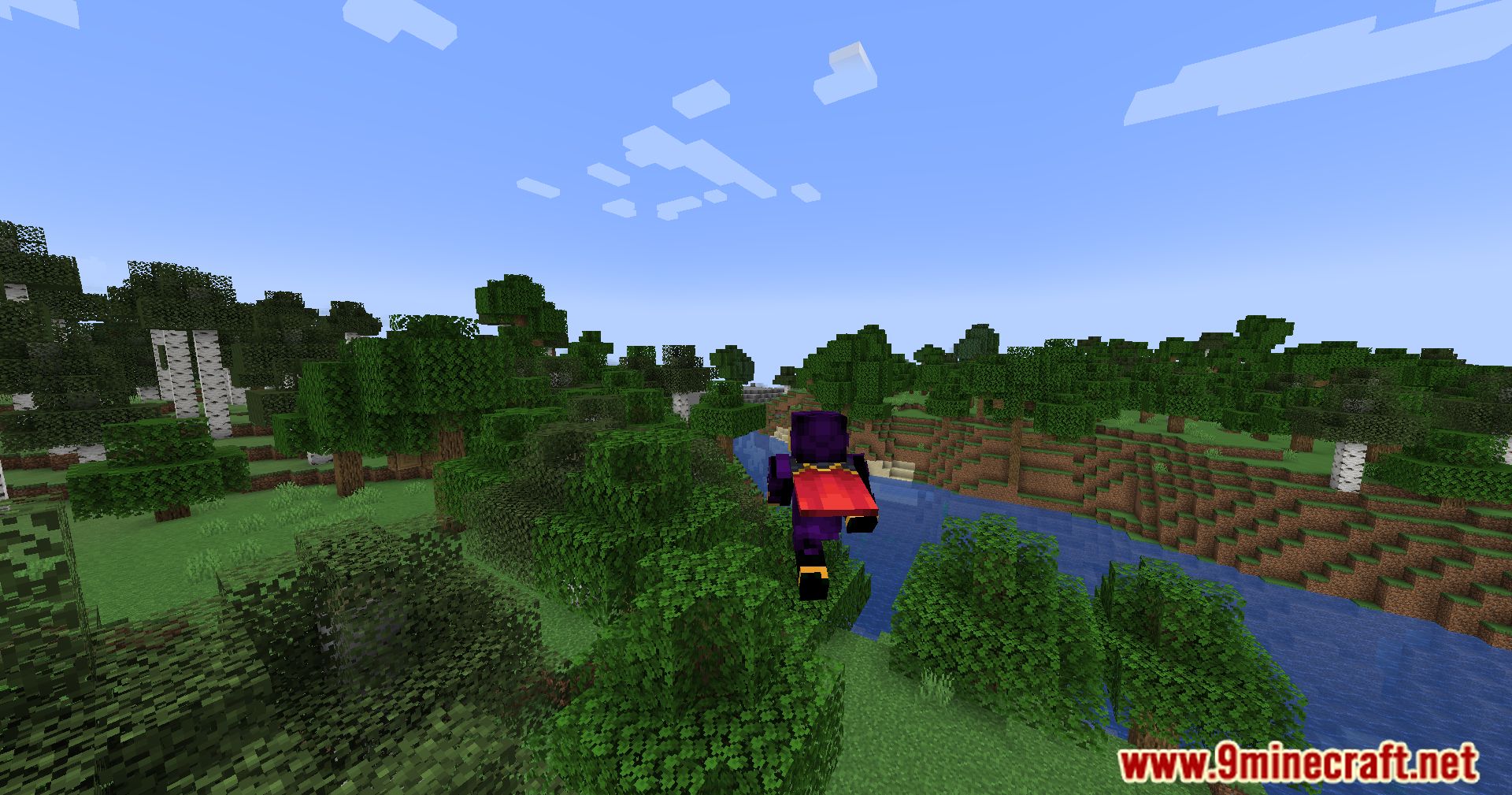
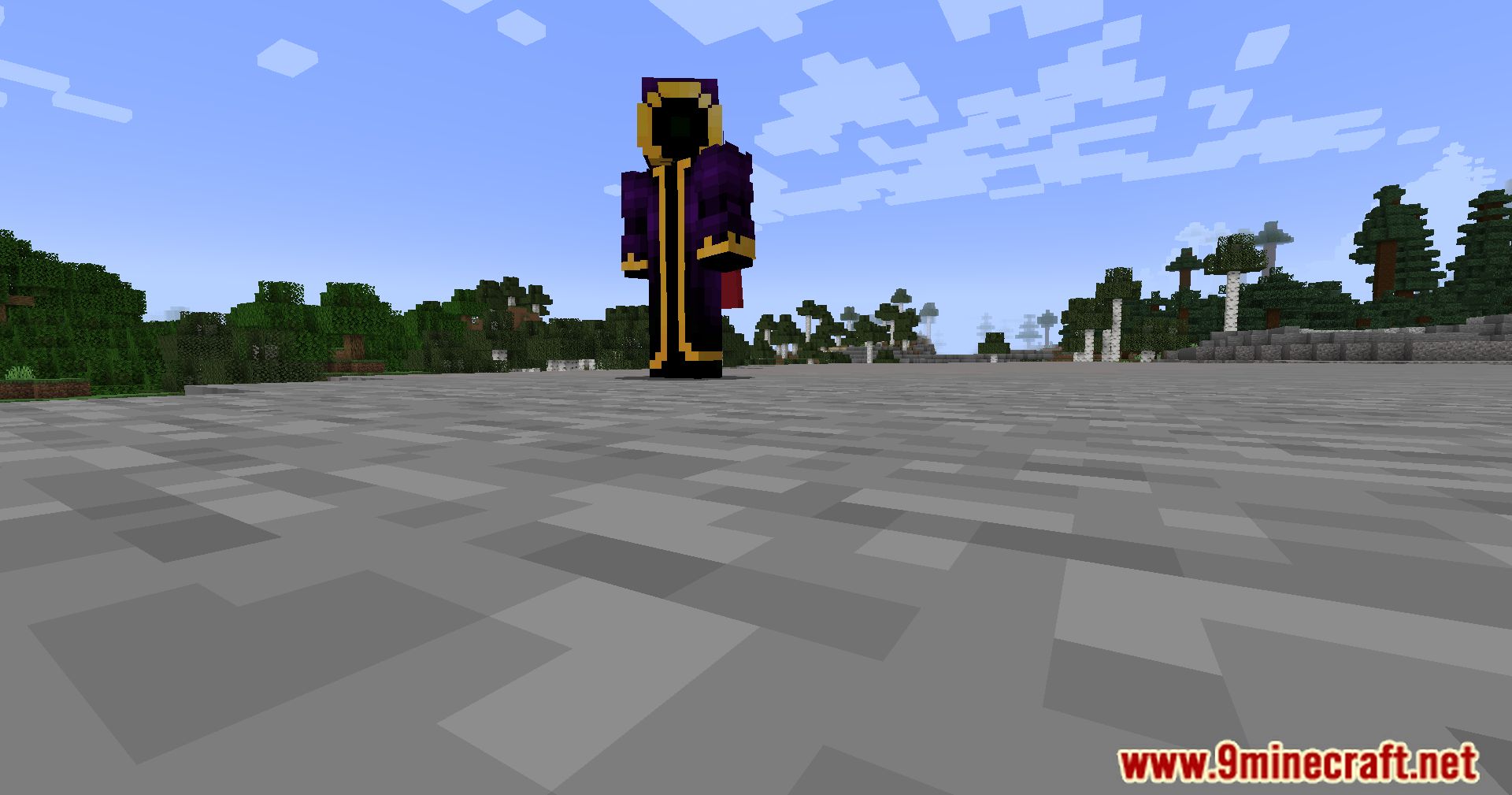
How to Install:
New to Minecraft? Follow our step-by-step guide to install Mods on your PC.View Guide
YDM's Custom Camera View Mod Download Links
For Minecraft 1.21.8, 1.21.7, 1.21.6
Forge Version: Download from Server 1 – Download from Server 2
For Minecraft 1.21.1, 1.21
Forge Version: Download from Server 1 – Download from Server 2
For Minecraft 1.20.1
Forge Version: Download from Server 1 – Download from Server 2
For Minecraft 1.19
Forge Version: Download from Server 1 – Download from Server 2
For Minecraft 1.18.2, 1.18.1
Forge Version: Download from Server 1 – Download from Server 2
For Minecraft 1.16.5
Forge Version: Download from Server 1 – Download from Server 2
You May Also Like
Picked for this page
 Simple Planes Mod (1.21.1, 1.20.1) – New Vehicles, Flying
 Draconic Additions Mod (1.21.1, 1.20.1) – Make Draconic Evolution More Awesome
 Better Clouds Mod (26.3, 1.20.1) – Realistic Sky
 Blast Mod (26.3, 1.20.1) – Bombs, Explosion
 PantheonSent Mod (1.20.1) – New Moon Knight Hero
 Banner Flags Mod (26.3, 1.20.1) – Customize Your World With Banner Flags
 Advanced Shulkerboxes Mod (26.2, 1.20.1) – Improved Function of Shulker Box
 Simple Music Control Mod (26.3, 1.21.1) – Take Over Minecraft Soundtrack
 Growmeal Mod (26.3, 1.20.1) – Speed Up Your Farming
 No Portals Mod (26.3, 1.20.1) – Take Control Of Dimensional Access
 Shearable Vines Mod (26.3, 1.20.1) – Keep Your Builds Tidy
 Crop Critters Mod (26.2, 1.20.1) – Living Crops Farming Automation
Most viewed in Mods over the last 7 days
 Ala Industrial Mod (26.3) – Run Electric Power Grids and Automated Factories
 PleasureCraft Mod (26.3, 1.21.1) – Jenny Mod Remake for Fabric
 Jennycraft Mod (26.3, 1.20.1) – Virtual Girlfriend in Minecraft
 Fapcraft Mod (26.3, 1.12.2) – Comprehensive and Detailed Content
 Jenny Mod (Fapcraft) Official Complete Guide – How to use, Tutorial
 BangCraft Mod (1.20.1) – Jenny, Ellie and Elliot
 Fabric Loader (26.3, 1.20.1) – Fabric Installer for All Minecraft Versions
 The Shooting Star Demo Mod (26.3, 1.20.1) – Vaporize Terrain From Orbit
 Meteor Client Mod (26.3, 1.20.1) – Xray, HUD, Fly
 OptiFine HD (26.3, 1.20.1) – Run Faster, FPS Boost, Shaders Support
 Aristois Client Mod (1.21.4, 1.20.1) – World Class Minecraft Utility
 Prestige Client Mod (1.21.11, 1.21.4) – Powerful Ghost Features for Crystal & Sword PvP
More from Mods
 Tempest Almanac Iron’s Spells ‘n Spellbooks Mod (1.21.1, 1.20.1)
 Chat Guides Mod (26.3, 1.21.11) – Never Memorize Complex Server Commands Again
 TRMT Reimagined the Roads More Travelled Mod (26.3, 1.20.1)
 Morrowless Mod (1.21.1) – Defend Your Shelter From Nightmare Creatures
 THE SLOPSTROSITY Mod (1.21.1) – Battle a Ridiculous Slime Boss
 Decoween Mod (1.21.1, 1.20.1) – Transform Ordinary Survival Bases
 Simply Light 9minecraft Mod (26.3) – Decorate Builds Without Torches
 Alex’s Caves Continued Mod (26.3, 1.20.1) – Conquer Six Massive Underground
 Anvil Uses Mod (26.3, 1.20.1) – Track Item Anvil Usage
 Animal Info Mod (26.3, 1.21.11) – Quick Stats For Your Animals
 Timber Tales Dynamic Tree System Mod (26.3, 1.20.1) – Watch Entire Trees Topple
 Gabou’s Libs Mod (26.3, 1.20.1) – Keep Custom Weather and Survival Mods Stable

This post has no comments yet. Be the first — your comment will appear here.