
Multi Backpack Addon (26.x, 1.21+) – Carry Extra Loot on Every Run
 88,742
 0


Multi Backpack Addon brings many new backpacks to your game with a simple design. It includes various colors like red, blue, green, yellow, orange, and purple. The addon works smoothly with other addons.
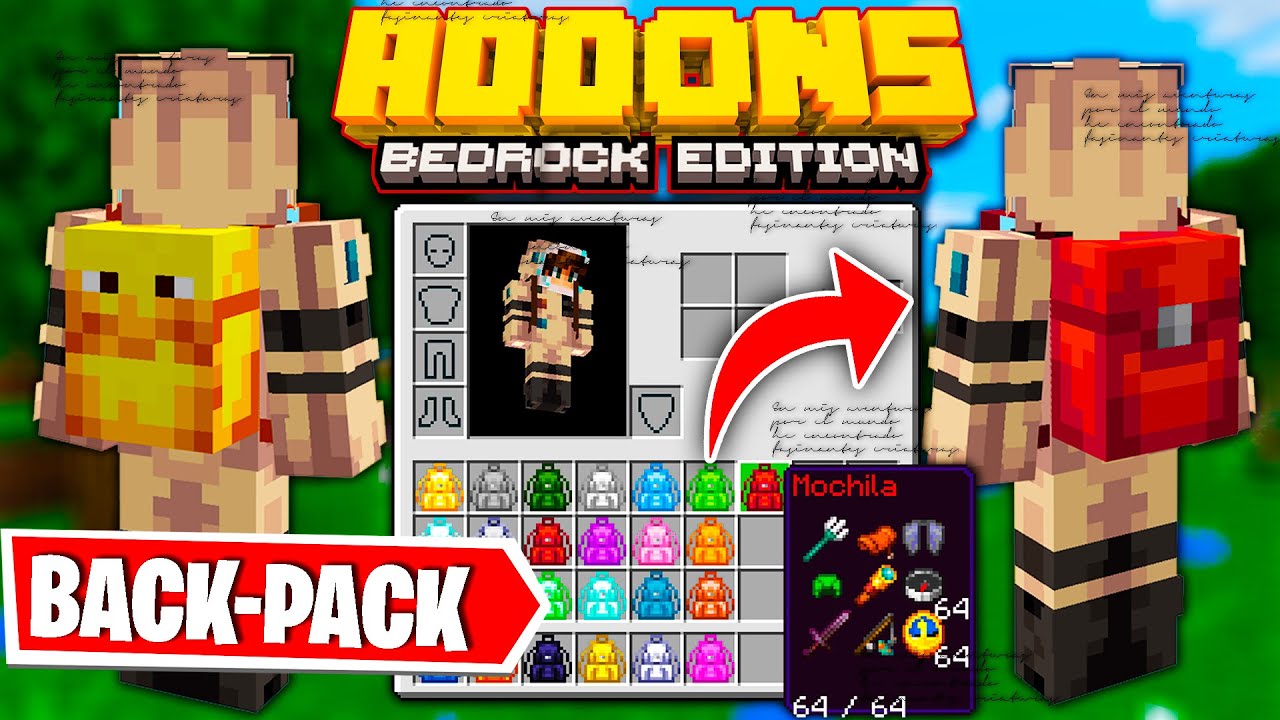
Features:
- Adds a base backpack crafted using nine leather pieces.
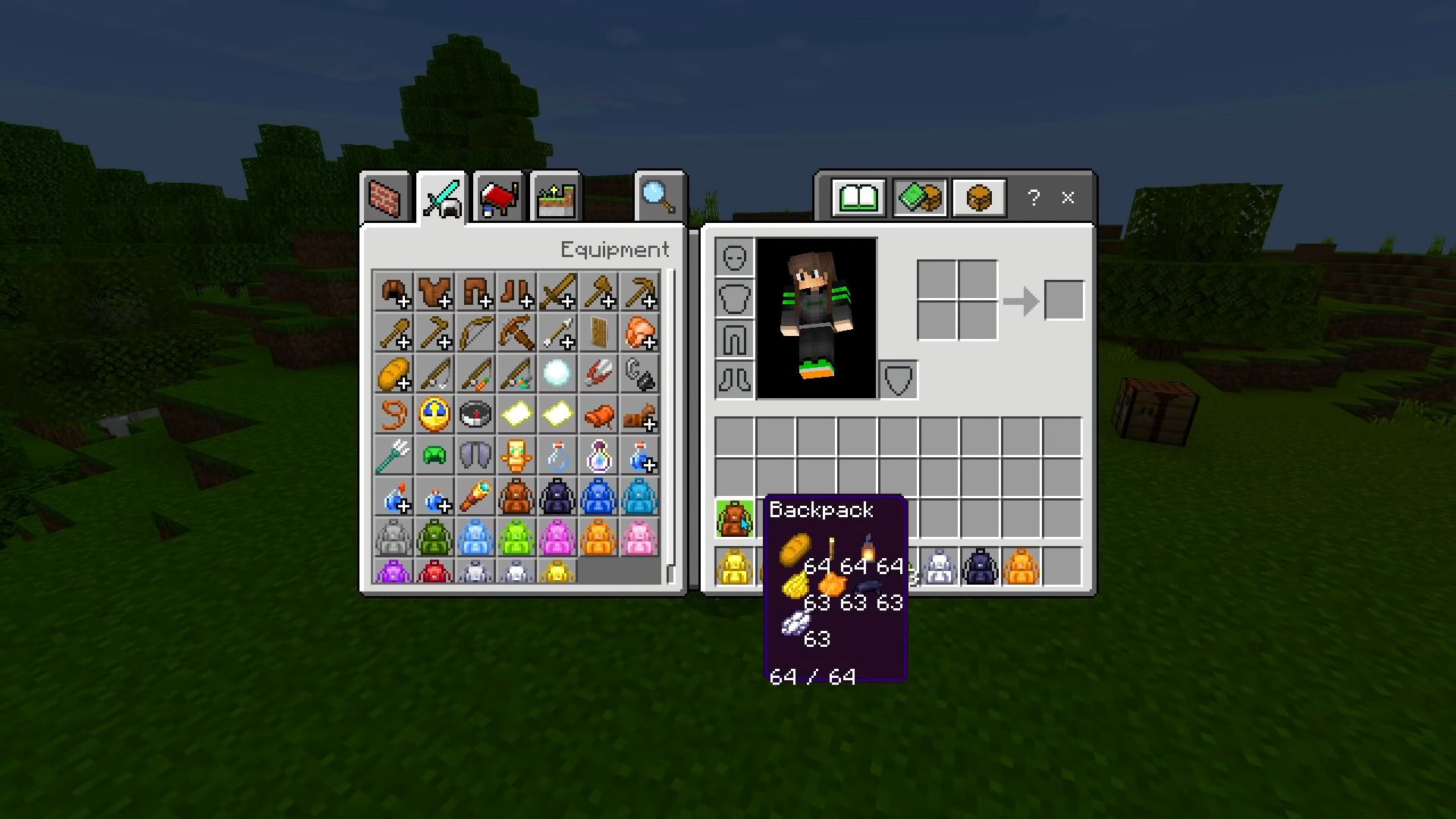
- Allows you to dye backpacks in different colors, though it is recommended to empty them before painting.
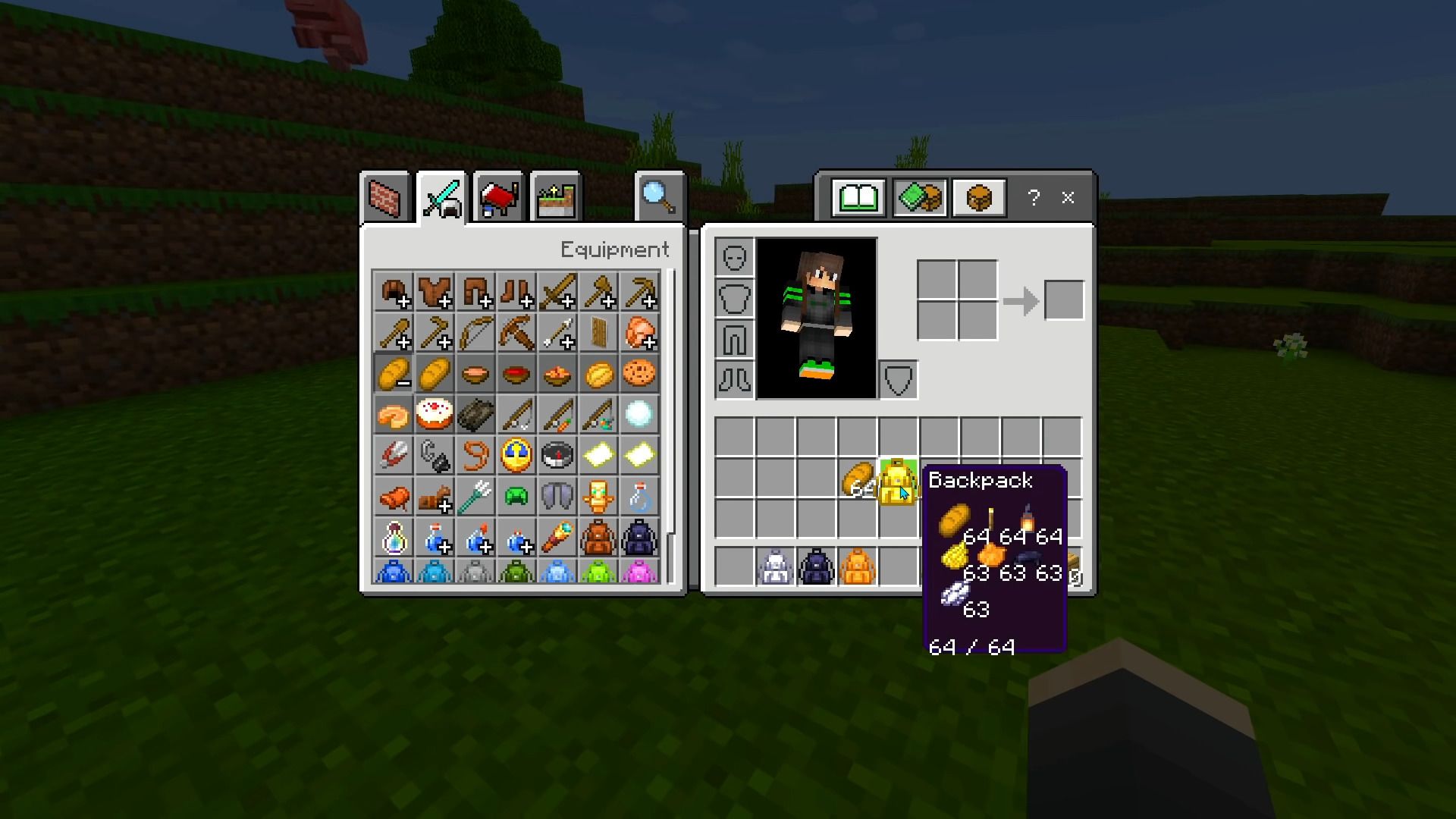
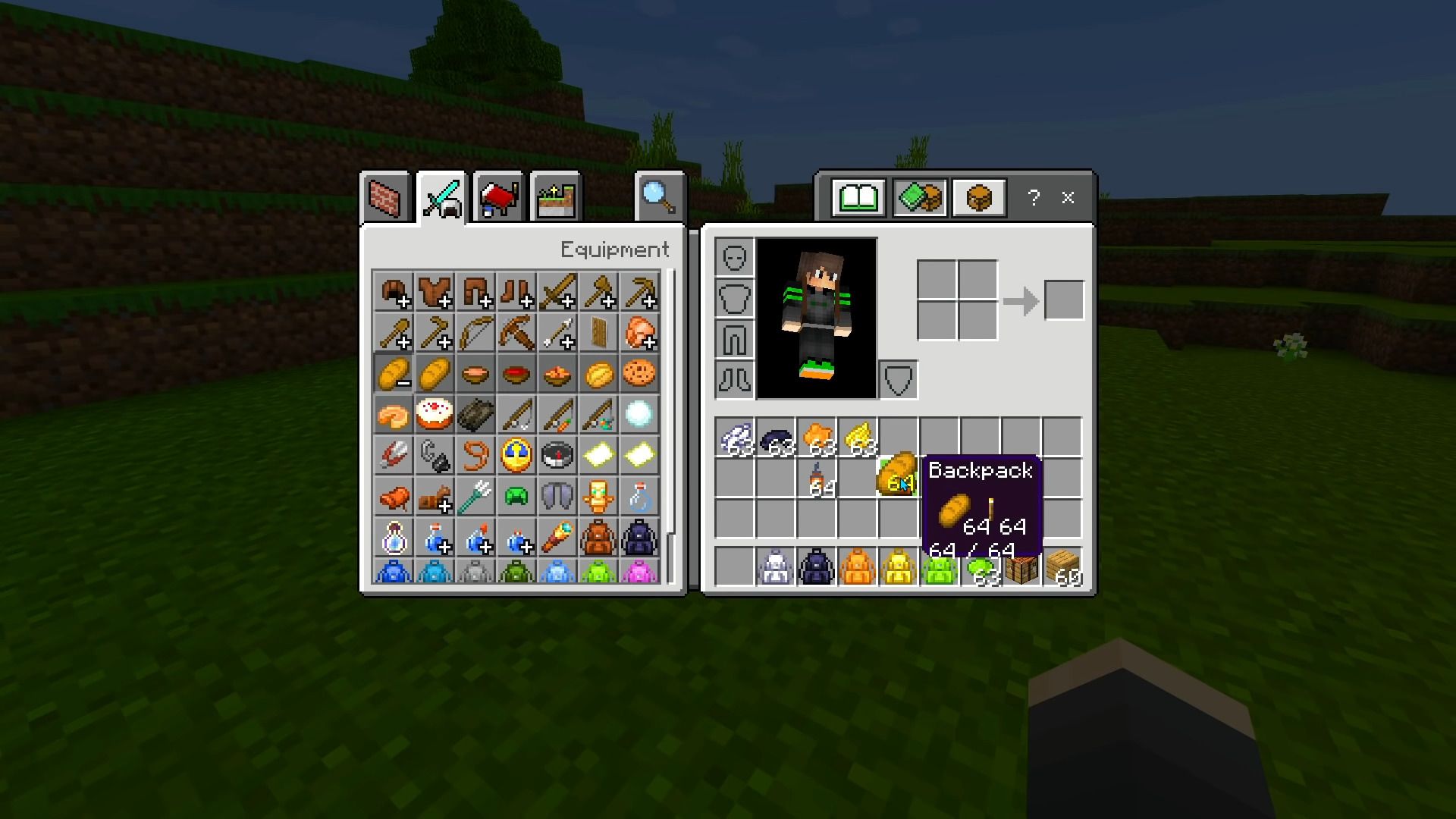
- Provides extra storage space to save items, tools, food, and blocks inside the backpack.
- Lets you view the contents inside by pressing the backpack.
- Displays the backpack on the player’s back when carried in the inventory.
- Compatible with other addons for smooth gameplay.
List of Backpacks:
- Sculk: A dark backpack styled after sculk blocks.
- Snow: A white backpack designed for snowy adventures.
- Blaze: A fiery yellow backpack with a unique face texture.
- Turtle backpack: Made using pieces of tortoiseshell.
- Redstone Backpack: Crafted using redstone components.
How to Use:
- Long press the screen on mobile devices or right click on Windows 10 to empty the backpack.
- Turn on Experimental Gameplay in your world settings to make the addon work properly.
Screenshots:
Installation Note:
- Active the Experimental Gameplay.
- This addon is compatible with any addon.
Generate Your Verification Key
Tap the button below to generate a verification key. Tap the key to copy, then paste it into the field on the next screen and tap VALIDATE to continue the install.
Tap the button again to generate a different code if needed.
Multi Backpack Addon Download Links
For Minecraft PE/Bedrock 1.20
Behavior: Download from Server 1 – Download from Server 2
Resource: Download from Server 1 – Download from Server 2
For Minecraft PE/Bedrock 1.19, 1.18
Behavior: Download from Server 1
Resource: Download from Server 1
For MCPE/Bedrock 26.30+
For MCPE/Bedrock 1.21.x
What is your biggest frustration when playing with mods?
13 responses · See the full results →
You May Also Like
Picked for this page
 Raiyon’s Dynamic Lighting Addon (26.x, 1.21) – MCPE/Bedrock Mod
 Morphing Bracelet Addon (26.x, 1.21) – MCPE/Bedrock Edition Mod
 True Backpack Addon (26.x, 1.21) – MCPE/Bedrock Mod
 True Weapons Addon (26.x, 1.21) – Minecraft PE/Bedrock Mod
 Backpack Plus Addon (1.26, 1.21) – MCPE/Bedrock Mod
 Definitive Tree Capitator Addon (26.x, 1.21) – Chop Down Tree Mod
 More Body Actions Addon (26.x, 1.21) – MCPE/Bedrock Mod
 Anime Characters Addon (1.26+, 1.21) – MCPE/Bedrock Waifus & Husbands Mod
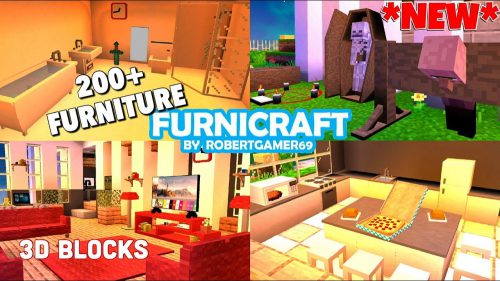 Furnicraft 3D Block Addon (1.26+) – With Simple Comes Alive Mod
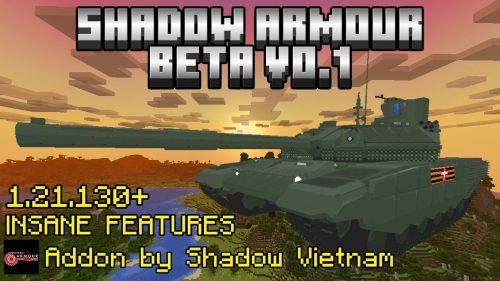 Shadow Armor Tanks Addon (26.x, 1.21) – T-90M, M1A2 Abram, Leopard 2A5
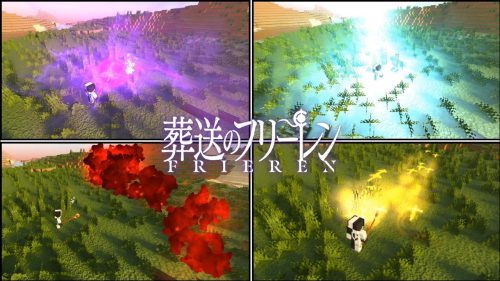 Sousou No Frieren Addon (1.21+) – MCPE/Bedrock Mod
 VDX Java Desktop UI Addon (26.x, 1.21) – Get Classic Java Desktop Menus and UI
Most viewed in Mods & Addons over the last 7 days
 Mob Girls Addon (1.26+, 1.21) – MCPE/Bedrock Mod
 Secrets of Berk Addon (26.33+) – How To Train Your Dragon Mod MCPE/Bedrock
 Jenny Colette Version Addon (26.x, 1.21) – MCPE/Bedrock Mod
 Jujutsu Awakening Addon (1.26+, 1.21+) – Prison Realm Update
 New Jujutsu Awakening Addon (1.26+) – MCPE/Bedrock
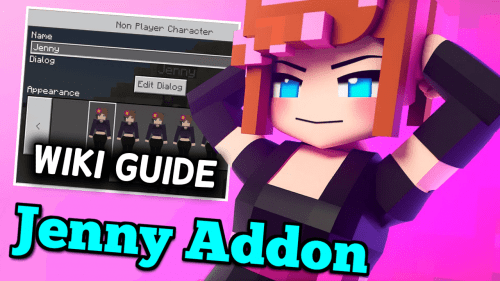 Jenny Add-on (Fapcraft) APK MCPE Full Guide – How to use, Tutorial
 Shadow Company Addon (26.x, 1.21) – MCPE/Bedrock Mod
 Titan Craft Addon (1.26+, 1.21) – MCPE/Bedrock Attack on Titan Mod
 Asa’s One Piece Addon (1.26+, 26.32) – MCPE/Bedrock Mod
 Raxiores of Raxiore Addon (1.26+) – MCPE/Bedrock
 Fapcraft Addon (1.26, 1.21) – MCPE/Bedrock Jenny Mod
 Naruto Jedy Addon V8 (26.30+, 1.18+) for MCPE/Bedrock Edition
More from Mods & Addons
 JUJUTSU COLLECTION (26+) – MCPE/Bedrock Addon
 SCP: CLASSIFIED (26+, 1.21) – MCPE/Bedrock Addon
 Balls Addon (26+, 1.21) – MCPE/Bedrock Addon
 Resin Plus (26+, 1.21) – MCPE/Bedrock Addon
 bum_Crops! (26+, 1.21) – MCPE/Bedrock Addon
 Goblin Traders Definitive Edition (26+, 1.21) – MCPE/Bedrock Addon
 Mega Vanilla Delight (26+, 1.21) – MCPE/Bedrock Addon
 Furniture-block Decor (26+, 1.21) – MCPE/Bedrock Addon
 Naruto Shippuden (26+) – MCPE/Bedrock Addon
 Treecapitator by Effect99 (26+, 1.21) – MCPE/Bedrock Addon
 Hoplite Weapons (26+, 1.21) – MCPE/Bedrock Addon
 Authentic Dynamic Light (26+, 1.21) – MCPE/Bedrock Addon

This post has no comments yet. Be the first — your comment will appear here.