


Distraction Free Recipes Mod (1.21.1, 1.20.1) – Declutter Your Inventory

 0
0 

🌐 Read this article in your language! Choose your preferred language below.
Or pick the one you like:
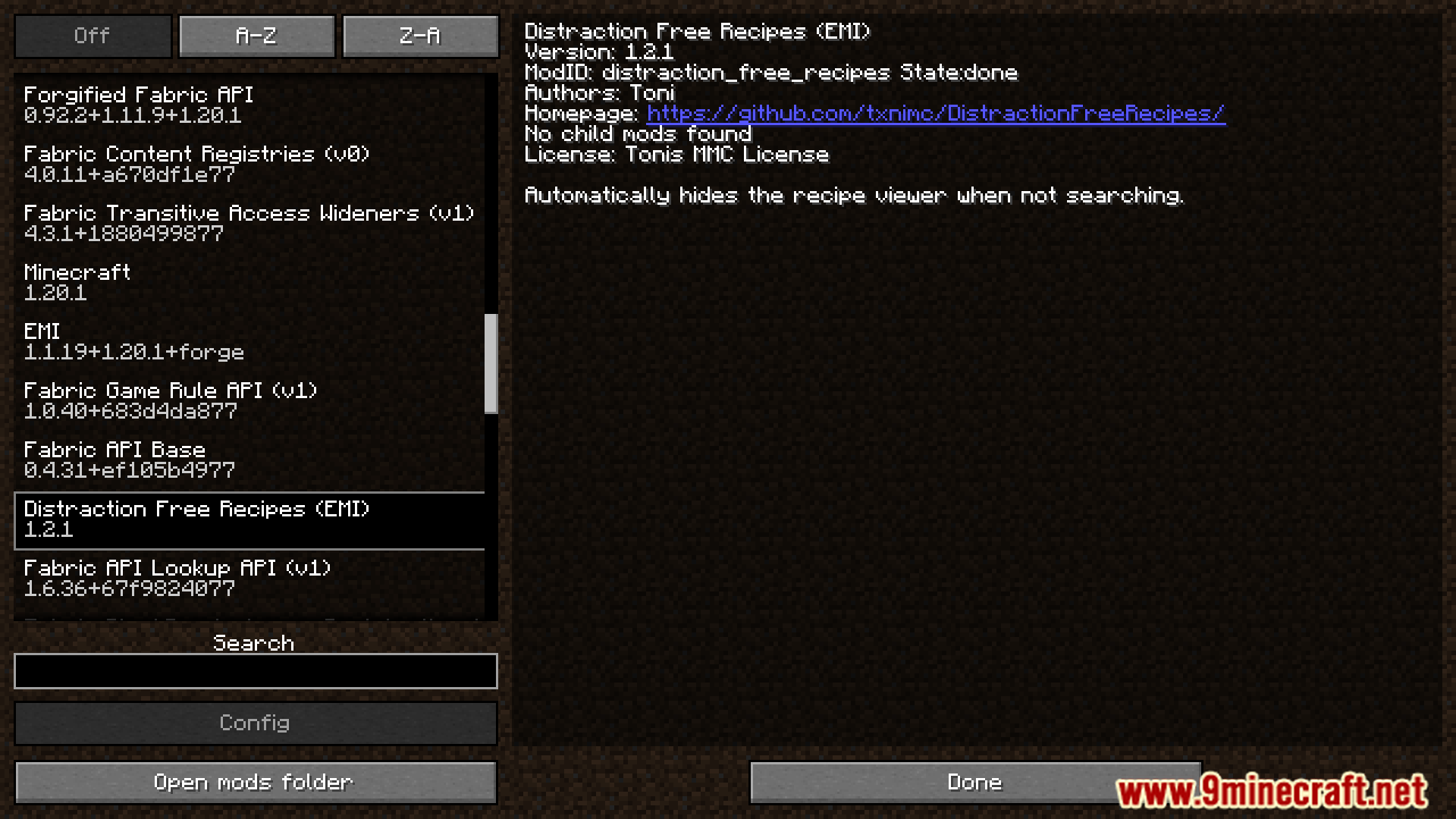
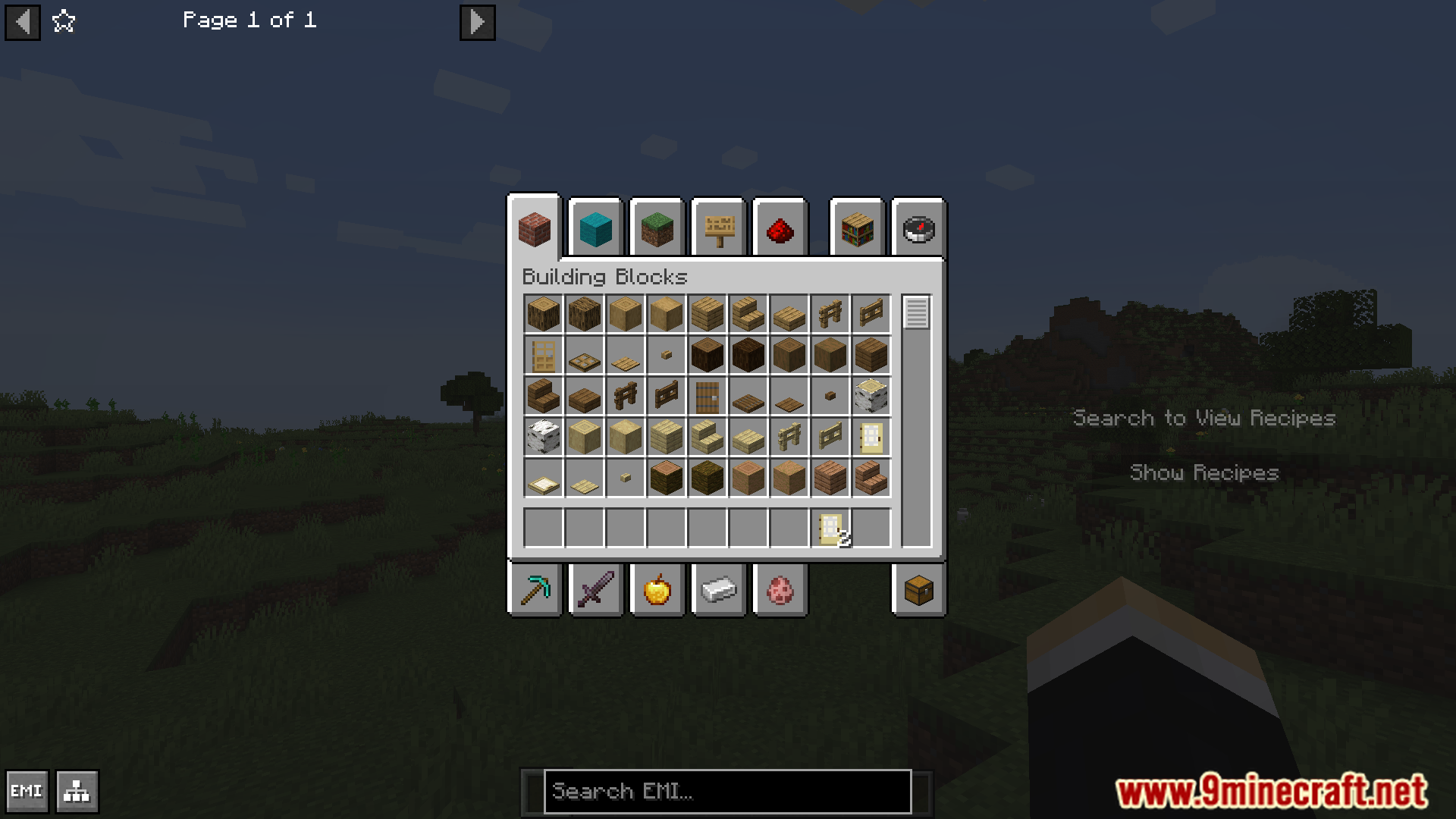
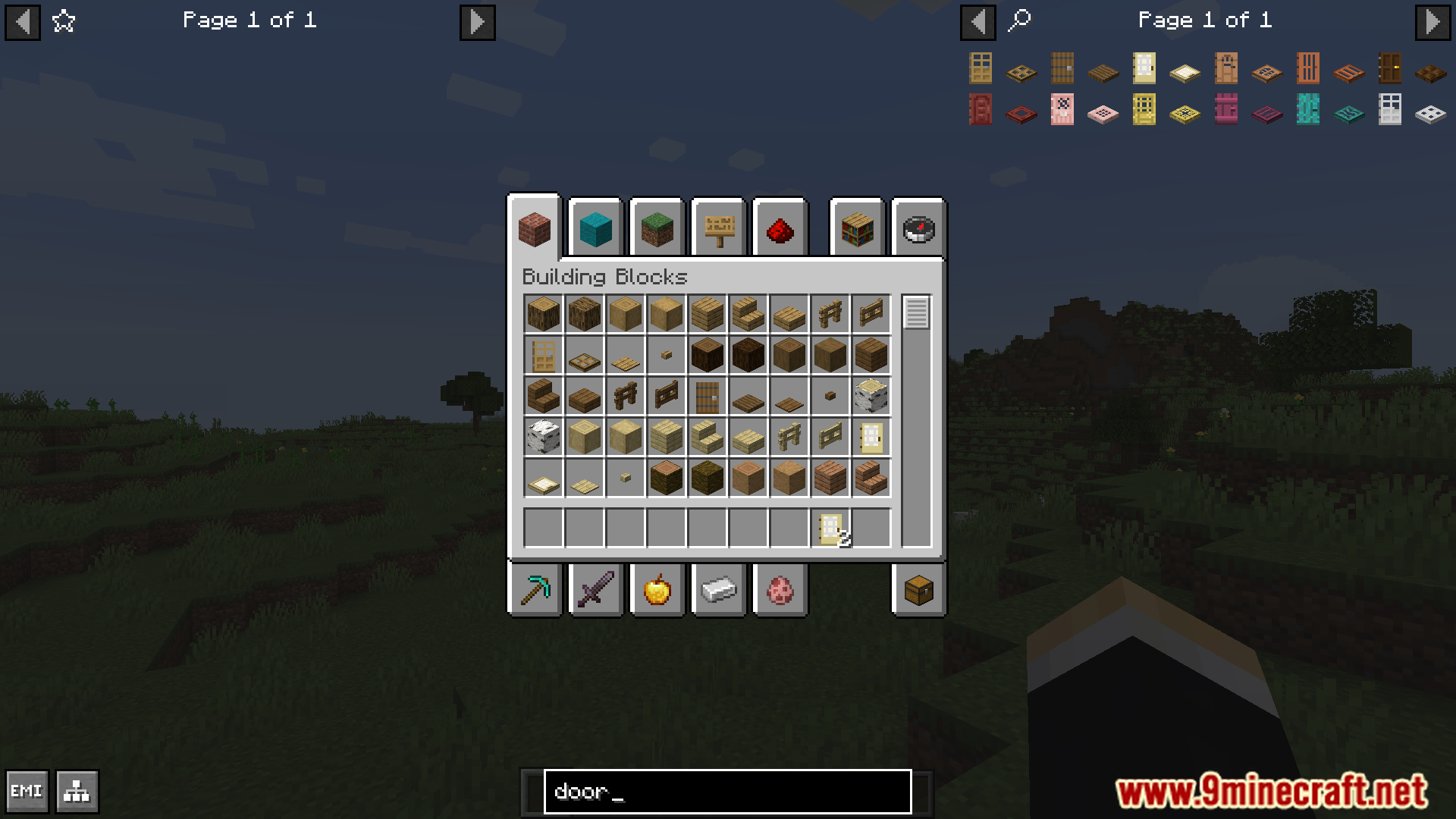
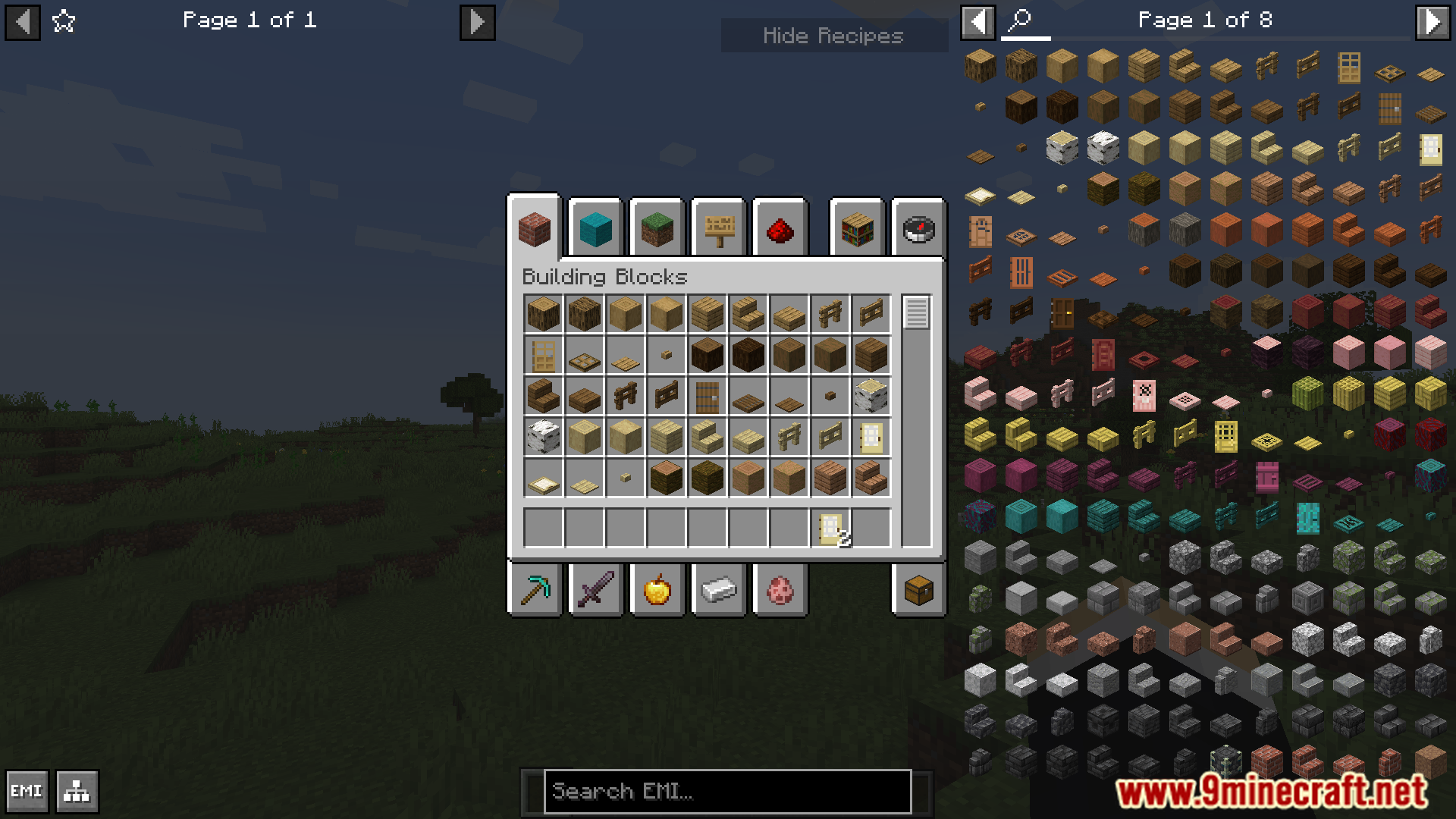
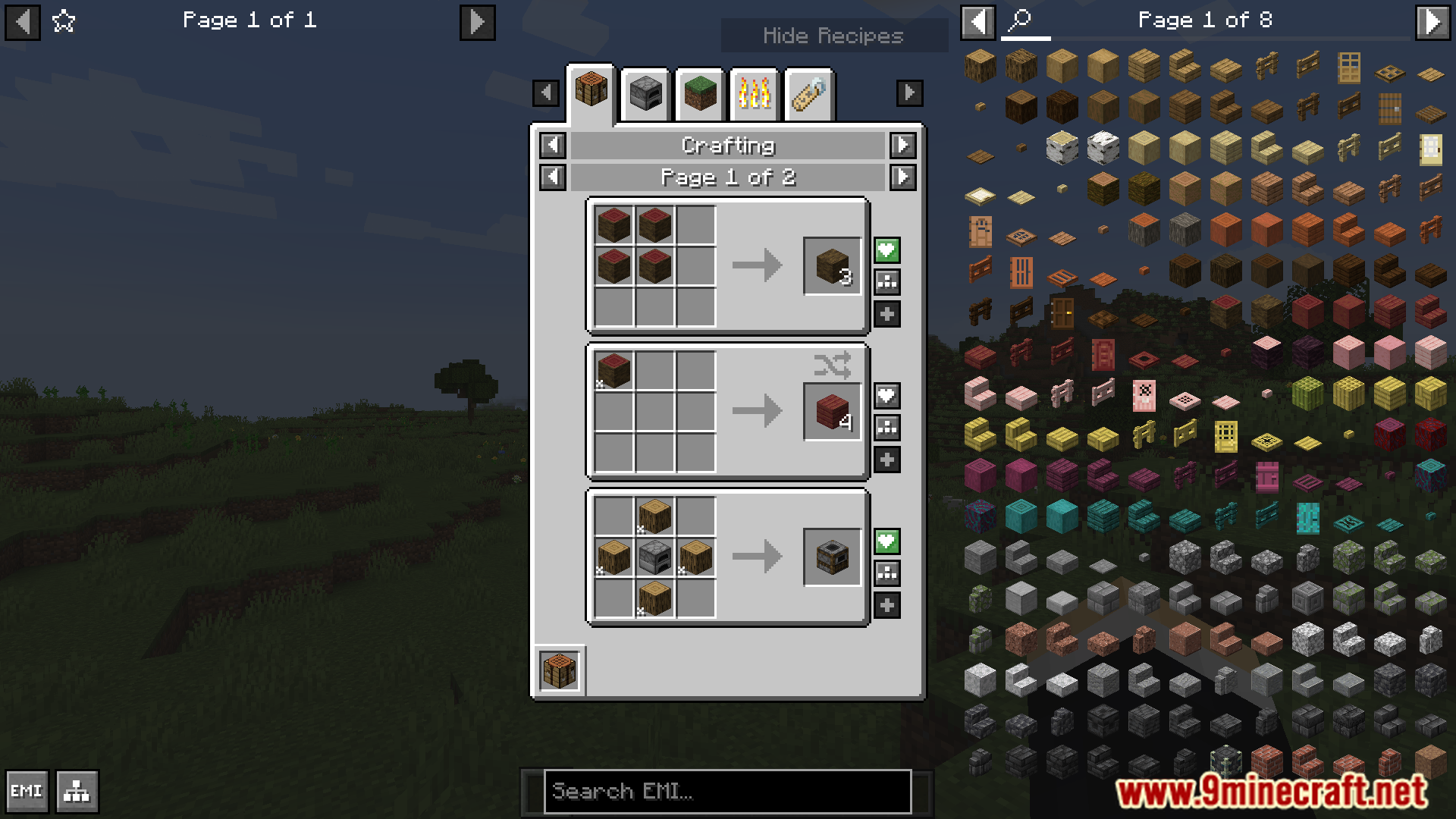
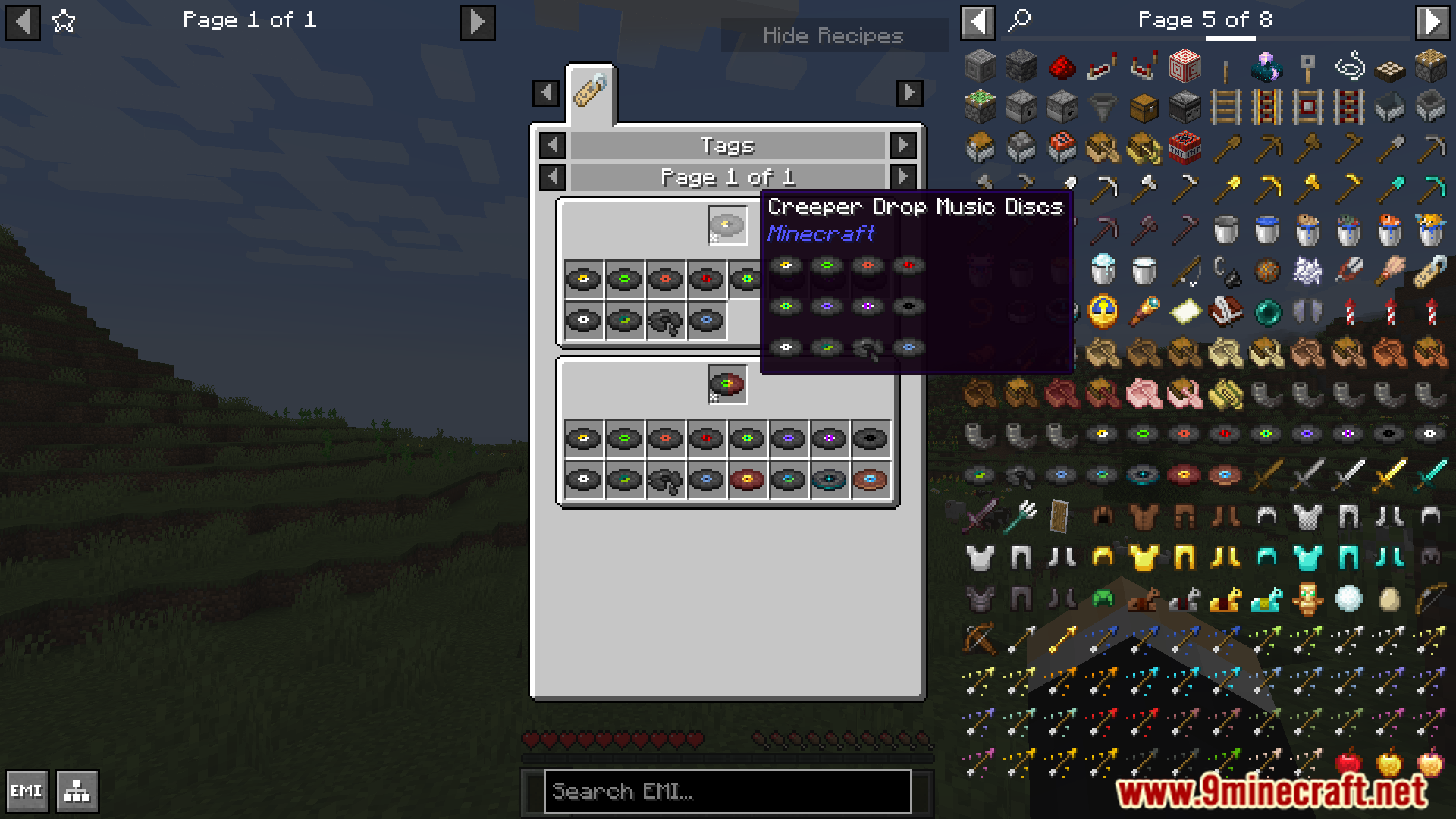
Distraction Free Recipes Mod cleans up your inventory screen by automatically hiding the long list of items. When you are not searching for a recipe, the list disappears, giving you a much clearer view. This is very helpful for new players who can feel overwhelmed by the cluttered interface in modded Minecraft.
Features:
- Automatically hides the recipe list when you are not using the search bar.
- Makes the inventory interface look cleaner and less crowded.
- Helps new players by simplifying the screen.
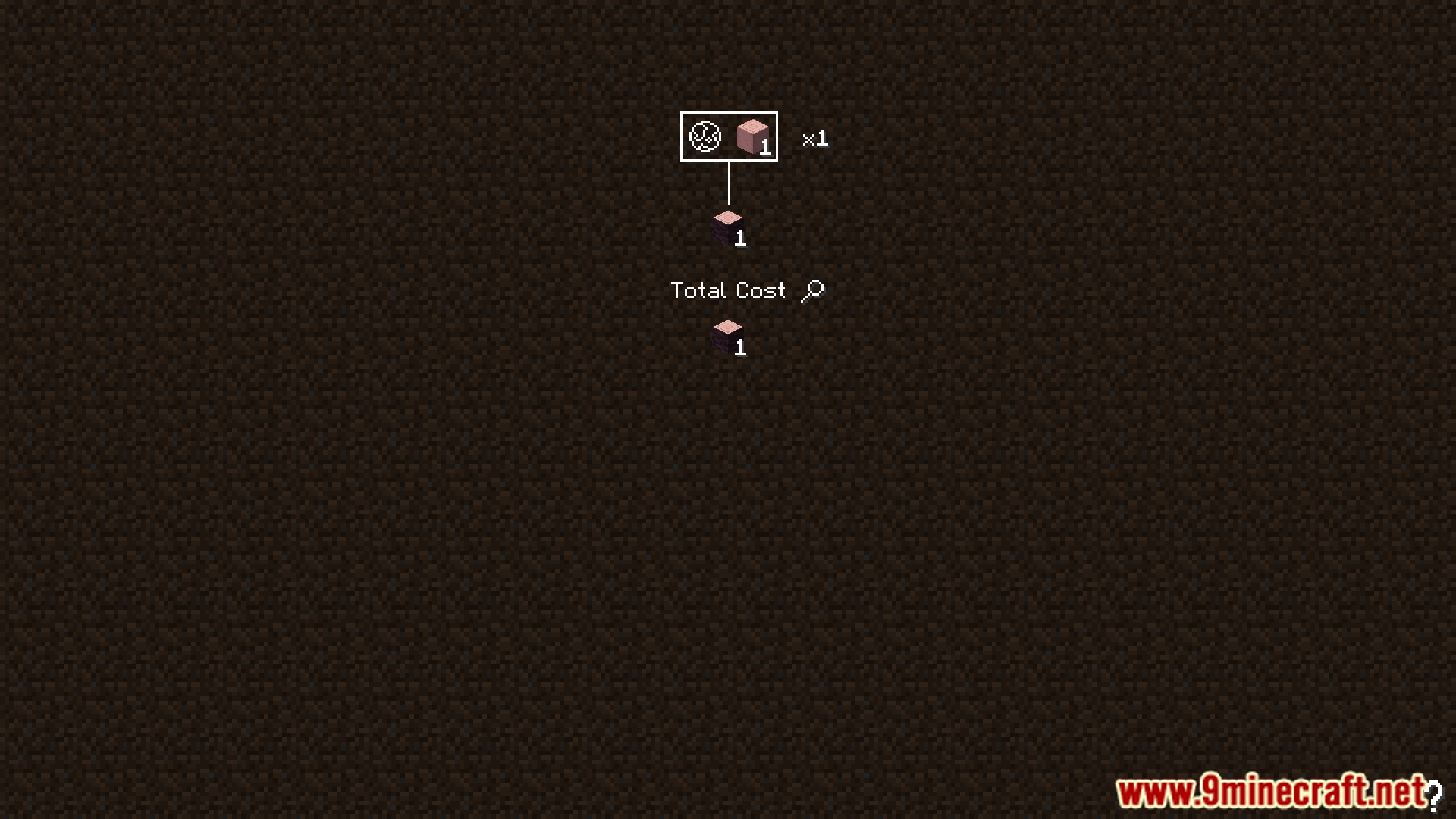
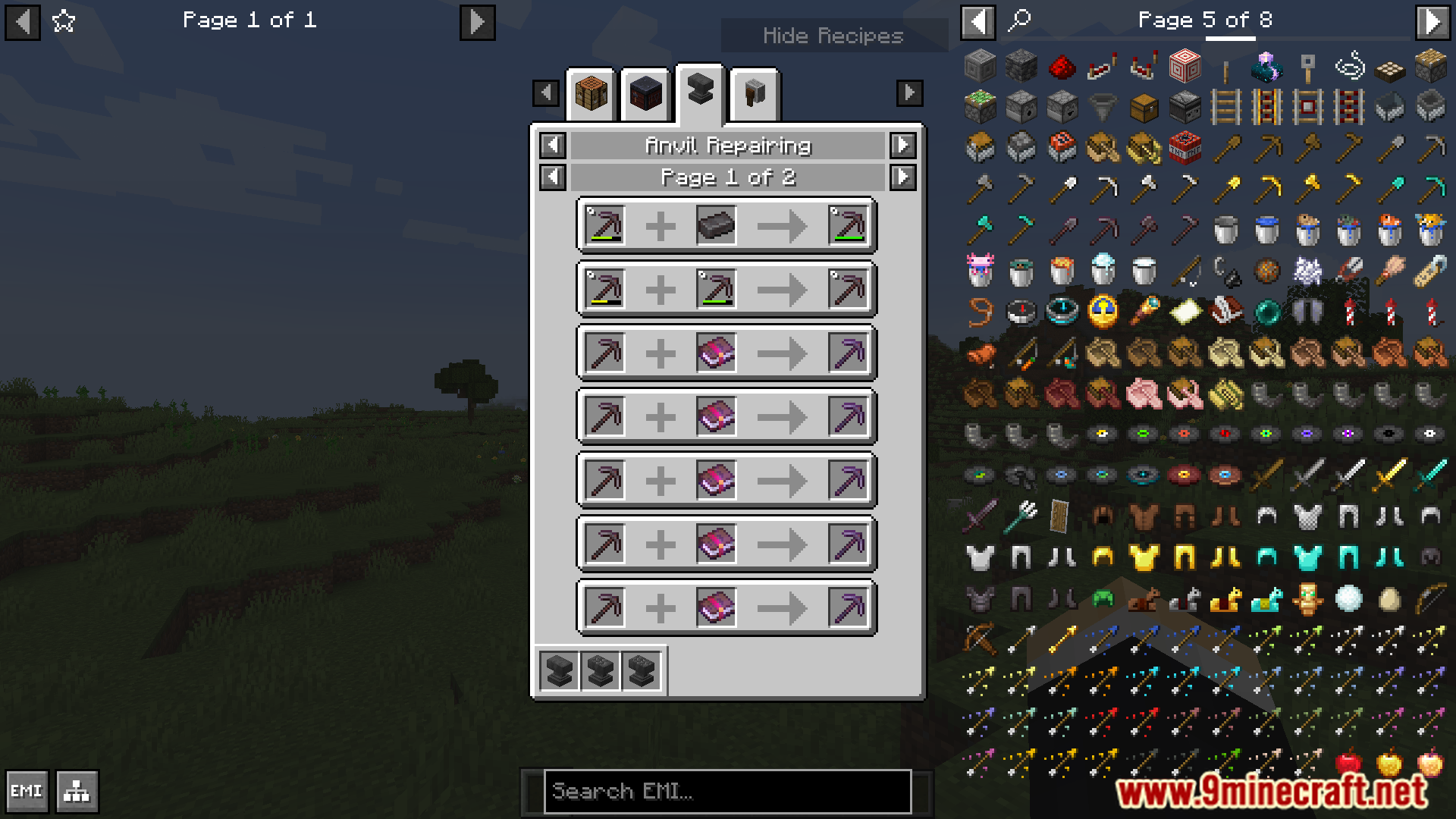
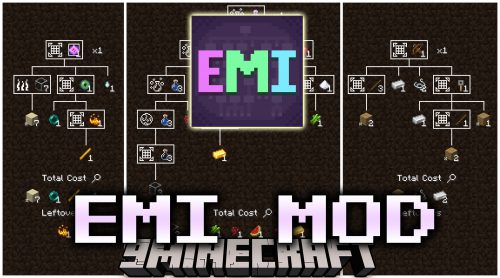
- Works with popular recipe viewer mods like JEI, REI, and EMI.
- Includes an option to make the search box partly transparent.
- Can show a message like “Search to View Recipes” so players don’t get confused.
How to Use:
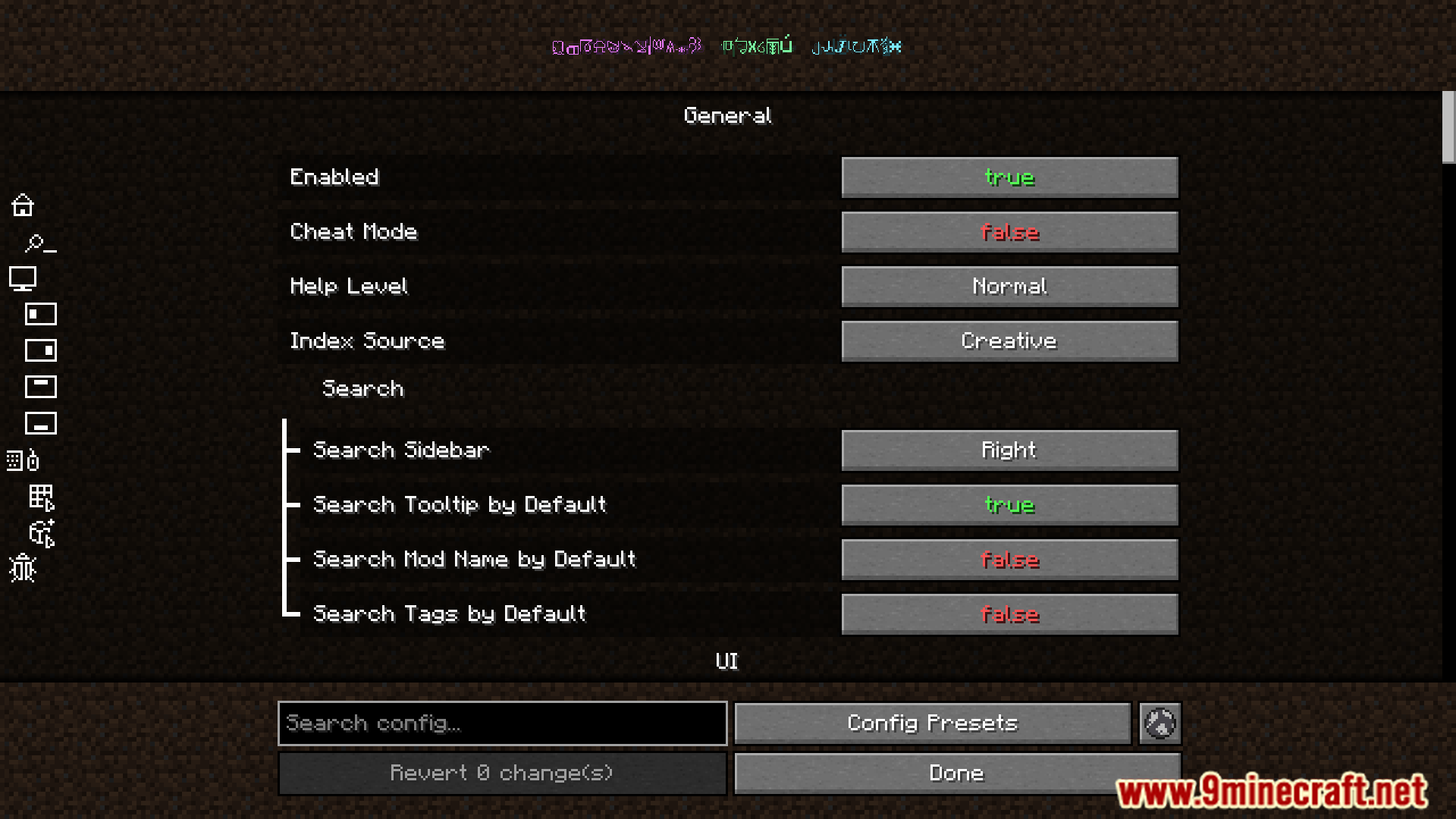
For a more immersive look with the EMI mod, you can change these settings:
- In Distraction Free Recipes settings, turn on “Lower Opacity”.
- In EMI settings, under “Left Sidebar”, change “Header” to Invisible.
- In EMI settings, under “Right Sidebar”, set “Columns” to 9.
- In EMI settings, turn off “Center Search Bar”.
- In EMI settings, change “Config and Recipe Tree Button” to Hidden.
Screenshots:
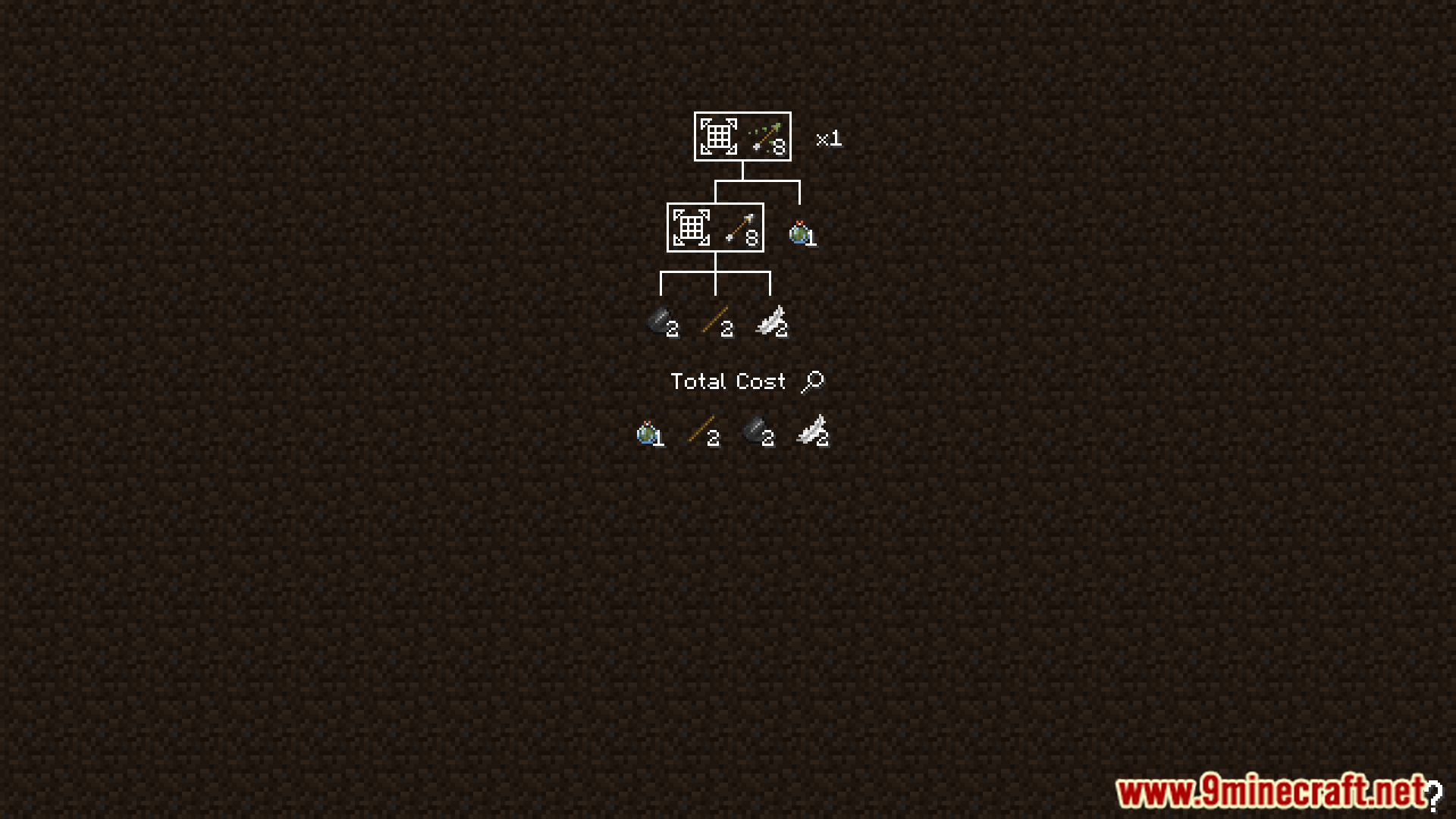
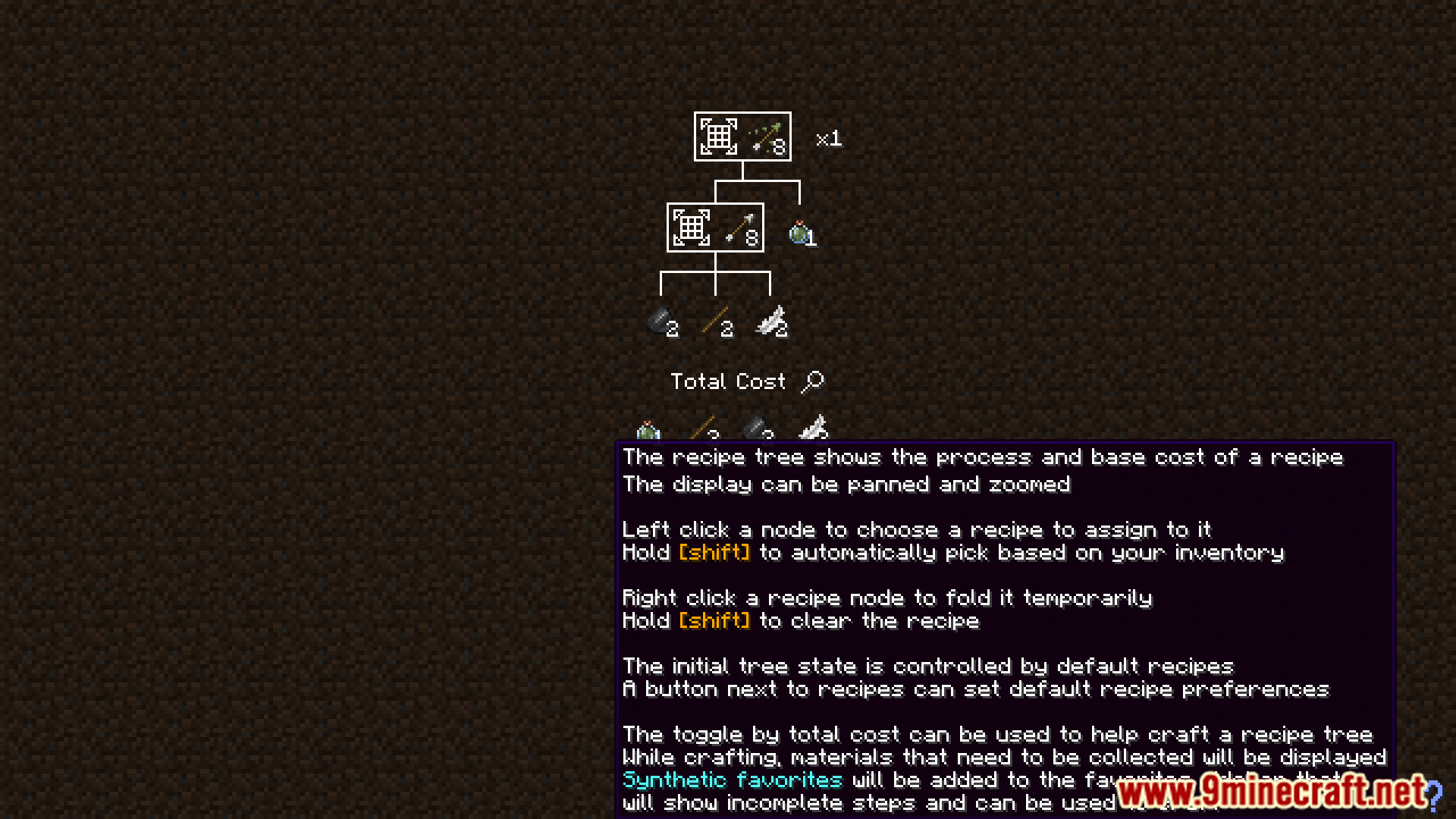
How to Install:
New to Minecraft? Follow our step-by-step guide to install Mods on your PC.View Guide
Requirements:

Distraction Free Recipes Mod Download Links
For Minecraft 1.21.1, 1.21
Fabric version: Download from Server 1 – Download from Server 2
NeoForge version: Download from Server 1 – Download from Server 2
For Minecraft 1.20.1, 1.20
Forge version: Download from Server 1 – Download from Server 2
Fabric version: Download from Server 1 – Download from Server 2
Click to rate this post!
[Total: 1 Average: 5]
You May Also Like








This post has no comments yet. Be the first — your comment will appear here.