


JEI Ores Mod (1.20.1) – Know Exactly Where to Dig for Any Ore in Your World

 0
0 

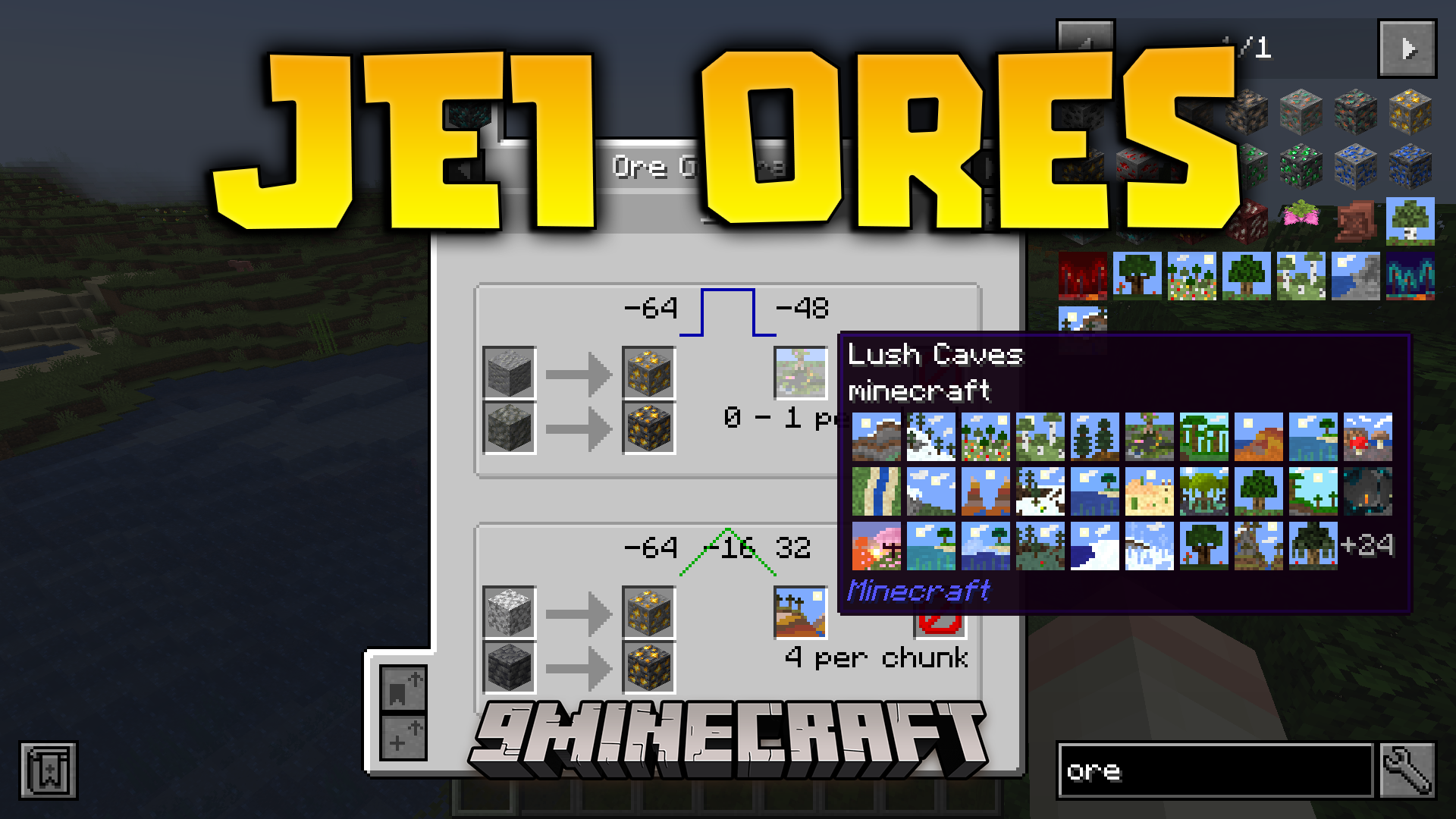
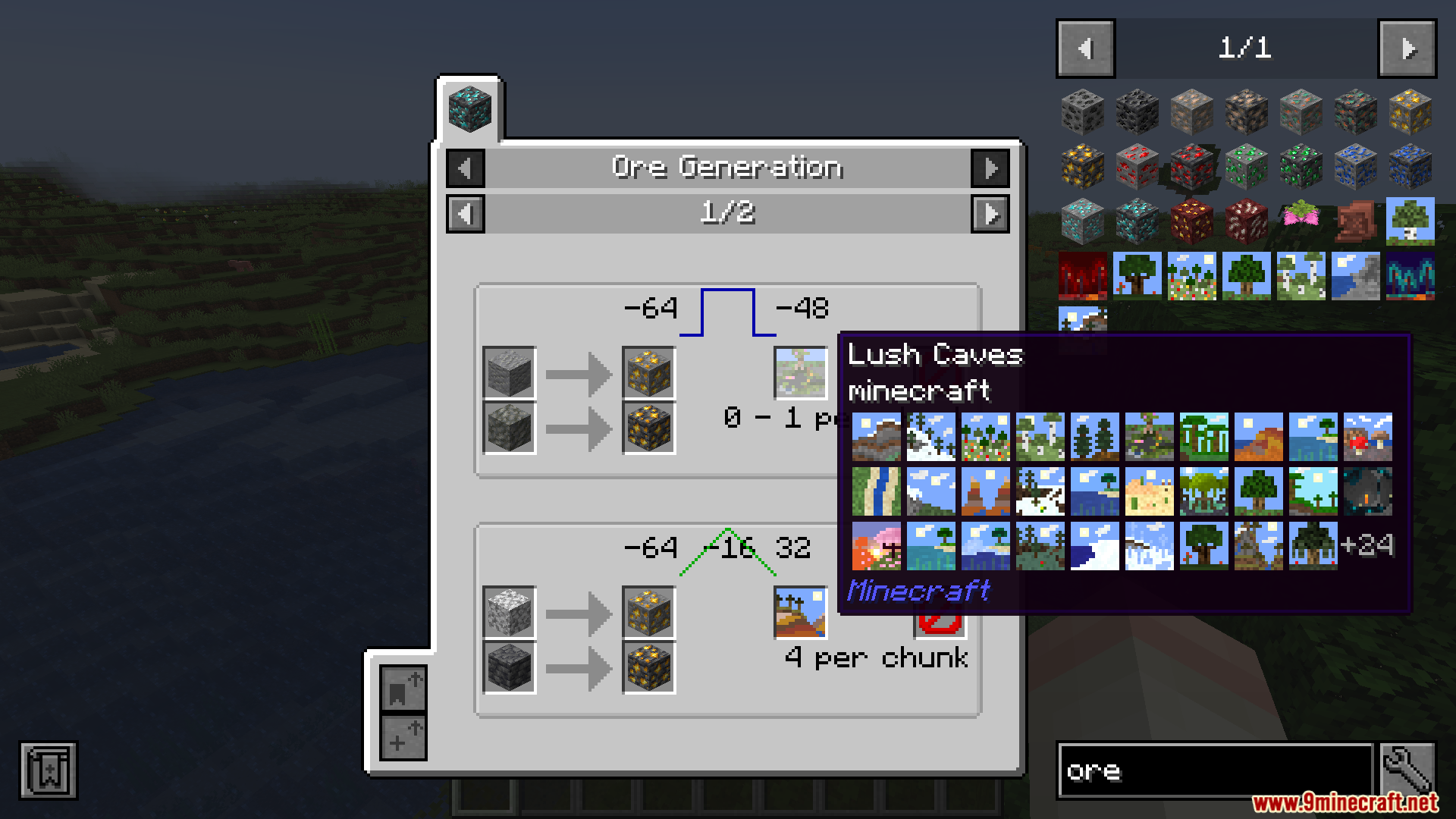
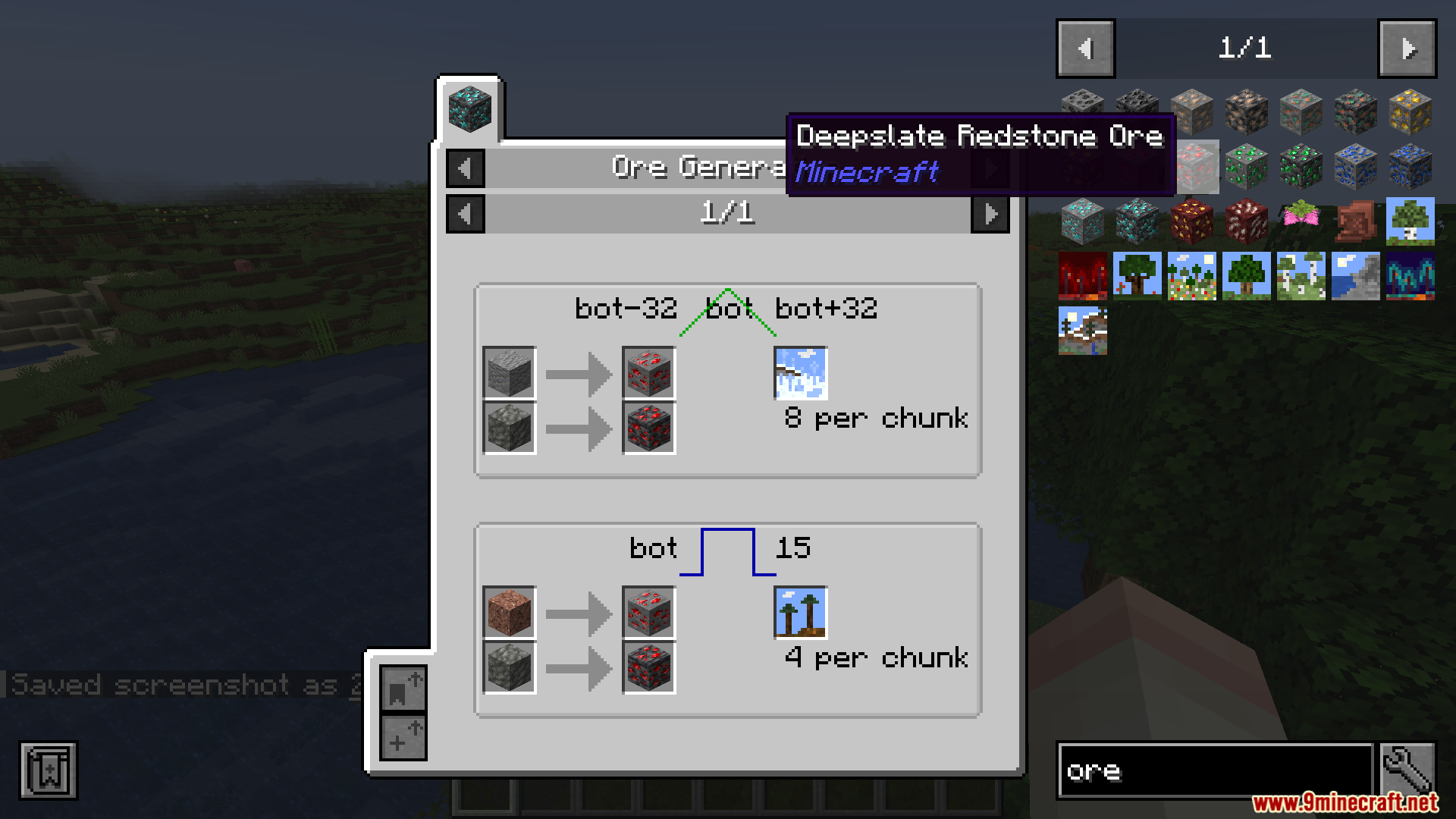
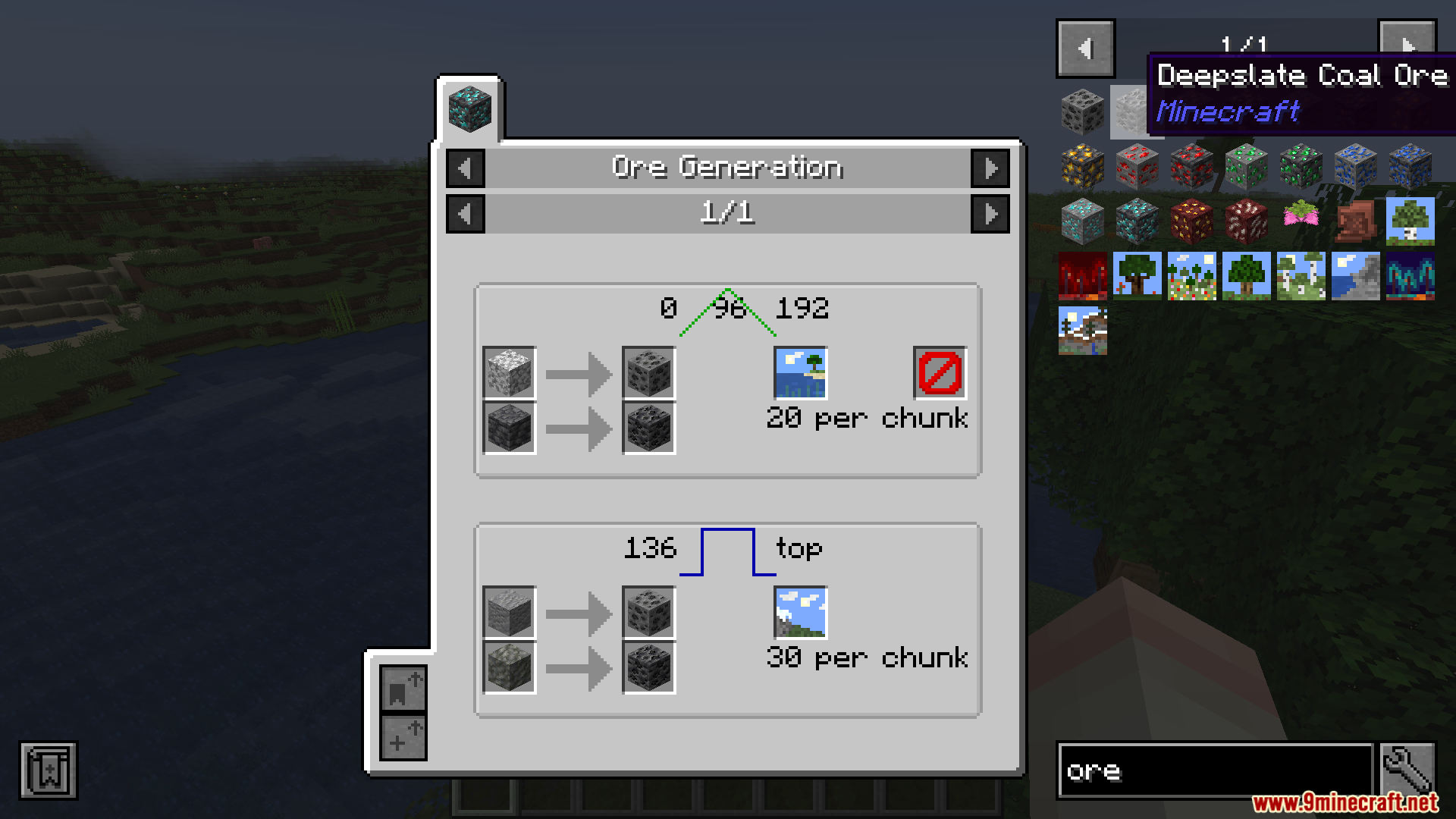
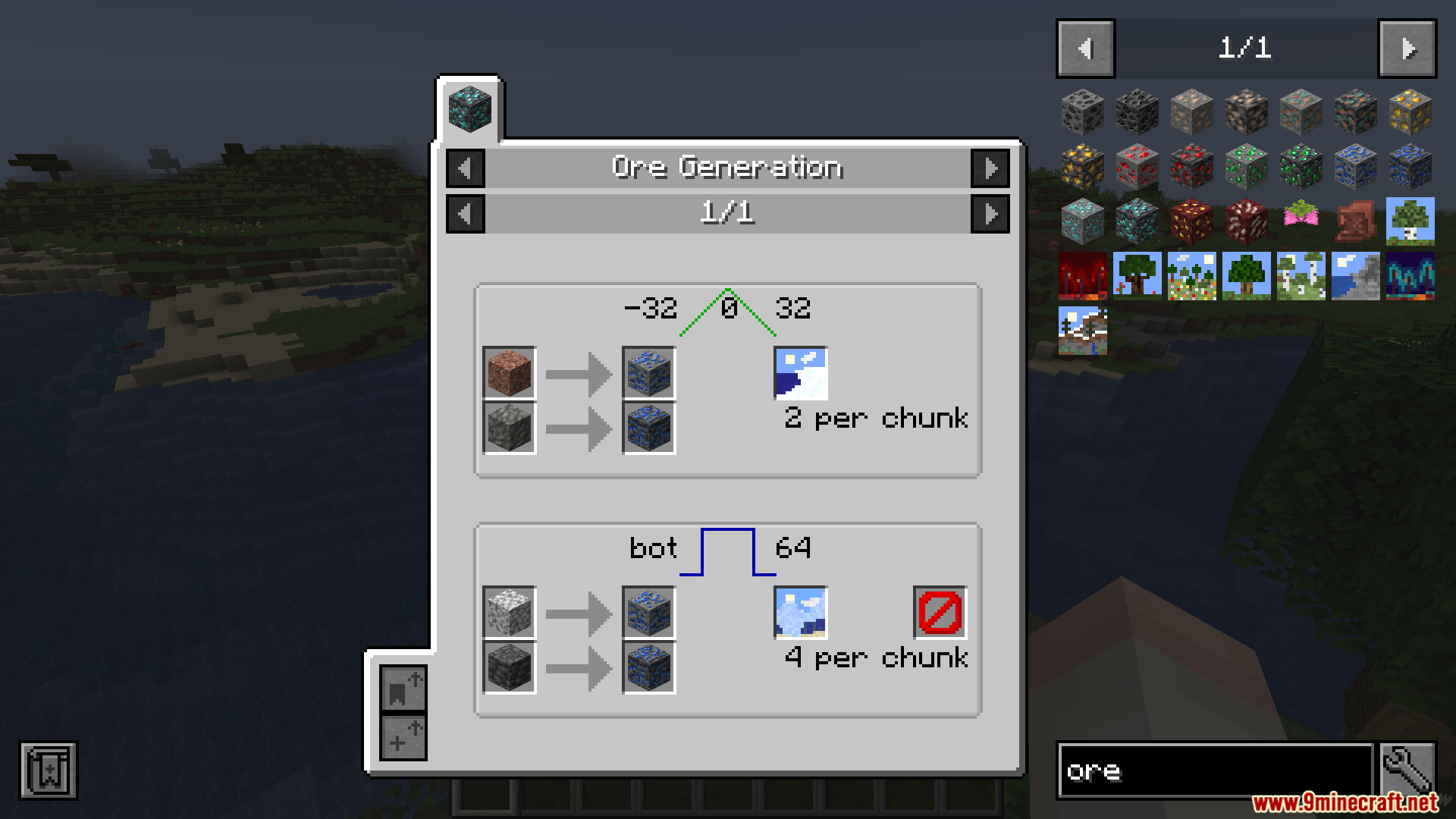
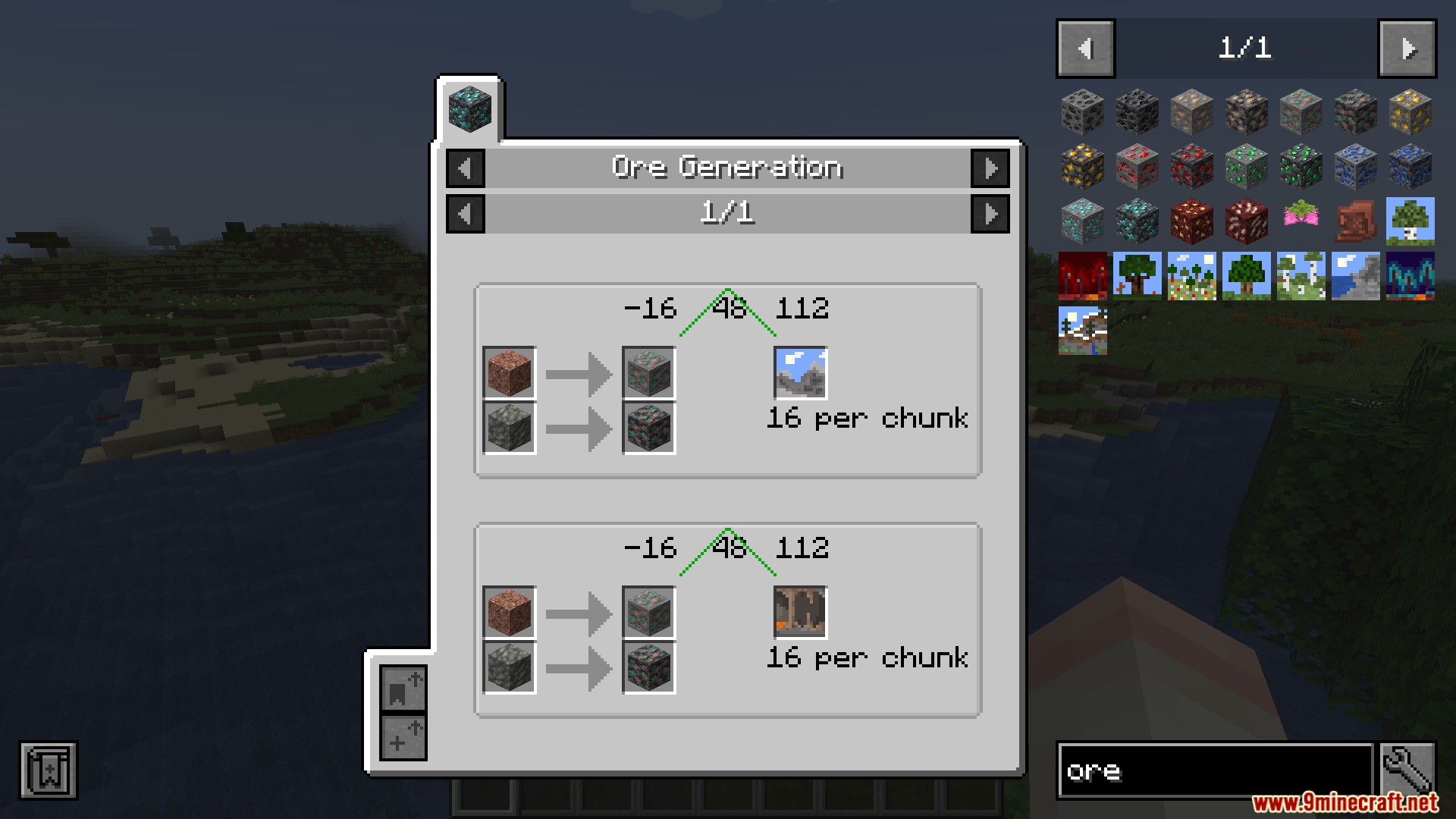
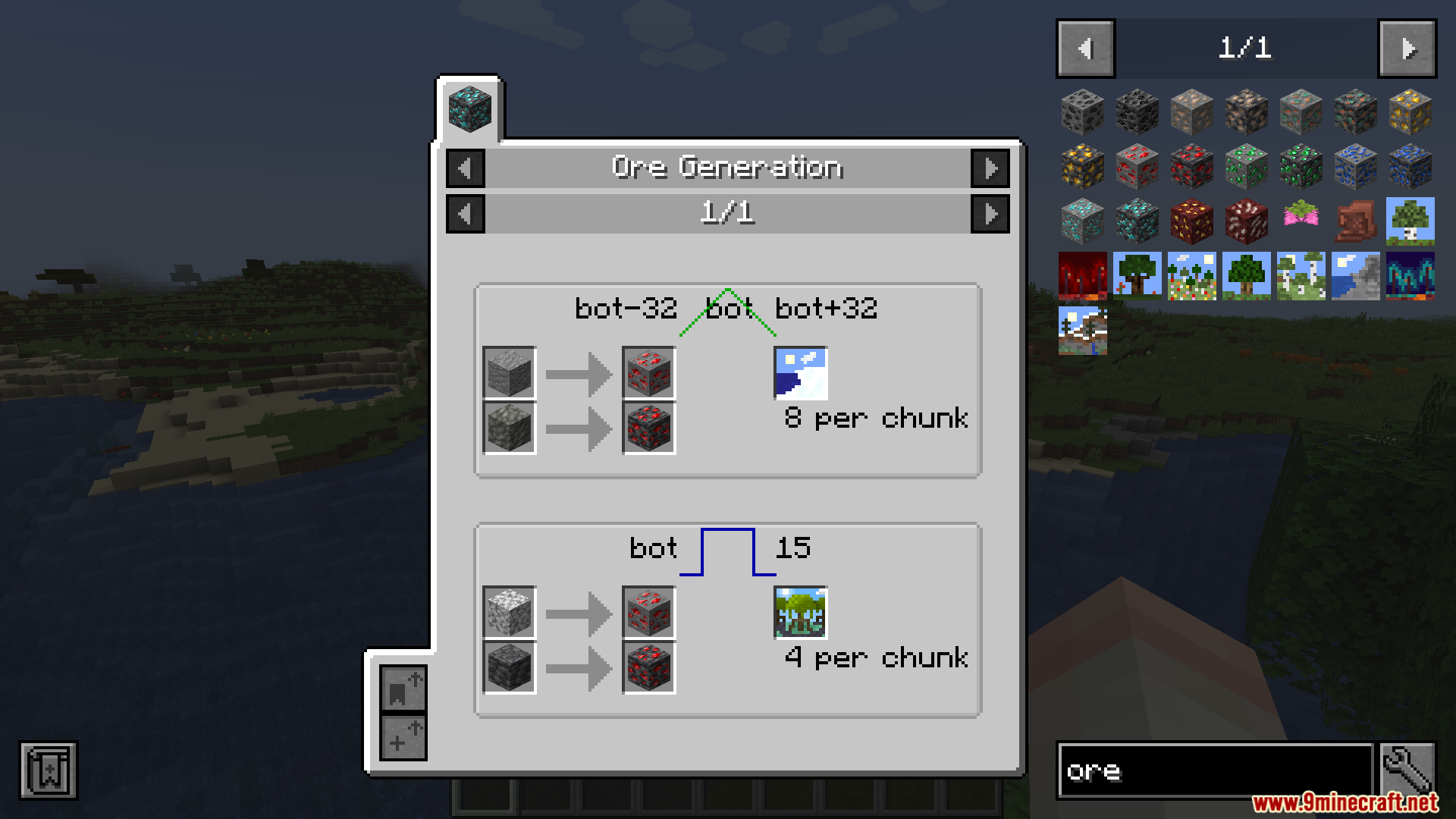
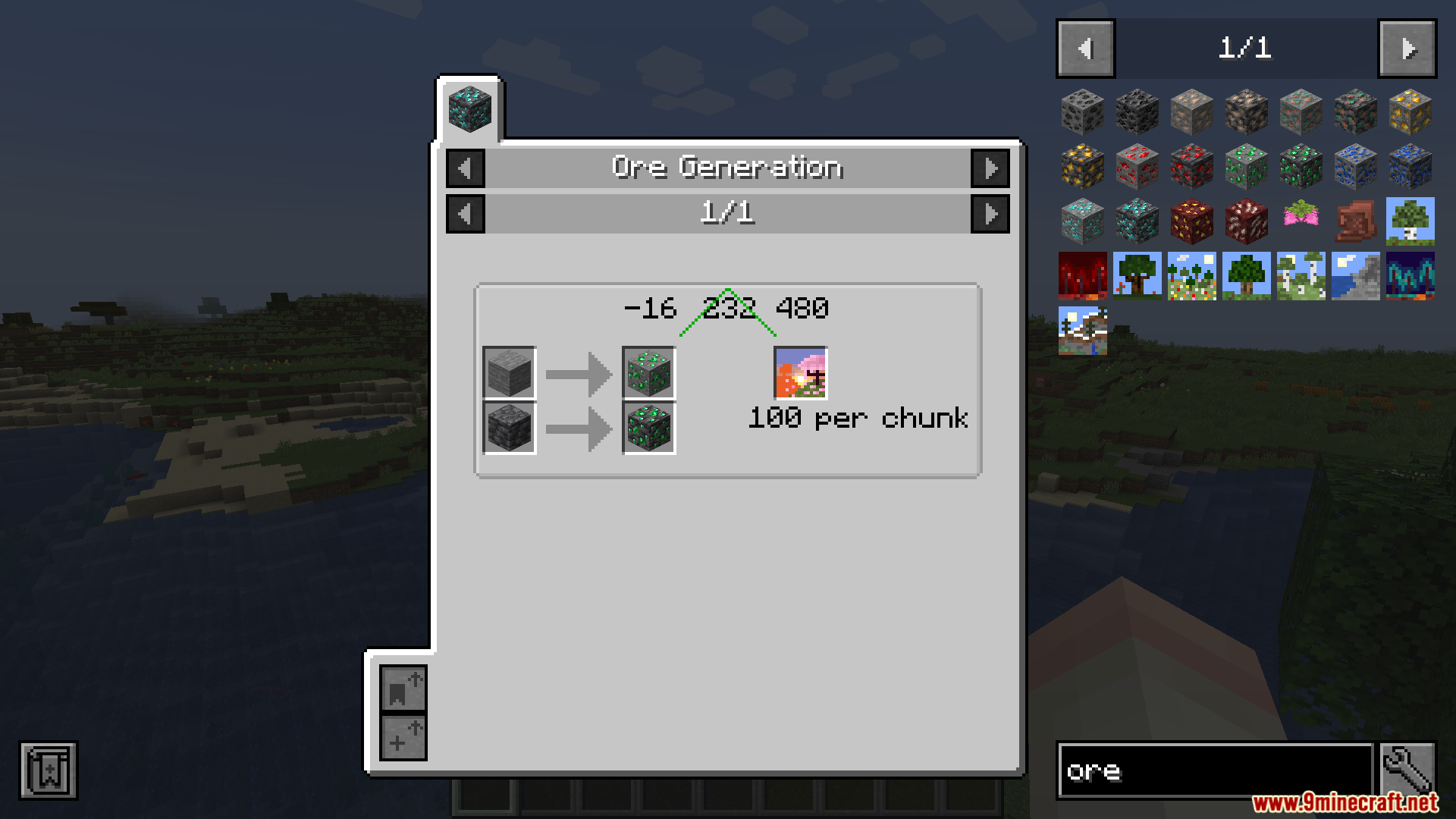
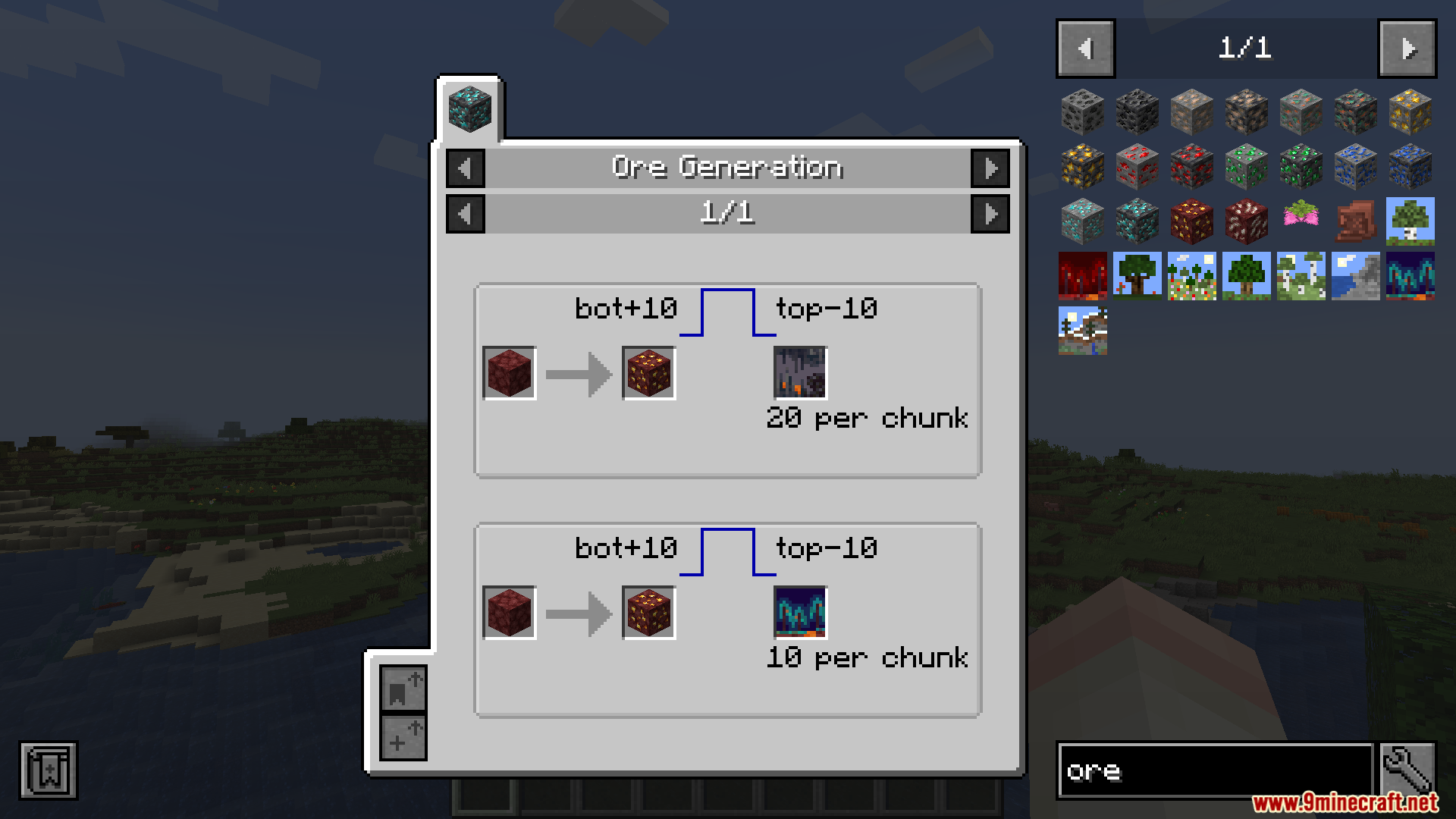
JEI Ores Mod extends Just Enough Items with detailed ore spawning information. It lets you see exactly where to dig to find specific materials in your world.
Features:
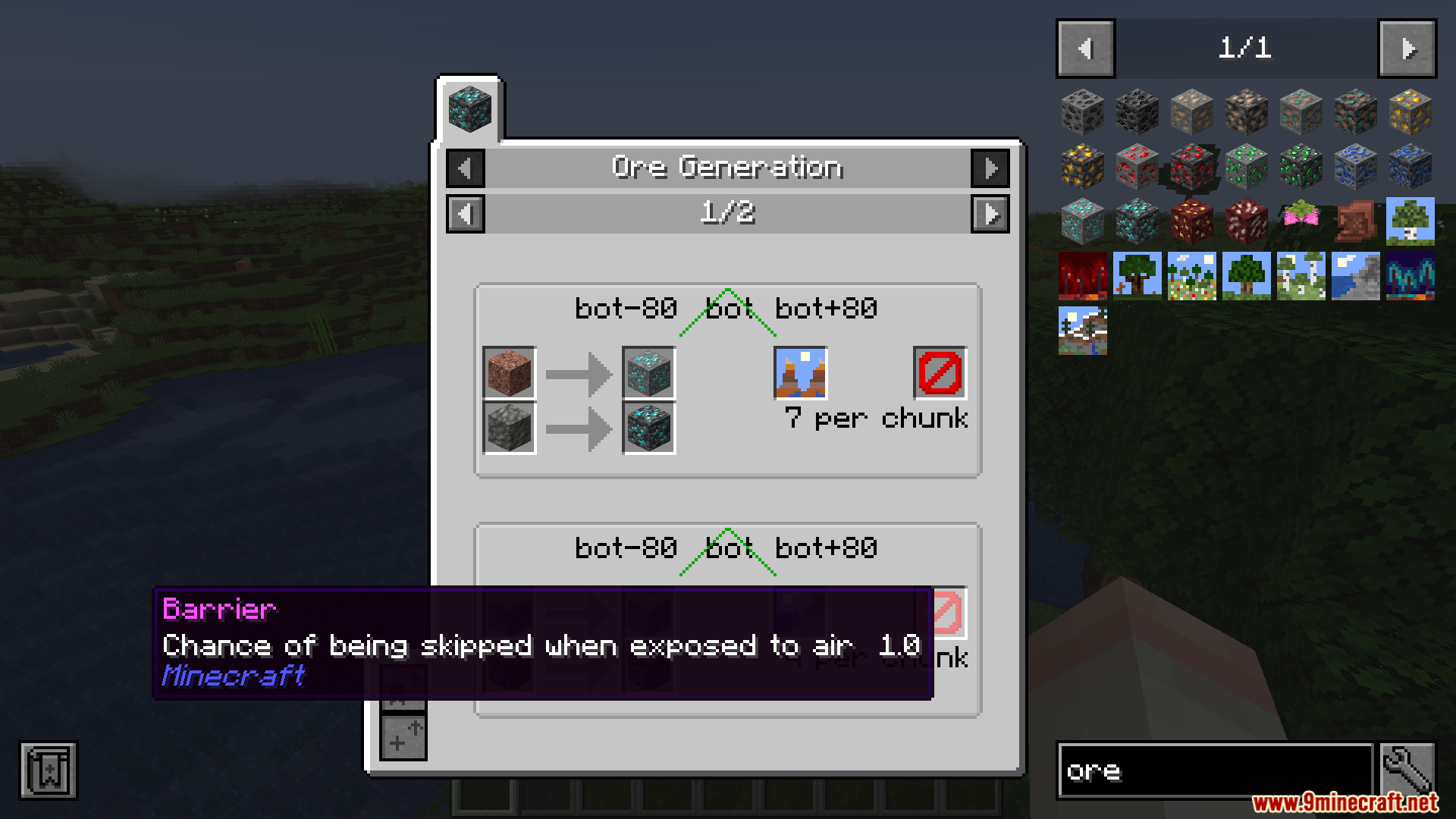
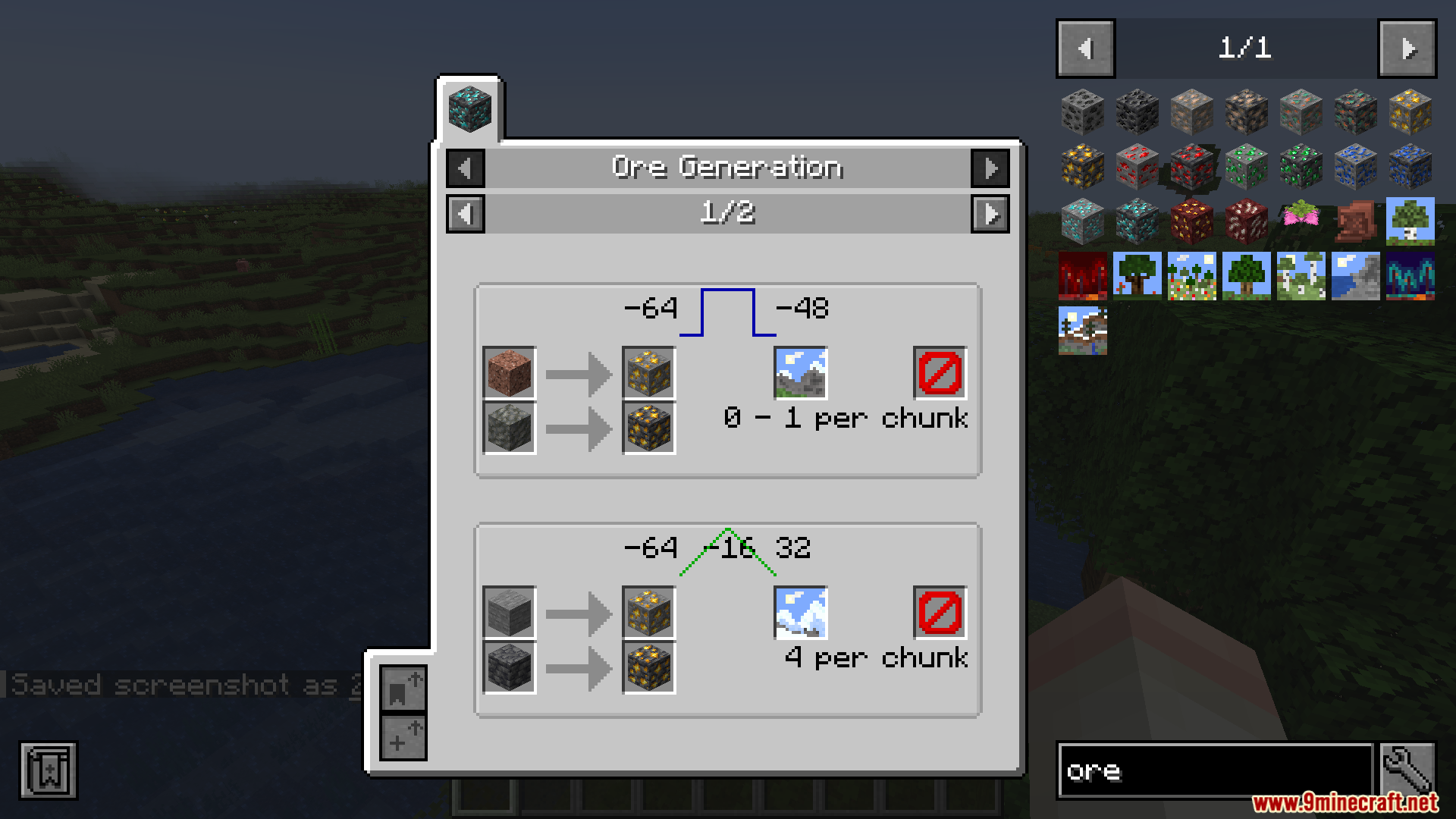
- Shows the exact height levels where each type of ore appears underground.
- Tells you how big the ore clusters are so you know how much to mine.
- Displays how many ore veins generate in a single map chunk.
- Lists specific biomes if an ore only spawns in certain areas.
- Works automatically with custom materials from other packs without needing extra setup.
- Requires installation on both your local game and the server to function properly.
- Disables itself quietly if it only detects the files on one side of the connection.
How to Use:
- Open your inventory to bring up the Just Enough Items item panel.
- Hover over any ore block in the list or in your bags.
- Press the recipe key (usually R) or usage key (usually U) on the block.
- Click the new information tab on the screen to read the spawning details for that material.
Screenshots:
How to Install:
New to Minecraft? Follow our step-by-step guide to install Mods on your PC.View Guide
Requirements:

JEI Ores Mod Download Links
For Minecraft 1.20.1, 1.20
Click to rate this post!
[Total: 0 Average: 0]
You May Also Like















This post has no comments yet. Be the first — your comment will appear here.