


Linkpad Logic Interface Mod (1.21.11, 1.21.1) – Control Your Entire Factory
 1
1
 0
0

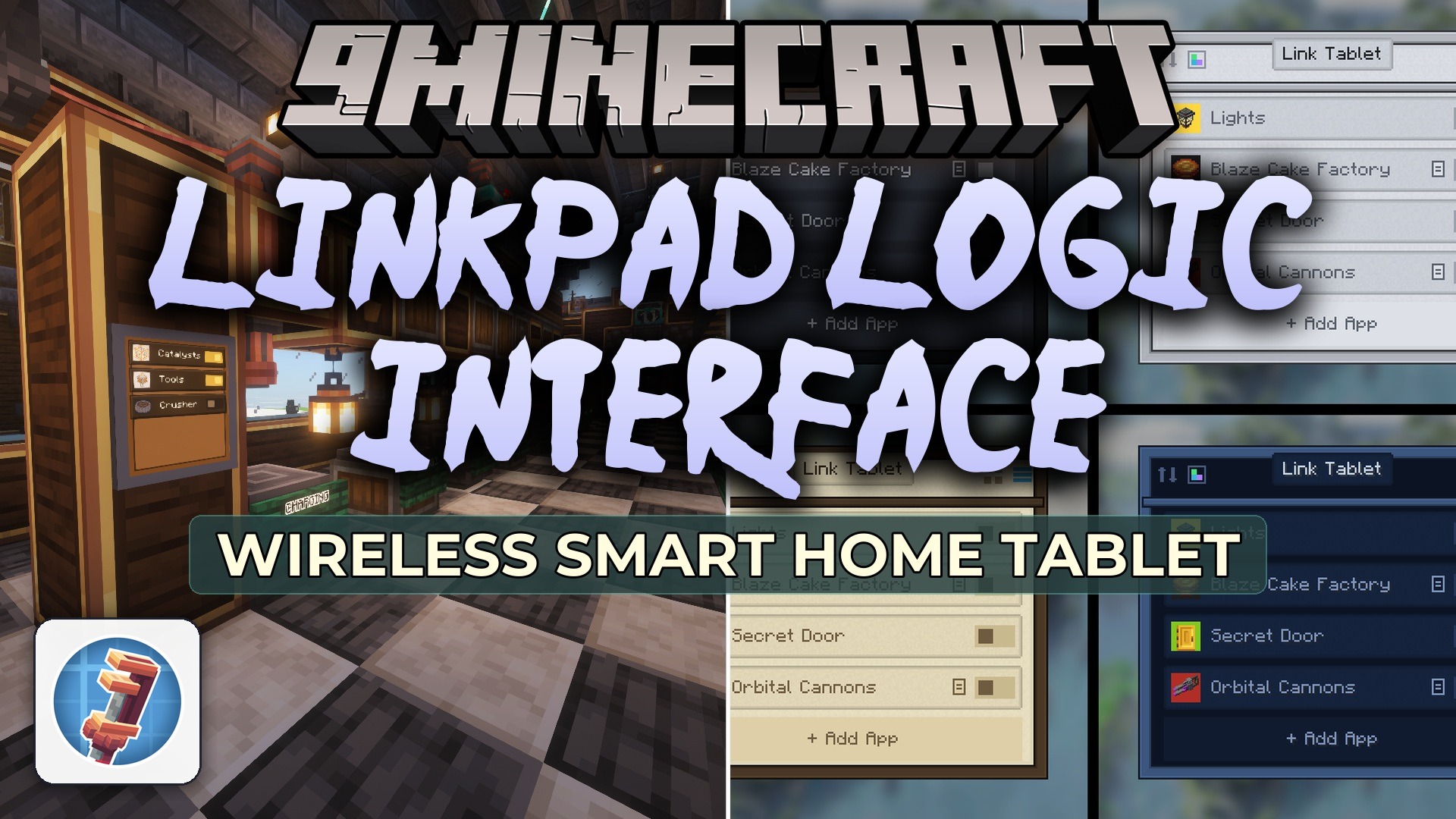
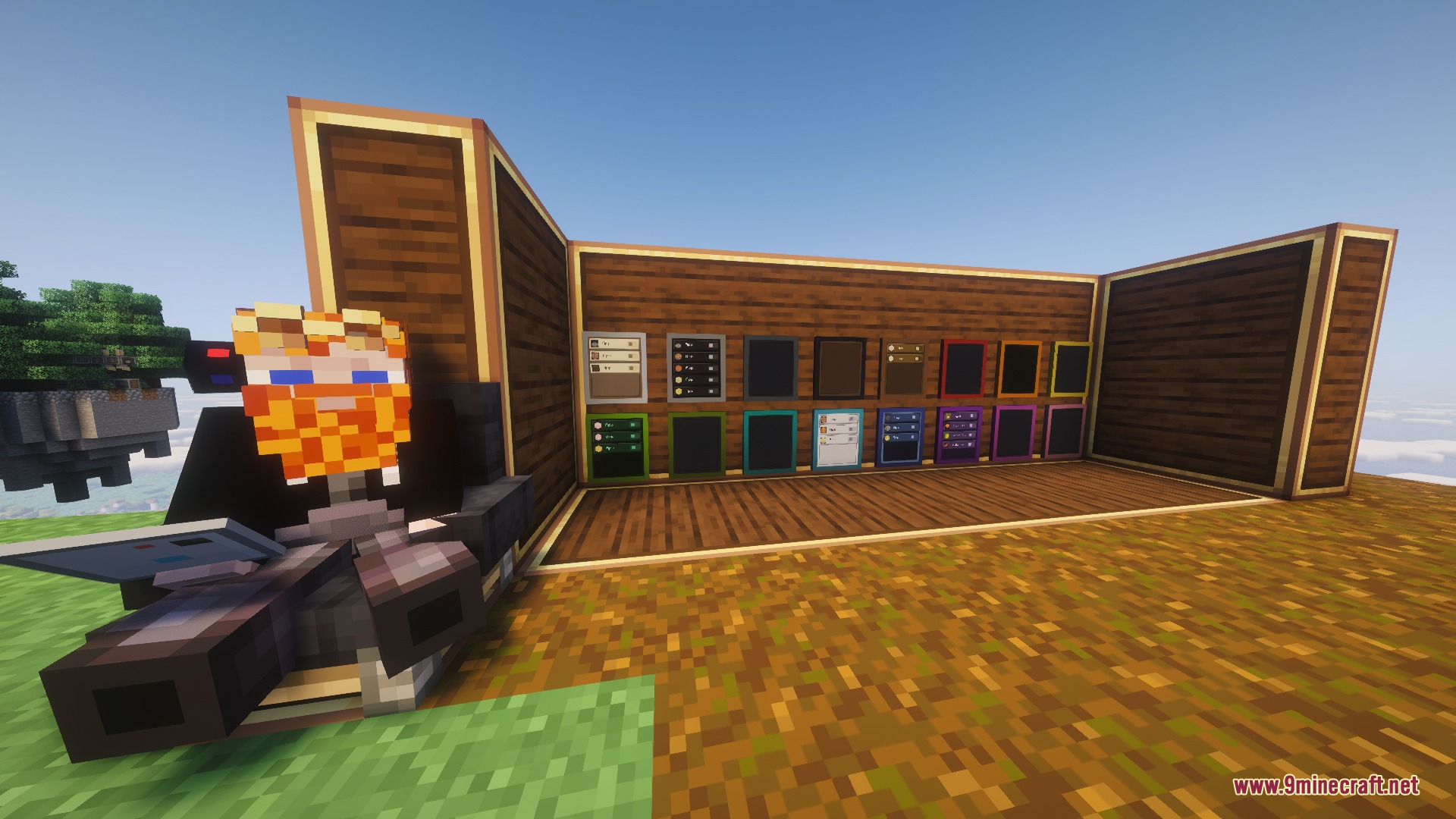
Linkpad Logic Interface Mod extends Create with a handheld smart tablet for Redstone Links. It lets you control factory machines, train lines, lights, and doors from a single touchscreen screen. You can install in-game apps, adjust signal strengths with live sliders, or monitor active frequencies across your base. Placed tablets stick to walls and merge into large interactive control boards. A pinned mini tablet also stays on your screen so you can toggle machines without opening full menus.
Features:
- Adds a smart tablet interface that pairs directly with Create Redstone Link frequencies.
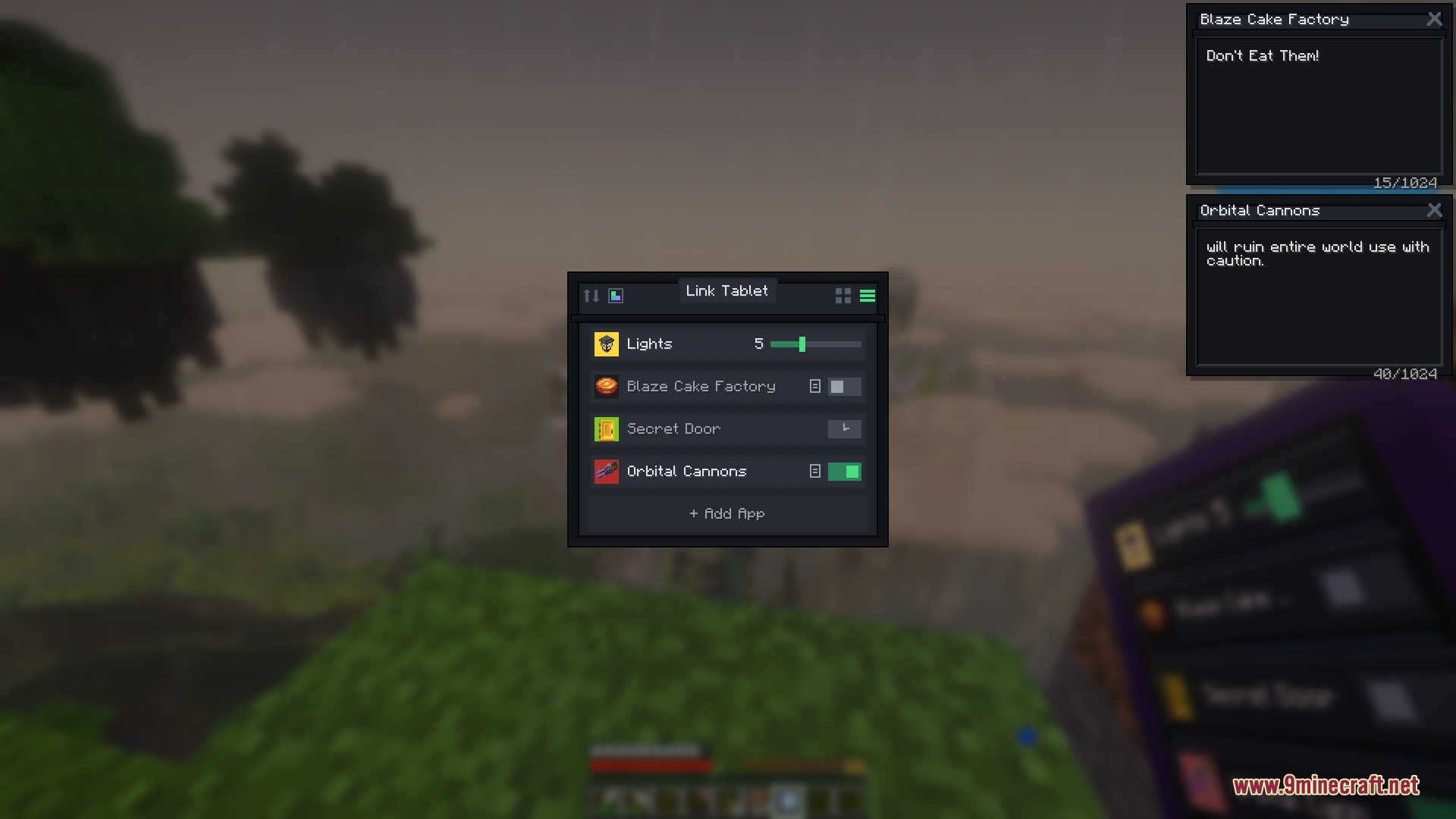
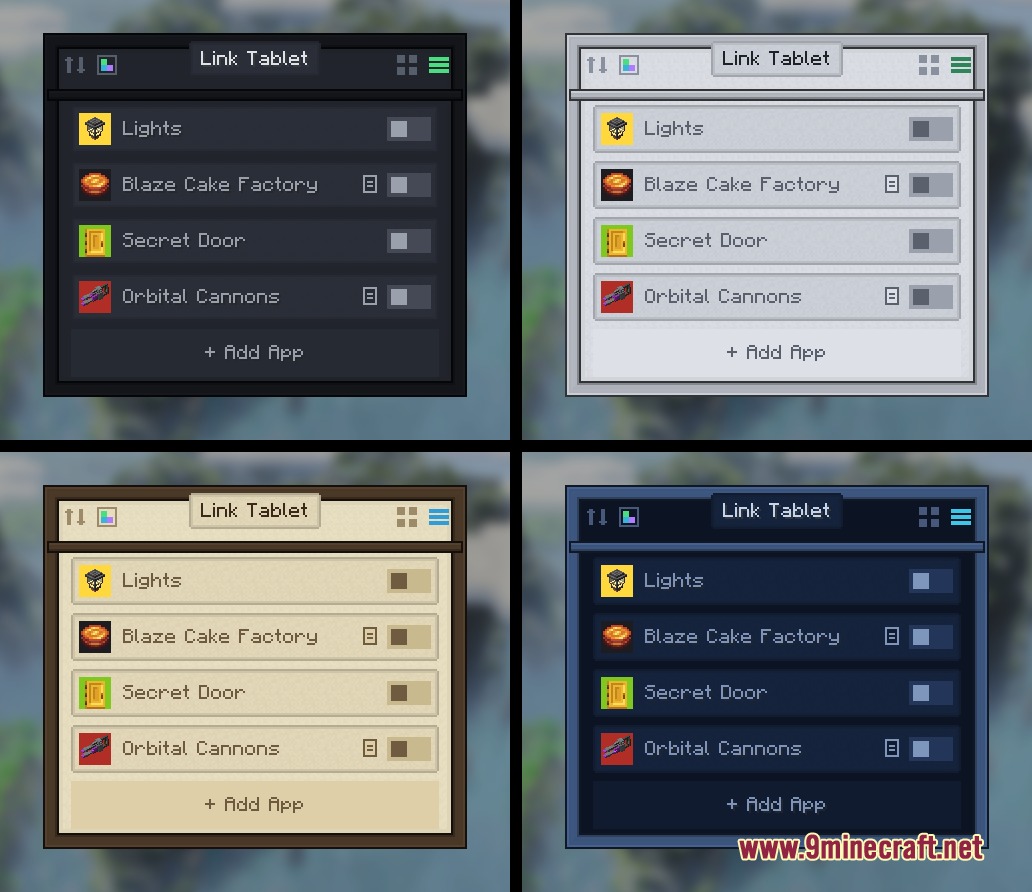
- Features up to 32 customizable signals per tablet with unique names, colors, and item icons.
- Supports toggle switches, hold buttons, variable sliders from 0 to 15, and automated timers.
- Links multiple signals together so one main button can trigger up to 8 frequencies at once.
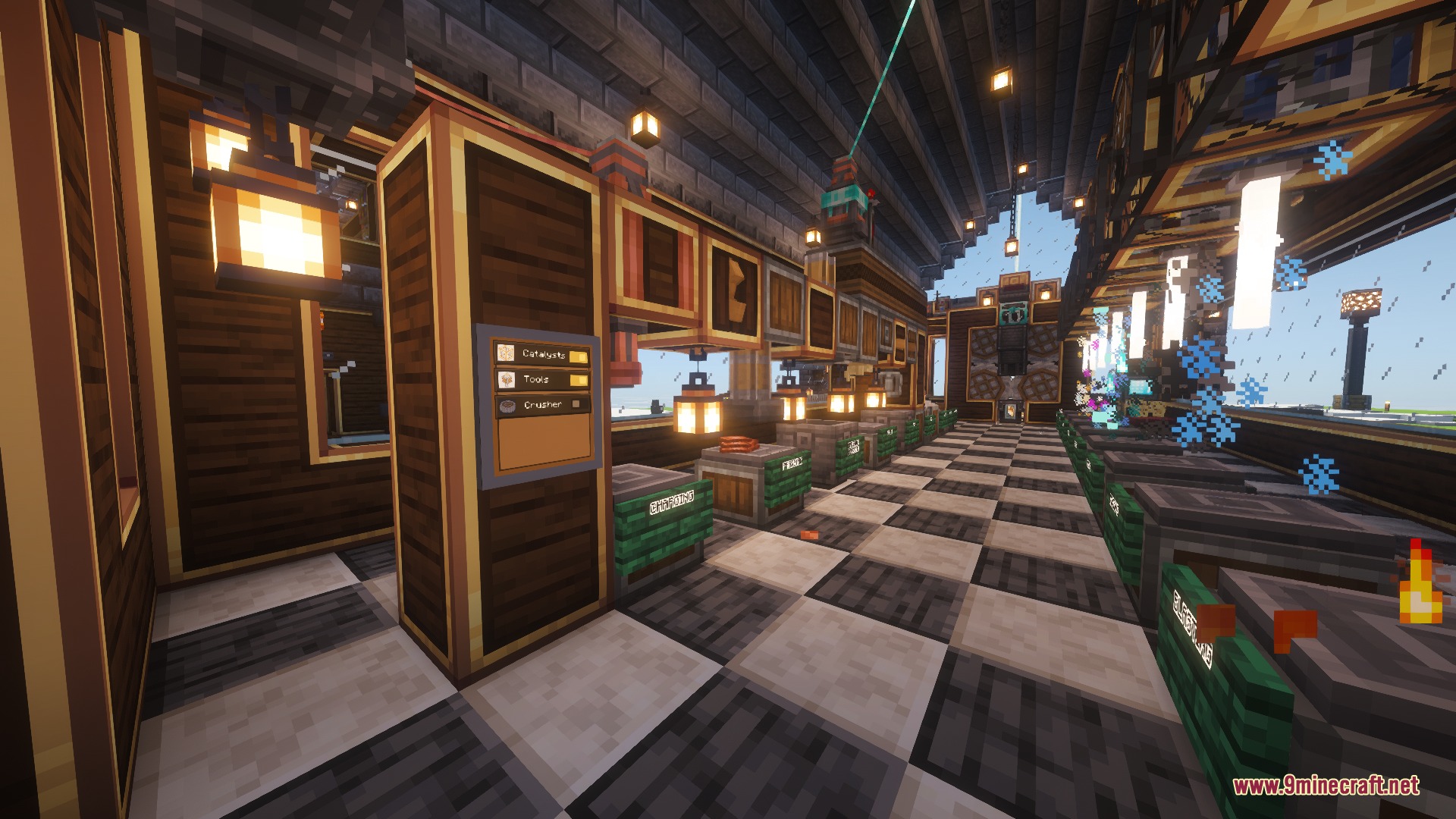
- Mounts directly on walls, floors, and ceilings to turn individual screens into merged display walls.
- Pins a compact widget directly to your game screen for quick access while walking or working.
- Lets you interact with placed wall screens by clicking the glass without opening an extra menu.
- Works with items dragged directly from your inventory or recipe viewer panels.
Built-in Tablet Apps:
- Signals: The main control grid used to trigger your paired links.
- Gauges: Live dials that listen to frequencies and display received power levels.
- Monitor: A live network viewer that lists connected transmitters and receivers.
- Clock: World time display, stopwatch, countdown timer, and ringing alarms.
- Calculator: A math tool with a live tape display on placed wall screens.
- Paint: A pixel canvas for drawing custom signs and base diagrams.
How to Use:
- Hold the tablet and right-click to open the home screen app launcher.
- Open the Signals app and click an empty slot to create a new control switch.
- Right-click an existing Redstone Link in your world while holding the tablet to copy its frequency instantly.
- Sneak and right-click on any block surface to mount the tablet onto a wall or control desk.
- Press B during normal gameplay to use the pinned tablet overlay without opening a menu.
Screenshots:
How to Install:
New to Minecraft? Follow our step-by-step guide to install Mods on your PC.View Guide
Requirements:
 NeoForge Required
Create Required
Linkpad Logic Interface Mod Download Links
For Minecraft
1.21.11,
1.21.10,
1.21.9
All Versions Covered
1.21.11
1.21.10
1.21.9
1.21.8
1.21.7
1.21.6
1.21.5
1.21.4
1.21.3
1.21.2
1.21.1
1.21
All Versions Covered
1.21.11
1.21.10
1.21.9
1.21.8
1.21.7
1.21.6
1.21.5
1.21.4
1.21.3
1.21.2
1.21.1
1.21
Click to rate this post!
[Total: 0 Average: 0]
You May Also Like












This post has no comments yet. Be the first — your comment will appear here.