


Beta Vision Prism Mod – Inspect Block and Mob Info Right on Your Screen
 2
2
 0
0

🌐 Read this article in your language! Choose your preferred language below.
Or pick the one you like:
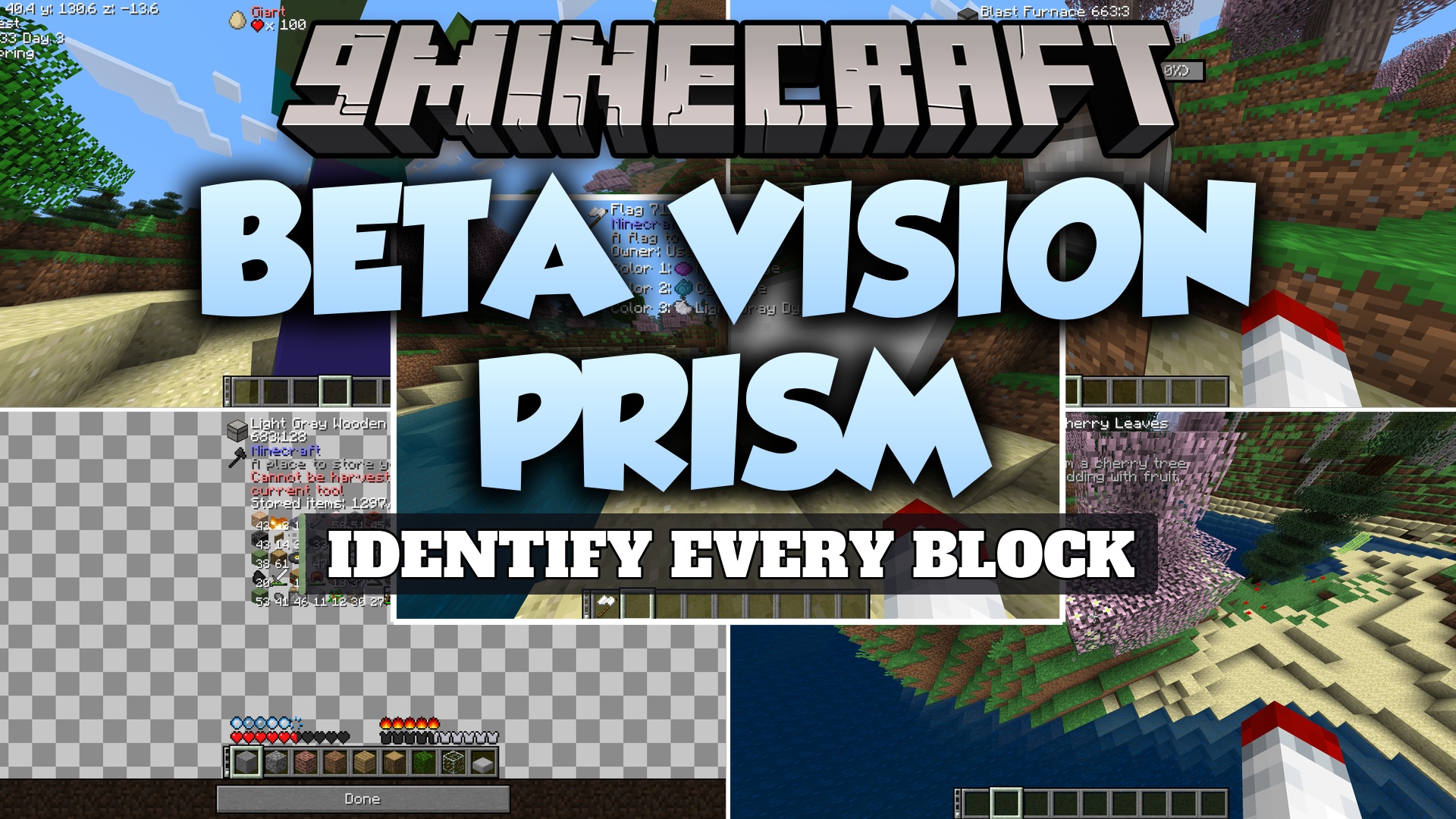
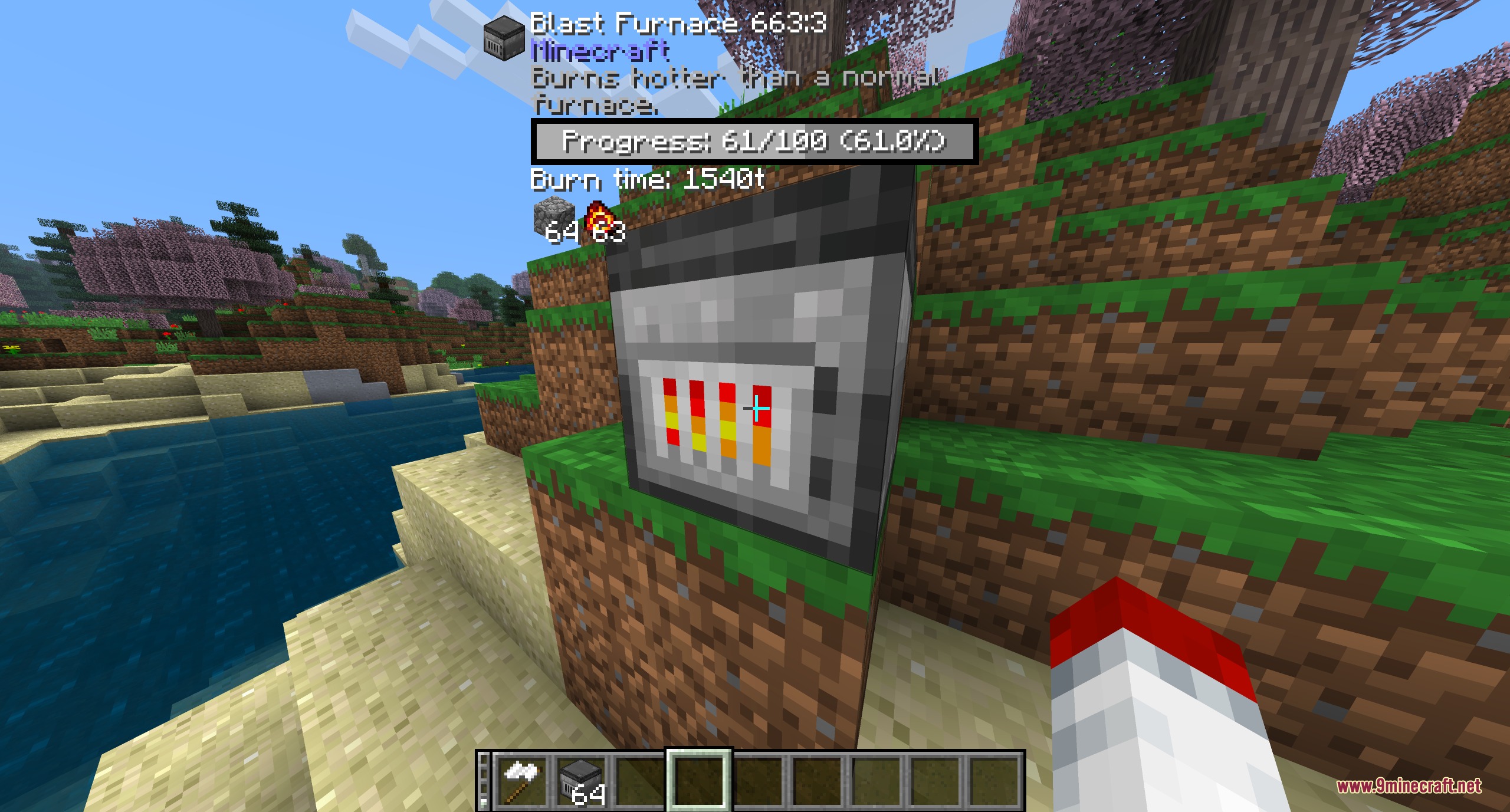
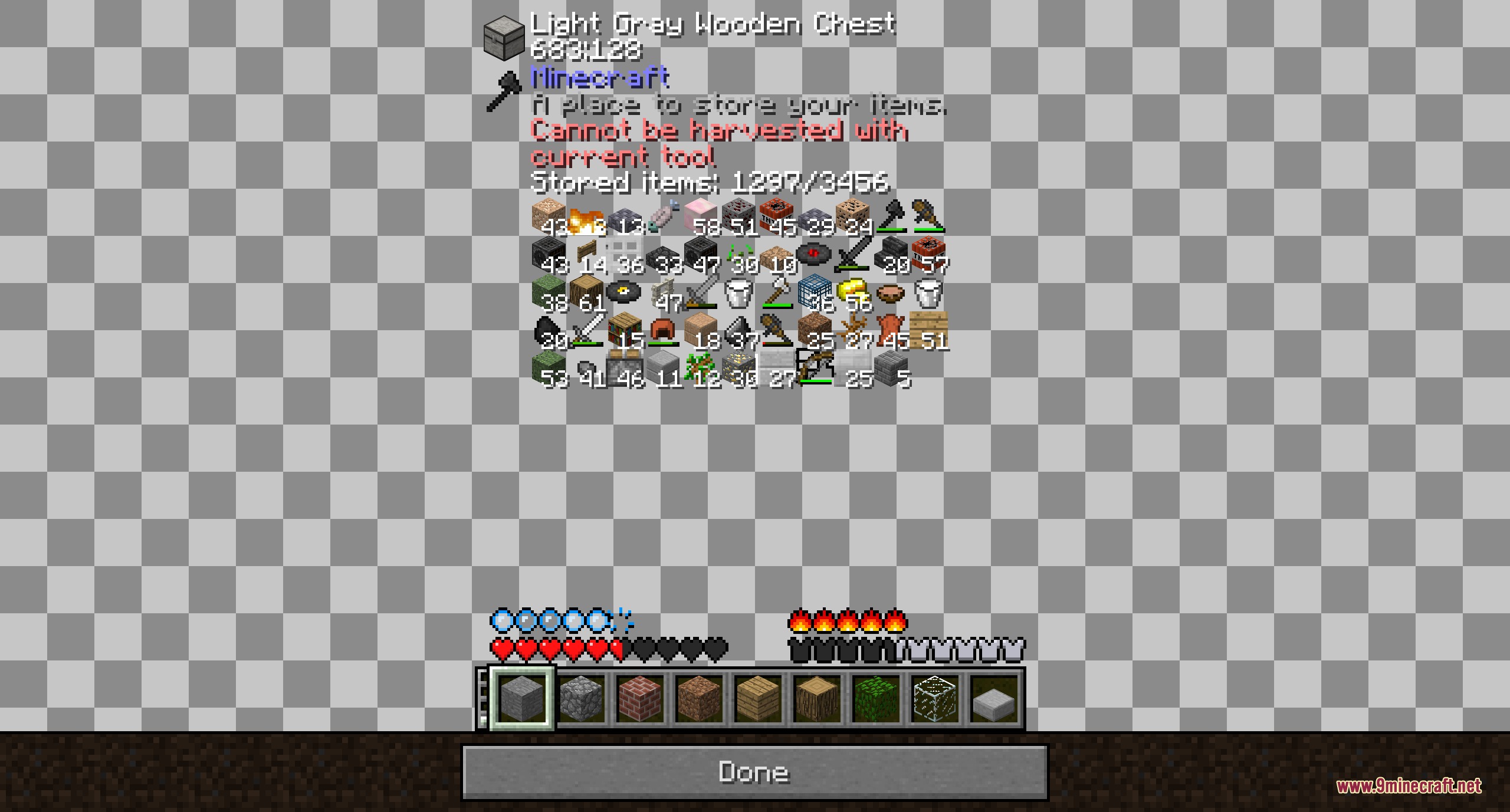
Beta Vision Prism Mod shows real-time information about blocks and mobs whenever you look at them. It brings a tooltip overlay directly to your screen so you always know what block you are mining or what creature is standing in front of you. This mod also works with special blocks like furnaces to display burning progress and items inside. You can adjust the visual layout to fit your custom screen setup without cluttering your view.
Features:
- Displays block names and tooltips directly on your head-up display when you point at them.
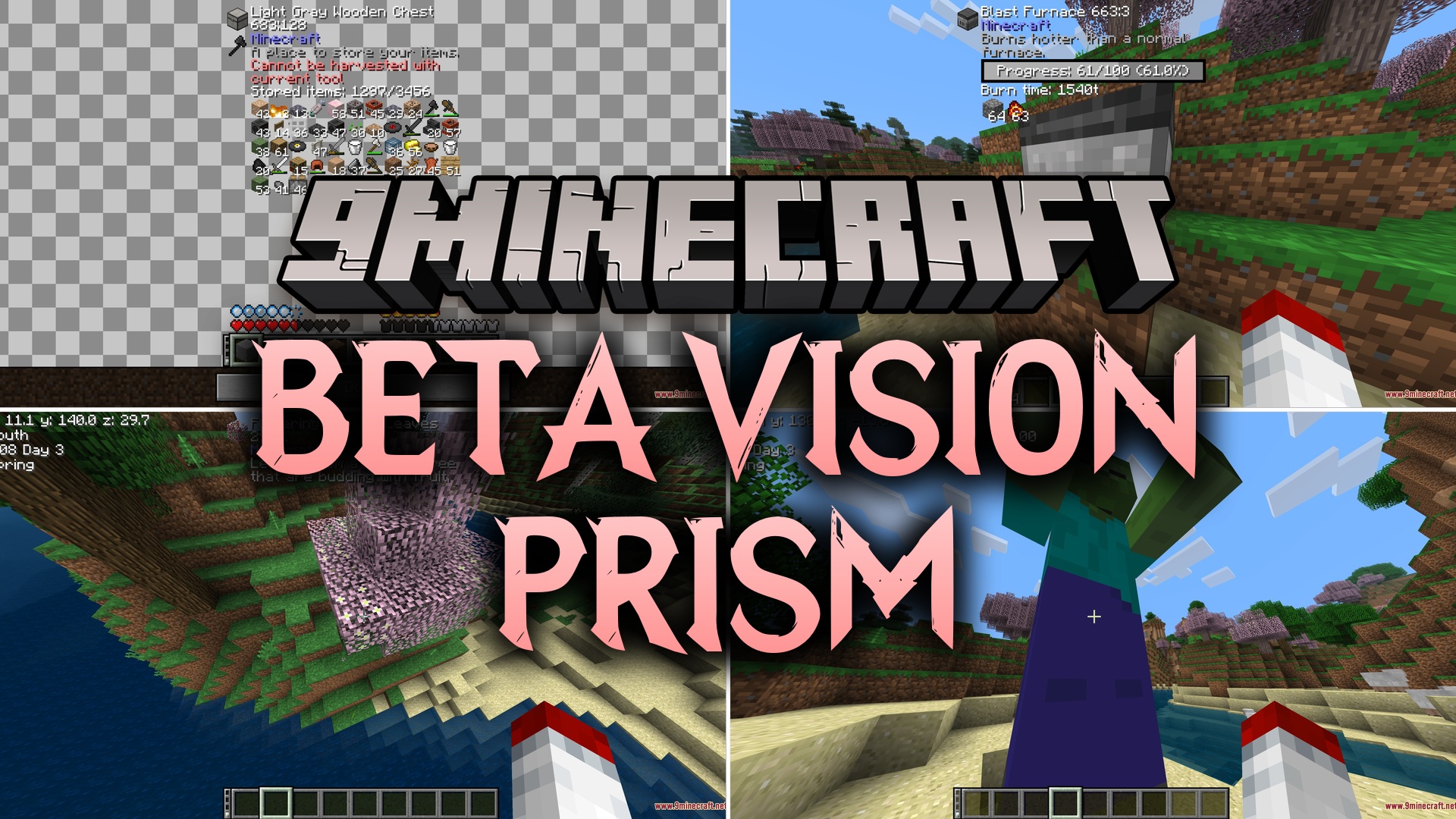
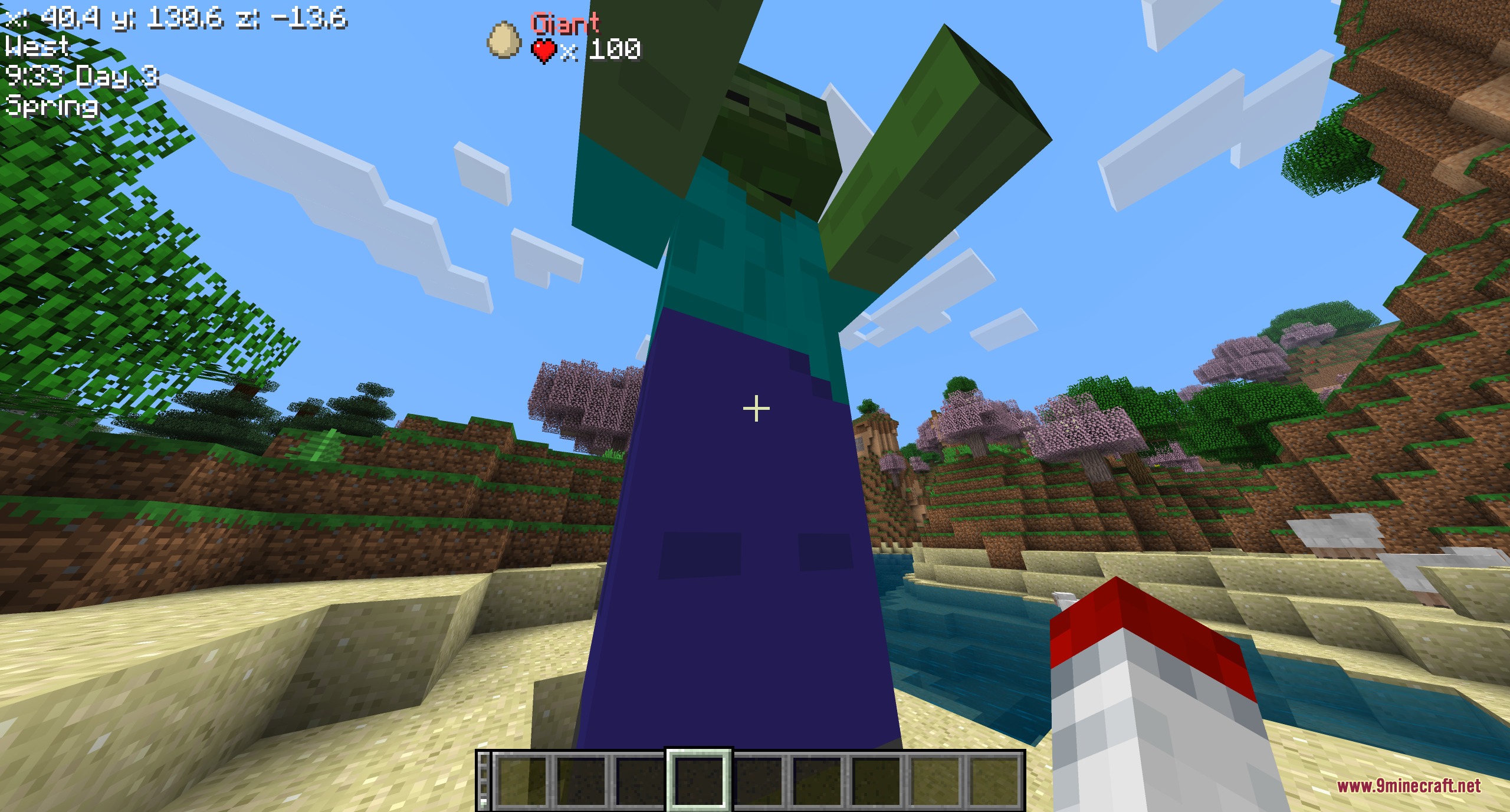
- Shows detailed mob info when looking at passive animals and hostile enemies.
- Inspects furnace status, including cooking progress and remaining fuel.
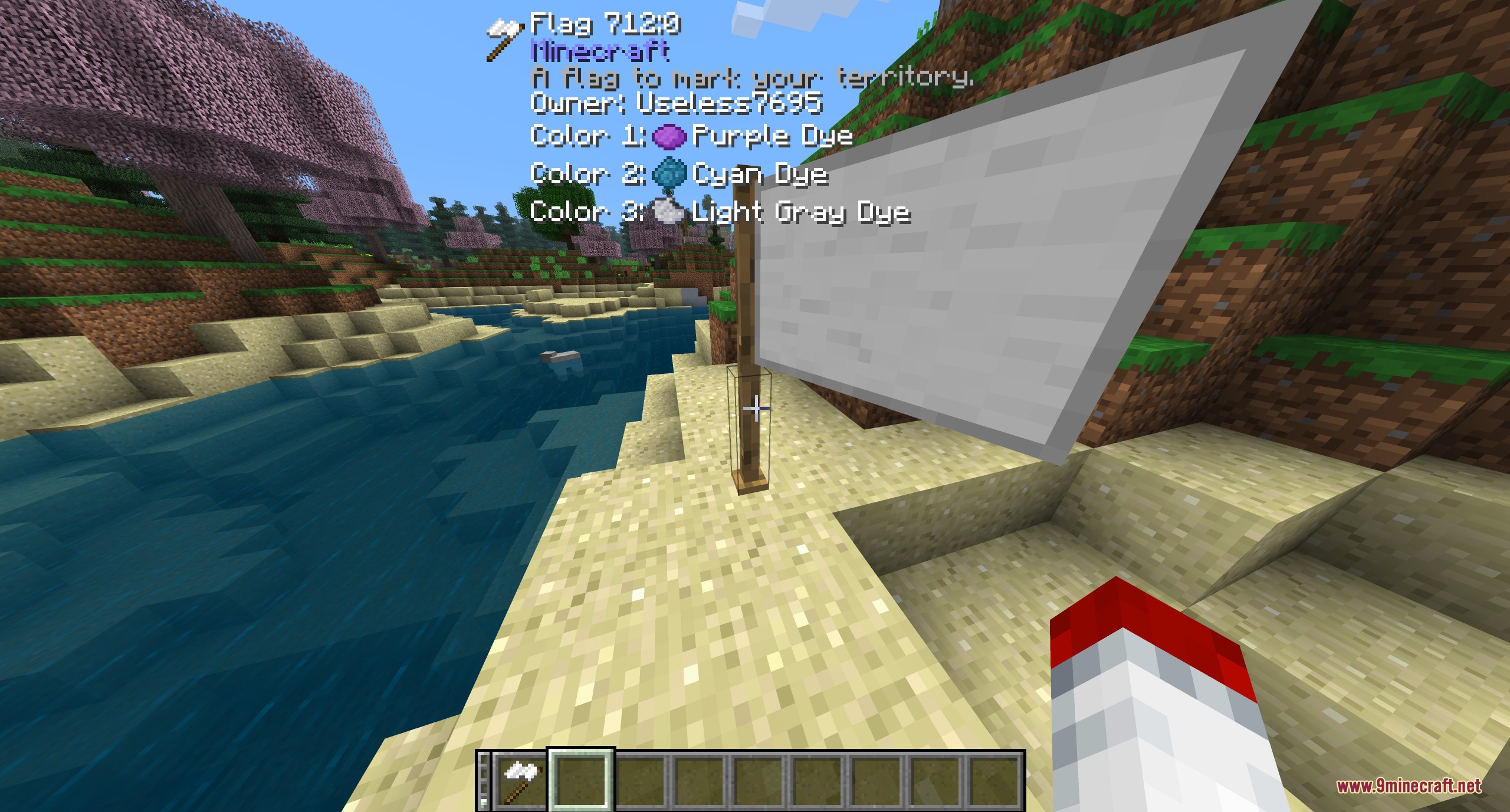
- Provides flag details when looking at supported blocks in the world.
- Allows you to move and reposition the tooltip overlay anywhere on your screen using the HUD editor.
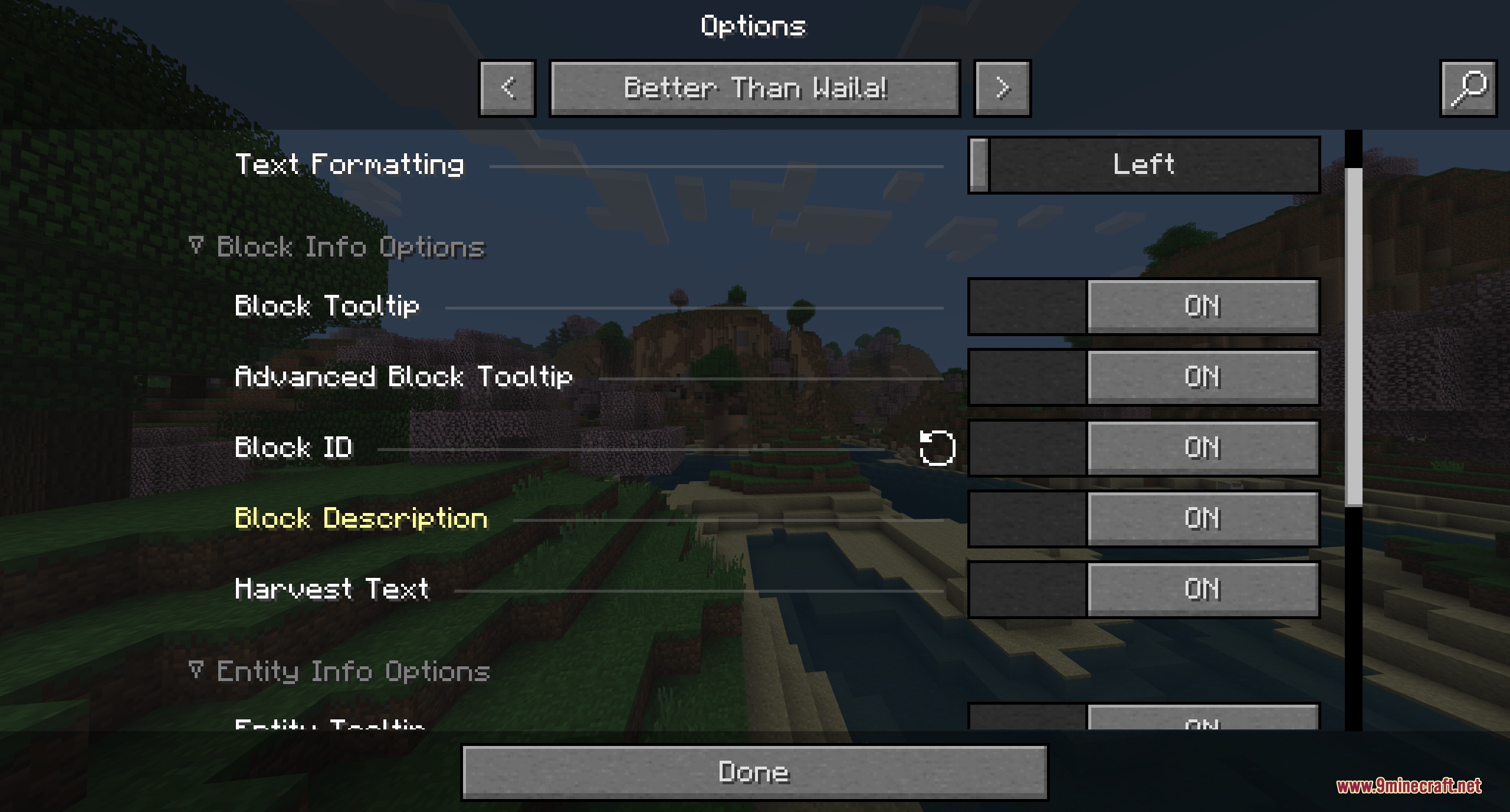
- Includes an options menu where you can turn individual display elements on or off.
How to Use:
- Point your crosshair at any block, mob, or container in the world.
- Read the popup tooltip on your screen to view its name and status.
- Open the in-game options to choose which tooltips stay visible.
- Open the HUD editor to drag the information box to your preferred screen position.
Screenshots:
How to Install:
New to Minecraft? Follow our step-by-step guide to install Mods on your PC.View Guide
Requirements:
HalpLibe Required
Beta Vision Prism Mod Download Links
Click to rate this post!
[Total: 0 Average: 0]
You May Also Like






This post has no comments yet. Be the first — your comment will appear here.