
Bigger Stacks Mod (1.20.1, 1.19.4) – Mine Without Storage Runs
 18,230
 0


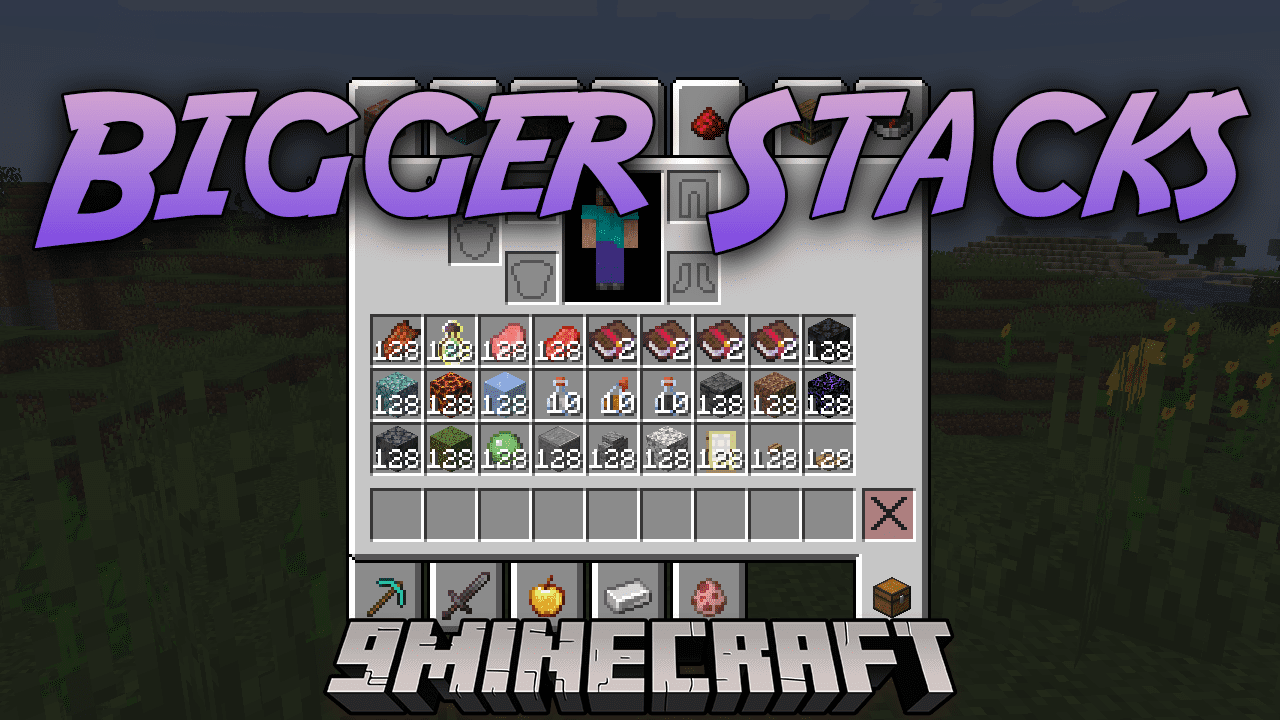
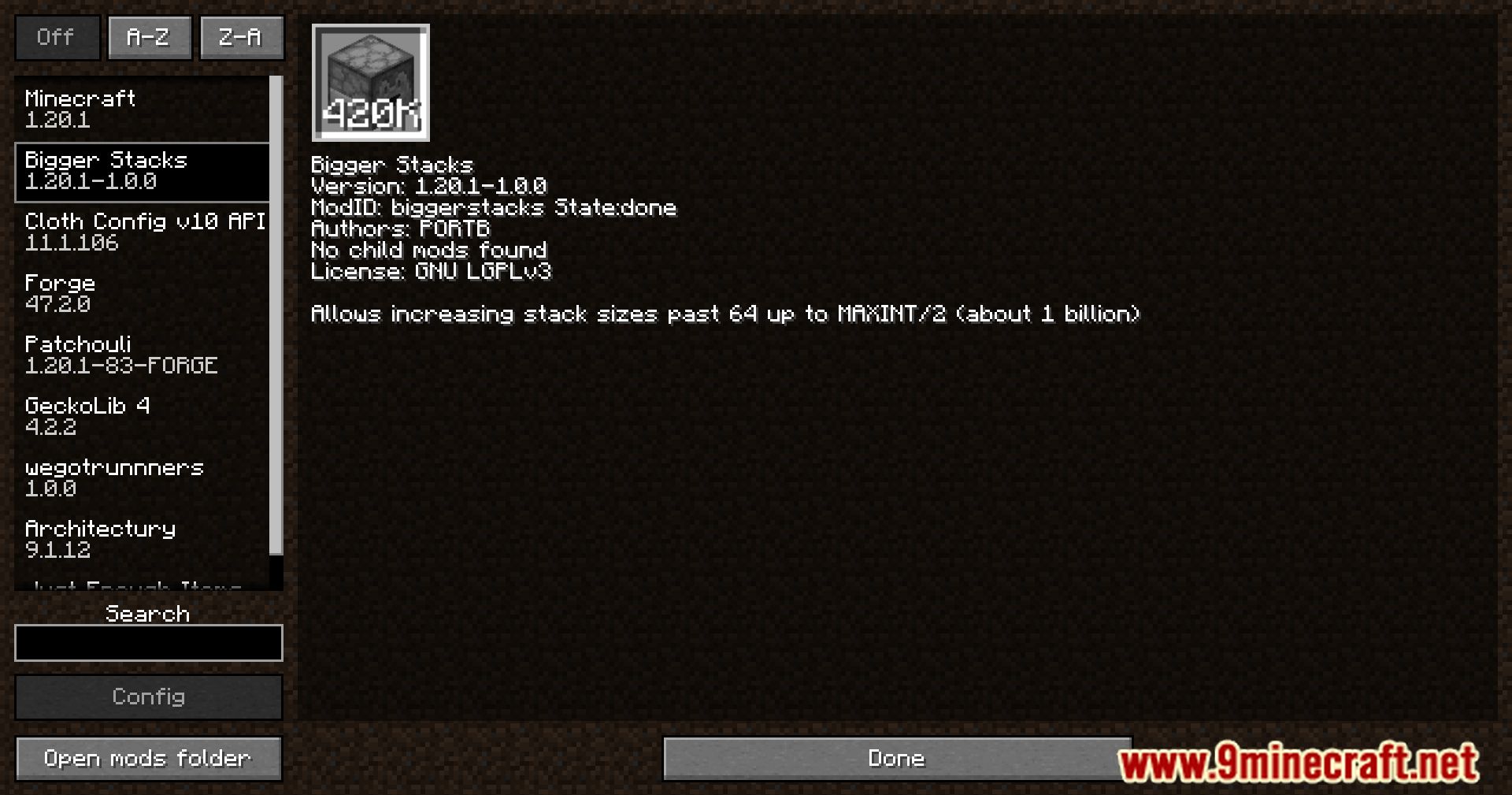
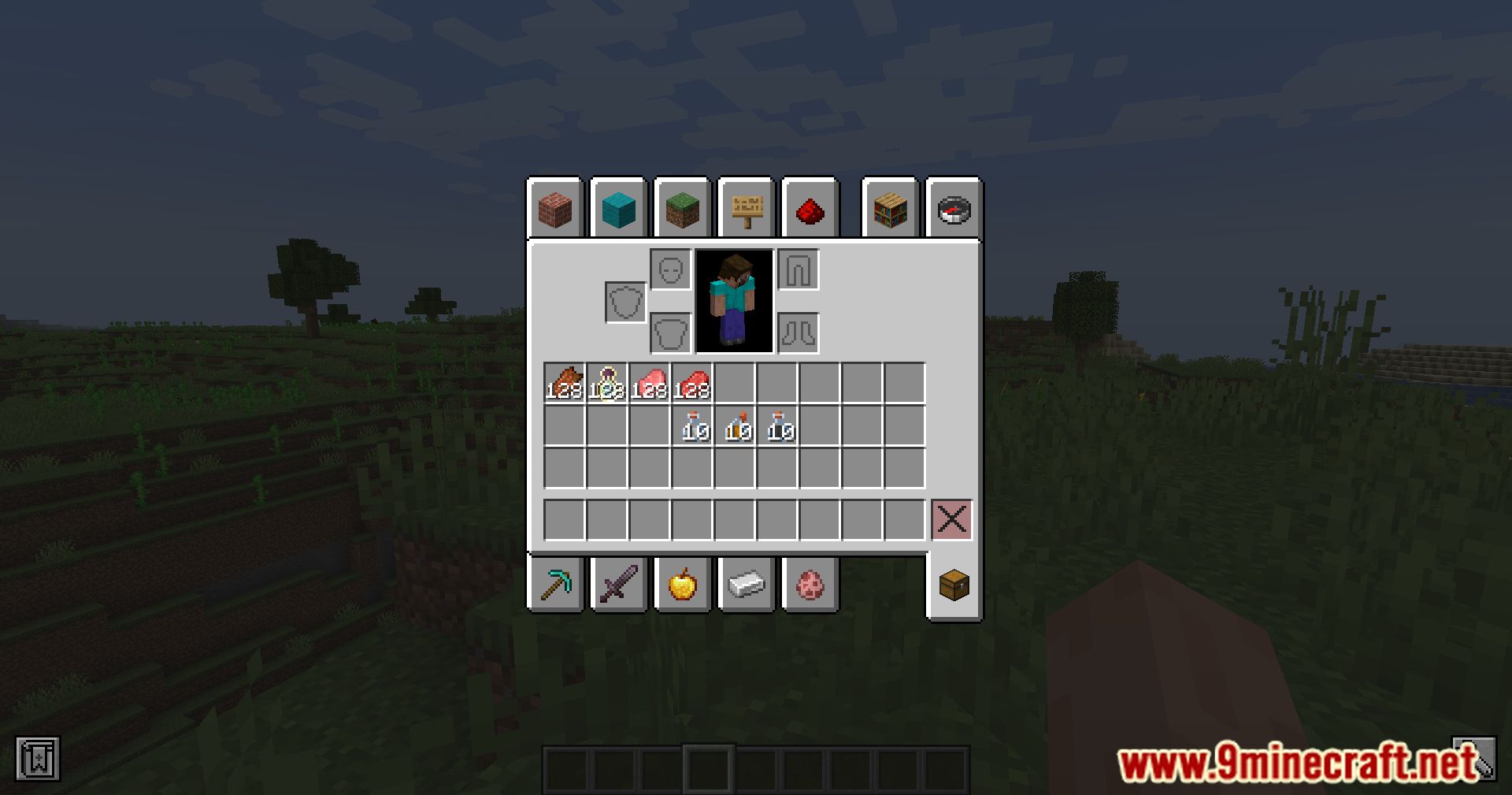
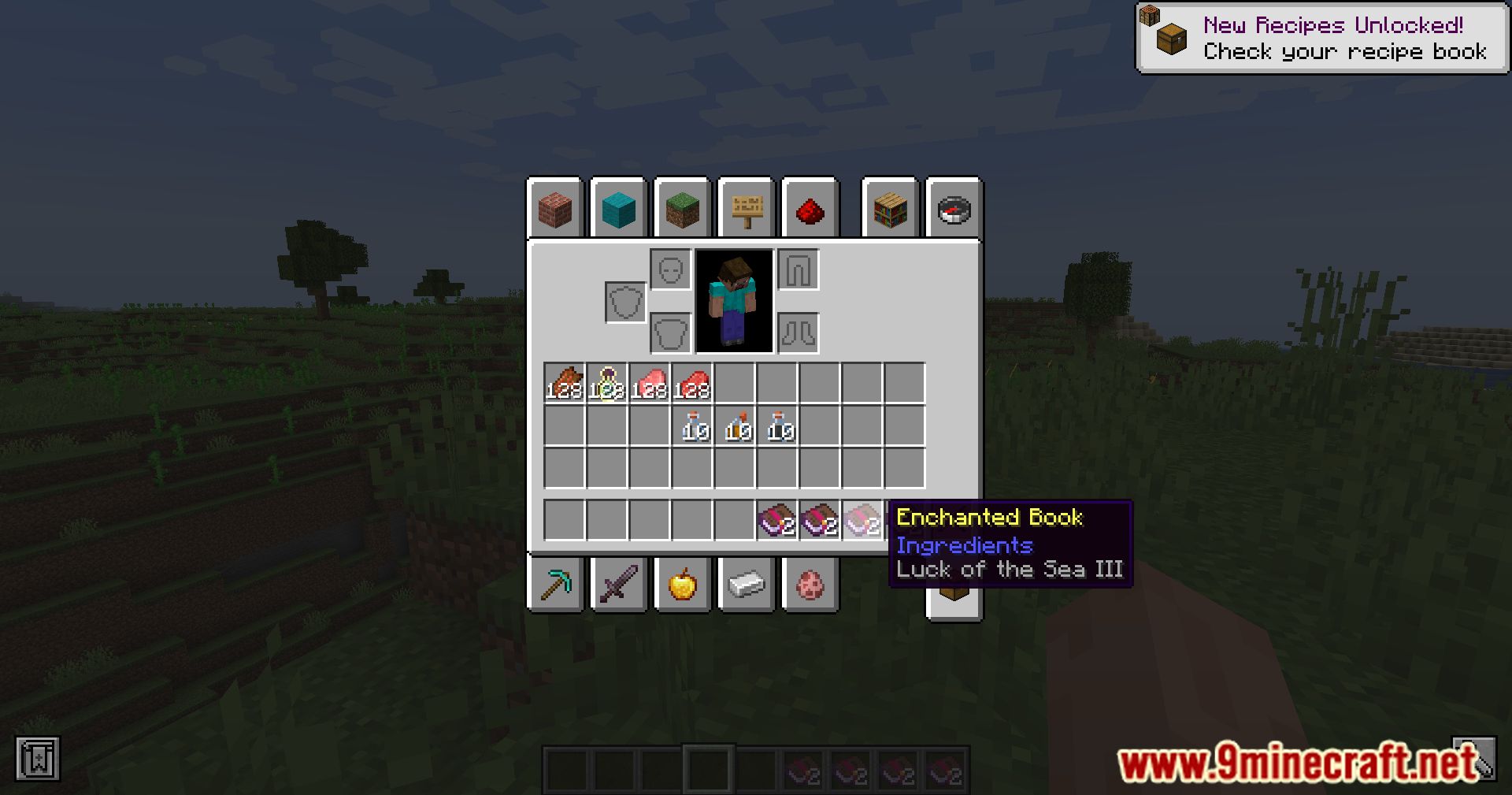
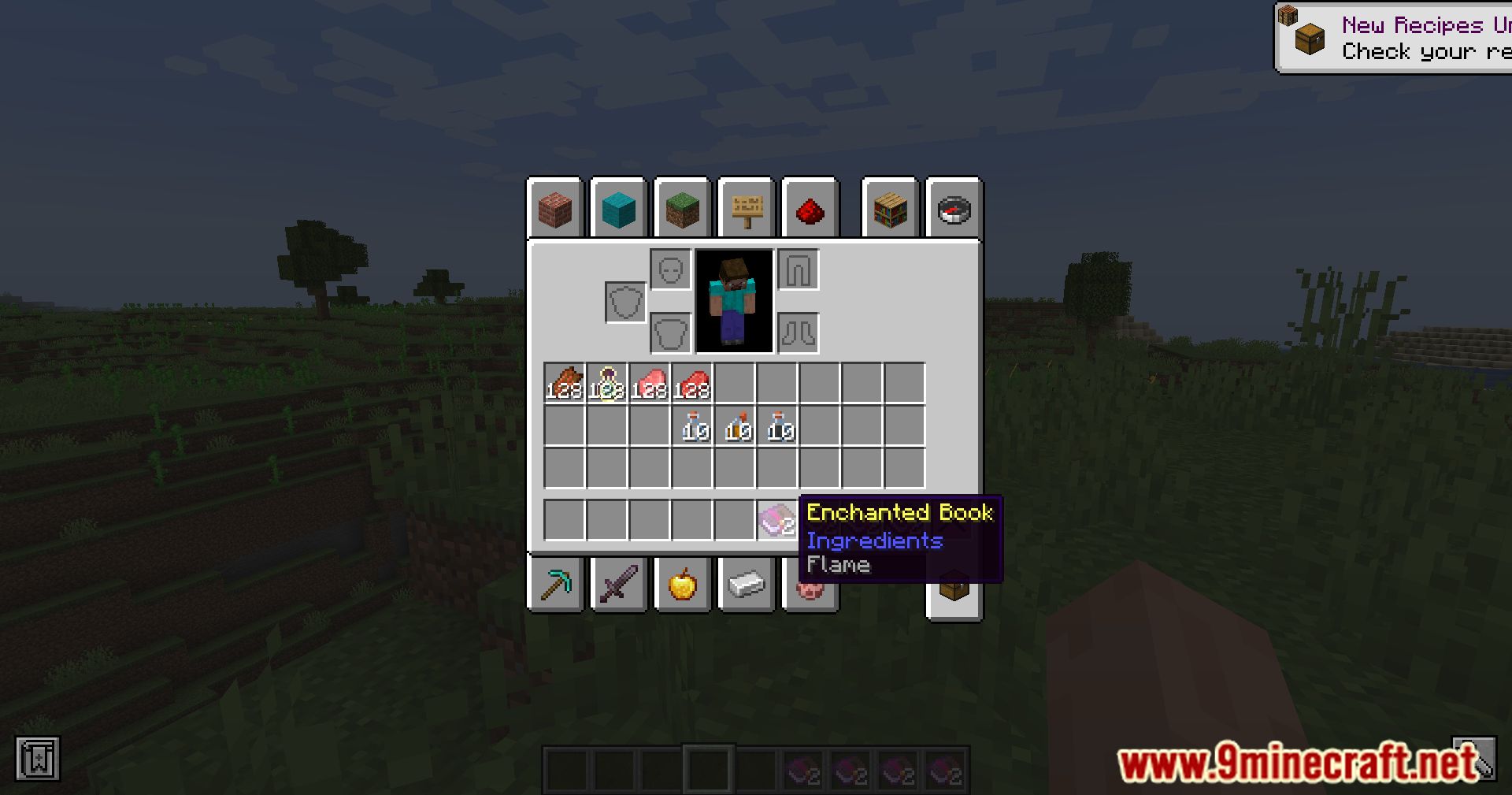
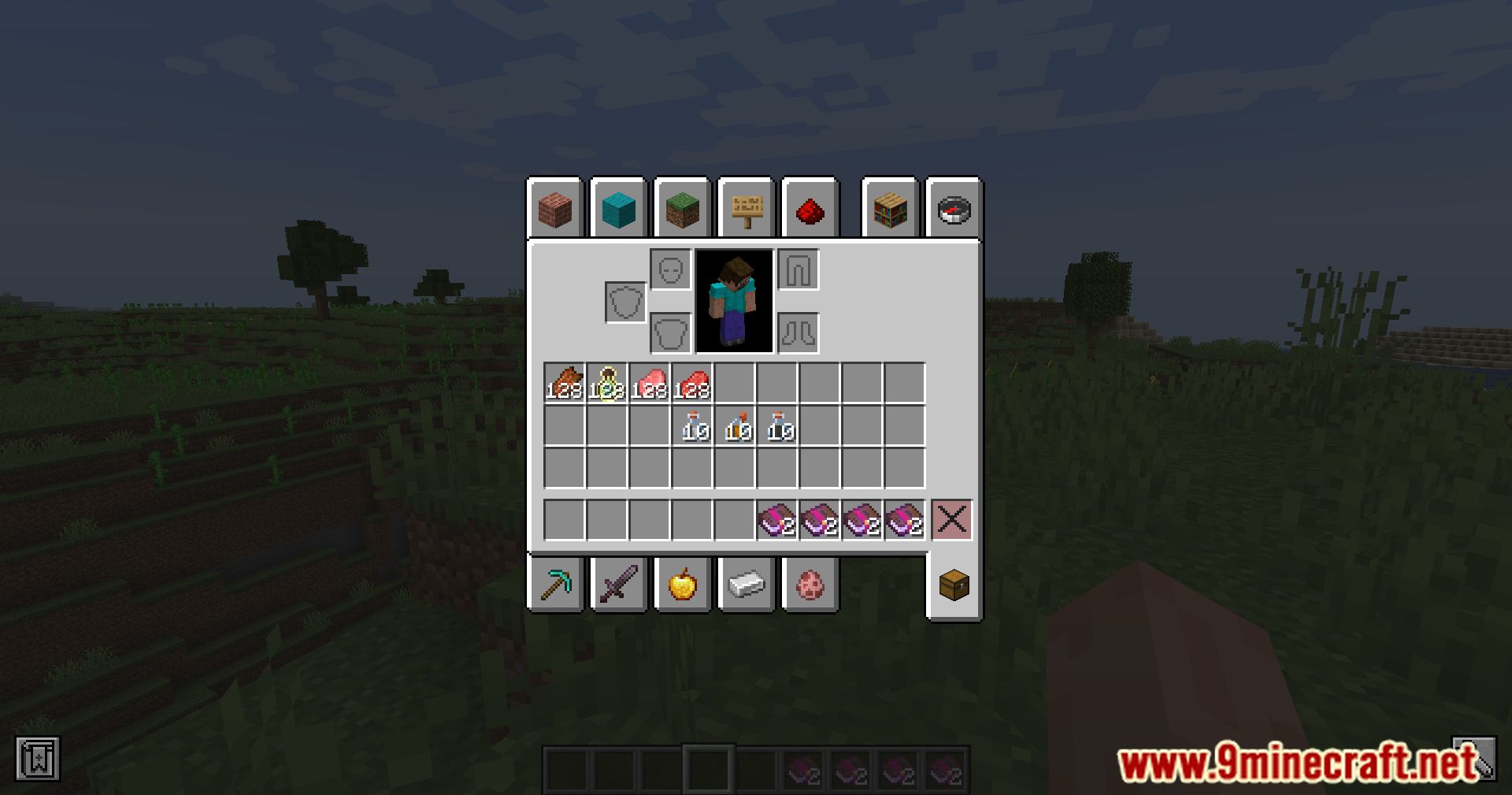
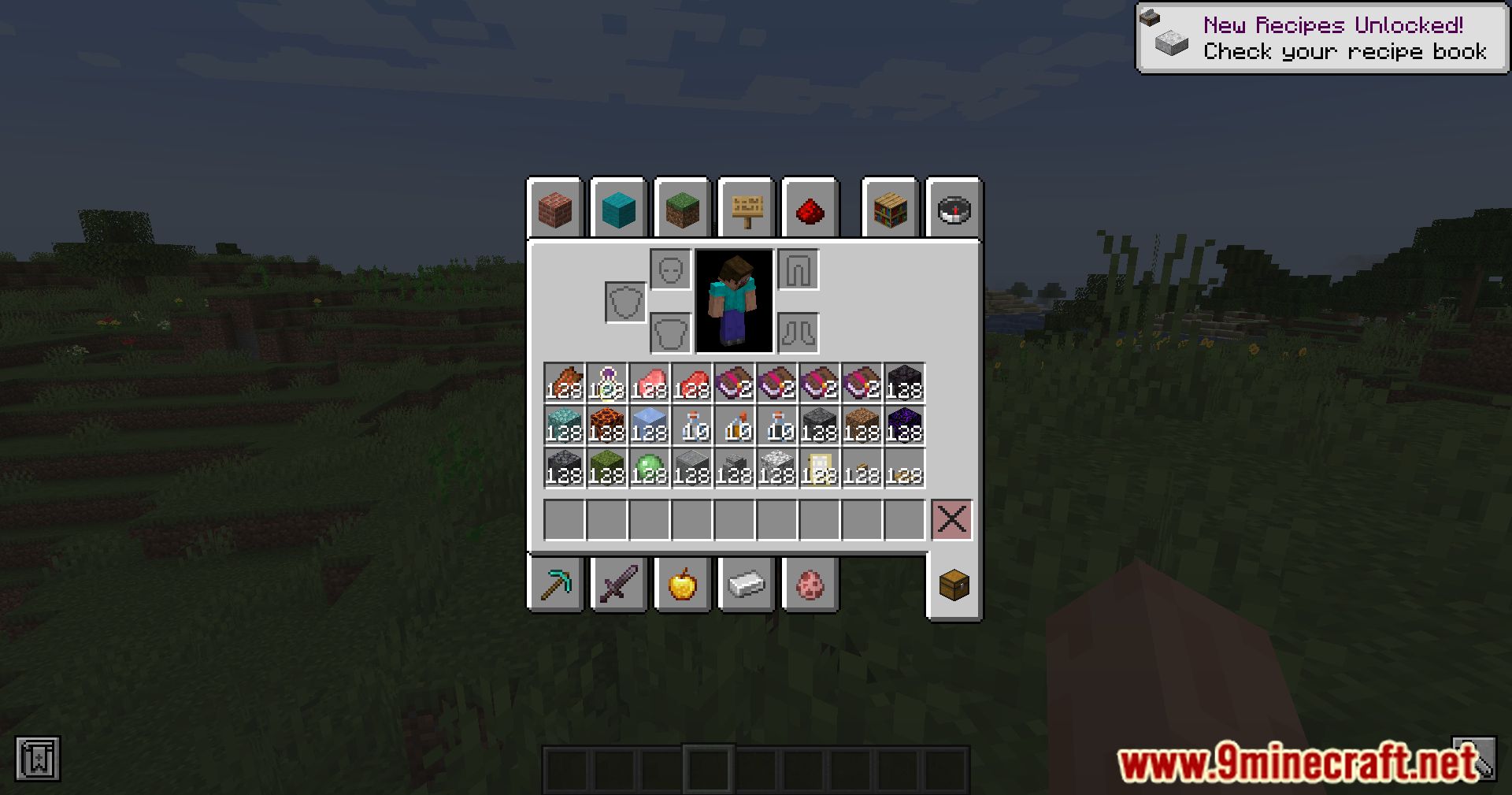
Bigger Stacks Mod lets you raise item stack limits past the normal 64 limit in Minecraft. It increases stack sizes up to around one billion items, so you can hold huge amounts in your inventory. This mod includes a rule system that sets custom stack limits for individual items using item tags, mod origins, and other rules. It also adjusts several item transport mods to work smoothly with larger stacks and gives you an in-game GUI for easy setup.
Features:
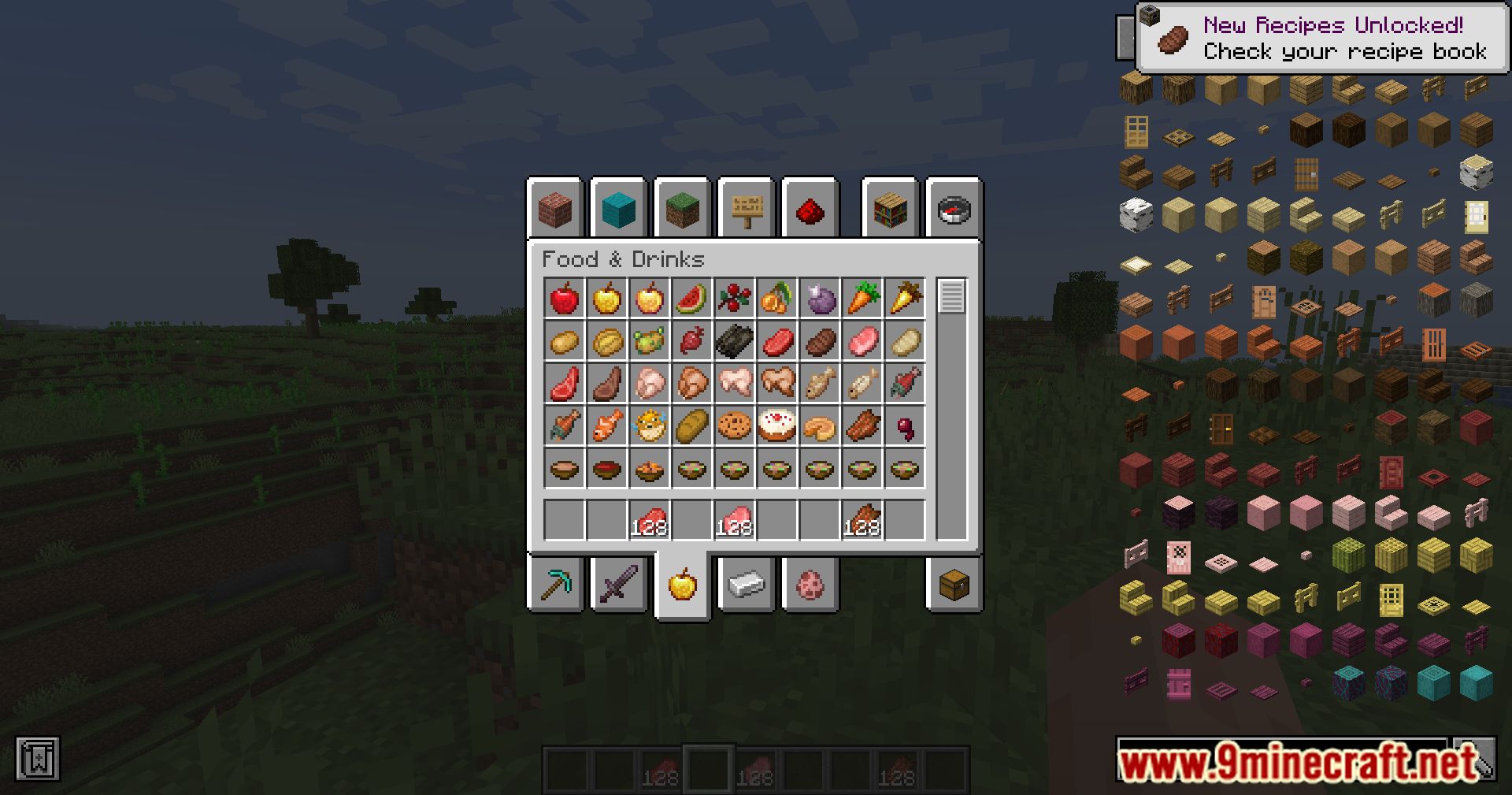
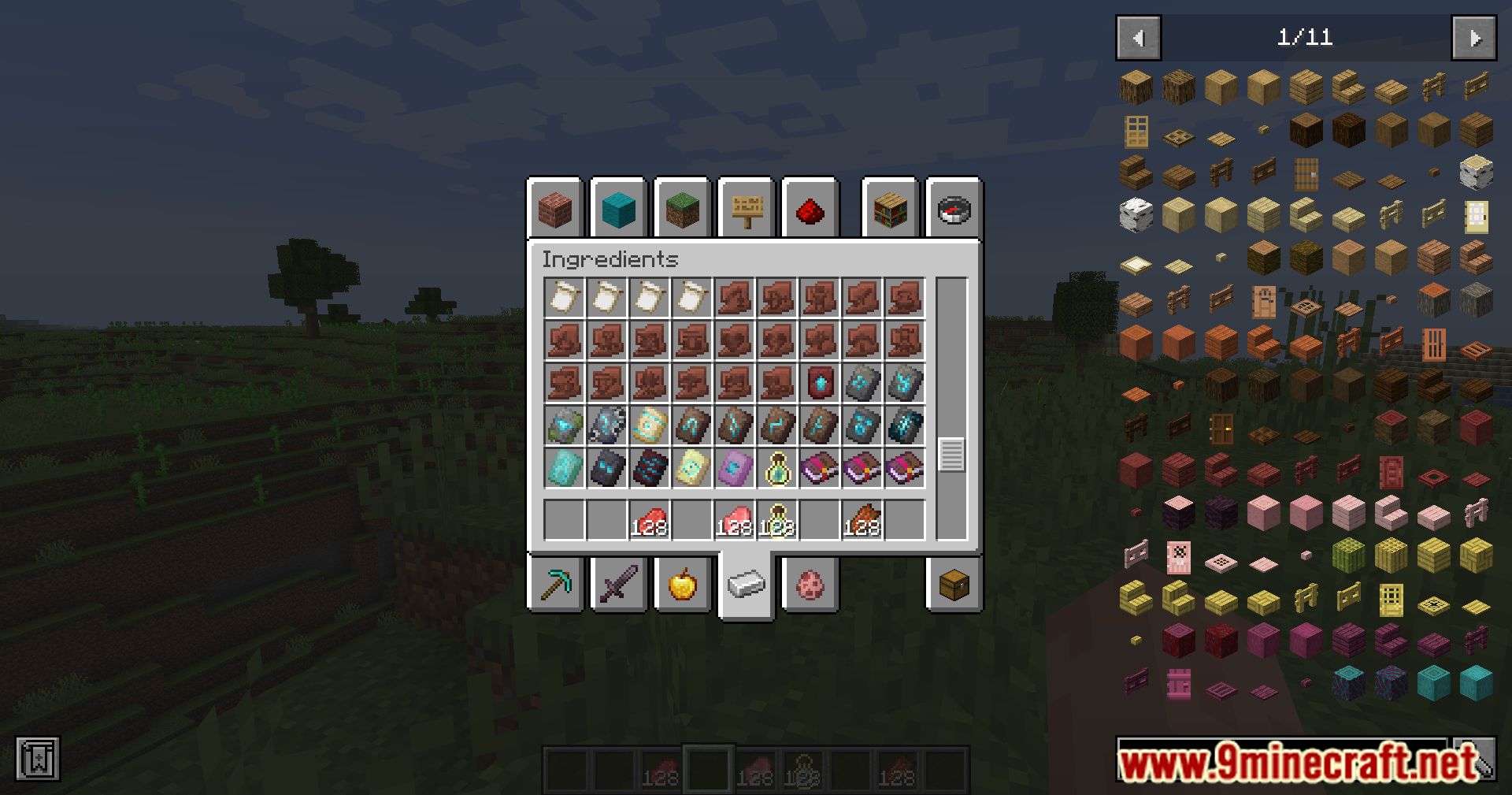
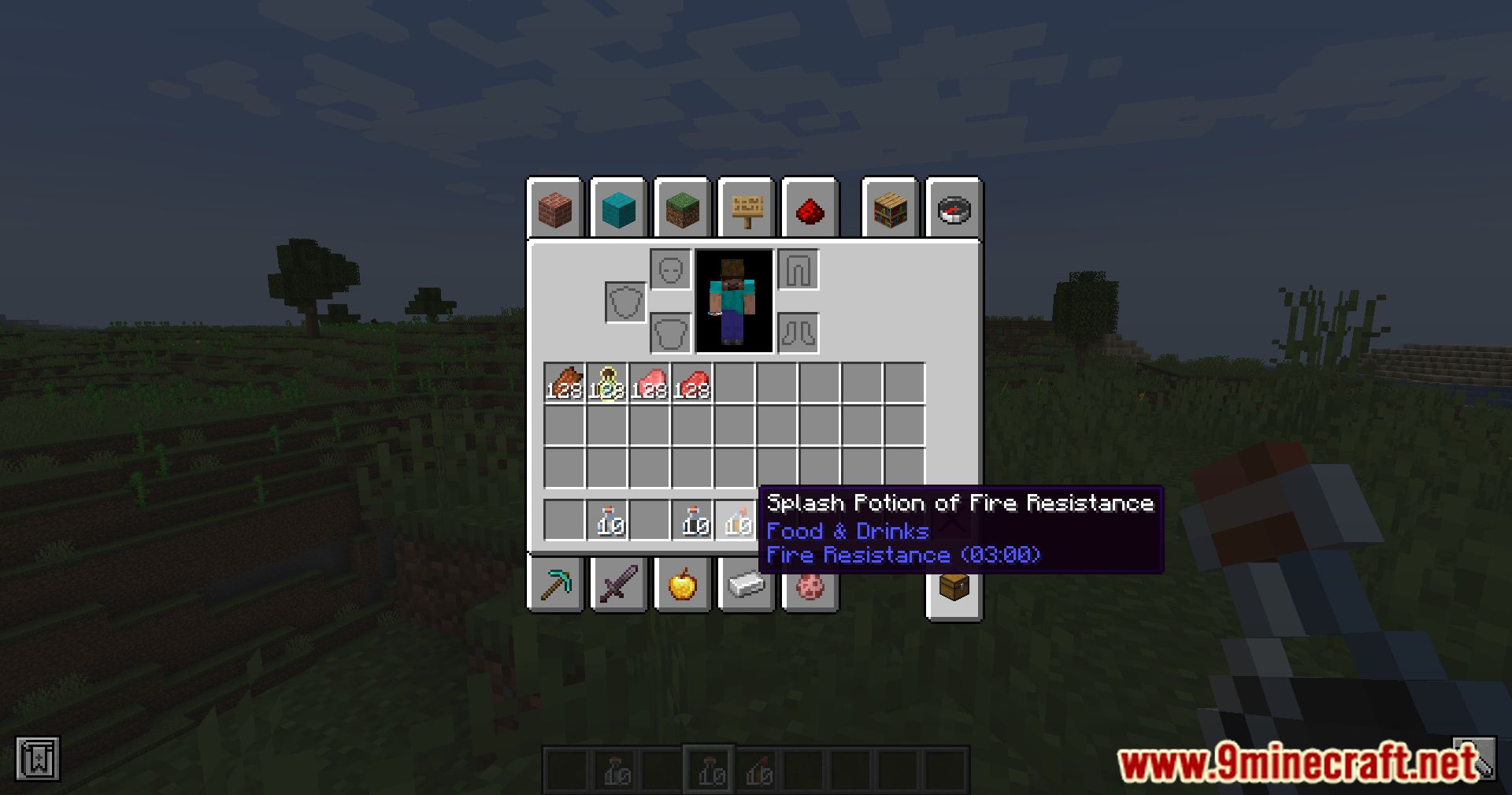
- Increases item stack sizes past the standard 64 limit, up to around one billion items, though going that high is not recommended.
- Lets you set custom stack limits for individual items using rules based on item tags, the mod an item comes from, and more.
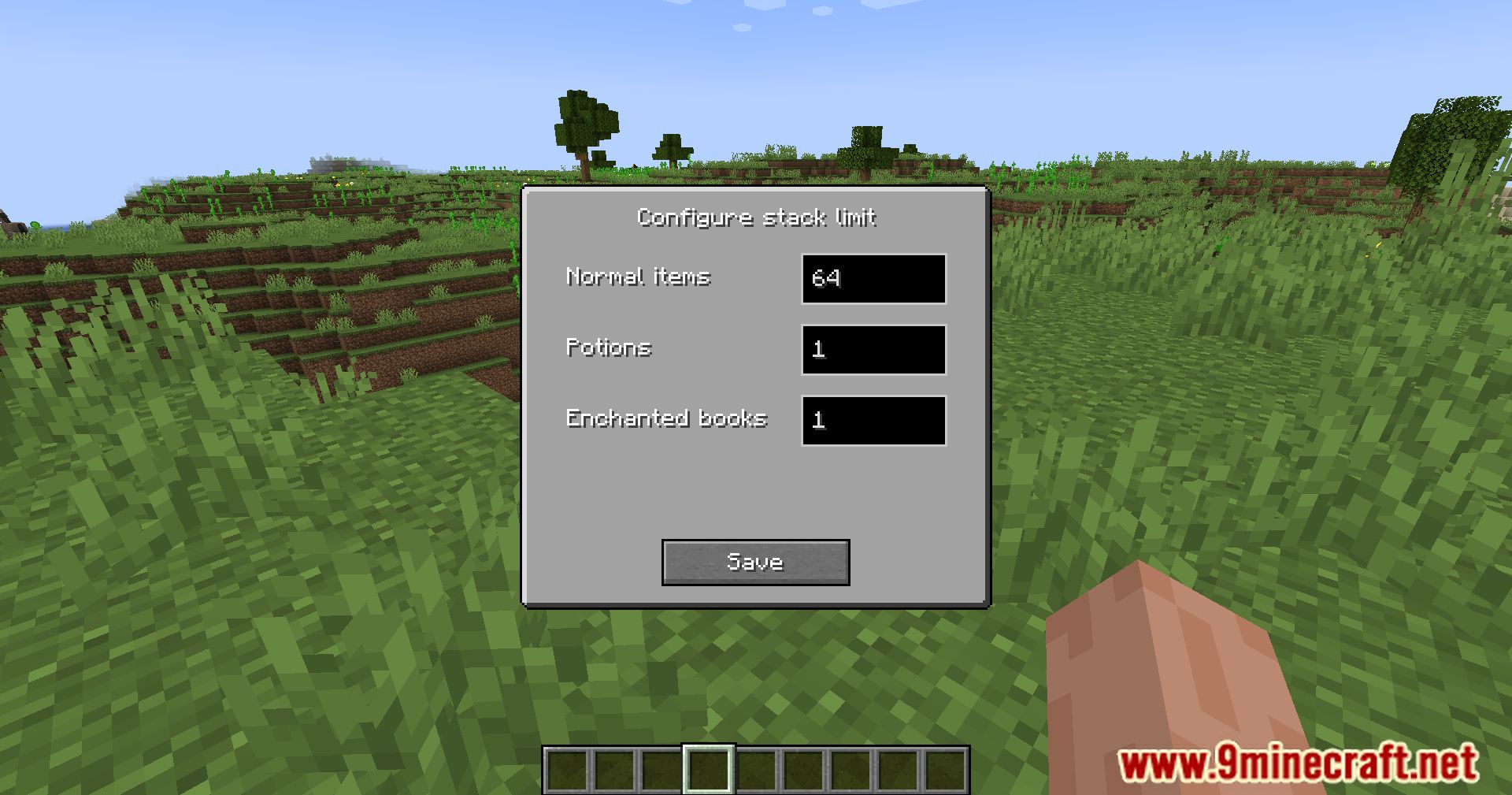
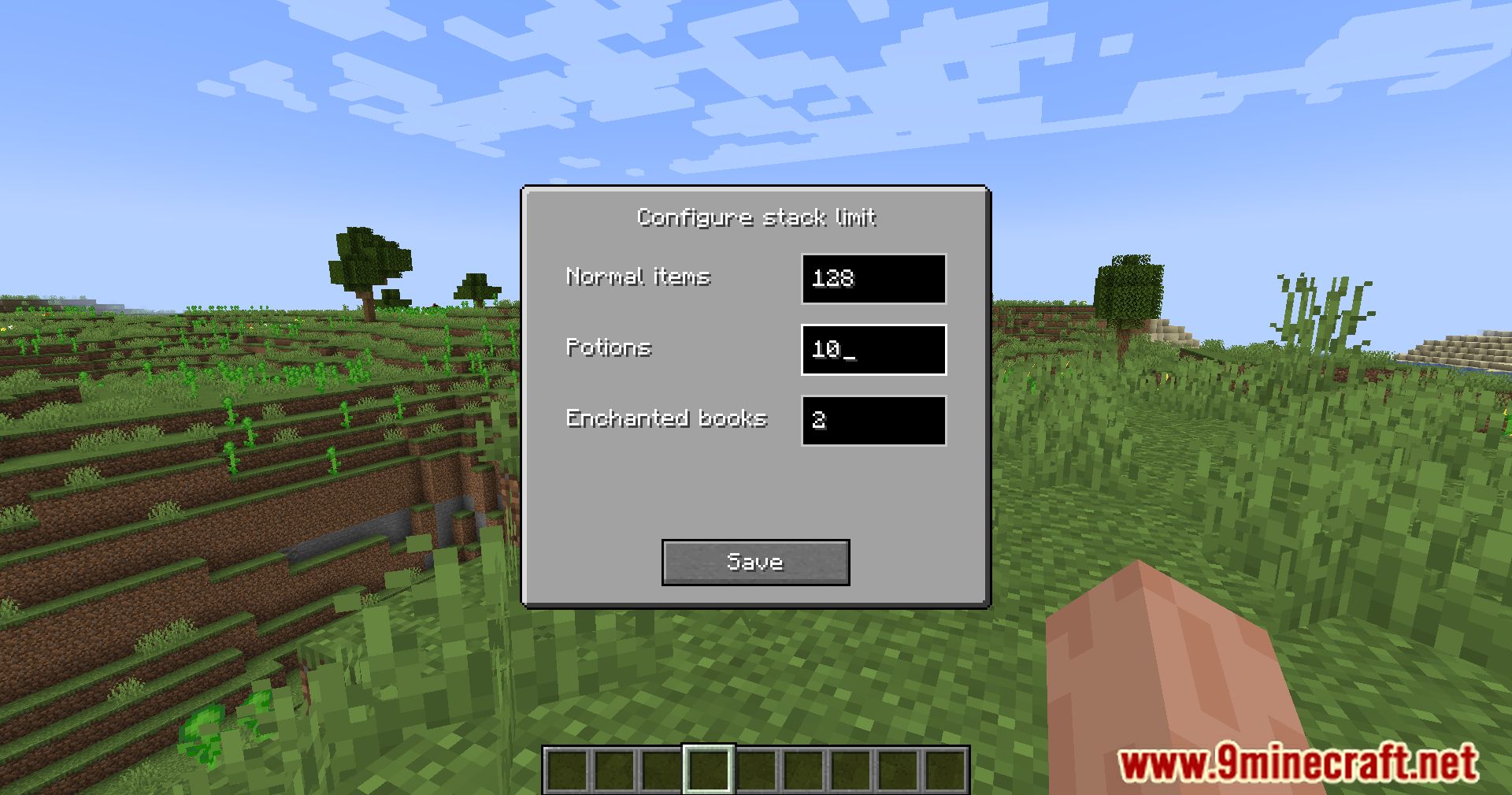
- Includes an in-game configuration GUI where you can create and edit stack rules at any time.
- Shows a clickable prompt in chat when you load into an unconfigured world so you can jump straight into setup.
- Adjusts several item transport mods—XNet, Modular Routers, Pretty Pipes, and Cyclic—to support larger stacks, with extra details listed in the config file.
Commands:
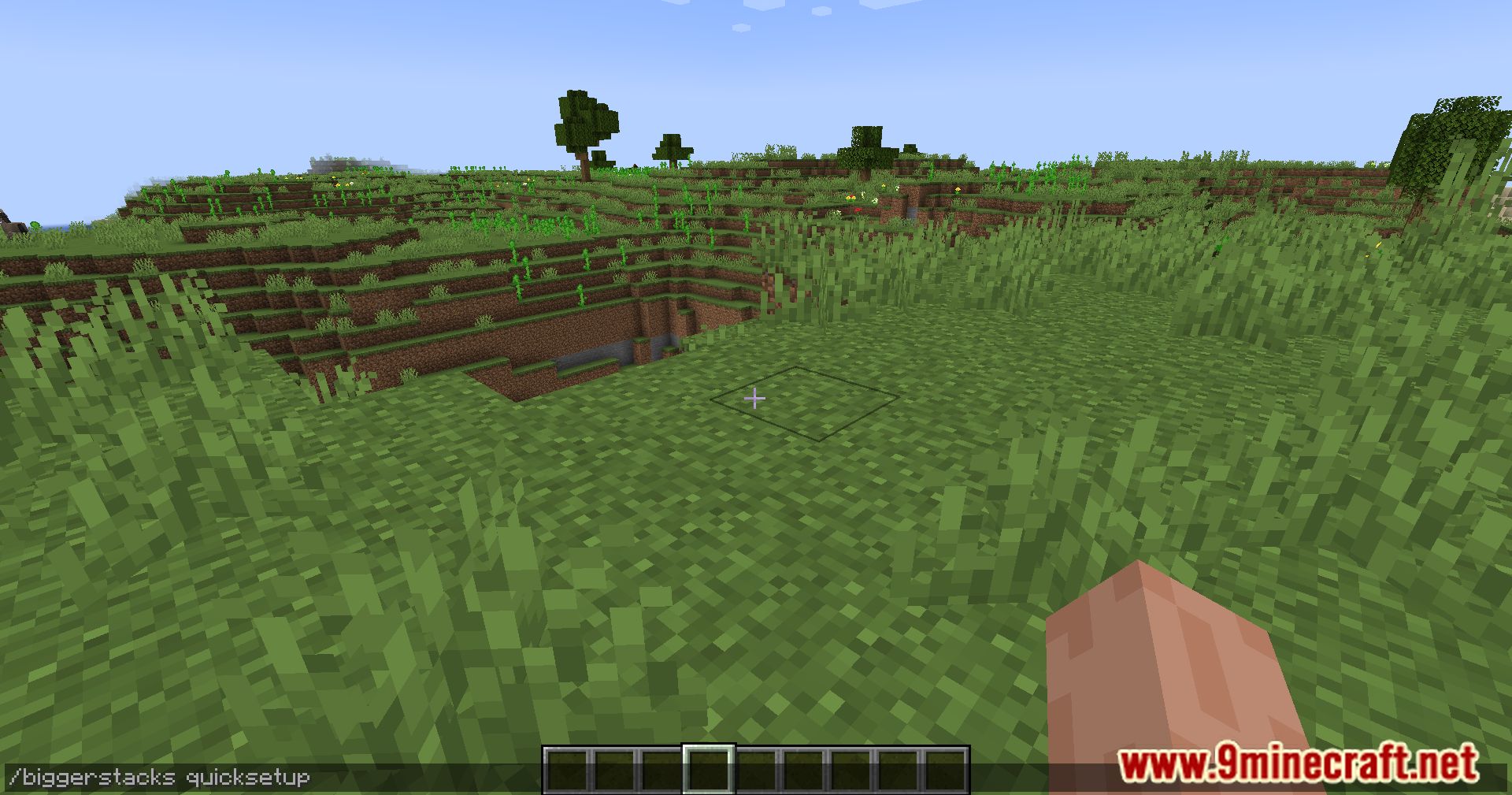
/biggerstacks quicksetup: Opens the in-game configuration GUI so you can set up or change item stack rules at any time.
How to Use:
- Load into a world with this mod unconfigured; a quick setup prompt appears in your chat.
- Click the prompt in chat or run
/biggerstacks quicksetupto open the configuration GUI. - Use the GUI to create or change stack size rules for items based on item tags, mod origins, and other rules.
- Type
/biggerstacks quicksetupin chat at any time later to reopen the GUI and update your settings.
Screenshots:
How to Install:
New to Minecraft? Follow our step-by-step guide to install Mods on your PC.View Guide
Bigger Stacks Mod Download Links
For Minecraft 1.20.1
Forge Version: Download from Server 1 – Download from Server 2
For Minecraft 1.19.4
Forge Version: Download from Server 1 – Download from Server 2
For Minecraft 1.19.3
Forge Version: Download from Server 1 – Download from Server 2
For Minecraft 1.19.2
Forge Version: Download from Server 1 – Download from Server 2
For Minecraft 1.18.2
Forge Version: Download from Server 1 – Download from Server 2
For Minecraft 1.18.1
Forge Version: Download from Server 1 – Download from Server 2
For Minecraft 1.16.5
Forge Version: Download from Server 1 – Download from Server 2
How do you usually play Minecraft?
46 responses · See the full results →
You May Also Like
Picked for this page
 Not Just Sandwich Mod (26.3, 1.20.1) – Edibles, Sandwiches
 Tool Stats Mod (26.3, 1.20.1) – Harvest Level Display
 Ksyxis Mod (26.3, 1.20.1) – Completely Removes Spawn Chunks
 Responsive Shields Mod (1.21.11, 1.20.1) – Configurable Shield Delay
 Measurements Mod (26.3, 1.20.1) – Measuring The Dimensions of Blocks
 TweakMyClient Mod (1.21.11, 1.20.1) – Provide Players with Controlling Prowess
 Vault Patcher Mod (26.2, 1.20.1) – Coverts Hard Coded Strings Into Localization Strings
 Bat Membrane Mod (26.3, 1.20.1) – No More Phantom Dependency For Membranes
 Giant Natural Additions Mod (26.3, 1.20.1) – Oversized Trees And Mushrooms
 Name Fabric Mod (26.2, 1.20.1) – Commands To Get Player Info
 Fabric Exporter Mod (26.2, 1.20.1) – Adds A Prometheus Exporter With General Server Metrics
 SpongeSucc Mod (26.3, 1.20.1) – Lava Absorbing Sponges
Most viewed in Mods over the last 7 days
 Ala Industrial Mod (26.3) – Run Electric Power Grids and Automated Factories
 PleasureCraft Mod (26.3, 1.21.1) – Jenny Mod Remake for Fabric
 Jennycraft Mod (26.3, 1.20.1) – Virtual Girlfriend in Minecraft
 Fapcraft Mod (26.3, 1.12.2) – Comprehensive and Detailed Content
 Jenny Mod (Fapcraft) Official Complete Guide – How to use, Tutorial
 BangCraft Mod (1.20.1) – Jenny, Ellie and Elliot
 Fabric Loader (26.3, 1.20.1) – Fabric Installer for All Minecraft Versions
 The Shooting Star Demo Mod (26.3, 1.20.1) – Vaporize Terrain From Orbit
 Meteor Client Mod (26.3, 1.20.1) – Xray, HUD, Fly
 OptiFine HD (26.3, 1.20.1) – Run Faster, FPS Boost, Shaders Support
 Aristois Client Mod (1.21.4, 1.20.1) – World Class Minecraft Utility
 Prestige Client Mod (1.21.11, 1.21.4) – Powerful Ghost Features for Crystal & Sword PvP
More from Mods
 Tre’s Tack Library Mod (1.20.1) – Outfit Your Horses with Fully Detailed Tack
 YDM’s coreX Library Mod (1.20.1) – Loot RPG Gear with Random Names
 Gunpowder Recipe Mod (26.3, 1.20.1) – Gunpowder is Craftable
 Villager Timetable Mod (26.3, 1.20.1) – Master Villager Schedules
 Artemis Laboratory Blocks Mod (26.3, 1.20.1) – Lab Blocks And Dynamic Decorations
 Fabric ORM Jimmer Mod (26.3, 1.20.1) – Prevent Sudden Server Crashes
 Cafe Core Mod (26.2, 1.21.1) – Bypass Anvil Limits and Tame Pets in Seconds
 GTNH’s Forgelin Mod (1.7.10) – Play Kotlin-Powered Mods on Minecraft 1.7.10
 Nodeflow Mod (26.1.2, 1.21.1) – Wire Custom Redstone Logic on Visual Graph
 Winter Client Mod (1.21.11) – Survive Ruthless PvP on Anarchy Servers
 LARP Client Mod (1.21.11) – Dominate Crystal PvP on Anarchy Servers
 Berlin Client Mod (1.21.11) – Hunt Stashes and Win Crystal Fights

This post has no comments yet. Be the first — your comment will appear here.