


Biome Blends Mod (26.2, 1.20.1) – Paint Any Biome Around Your Base in Survival

 0
0 

🌐 Read this article in your language! Choose your preferred language below.
Or pick the one you like:
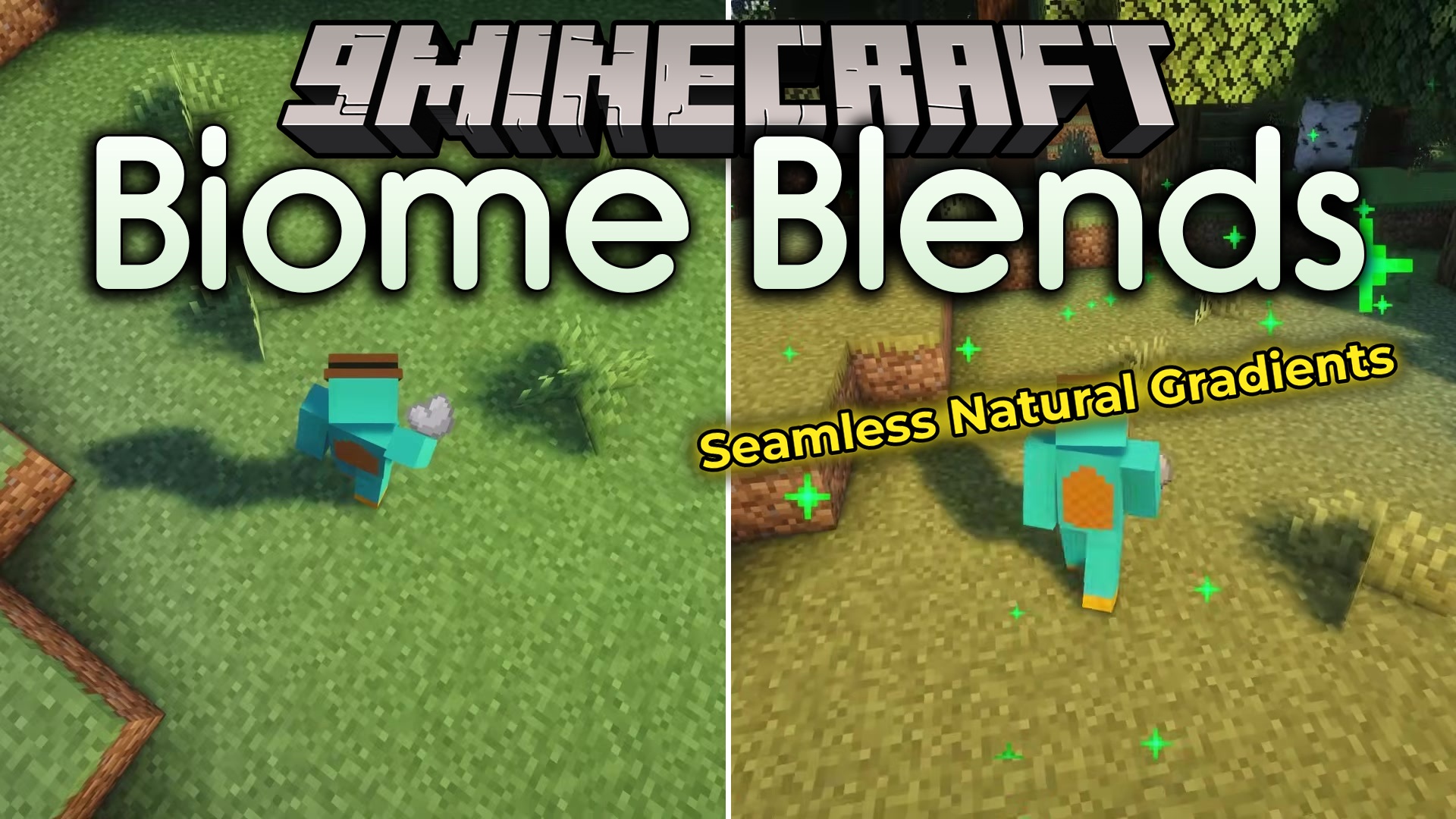
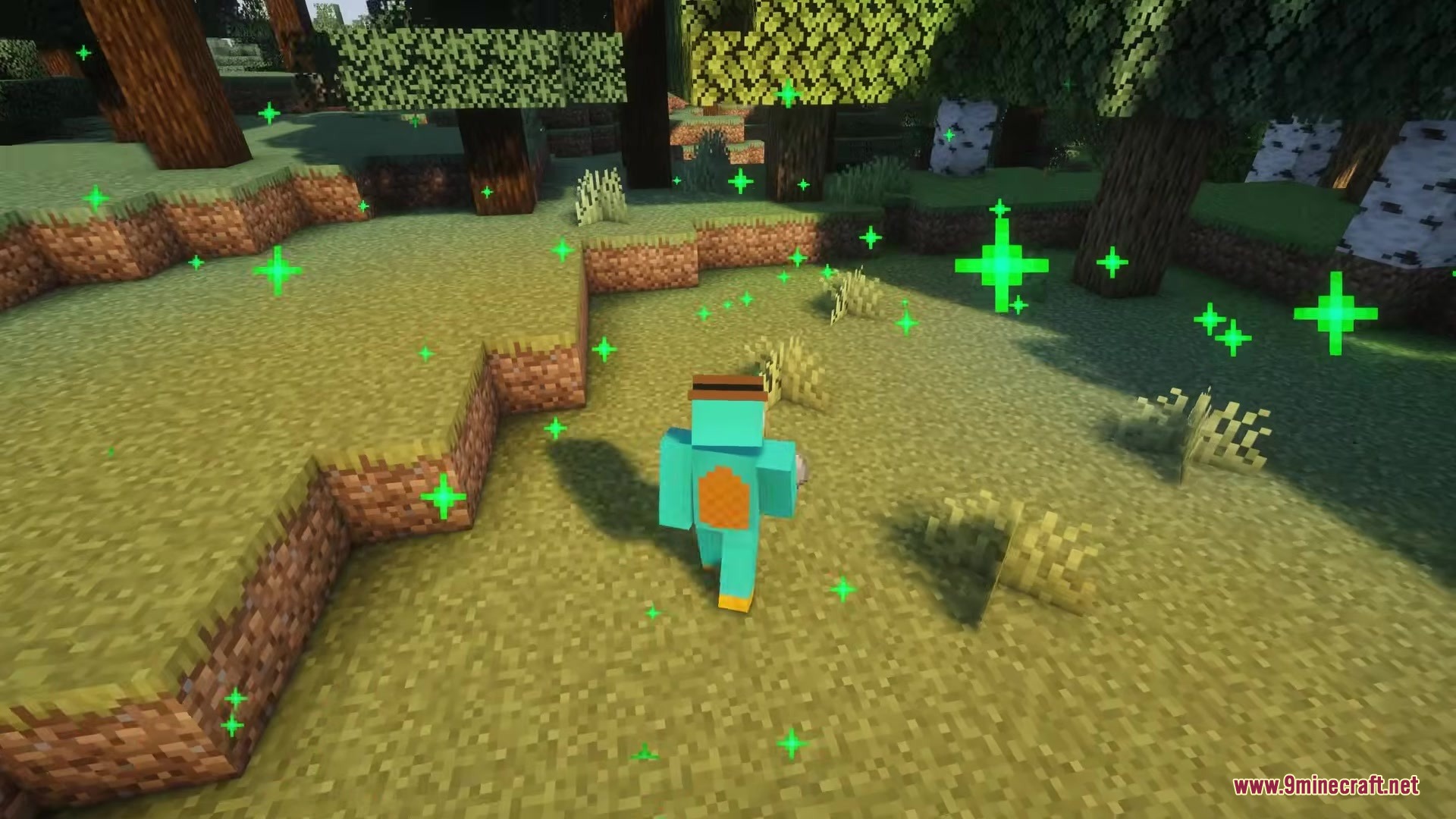
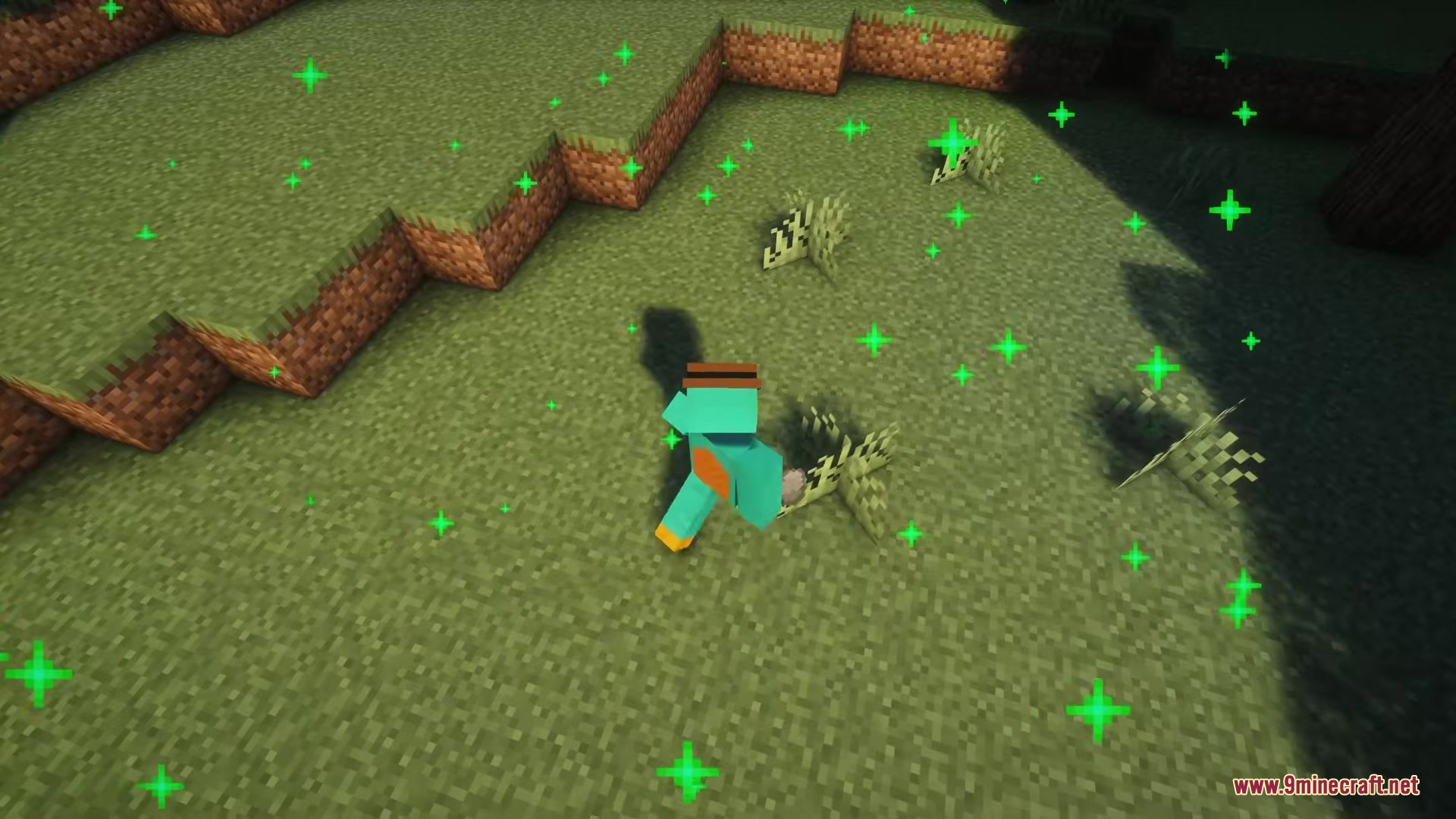
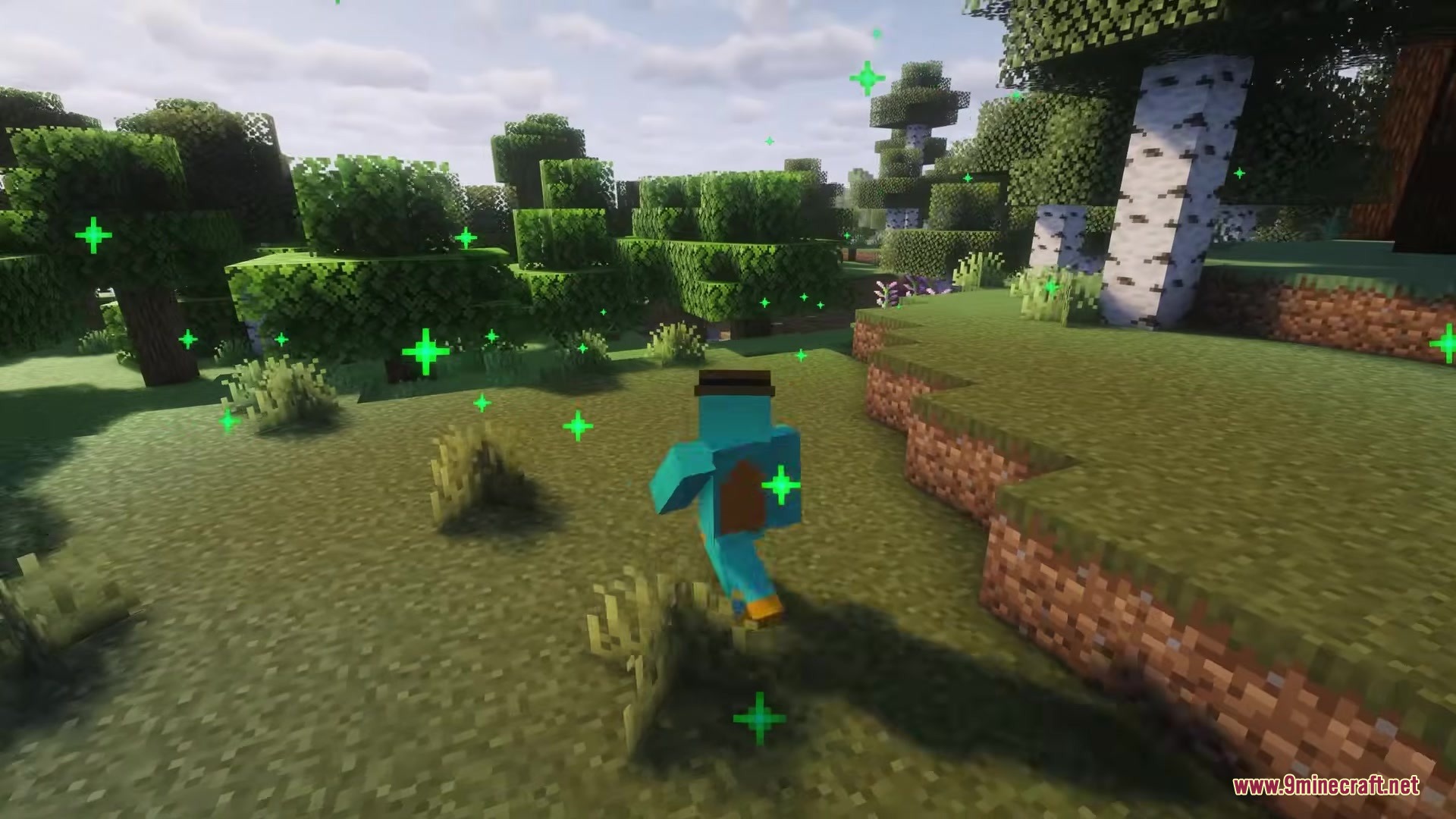
Biome Blends Mod lets you change the biome of any area while playing in survival mode. You no longer have to travel thousands of blocks just to find green grass from the jungle or white snow from the tundra. This mod gives you special items that paint the ground with a new biome when you use them. It works on all standard Minecraft biomes and even supports some popular custom biome additions.
Features:
- Change Biomes: Lets you turn a small area into any vanilla biome you want without using commands.
- Craft a base item called a bland blend using clay, white dye, and paper.
- Combine the bland blend with items from specific biomes to create a working blend.
- Changes the biome in a block radius of four steps in every direction by default.
- Works together with big world generation mods like Biomes O’ Plenty and Oh The Biomes We’ve Gone.
- Allows players to change the effect size, sounds, and particles using data packs.
- Leaves behind a specific item after you use the blend if configured to do so.
How to Use:
- Craft a bland blend by putting clay, white dye, and paper in a crafting table.
- Mix the bland blend with a biome item to get a specific biome blend.
- Hold the new blend item in your hand.
- Right-click on the ground to change the biome around you.
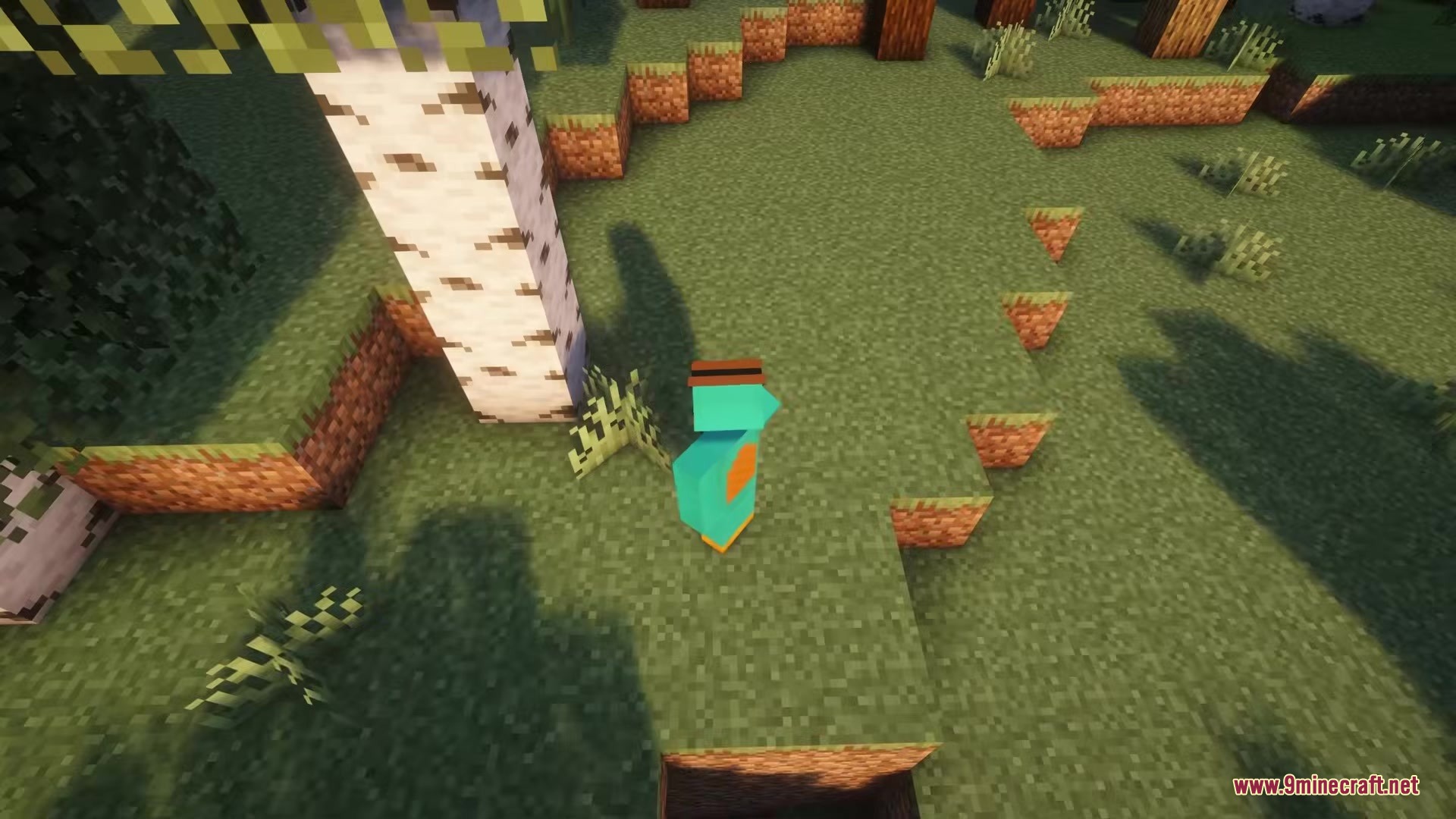
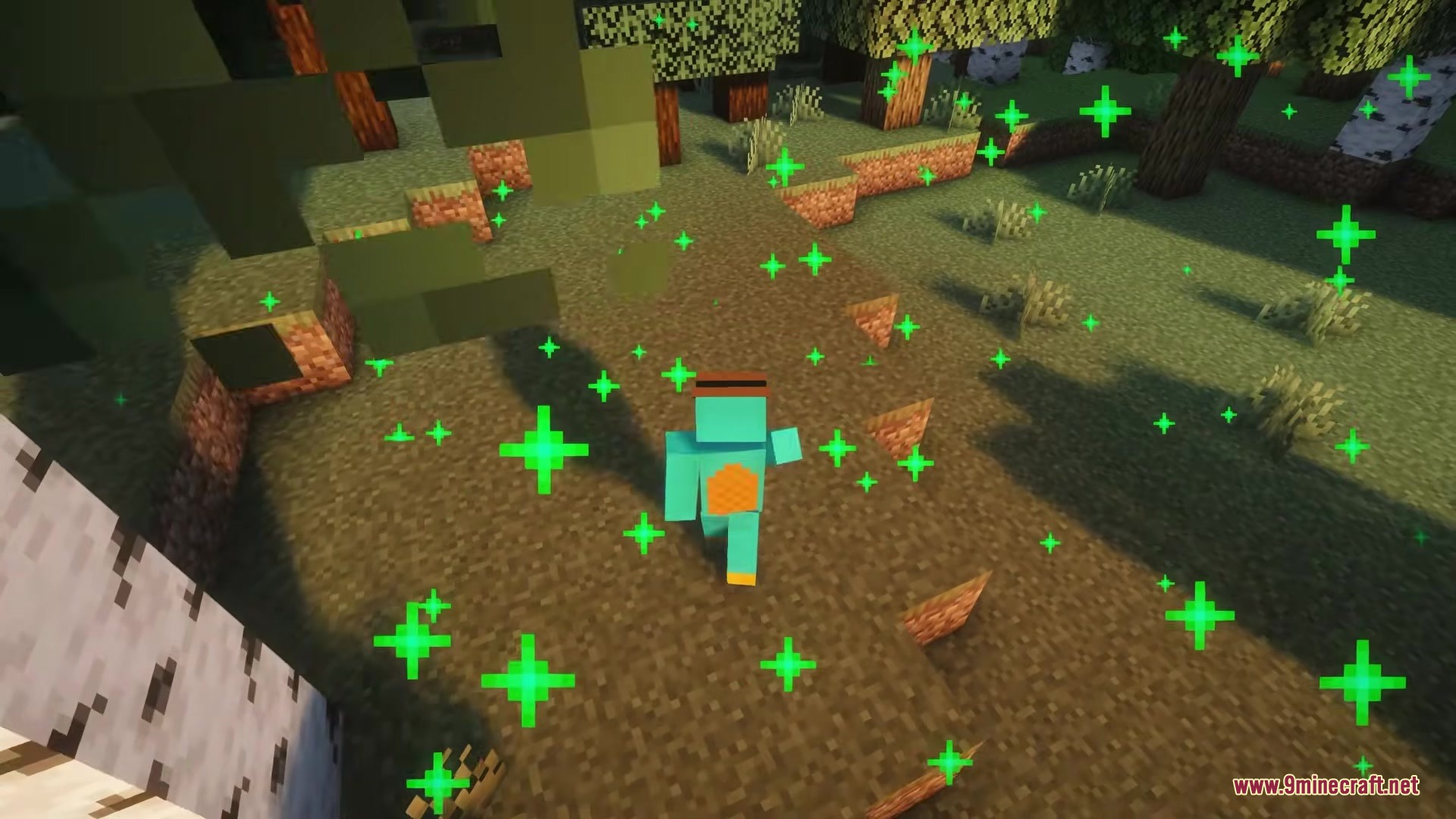
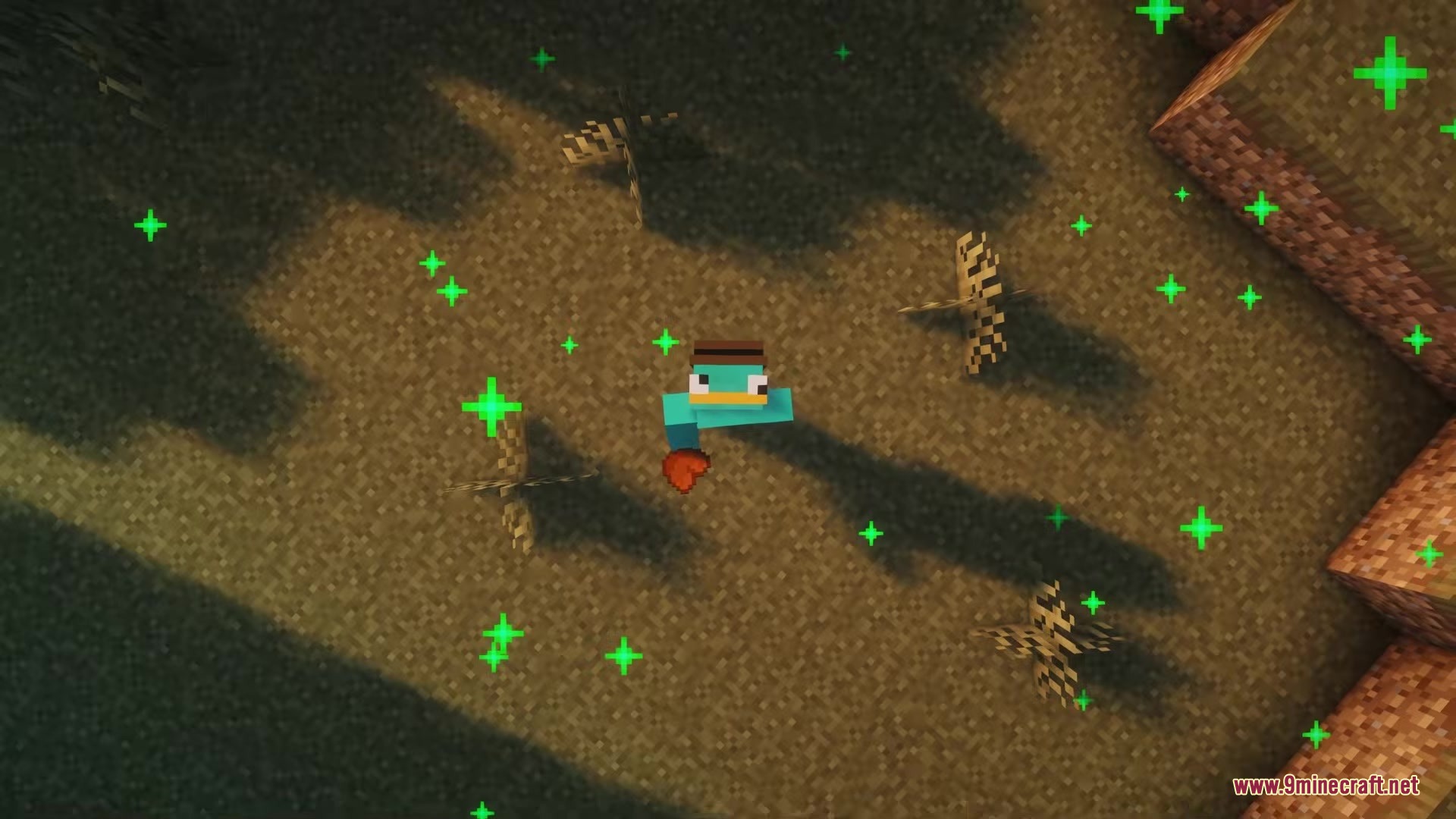
Screenshots:
How to Install:
New to Minecraft? Follow our step-by-step guide to install Mods on your PC.View Guide
Requirements:




Biome Blends Mod Download Links
For Minecraft 26.2
For Minecraft 26.1.2, 26.1.1, 26.1
For Minecraft 1.21.1, 1.21
For Minecraft 1.20.1, 1.20
Click to rate this post!
[Total: 0 Average: 0]
You May Also Like




This post has no comments yet. Be the first — your comment will appear here.