


Chat Upgrade Mod (26.2, 26.1.2) – Send Pictures and Play Videos Directly in Chat
 9
9
 0
0


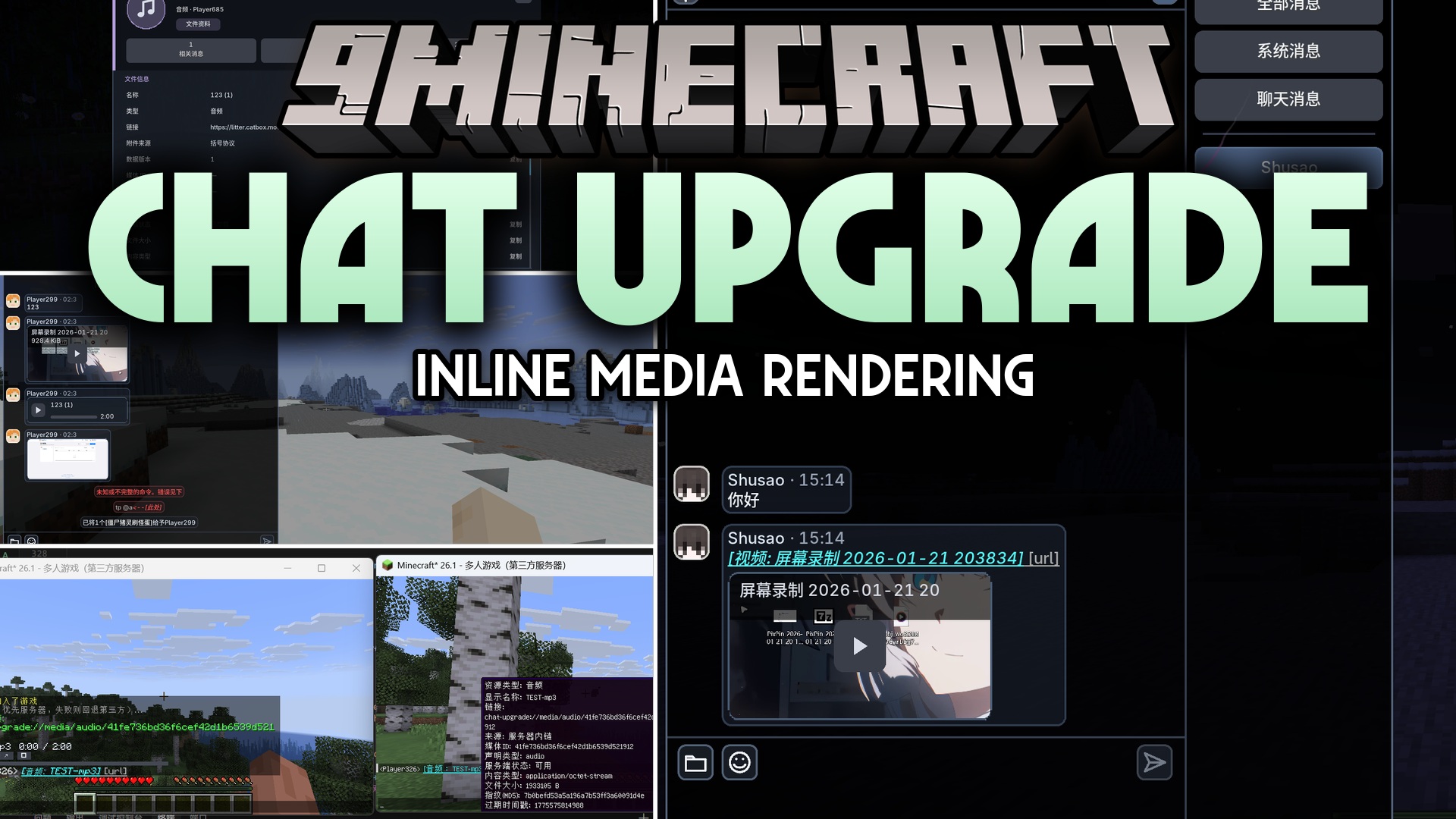
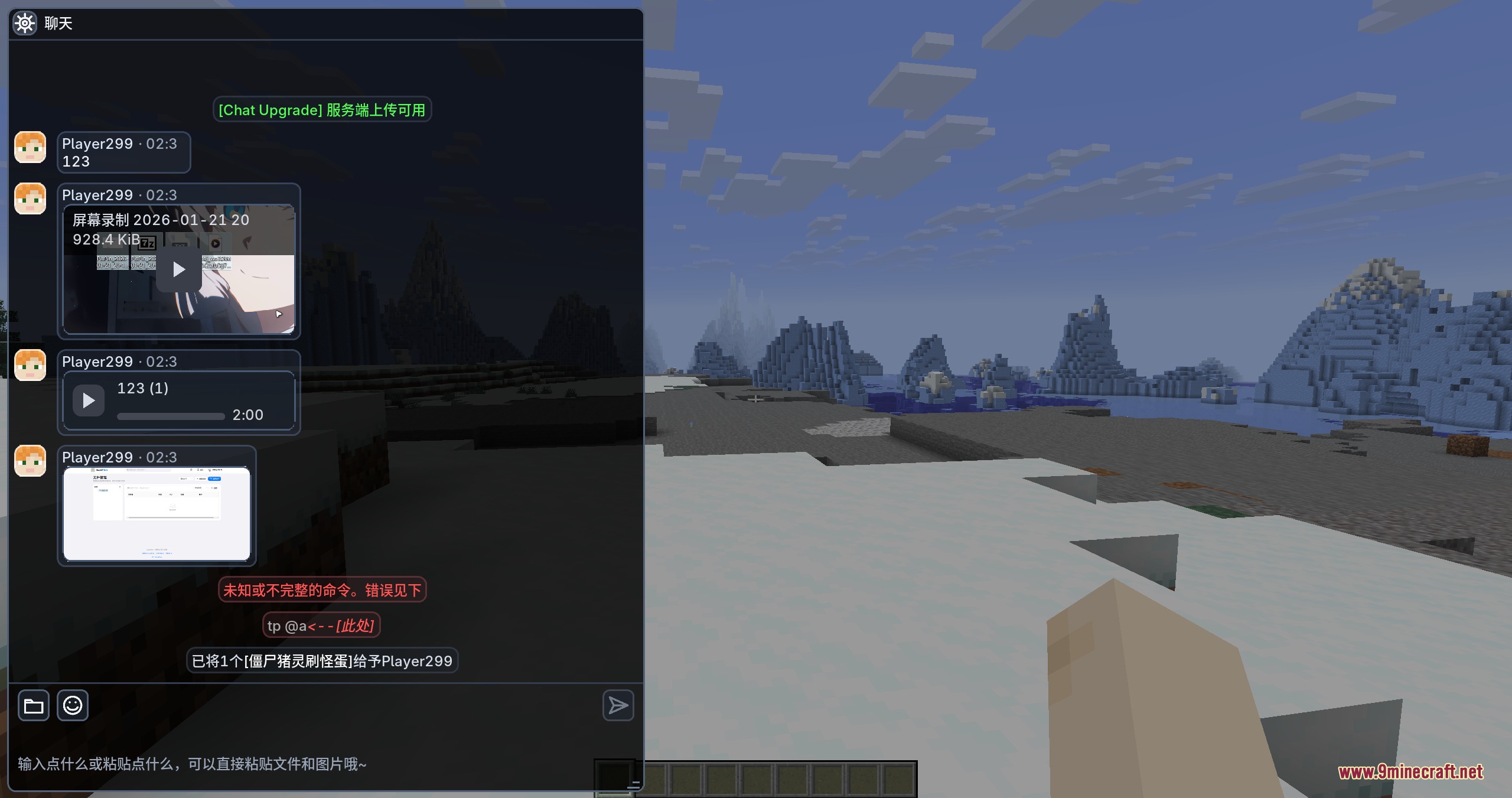
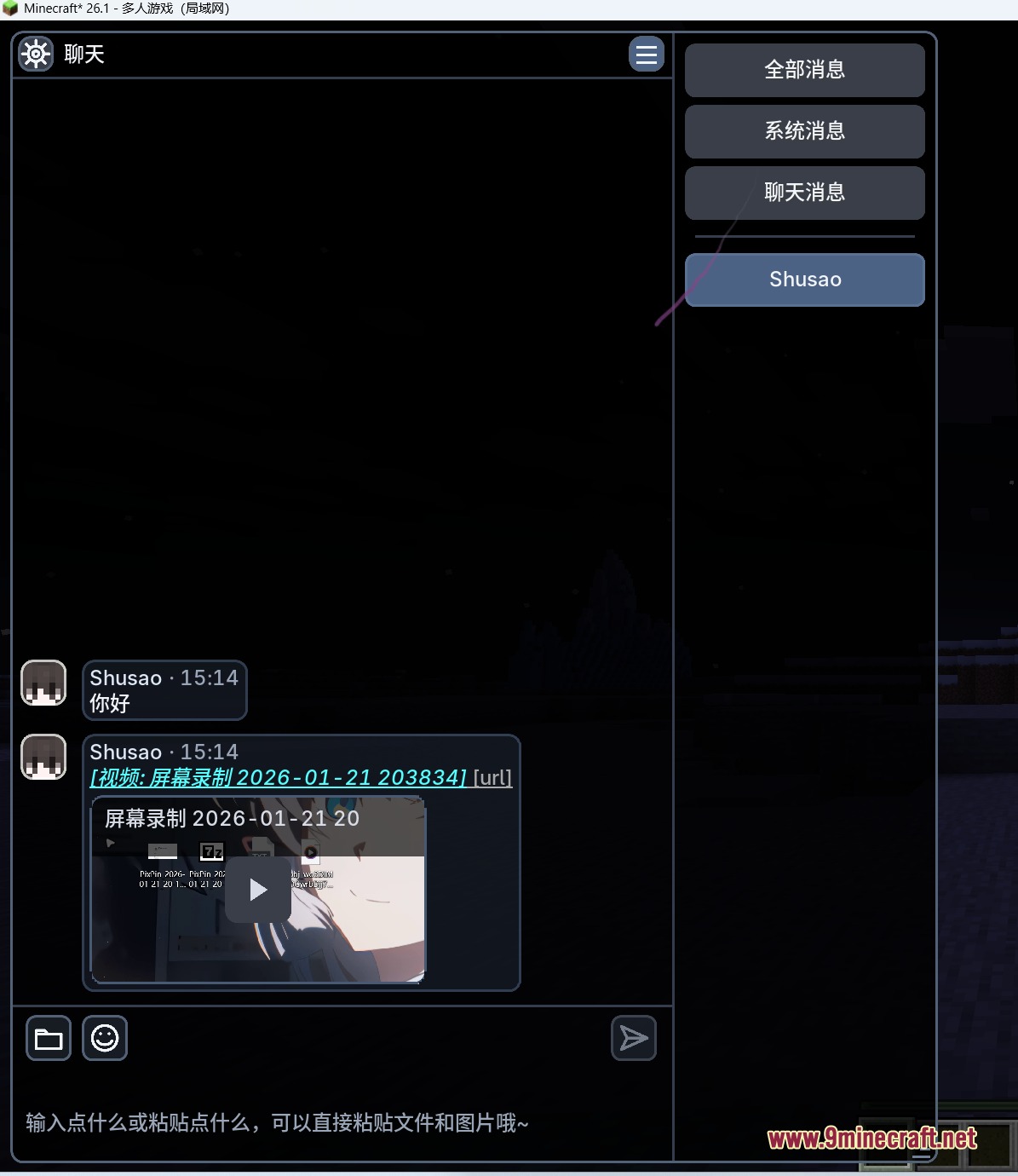
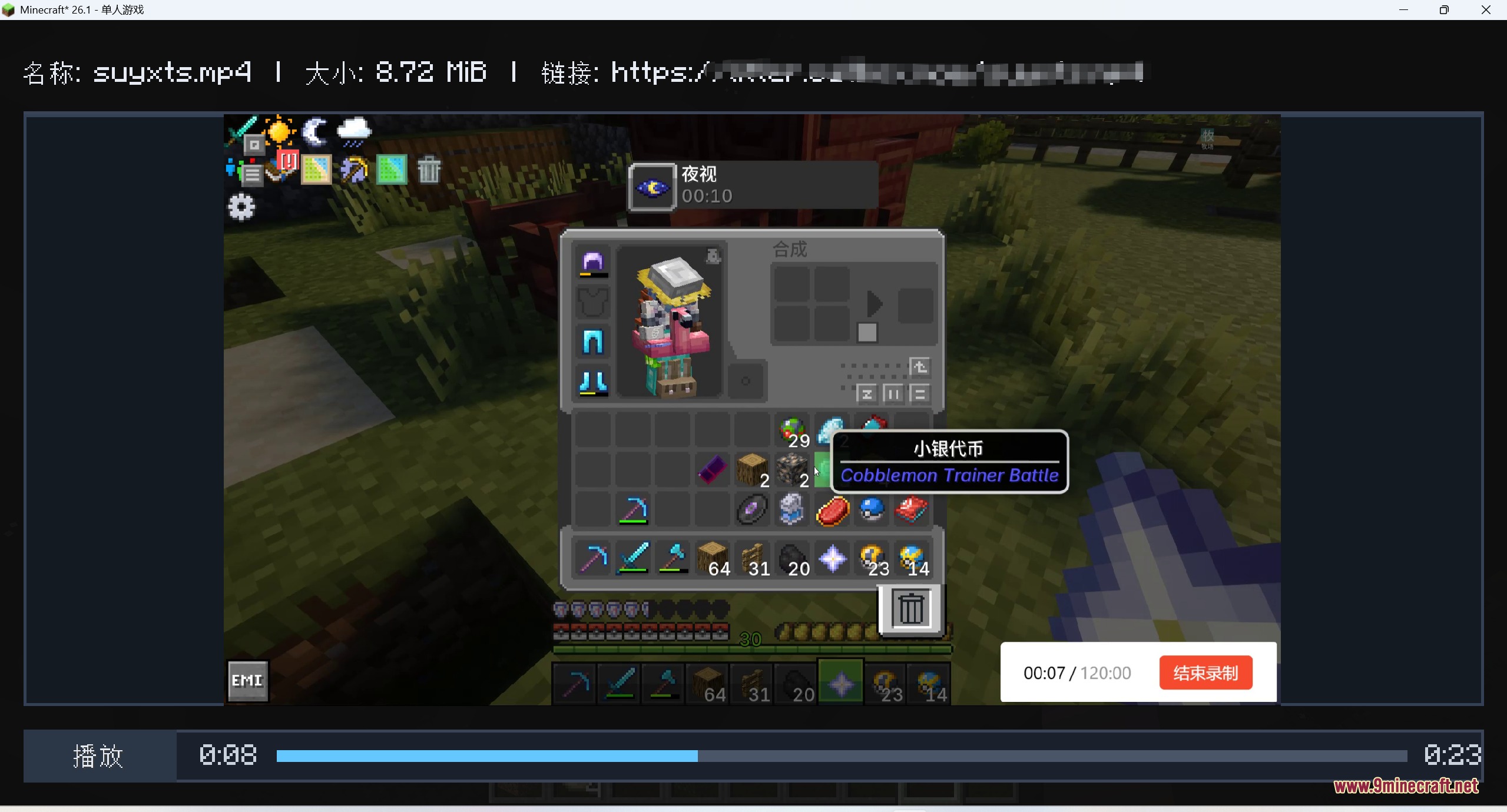
Chat Upgrade Mod brings rich media rendering straight into the Minecraft chat box. It displays inline images, custom emojis, audio tracks, and full video clips directly inside messages. Players can share media from web links, local folders, file pickers, or their clipboard without leaving the game window. The mod also works with dedicated server setups to send media bytes directly across connected clients.
Features:
- Inline Media Previews: Shows pictures, audio players, and video clips inside standard chat text lines.
- Custom Chat Emojis: Displays square emoji images using a simple token format mapped from custom data files.
- Multiple Upload Modes: Sends files straight to the game server or routes them through temporary third-party hosting.
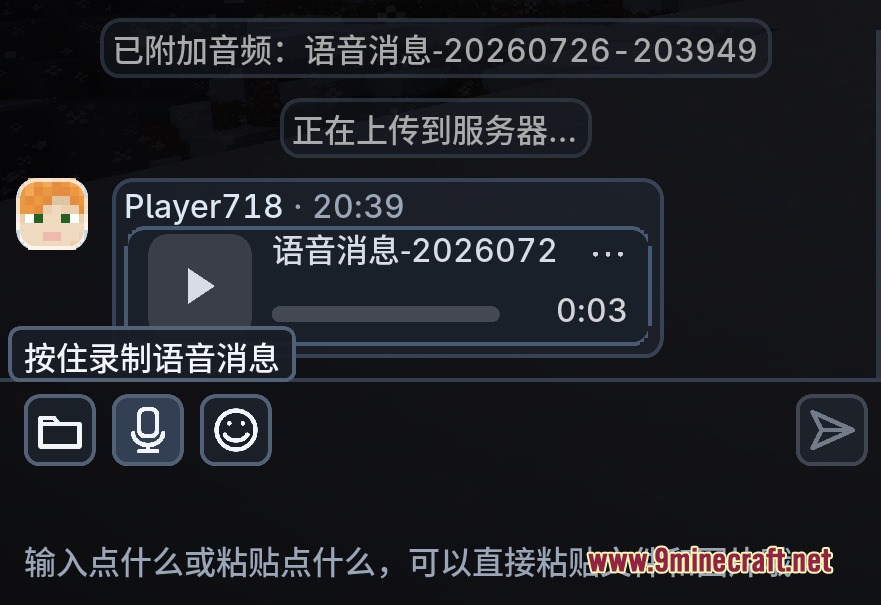
- Clients can send files by picking local files, browsing folders, or pasting directly from the clipboard.
- Plays various video files including mp4, webm, mov, mkv, m4v, and avi inside chat.
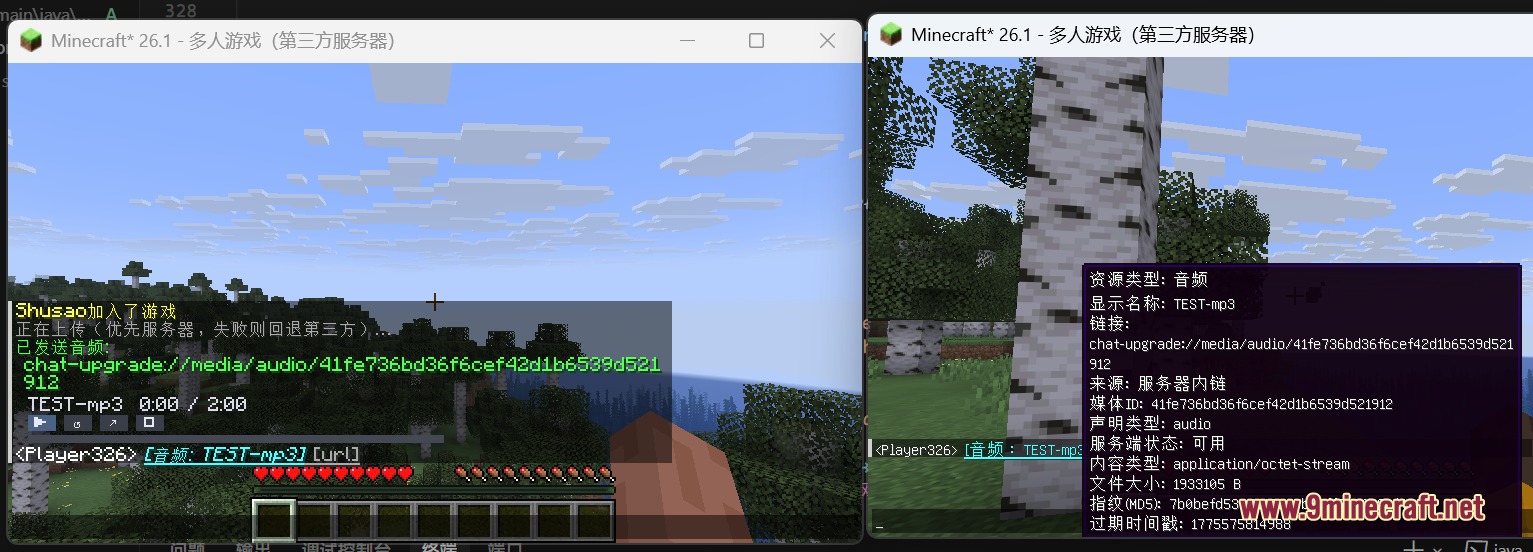
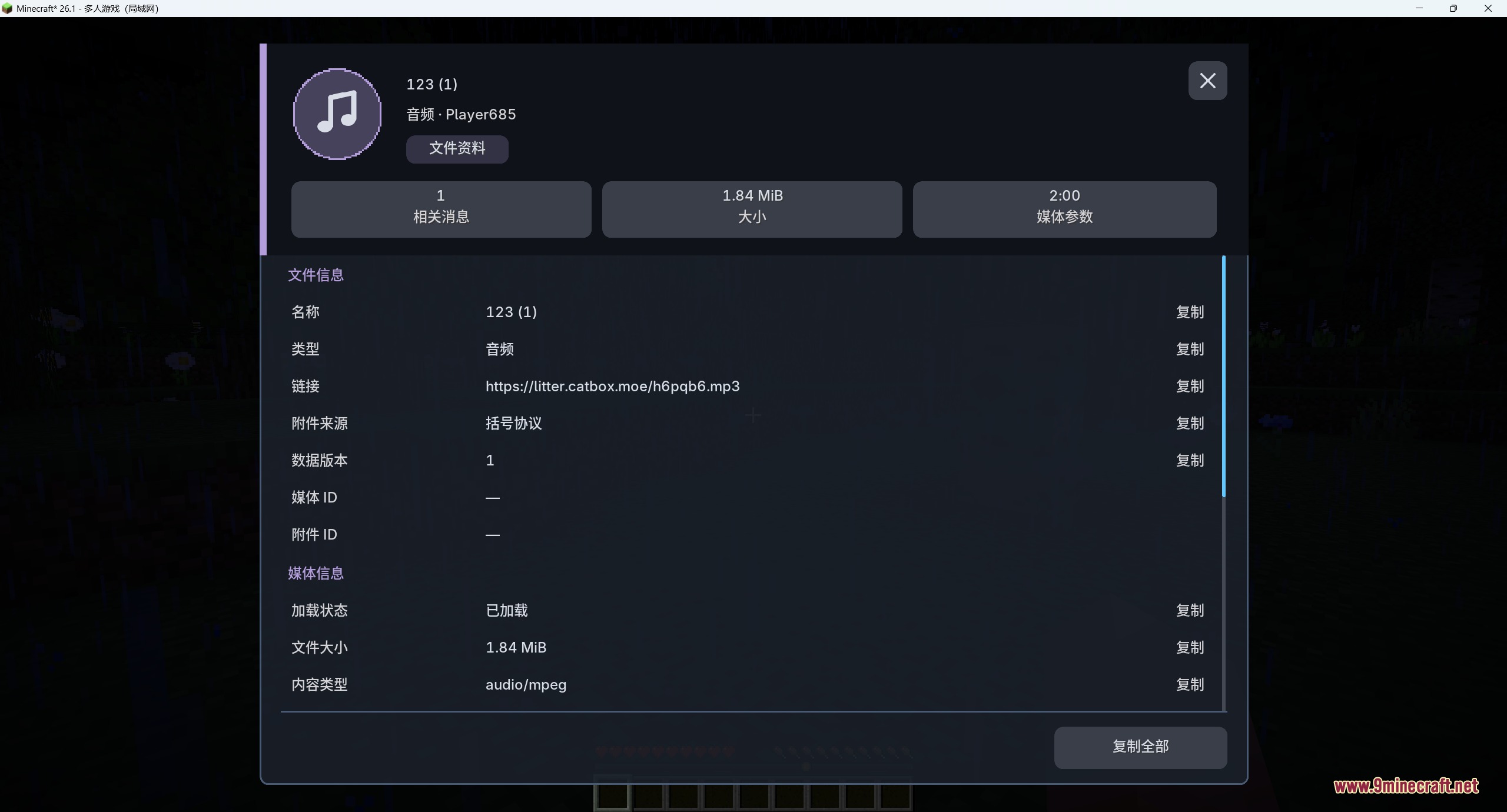
- Plays popular audio formats such as ogg, wav, mp3, flac, m4a, aac, opus, and webm.
- Renders image formats including png, apng, jpg, gif, webp, bmp, tif, and ico.
- Maintains sharp visual quality on all GUI scales and screen sizes with supersampling.
- Includes an optional compatibility mode to send images formatted for ChatImage.
- Allows players to adjust media volumes, receive limits, and smooth scrolling settings.
Commands:
/chatupgrade send <url>: sends a web image link as a rich media chat message./chatupgrade sendaudio <url>: sends an audio link that renders as an inline audio player./chatupgrade sendvideo <url>: sends a video link that renders as a playable inline video./chatupgrade upload folder: uploads and sends an image file picked from a local folder path./chatupgrade upload pick: opens a system file picker to select and upload an image./chatupgrade upload paste: uploads and sends the image currently copied to your clipboard./chatupgrade uploadaudio <option>: uploads and sends an audio file from a local path, picker, or clipboard./chatupgrade uploadvideo <option>: uploads and sends a video file from a local path, picker, or clipboard./chatupgrade config <setting>: changes options like upload modes, volumes, file limits, and manual reveal toggles./chatupgrade plugin status: checks the current load state of FFmpeg and APNG media helper libraries./chatupgrade plugin download: downloads required helper libraries for video and animated image playback.
Configuration:
ciCompatibility: toggles compatibility formatting for the ChatImage mod.manualImageReveal: requires players to click media previews before revealing content.audioVolumePercent: sets the default playback volume for audio and video media.maxReceiveBytes: limits the maximum file size clients can download and render.uploadMode: switches between automatic, server-only, or third-party web upload methods.
Screenshots:
How to Install:
New to Minecraft? Follow our step-by-step guide to install Mods on your PC.View Guide



Chat Upgrade Mod Download Links
For Minecraft 26.2
For Minecraft 26.1.2, 26.1.1, 26.1
Click to rate this post!
[Total: 0 Average: 0]
You May Also Like

This post has no comments yet. Be the first — your comment will appear here.