


Chest DNA Mod (26.2, 1.20.1) – Track the Exact Origin and History of Every Item
 0
0
 0
0

Chest DNA Mod tracks where every item in your world comes from and displays its history right in the tooltip. The mod stamps each item with details about its source, structure, biome, and finder the moment it enters the world. This data stays attached through shulker boxes, ender chests, and multiplayer trading without breaking item stacking. You can check the journey of your favorite tools, mob drops, and rare dungeon loot at any time.
Features:
- Attaches origin data to items when they are looted, crafted, mined, traded, fished, or dropped by mobs.
- Displays a pixel-art card under the normal tooltip with an animated DNA helix.
- Shows source names, loot details, biomes, dimensions, exact coordinates, and player names.
- Lets you hold Shift to view full details like coordinates and finder information.
- Keeps vanilla item stacking intact so items with different origins still stack together.
- Uses rarity border colors and shimmer effects for rare places like End Cities, ancient cities, and vaults.
- Recognizes 36 different origin types across structures, mobs, player actions, and mining.
- Stores data directly in item components so it survives world saves and storage blocks.
- Allows server owners to turn off specific data fields like coordinates or player names.
Commands:
/chestdna inspect: Prints the full origin data of the item in your hand./chestdna clear: Wipes the origin data from your held item.
How to Use:
- Hover your mouse over any item in your inventory to see its origin card.
- Hold Shift while hovering to view extra details like coordinates and who found it.
- Press F3 + H to view technical IDs alongside normal tooltips.
- Hold an item and type
/chestdna inspectin chat to see its complete data log.
Screenshots:
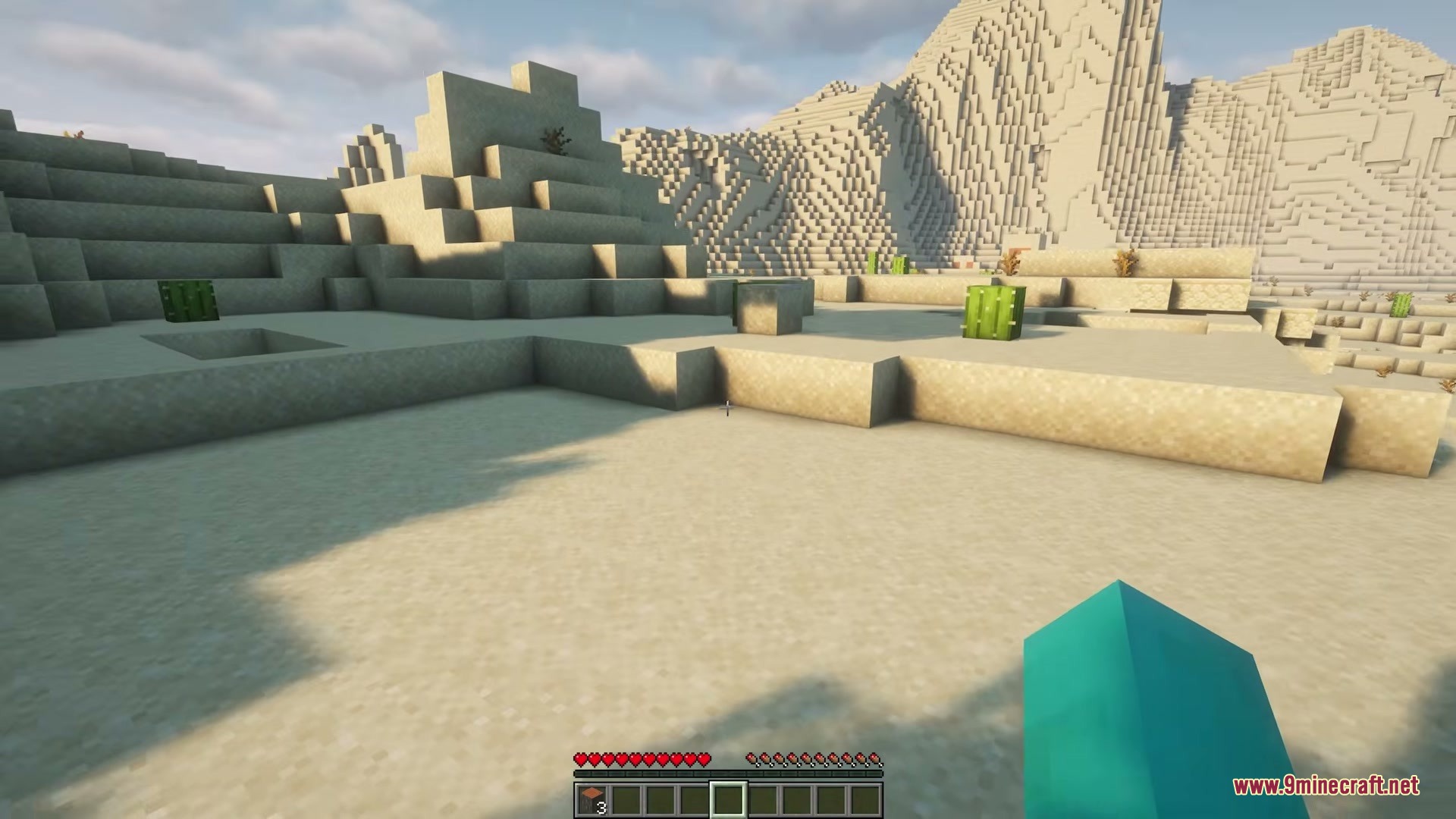
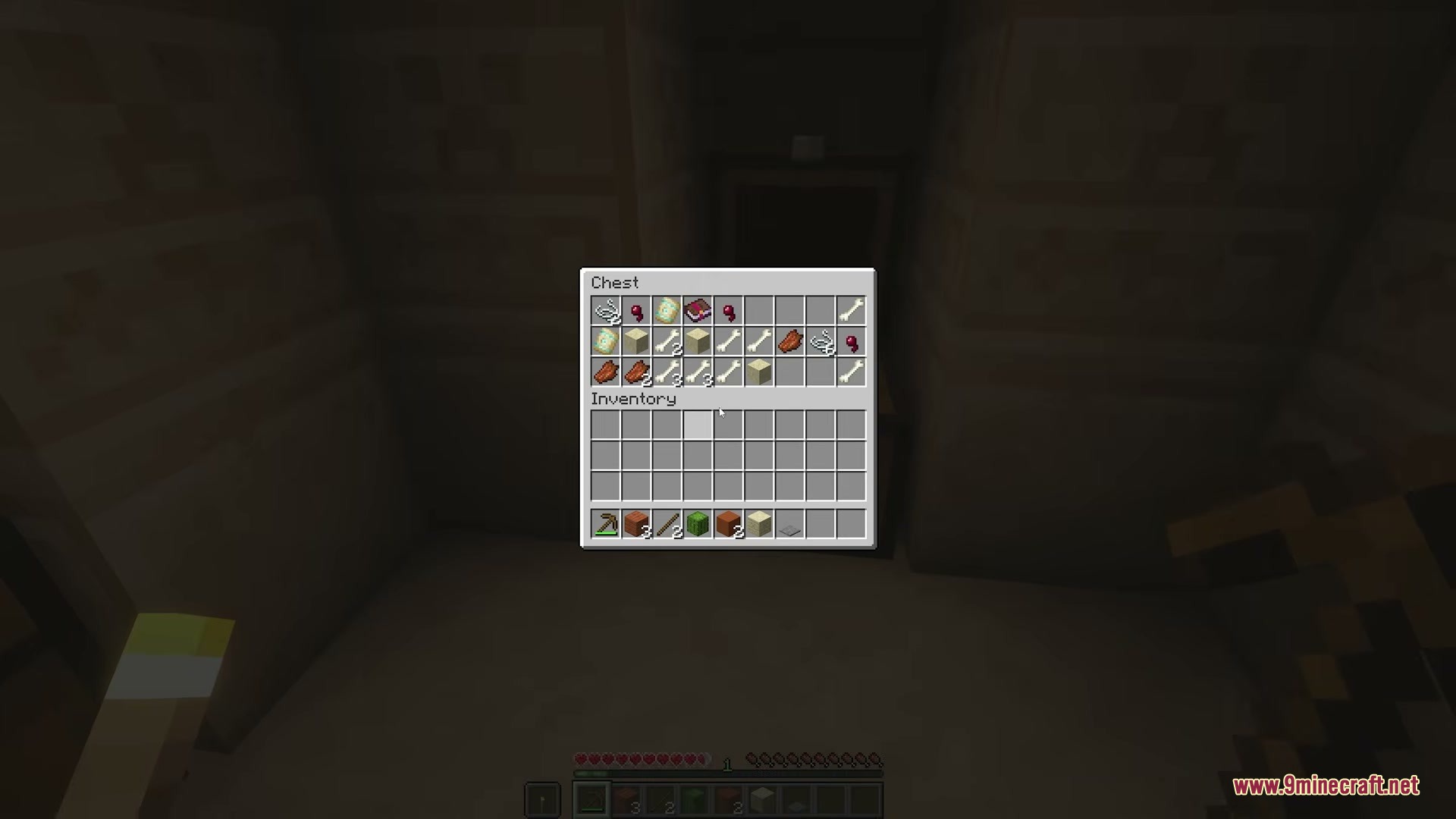
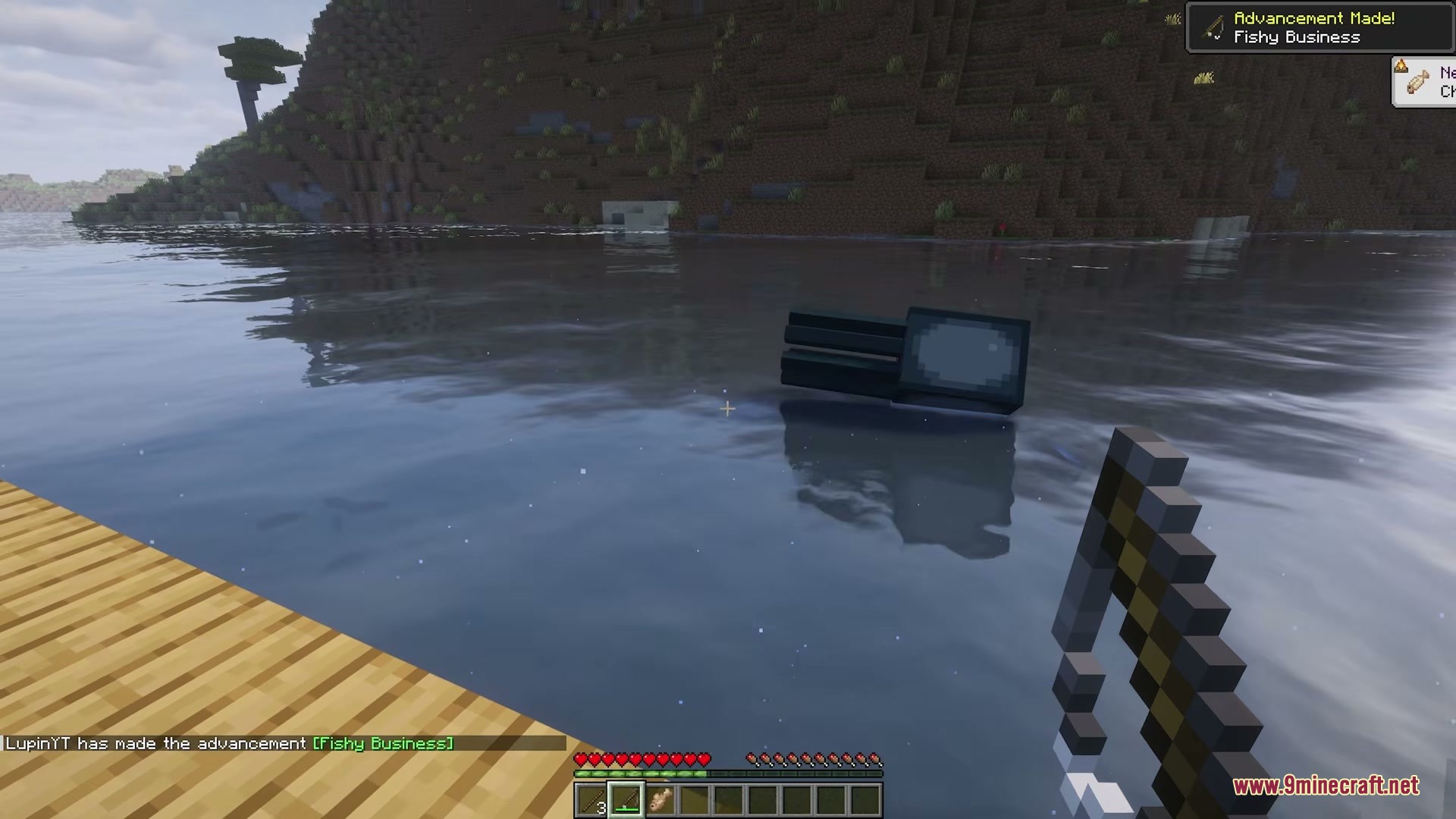
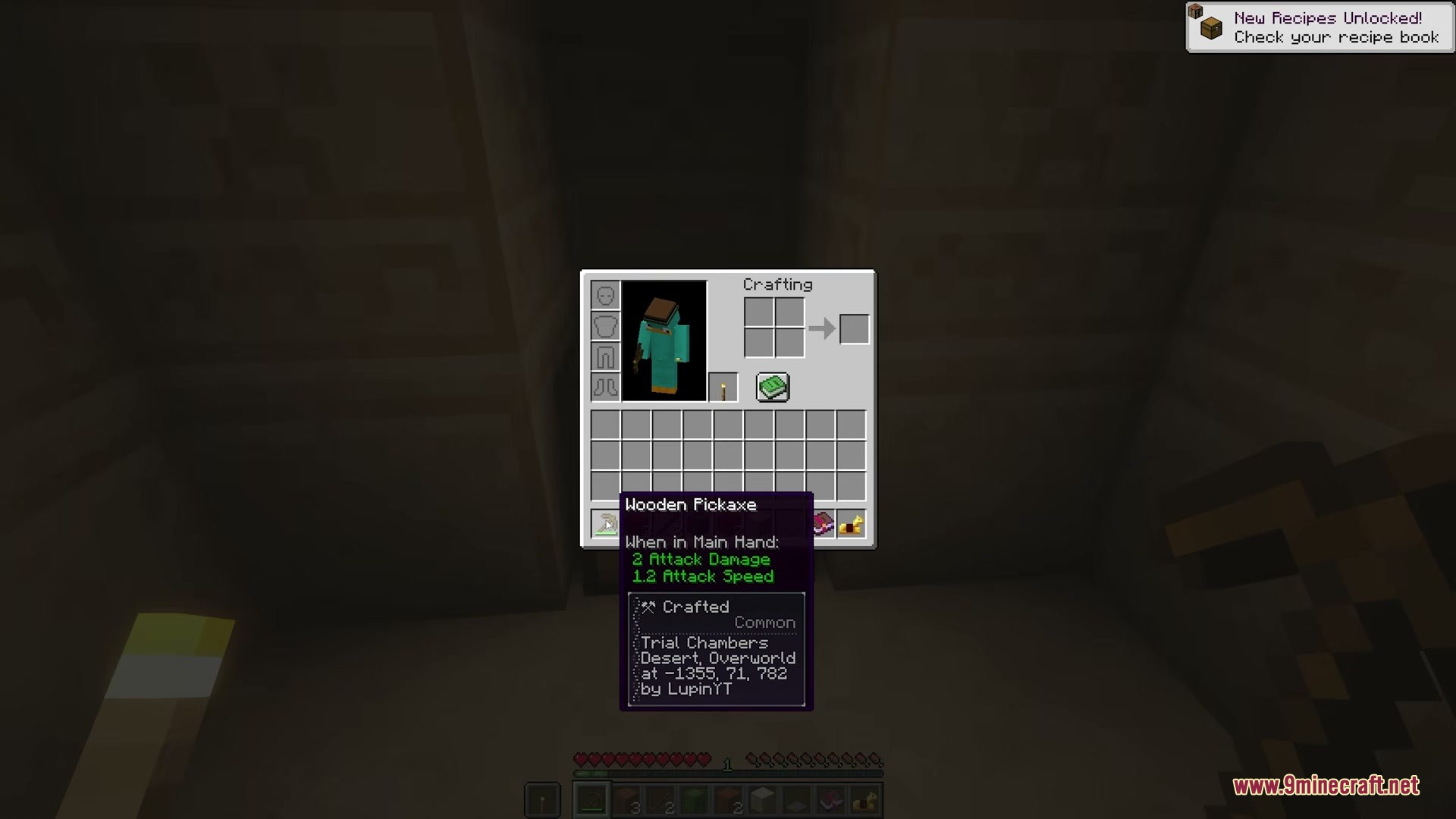
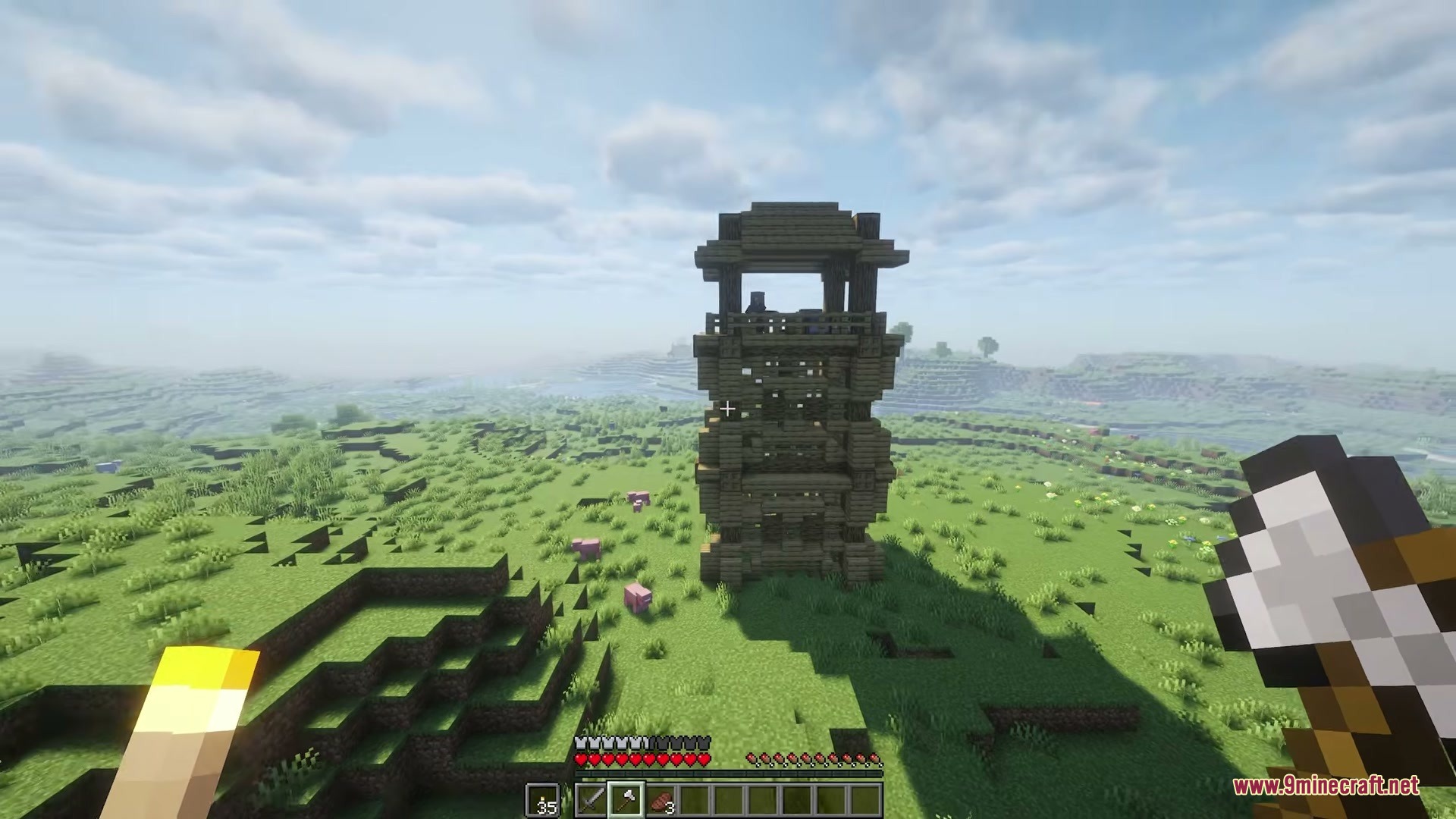
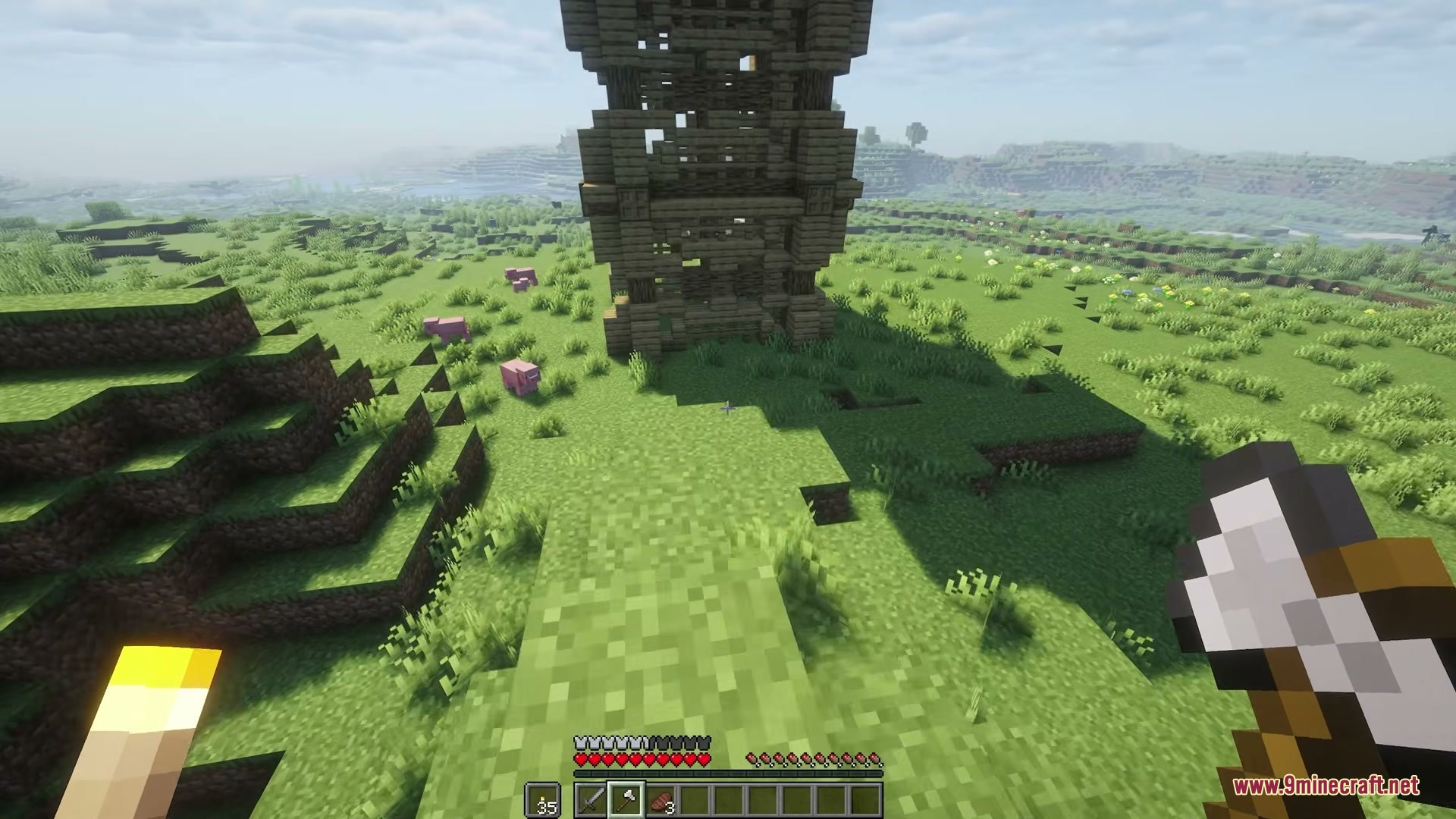
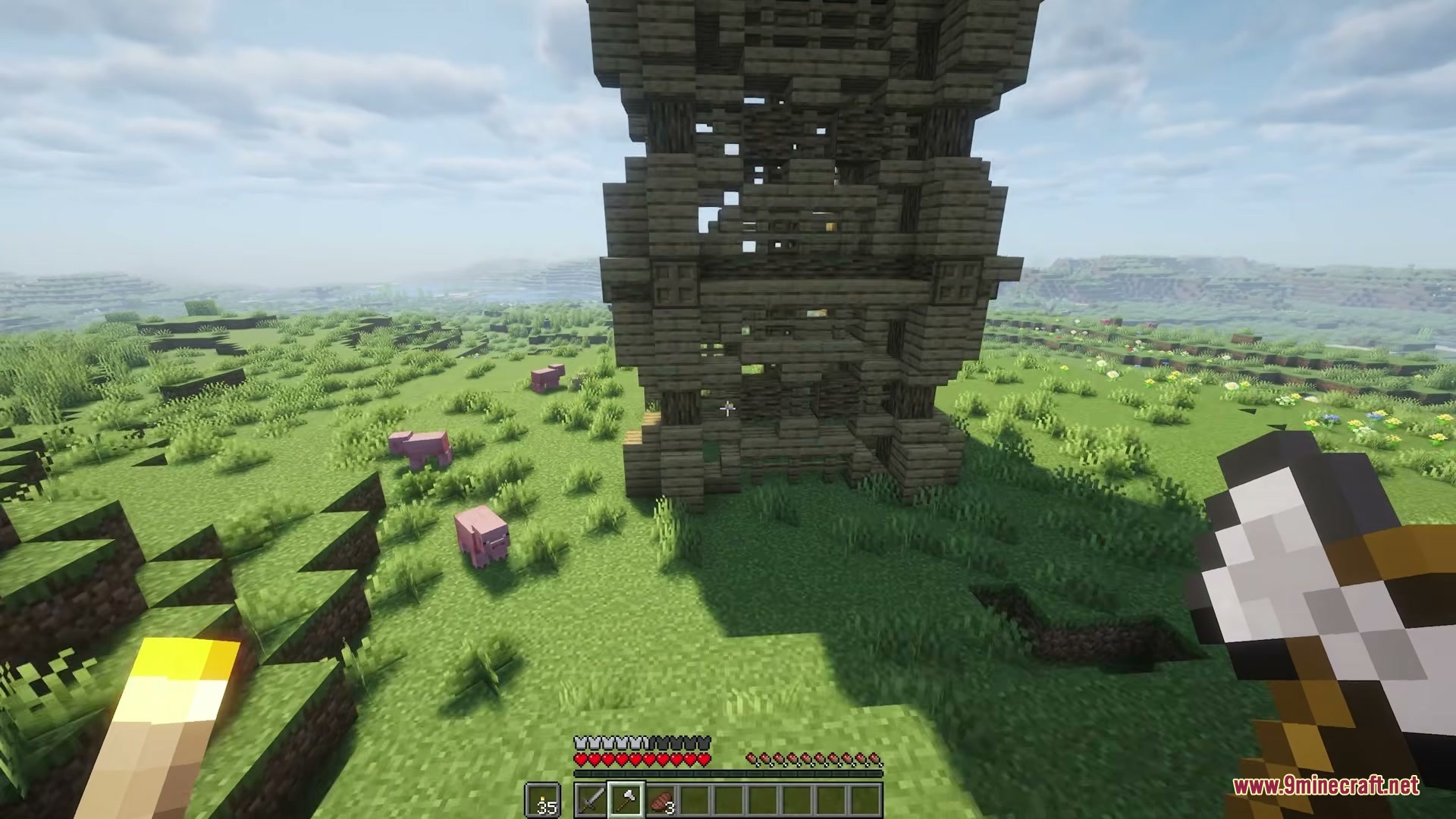
How to Install:
New to Minecraft? Follow our step-by-step guide to install Mods on your PC.View Guide




Chest DNA Mod Download Links
For Minecraft
26.2,
26.1.2,
26.1.1
All Versions Covered
26.2
26.1.2
26.1.1
26.1
All Versions Covered
26.2
26.1.2
26.1.1
26.1
For Minecraft 1.21.11
For Minecraft 1.21.8, 1.21.7, 1.21.6
For Minecraft 1.21.5
For Minecraft 1.21.4, 1.21.3, 1.21.2
For Minecraft 1.21.1, 1.21
For Minecraft 1.20.1, 1.20
For Minecraft 1.19.2
For Minecraft 1.18.2
For Minecraft 1.16.5
For Minecraft 1.12.2
For Minecraft 1.7.10
Click to rate this post!
[Total: 0 Average: 0]
You May Also Like





This post has no comments yet. Be the first — your comment will appear here.