
Global GameRules Mod (1.20.1, 1.19.2) – Play Every World Your Way

 0


Global GameRules Mod lets you set default game rules that turn on every time you load a world. This mod also sets a default difficulty for your worlds and lets you lock it in place. Once a world’s difficulty locks after your changes, it stays locked forever and never changes when you open that world again. Any rule or difficulty change you make in one world saves to the config and carries over to all your other worlds on load. You can adjust these settings in the config file or the in-game config menu, and they take effect right when a world loads.

Features:
- Default Game Rules: Automatically turns on your chosen game rules whenever a world loads.
- Default World Difficulty: Sets your preferred difficulty level as soon as any world opens.
- Permanent Difficulty Lock: Locks a world’s difficulty after applying any difficulty changes so it can never unlock or change on future loads.
- Saves any game rule or difficulty change you make in one world to the config file and applies it to all other worlds when they load.
- Lets you change rules and difficulty settings using either the config file or the in-game config menu.
- Applies config file edits from the main menu or after a world reload so you do not need to restart the game.
How to Use:
- Open the in-game config menu, or edit the config file while you are on the main menu.
- Choose your default game rules, world difficulty, and difficulty lock settings.
- Load or reload your world to apply the new settings without restarting the game.
- Change a game rule or difficulty inside any world to automatically save it to the config and apply it to all your other worlds on load.
Screenshots:
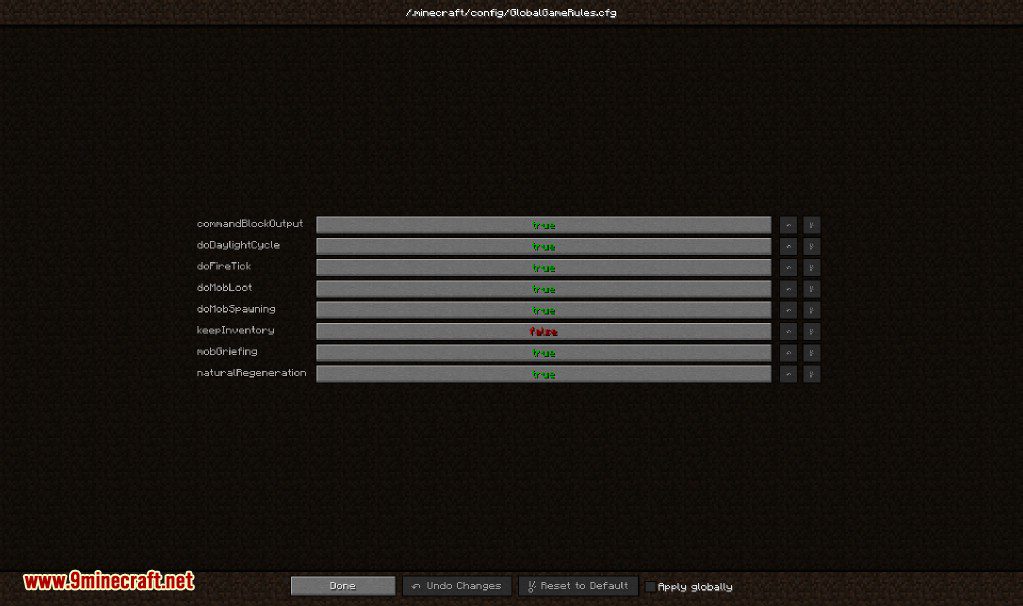
Default Config
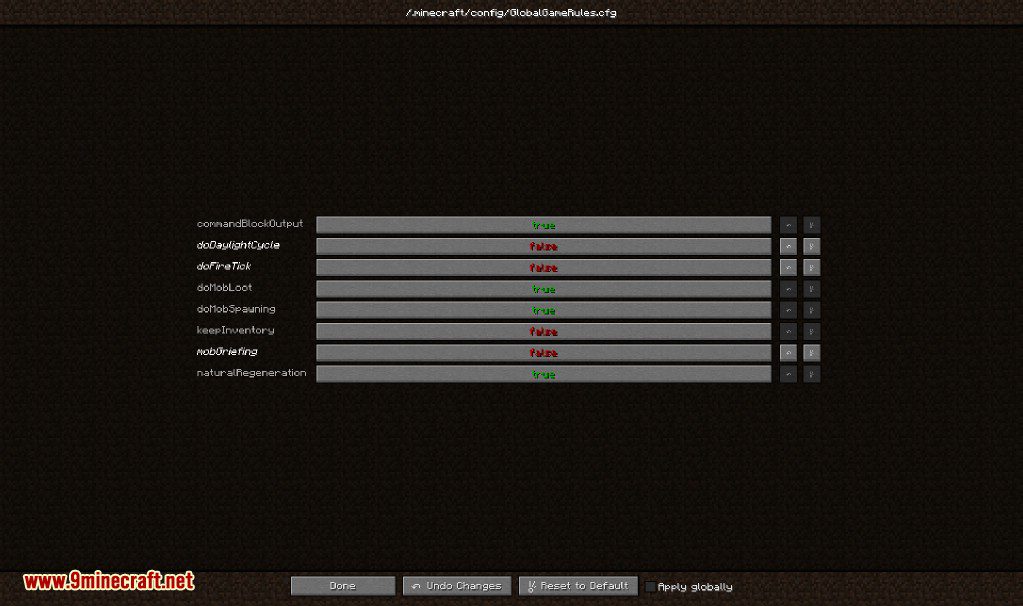
Example of changed config
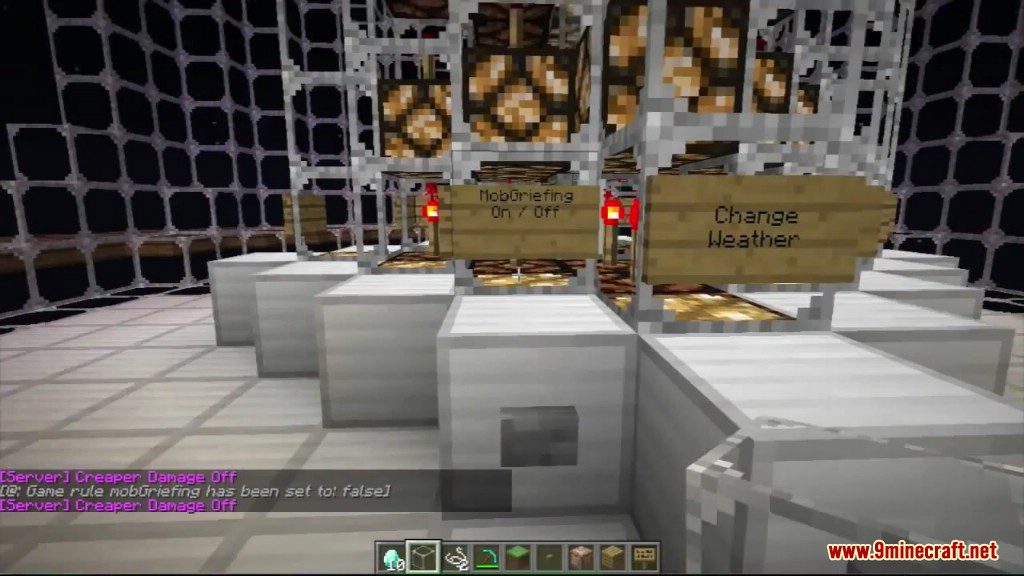
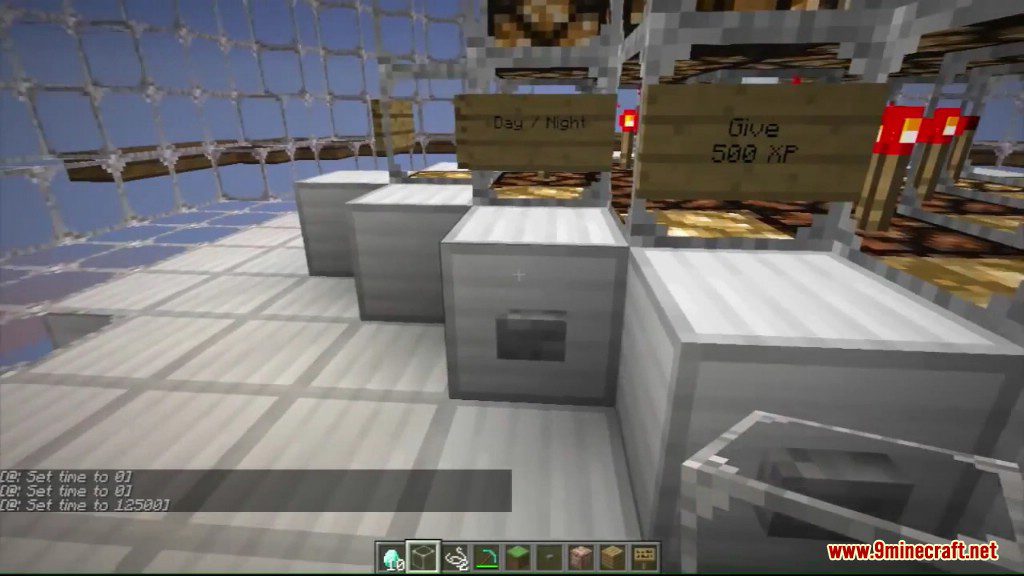
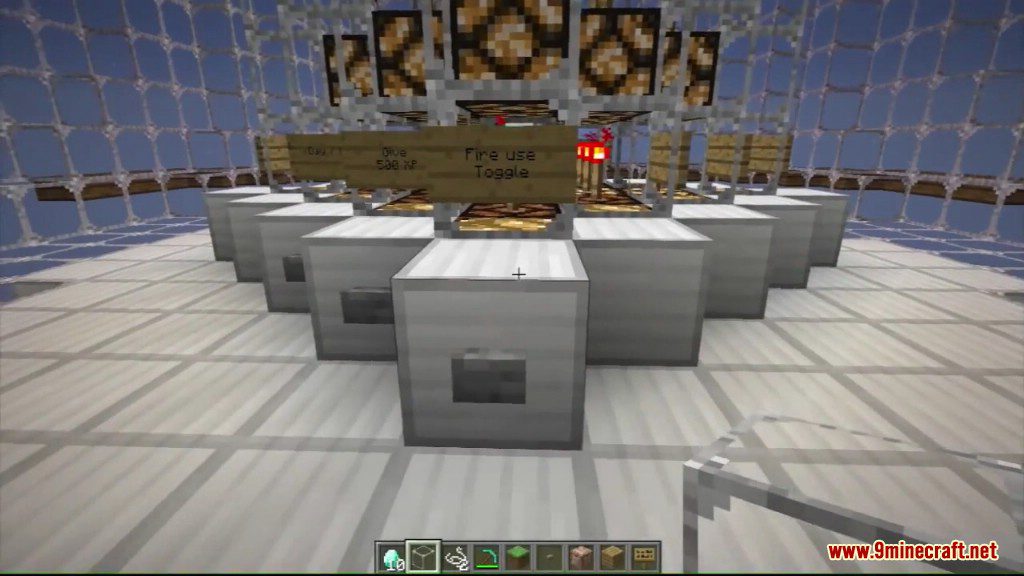
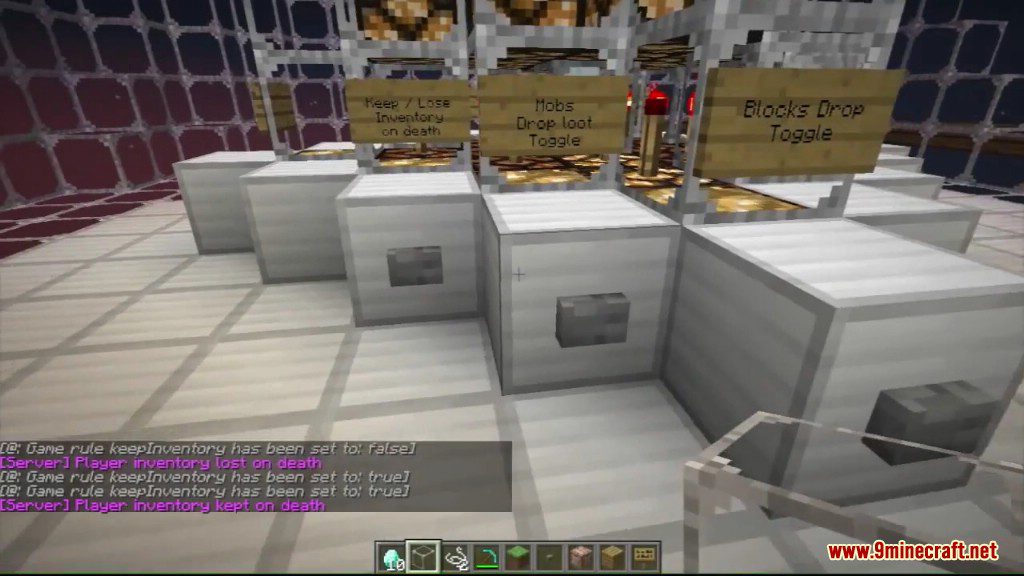
How to Install:
New to Minecraft? Follow our step-by-step guide to install Mods on your PC.View Guide
Global GameRules Mod Download Links
For Minecraft 1.7.10
Forge version: Download from Server 1
For Minecraft 1.20.1, 1.20
Forge version: Download from Server 1 – Download from Server 2
For Minecraft 1.19.4
Forge version: Download from Server 1 – Download from Server 2
For Minecraft 1.19.3
Forge version: Download from Server 1 – Download from Server 2
For Minecraft 1.19.2
Forge version: Download from Server 1
For Minecraft 1.18.2, 1.18.1
Forge version: Download from Server 1
For Minecraft 1.16.5
Forge version: Download from Server 1
For Minecraft 1.15.2
Forge version: Download from Server 1
For Minecraft 1.12.2, 1.12.1, 1.12
Forge version: Download from Server 1
How do you feel about quest books in modpacks?
28 responses · See the full results →
You May Also Like
Picked for this page
 Replay Mod (26.3, 1.20.1) – Record, Relive, Share Your Experience
 CleanView Mod (1.21.11, 1.20.1) – No More Swirlies
 Dimensional Dungeons Mod (26.1.2, 1.20.1) – Unlimited Challenging Adventures
 Sodium Extra Mod (1.21.11, 1.20.1) – Optifine’s Features for Sodium
 The Magic Mirror Mod (26.3, 1.20.1) – A Mirror that is Magic
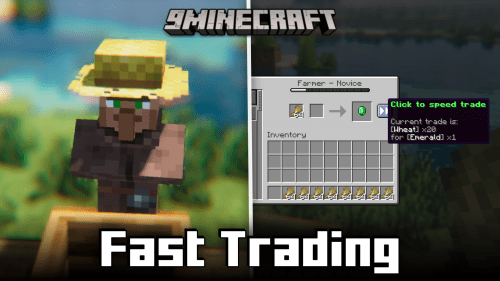 Fast Trading Mod (26.3, 1.20.1) – Adds A Quick Trading Button
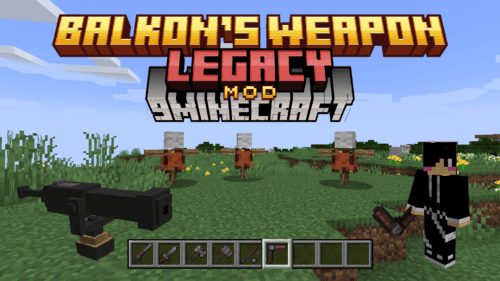 Balkon’s WeaponMod: Legacy Mod (26.3, 1.20.1) – The Ultimate Weapon Pack
 Jumpy Boats Mod (26.1.2, 1.20.1) – Never Get Your Boat Stuck Again
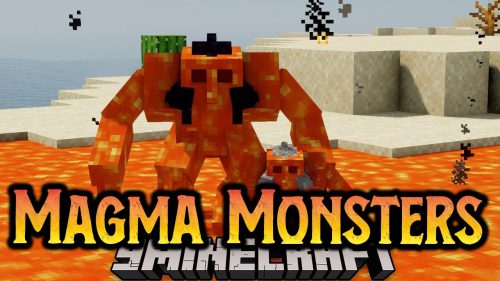 Magma Monsters Mod (1.21.1, 1.20.1) – Lava Lakes Now Fight Back
 Infiniverse API Mod (26.1.2, 1.20.1) – A New Frontier For Minecraft Modding
 Mc2Discord Mod (26.3, 1.20.1) – Minecraft And Discord Integration
 Icarus X Transmog Compat Mod (1.20.1, 1.20) – Transmog Support For Icarus Wings
Most viewed in Mods over the last 7 days
 Ala Industrial Mod (26.3) – Run Electric Power Grids and Automated Factories
 PleasureCraft Mod (26.3, 1.21.1) – Jenny Mod Remake for Fabric
 Jennycraft Mod (26.3, 1.20.1) – Virtual Girlfriend in Minecraft
 Fapcraft Mod (26.3, 1.12.2) – Comprehensive and Detailed Content
 Jenny Mod (Fapcraft) Official Complete Guide – How to use, Tutorial
 BangCraft Mod (1.20.1) – Jenny, Ellie and Elliot
 Fabric Loader (26.3, 1.20.1) – Fabric Installer for All Minecraft Versions
 The Shooting Star Demo Mod (26.3, 1.20.1) – Vaporize Terrain From Orbit
 Meteor Client Mod (26.3, 1.20.1) – Xray, HUD, Fly
 OptiFine HD (26.3, 1.20.1) – Run Faster, FPS Boost, Shaders Support
 Aristois Client Mod (1.21.4, 1.20.1) – World Class Minecraft Utility
 Prestige Client Mod (1.21.11, 1.21.4) – Powerful Ghost Features for Crystal & Sword PvP
More from Mods
 Orbital Railgun UPDATED Mod (26.3) – Flatten Giant Landscapes From Space
 Automobility Autoradio Mod (26.3, 26.1.2) – Trade Custom Mixtapes with Friends
 Towers of the Wild 9minecraft Mod (26.3, 26.2) – Climb Tall Towers for Loot
 Ender Storage 9minecraft Mod (26.3, 26.2) – Send Loot Back Home From Any Dimension
 Snad 9minecraft Mod (26.3, 26.2) – Build Faster Sugar Cane and Nether Wart Farms
 Together Forever Unofficial Mod (1.12.2) – Share Team Advancements
 GroovyDuvet Mod (1.21.11, 1.20.1) – Run Groovy Scripted Addons Without Game
 Swing Through Grass 9minecraft Mod (26.3, 26.2) – Fight Mobs Without Breaking Tall Grass
 Improved Boss Bars 9minecraft Mod (26.3) – Unique Health Bars for Every Boss Fight
 Cozy’s Improved Wolves Mod (26.3, 1.20.1) – Bond with Loyal Dogs That Never Die
 Cuisine Craft Mod (1.21.11, 1.20.1) – Cook Restaurant Dishes with Fresh Farm
 Nekoro Coins Mod (1.21.1, 1.20.1) – Trade Physical Currency Across Player

This post has no comments yet. Be the first — your comment will appear here.