Global Shaderpack Properties Mod (1.21.11, 1.20.1) – Shader Config Redirect

 0
0  January 2, 2026
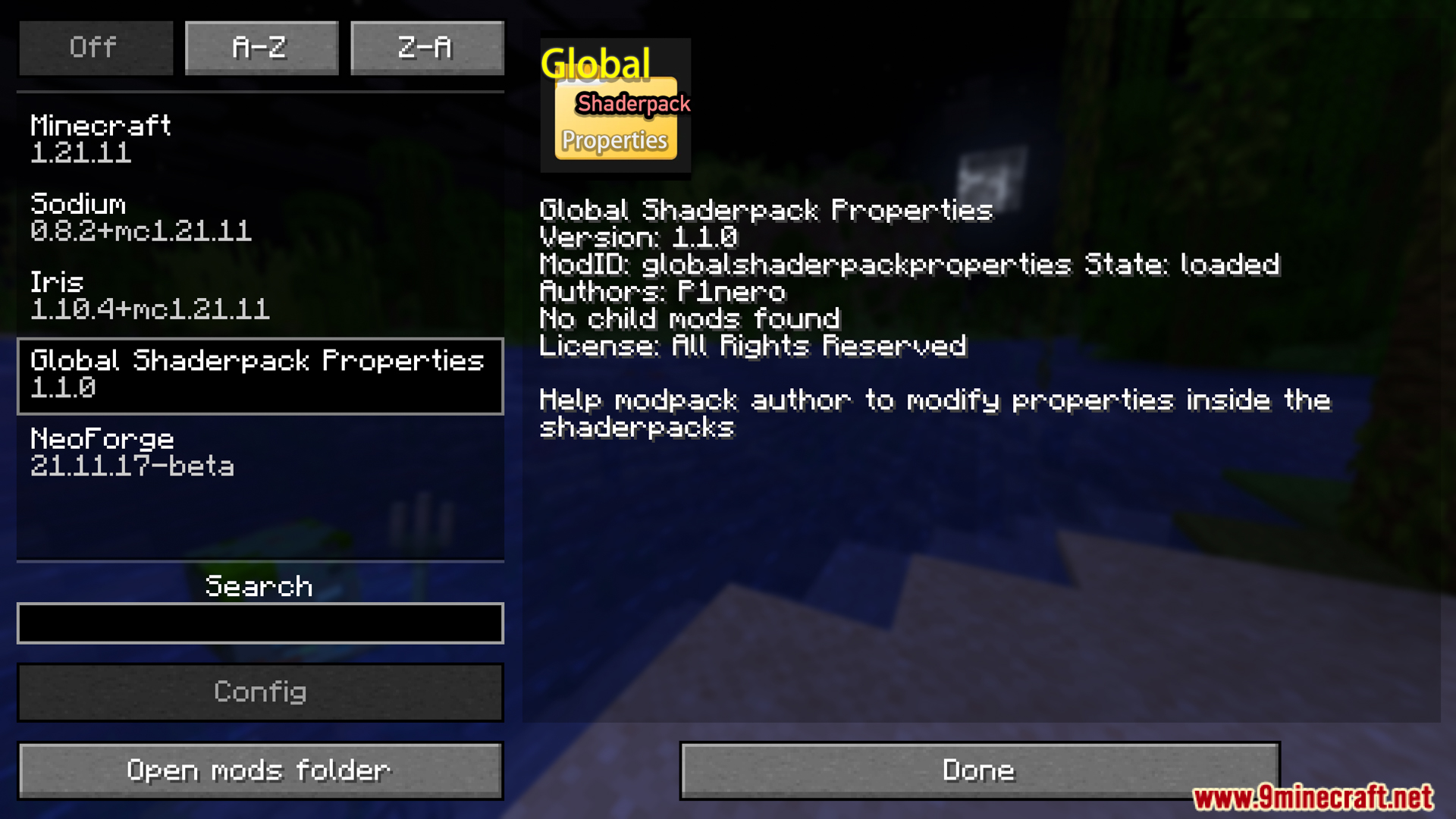
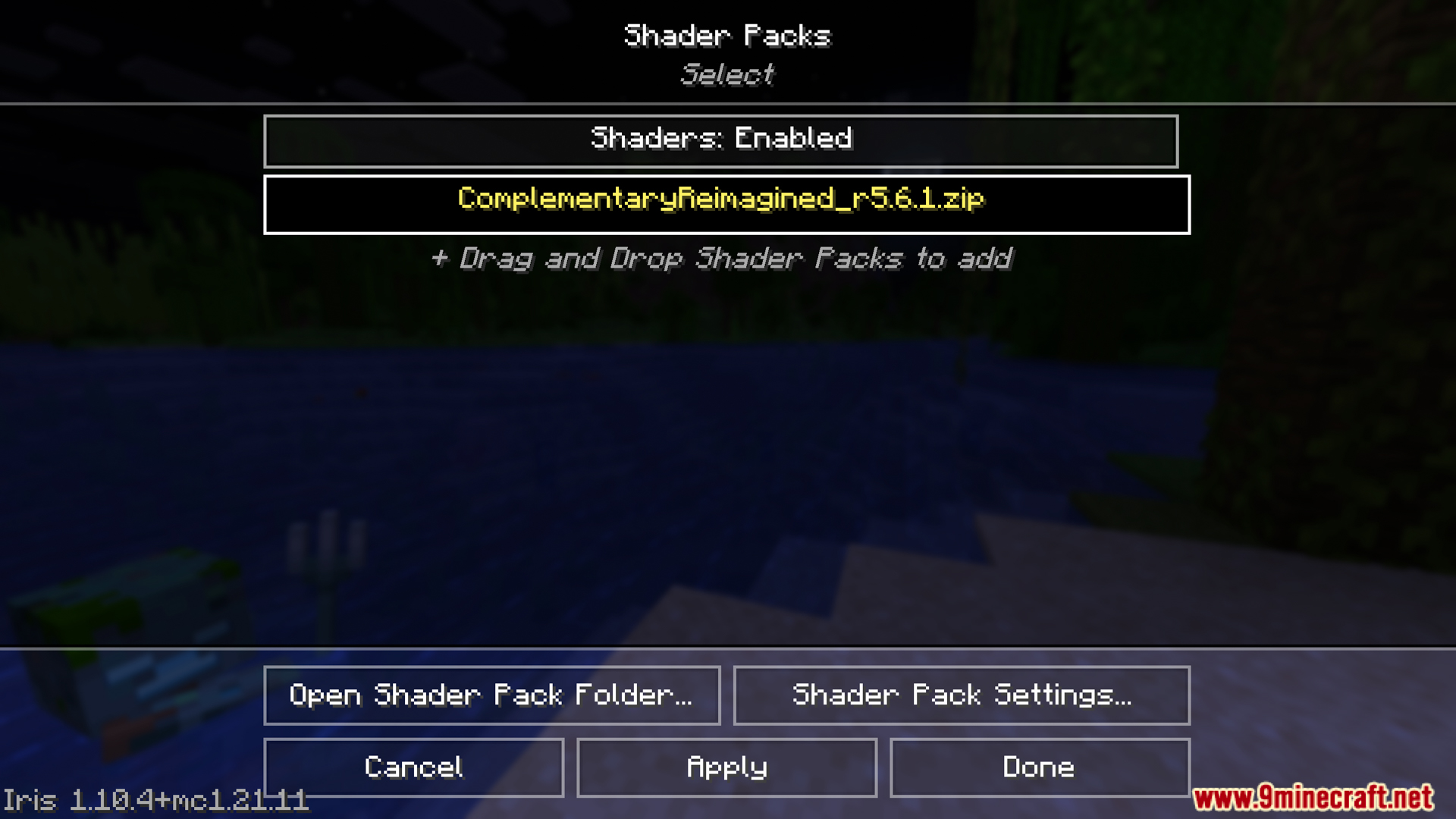
Global Shaderpack Properties Mod is a mod that supports shaderpacks in Minecraft by allowing players to edit or apply the shaderpack’s properties through the configuration folder instead of using the override folder or editing directly inside the shaderpack. This is very useful if you’re creating a modpack or want to customize shaderpacks flexibly without reducing downloads or modifying the original files.
Features:
- Open the config/global_shaderpack_properties folder in your Minecraft directory. Place the properties file you want to use there. If you want to use it for a specific shaderpack, create a subfolder with the same name as the shaderpack and place the file in it.
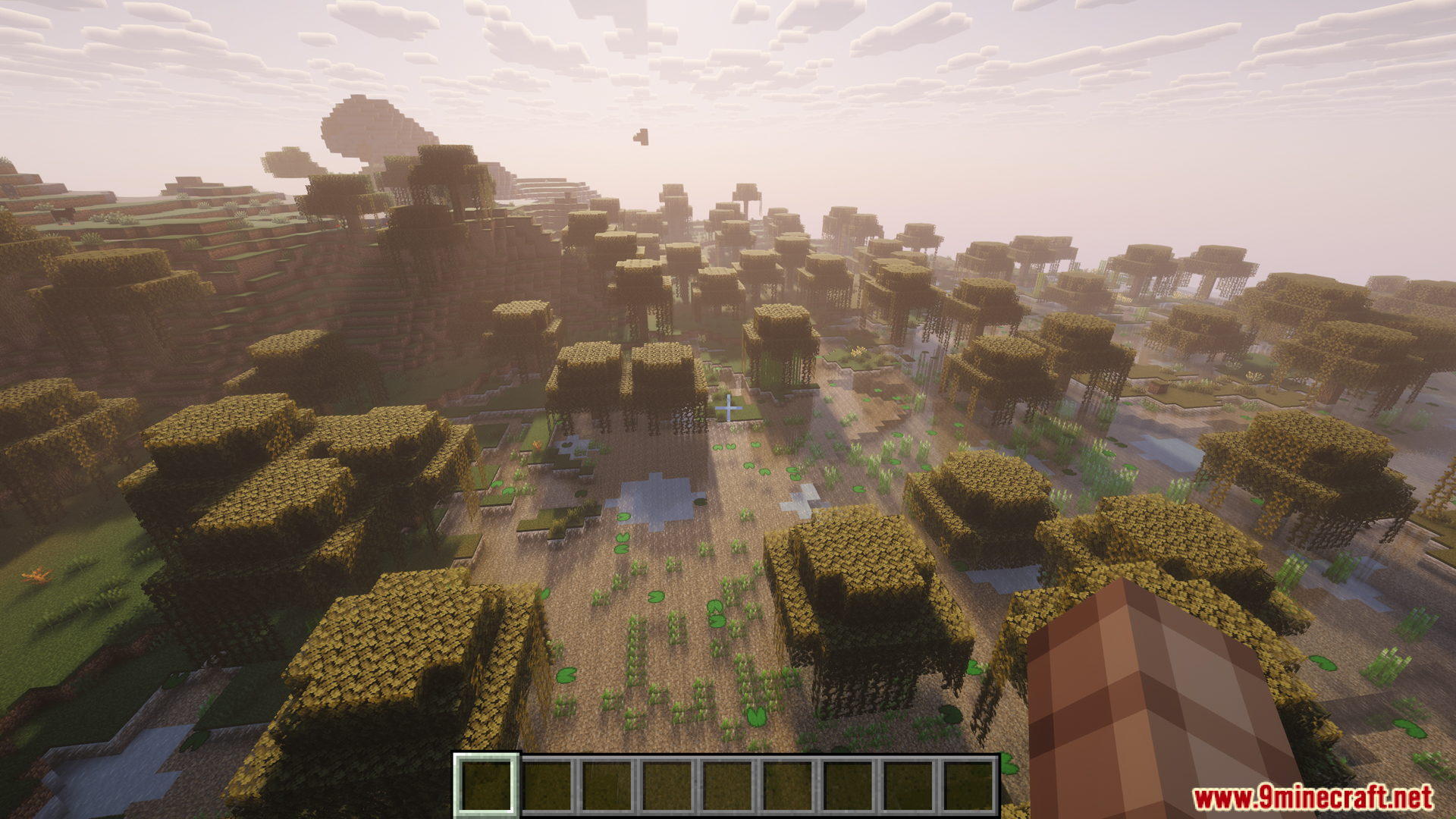
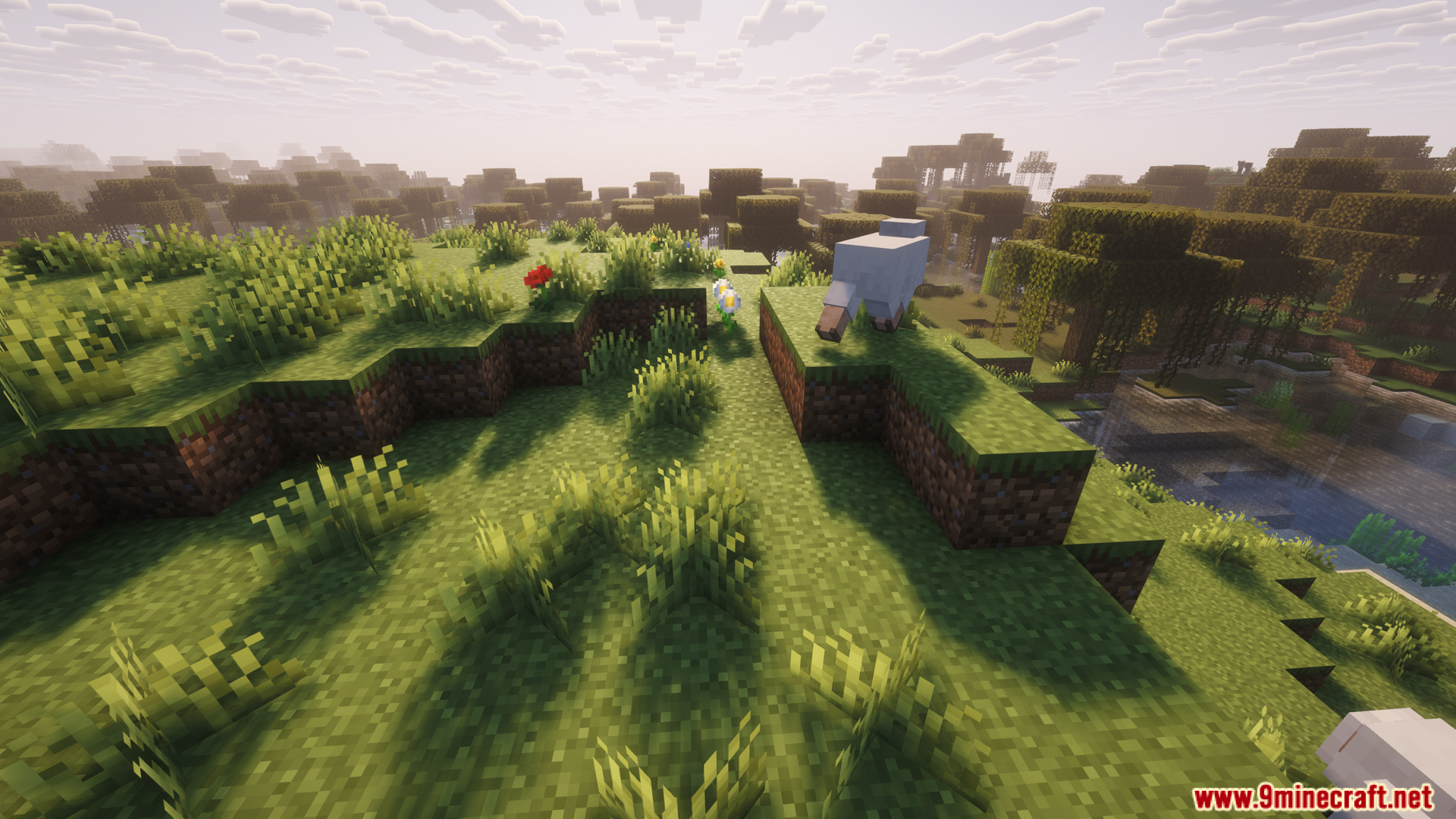
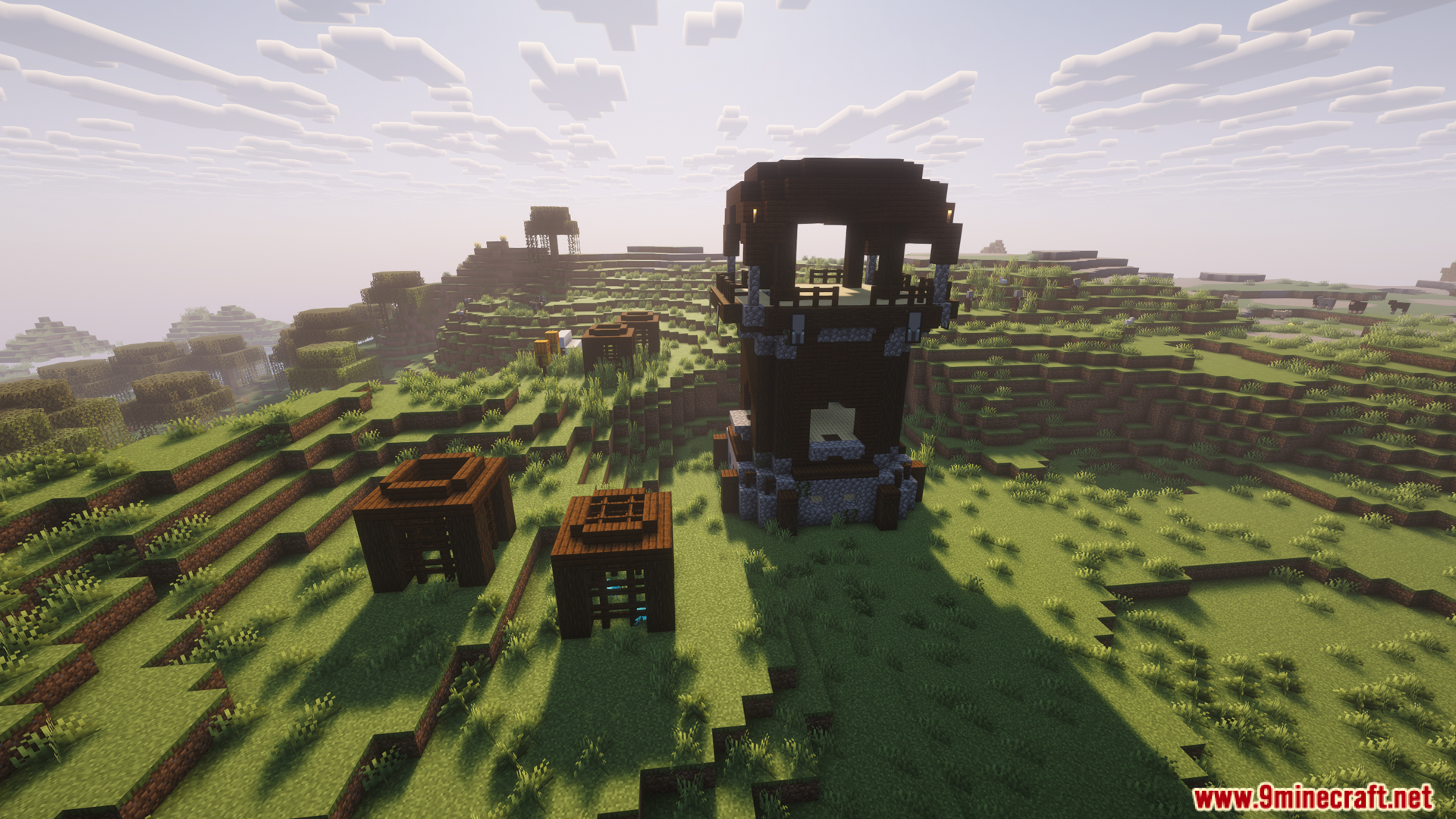
Screenshots:
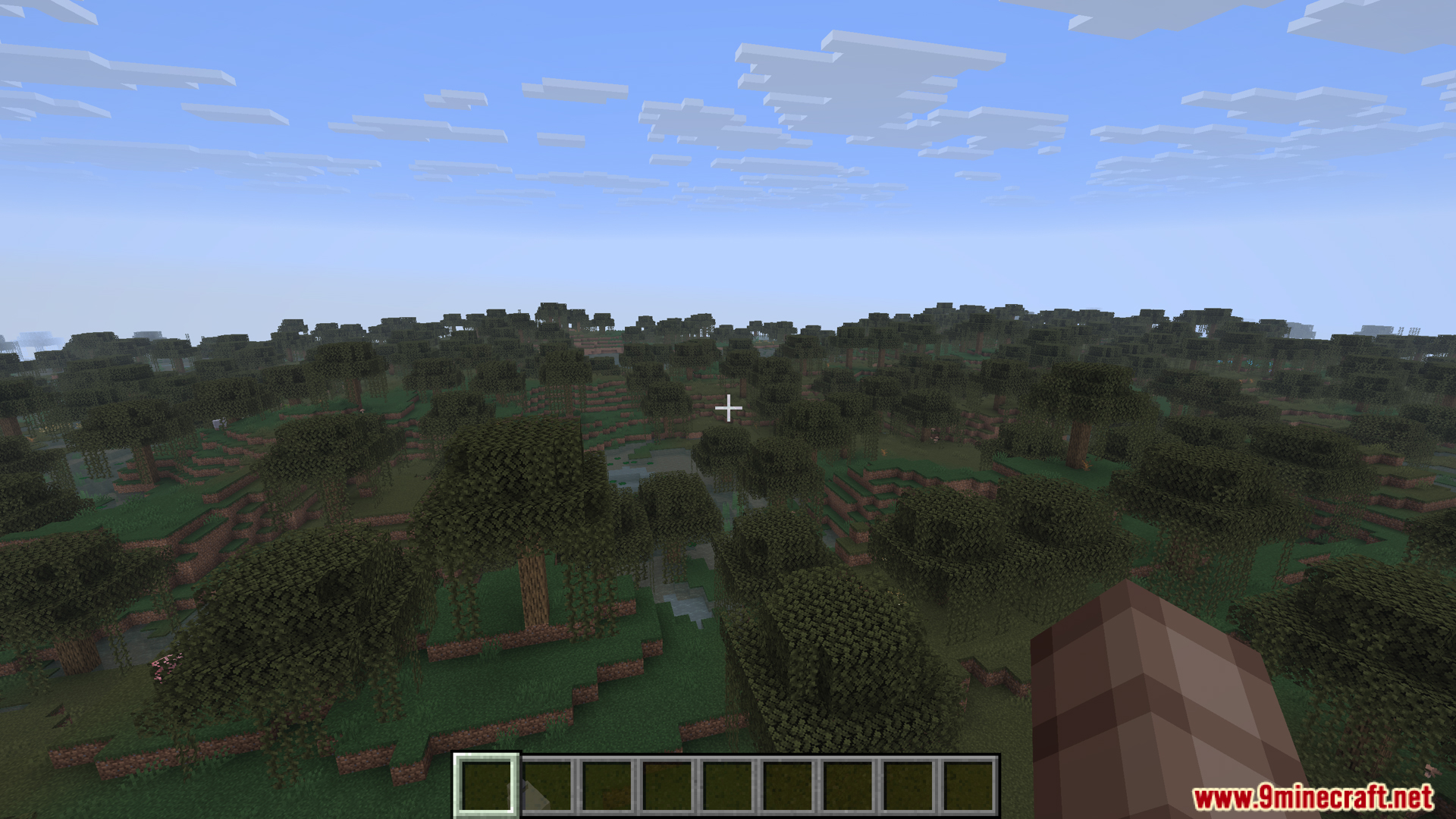
Crafting Recipes:
Recommend that you should install Just Enough Items (for mods using Forge) or Roughly Enough Items (for mods using Fabric) to view the full recipes included in this mod.
Requires:
Minecraft Forge or Fabric API or Quilt Loader or NeoForge Installer
How to install:
Click the following link to view details: How to Install Mods for Minecraft Java Edition on PC: A Beginner Guide
Global Shaderpack Properties Mod Download Links
For Minecraft 1.20.1, 1.20
Forge version: Download from Server 1 – Download from Server 2
Fabric/Quilt version: Download from Server 1 – Download from Server 2
For Minecraft 1.20.6, 1.20.4, 1.20.2
Fabric/Quilt version: Download from Server 1 – Download from Server 2
For All Versions from Minecraft 1.21 to Minecraft 1.21.11
Fabric/Quilt version: Download from Server 1 – Download from Server 2
NeoForge version: Download from Server 1 – Download from Server 2
You May Also Like