


Glyph Craft Foundry Mod (1.20.1) – Build Glowing Neon Signs for Shops and Bases
 2
2
 0
0

🌐 Read this article in your language! Choose your preferred language below.
Or pick the one you like:
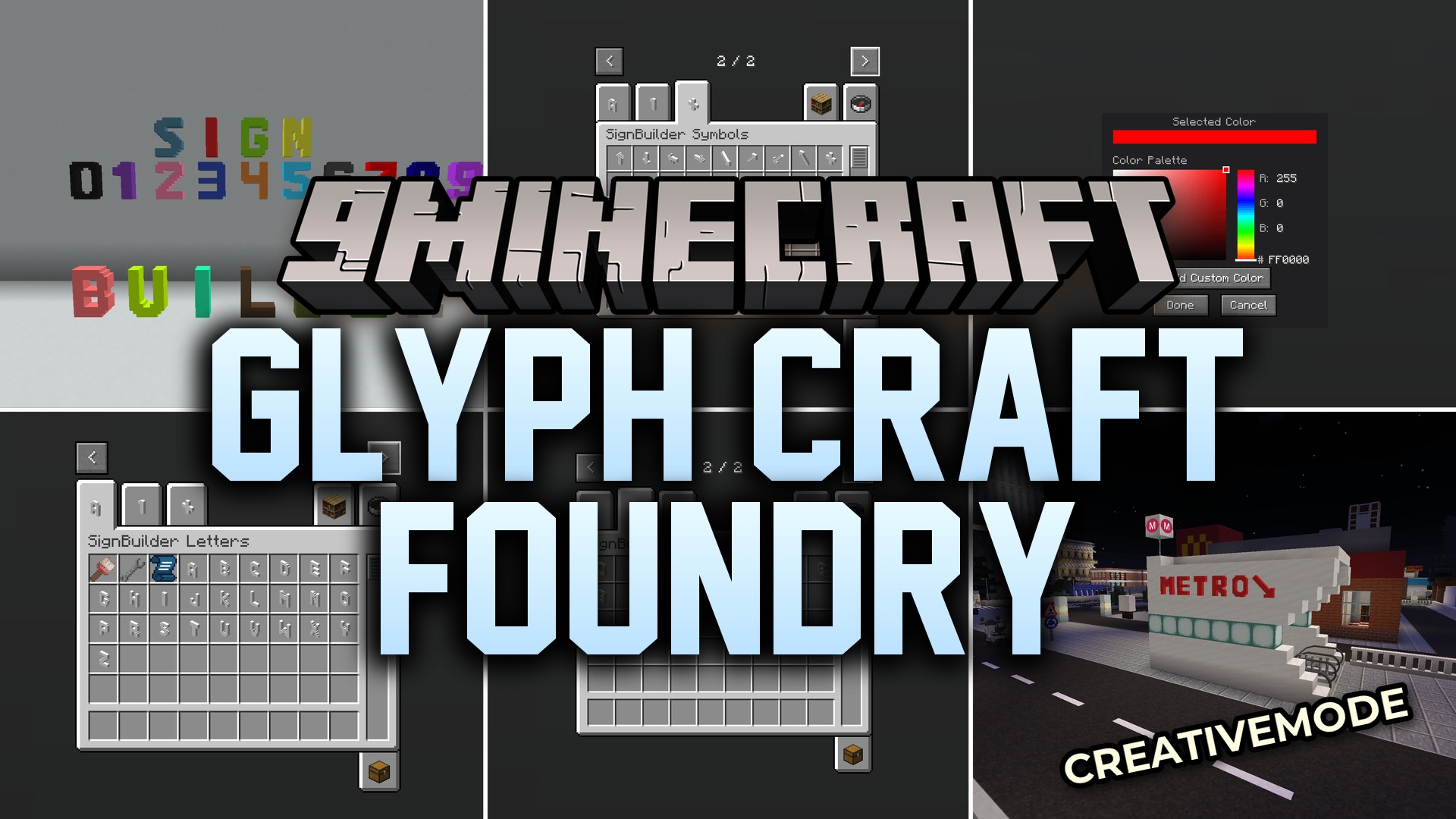
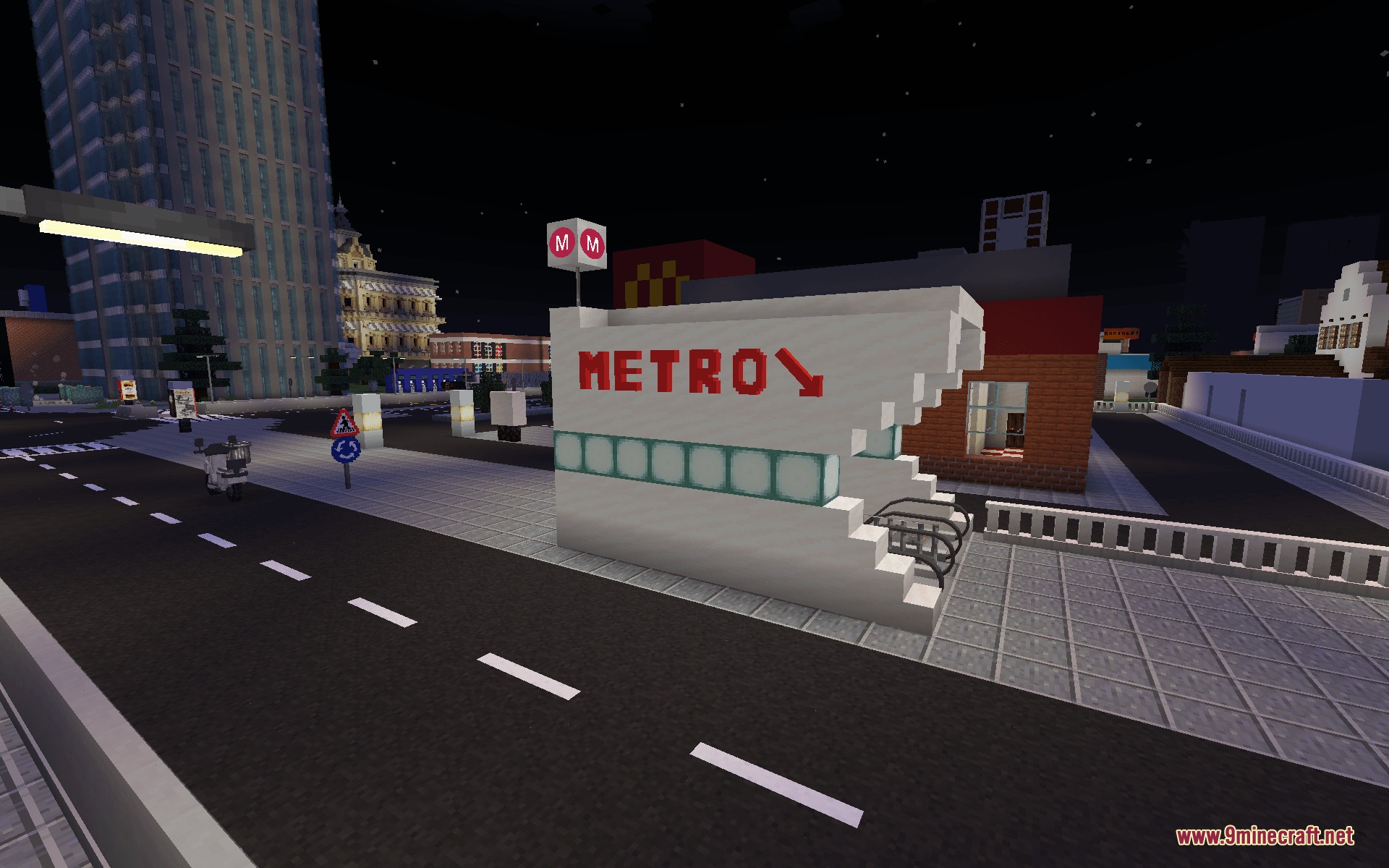
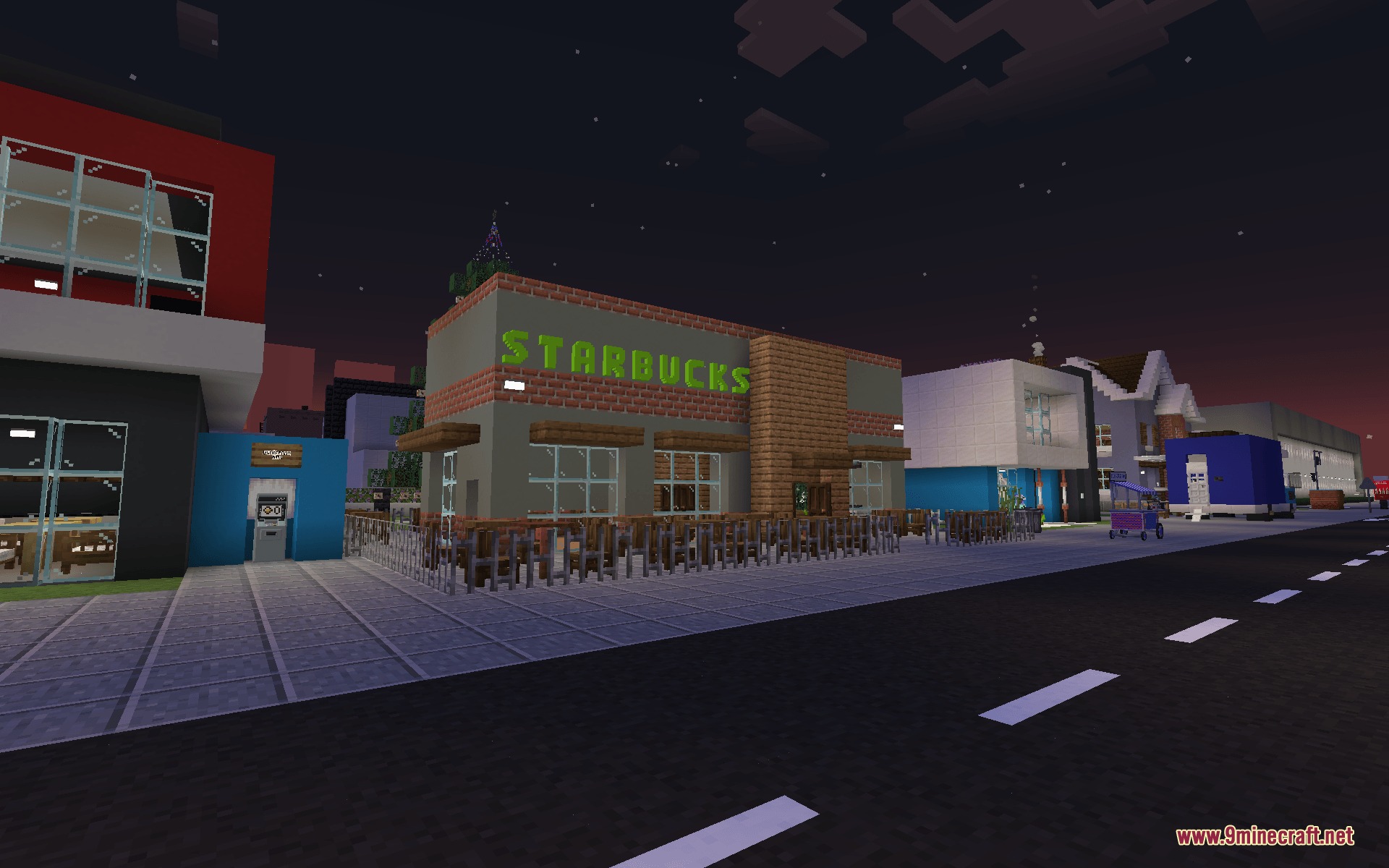
Glyph Craft Foundry Mod adds custom 3D letters, numbers, and symbols to Minecraft. This mod lets you create colorful neon signs on walls and floors with dedicated crafting tools. You can paint blocks with custom colors, apply glowing light animations, and place full words quickly with blueprint items. It gives builders fresh ways to decorate shops, bases, and cities in Survival or Creative mode.
Features:
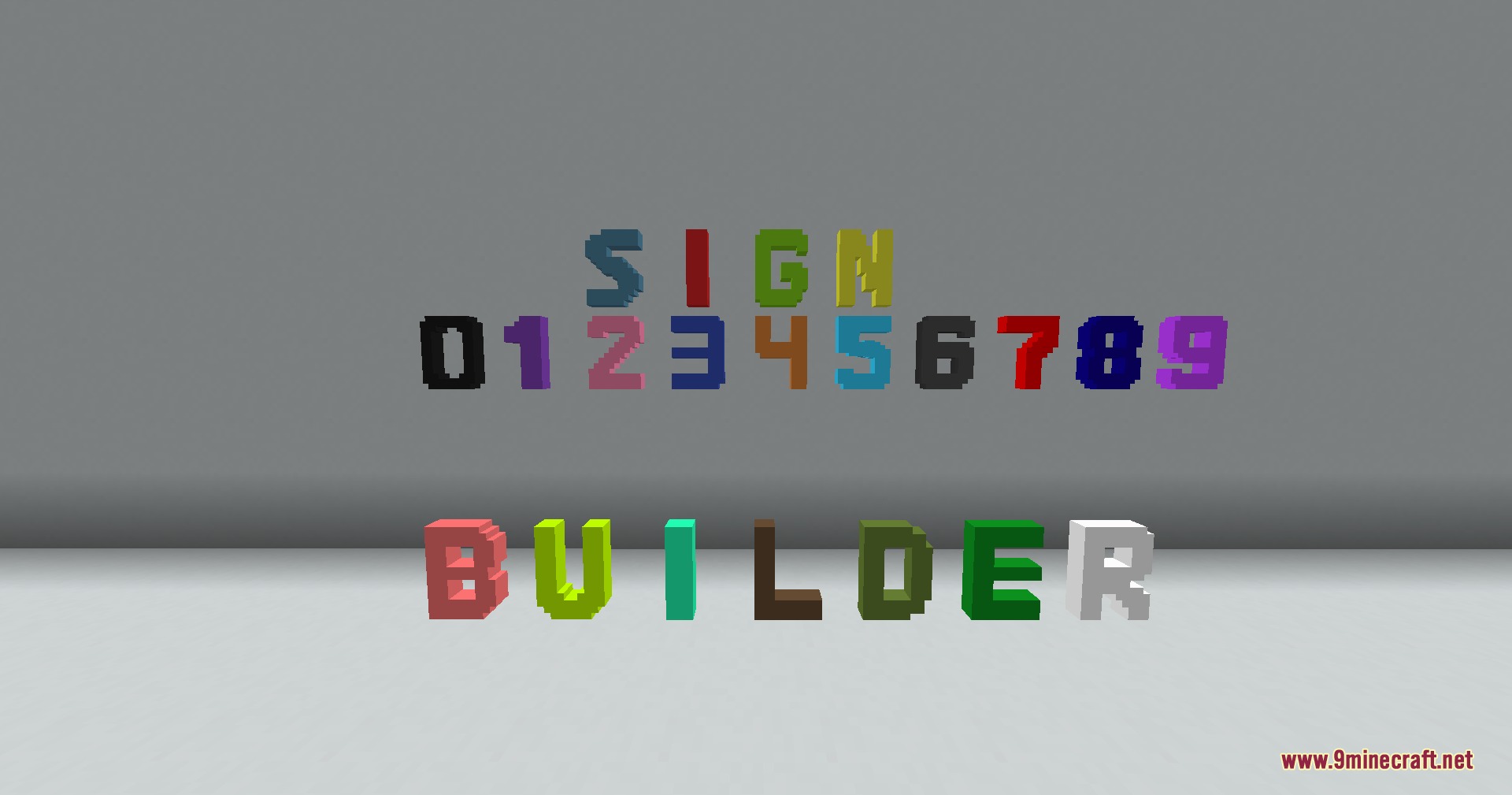
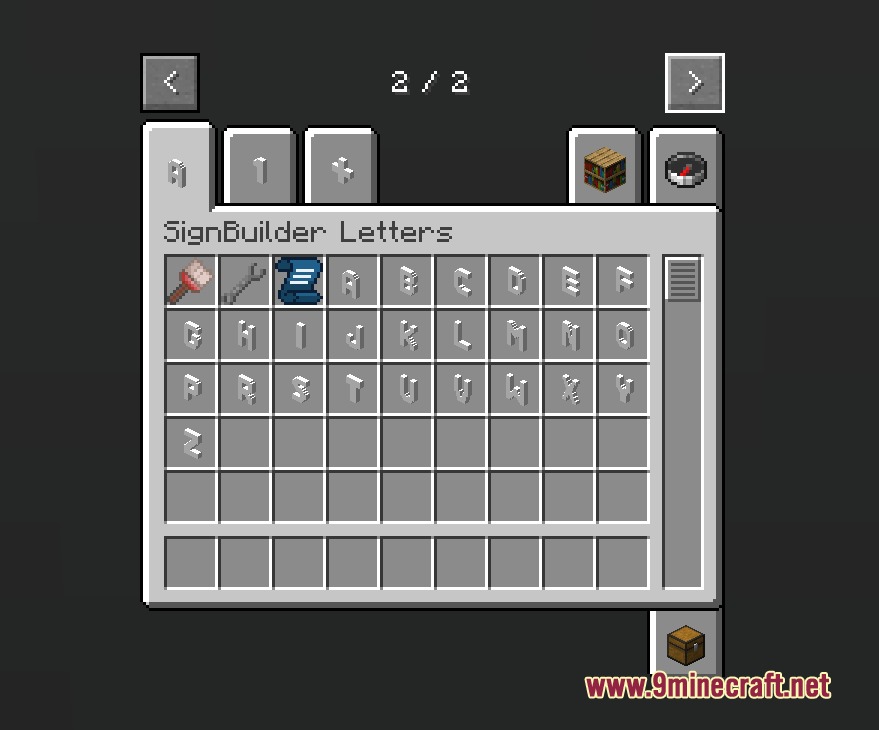
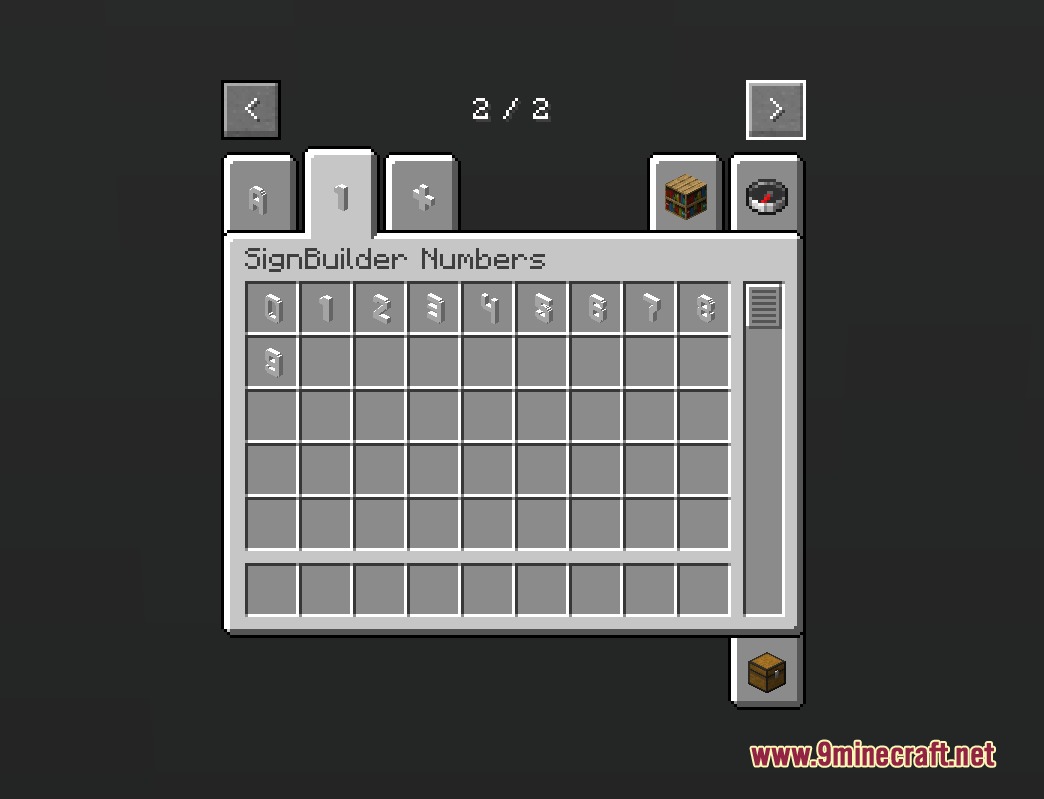
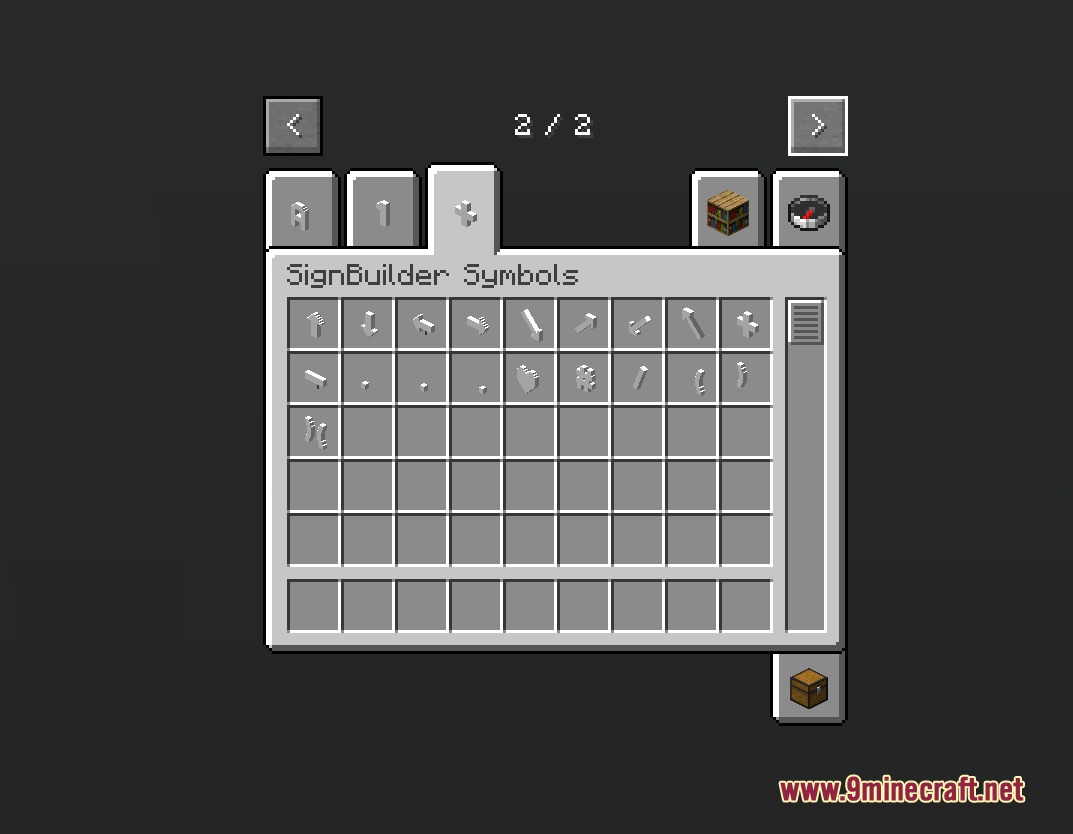
- 3D Characters: Includes detailed 3D models for letters A through Z, numbers 0 through 9, math signs, and currency symbols.
- Sign Press Station: Provides a dedicated crafting table compatible with hoppers to automate sign piece production.
- Blueprint Tool: Lets you type full phrases in a menu and automatically place the entire text on surfaces.
- Letters and symbols snap onto both floors and walls with accurate hitboxes.
- Adds an undo button to remove recent text placements and refund inventory materials.
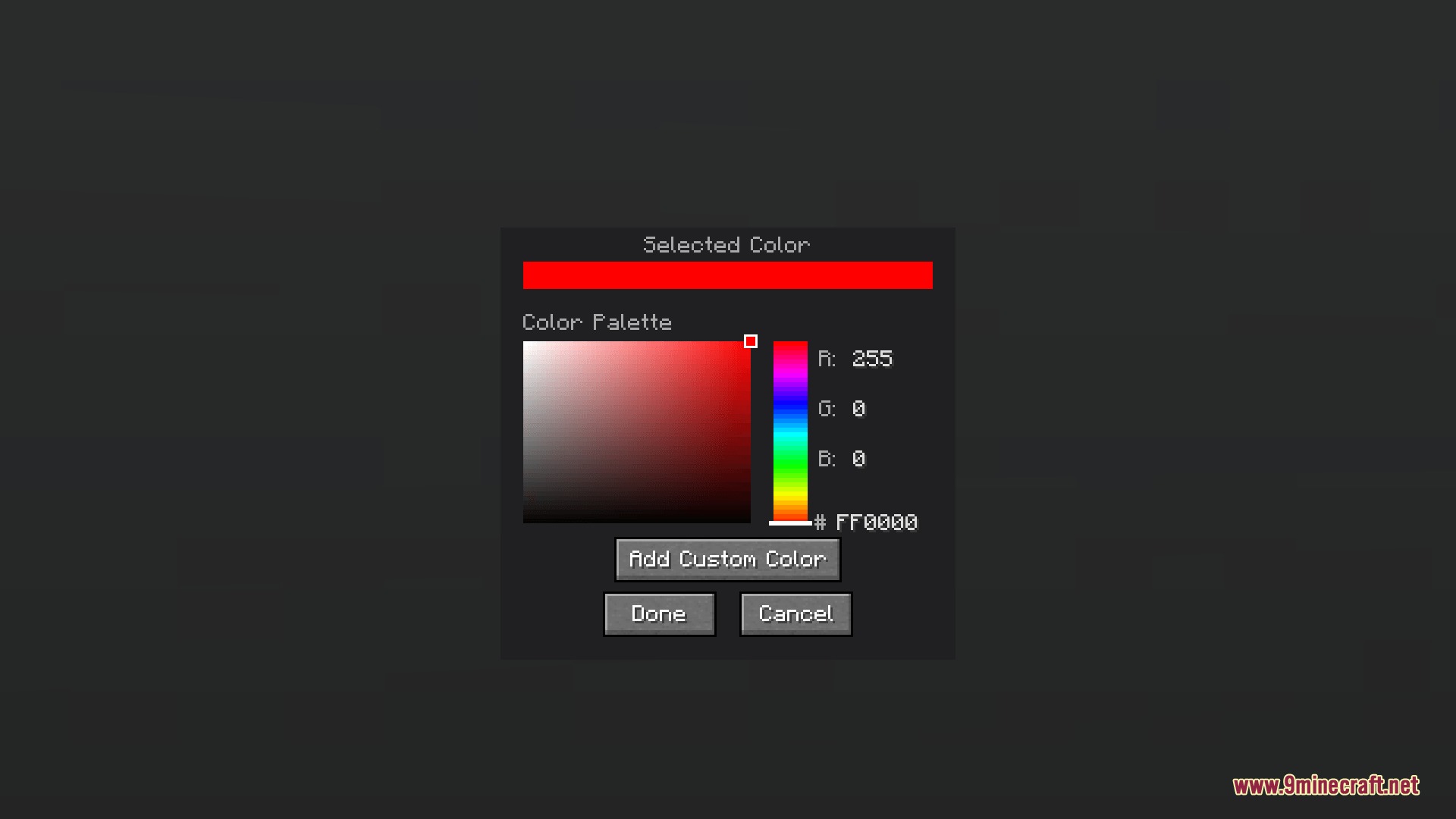
- Paint brush tool lets you color signs using preset tones, custom Hex codes, or cycling rainbow patterns.
- Wrench tool activates seven distinct glowing neon modes including blink, pulse, and night shift.
- Smart Fill lets you paint or animate whole connected words with one click.
- Letters and symbols react to redstone power to toggle their light on and off.
- Survival friendly system requires concrete and glowstone dust while refunding materials on removal.
Light Animation Modes:
- Normal: Keeps letters steadily illuminated with a soft neon glow.
- Blink: Flashes the sign on and off at set intervals.
- Flicker: Creates a glitchy neon sign effect.
- Wave: Sends light pulses across letter sequences.
- Breathing: Slowly dims and brightens the glow.
- Proximity: Lights up only when players walk nearby.
- Night Shift: Activates sign lights automatically when darkness falls.
How to Use:
- Craft a Sign Press to create individual letters, numbers, and symbols.
- Hold a Sign Blueprint, right-click the air to open the menu, and type your text.
- Right-click on any solid surface to place the full word.
- Hold a Paint Brush, right-click the air to pick a color, and click on placed letters to paint them.
- Hold a Wrench, right-click the air to pick a light mode, and click the letters to light them up.
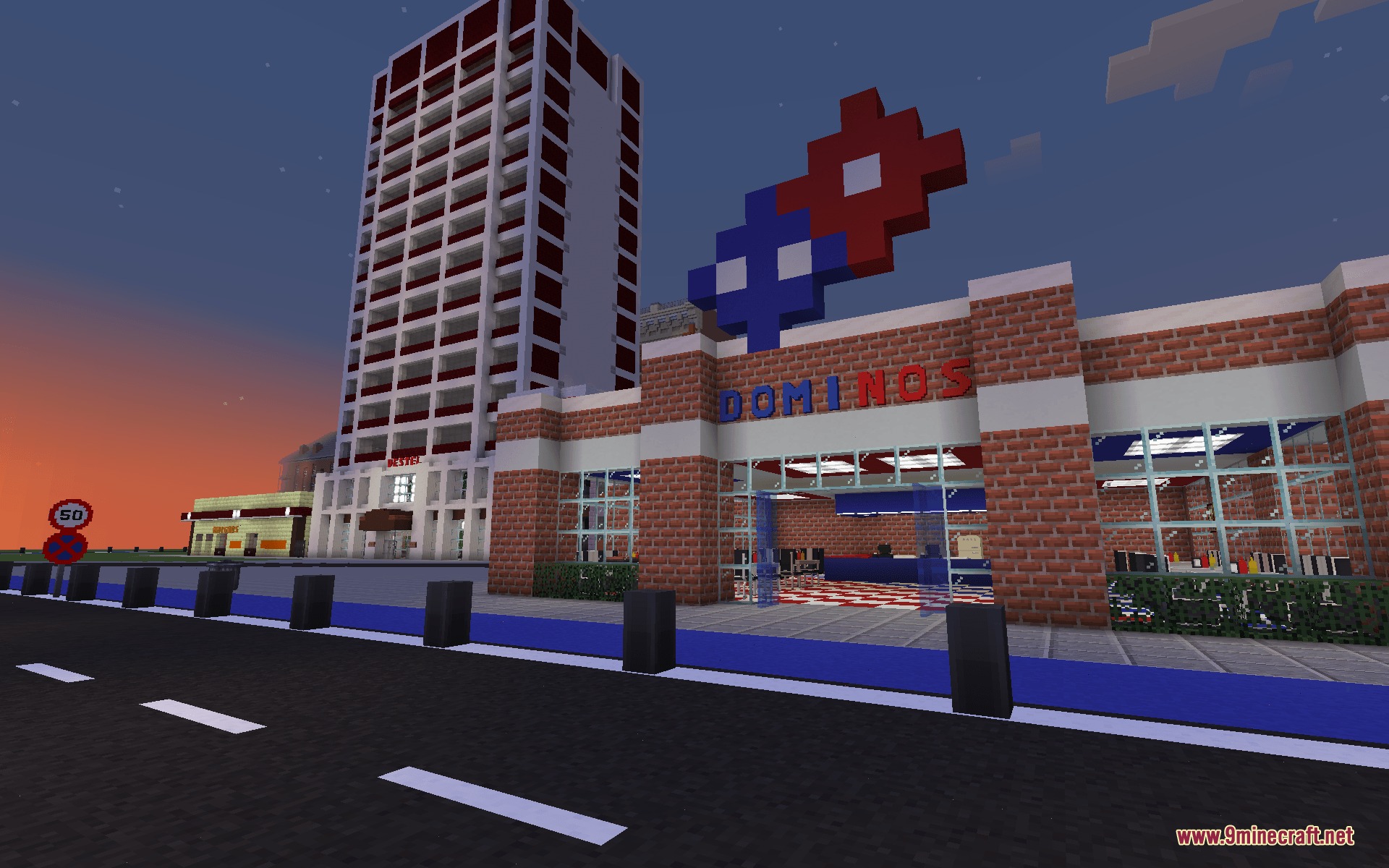
Screenshots:
How to Install:
New to Minecraft? Follow our step-by-step guide to install Mods on your PC.View Guide
Requirements:



Glyph Craft Foundry Mod Download Links
For Minecraft 1.20.1, 1.20
Click to rate this post!
[Total: 0 Average: 0]
You May Also Like

This post has no comments yet. Be the first — your comment will appear here.