
Mythic Quests Plugin (1.21.11, 1.20.1) – Give Adventurers Fresh Goals

 0
0 

Mythic Quests Plugin brings a straightforward task system to your server with custom categories and in-game setup menus. Players can view all available tasks in an organized menu and track their progress as they play. You can build objectives for fighting mobs, gathering items, or exploring different biomes with custom rewards. Pop-up notices in the top-left corner of the screen keep everyone updated whenever tasks update or finish.
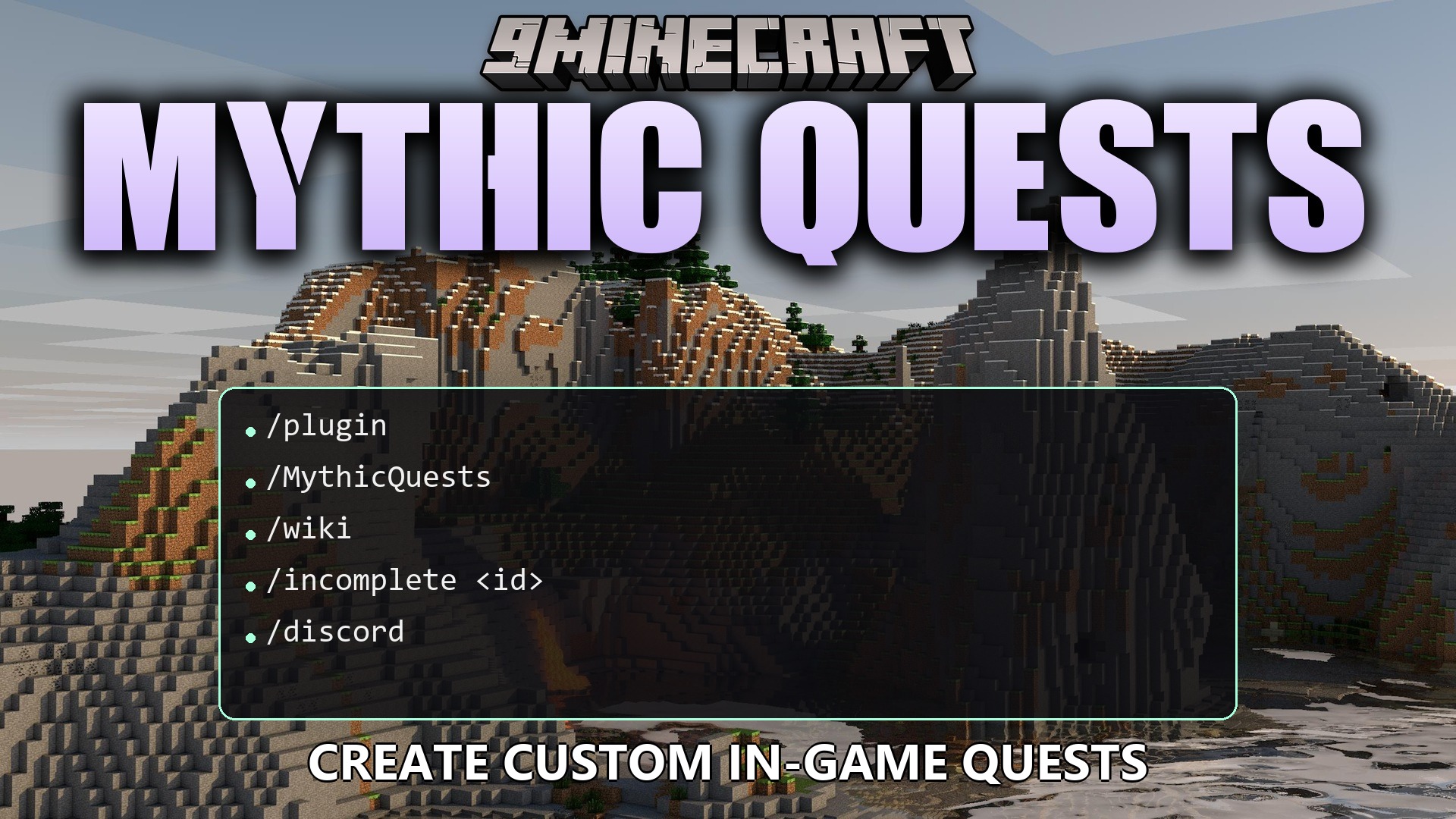
Features:
- Players open a task browser by pressing the J key.
- Categories give quests custom color codes to keep everything organized.
- Pop-up alerts appear on screen whenever players make progress or complete objectives.
- Server operators can build new challenges directly inside an admin visual menu.
- Configuration files reload on the fly whenever changes are saved.
- Staff can look up which players completed or missed specific tasks.
Quest Types:
- Item quests require players to find, craft, or smelt specific materials.
- Combat quests challenge players to defeat targeted mobs.
- Exploration quests reward players for discovering new locations, biomes, or structures.
- Progression quests track player levels, armor equipment, and unlocked advancements.
Reward Types:
- Item rewards give specified items directly to the player upon completion.
- Command rewards run server console commands when a quest is finished.
- None setting allows purely milestone-based tasks with no item payout.
Commands:
/mythicquests create <id> <category> <type> <target> <amount> <icon> <rewardType> [rewardData] [rewardAmount]: Creates a new quest with the specified options./mythicquests remove <id>: Deletes the quest matching the given ID./mythicquests category create <name> <color>: Sets up a new quest category with a custom color./mythicquests category remove <name>: Removes an existing category by name./mythicquests players complete <id> [page]: Lists players who have finished the specified quest./mythicquests players incomplete <id> [page]: Lists players who have not yet finished the quest./mythicquests admin: Opens the in-game quest creation menu.
How to Use:
- Press the J key to open the quest log and view active tasks.
- Type
/mythicquests adminto open the in-game creation menu if you have operator permissions. - Choose your quest type, target Minecraft ID, target count, and reward details.
- Complete the required in-game actions to trigger notifications and collect rewards.
How to Install:
New to Minecraft? Follow our step-by-step guide to install Plugins on your PC.View Guide
Requirements:
Mythic Quests Plugin Download Links
For Minecraft
1.21.11,
1.21.10,
1.21.9
All Versions Covered
1.21.11
1.21.10
1.21.9
1.21.8
1.21.7
1.21.6
1.21.5
1.21.4
1.21.3
1.21.2
1.21.1
1.21
1.20.6
1.20.5
1.20.4
1.20.3
1.20.2
1.20.1
1.20
All Versions Covered
1.21.11
1.21.10
1.21.9
1.21.8
1.21.7
1.21.6
1.21.5
1.21.4
1.21.3
1.21.2
1.21.1
1.21
1.20.6
1.20.5
1.20.4
1.20.3
1.20.2
1.20.1
1.20
Click to rate this post!
[Total: 0 Average: 0]
You May Also Like
Picked for this page
 Quests Plugin (26.1.2, 1.20.1) – Bukkit, Spigot, Paper
 ValhallaMMO Plugin (26.1.2, 1.20.1) – Bukkit, Spigot, Paper
 Grim Anticheat Plugin (26.2, 1.20.1) – Realtime Cheat Detection Plugin
 mcMMO Plugin (1.21.11, 1.20.1) – RPG Skills And Parties
 BuildPaste Plugin (1.21.11, 1.20.1) – Bukkit, Spigot, Paper
 Bed Home Plugin (1.21.11, 1.20.1) – Save Your Players From Long Walks Back Home
 All Items Mini Mini All Items Challenge Plugin (26.2, 1.21.1)
 Donut Orders Plugin (26.2, 1.20.1) – Trade Items Safely Without Building Chest
 Fast Async World Edit Plugin (26.3, 1.20.1) – Shape Massive Worlds Without
 Vote Ban Plugin (26.2, 1.20.1) – Let Players Vote Out Trolls When Staff
 Maria Craft Plugin (26.2, 1.20.1) – Fast Travel and Fun Spleef Breaks
 Item Disabled Plugin (1.21.11, 1.20.1) – Keep Gameplay Fair By Banning
Most viewed in Plugins over the last 7 days
 Cozy Survival Essentials Plugin (26.3, 1.21.1) – Make Survival Stress-Free
 WorldEdit Plugin (1.21.11, 1.20.1) – Easy In-Game Minecraft Map Editor
 Citizens Plugin (1.21.10, 1.20.1) – The Best NPC Plugin
 Swift Survival Teleports Plugin (1.21.11, 1.21.1) – Instant Travel That Keeps
 Multiverse Netherportals Plugin (26.3, 1.20.1) – Fixes Portal Links Across Worlds
 Simple Voice Radio Plugin (26.3, 1.20.1) – Broadcast Music and Chat
 Nexa AI Chat Plugin (26.2, 1.21.11) – Give Players a Smart Helper Directly
 Dynmap 9minecraft Plugin (26.3) – A Live Google-Maps-Style View of Your Whole Server
 Ultimate Donut SMP Plugin (26.2, 1.21.11) – Everything Players Need to Trade
 Auto Item Reload Plugin (26.3, 1.20.1) – Keep Building and Mining
 Citizens2 Plugin (1.21.8, 1.20.1) – Craft Unique NPCs
 Enhanced E Chest Plugin (26.3, 1.21.11) – Massive Storage So Players Stop
More from Plugins
 Streamforge Live Plugin (26.2, 1.20.1) – Let Live Stream Viewers Control Server
 Sonic Bridge Link Plugin (26.2, 1.21.11) – Share Custom Jukebox Music
 Bounty Custom Tiers Plugin (26.2, 1.20.1) – Keep Player Items Safe
 Metaformat Folia Plugin (26.2, 1.20.1) – Show Off Special Gear and Rank Colors
 Skyfall Loot Standout Plugin (1.21.11, 1.21.1) – Chaotic Sky Battles
 Apex Mortal Ascension Plugin (1.21.11, 1.21.1) – Turn Every Mob Hunt
 Farming Plus Plugin (26.2, 1.20.1) – Make Daily Farm Chores Fun
 Dynamo Event Queue Plugin (1.21.11, 1.20.1) – Keep the Whole Server Entertained
 Vivid Stream Control Plugin (26.2, 1.20.1) – Connect Community Chat
 Bridgekeeper Protocol Plugin (1.21.11, 1.20.1) – Keep Your Community Playing
 Lazarus Trace Plugin (1.21.11, 1.21.1) – Help Players Recover Lost Gear Right
 Lattice Pane Logic Plugin (26.2, 1.20.1) – Clean Shop Menus and Fast Minigame

This post has no comments yet. Be the first — your comment will appear here.