
RRG Model – Adds Custom 3D Train Designs and Detailed Railway Visuals to Worlds

 0

RRG Model adds custom 3D train designs for the Ra’avwk Rachw Gu’dwk Trains collection. This pack ships with 20 Blockbench source models and 24 texture files to display detailed railway visuals in your world. You can also open the included source files in Blockbench if you want to edit the train shapes or textures yourself.

Features:
- Ra’avwk Rachw Gu’dwk Trains: Provides custom 3D train visuals built for the Ra’avwk Rachw Gu’dwk Pack.
- Includes 20 editable Blockbench source models for the train designs.
- Packs in 24 texture files that wrap the train models with custom colors and details.
How to Use:
- Place the downloaded pack into your Minecraft resource packs folder.
- Open the game settings, go to the Resource Packs menu, and move the pack to the active side.
- Load into your world where the Ra’avwk Rachw Gu’dwk Trains content is active.
- Spawn or locate the Ra’avwk Rachw Gu’dwk train items and blocks to view the 24 custom textures applied in-game.
- Open any of the 20 included Blockbench source models in the Blockbench program if you want to inspect or edit the 3D train shapes directly.
Requirements:
- Blockbench, only if you want to edit the included source models
Screenshots:


RRG Model Download Links
Click to rate this post!
[Total: 0 Average: 0]
You May Also Like
Picked for this page
 Bare Bones X Model – Brings Simple 3D Foliage and Modded Block Visuals
 New South Wales EMU Trains Model – Adds Australian Electric Trains to MTR4
 MTR Austrian Express Collection 1 Model – Brings Detailed Austrian Trains
 Deluxe Model – Transforms Flat Blocks Into Animated 3D Shapes with Fullbright
 Kaleidoscope Tavern Vanilla Enhanced Model – Brings 3D PBR Tavern Visuals
 Brush & Juice Model – Brings Animated 3D Redstone and Mechanical Blocks
 The Original Work Programmer Art Model – Brings Classic Retro Visuals and Models
 Slimefun Model – Brings 3D Shields, Solar Panels, and Animated Server Tech
 Fresh Ores And Ingots VR Model – Transforms Flat Minerals Into 3D Gems
 HLG Model – Transforms Storage Cells and Metal Gear Into Animated 3D Objects
 All Industry New Model – Transforms Industrial Mod Blocks Into 3D Factory Gear
 STAR21 Model – Brings the Class 952 Shinkansen Bullet Train to MTR4 Tracks
Most viewed in Models over the last 7 days
 Jenny Mod Skin Pack Mega Collection – 310+ Characters
 The Most Complete Collection of Jenny Mod Resources – Models, Animations, Structures,…
 Albedo Rework Jenny Mod Model
 750 Models Addon for Yes Steve Model Mod
 Galath Rework Model – Custom Girl for PleasureCraft Mod
 Power Model – Custom Girl for PleasureCraft Mod
 Femboy Ellie Rework Jenny Mod Model
 Ram Model – Custom Girl for PleasureCraft Mod
 Pomni Jenny Mod Model
 100+ Custom Animations For Jenny Mod
 Ellie Rework Jenny Mod Model
 Halloween Pack Jenny Mod Model – Transforms Companions with Spooky Costumes
More from Models
 Stemtacular Green Model – Transforms Flat Melon and Pumpkin Stems Into 3D Crops
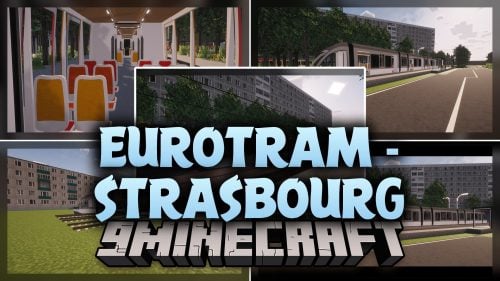 Eurotram – Brings Working Strasbourg Trams with Two Liveries to MTR4 Railways
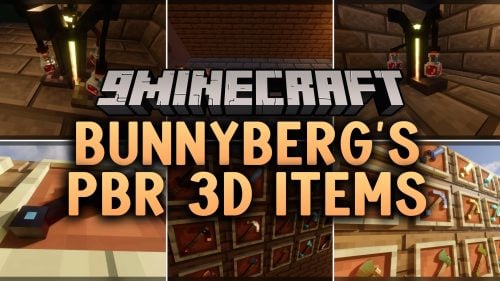 Bunnyberg’s PBR 3D Items Model – Transforms Flat Sprites Into Animated 3D Gear
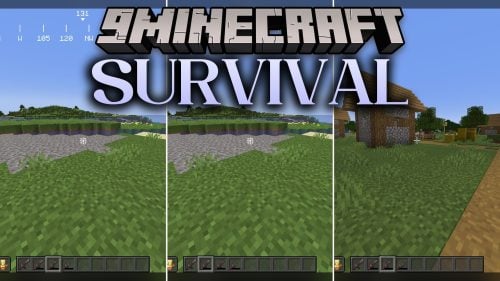 Survival Model – Adds 3D Redstone Blocks and Visual Durability Stages
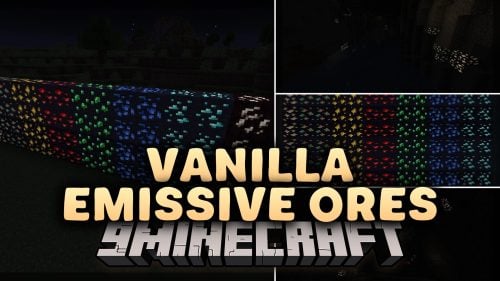 Vanilla Emissive Ores Model – Brings Glowing Mineral Veins to Dark Caves
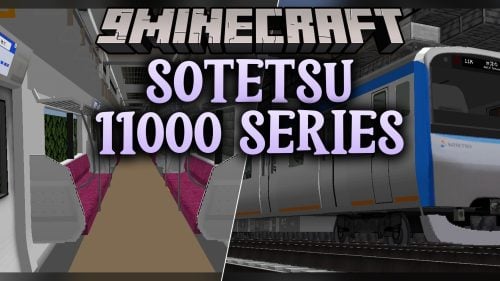 Sotetsu 11000 Series Model – Brings Japanese Commuter Trains to MTR Railways
 Three-Dimentional Item Model – Transforms Flat Items Into 3D Handheld Shapes
 CounterCraft Knife Model – Transforms Swords Into Animated CS2 Blades
 Elmerizzhawiened Model – Brings Clean 3D Redstone and PvP Crystal Visuals
 BetterRedstone Model – Brings Clear 3D Visuals to Redstone Circuits
 3D Rails Model – Turns Flat Minecart Tracks Into Detailed 3D Rail Models
 Galaxy Client Remake Model – Brings Dark PvP Menus and Glowing 3D Foliage

This post has no comments yet. Be the first — your comment will appear here.