


Light Dust Mod (1.21.1, 1.20.1) – Watch Glowing Dust Motes Drift

 0
0 

🌐 Good news — we've translated this article into other languages!
Or pick the one you like:
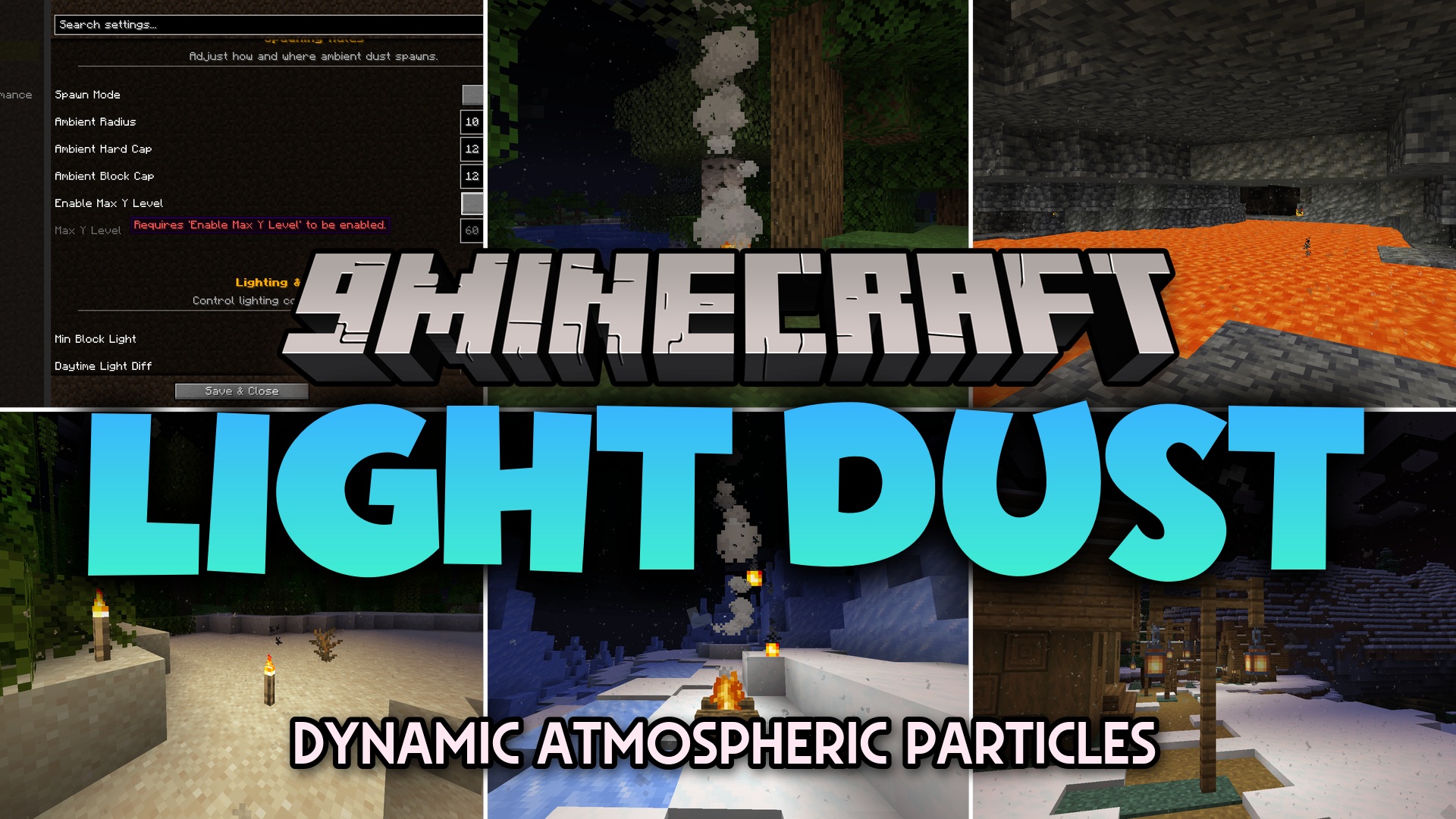
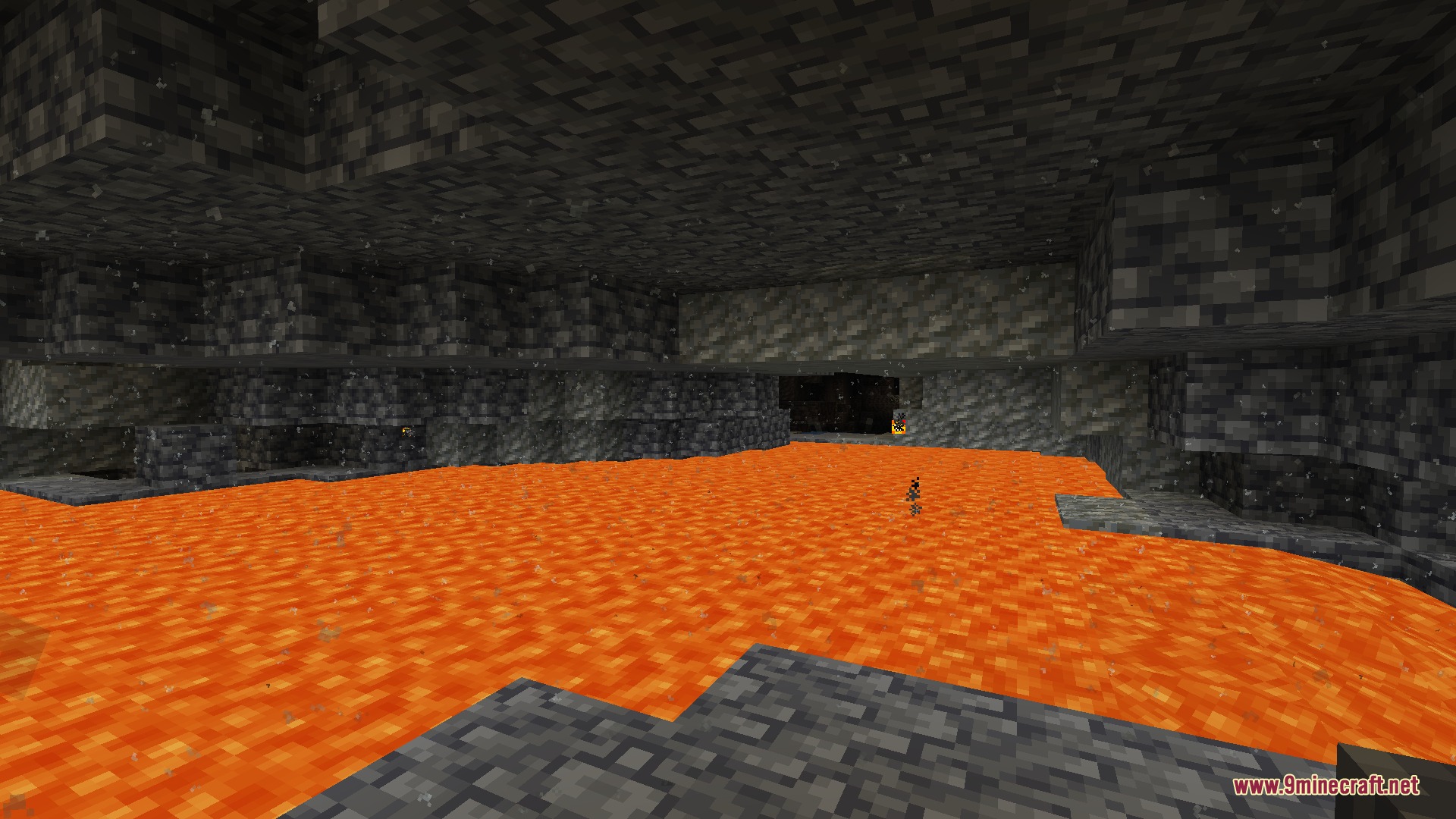
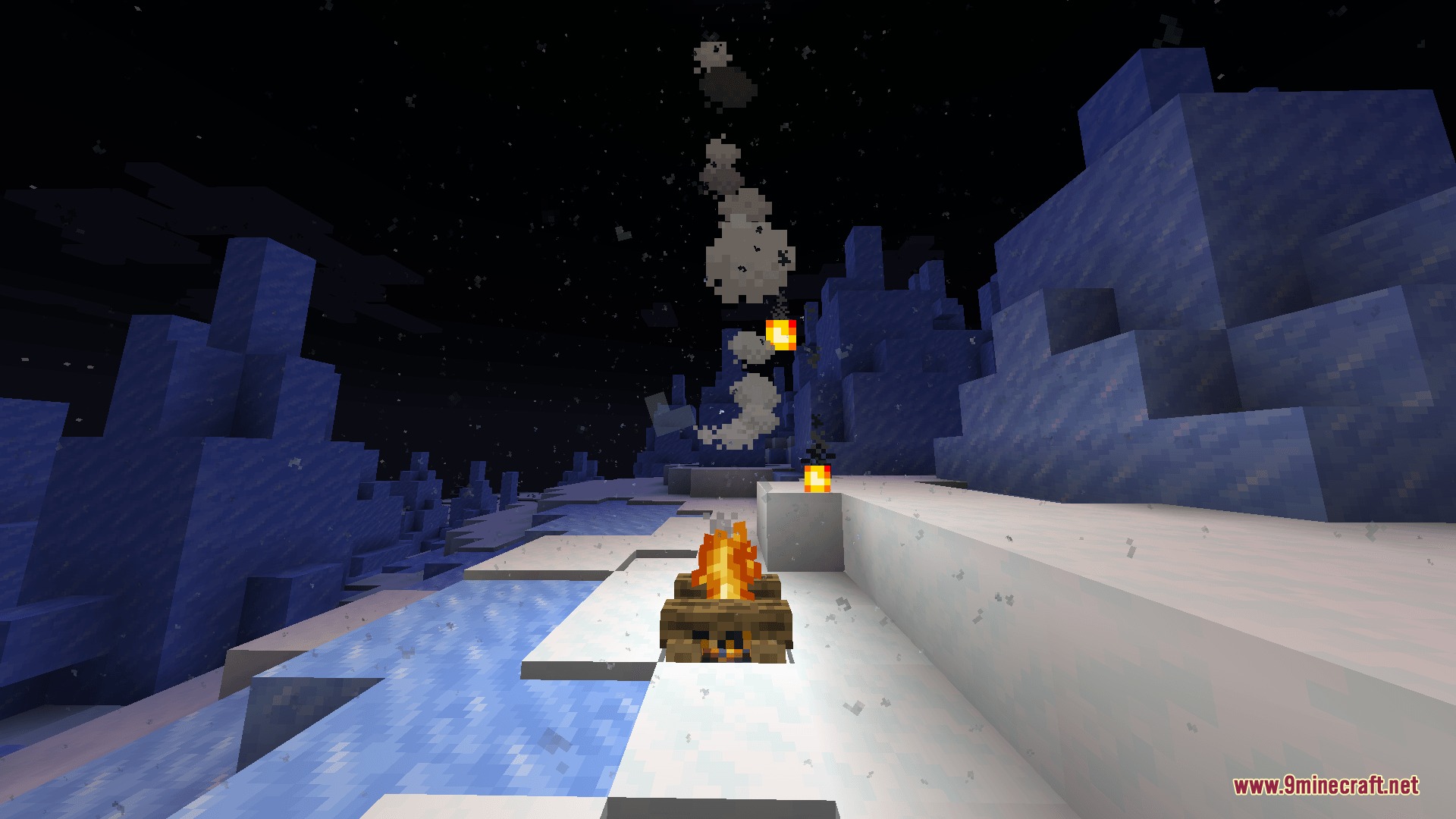
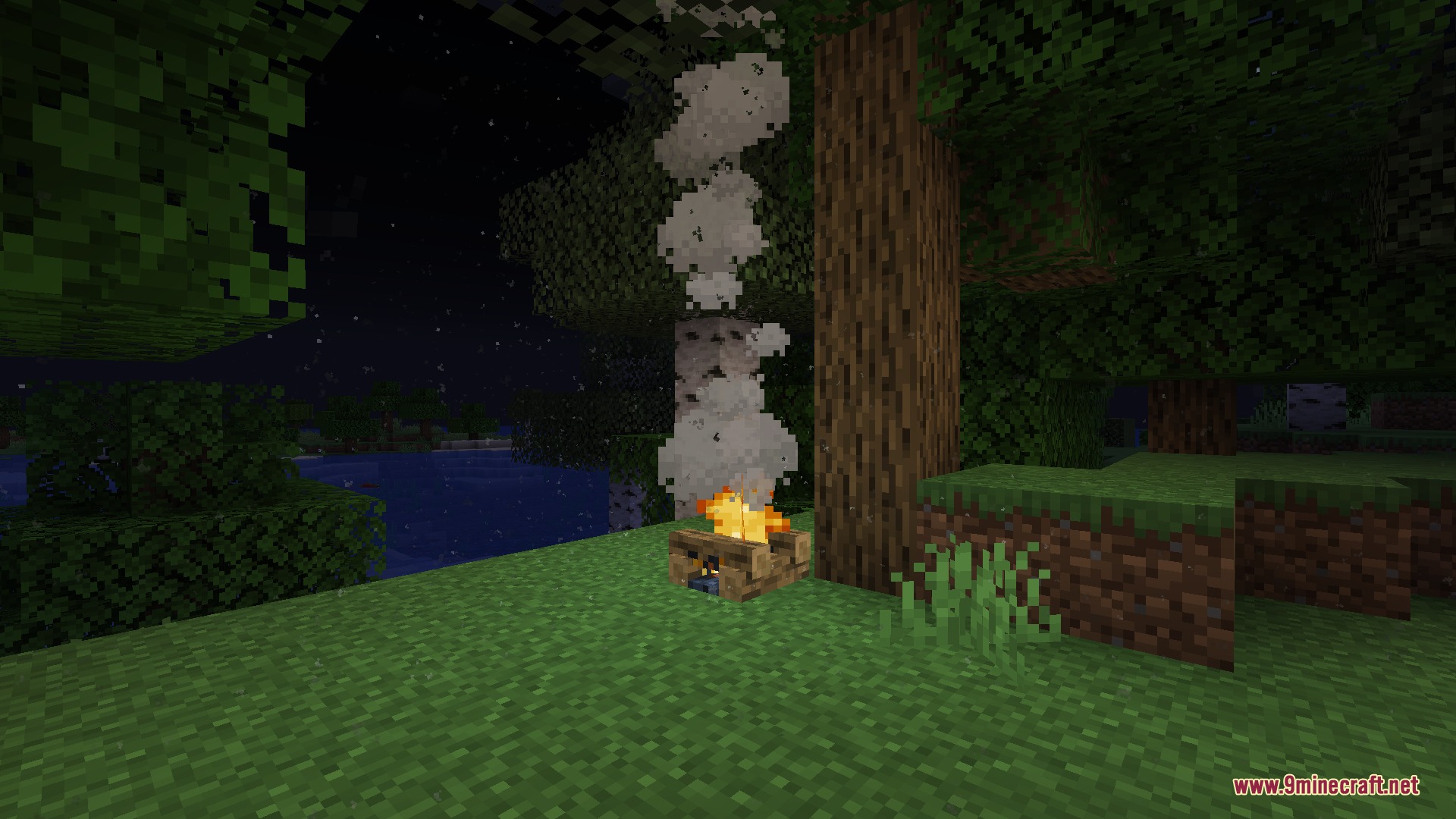
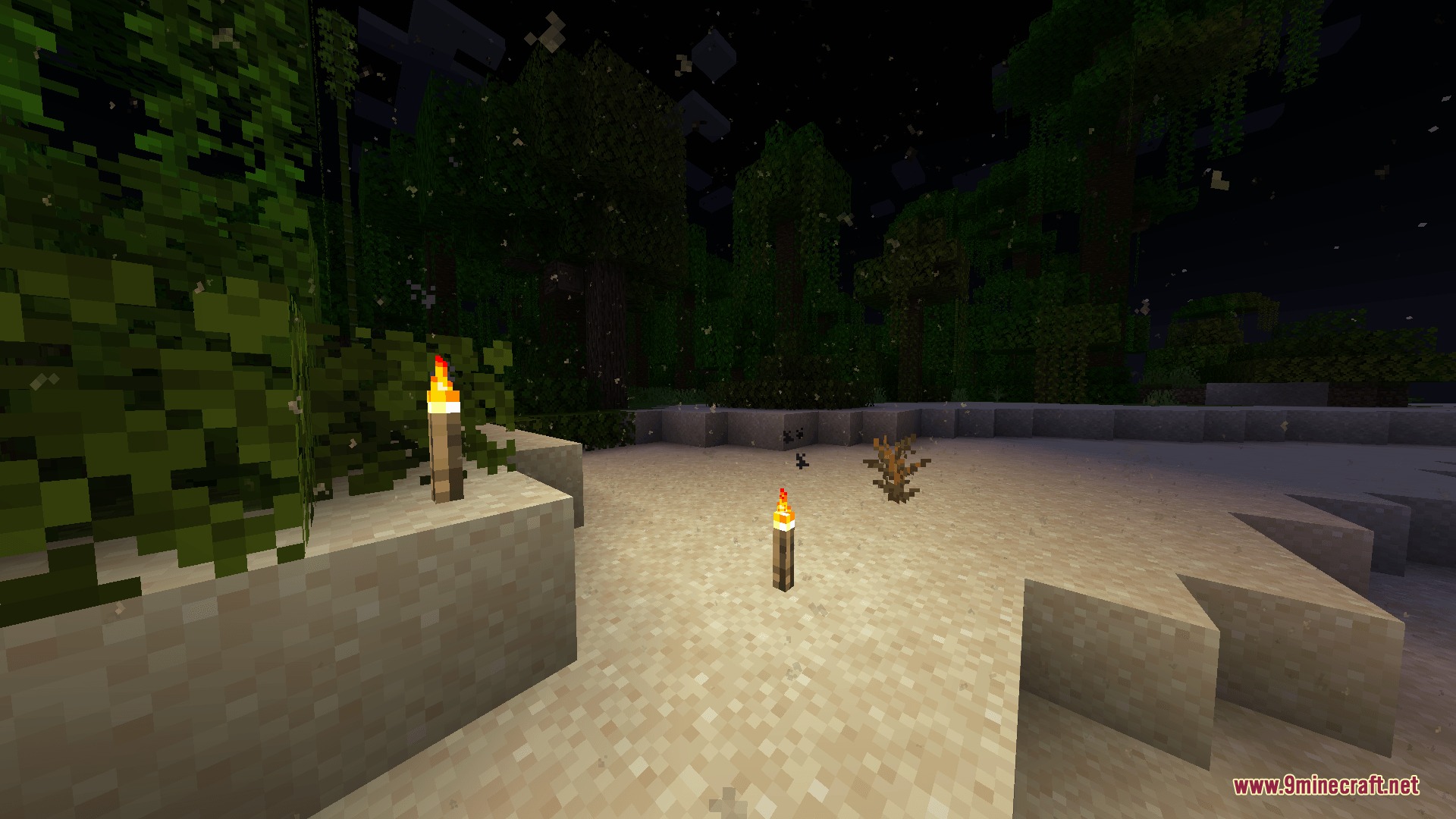
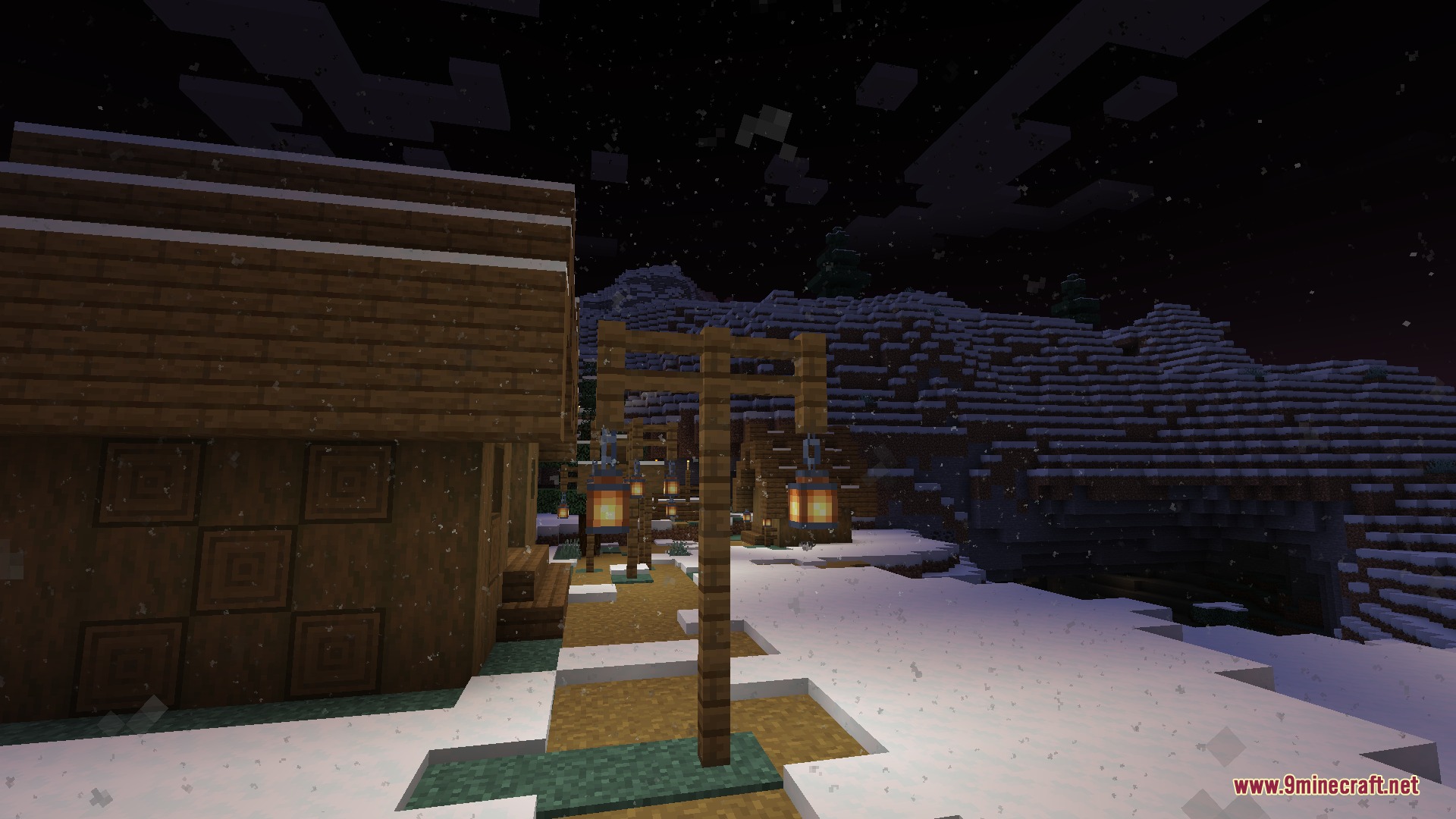
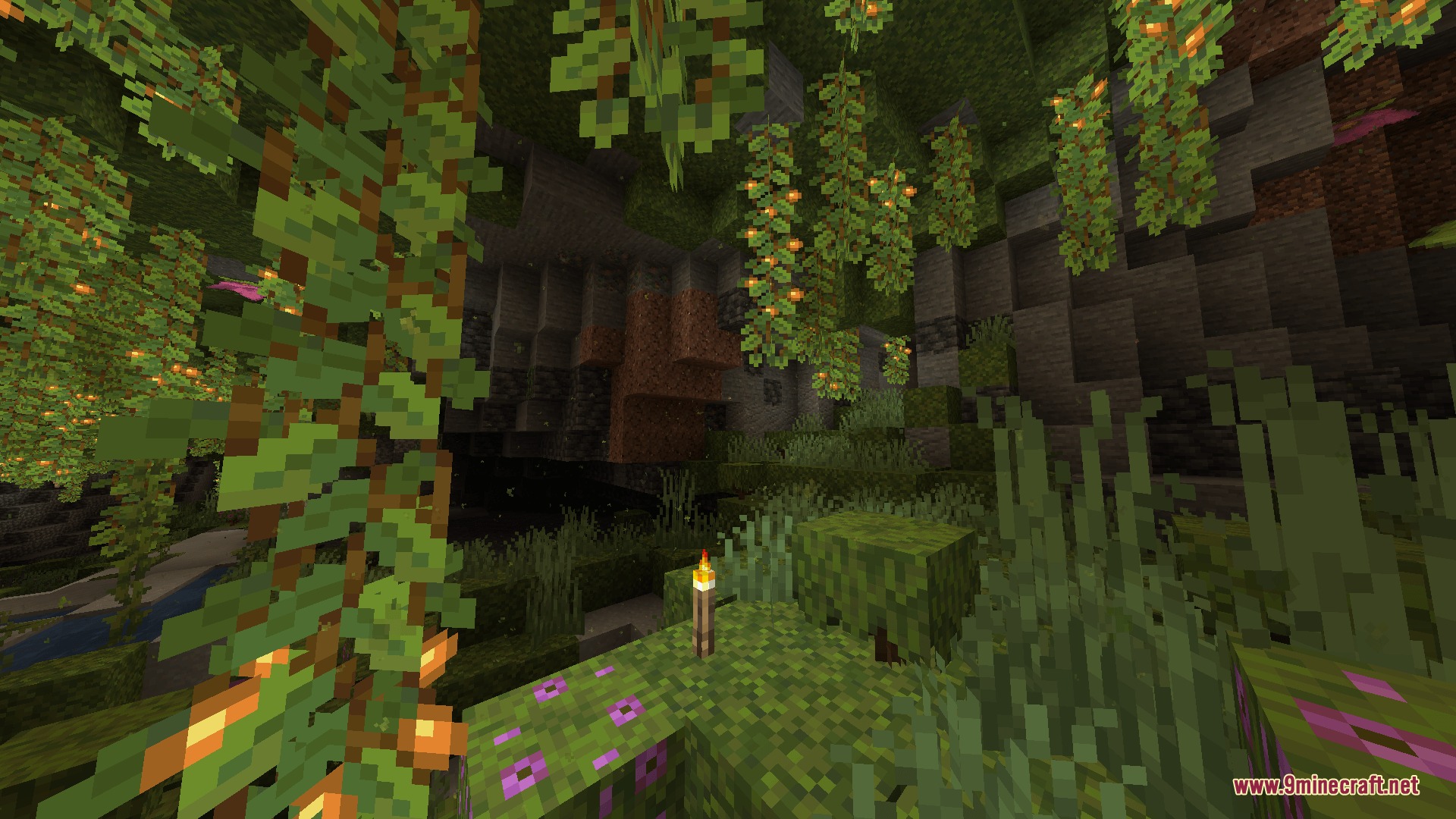
Light Dust Mod brings floating dust particles that react to illumination, weather, and motion across your world. Every light source creates gentle motes that drift realistically through rooms, caves, and open landscapes. The particles respond directly to the environment, blowing faster during storms and rising above hot blocks. You can fine-tune every visual detail and performance setting right from the in-game menus.
Features:
- Light sources generate floating dust particles that match the surrounding illumination.
- Particles react to physical forces like wind, player movement, swinging tools, and nearby explosions.
- Breaking blocks creates debris bursts and pulls nearby ambient dust toward the broken block.
- Heavy landings kick up a ring of ground dust and push nearby particles outward.
- Updrafts form above heat blocks to lift floating particles into the air.
- Particles adopt colors and tints based on the biome and surrounding blocks.
- Wall occlusion checks stop dust from appearing inside solid blocks or behind walls.
- Built-in options let you pick between fast performance calculations or detailed spreading patterns.
Configuration:
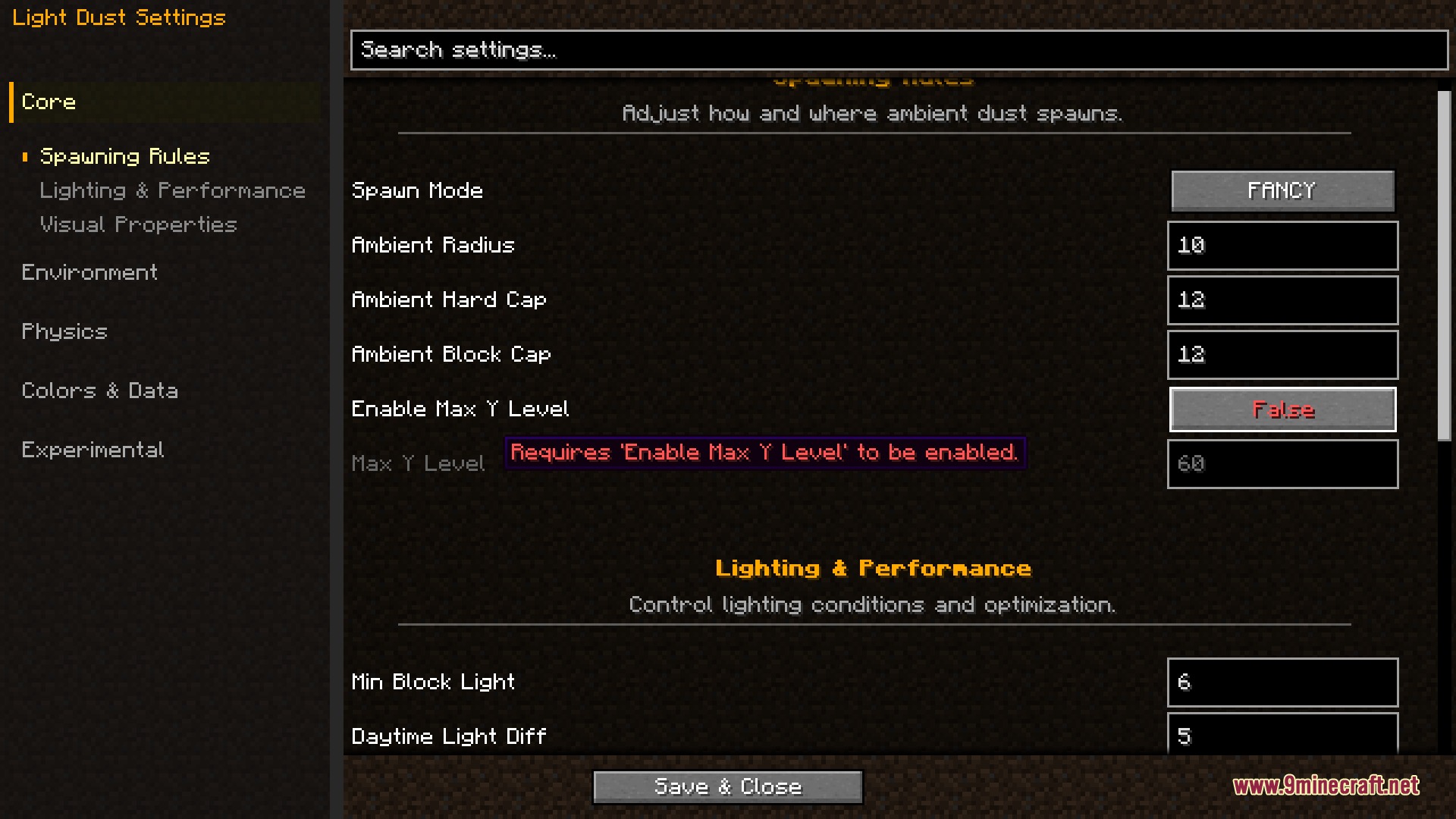
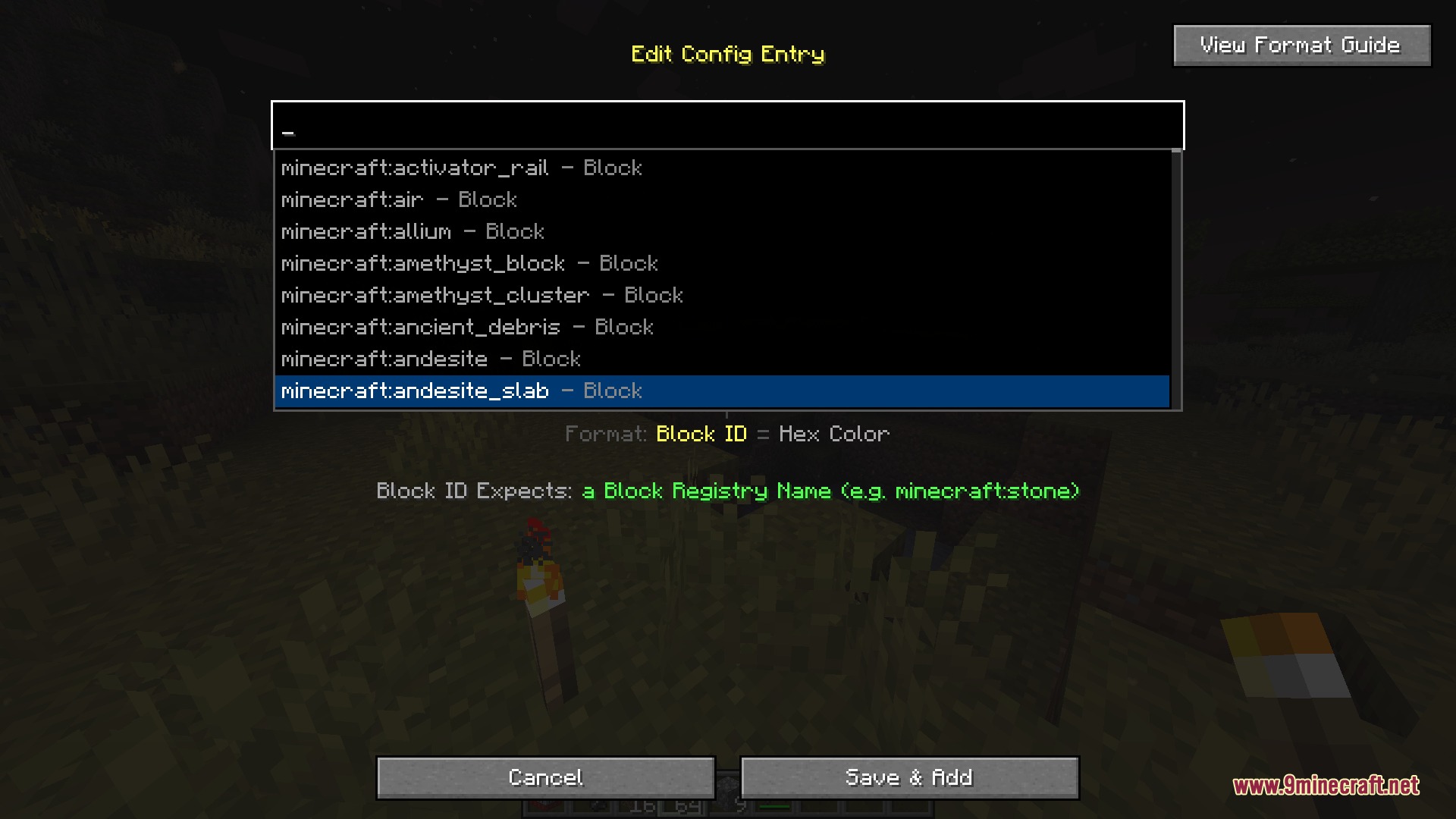
spawnMode: Chooses between Fast and Fancy calculation modes for particle placement.fastSpawnChecks: Controls the sample budget for fast spawning mode to protect FPS.fancySpawnChecks: Sets the search limit for block scanning in fancy mode.enableMaxYLevel: Toggles a height ceiling where dust particles stop appearing.maxYLevel: Defines the world height coordinate cut-off for spawning.ambientRadius: Sets how far from the player dust particles will try to appear.ambientHardCapRadius: Sets the outer boundary where dust particles vanish immediately.ambientBlockCap: Limits the maximum particle density allowed within a single block.minBlockLight: Sets the lowest light level required for dust particles to appear.daytimeLightDiff: Sets the required difference between block light and sky light during the day.falloffDistance: Sets the player distance where dust density begins to drop off.falloffMultiplier: Multiplies the density cap past the falloff distance.enableOcclusionCulling: Prevents dust particles from spawning behind solid walls.useHdParticles: Toggles high-resolution dust textures over standard textures.enableDynamicBlockColors: Lets dust particles inherit colors from nearby blocks.ambientDustOpacity: Adjusts the baseline transparency of the floating particles.particleSize: Changes the overall scale of ambient dust particles.particleLifetime: Sets how many game ticks particles stay visible before fading.enableWind: Turns all weather and directional wind pushes on or off.windSpeedClear: Adjusts particle drift speed during clear weather.windSpeedRain: Adjusts particle drift speed during rainfall.windSpeedThunder: Adjusts particle drift speed during thunderstorms.disableDuringRain: Stops outdoor dust from appearing while it rains.disableDuringThunder: Stops outdoor dust from appearing during thunderstorms.enableBlockBreakingDust: Toggles the burst of debris when breaking a block.breakParticleCount: Sets how many debris pieces fly out from broken blocks.breakParticleSpeed: Controls the launch speed of block-breaking debris.actionDustGravity: Changes how fast block debris falls to the ground.actionDustBounce: Sets how much debris bounces when hitting solid ground.enableBreakVacuum: Pulls ambient dust toward broken blocks.breakVacuumRadius: Sets the distance for the vacuum pull around broken blocks.breakVacuumForce: Controls the strength of the vacuum effect on nearby dust.enableCaveTremors: Causes ceiling dust to fall during explosions or Warden attacks.caveTremorParticleCount: Sets the amount of debris falling during explosions.tremorEpicenterMultiplier: Changes the particle intensity near the blast center.tremorFalloffExponent: Sets how fast shockwave dust drops off over distance.tremorCeilingBias: Balances the amount of ceiling dust versus floor dust.tremorFloorKickForce: Changes the upward bounce of dust kicked off the floor.tremorWavefrontThickness: Controls the depth of the expanding shockwave ring.tremorMaxGravity: Adjusts debris weight near the blast epicenter.tremorMinGravity: Adjusts debris weight around the outer blast radius.tremorRoofMultiplier: Multiplies the fall speed of dust dropping from ceilings.tremorFloorMultiplier: Multiplies the gravity on dust kicked up from floors.enablePlayerInteraction: Lets walking, running, and weapon swings displace nearby dust.playerInteractRadius: Sets how far player actions reach to push ambient dust.enableHeavyLandingDust: Spawns a ring of ground dust when taking fall damage.heavyLandingMaxParticles: Sets the highest number of particles created from a hard fall.heavyLandingParticleMultiplier: Multiplies fall damage into extra impact particles.heavyLandingUpwardSpeed: Adjusts the upward lift of the landing dust ring.heavyLandingOutwardSpeed: Adjusts how wide the landing dust ring spreads outward.heavyLandingAmbientPush: Controls the push strength against nearby ambient dust upon landing.heavyLandingAmbientRadius: Sets the push distance for ambient dust upon landing.enableThermalUpdrafts: Causes warm air currents to push dust upward over heat blocks.heatBlocks: Lists all block types that produce rising thermal drafts.enableHandheldLights: Treats held items as light sources to spawn and tint dust.handheldLightItems: Configures items, tags, light ranges, and color codes for held lights.enableCaveDrafts: Simulates subterranean air currents that drift through tunnels.caveDraftStrength: Multiplies the drift speed of air currents inside caves.enableEntityDisturbance: Allows moving mobs and projectiles to push floating dust.entityScanRate: Sets how often the game checks for nearby moving mobs.entityPushStrength: Changes how hard mobs push dust when passing through.enableAdvancedWindMath: Activates turbulence calculations for complex wind patterns.enableWindDeflection: Guides windblown dust particles smoothly down narrow tunnels.enableDustSettling: Causes dust particles to rest naturally when touching ground.tintStrength: Changes the visual strength of biome and block color tints.
How to Use:
- Open the game pause menu and select the mods list.
- Select this mod from the list to open its settings screen.
- Adjust particle density, physics settings, and light limits to match your preference.
- Save the changes to apply the new particle behaviors instantly.
Screenshots:
How to Install:
New to Minecraft? Follow our step-by-step guide to install Mods on your PC.View Guide
Requirements:


Light Dust Mod Download Links
For Minecraft 1.21.1, 1.21
For Minecraft 1.20.1, 1.20
Click to rate this post!
[Total: 0 Average: 0]
You May Also Like


This post has no comments yet. Be the first — your comment will appear here.